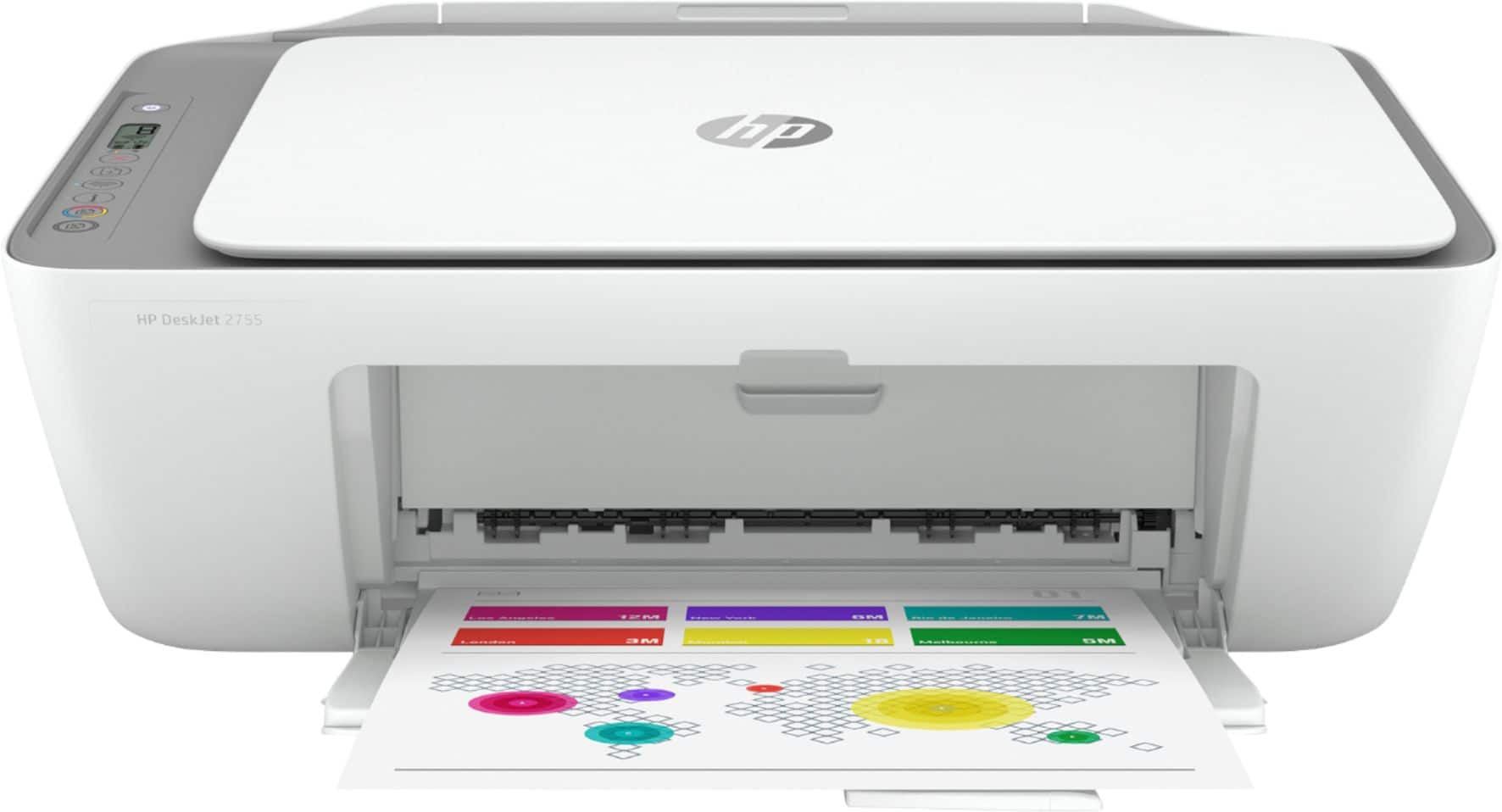
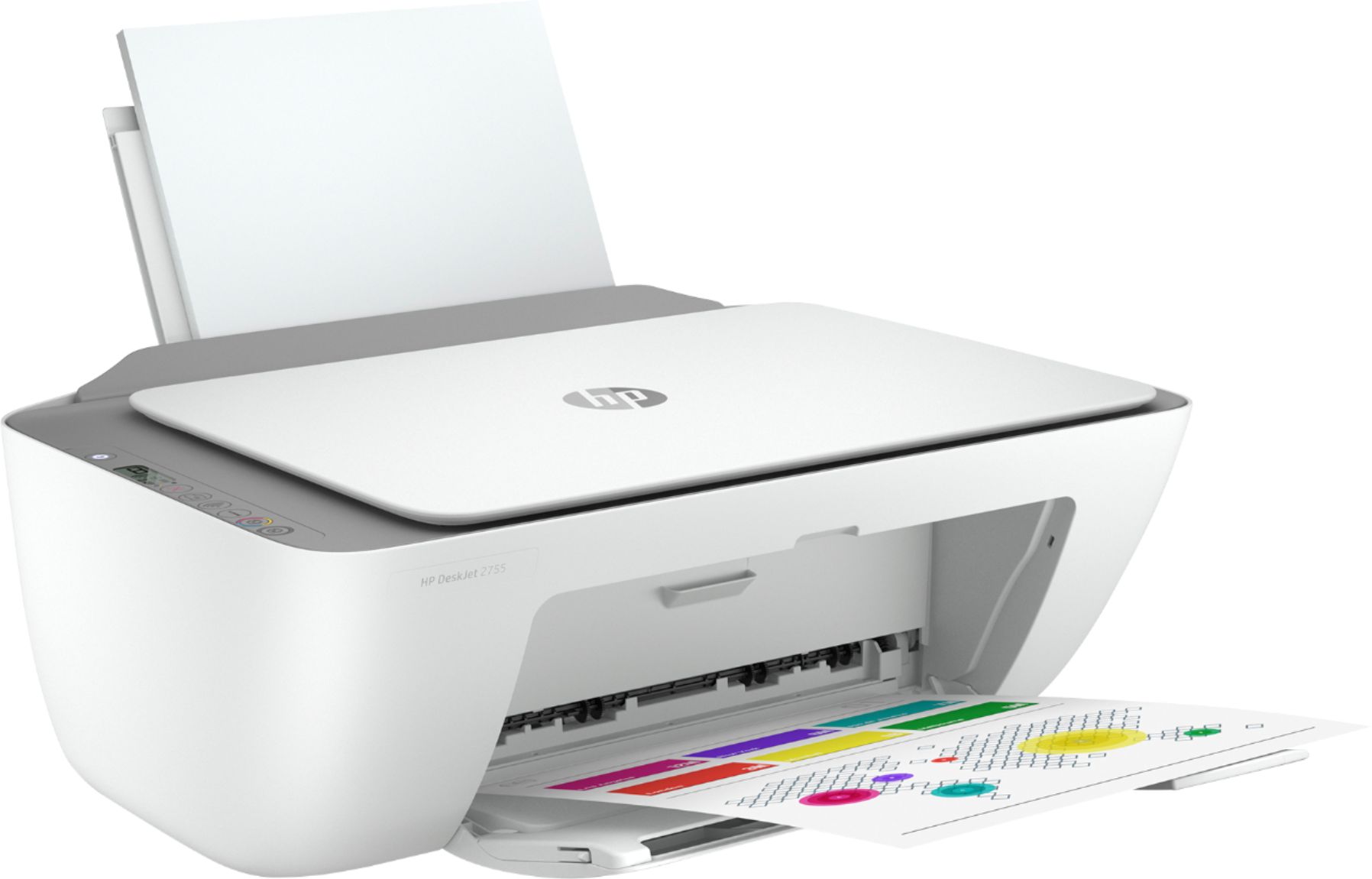
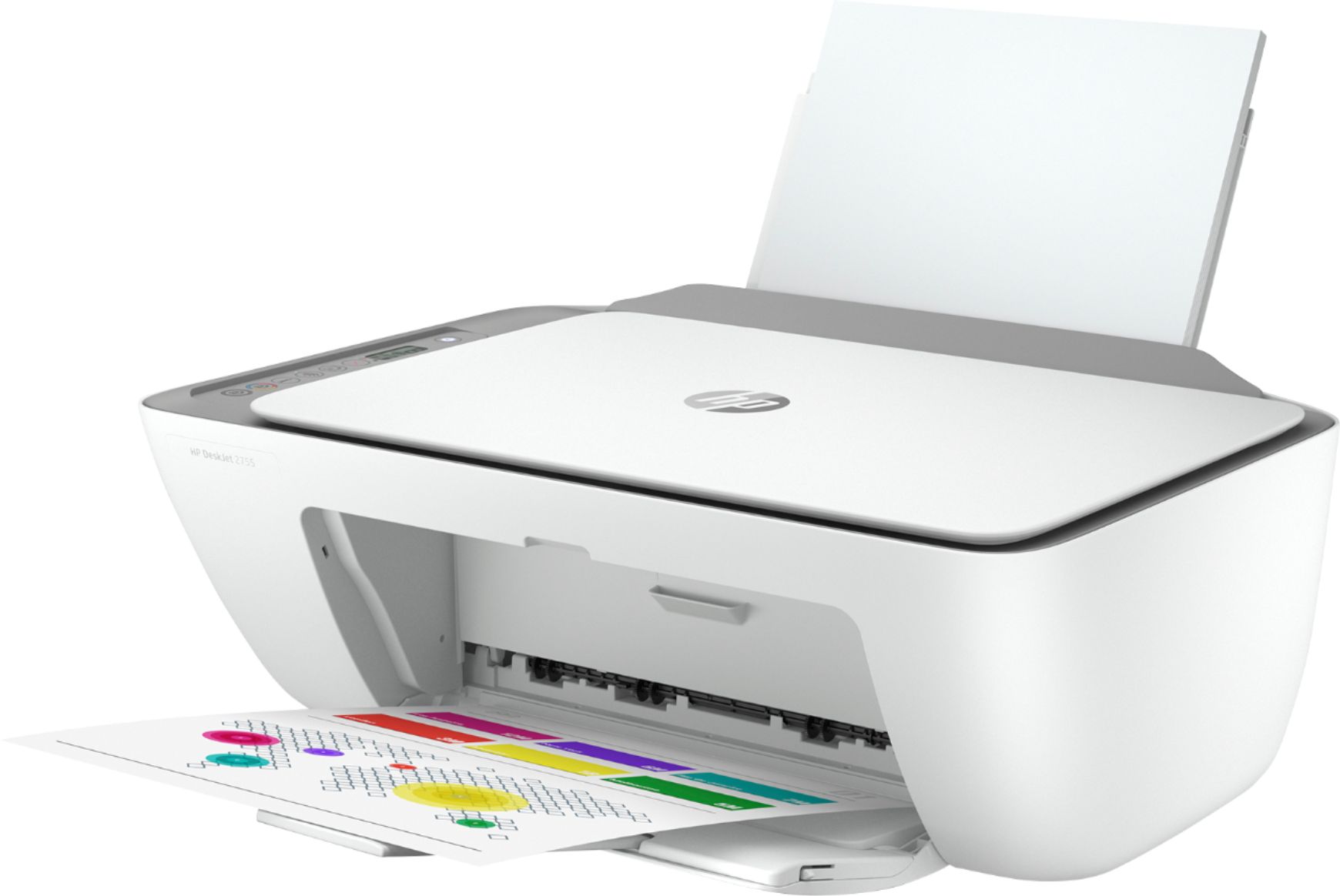
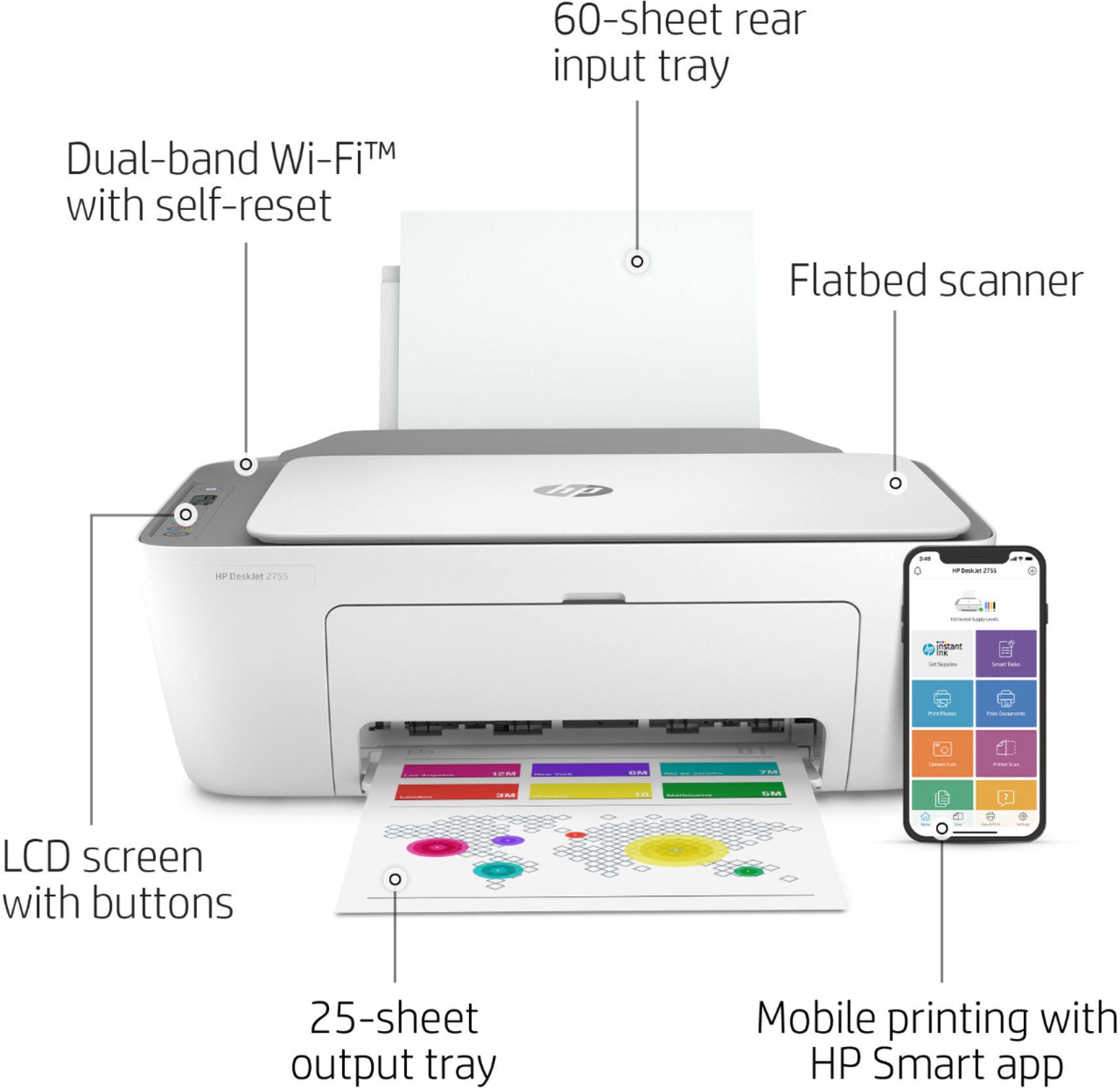
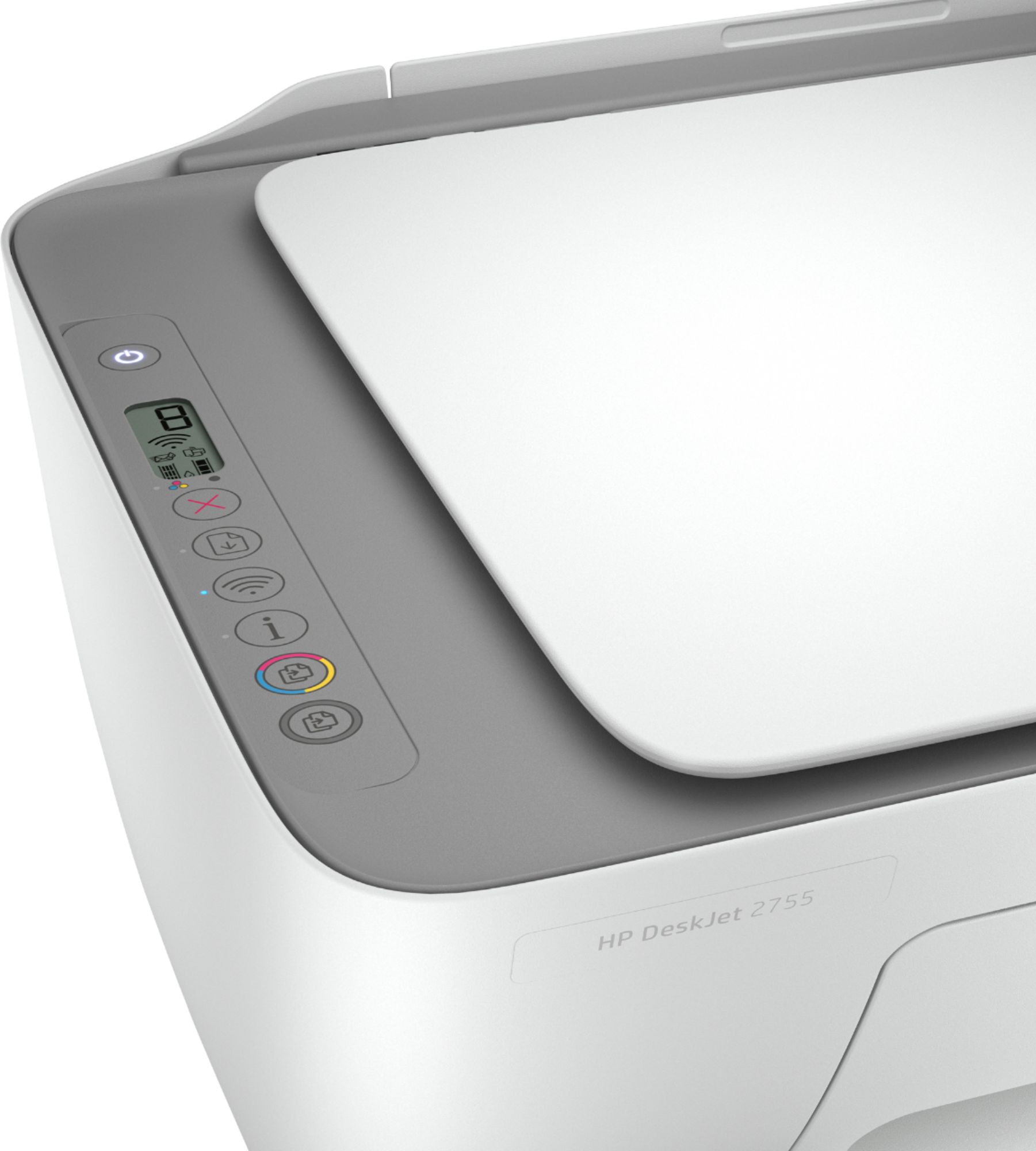
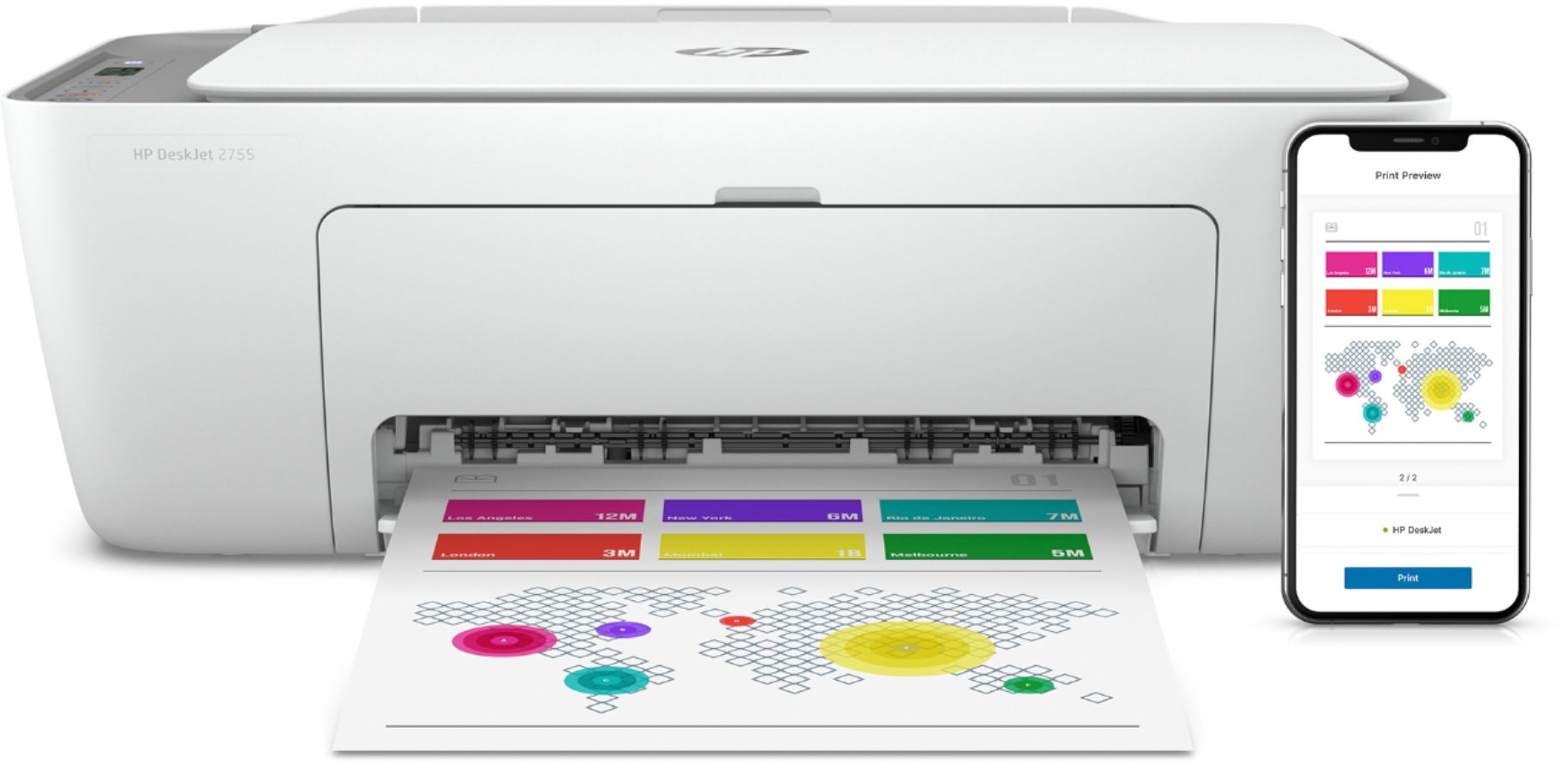
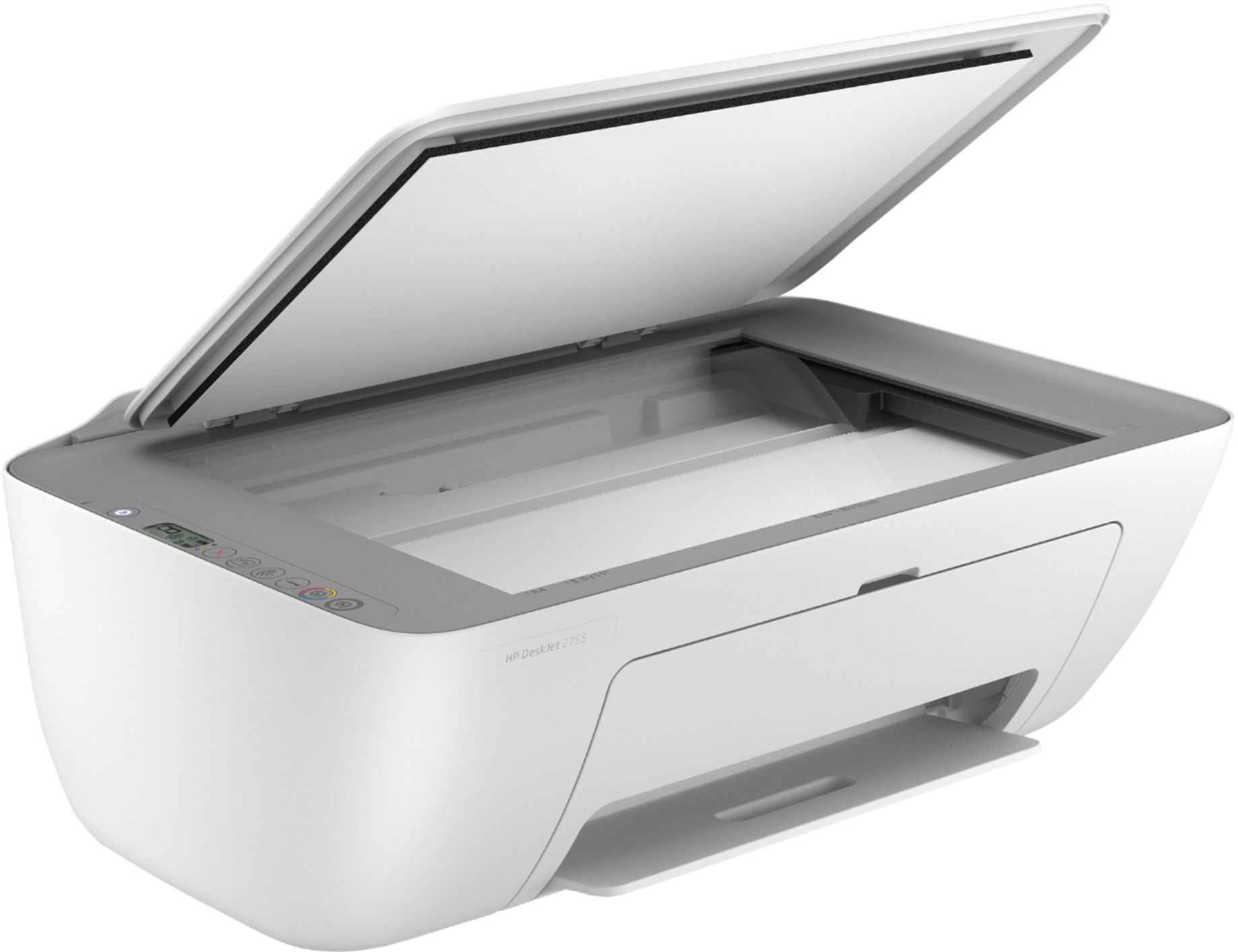
A:Answer Hi Ron, apologies for what you're experiencing. The OfficeJet 2755e (and all printers in the 2700 series) can be more easily installed using the HP Smart App with your Smartphone or from your computer, in a guided process.
See the HP Support set up video here: https://www.youtube.com/watch?v=-fIcwEtoQXg.
See the set-up guides and other helpful information here: https://support.hp.com/us-en/printer-setup/hp-deskjet-2700-all-in-one-printer-series/29378157/model/29378213.
Note that to connect the printer directly to your computer (instead of wifi), you'll need a USB-A to USB-B cable, also known as a printer cable. The square end of the cable connects to the port on the printer, and the flat end of the cable connects to the USB port on you computer.
If you continue to have problems, please reach out to Support.hp.com for assistance or call 800-474-6836.