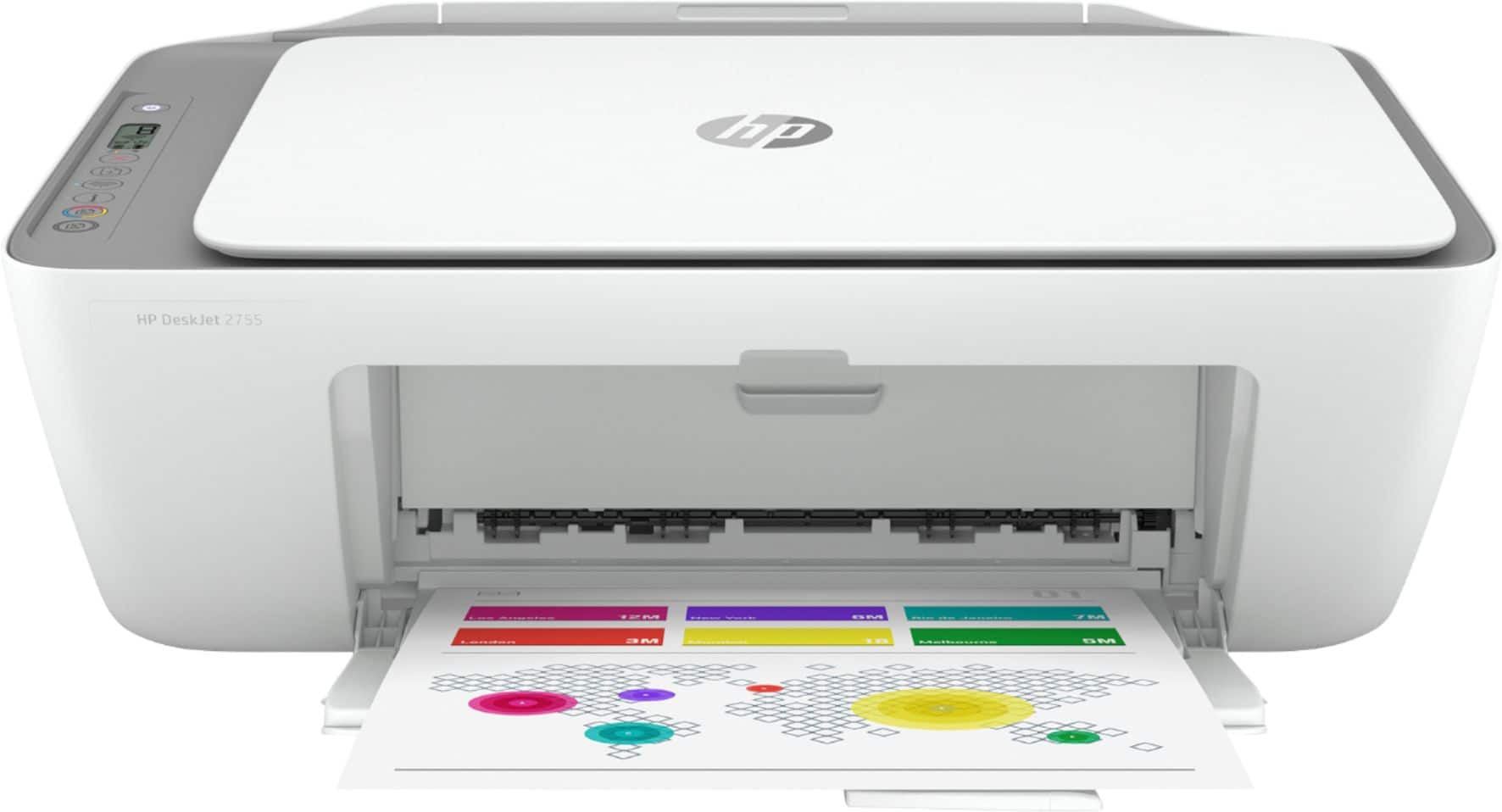
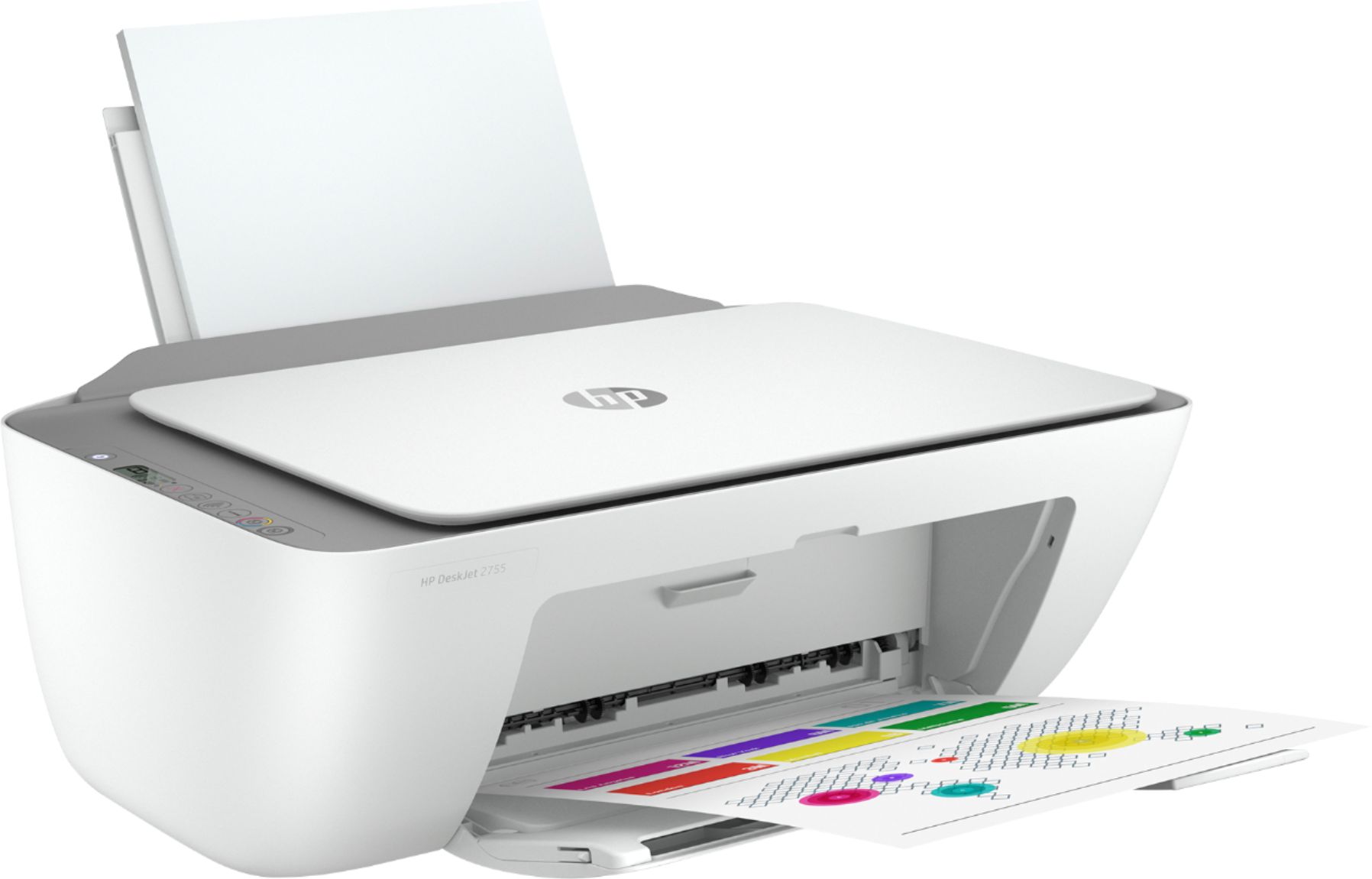
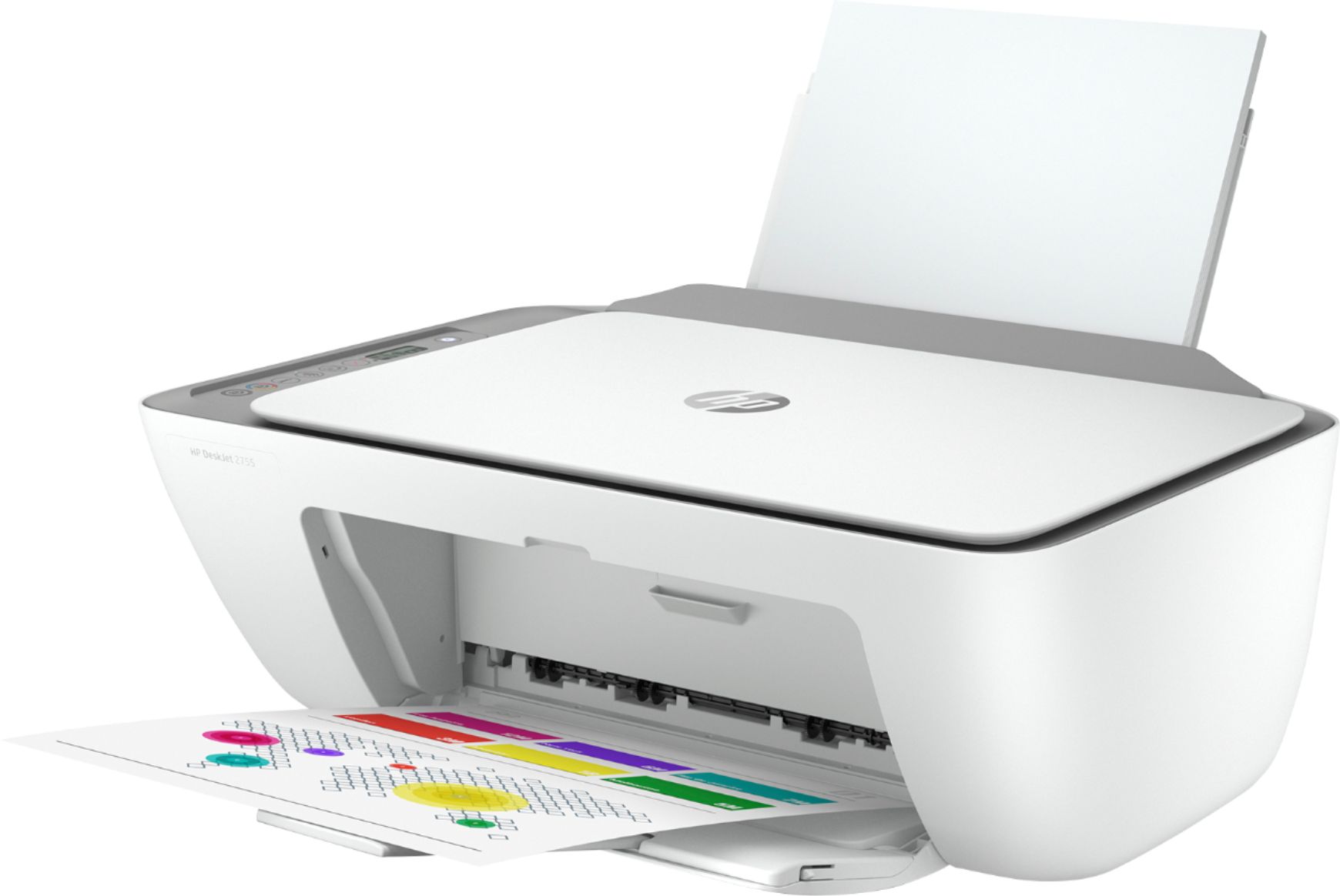
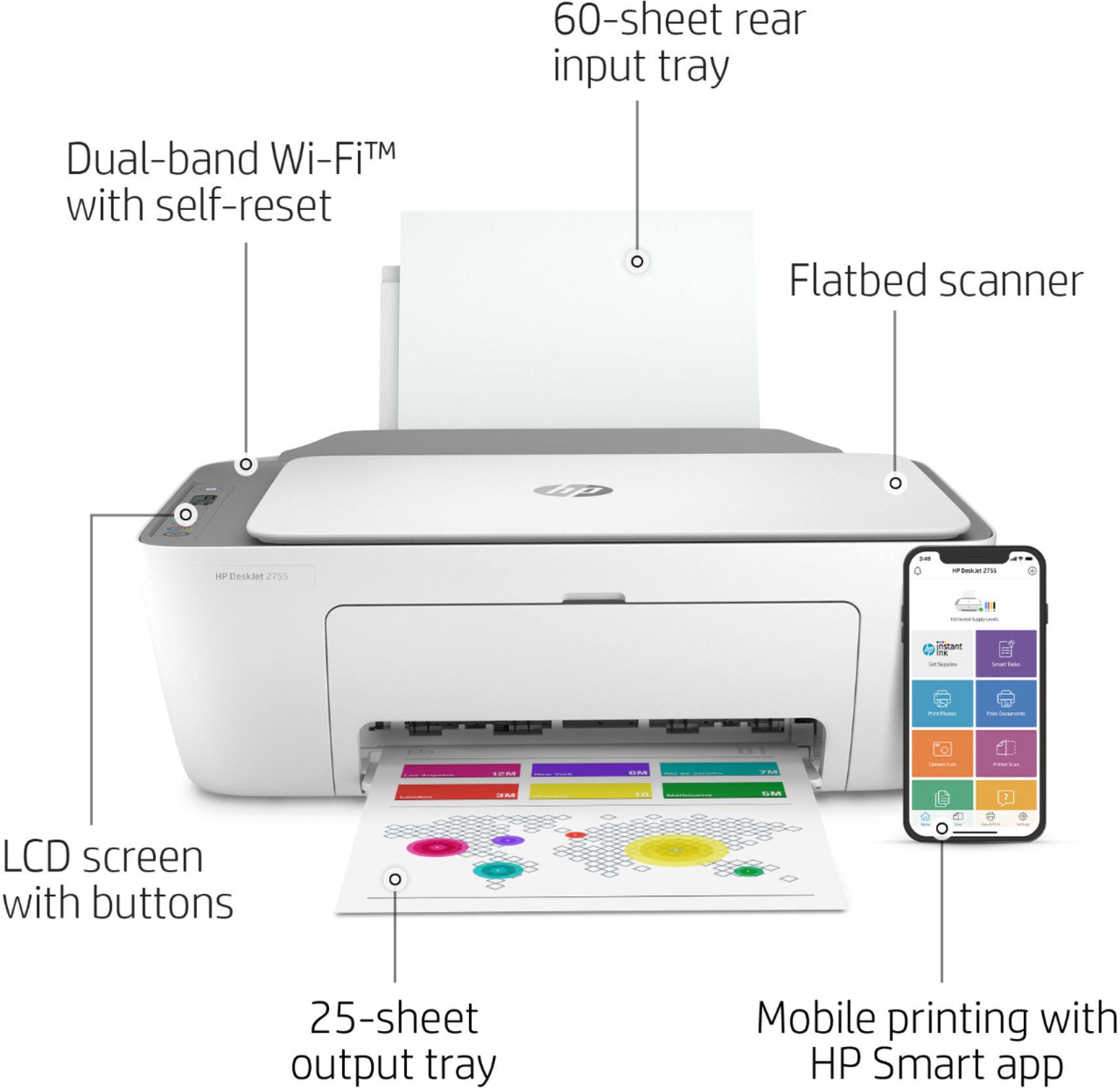
A:AnswerHello! Thank you for your question! The HP DeskJet 2755e printer is compatible with any computer running Windows 10 or MacOS. It will also work with mobile devices!
A:AnswerThank you for the question. Yes, the DeskJet 2755e is compatible with laptops using a number of operating systems, including Windows, Macintosh and Chrome.
A:AnswerYes, you can, although to do "duplex" printing (one page on each side) it won't do it automatically-you'll need to print the one side, flip the paper and then have the printer print the other side.
A:AnswerHello, Randy. Yes, this HP Deskjet 2755e printer is compatible with the Chromebooks. We recommend using the HP Smart app to set up the printer on the Chromebook.
A:AnswerHello. Thanks for your question. We recommend that you use the HP Smart app to set up the HP Officejet 3830 printer to your HP Chromebook. The HP Smart app is available in the Google Play Store. Here are some instructions: https://bit.ly/3cEujqO