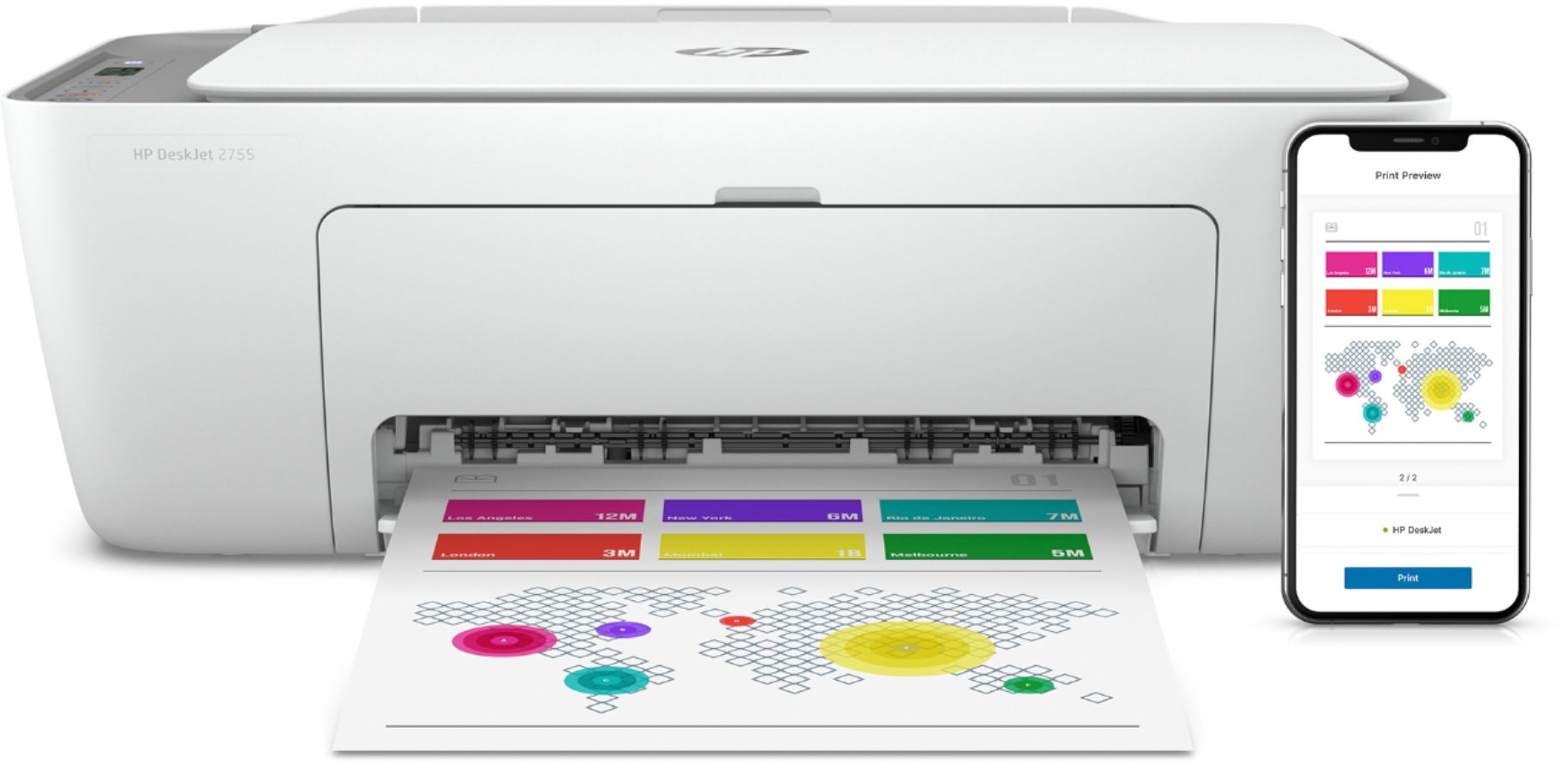
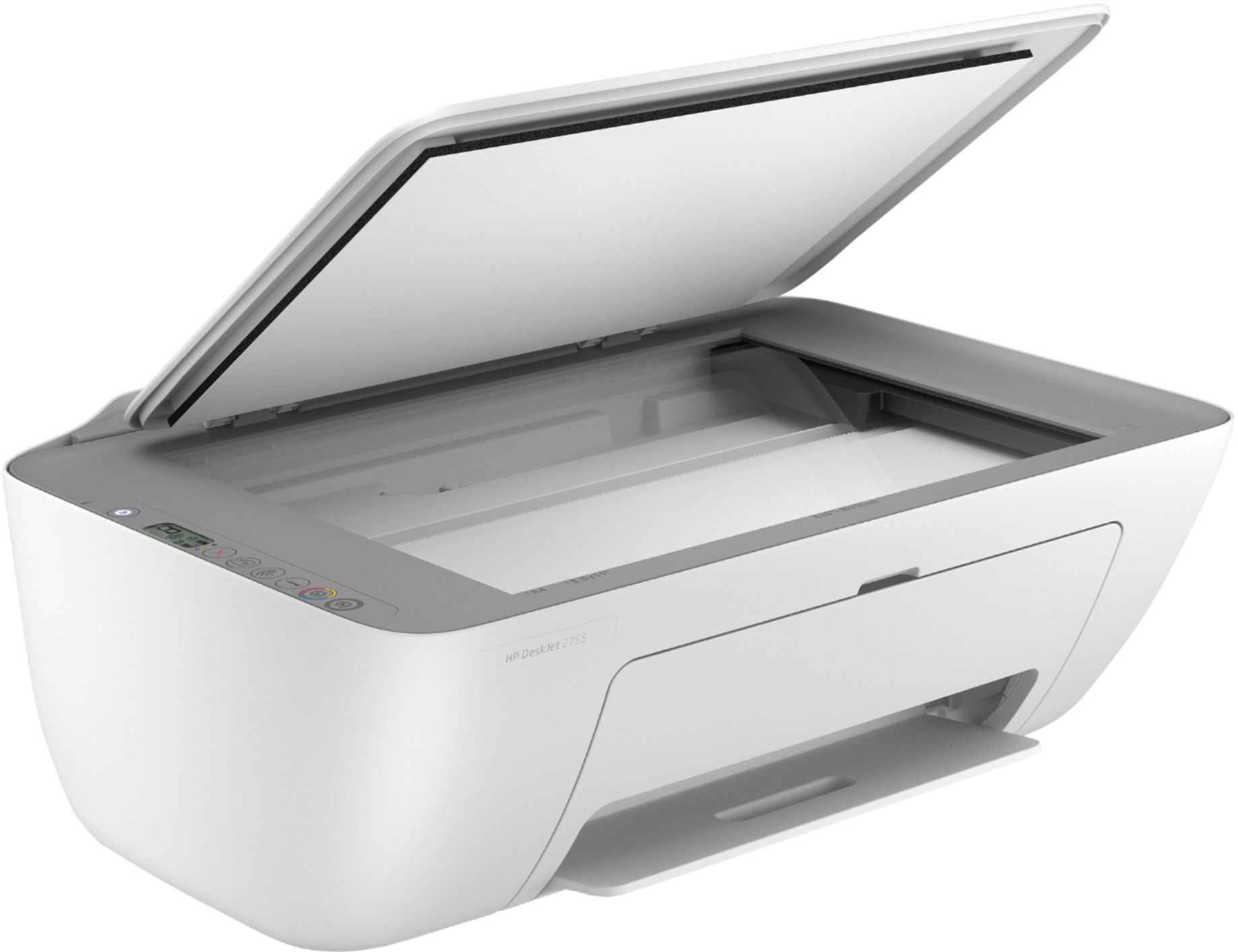
A:AnswerThe standard 67 cartridges are rated at 120 pages for the black and 100 for the color. The 67XL cartridges are rated at 240 for the black and 200 for the color.
A:AnswerYes, you don't need to sign up for the Instant Ink program. During printer setup, it will ask if you want to sign up. Just tell it "no" and continue with the setup-however, you won't get the six months of free ink. If you should change your mind later, you can sign up then.
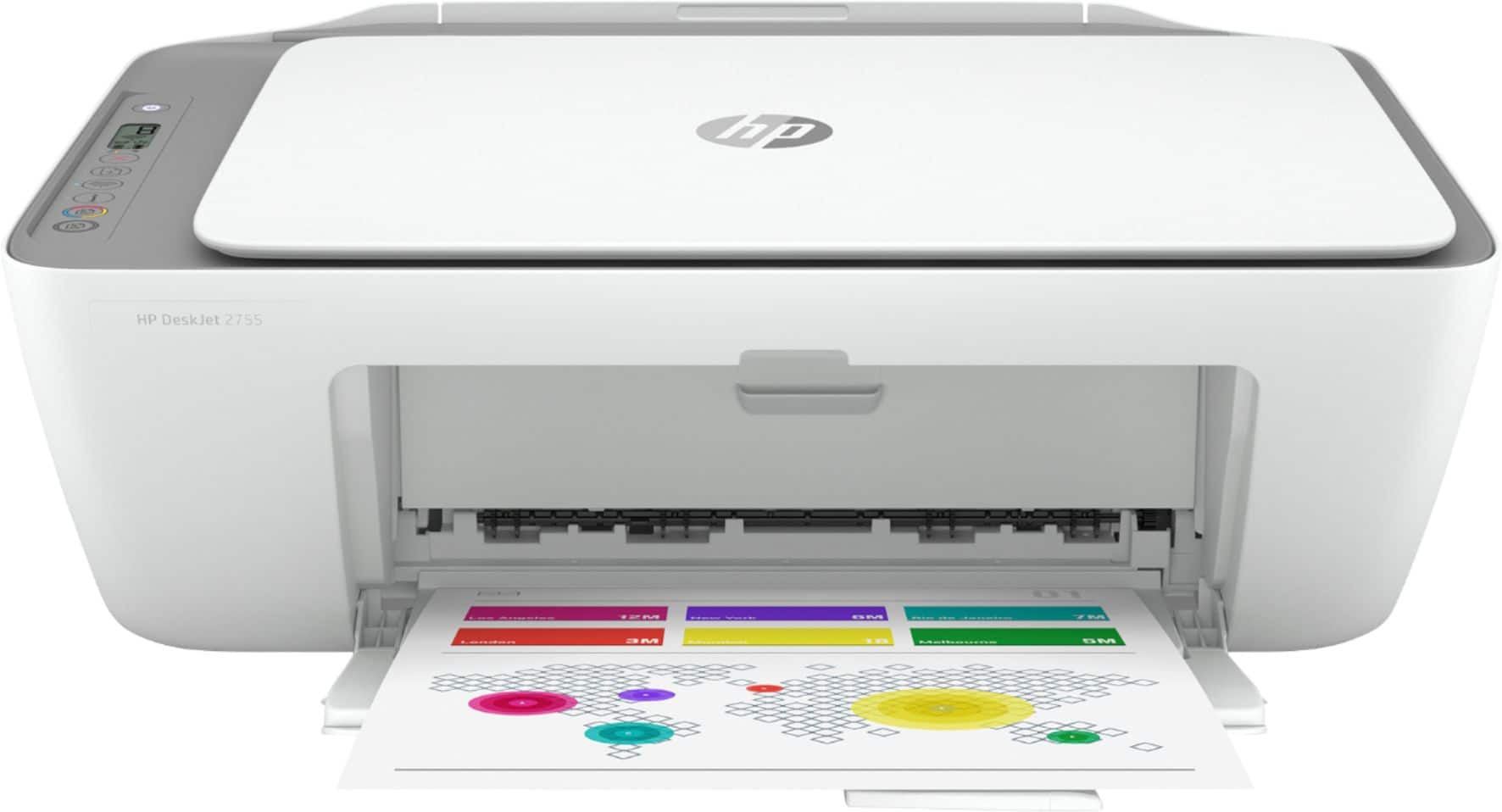
A:AnswerHi Patty, thank you for the question. The DeskJet 2755e does not have a fax modem (for use with a landline). However, you can send faxes using the HP Smart App and your Smartphone - this convenience is for sending only, not receiving.
A:AnswerHello. Thanks for your question. No, the installation disc is not included with this HP Deskjet 2755e printer. You can install the printer by visiting https://123.hp.com/setup.
A:AnswerHi, thank you for the question. The HP DeskJet 2755e is not compatible with the HP 61 ink cartridge and it is only compatible with HP 67 ink cartridge.
A:AnswerYes, you can connect it directly with a USB printer cable. If you're replacing a printer that was connected that way, the same cable will work.
A:AnswerHello, Daniel. You can set up this HP Deskjet 2755e printer either with a WiFi connection or with the USB A to B cable. The USB A to B cable is not included.
A:AnswerThank you for the question. The DeskJet 2755e does not have landline fax capability, however, you can send faxes (not receive) using the HP Smart App. You can connect it with a USB printer cable (not included) if you choose not to connect for wireless operation.
A:AnswerThank you for the question. You decide how many pages you're likely to print monthly, up to 700 pages. Replacement ink is sent when the printer signals that it's running low. You can change your plan at any time. After the six months, you can continue with a paid plan and save about 50% on ink costs. Learn more here: https://instantink.hpconnected.com/us/en/l/
A:AnswerThank you for your question! Yes, this printer is compatible with Windows 11 and you can download the HP Smart software from https://123.hp.com to easily print and scan wirelessly.
A:AnswerThe DeskJet 2755e that you're looking at is going to be the cheapest printer than can reduce or enlarge. You'll need to do it by downloading the free HP Smart app.