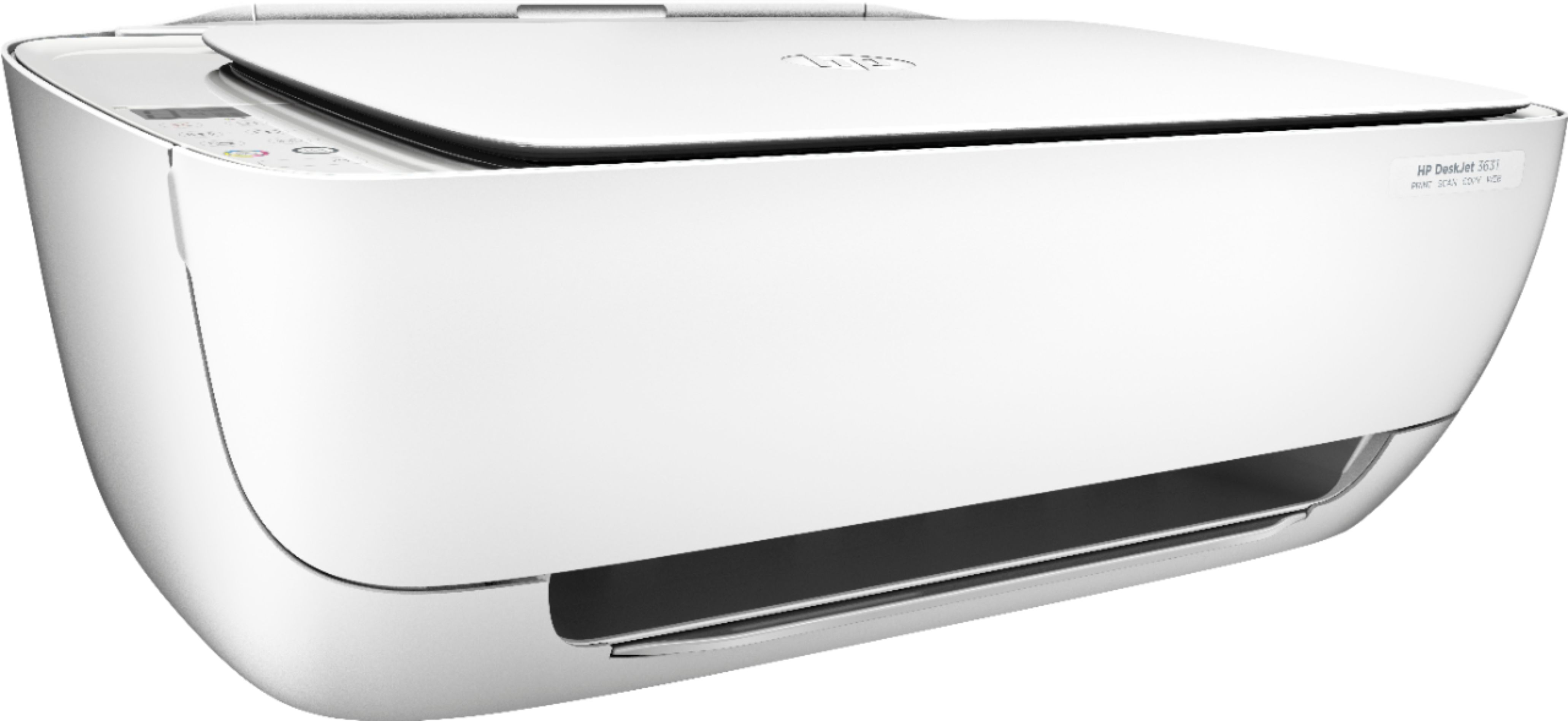
A:AnswerI just download the app on my cell phone and then I can send everything from my phone to the printer. Actually I had to use my phone for printer wifi set up
A:AnswerYou have to wait for the 1st page to print then flip the page over and place in the paper feeder tray again and it will print on back. It has to be done manually. The printer will pause and let you do this and press print when you are ready to print back page.
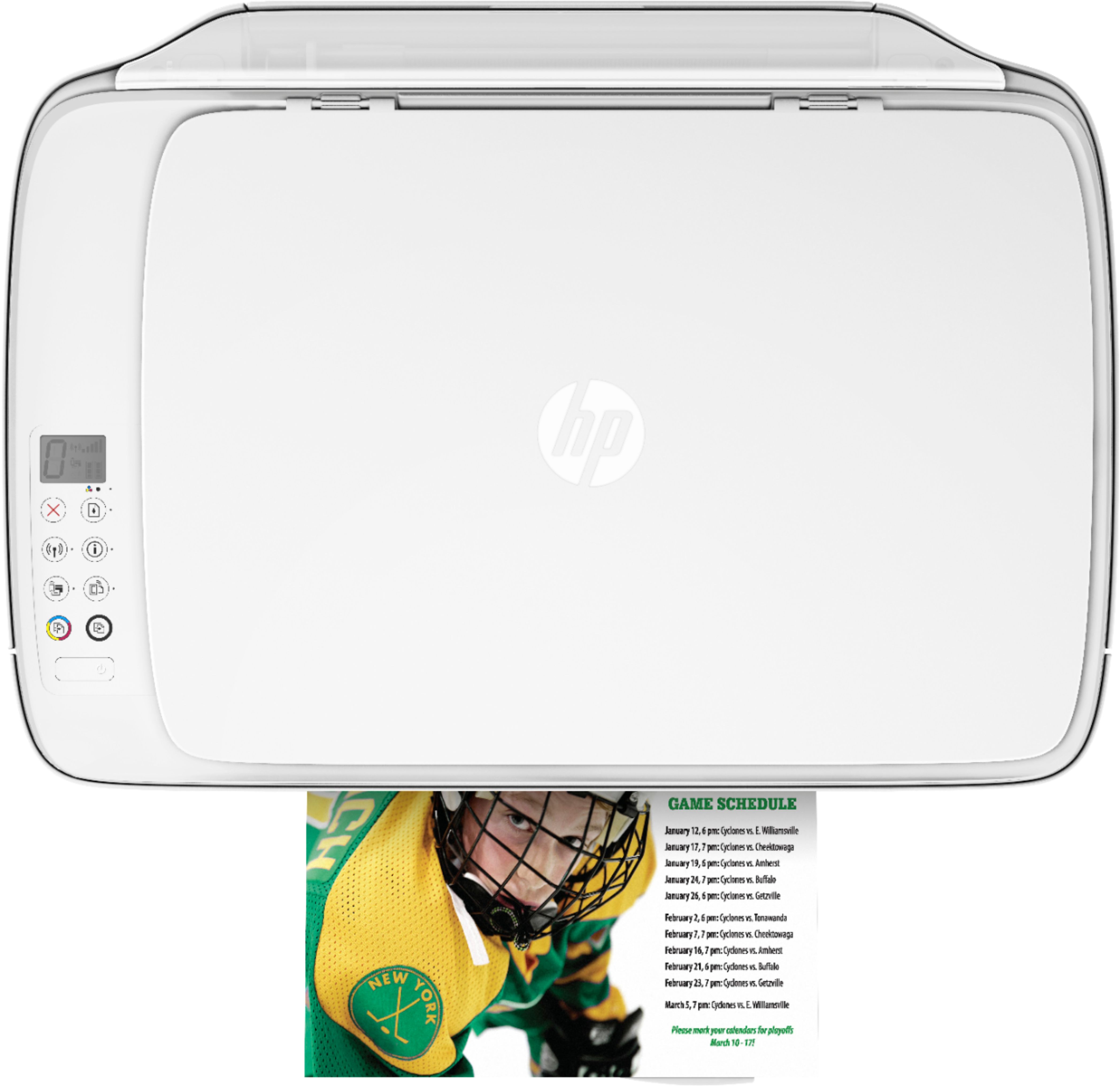
A:AnswerYou can hold down the ‘i’ button and an info sheet will print, if that doesn't give you the info then I suggest holding that same ‘i’ button AND the wifi button until an info sheet comes out. The sheets that printed helped me a lot with setting the printer up.
A:AnswerYes, follow the online site instructions and download HPSmart and it will help connect the printer to ur laptop- or you can get the app on the apple store for your phone/tablet. I have a Mac and it works great.