Questions & Answers
- Model:
- J9V90A#B1H
- |
- SKU:
- 5519200
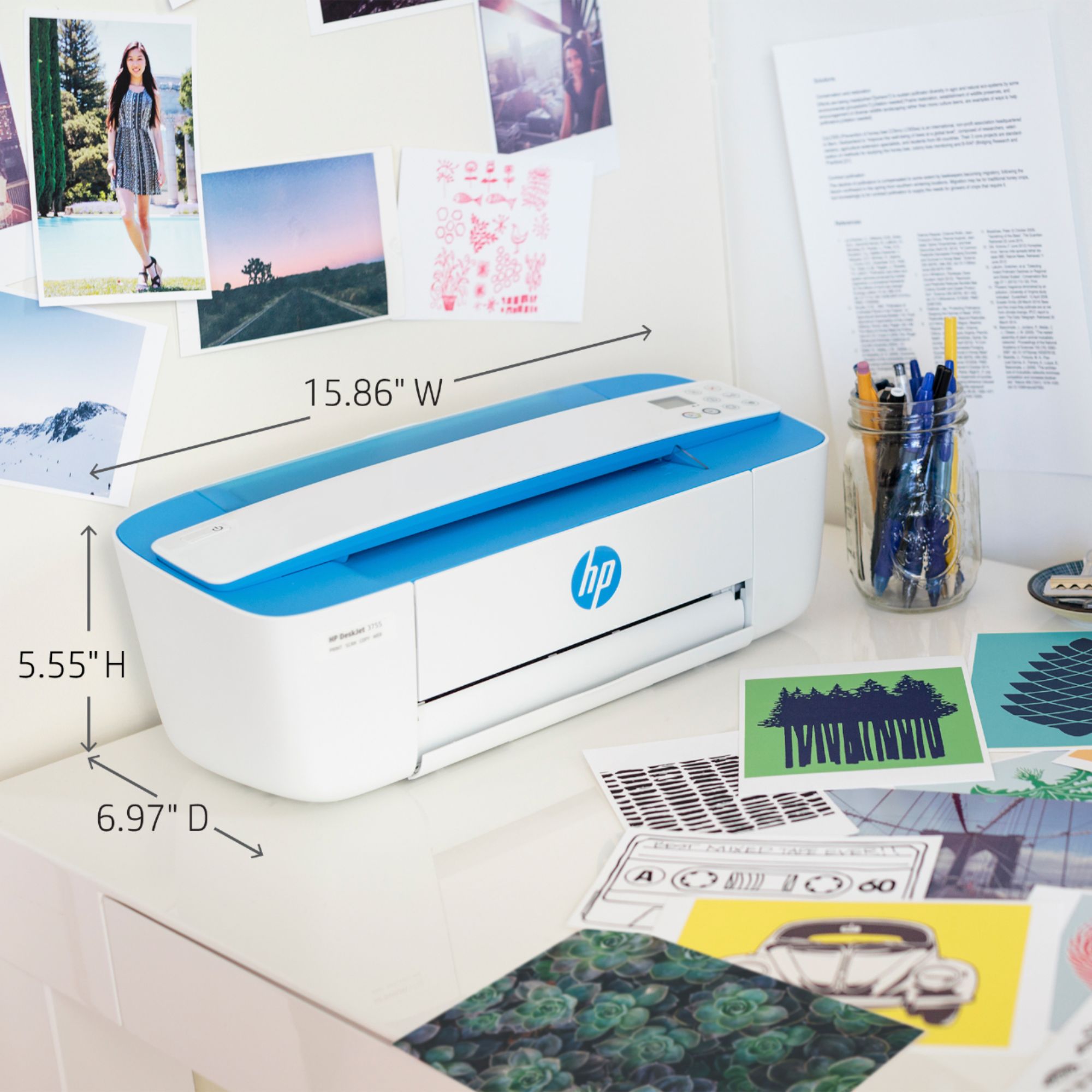
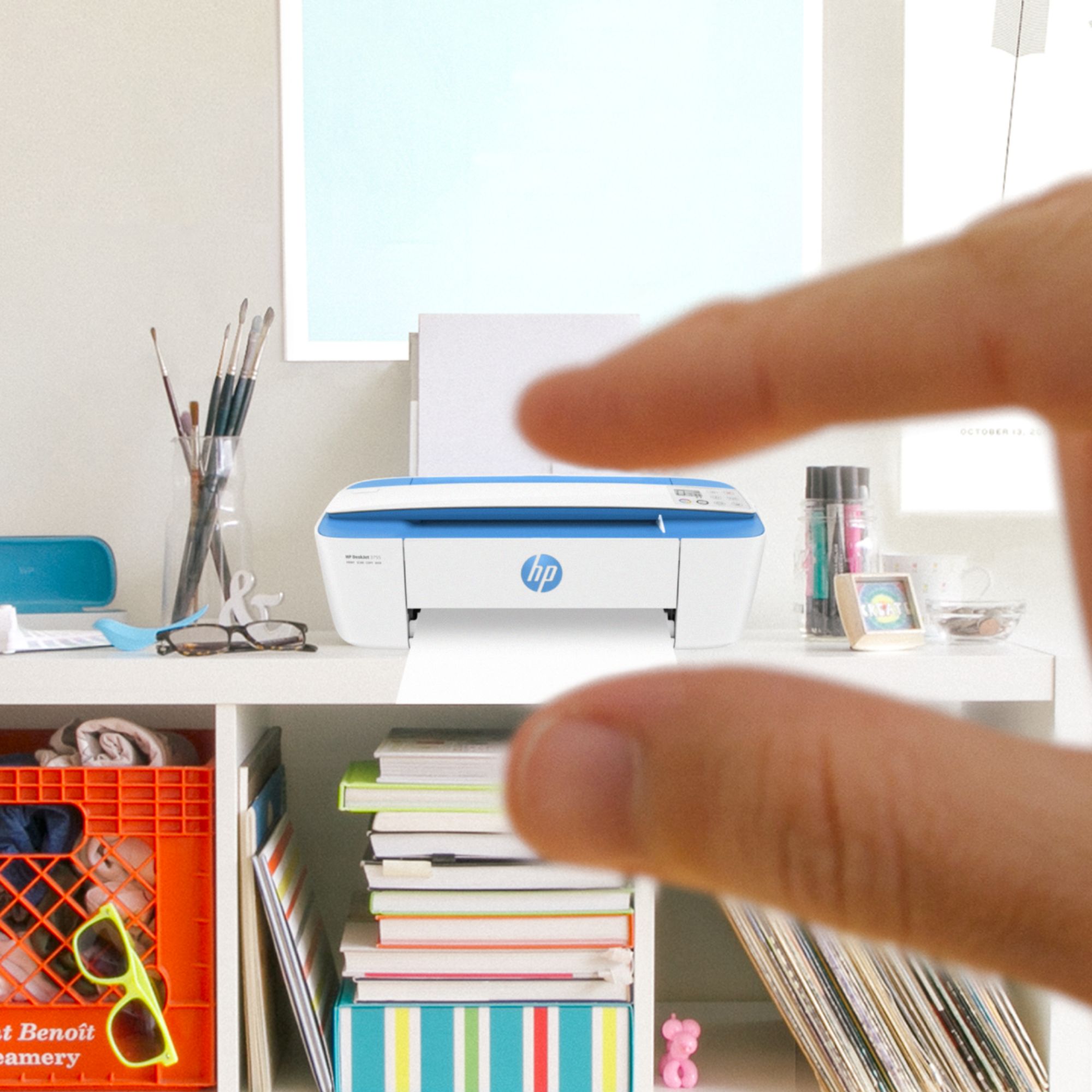
Q: Question1. What is the height of this printer body? What is the height with the paper holder in the up position?
Asked by Jack.
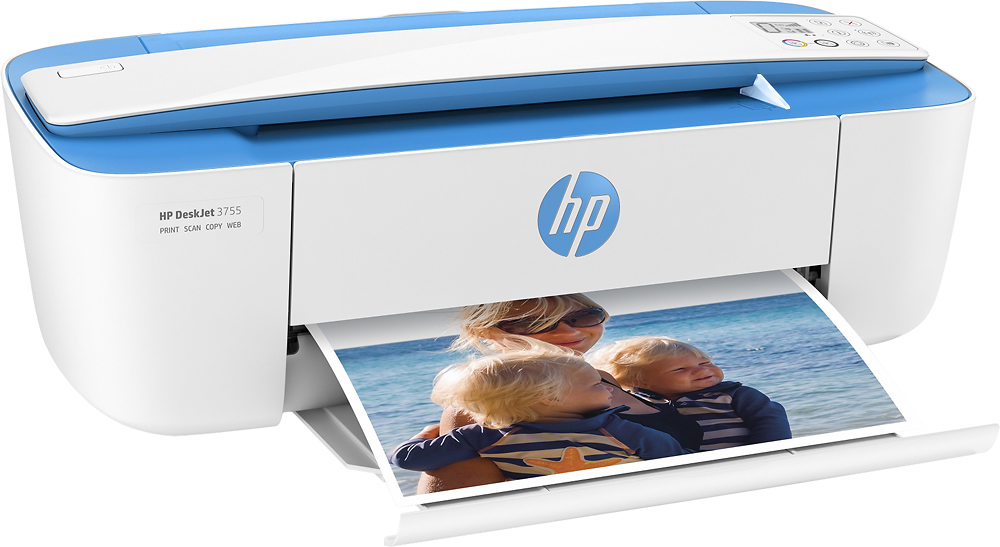
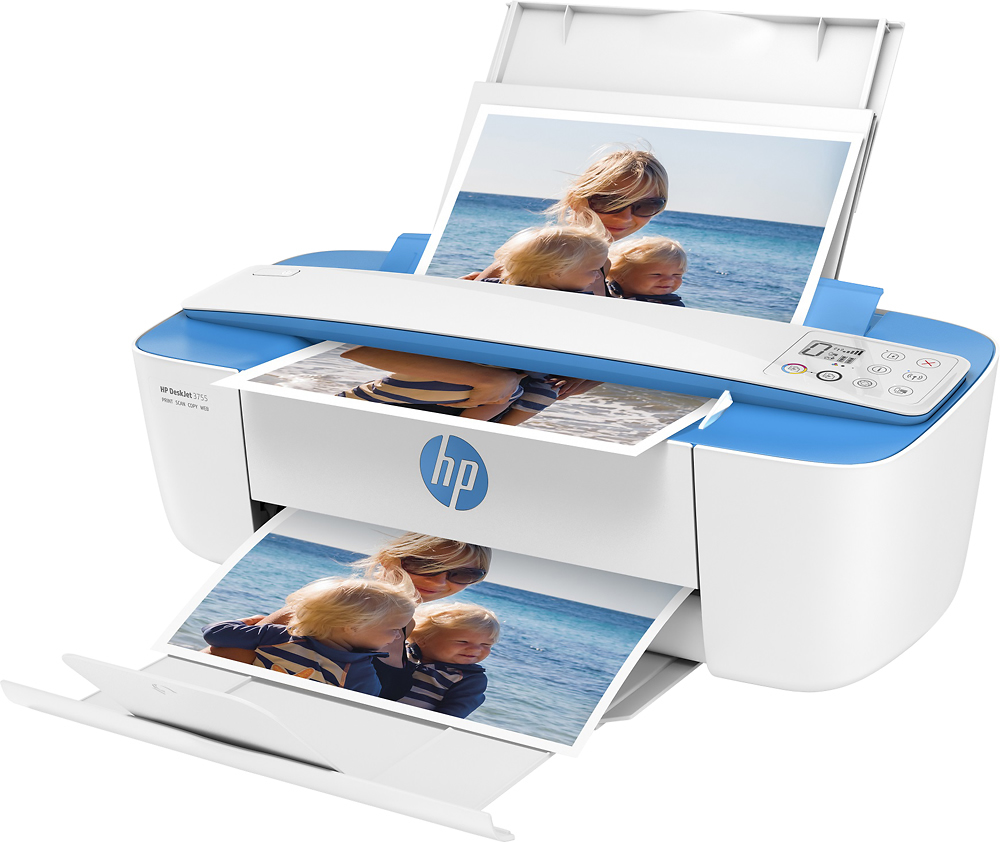
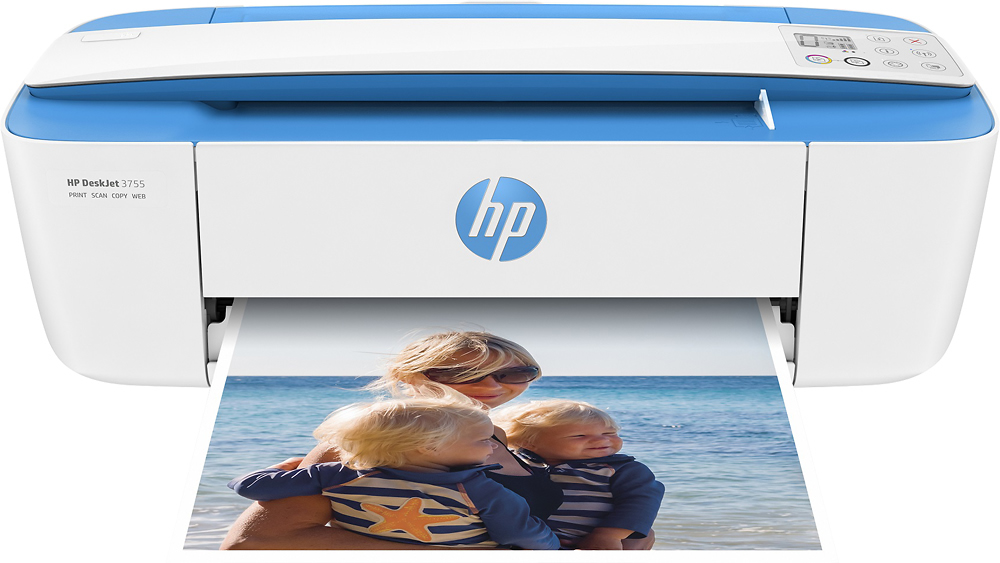
- A:Answer The dimensions are as follows: Height with input tray raised: 264 mm (10.39 inches); Without input tray raised: 141 mm (5.55 inches). Width: 403 mm (15.86 inches). Depth with input tray raised and tray extender extended: 451 mm (17.75 inches); Without input tray raised and tray extender extended: 177 mm (6.97 inches). Weight: 2.33 kg (5.13 pounds).
Answered by HP Team

Q: QuestionWill this printer work with a wired USP3 CONNECTION?
Asked by nick.
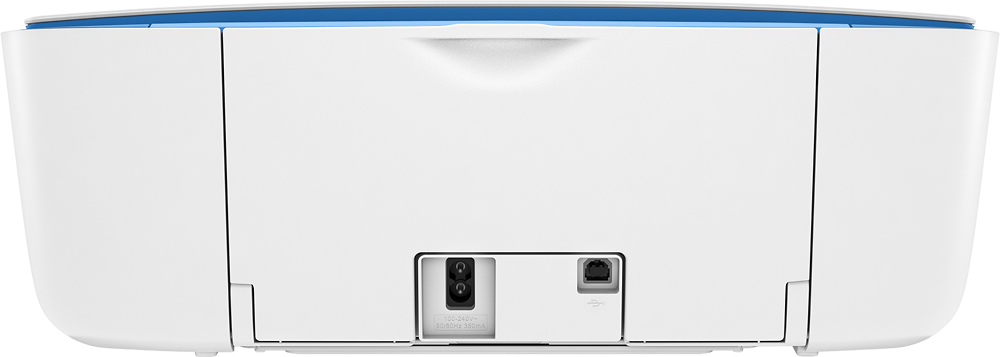
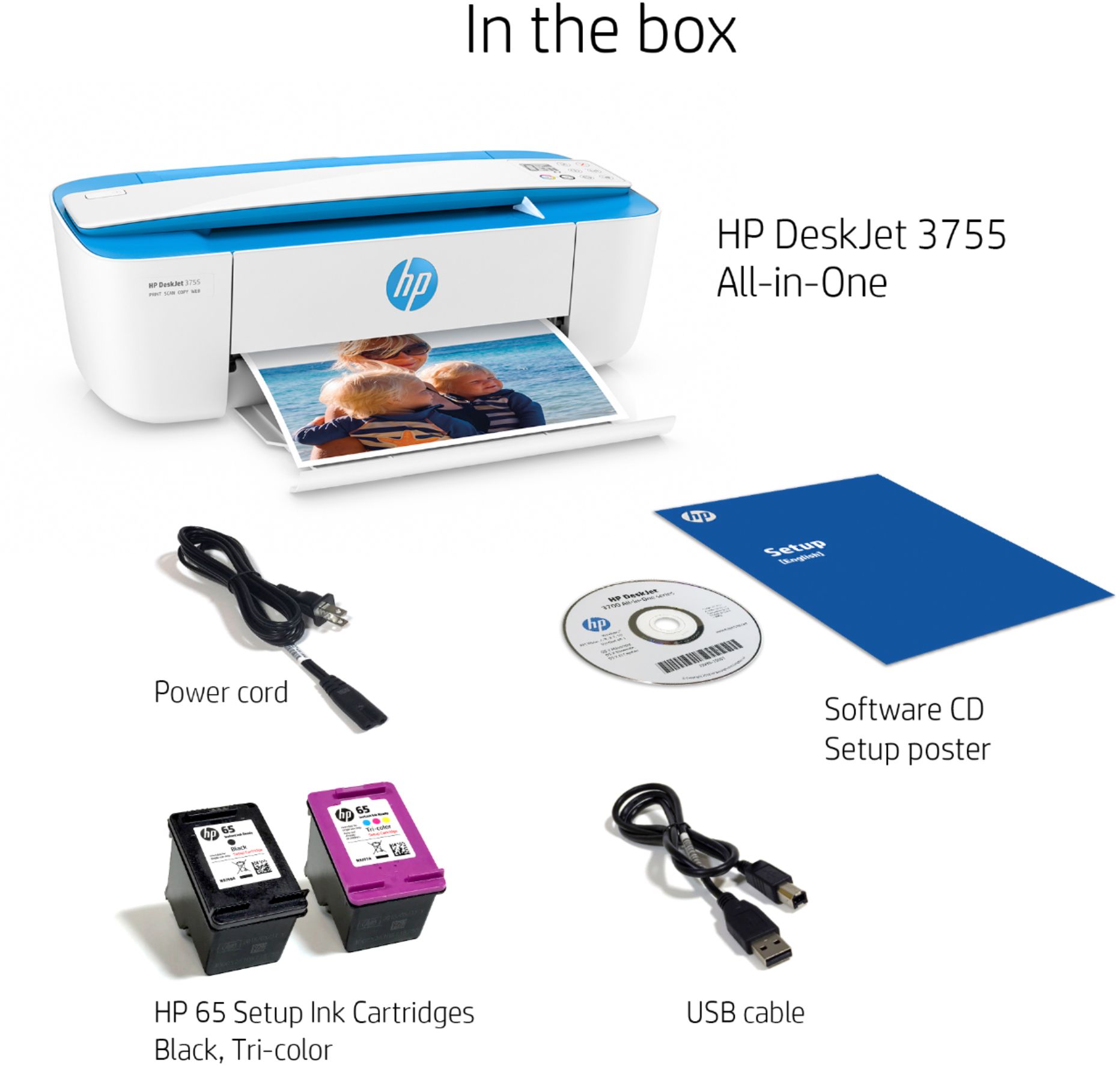
- A:Answer It includes a USB2 cable which will connect with a USB3 but operate at slower bandwidth than USB3 allows. Note that this cable is not a USB-C/ Thunderport 3 cable.
Answered by ErickP
Q: QuestionWhere is the tray for the input paper. Is it in the front?
Asked by Jutz.
This question was asked about the related product: HP - DeskJet 3755 Wireless All-in-One Instant Ink Ready Inkjet Printer - Seagrass
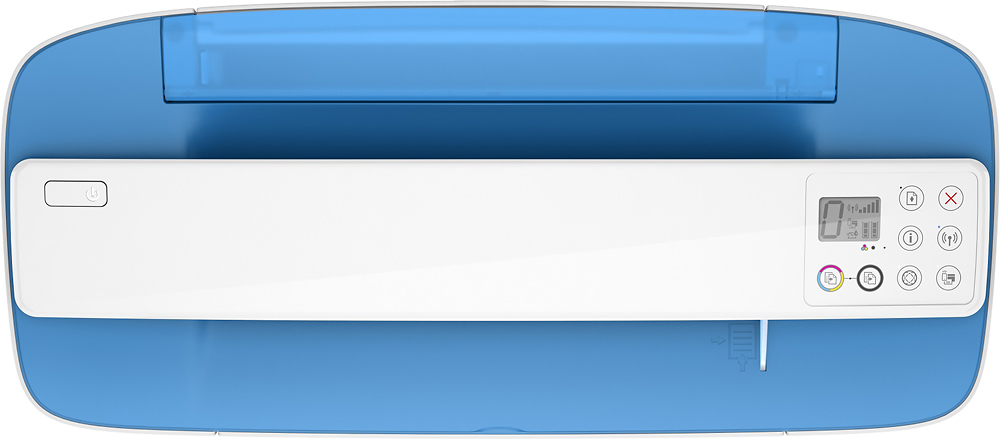
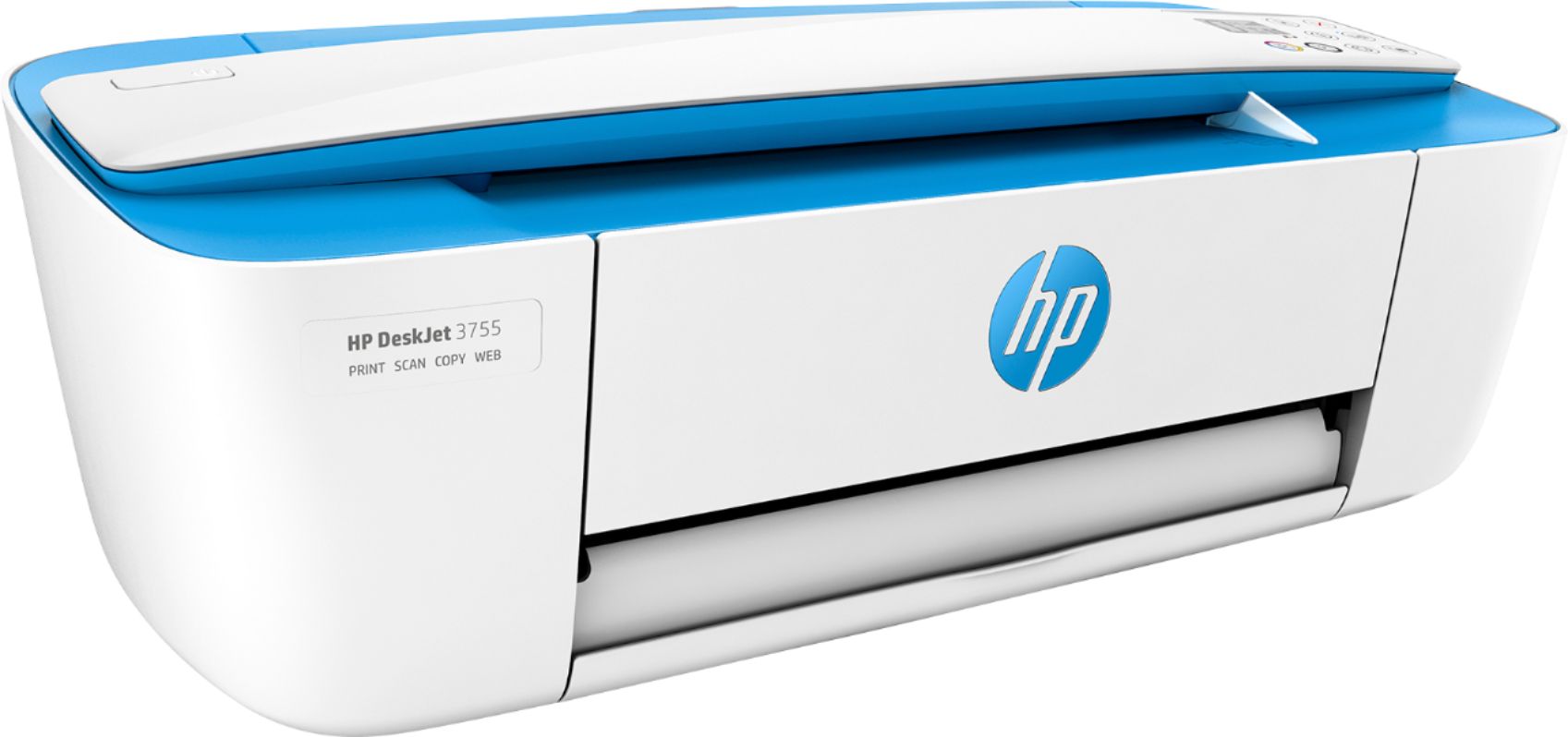
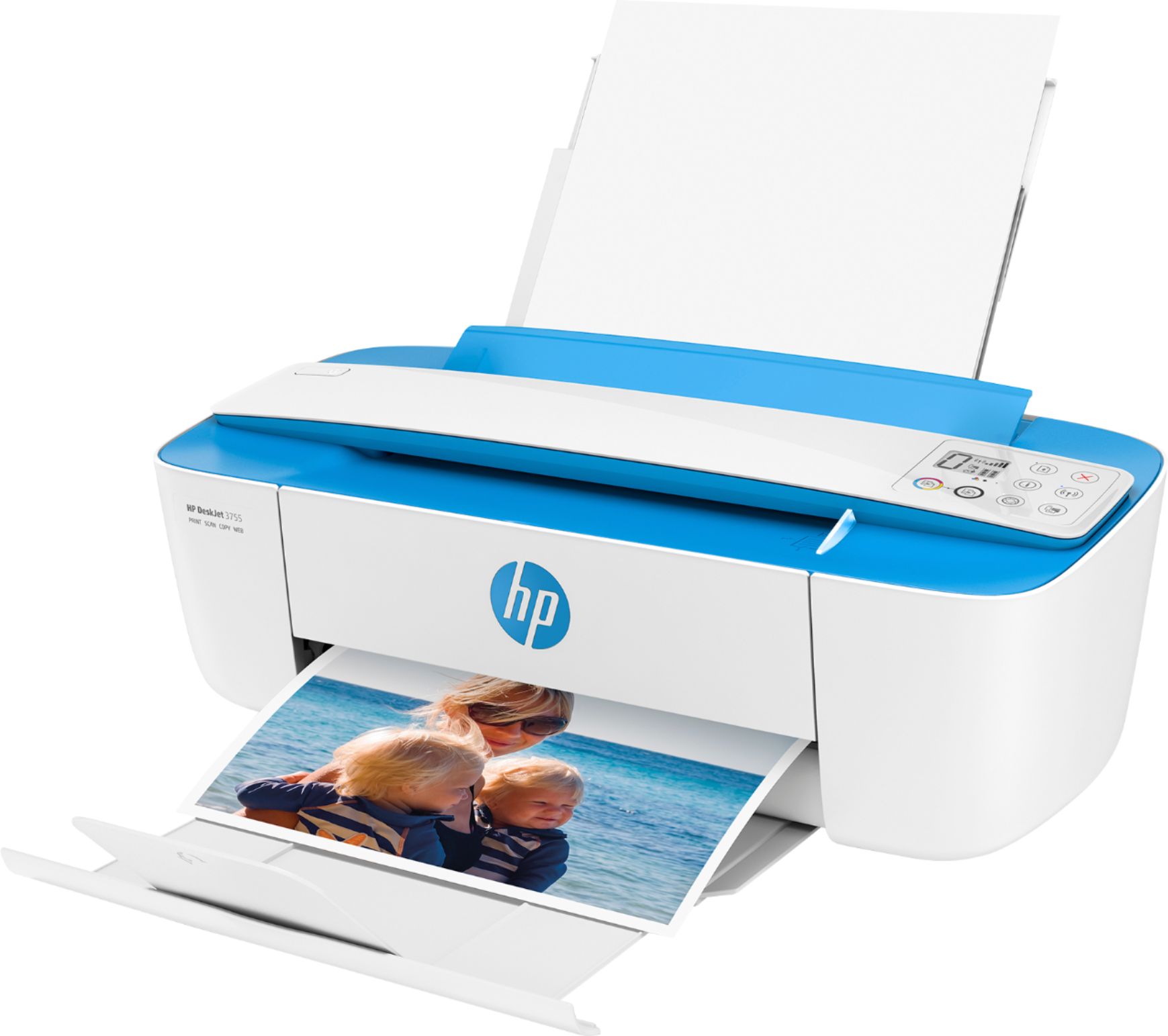
- A:Answer Paper tray is the back, it slides down out of sight when not in use.
Answered by Anonymous
Q: QuestionI can’t find my USB cable. Can I please find out what kind of cable do I need ?
Asked by Diana.
- A:Answer It uses a standard USB A to B cable.
Answered by HP Team

Q: QuestionIs this compatible with Chromebook? Does it have/use/accept Google Cloud Printing?
Asked by Consumer.
- A:Answer Yes, it is compatible with Google Cloud Printing, and with Chromebooks!
Answered by HP Team

Q: QuestionHow long does the ink last?
Asked by Kay.
- A:Answer The inks print up to 120 pages black, 100 pages tri-color and will last up to 3 months without printing.
Answered by HP Team

Q: QuestionWill this printer work with a Mac Book pro?
Asked by Anonymous.
This question was asked about the related product: HP - DeskJet 3755 Wireless All-in-One Instant Ink Ready Inkjet Printer - Seagrass
- A:Answer Yes, it will work with Mac OSx 10.8 and up.
Answered by HP Team

Q: QuestionIs this print compatible with iPad Pro and Dell Inspiron laptops?
Asked by Dtmc16.
- A:Answer Yes this is compatible with any device
Answered by Shells
Q: QuestionDoes it print card stock?
Asked by Harold.
This question was asked about the related product: HP - DeskJet 3755 Wireless All-in-One Instant Ink Ready Inkjet Printer - Seagrass
- A:Answer Yes, this printer will print card stock.
Answered by CommunityAnswer
Q: QuestionWhat is the largest size picture it can print
Asked by PSYCH0DAD.
This question was asked about the related product: HP - DeskJet 3755 Wireless All-in-One Instant Ink Ready Inkjet Printer - Seagrass
- A:Answer The paper sizes supported: Letter; legal; 4x6 in; 5x7 in; 8x10 in; No. 10 envelopes.
Answered by CommunityAnswer
Q: QuestionCan you uses card stock paper in this printer?
Asked by Paper.
This question was asked about the related product: HP - DeskJet 3755 Wireless All-in-One Instant Ink Ready Inkjet Printer - Seagrass
- A:Answer You could use card stock in this model.
Answered by HP Team

Q: QuestionWill I be able to print from an LG smartphone?
Asked by Berrahou27.
This question was asked about the related product: HP - DeskJet 3755 Wireless All-in-One Instant Ink Ready Inkjet Printer - Seagrass
- A:Answer Thank you for reaching out. You can print from your LG phone using the HP Smart App!
Answered by HP Team

Q: QuestionCan I connect the printer directly to my laptop without using wifi?
Asked by Junkmale909.
- A:Answer Thank you for reaching out to us. This printer could connect via wired USB if you wanted!
Answered by HP Team

Q: QuestionSorry if this was asked but too many q & a to go through. I will be traveling in areas where I might not have reliable wifi. Can I just connect my computer directly to the printer to print via a chord (you know like the old fashioned way!)
Asked by Mango.
This question was asked about the related product: HP - DeskJet 3755 Wireless All-in-One Instant Ink Ready Inkjet Printer - Seagrass
- A:Answer Yes, you can connect via USB A to B and print with a wired connection!
Answered by HP Team

Q: Questionwill this printer work with a MacBook Pro?
Asked by Lucy.
- A:Answer Yes, this will be compatible.
Answered by CommunityAnswer
Q: QuestionDoes it scan and print two-sides pages?
Asked by Tasony.
- A:Answer Yes, this model has scan/copy functions, but it does not print two-sided.
Answered by HP Team

Q: QuestionCan you copy a document on this printer
Asked by KT.
- A:Answer You can copy from sheets of paper but you can't copy from bulky documents.
Answered by chidi
Q: QuestionHow many pages can it scan at one time?
Asked by Christina.
- A:Answer You have to feed each page separately by hand it won’t do multiple pages
Answered by Slittlefield
Q: QuestionWill this printer connect with my mini iPad.
Asked by Minipaddy.
- A:Answer Oh you're going to love this printer, download the HP smart app and Voila! You can manage your printer from your iPad no need to set up because the iPad app will recognize the printer on the wifi network and will get everything ready for you...you can scan, print, edit pictures, connect to your accounts in FB, Google, Dropbox... and much more!
Answered by Sherish6
Q: QuestionCan it print via Wi-Fi from an android phone like Samsung?
Asked by Sharon.
- A:Answer Yes, you can use Wifi to print from an Android phone as long as they are on the same network.
Answered by CommunityAnswer
Top Rated
- $299.00$299.00The price was $349.00
- $99.99$99.99The price was $129.99
- $249.99$249.99The price was $379.99
- $1,099.99$1,099.99The price was $1,299.99