Questions & Answers
- Model:
- J9V90A#B1H
- |
- SKU:
- 5519200
Q: QuestionI bought a wireless printer n tried to make a connection to the wireless but failed several times. How do i make a Connection that stays??
Asked by Naynay.
- A:Answer Good luck! We couldn't figure it out either.
Answered by Cali
Q: QuestionIs this compatible with ipad8? Is it easy enough for a senior new to tech to sync or setup?
Asked by Gypsygirl.
This question was asked about the related product: HP - DeskJet 3755 Wireless All-In-One Instant Ink Ready Inkjet Printer - Stone
- A:Answer Thanks for the question! Yes you can easily print to the DeskJet 3755 with an Ipad 8.
Answered by HP Team

Q: QuestionHow do I copy something smaller than 8x11
Asked by Anonymous.
This question was asked about the related product: HP - DeskJet 3755 Wireless All-In-One Instant Ink Ready Inkjet Printer - Stone
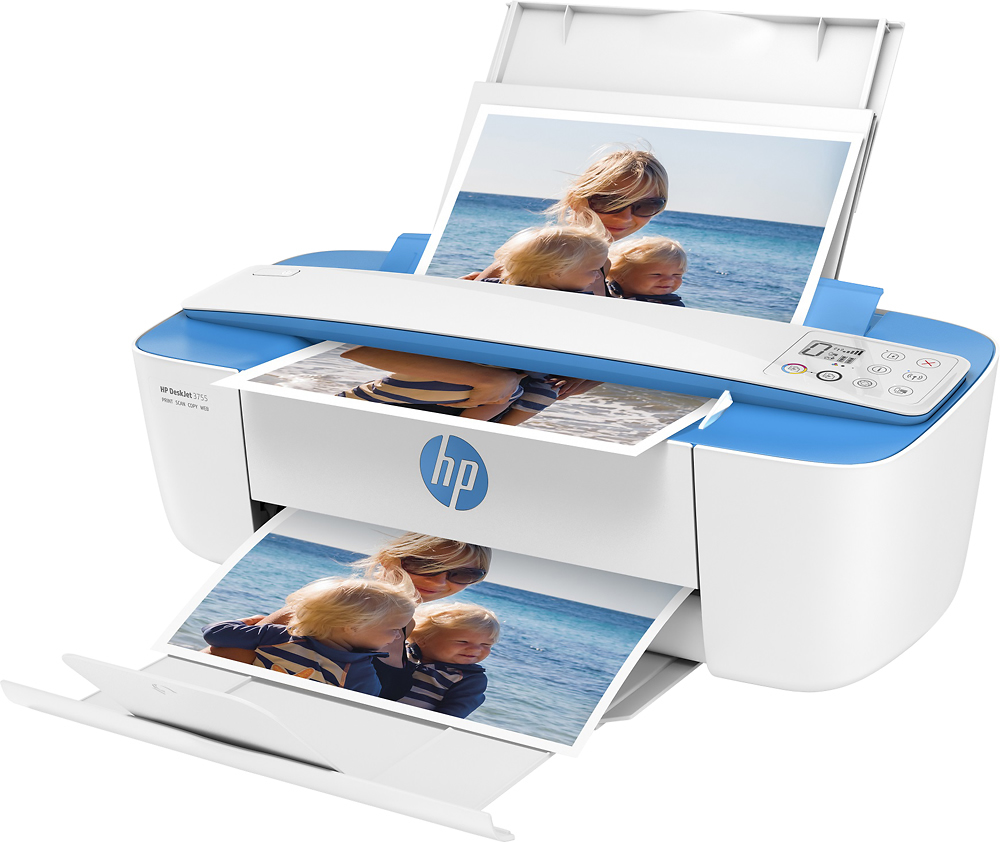
- A:Answer Thanks for your great question! The paper guides are adjustable and will adjust to 4" by 6", 5" by 7", and 8" by 10".
Answered by HP Team

Q: QuestionCan you scan to email ?
Asked by Anonymous.
This question was asked about the related product: HP - DeskJet 3755 Wireless All-In-One Instant Ink Ready Inkjet Printer - Stone
- A:Answer Great question! This model doesn't have a "Scan-to-Email" feature on the printer itself, but you can set up a Shortcut through the HP Smart app on your computer or mobile device that can email your scanned files whenever the Shortcut is selected! You can learn more about this here: https://support.hp.com/th-en/document/c06211157
Answered by HP Team

Q: QuestionTelll me how to make a print with a hard paper to copy
Asked by rmanf.
This question was asked about the related product: HP - DeskJet 3755 Wireless All-In-One Instant Ink Ready Inkjet Printer - Stone
- A:Answer Thank you for the question. I'm not sure what you are asking. The DeskJet 3755 has a scanner bar which paper goes through to copy or scan. Here is the user guide for the DeskJet 3755: http://h10032.www1.hp.com/ctg/Manual/c05152483.pdf
Answered by HP Team

Q: QuestionCan I MANUALLY print on both sides of paper? e.g. Is there an ODD/EVEN pages only option on the print dialogue - with a reverse page print option as well? These options were available on my other printers for MANUAL two sided printing.
Asked by DAT.
This question was asked about the related product: HP - DeskJet 3755 Wireless All-In-One Instant Ink Ready Inkjet Printer - Stone
- A:Answer Hi, thank you for the question. Yes, manual double-sided printing is supported with the DeskJet 3755.
Answered by HP Team

Q: QuestionCan I get copies too.
Asked by Anonymous.
This question was asked about the related product: HP - DeskJet 3755 Wireless All-In-One Instant Ink Ready Inkjet Printer - Stone
- A:Answer This machine prints, scans, and copies. Good printer for use within the home. Would not recommend if anticipated print volume is high.
Answered by Jpar
Q: Questionjust to clarify... this is a printer, copier, scanner. Correct?
Asked by maria.
This question was asked about the related product: HP - DeskJet 3755 Wireless All-In-One Instant Ink Ready Inkjet Printer - Stone
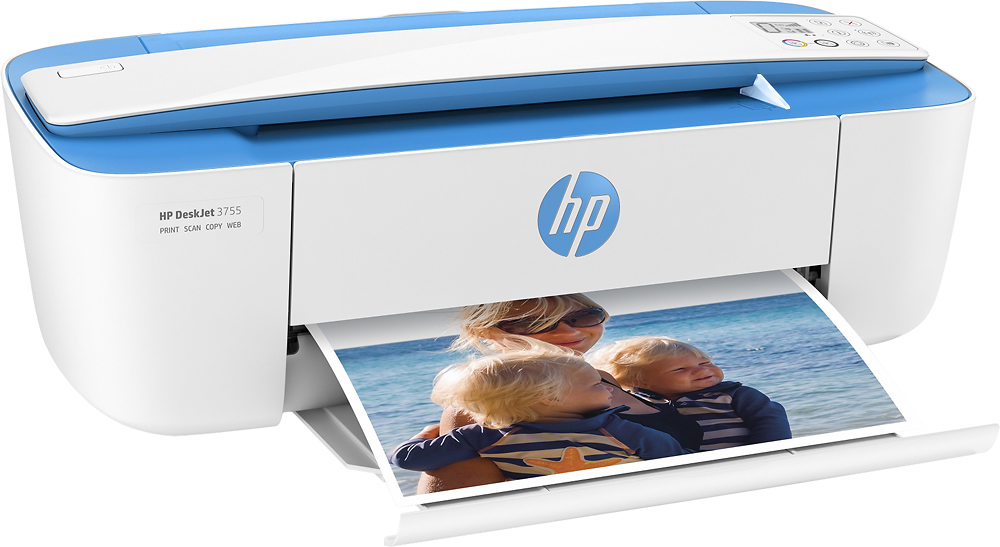
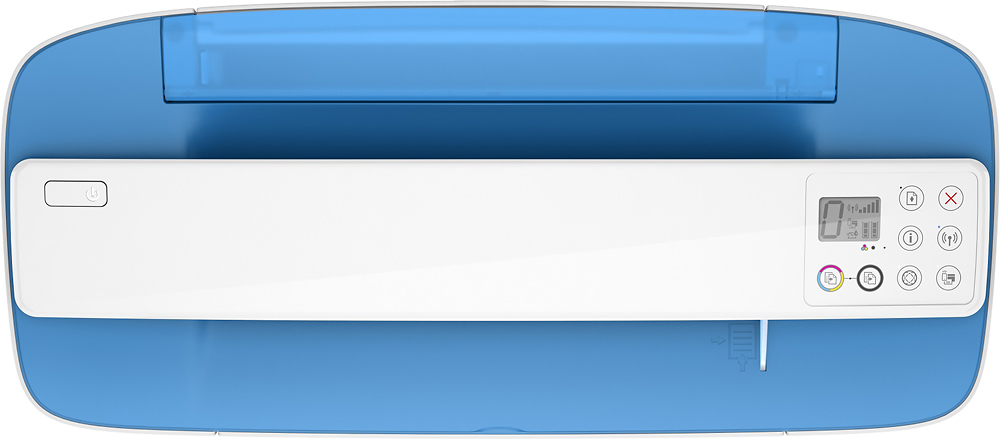
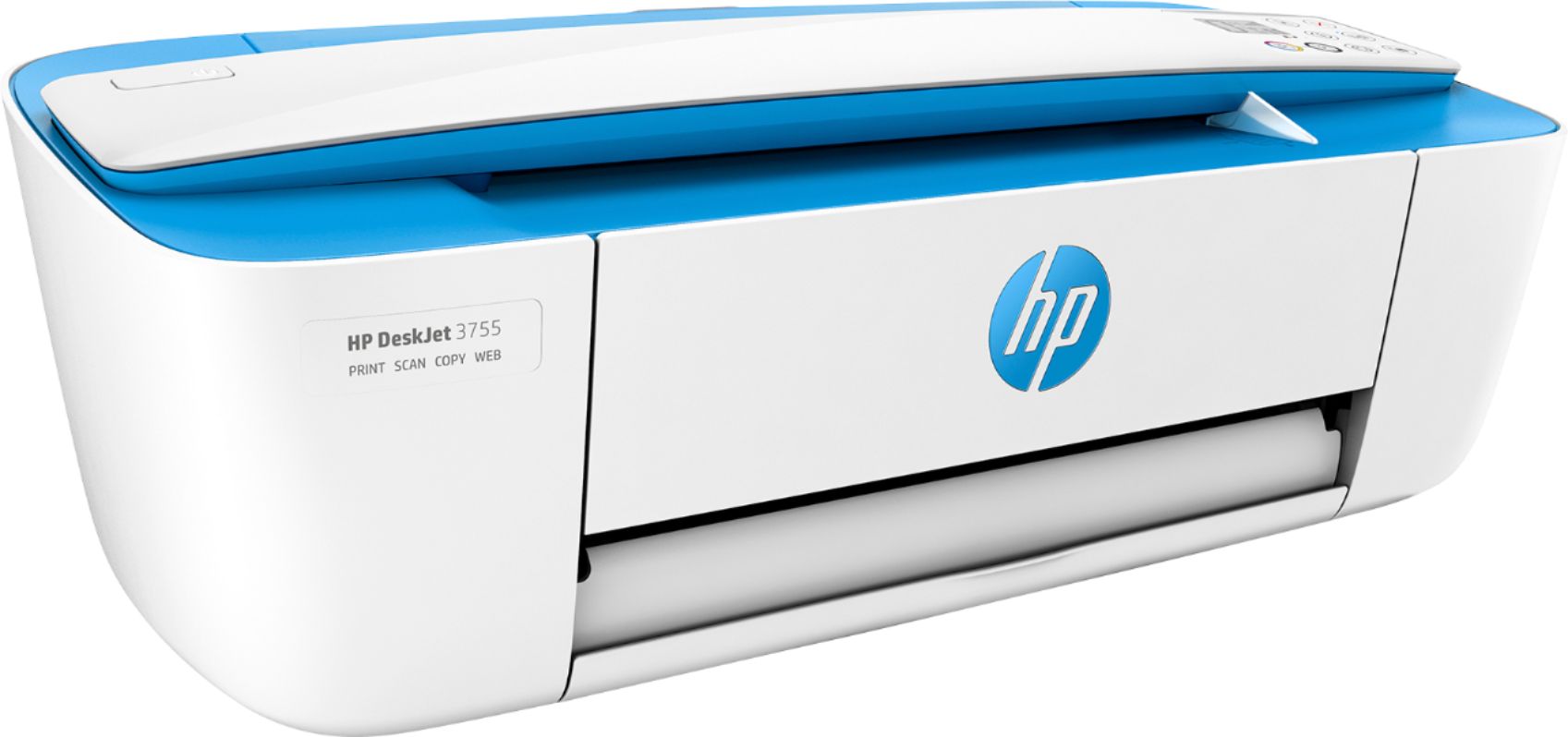
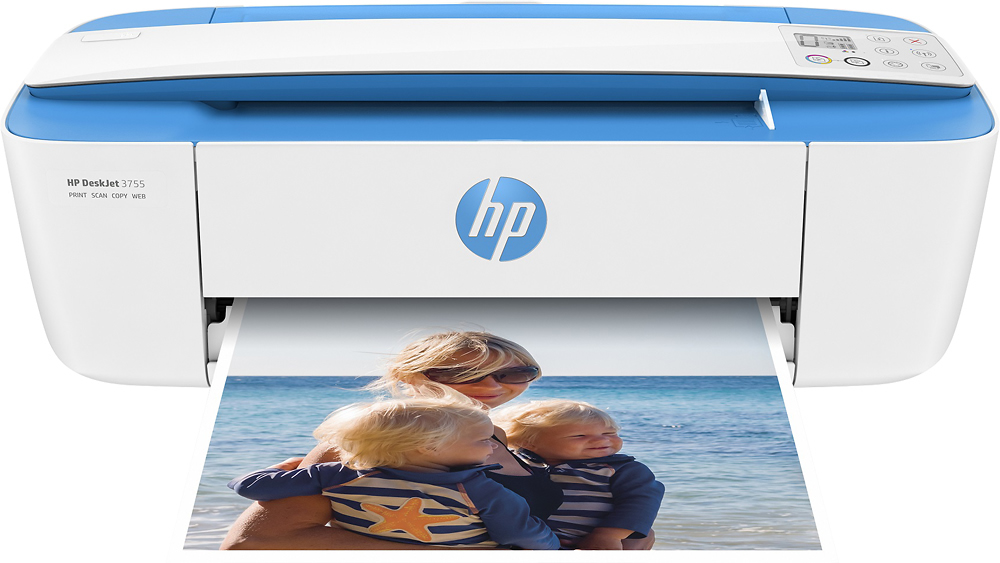
- A:Answer Hi Maria, thank you for the question. Yes, the DeskJet 3755 printer can also copy and scan. Note the "bar" scanner at the top of the printer.
Answered by HP Team

Q: QuestionWhat is the difference between hp Deskjet 2755 and 3755 before I place an order?
Asked by Richard.
This question was asked about the related product: HP - DeskJet 3755 Wireless All-In-One Instant Ink Ready Inkjet Printer - Stone
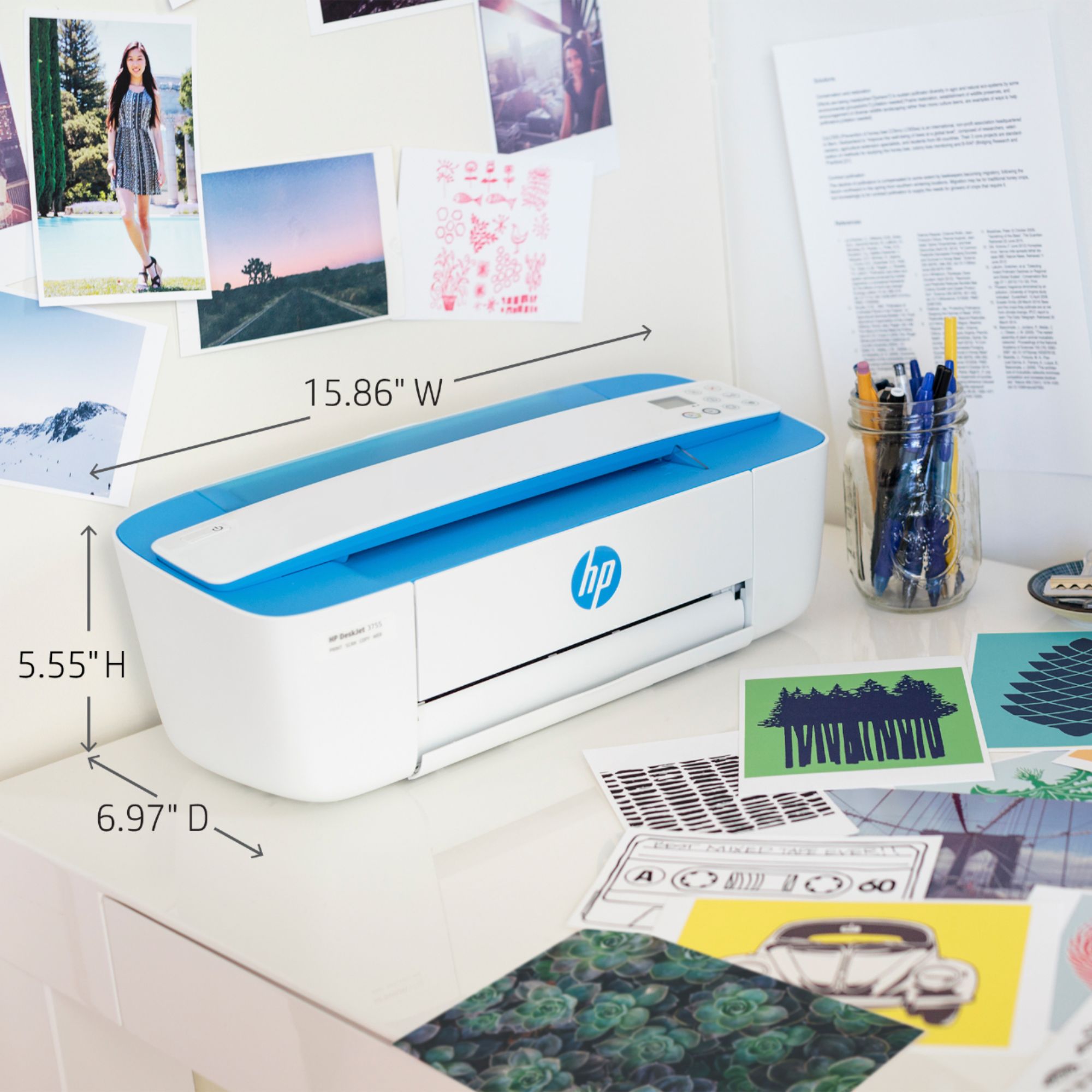
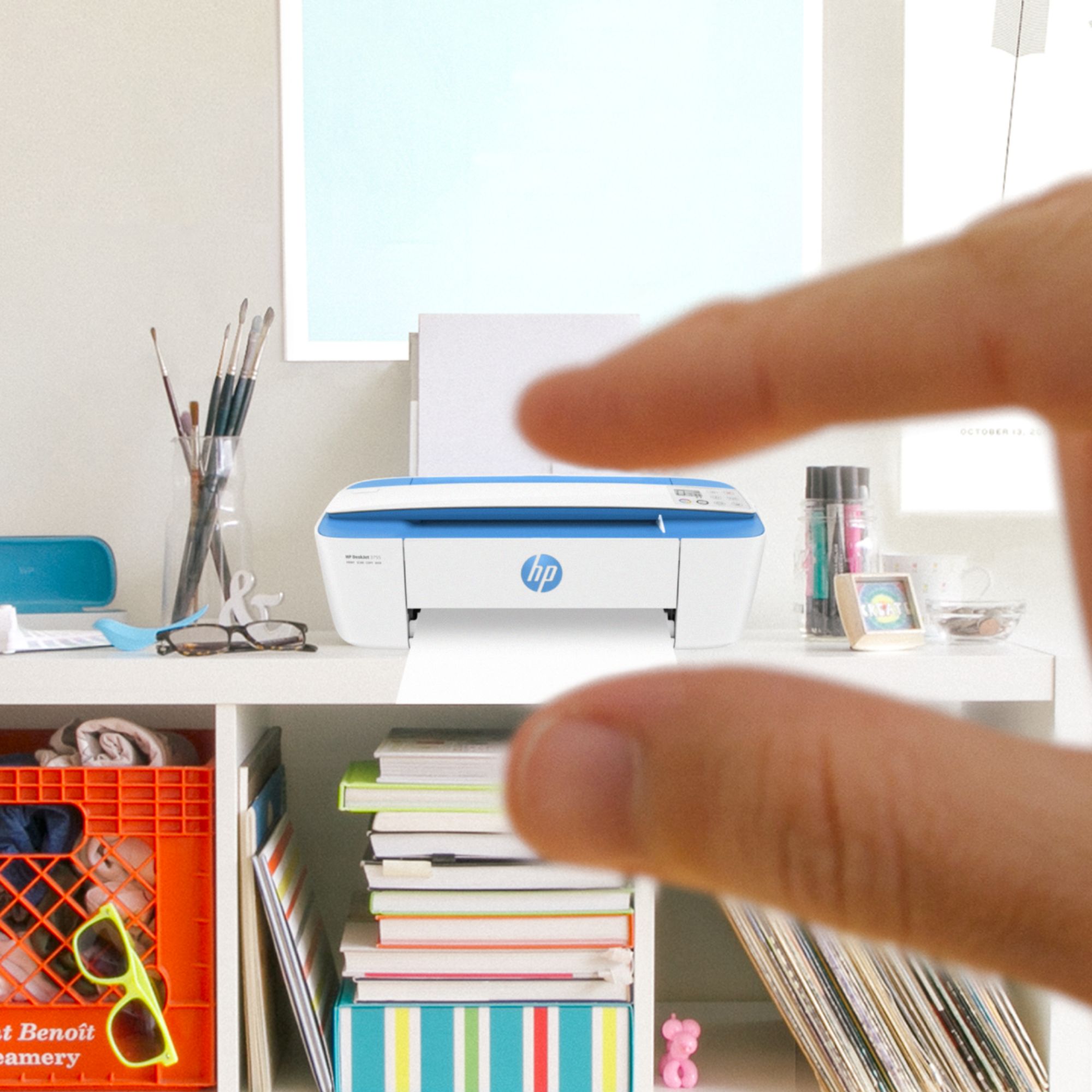
- A:Answer Hi Richard. The biggest difference is that the DeskJet 2755 has a flatbed scanner, the 3755 has a bar scanner. The 3755 has a smaller footprint, being 5.6" high, 15.9" wide, and 7" deep, vs 6.1" x 16.7" x 12" for the 2755. All other features are mirrored, such as accepted media sizes, maximum resolution and dual-cartridge system. The 2755 uses HP 67 ink cartridges, and the 3755 uses HP 65 ink cartridges.
Answered by HP Team

Q: QuestionCan I fax with this printer?
Asked by Mick.
This question was asked about the related product: HP - DeskJet 3755 Wireless All-In-One Instant Ink Ready Inkjet Printer - Stone
- A:Answer No
Answered by Lakeshore
Q: Questiondoes this printer have a duplexer?
Asked by Anonymous.
This question was asked about the related product: HP - DeskJet 3755 Wireless All-In-One Instant Ink Ready Inkjet Printer - Stone
- A:Answer Thank you for asking. No, the HP Deskjet 3755 does not have a duplexer.
Answered by HP Team

Q: QuestionHow do you scan with this printer?
Asked by Orleans.
This question was asked about the related product: HP - DeskJet 3755 Wireless All-In-One Instant Ink Ready Inkjet Printer - Stone
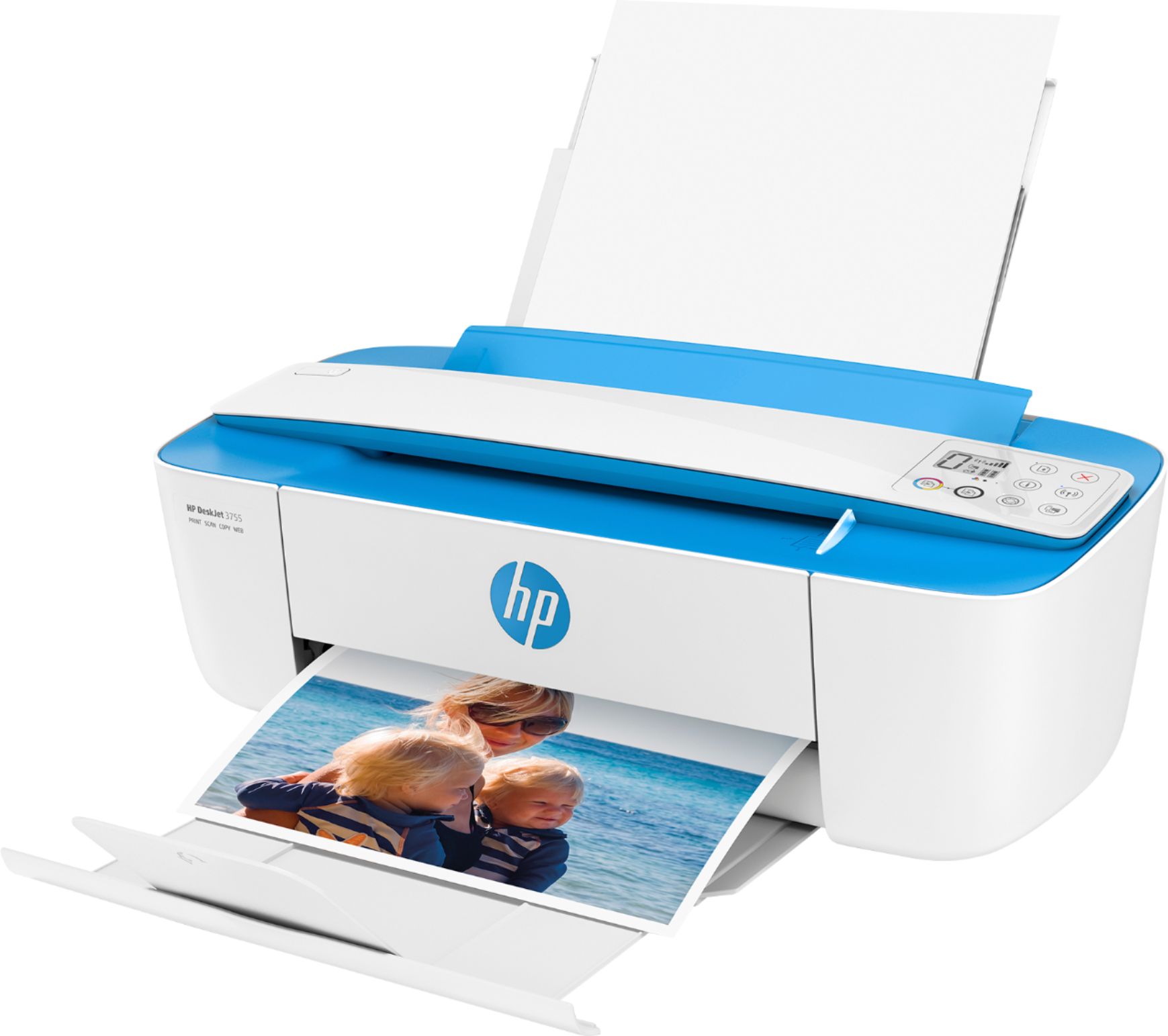
- A:Answer It’s just feeds through from the top and put the bottom just like if it was printing.
Answered by Carl
Q: QuestionDoes it scan to a USB drive?
Asked by Debbie.
This question was asked about the related product: HP - DeskJet 3755 Wireless All-In-One Instant Ink Ready Inkjet Printer - Stone
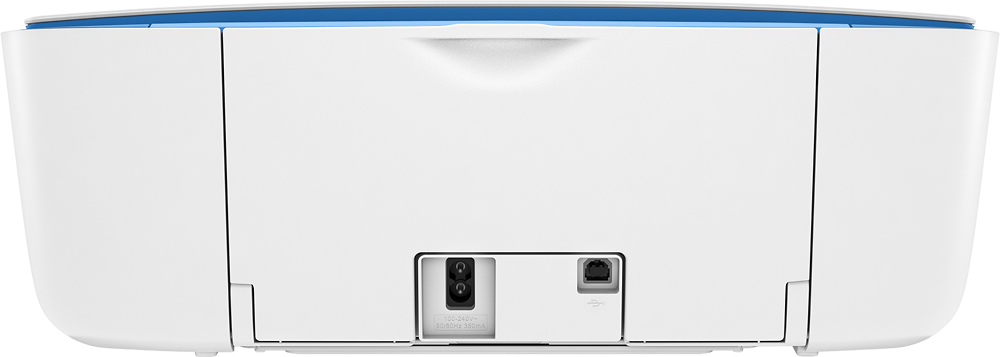
- A:Answer No, there is no USB port on this DeskJet 3755 to input a thumbdrive.
Answered by HP Team

Q: QuestionCan I print sticker labels?
Asked by Beebuzzed1.
This question was asked about the related product: HP - DeskJet 3755 Wireless All-In-One Instant Ink Ready Inkjet Printer - Stone
- A:Answer Yes, you can print labels such as Avery with the DeskJet 3755 printer.
Answered by HP Team

Q: QuestionWill this printer send and receive faxes?
Asked by Funnyewe.
This question was asked about the related product: HP - DeskJet 3755 Wireless All-In-One Instant Ink Ready Inkjet Printer - Stone
- A:Answer Great question, Funnyewe! While the Deskjet 3755 does not have a dedicated line for sending a receiving fax, you are able to send fax by utilizing our eFax feature on the HP Smart App. For more information on how eFax works, please visit https://www.hpsmart.com/us/en. Thank you!
Answered by HP Team

Q: QuestionDoes this all n one come w/fax machine ?
Asked by ninna.
This question was asked about the related product: HP - DeskJet 3755 Wireless All-In-One Instant Ink Ready Inkjet Printer - Stone
- A:Answer Hi Ninna, thank you for the question. The DeskJet 3755 does not have a landline fax. Using the HP Smart App, you would be able to send a fax using your SmartPhone (this function is SEND only). If you require landline fax capability for standard sending and receiving, please see the OfficeJet Pro printer models, or the Envy Photo 7855.
Answered by HP Team

Q: QuestionWhich ink cartridges' do I use in a HP Deskjet 3755?
Asked by confused.
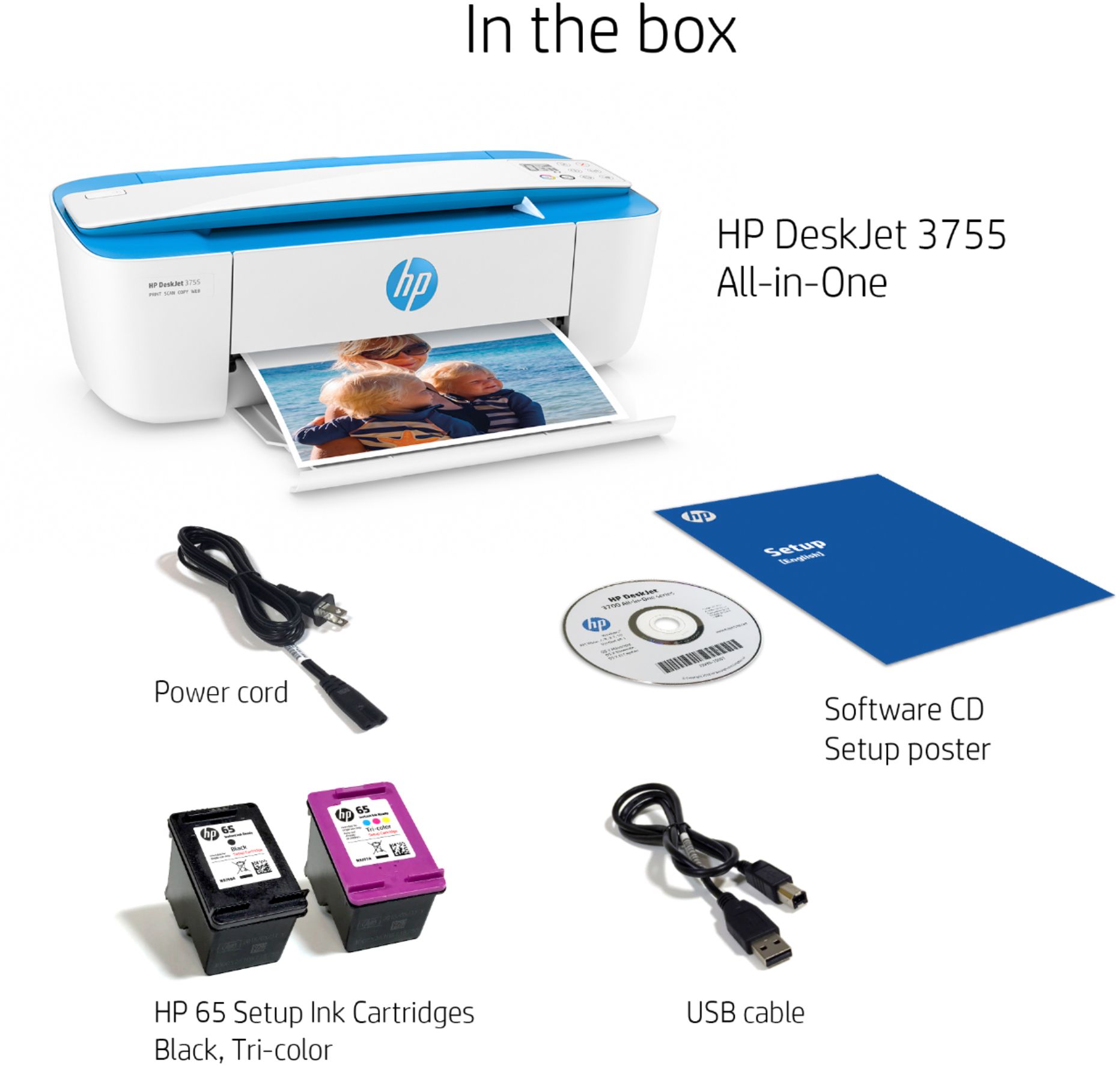
- A:Answer HP 65. I have used regular and just purchased high yield ones to try.
Answered by Dawnsunshine
Q: Questiondoes it need to be turned off when not using, or, does it go to a sleep mode? Light appears to always ne on?
Asked by Anonymous.
This question was asked about the related product: HP - DeskJet 3755 Wireless All-In-One Instant Ink Ready Inkjet Printer - Stone
- A:Answer I don't think it goes into sleep mode. I turn it off at night.
Answered by PatJ
Q: QuestionDoes it work with computers operating on Linux operating system?
Asked by Ken.
This question was asked about the related product: HP - DeskJet 3755 Wireless All-In-One Instant Ink Ready Inkjet Printer - Stone
- A:Answer Hi Ken and thanks for your question. The HP DeskJet 3755 will be able to operate with Linux. We recommend visiting our HP Support Site for details.
Answered by HP Team

Q: QuestionIs this printer compatible to IOS Big Sur?
Asked by BobbyT.
This question was asked about the related product: HP - DeskJet 3755 Wireless All-In-One Instant Ink Ready Inkjet Printer - Stone
- A:Answer Hello! Thank you for your question. The HP DeskJet 3755 is Big Sur compatible. The HP Smart software will automatically install the driver. You can also manually install it by visiting the HP Support website.
Answered by HP Team

Top Rated
- $249.99$249.99The price was $379.99
- $99.99$99.99The price was $129.99
- $329.00$329.00The price was $349.00
- $329.99$329.99The price was $469.99
- $1,399.99$1,399.99The price was $2,699.99
- $1,299.00$1,299.00The price was $2,799.00