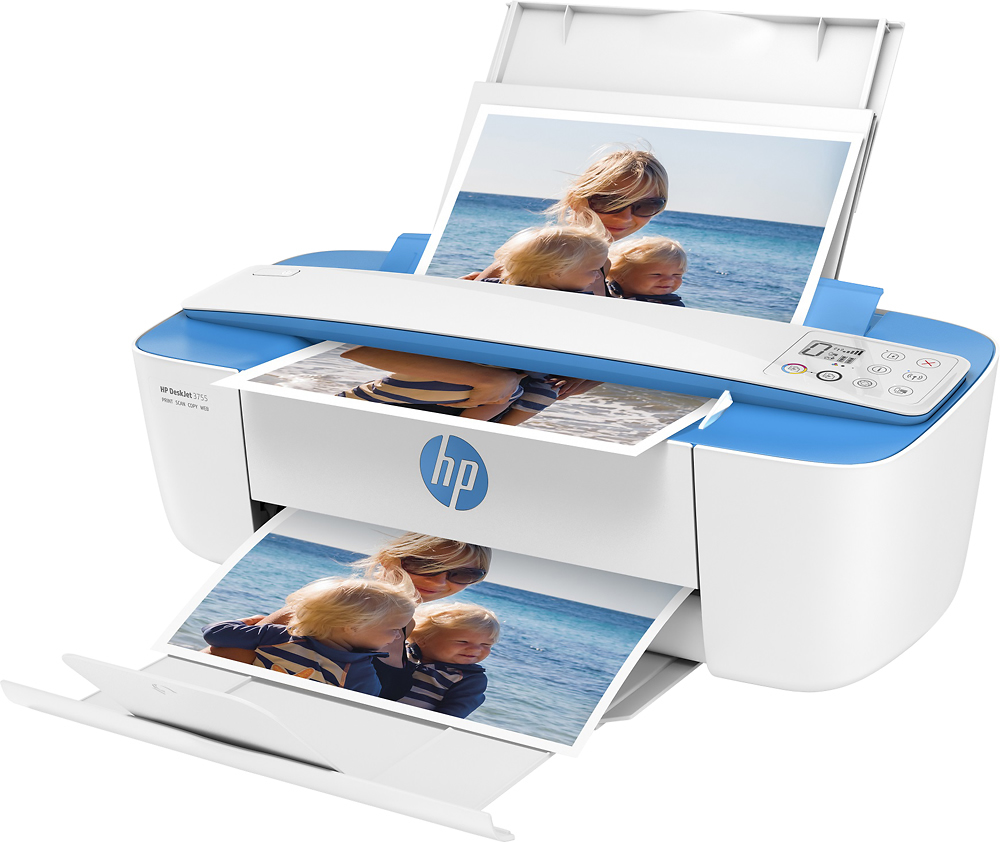
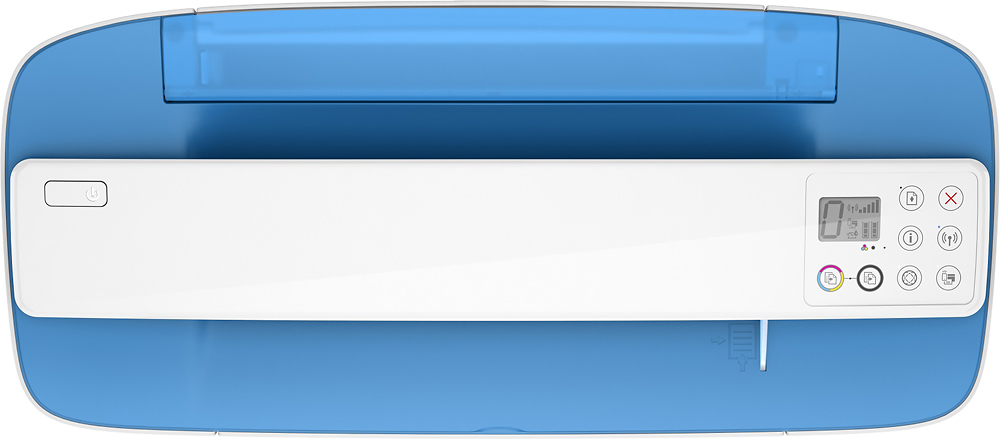
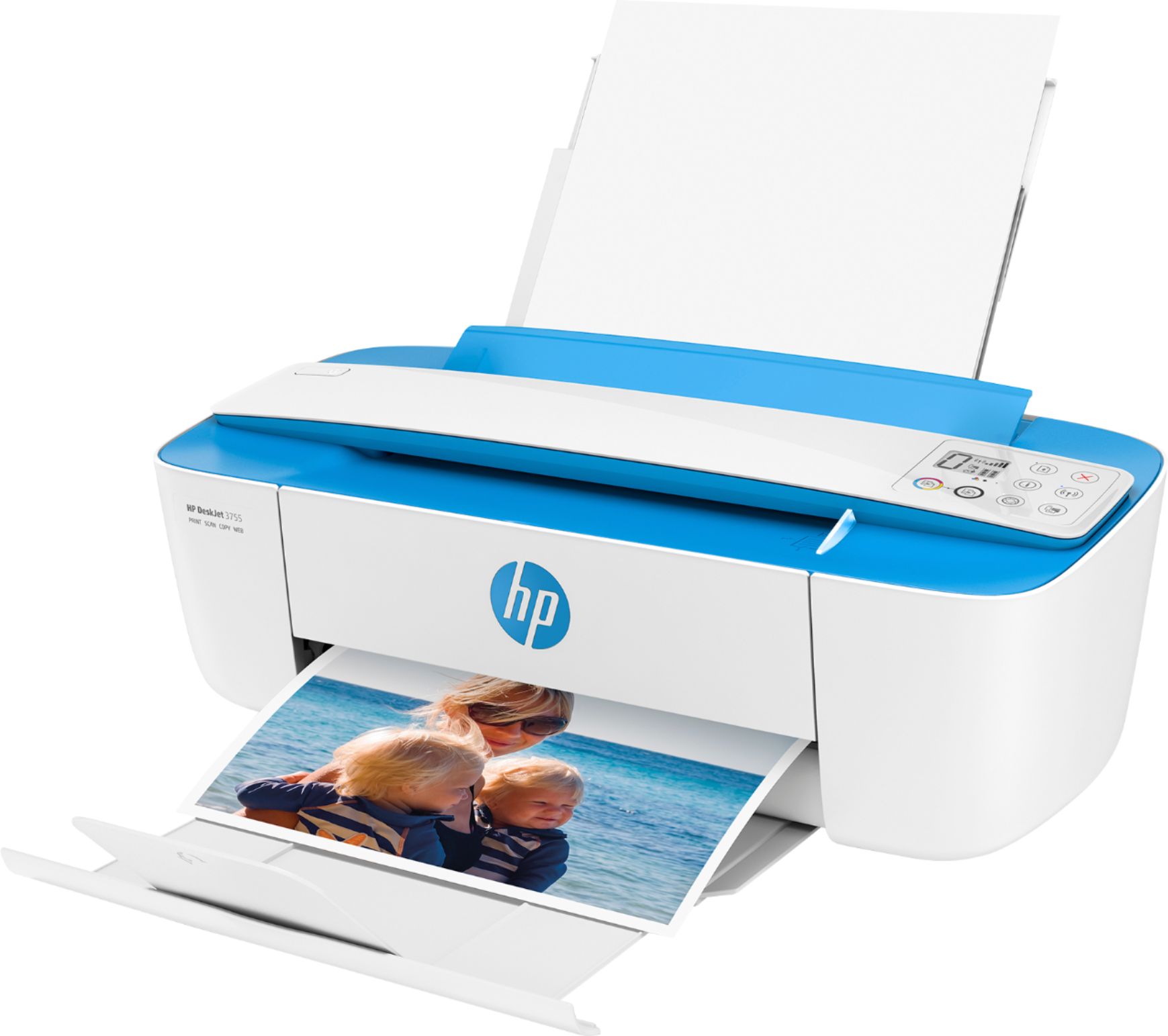
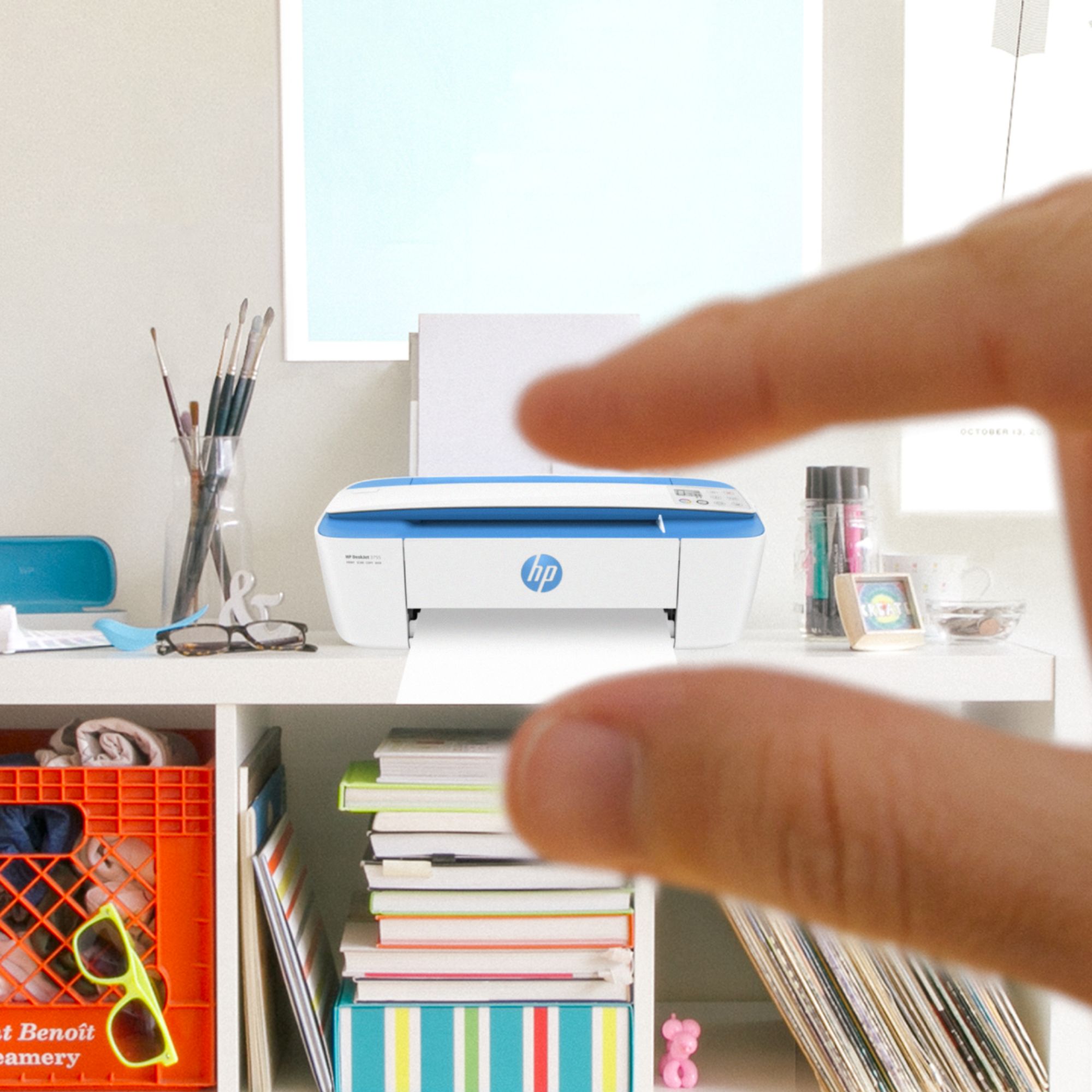
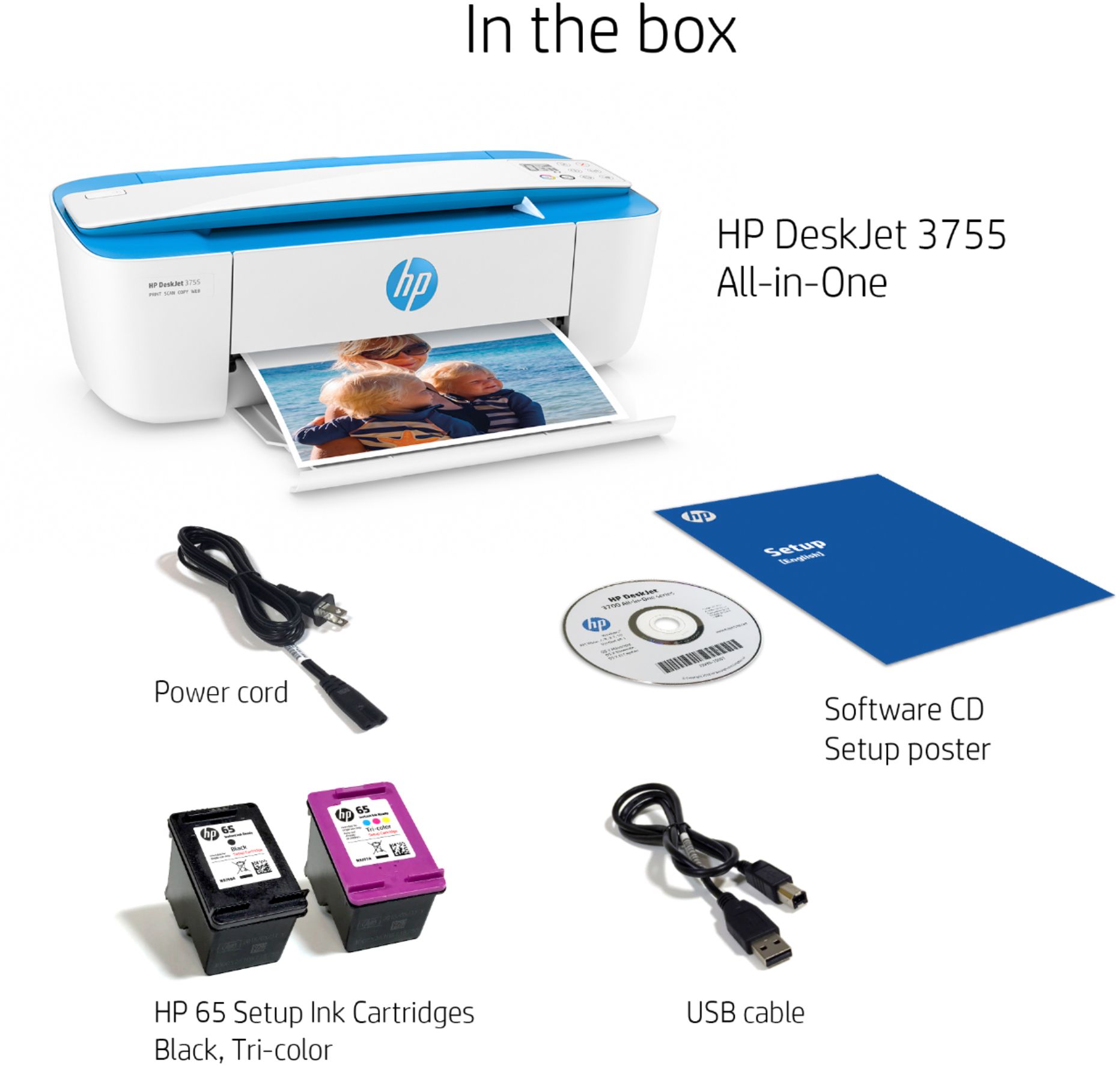
A:AnswerYes. The top part is a scanner. You just run the paper you want copied through the top bar. Keep in mind it’s a slow printer. It works well for a couple pages , but if you want to make a lot of copies something else might work better for you.
A:AnswerThank you for taking the time to ask us about the HP DeskJet 3755 printer!
Yes! The Deskjet printer will work with your new Apple iPad. I recommend you visit the Apple App Store to download the HP Smart APP to get even more out of your new printer.
I hope everyone reading this has a great day!
A:AnswerThank you for the question. The DeskJet 3755 does not have a landline fax modem, however, using the scanner you should be able to send digital faxes with commercial e-Fax apps, including the HP Smart App. This function would be for faxes sending, only.
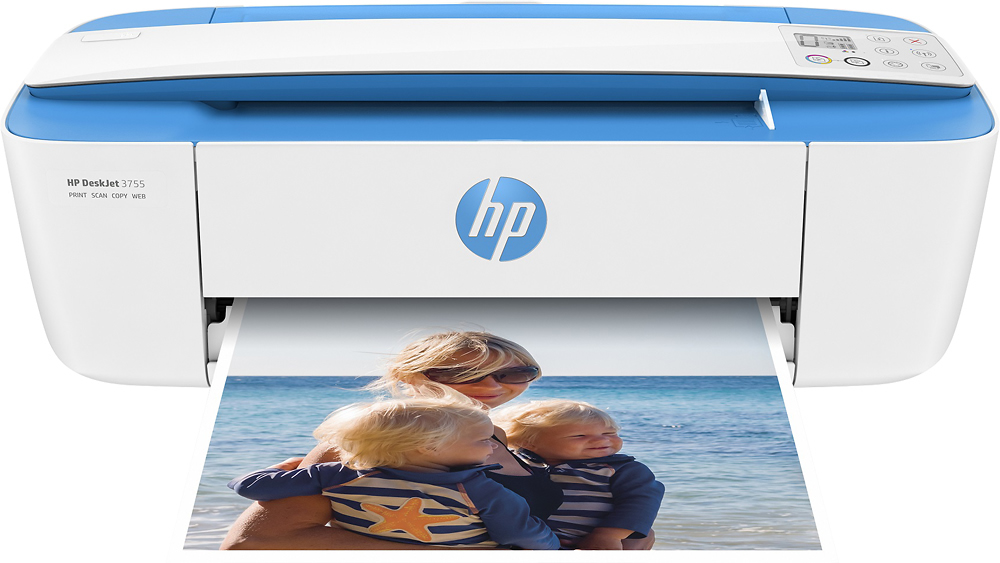
A:AnswerYou can select copy and automatically make a copy. You can scan using the HP printer software or the HP Smart app and save the image to the computer or a cloud folder, or an email.
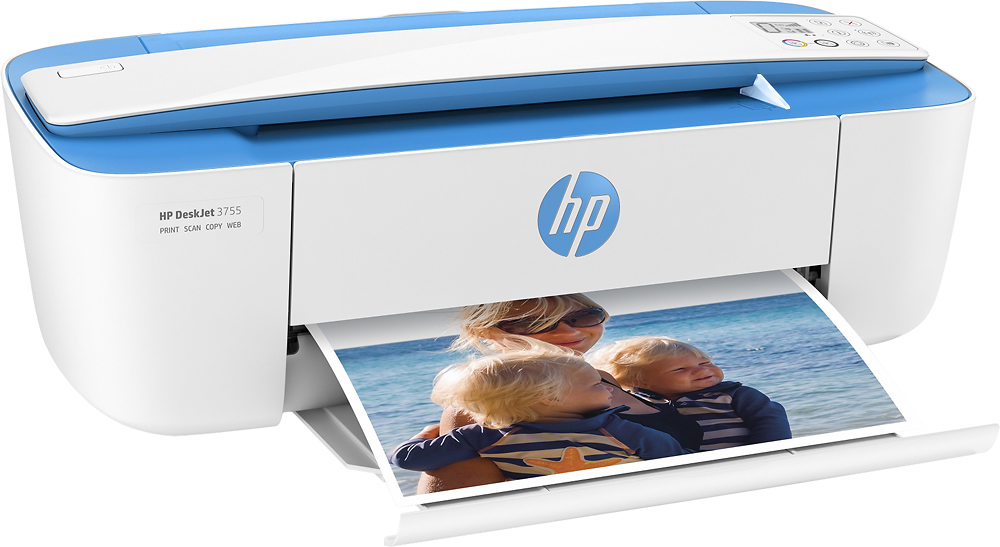
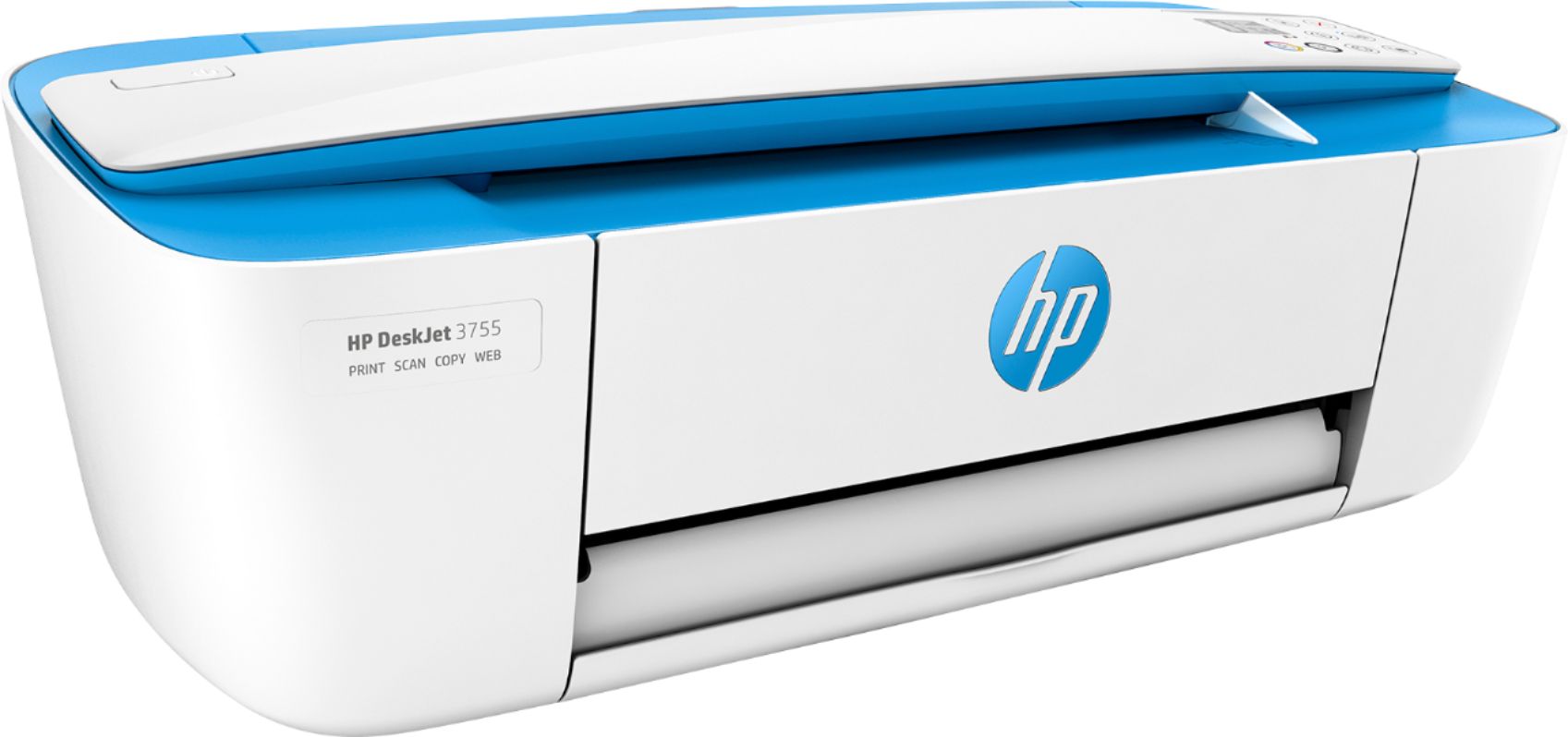
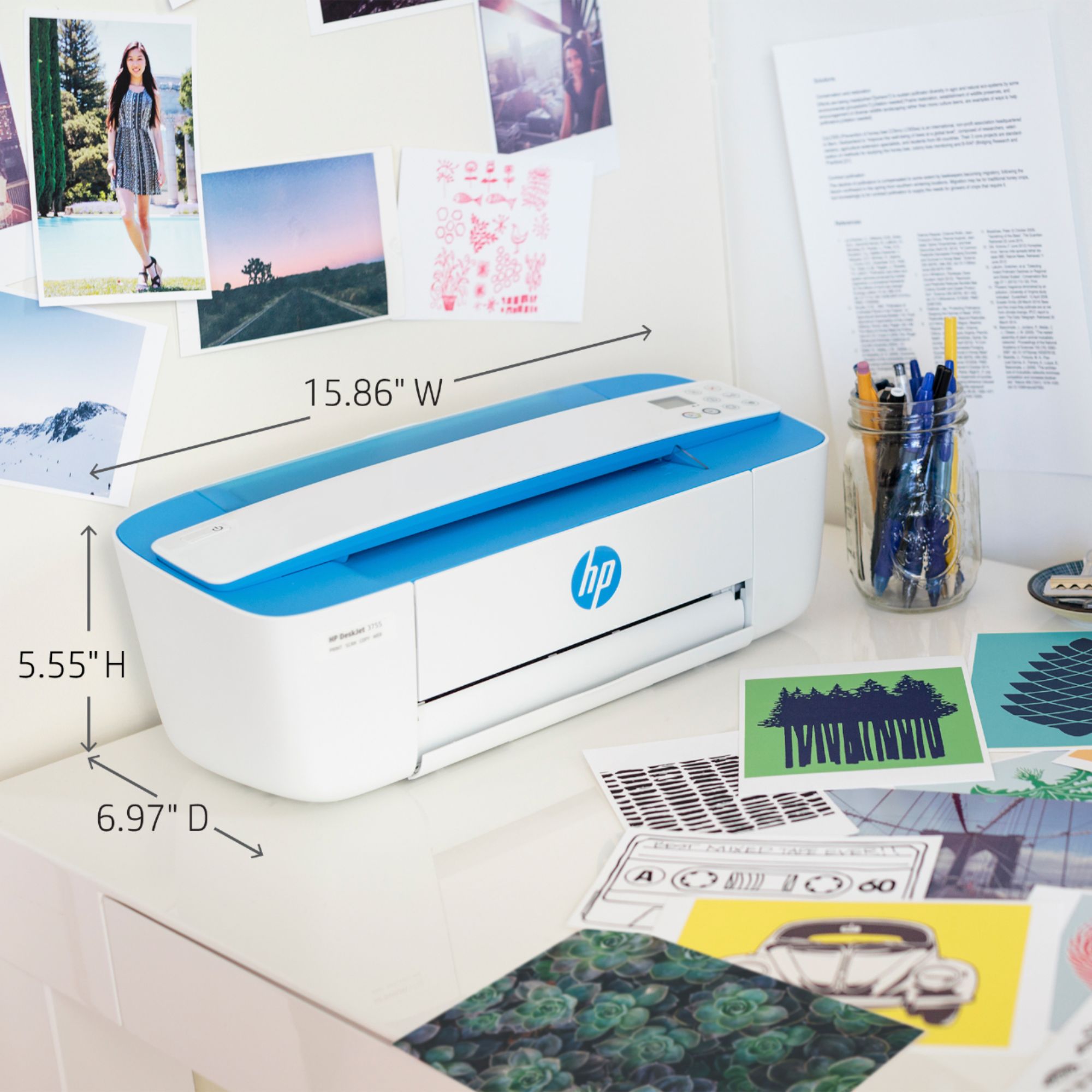
A:AnswerThe 3755 is HP's smallest all in one printer. it has a scanner bar to feed in pages one at a time. The 2755 is similar in print speed and has a fladbed scanner.
A:AnswerIt should last several months, provided you turn the printer off when it's not being used. That will cap the print heads so they're not exposed to air, which extends their life.
A:AnswerThe HP Deskjet 3755 printer does not have a fax function. We would recommend looking at the HP Envy Photo 7855, or any of the HP Officejet/Officejet Pro printers for the fax function.