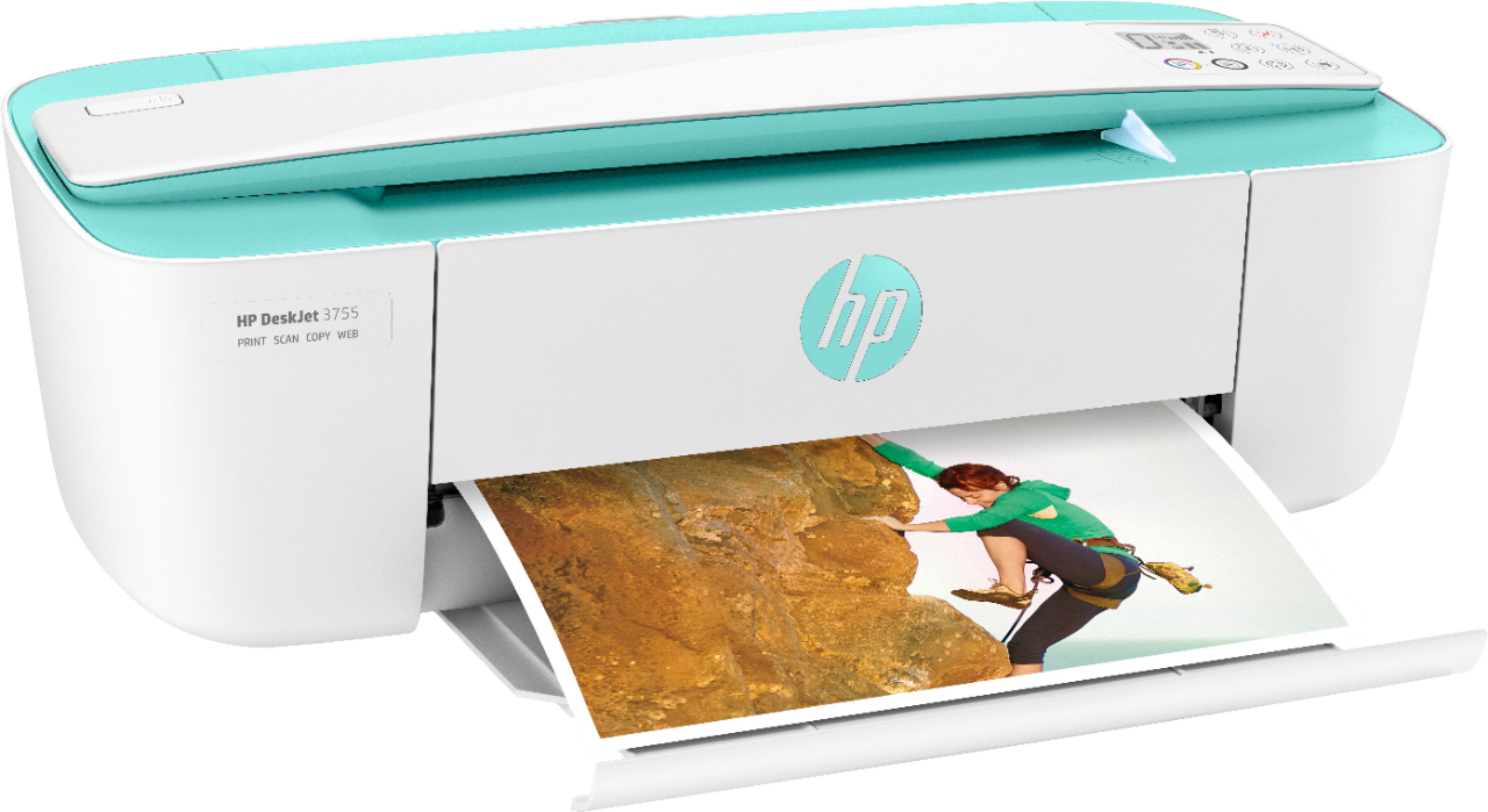
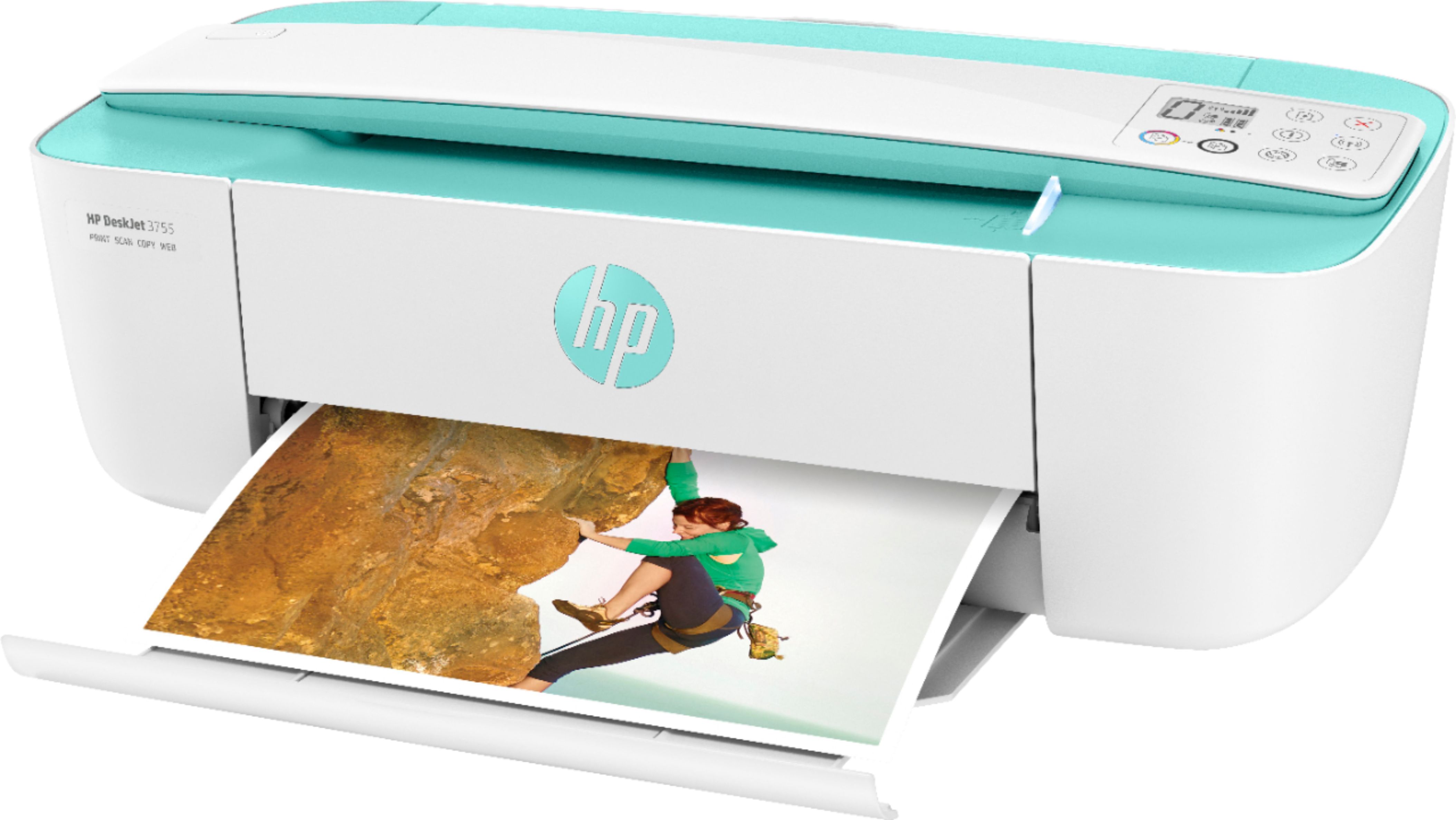
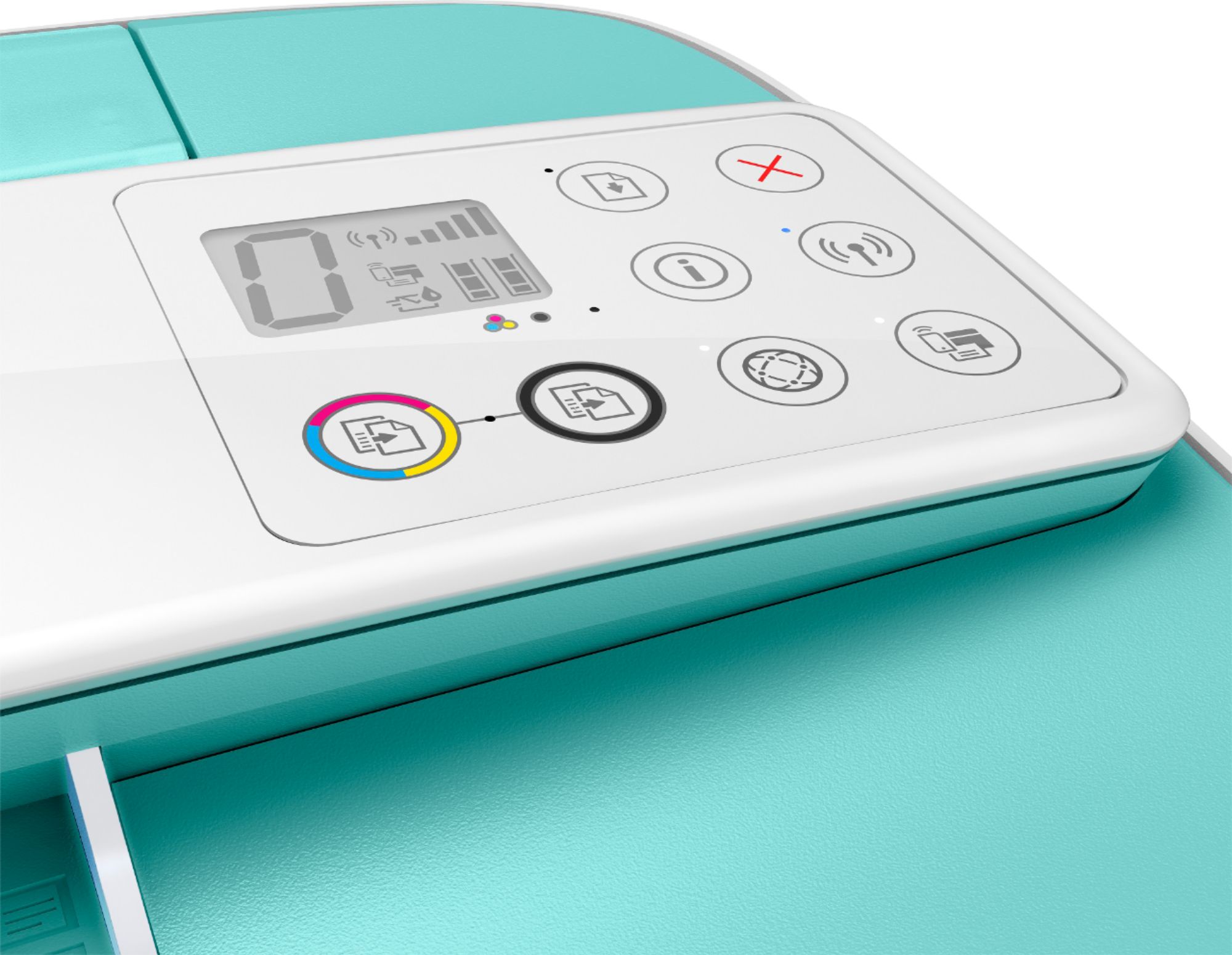
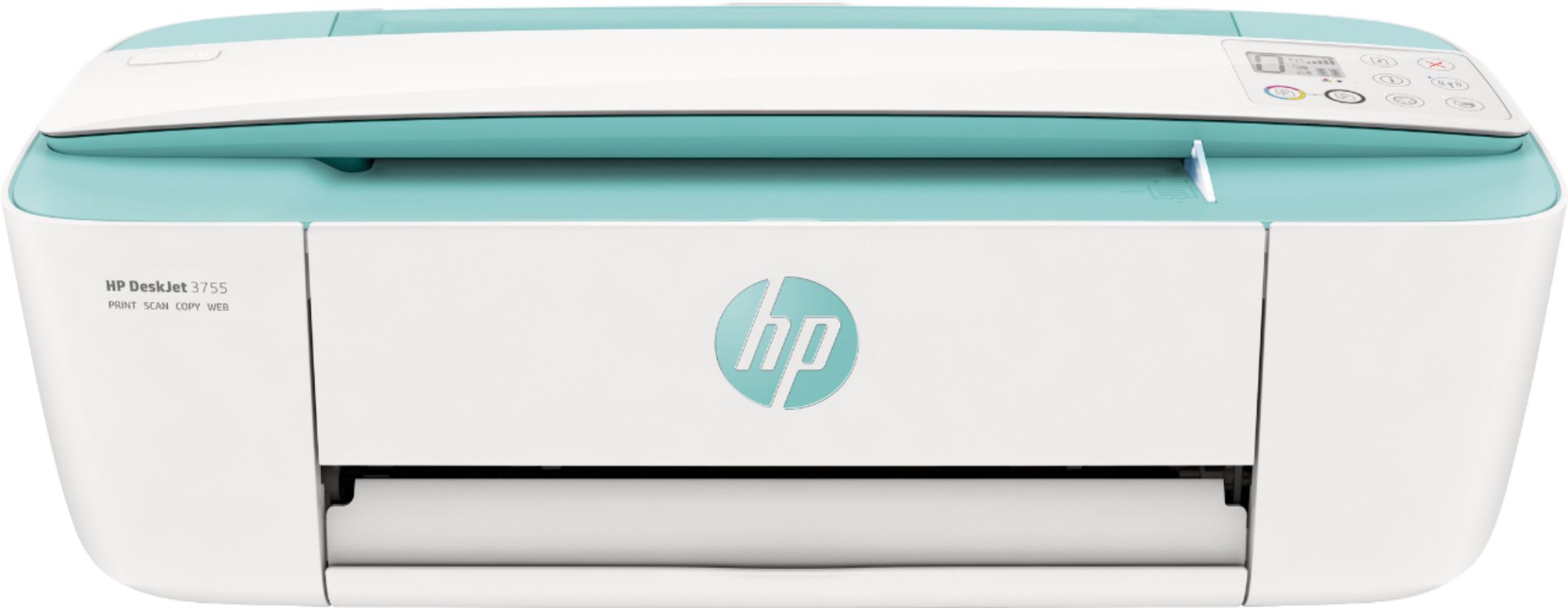
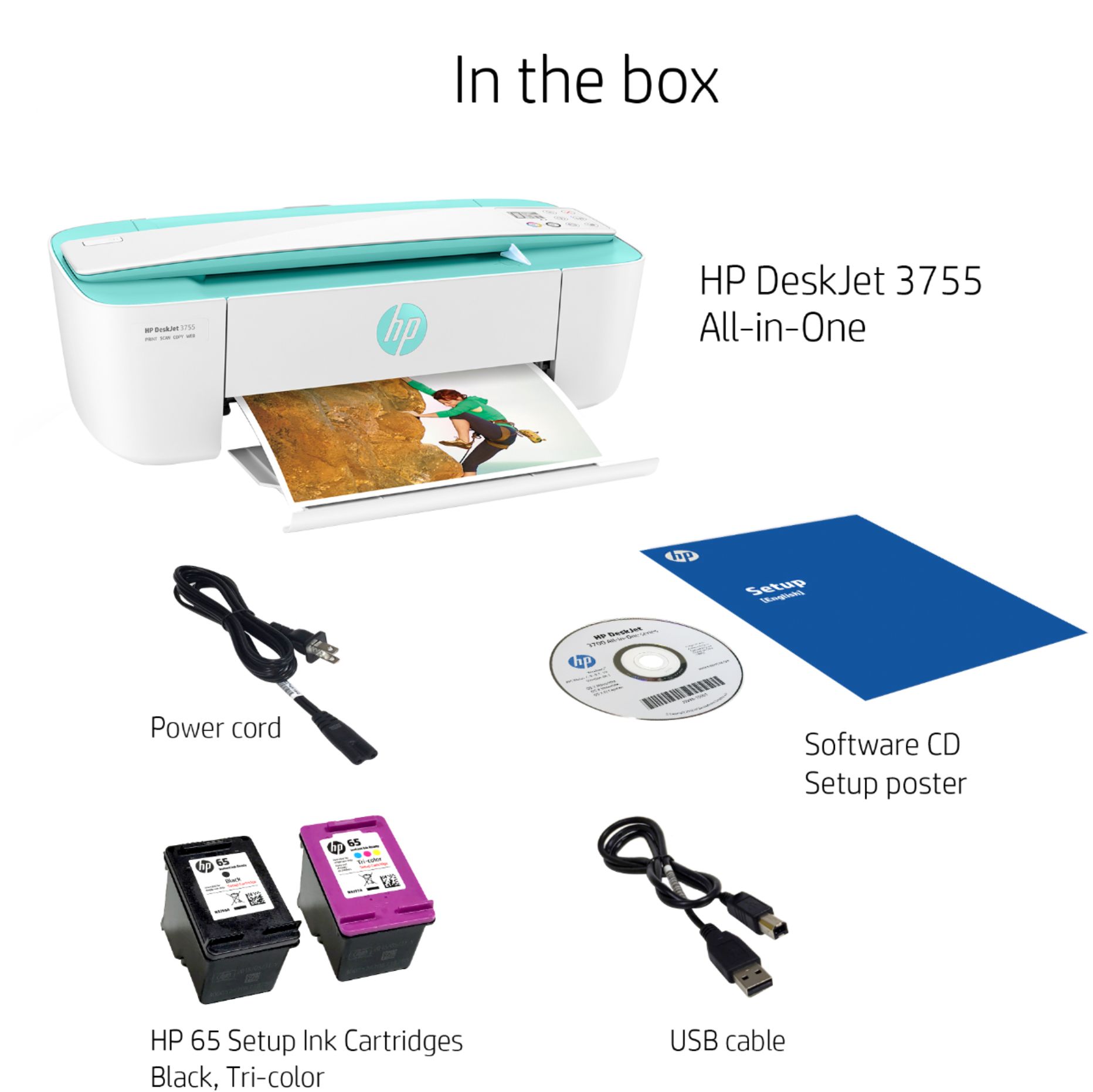
A:AnswerNo, you are never required to use Instant Ink. Instant Ink is one option, purchasing cartridges is another. The cartridges that come with the DeskJet 3755 can be used to get started with Instant Ink, or used as regular cartridges and simply replaced when they are depleted.
A:AnswerThis model uses the HP 65/65XL Black and Tricolor cartridges, which are some of our most economical cartridges in production. For the best savings, we recommend enrolling in the HP Instant Ink program to save up to 50% on costs without ever worrying about running out of ink!
A:AnswerHi and thanks for your questions! This is an HP 2-cartridge printer so the printheads are built into the cartridges (black and tricolor). Our exclusive feature, Single Cartridge Mode, allows you to print with only one cartridge -- just don't leave the empty one in. So you never have to buy color if you don't want to. No, you can only use one back or one tri-color in single cartridge mode.
A:AnswerYou can connect your phone to the printer by using WiFi Direct. Wireless Direct (WiFi Direct) allows you to directly connect to a printer from a mobile device or computer without the need for internet access or a wireless network. You would connect to the printer’s wireless direct signal just like you would connect to a wireless network. The printer would have a unique name in your wireless connections, i.e. Direct-04-Printer. For more information, you can go to https://bit.ly/3jqsGQ8

A:AnswerIt has a scanner but it seems that it only scans one page at a time. If you have many items, it will add them to a document one page at a time until you have all the pages scanned that you want. It works ok, but it would be better with an ADF like some of the other printers. It works well, but is a little tedious. Hope this helps.
A:AnswerI purchased this printer to replace an old HP printer that was connected to an old MAC desktop computer with a cable.
In order to set up the printer it was necessary to download the installation software. Safari would not allow me to open that website .so I was not able to use the printer with my old desktop computer as intended.
In order to print out documents from that old computer, I have to email them to my iPad where I can then print them wirelessly.
If you can download the installation software, you should be able to connect to your computer with USB or connector cord.
Good Luck. I found it frustrating!