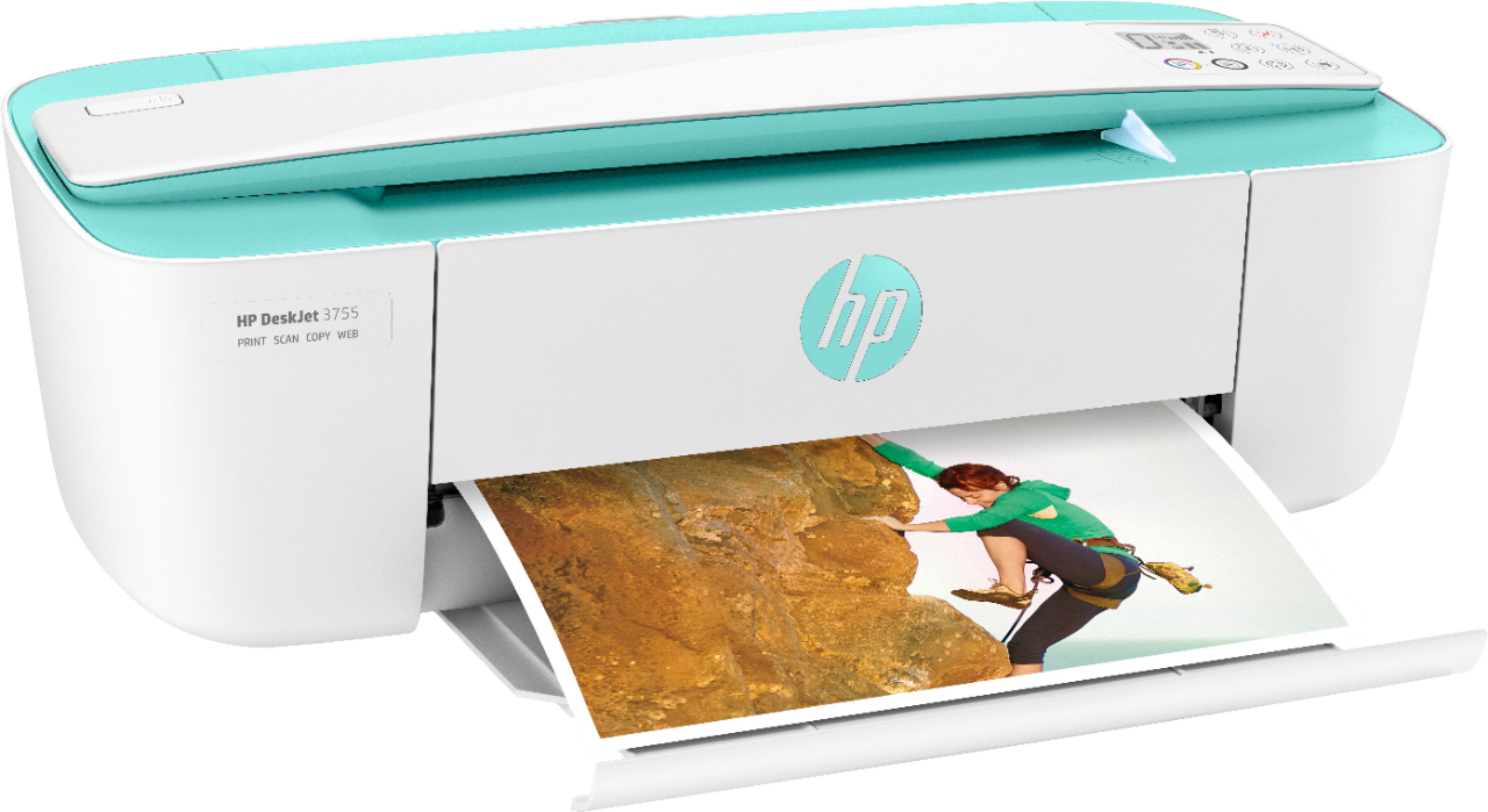
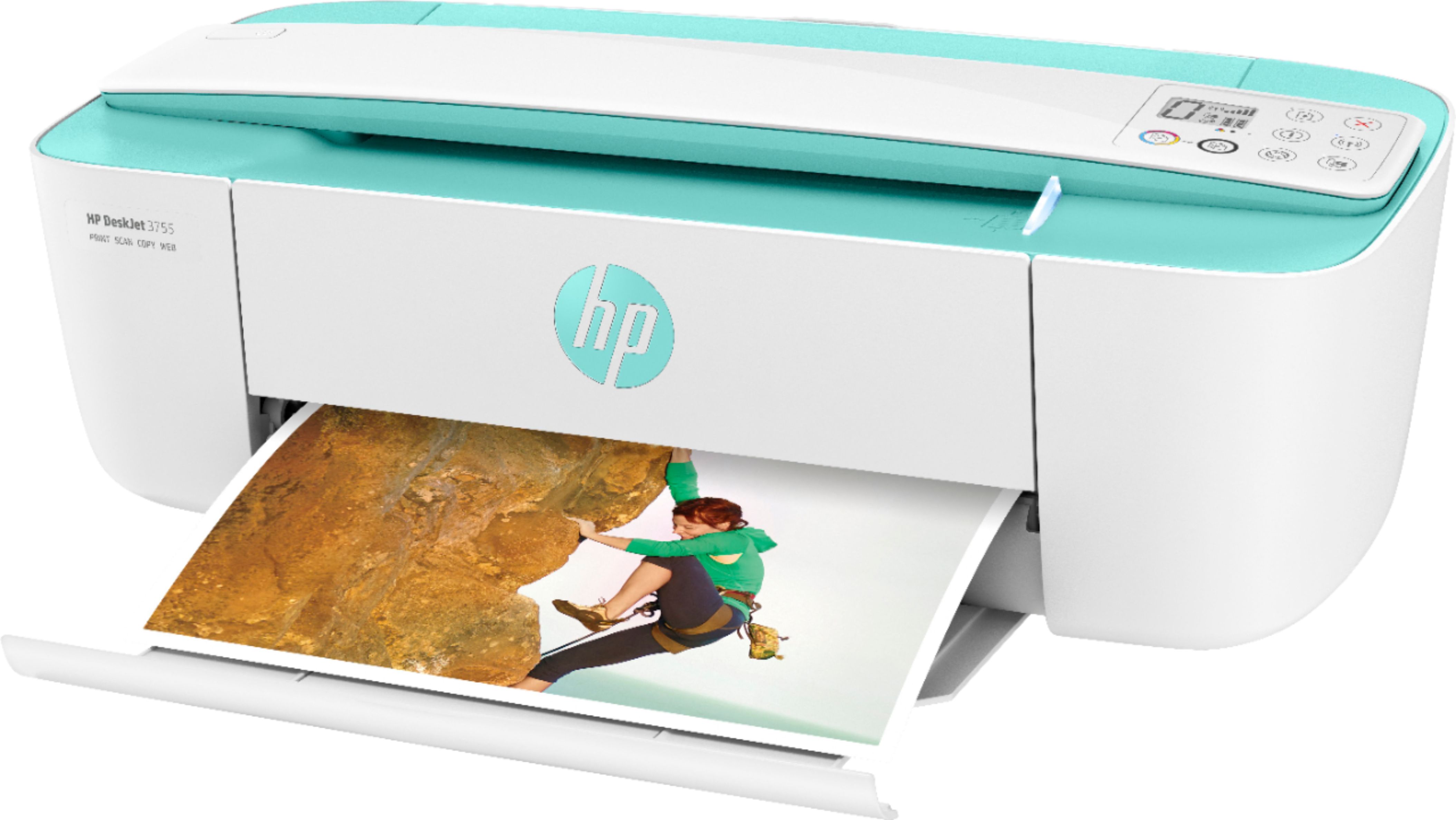
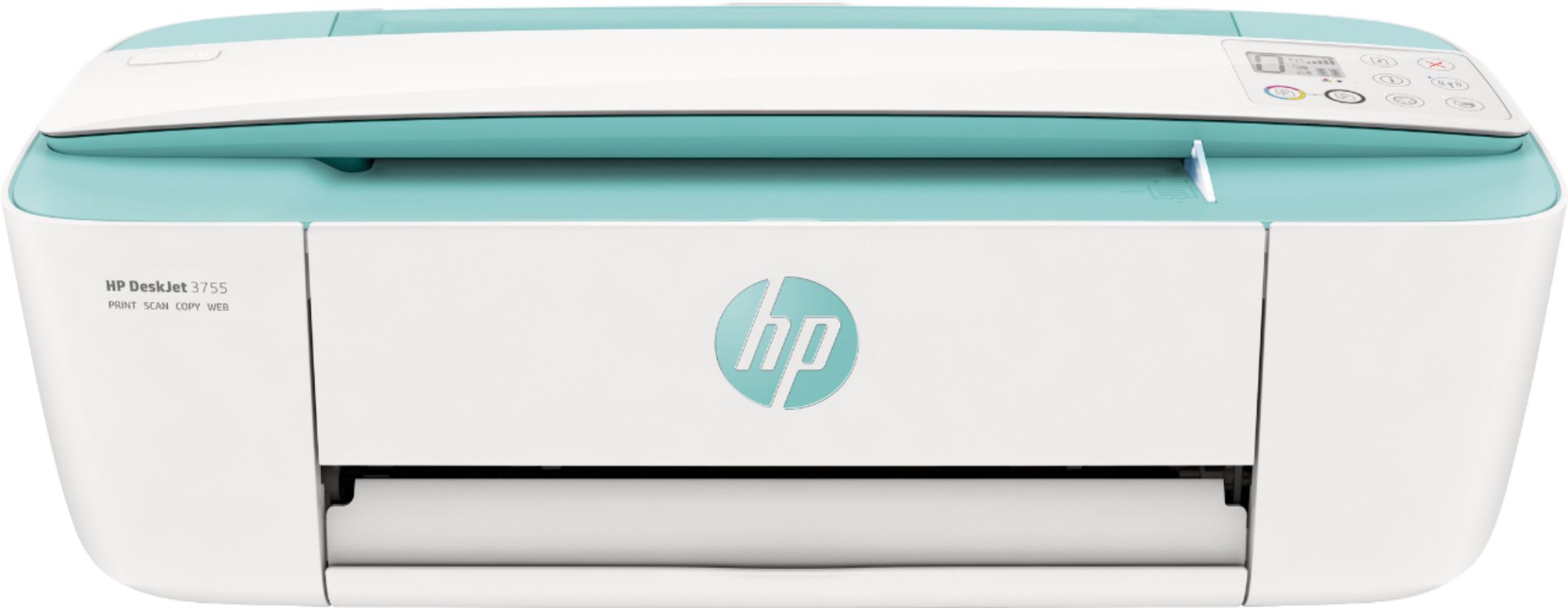
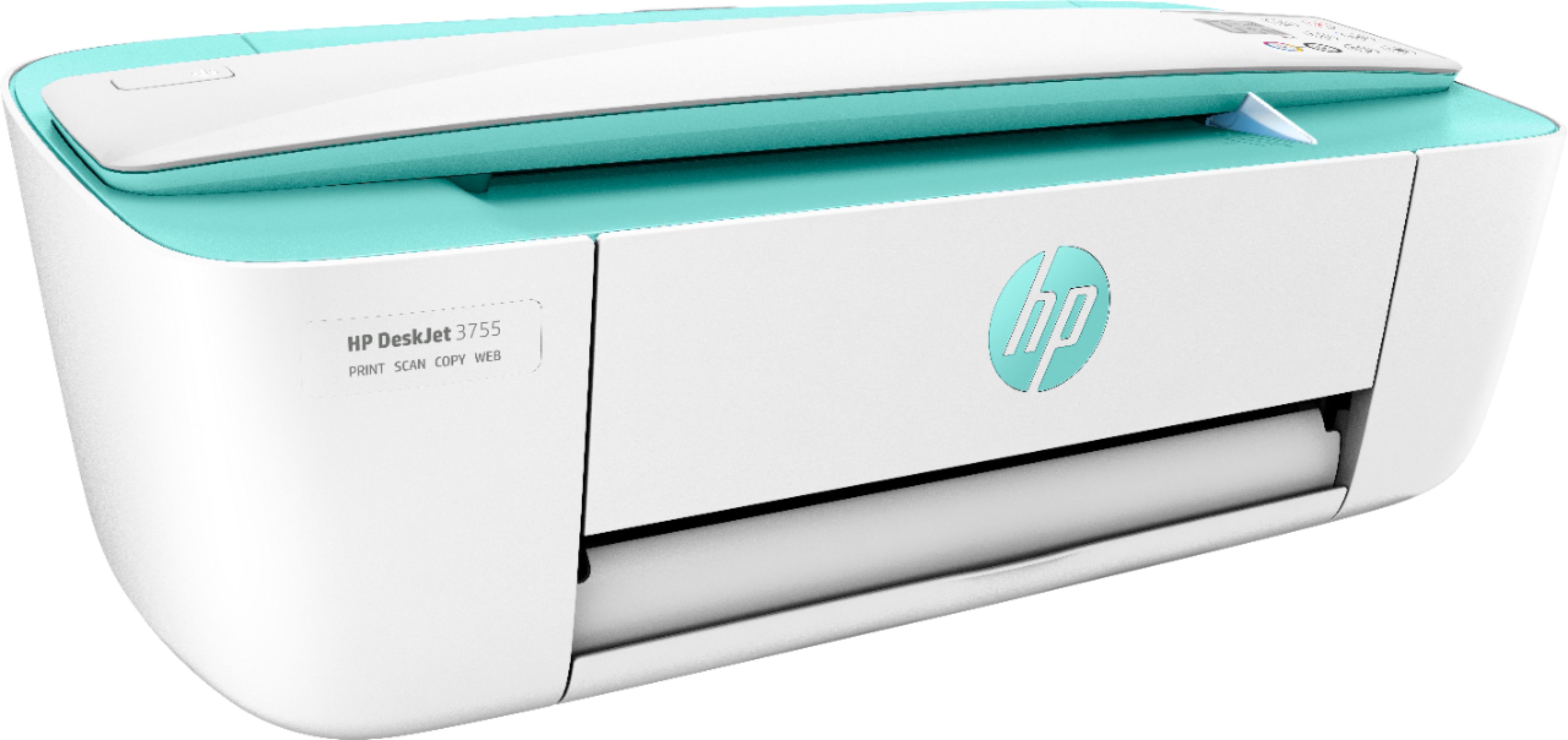
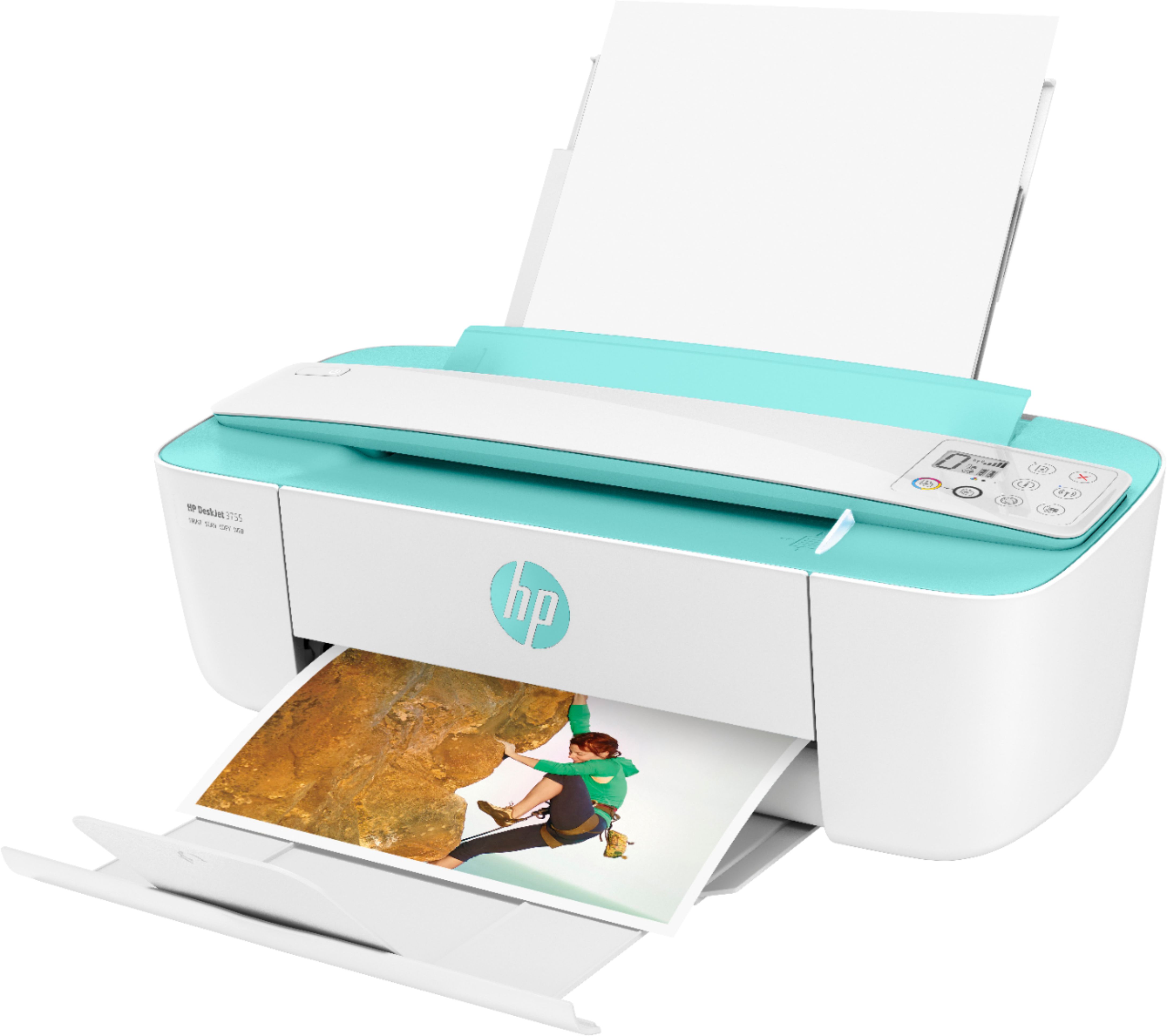
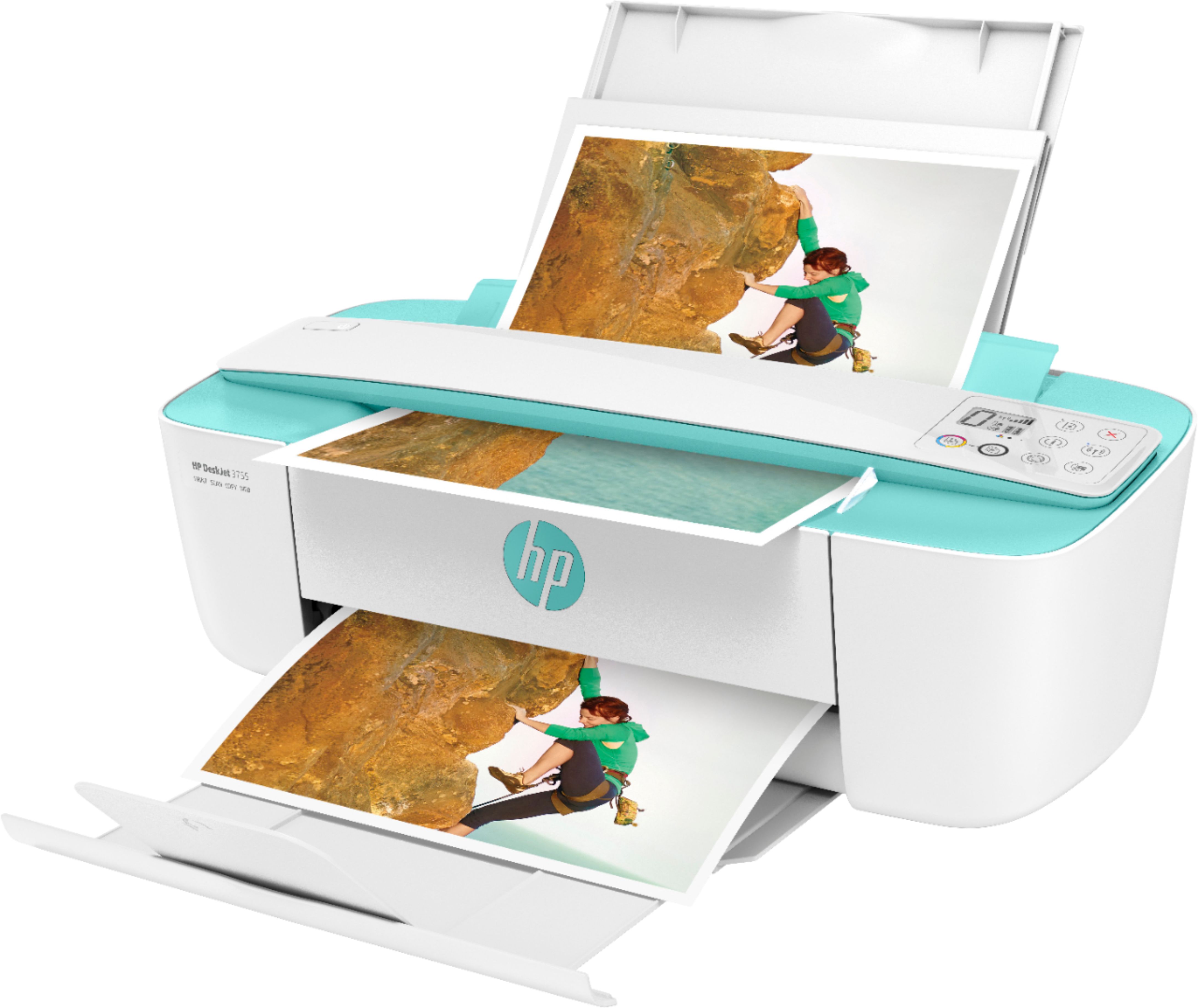
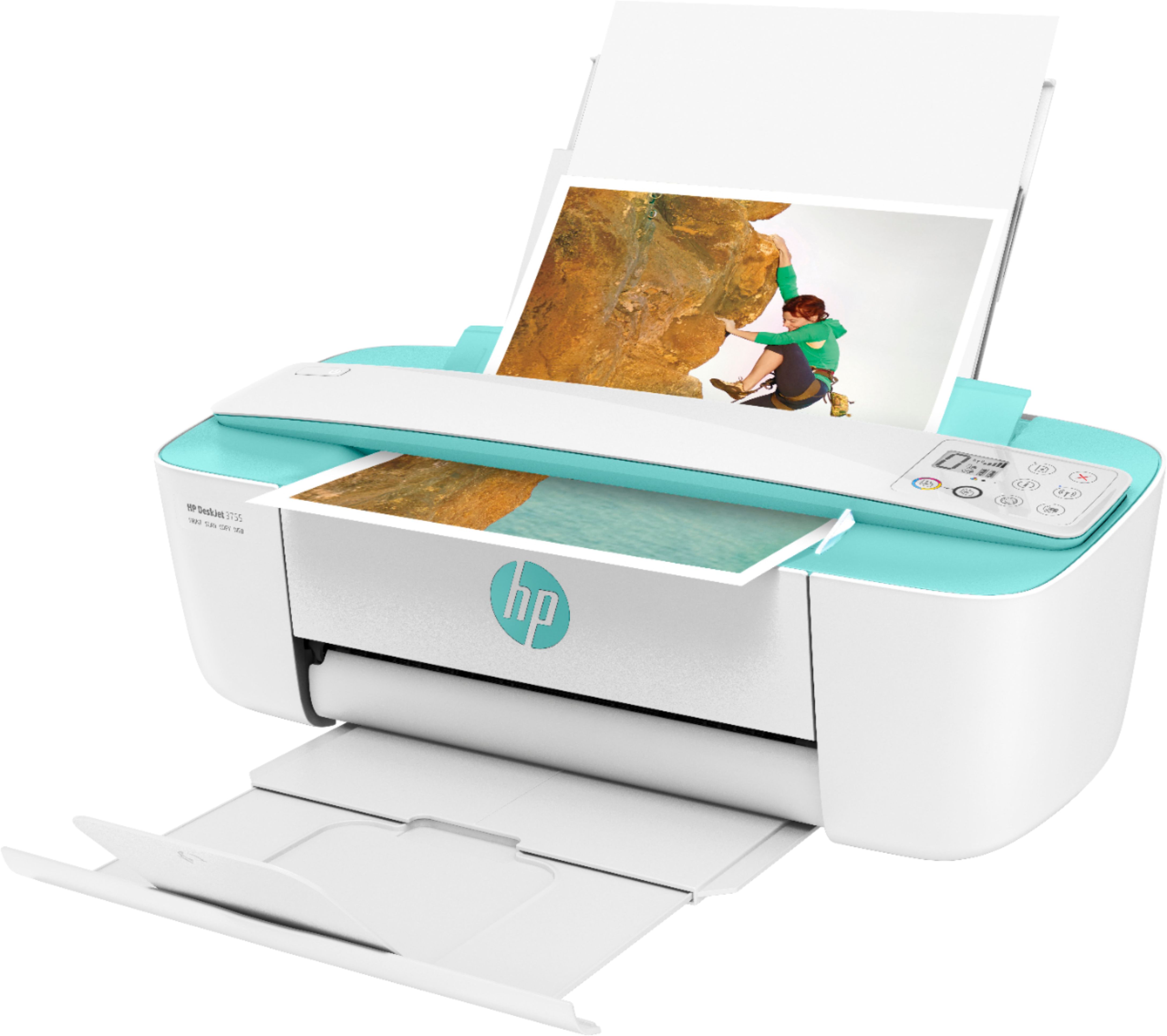
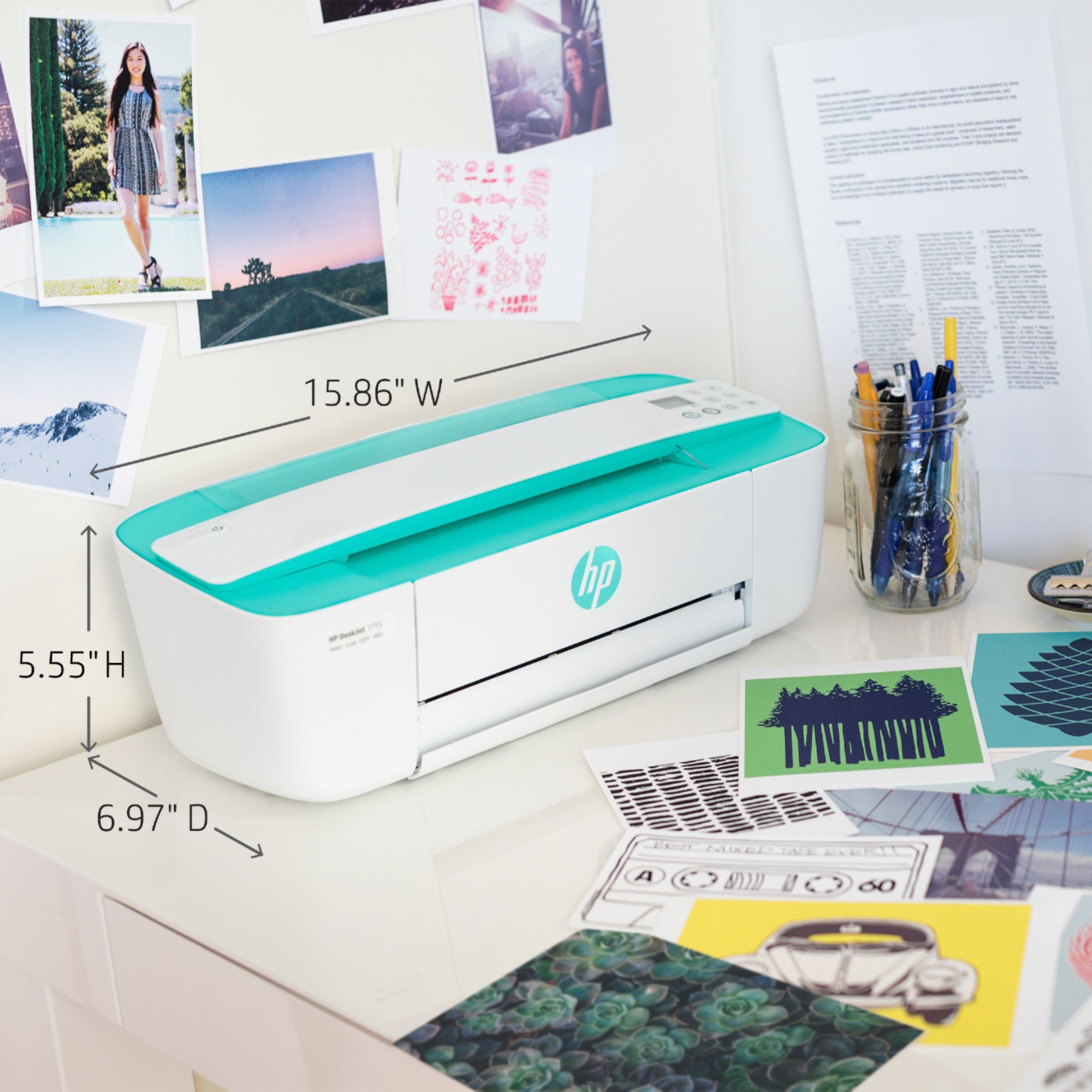
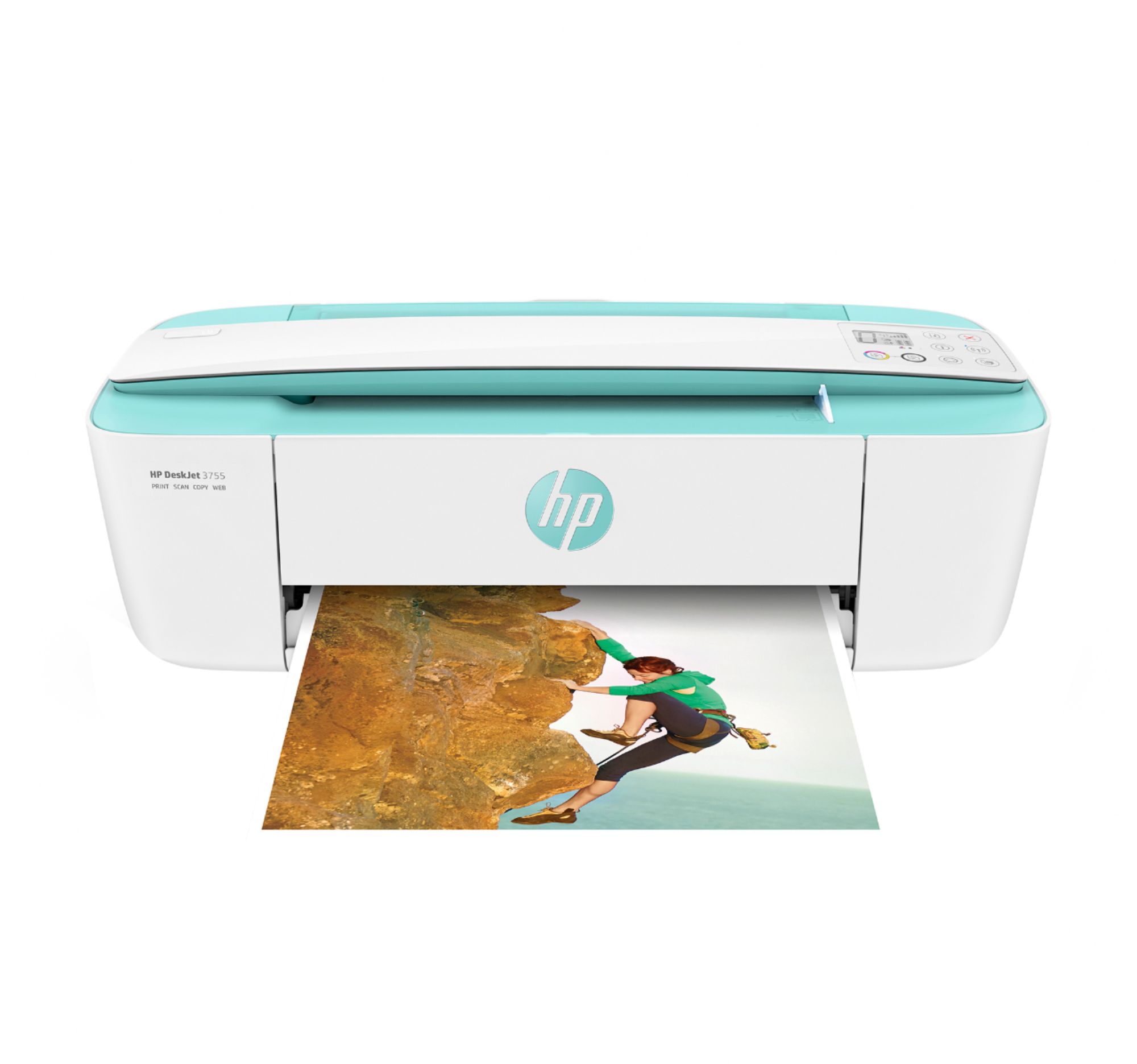
A:AnswerYes this item is a scanner as well, but if I were to use it mainly for scanning purposes, I'd go with an hp printer that had a traditional scanner. This scanner is fast & not bad, but the scan quality can't match up to any other hp printer. If your paper has a crease or wrinkle, that'll show on the scan & you can't do much about it. Also, it's a little difficult to get the paper in straight with this printer.
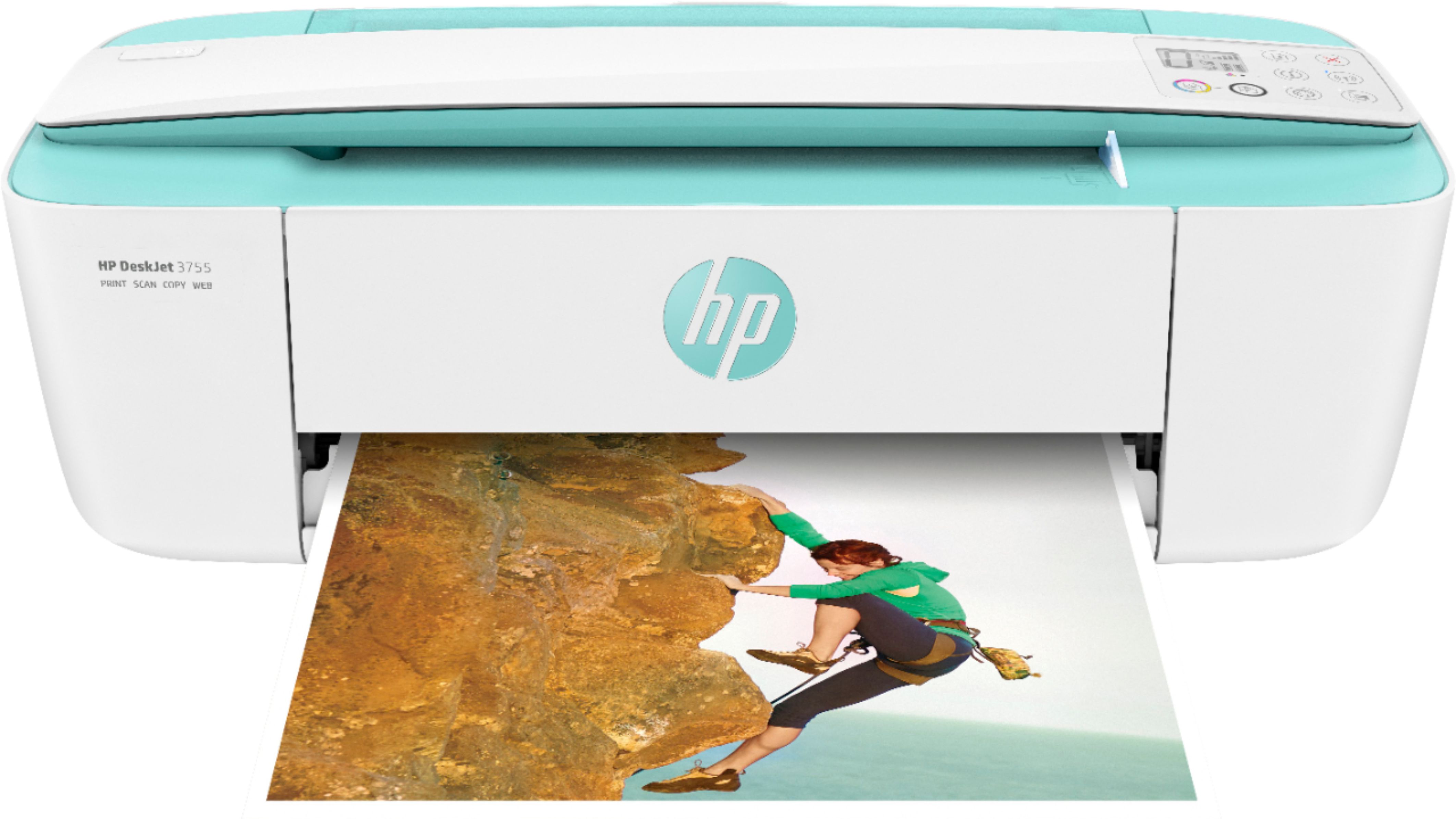
A:AnswerYes, you can use a separate flatbed scanner hooked to your PC to scan documents and images and then send them to this printer to print. This printer does have a pass through scanner for any other scans or copies you would want to do.
A:AnswerNo, this DeskJet 3755 is not a sublimation printer, however, it can handle heat transfer paper for t-shirts if that is what you are wanting it for.

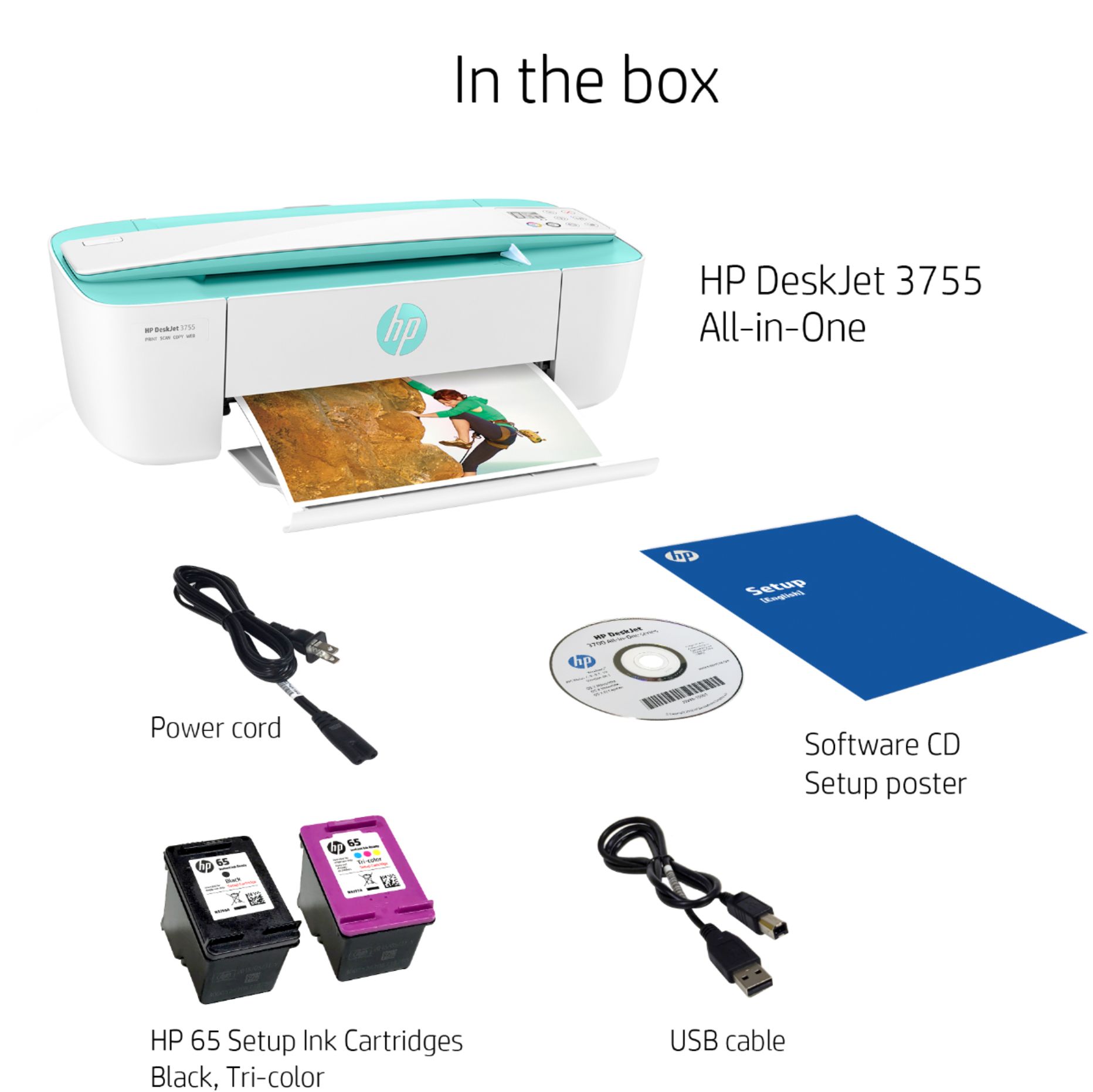
A:AnswerYes, you can set up this printer without the HP Smart app. And the printer can be set up with the USB cable. You can set up the printer from this website: https://123.hp.com/us/en/devices/setup