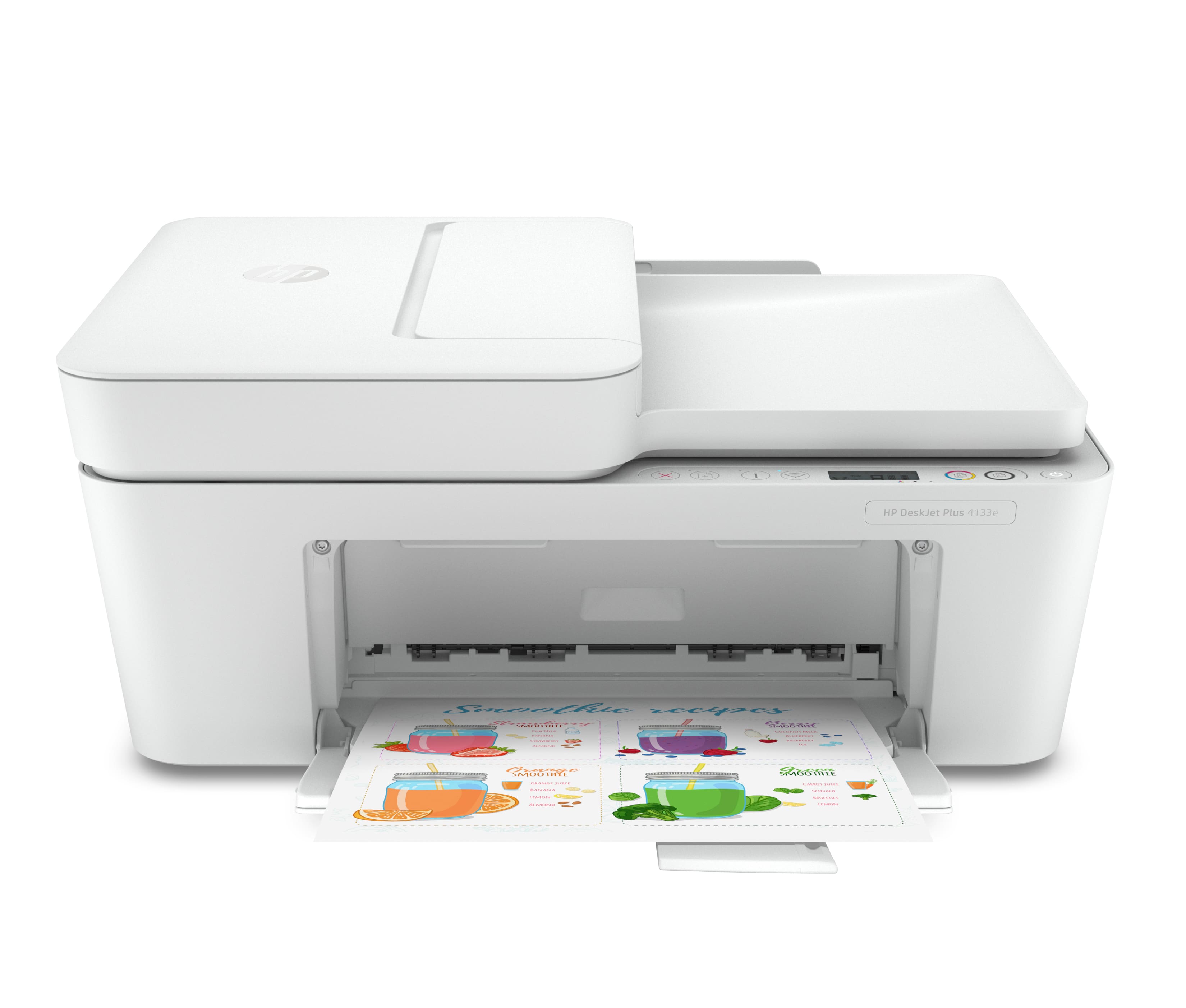
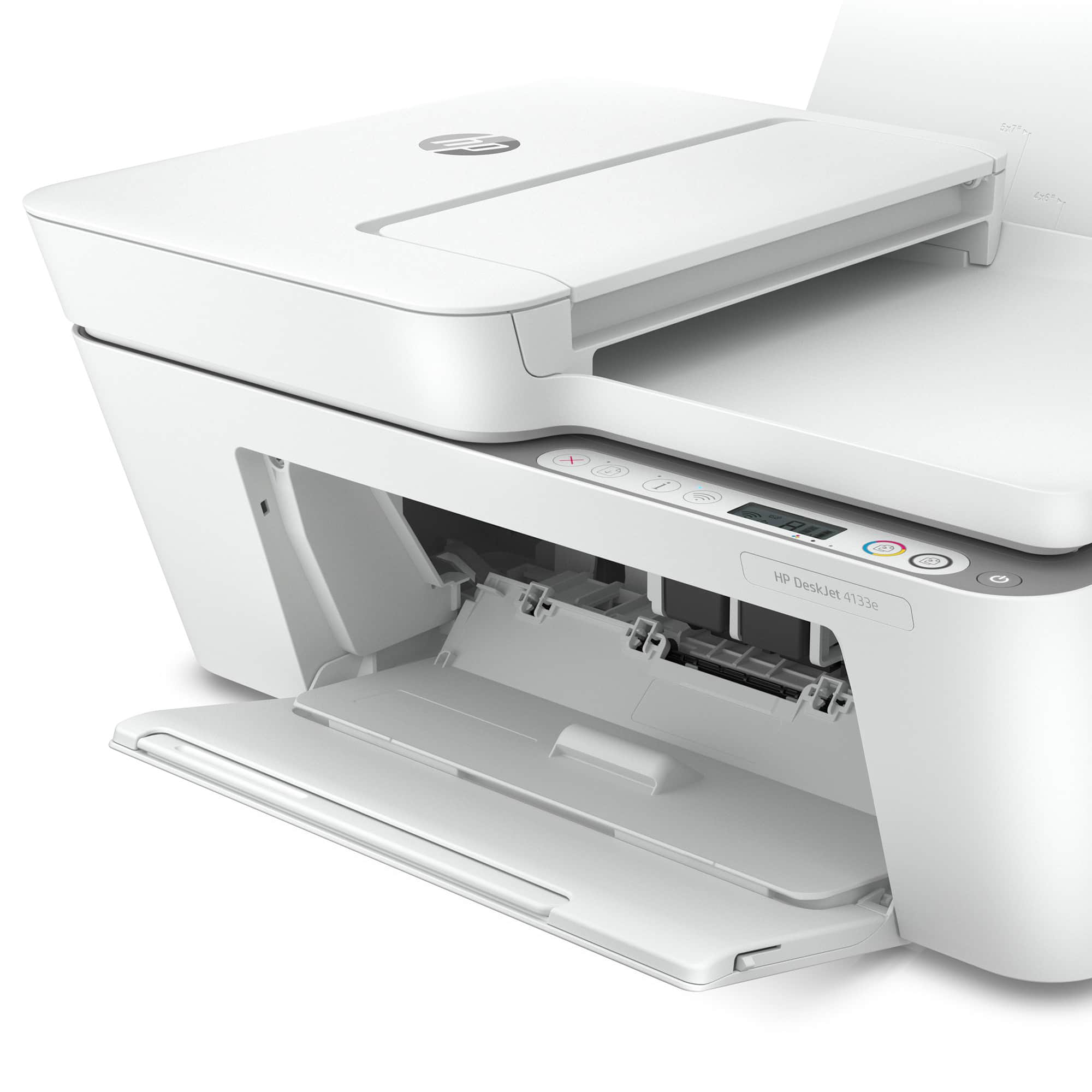
A:AnswerHi Sharon, thank you for the question. Yes, you can remove the empty tri-color cartridge to invoke single-cartridge mode and print only in black.
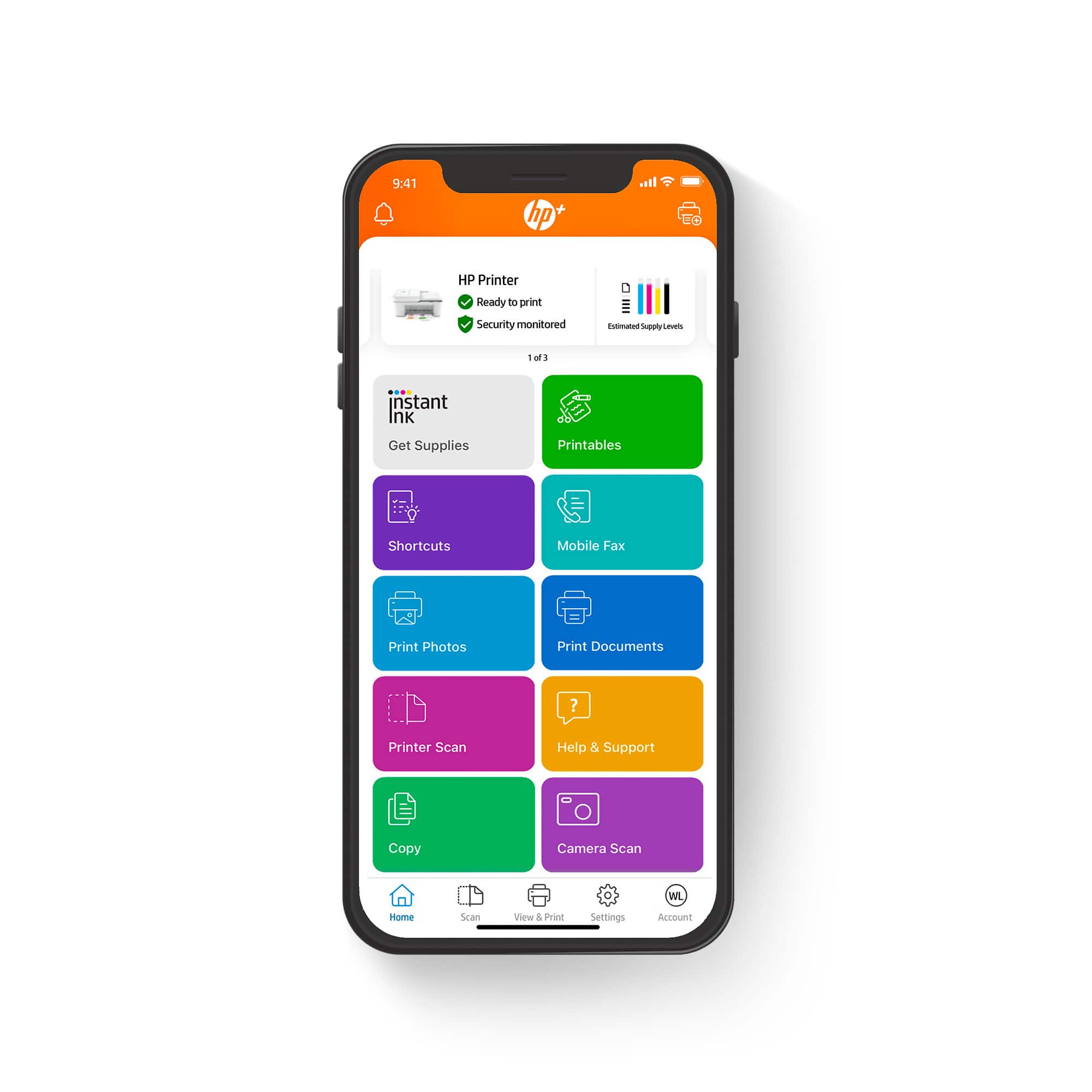
A:AnswerYes, but I don’t like the printer because it’s very difficult to setup with the app. I’m returning the printer and getting another printer that’s easier to use.
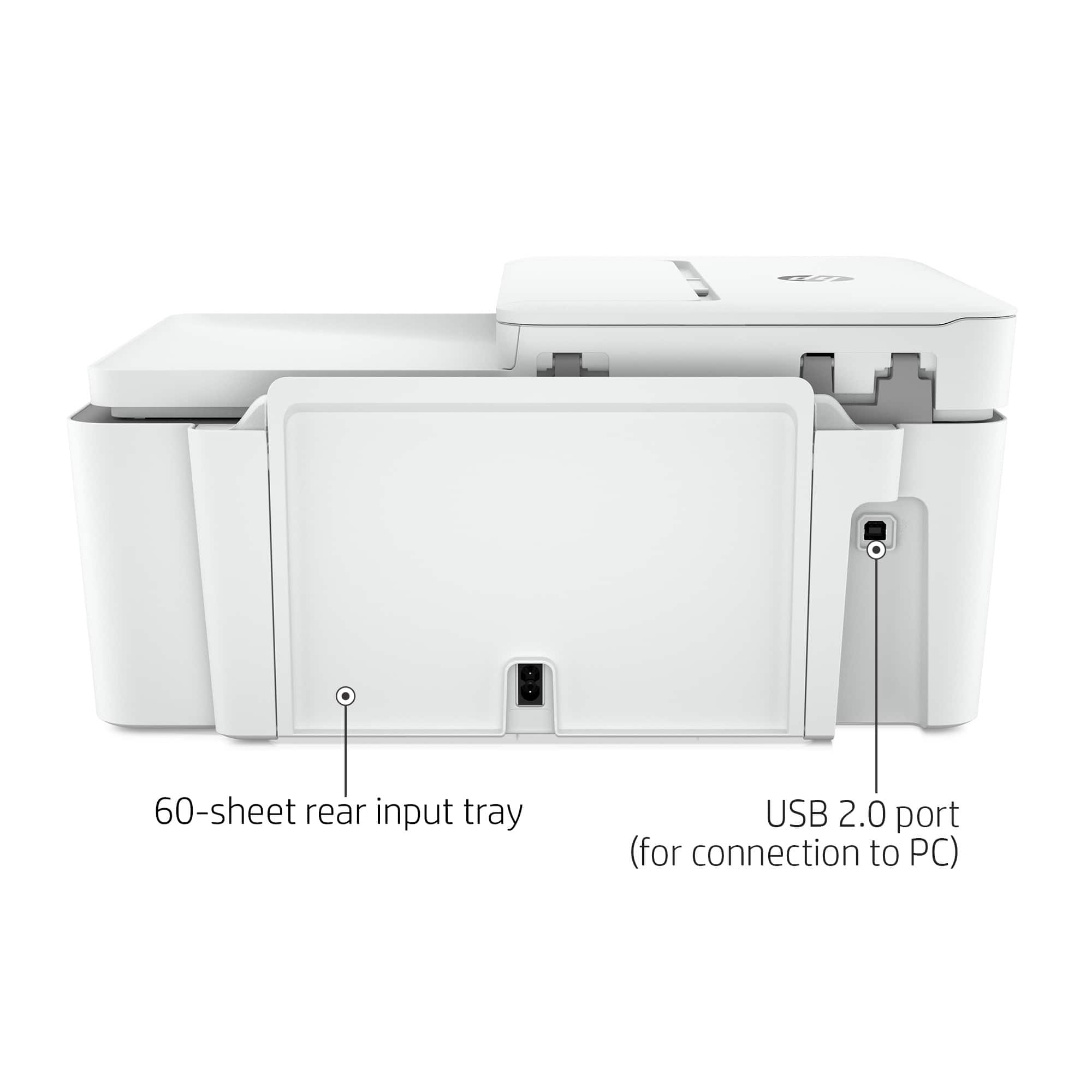
A:AnswerThank you for asking. The DeskJet 4133e has a USB port for connecting to your computer via a USB-B to USB-A cable.. It does not have a USB port for use with a flash drive.
A:AnswerHi Wendy! Thank you for your question. The HP DeskJet 4133e Printer uses HP 67 or 67XL cartridges. Another option is HP Instant Ink, this printer does come with 6 free months of HP Instant Ink when you opt-in to HP+ at the time of setup of your printer along with an extra year of HP manufacture warranty. For more information on HP Instant Ink, see http://hpinstantink.com
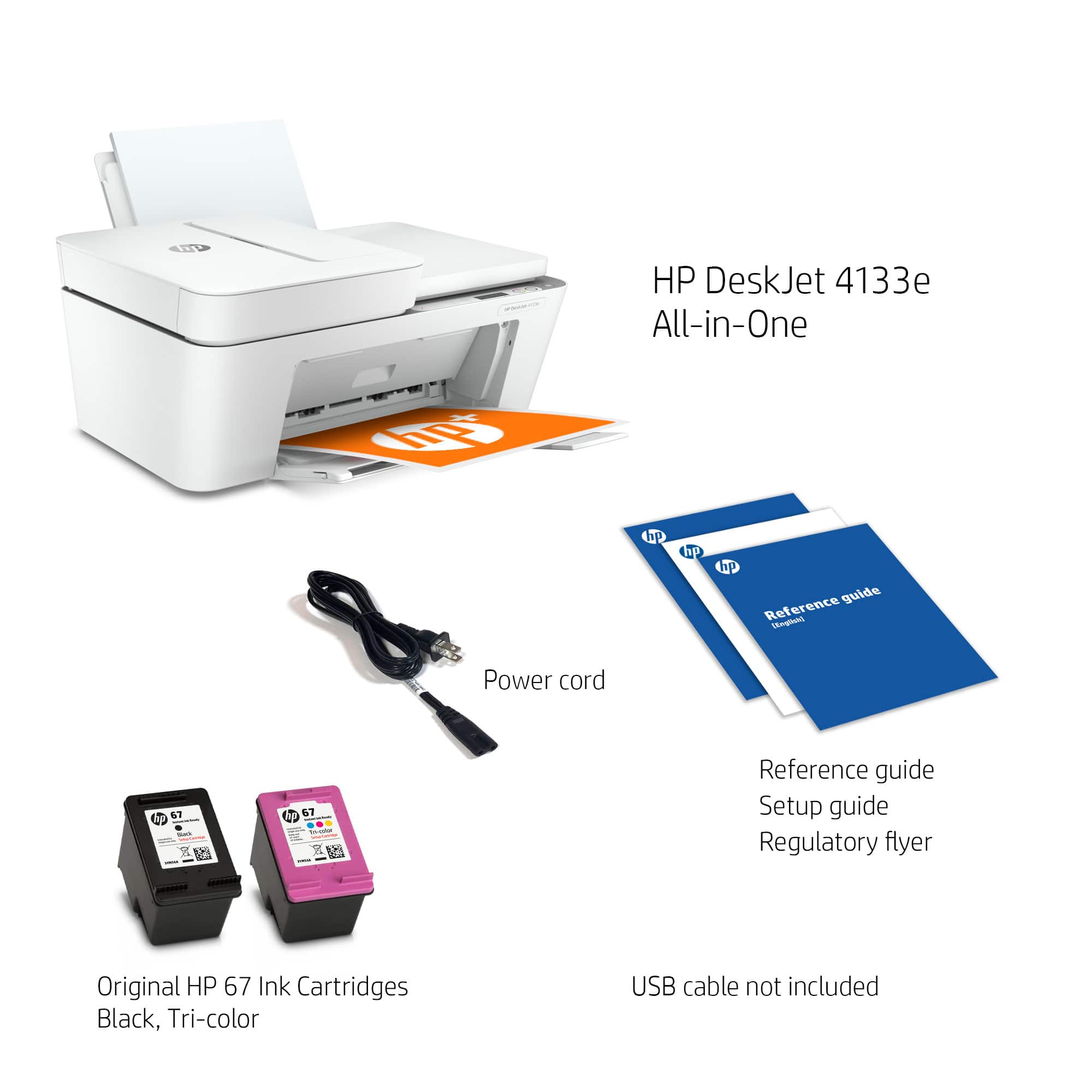
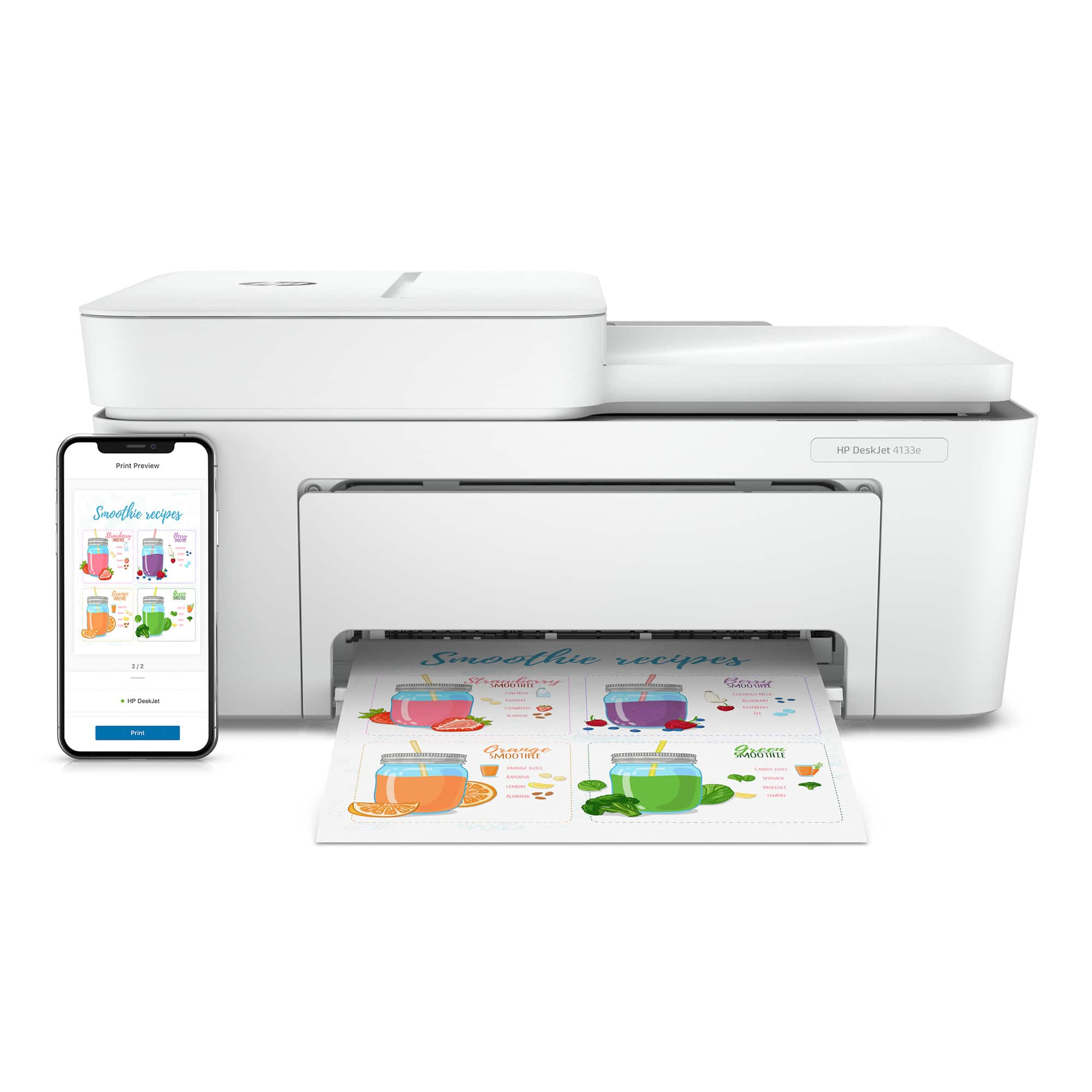
A:AnswerIncluded with this purchase is: HP DeskJet 4133e All-in-One Printer, HP 67 Setup Black Cartridge
HP 67 Setup Tri-Color Cartridge, Setup guide, and a Power Cord. If you did not receive these items in the box then you should return it to the retailer it was purchased from.
A:AnswerThank you for the question. The DeskJet 4133e will scan legal-sized documents from the automatic document feeder only. Smaller documents (up to letter size) can be scanned on the glass or through the document feeder. This printer will print on legal paper. Note that this printer does not print 2-sided automatically. To print the second side, reverse the printed stack and re-insert the pages into the paper tray. If you require automatic 2-sided printing and 2-sided scanning, please see the OfficeJet Pro 9015 and 9025 models.
A:AnswerHi Dorothy, thank you for the question. Yes. the DeskJet 2734e has WiFi 802.11n. 802.11n uses 5GHz and 2.4GHz. (Higher bands are faster but lower bands travel further). Yes, you can connect the printer to your computer via the USB port in the rear. Note that a cable is not included.
A:AnswerThank you for the question. The Envy Photo 7858 has a color touch screen and fax capability (with your landline). It prints a bit faster (10-15 pages per minute) than the DeskJet 4133e (5.5-8.5 pages per minute). The Envy Photo 7858 has a dedicated photo tray in addition to the main paper tray, a memory card slot; will scan to email; and do 2-sided printing (the DeskJet 4133e has none of these features). The Envy Photo 7858 will printer borderless up to 8.5 x 11" (the DeskJet 4133e does not print borderless).
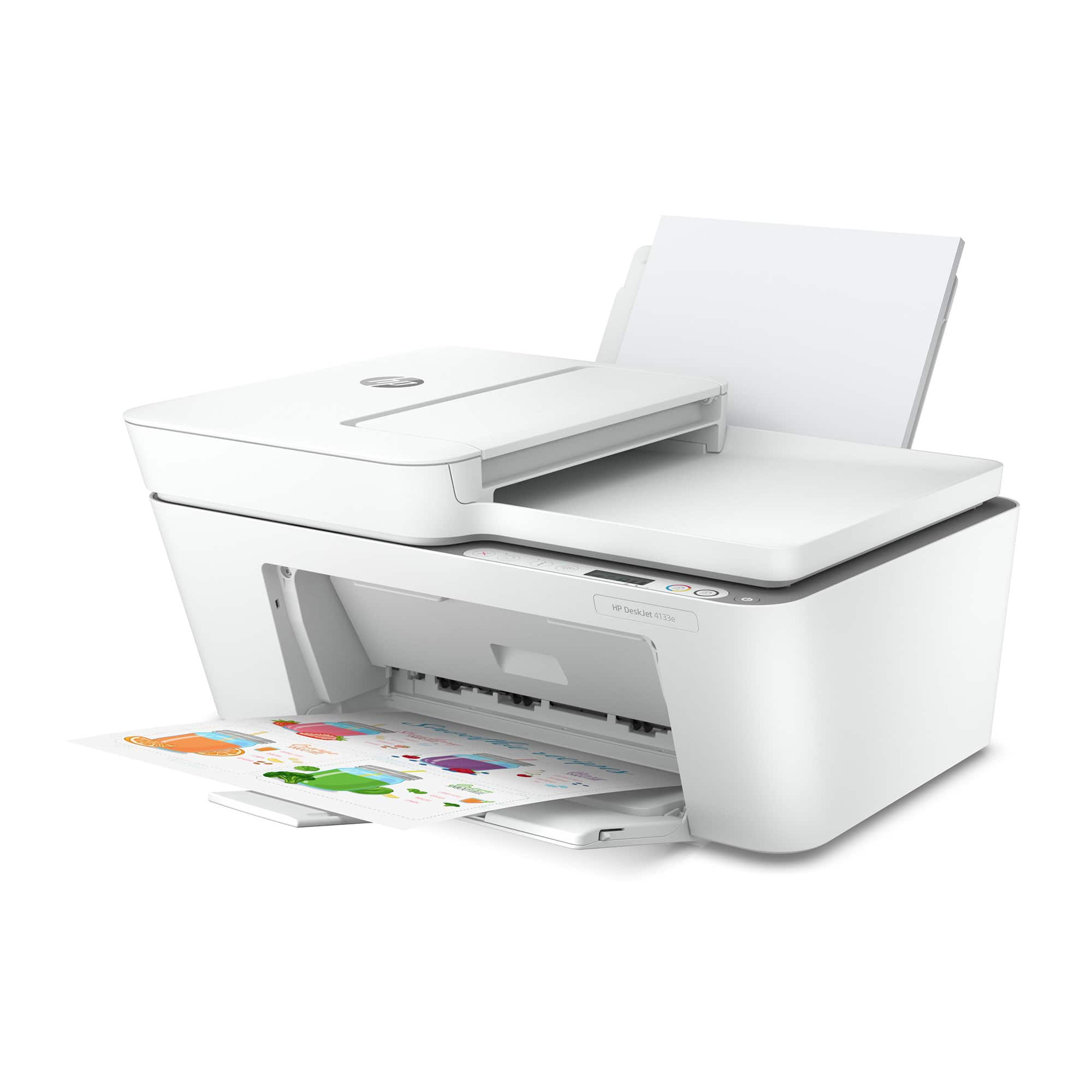
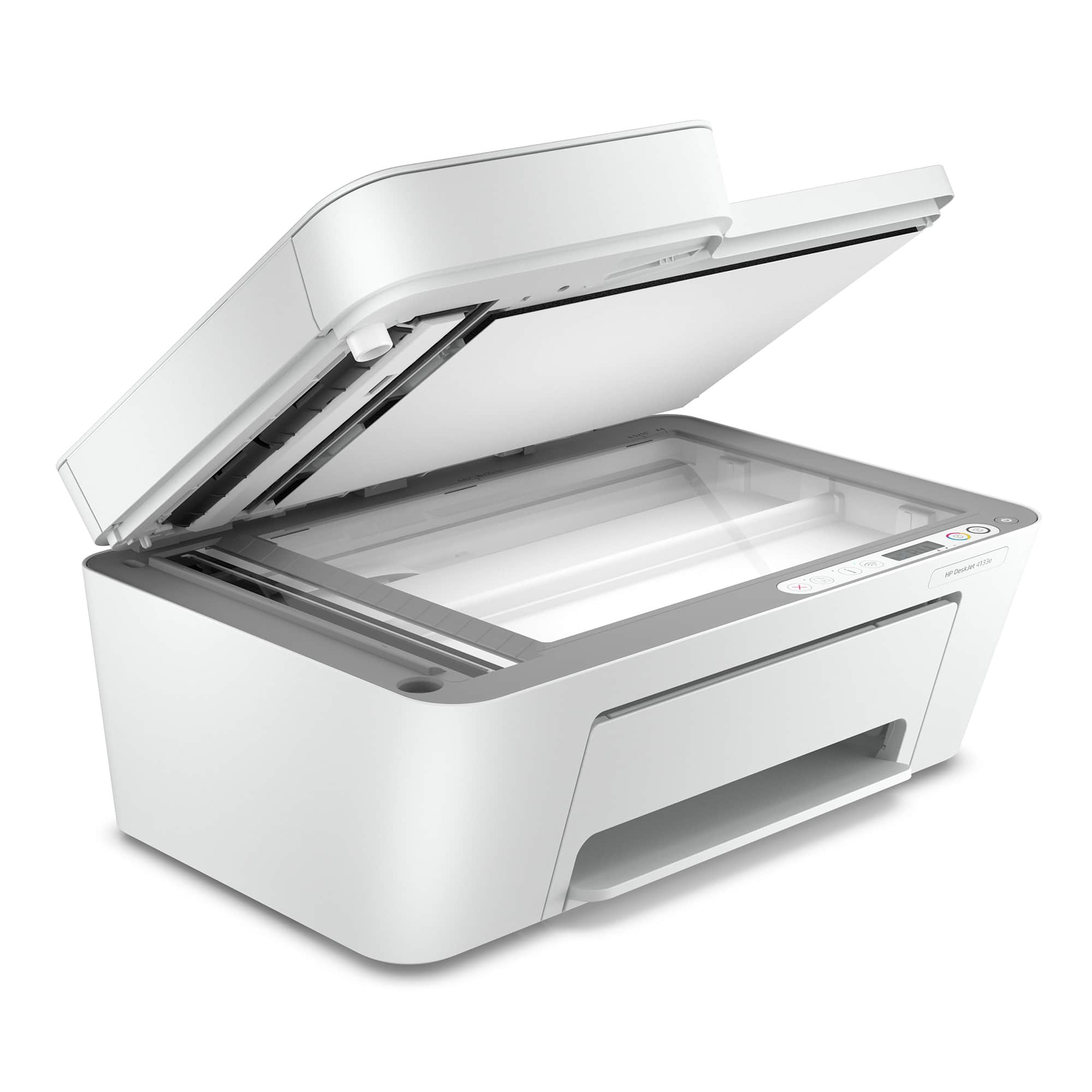
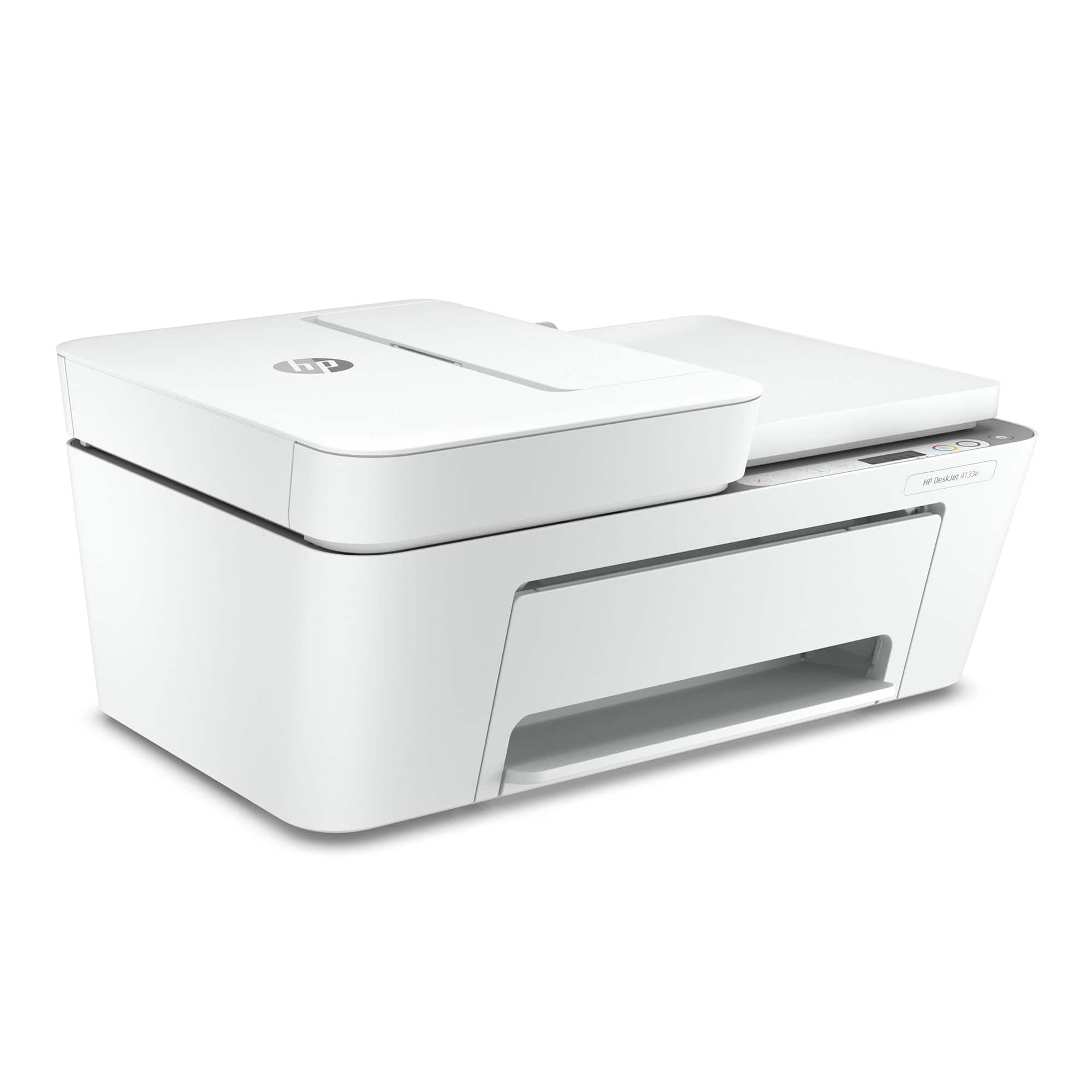
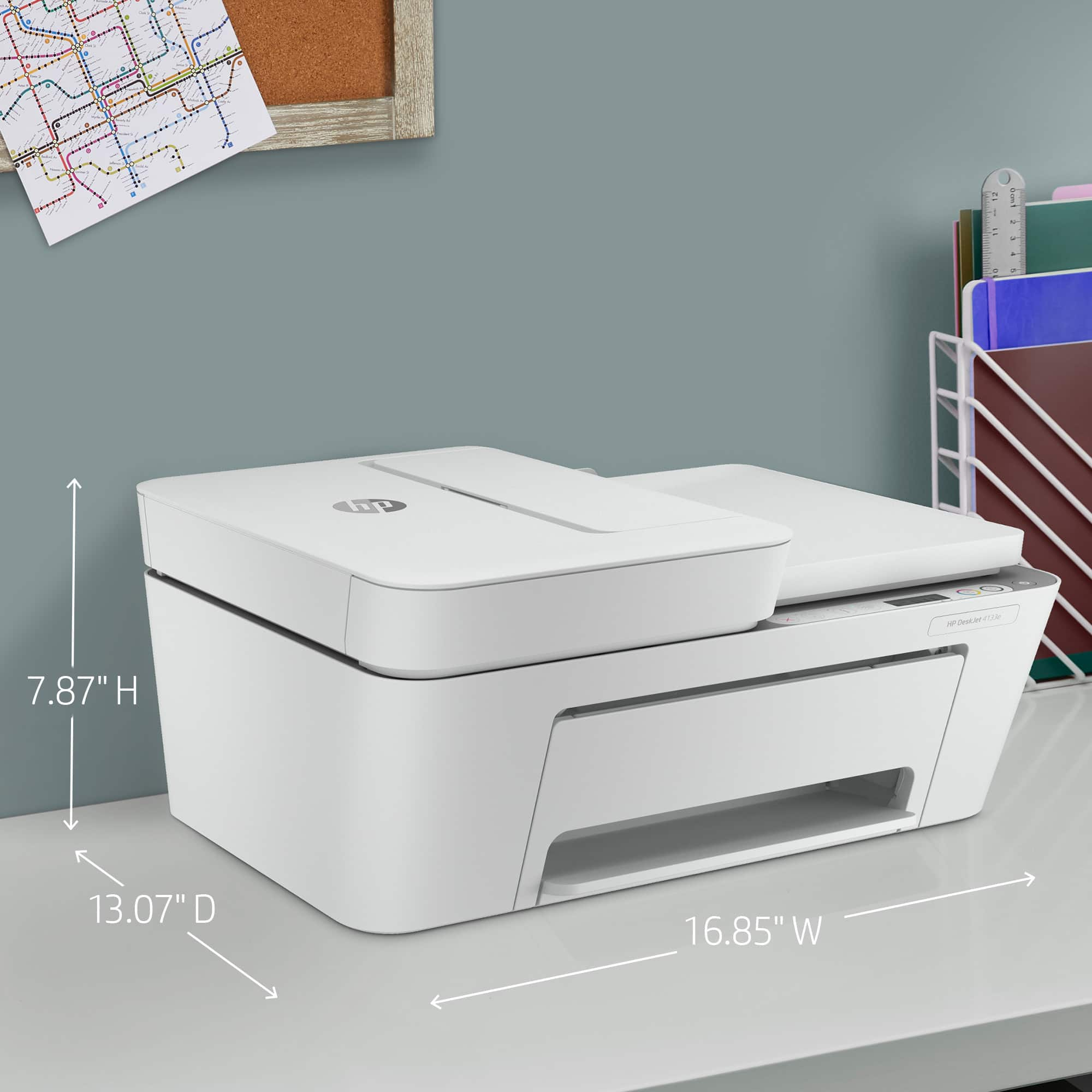
A:AnswerOn top of the back but almost vertical. Adds about two inches of footprint to the back of the computer. Output tray on front, parallel to horizon (flat).
A:AnswerThank you for the question. The answer depends on the operating system. Recommended Mac system requirements for the DeskJet 4133e are macOS v10.14 Mojave, macOS v10.15 Catalina, and macOS v11 Big Sur, and both Apple and HP have a Universal Print Driver available.
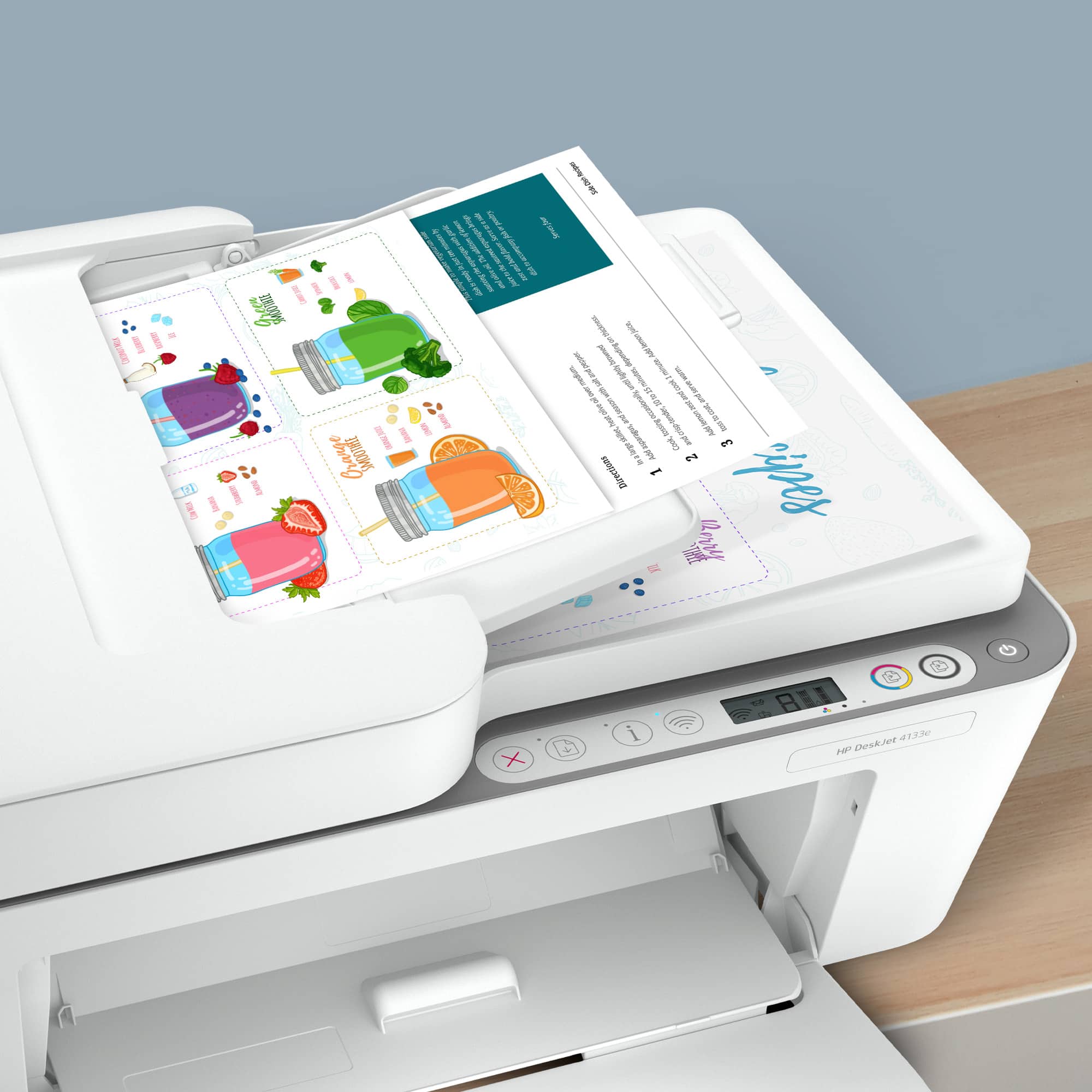
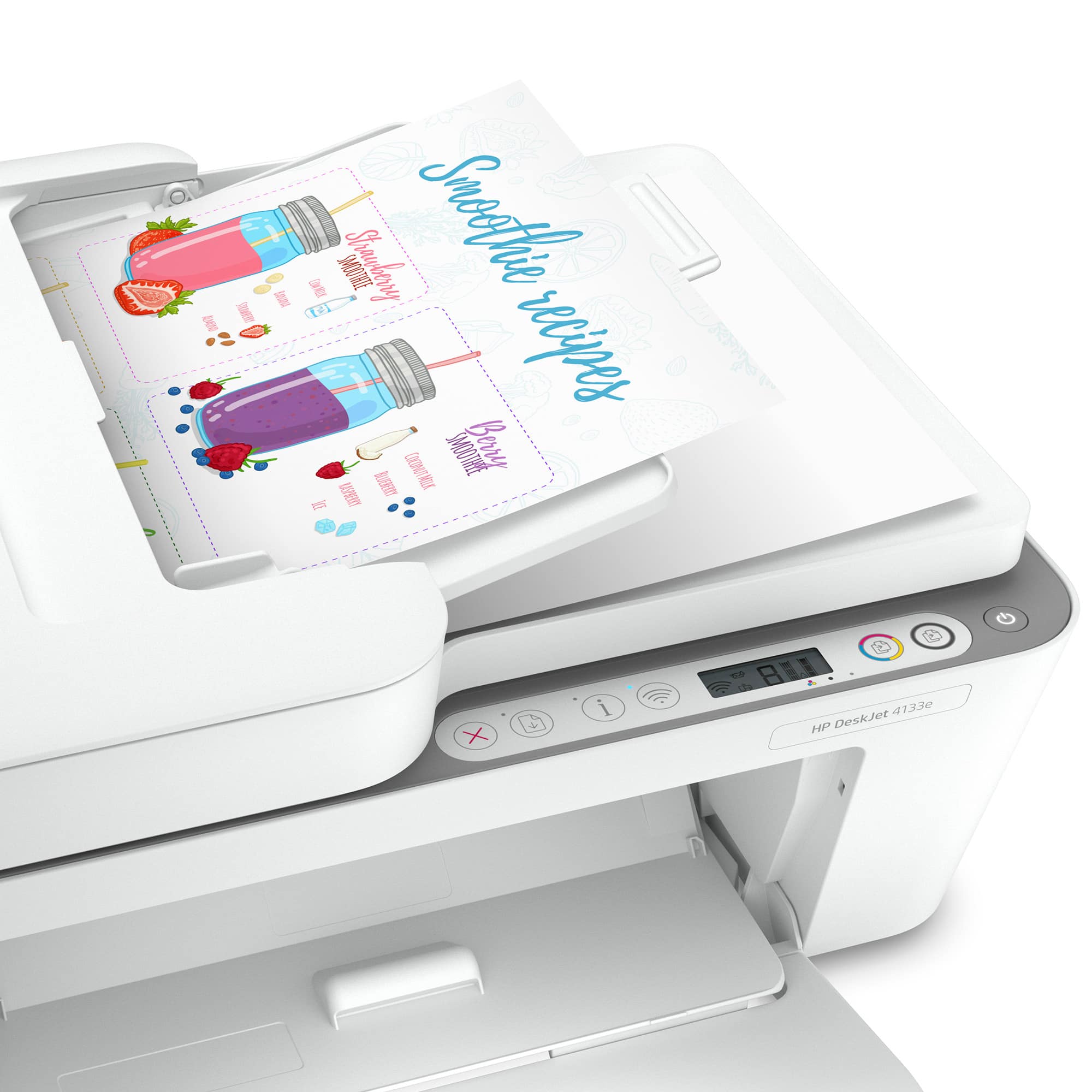
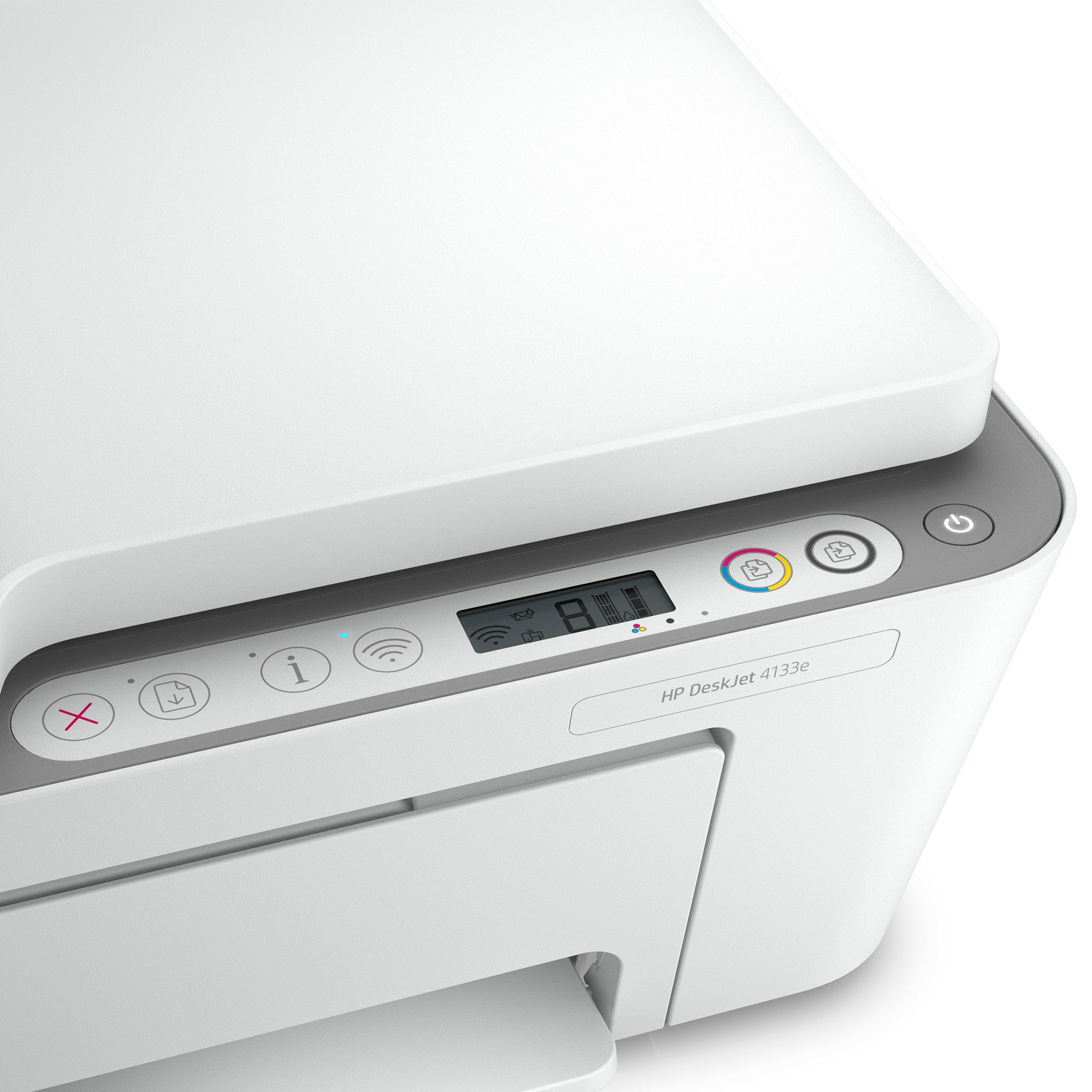
A:AnswerHello. Thanks for your question. Yes, you can scan or copy up to 35 pages through the ADF (Auto Document Feeder) on top of this HP Deskjet 4133e printer.
A:AnswerYou may need to install an app to do the initial printer setup, but after it's not strictly required, although it does make managing the printer much easier.