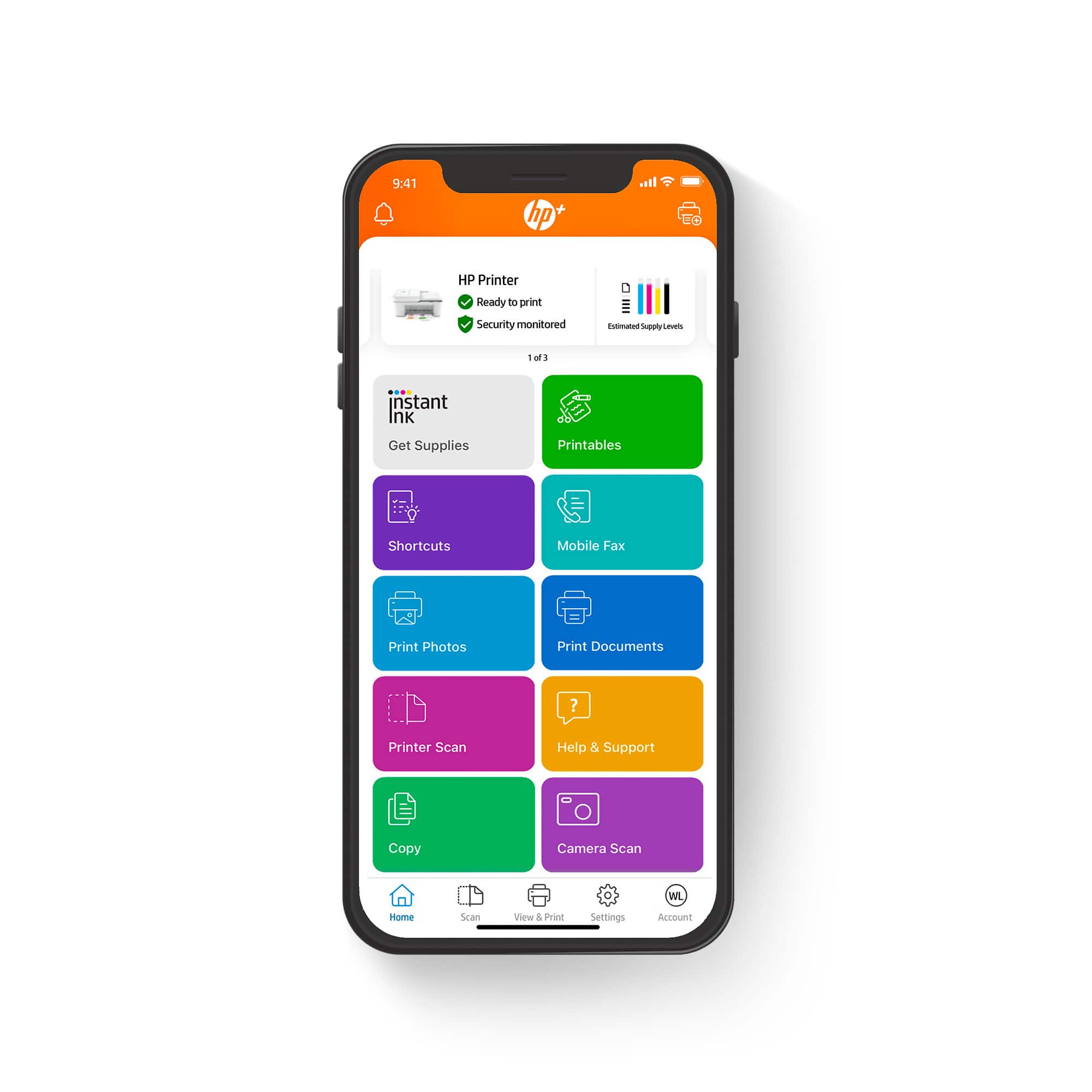
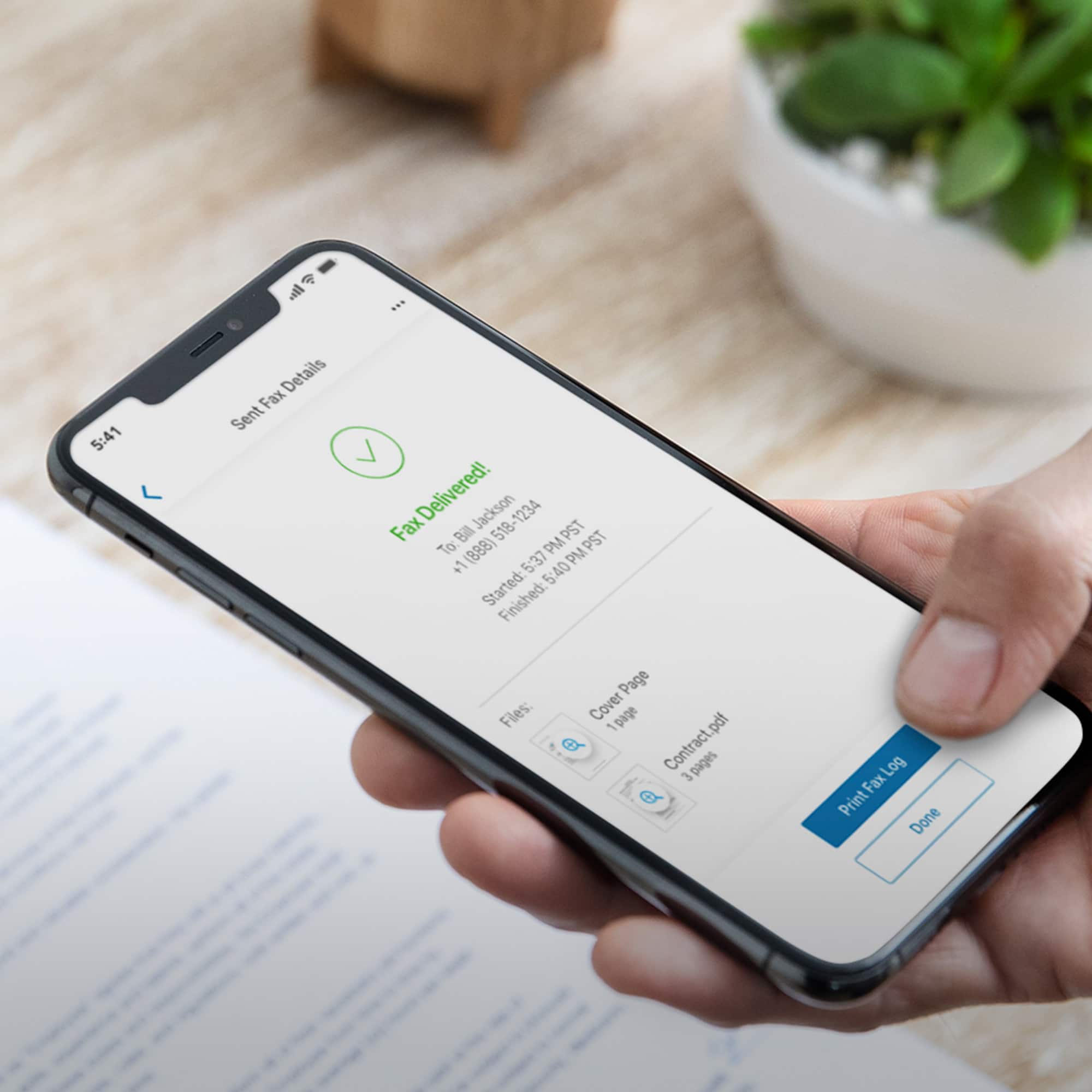
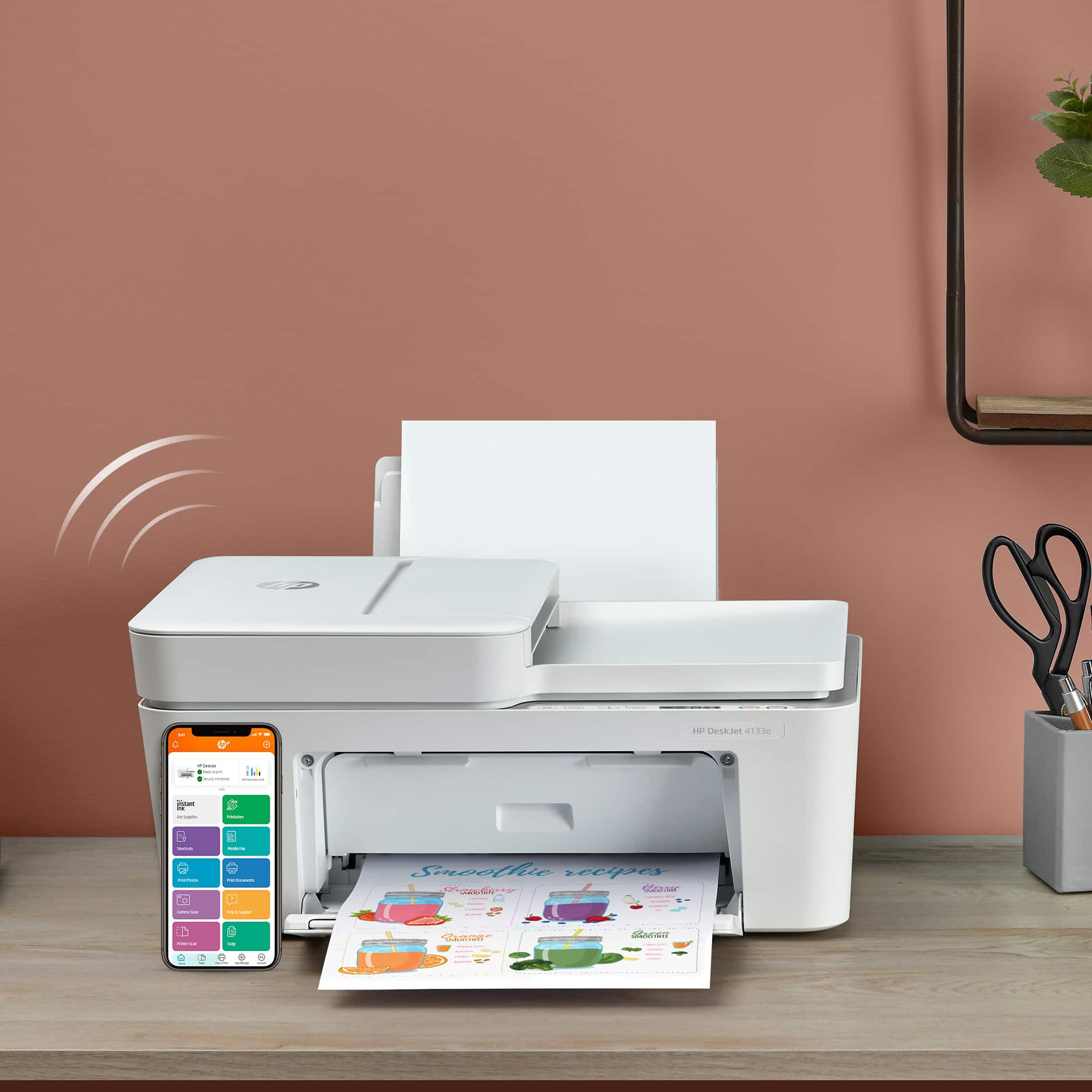
A:AnswerThis DeskJet 4133e has mobile fax included which is set up and utilized through the HP Smart App. You will need a WiFi connection to use this feature and only outgoing faxes are allowed.
A:AnswerYes it is iis a great one. You don't have to log in on the printer your Bluetooth and the hp app is all you need of course the internet. Thank you for reaching out.
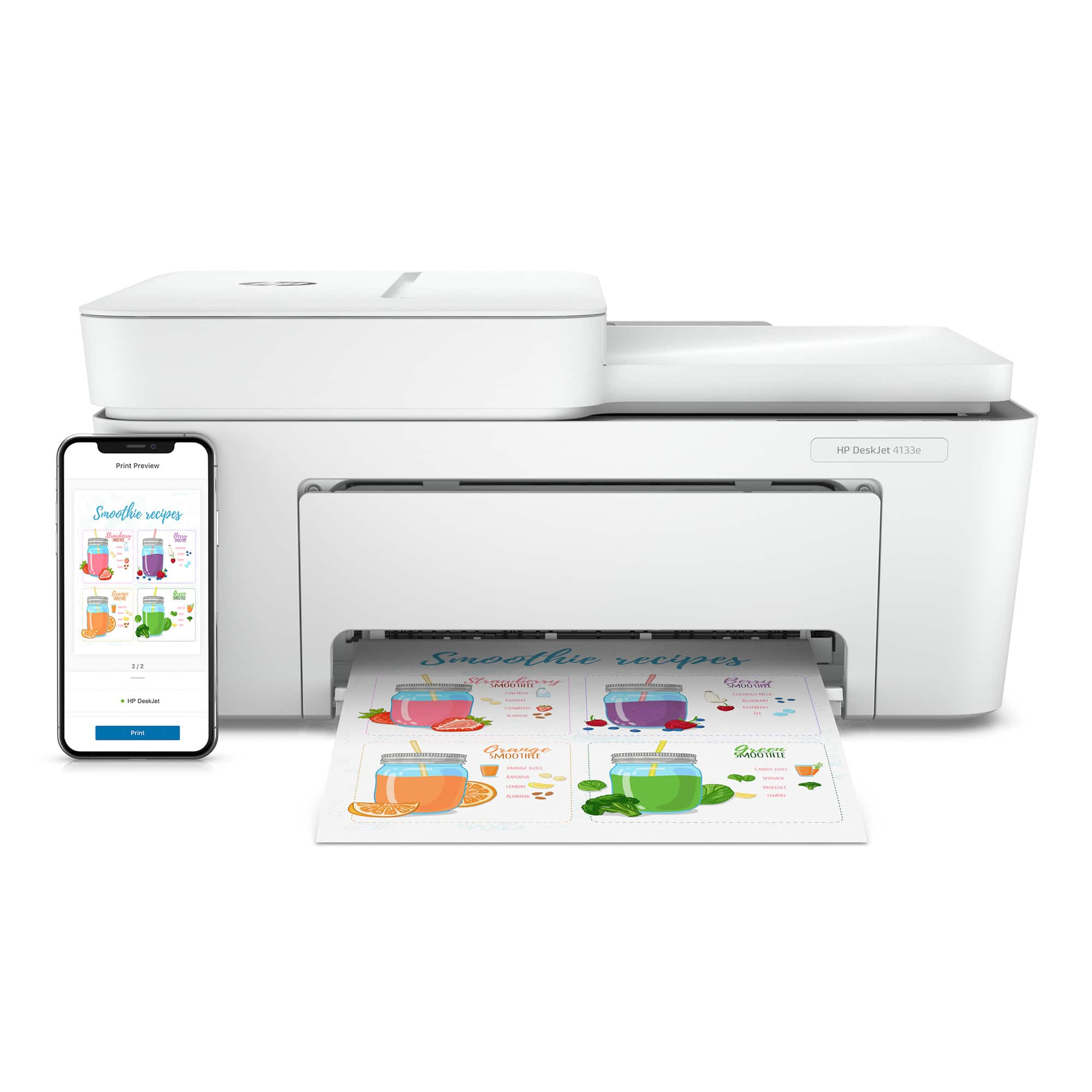
A:AnswerYes, you can print directly to the DeskJet 4133e printer from your mobile device and from a computer using Wifi without the need for the HP Smart App.
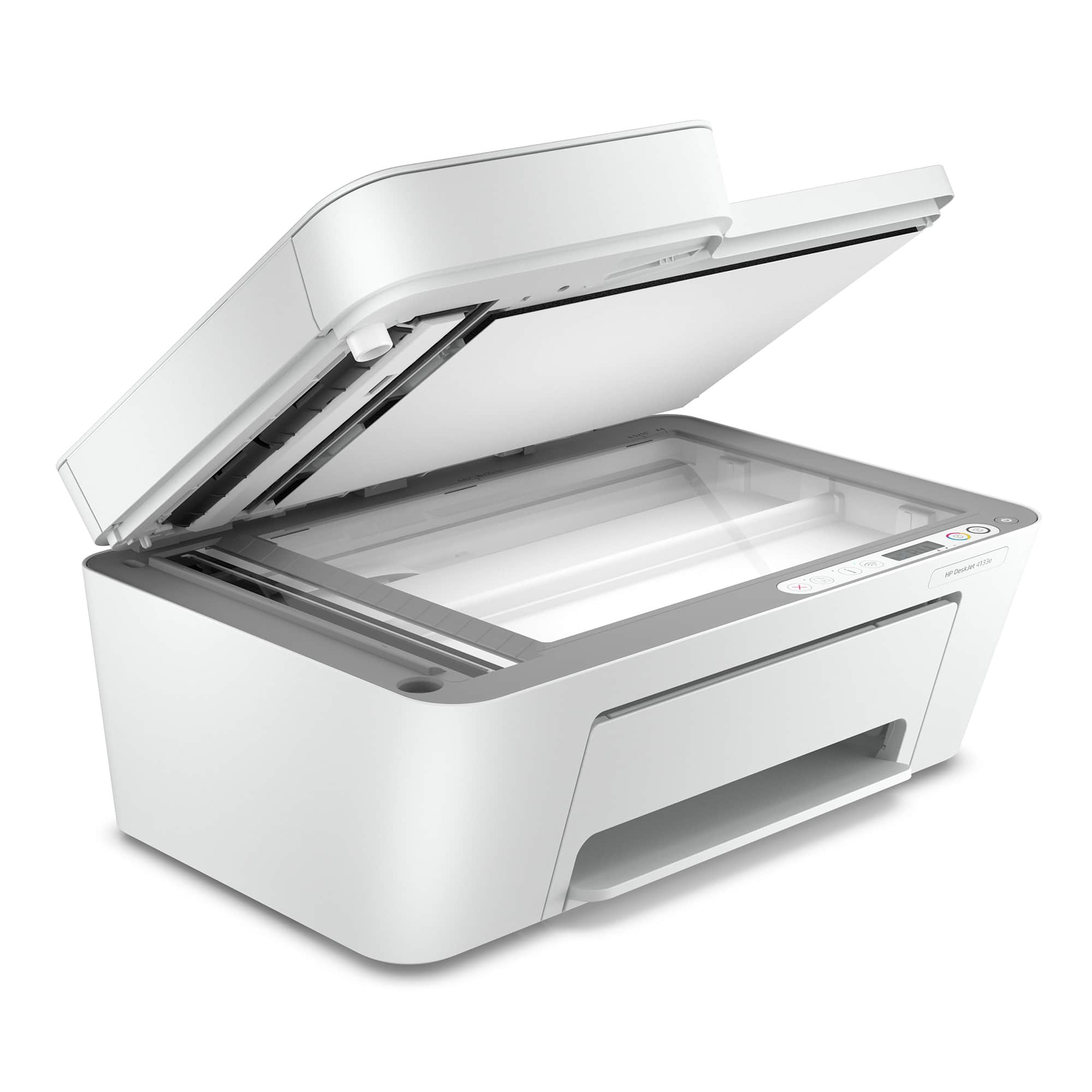
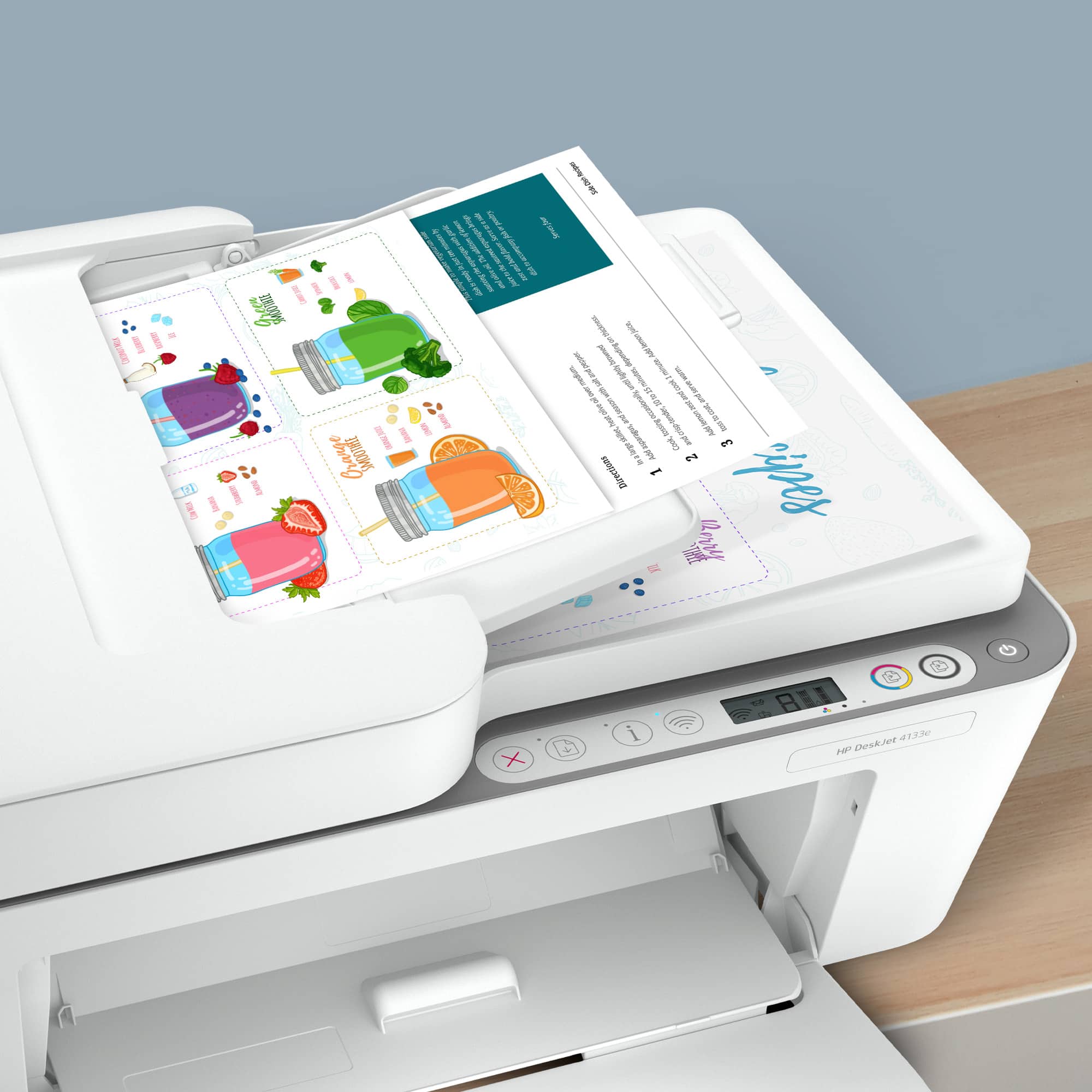
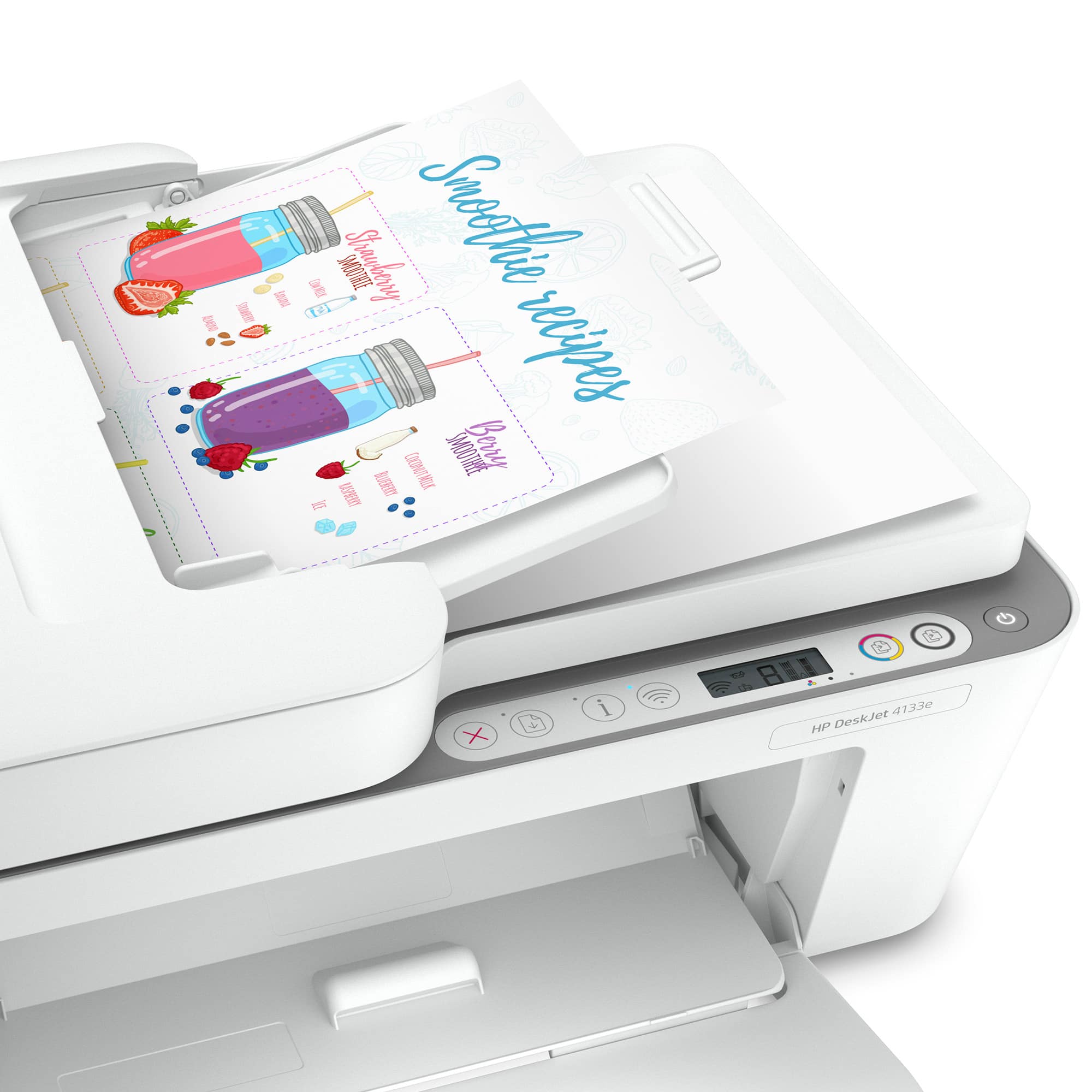
A:AnswerNo, HP+ doesn't cost anything. You can sign up for HP+ when you do the initial printer setup. The most obvious difference is that this model has a document feeder on top which allows you to copy up to 35 pages in one operation. It's also about 15% faster than the 2734e.
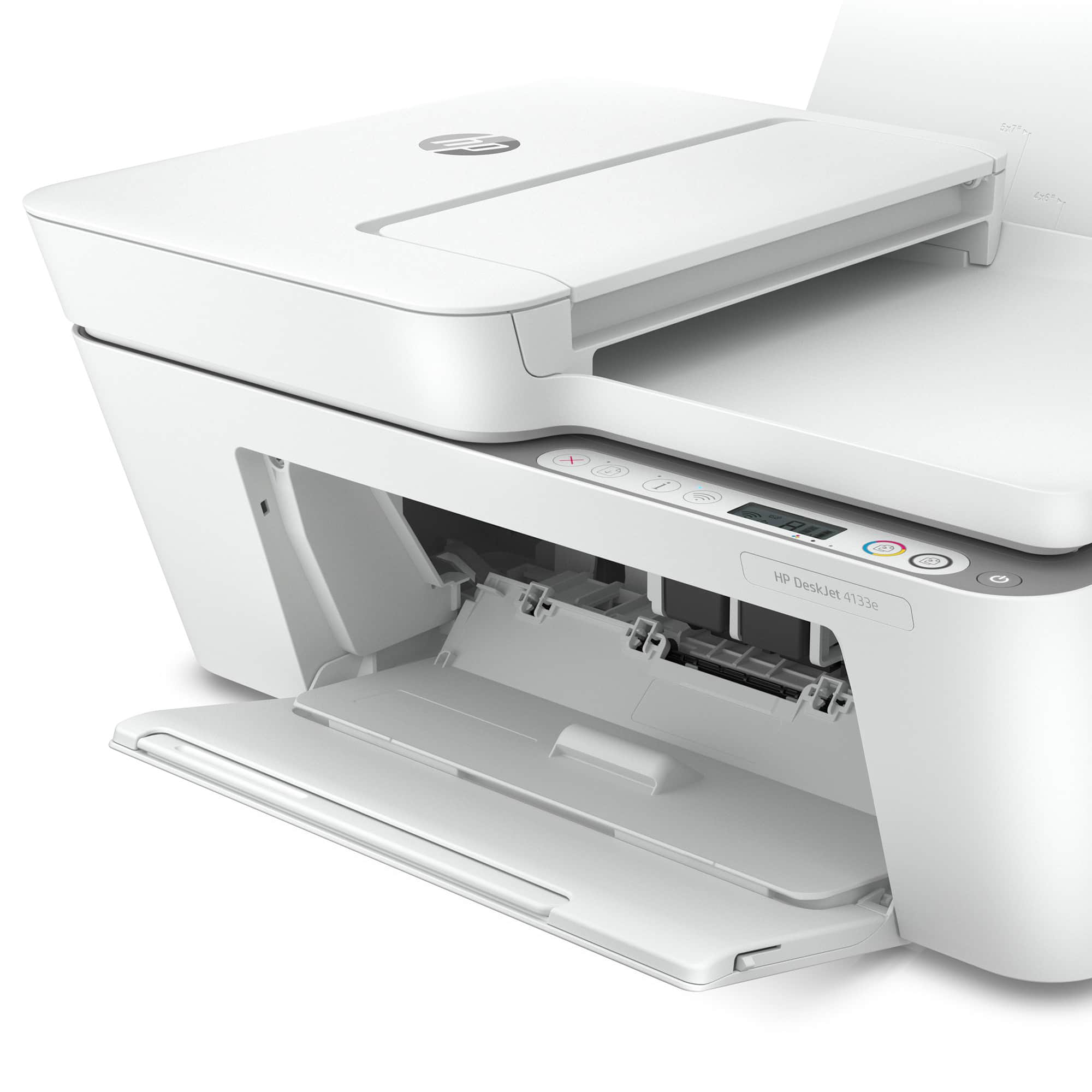
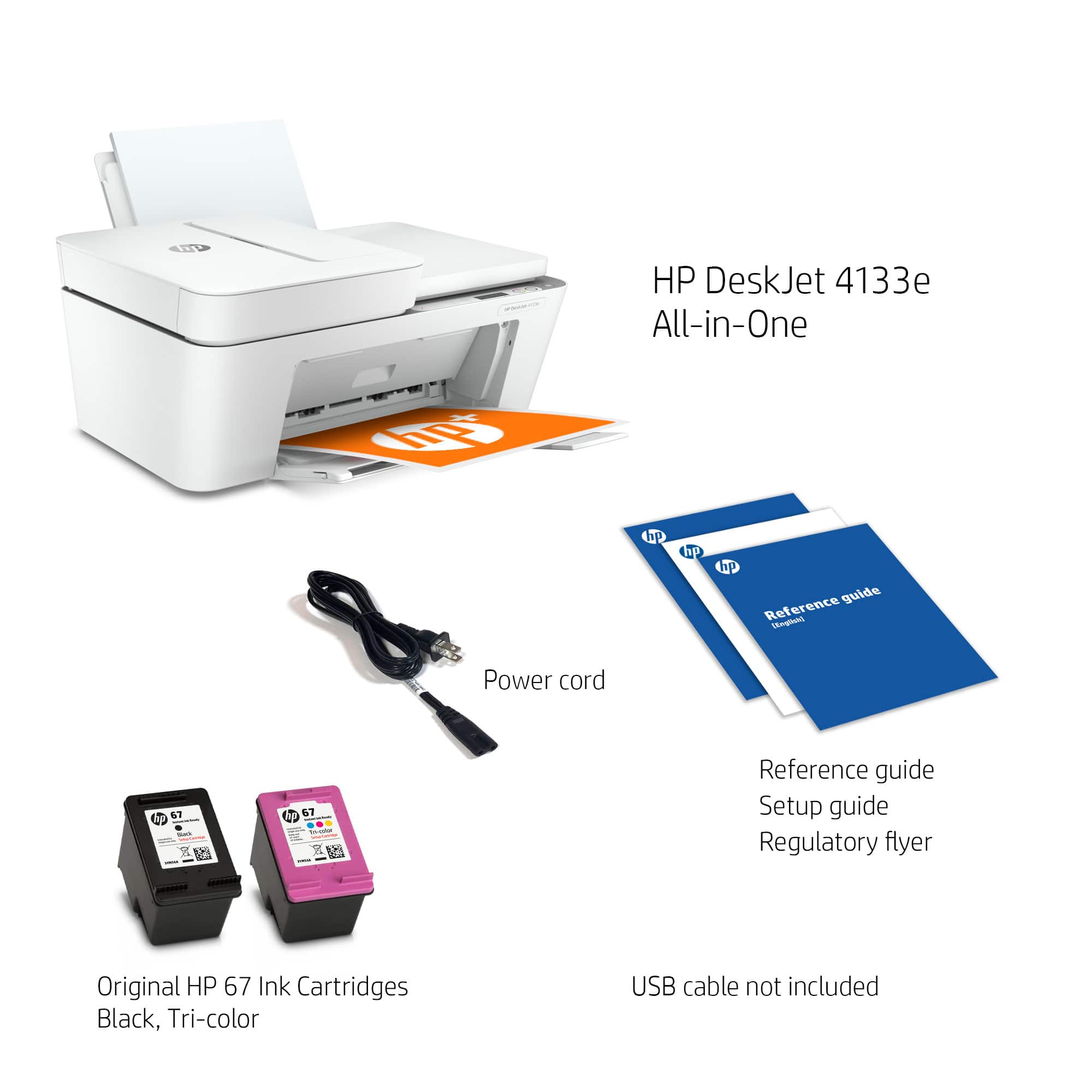
A:AnswerThe "e" in the model number of this DeskJet 4133e printer means it is a HP+ printer which includes 6 free months of Instant Ink and a 2nd year of warranty which you can opt into at the time of printer set up.
A:AnswerIt can scan at a resolution up to 1200x1200, so it should be good for that. Please note that the scanner glass is 8.5x11 inches, so your art would need to be that size or smaller.