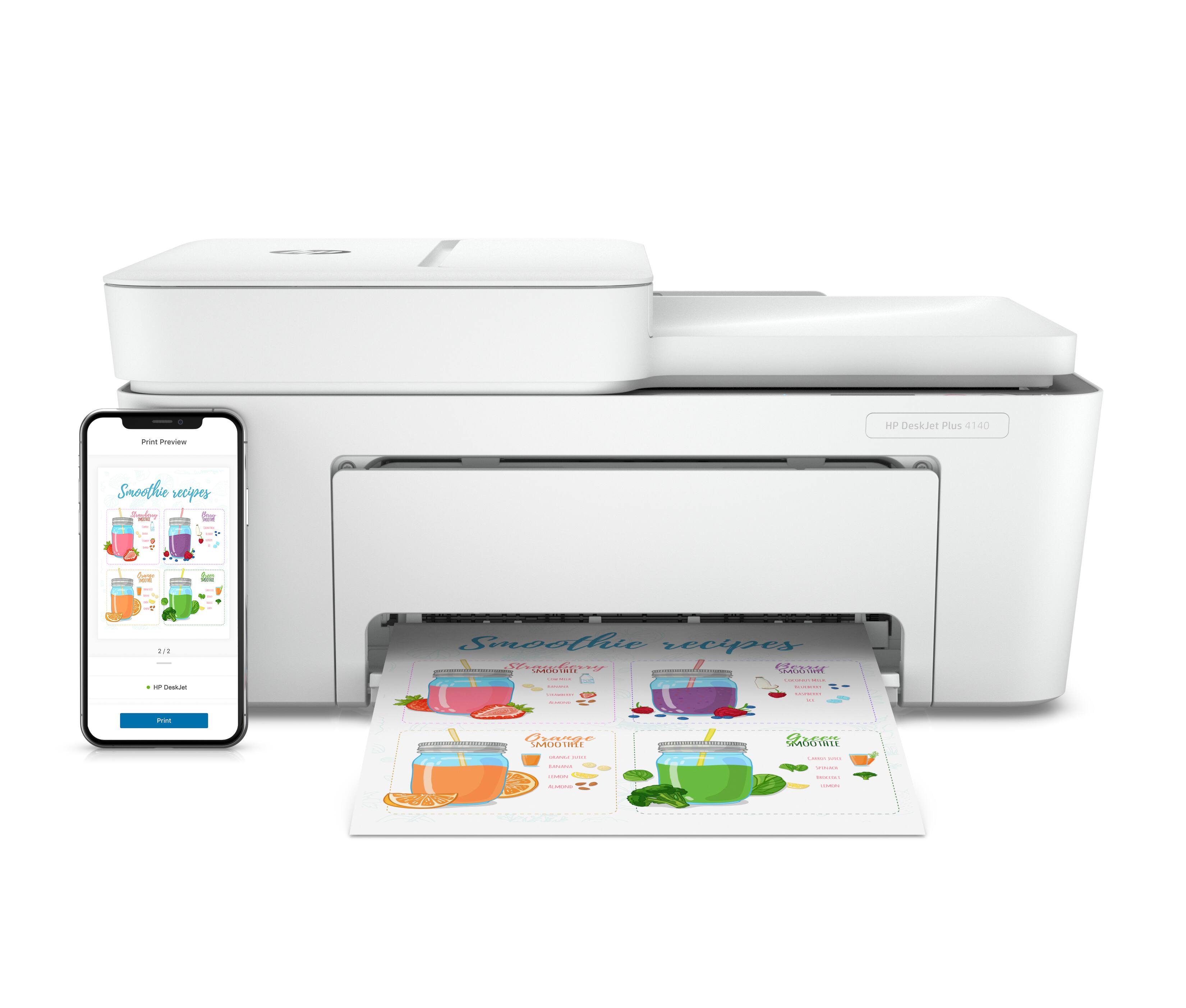
A:AnswerIt's not designed specifically as a photo printer, so the photo quality probably won't be quite as good, but I'm not an expert on Dell hardware. An HP Envy Photo or Envy Plus would probably be a better match.
A:AnswerYes, it can. You'll need to make sure that they're on the same wireless network, and you'll need to install the free HP Smart app to control the printer from your device
A:AnswerThe short answer is Yes, and No. I purchased this printer for my mother to use. It was a pain to setup using the mobile app (and I am very tech savvy). It would get 90% through install and get stuck for several minutes and never complete setup. Had to try multiple times. Once it did finally install, it worked for about two days, then quit. It is very sporadic in when it wants to work, and my mother is just as disappointed as I am in this product. We are actually returning it this weekend, and may opt for another brand sad to say. I wish I could help you, but I would do a little more research for Chromebook compatible printers. By the way, I had just purchased my mother a new ASUS Chromebook just to ensure she was up to date also.
A:AnswerThat printer can use either the 67 or the high-capacity 67XL ink cartridges. There are two of them: One for the black, and the other for three colors. I really can't give you a "typical" cost because it changes over time, but you can always look up the current price on the Best Buy website.
A:AnswerThe 950/951 inks are compatible with the following printers: HP OfficeJet Pro 251dw 276dw, 8100, 8600, 8600 Plus, 8600 Premium, 8600 Series, 8610, 8615, 8620, 8625, 8630.