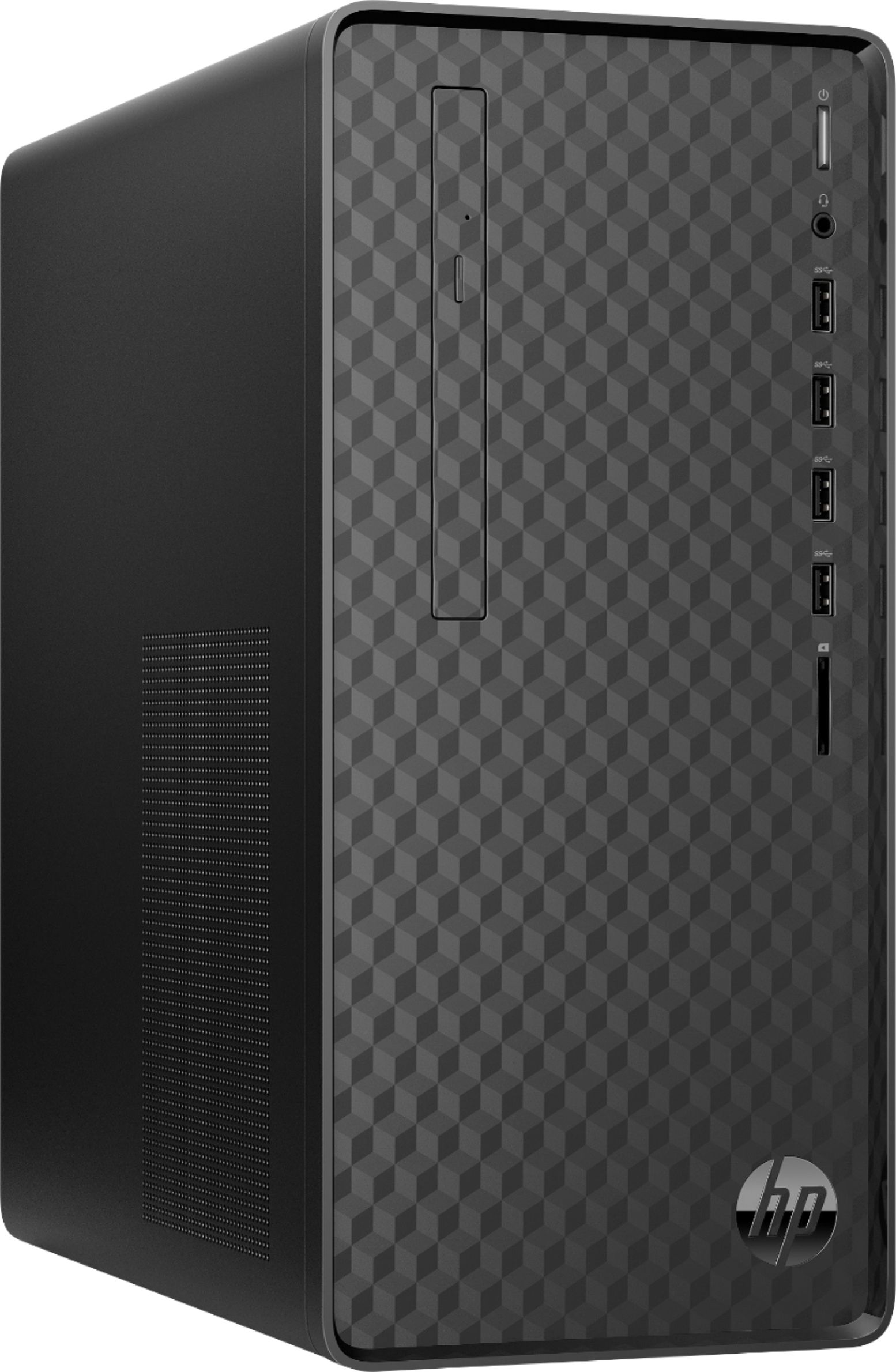
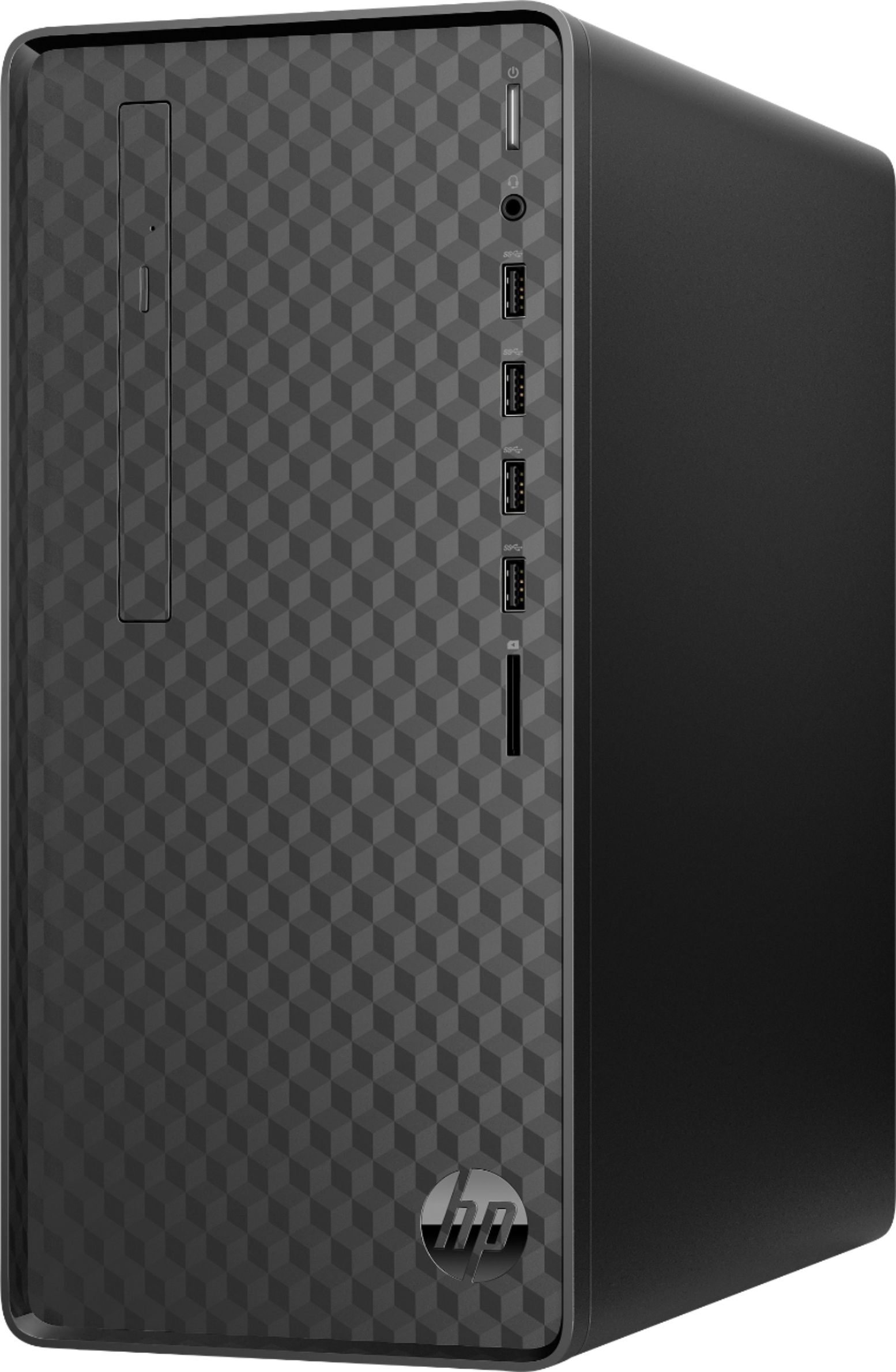
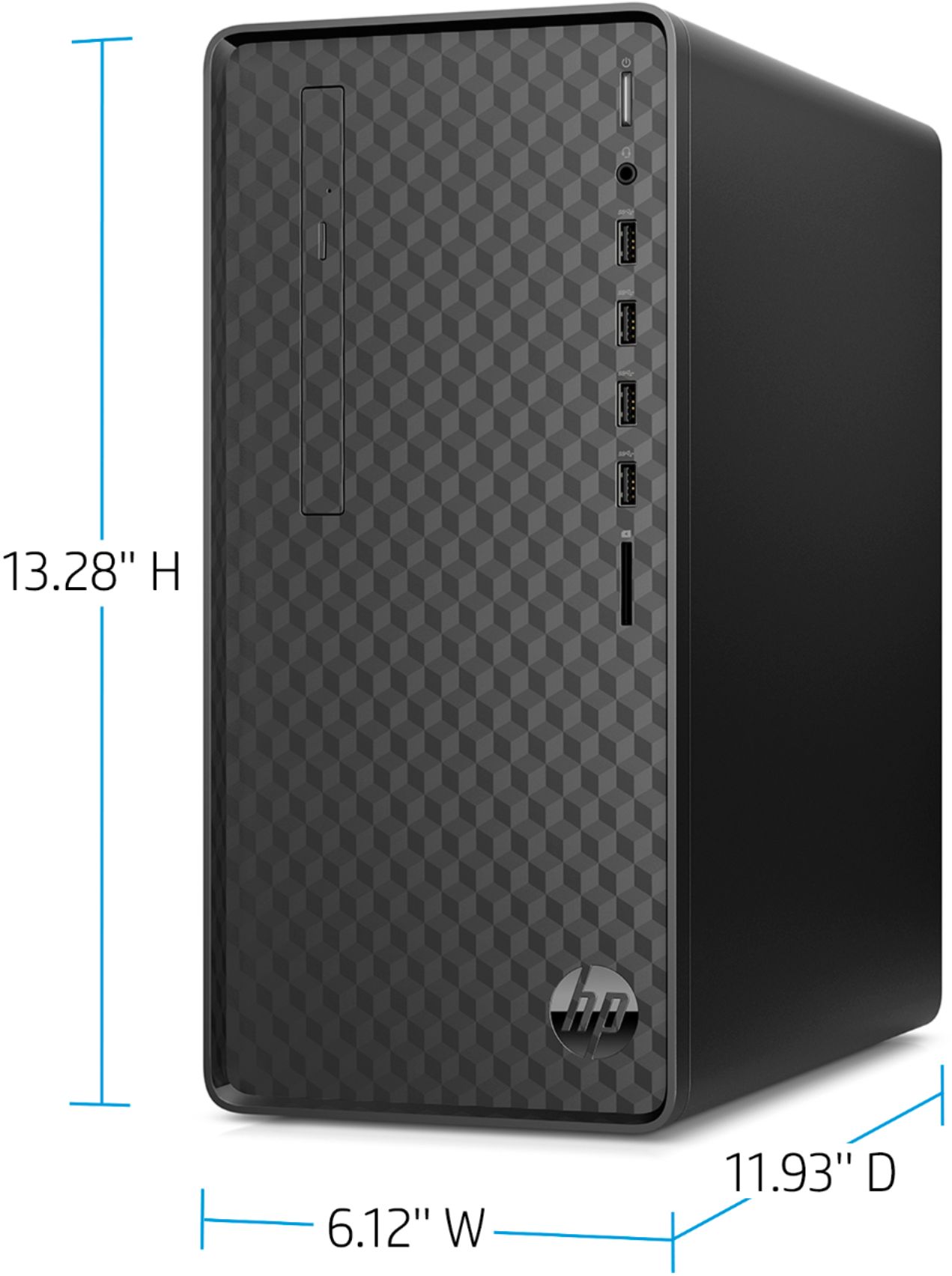
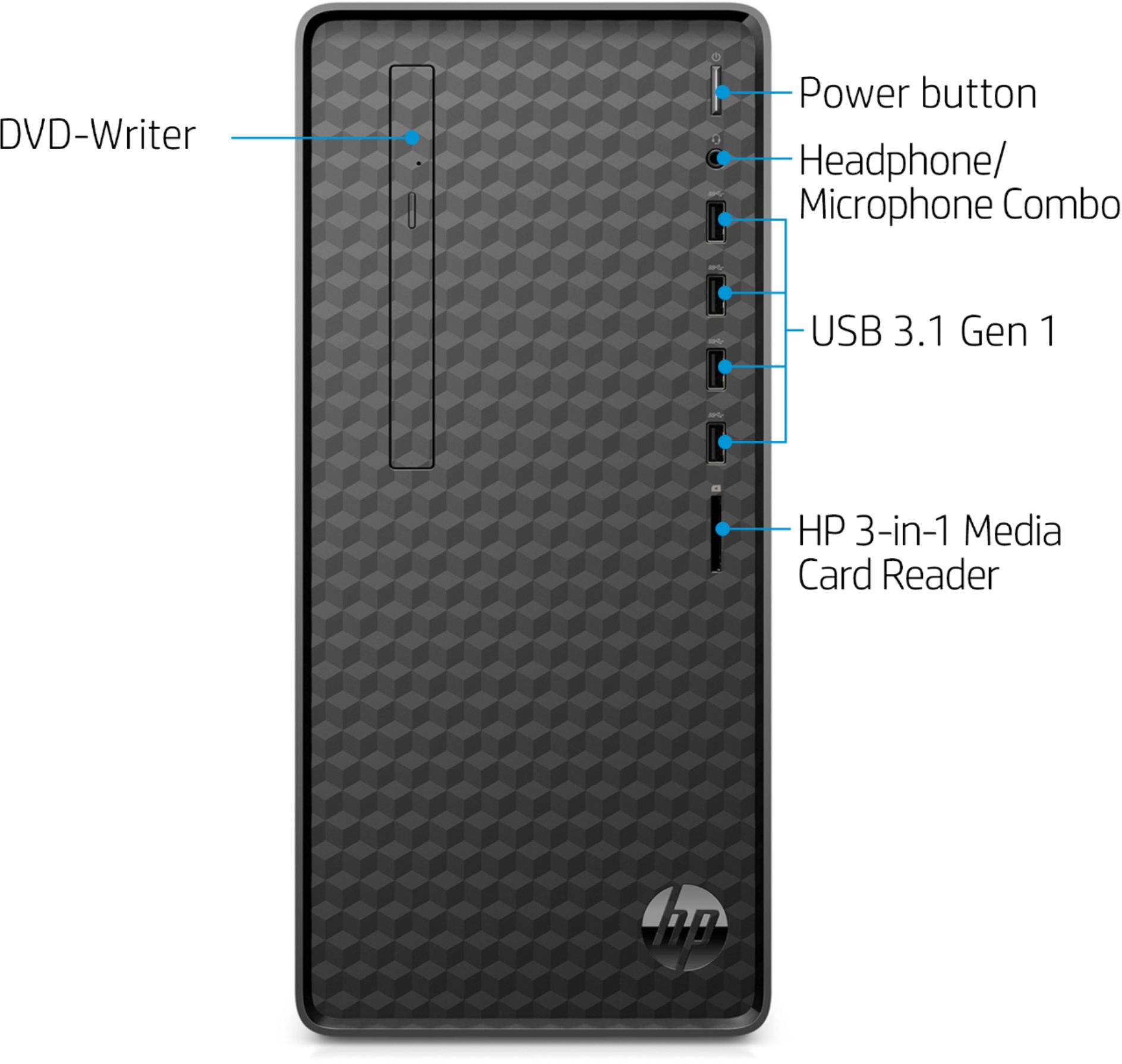
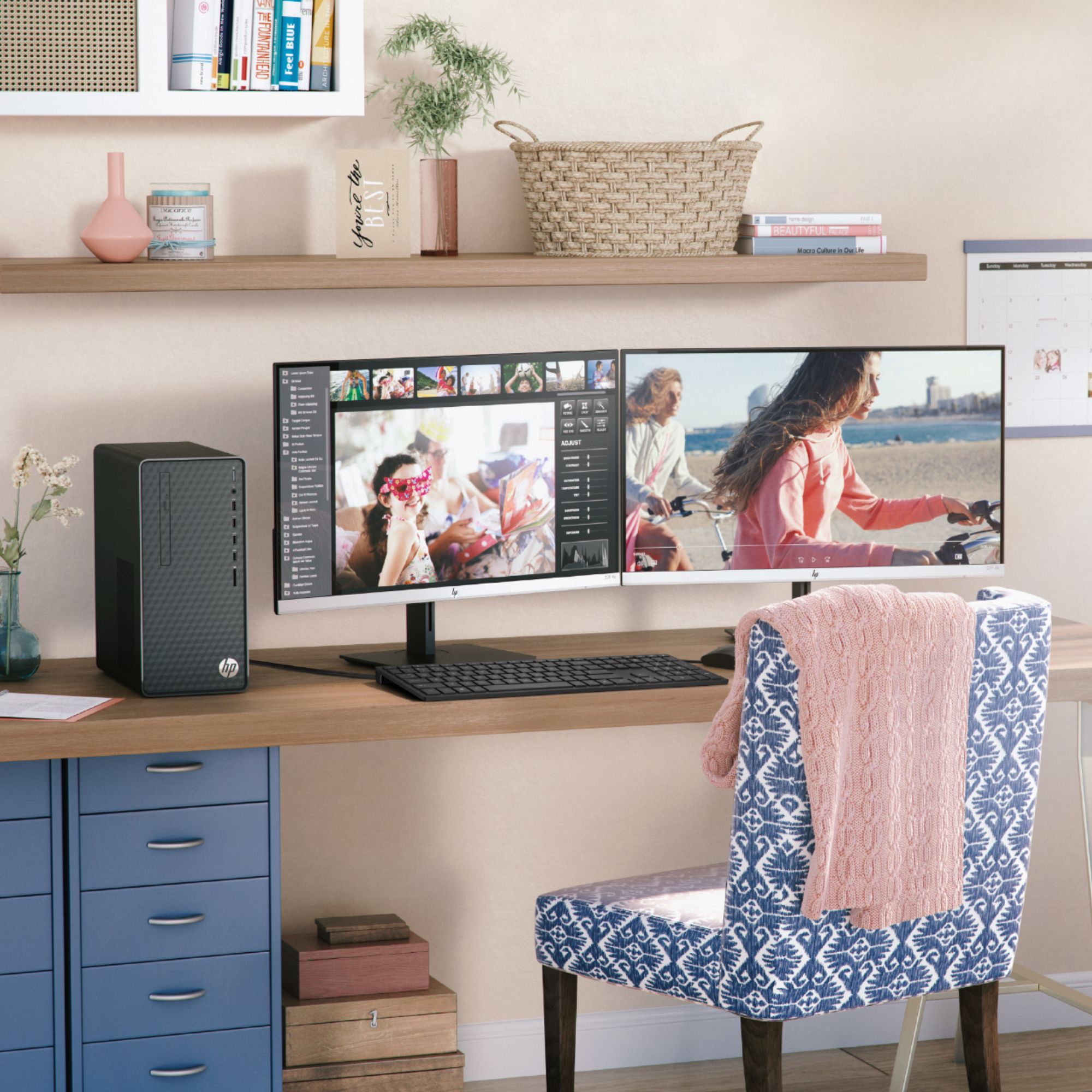
A:AnswerThe computer actually can handle dual monitors right out of the box (it's got an HDMI and a VGA port), but if you want to add a video card you can. Depending on the card, you may need to upgrade the power supply.
A:AnswerThere are 2 memory slots. The system memory maximum is 32GB. There is one 8 GB DDR4-2666 SDRAM (1 x 8 GB) in one of the 2 slots. The other one is open.
The integrated audio is Audio Codec: ALC3601-CG
High Definition (Azalia) 5.1 channel audio support. You would need to add additional hardware for 5.1 surround sound support.
For adding a separate sound card, PC has the following expansion slots:
Expansion slots
1 PCIe x16
1 PCIe x1
2 M.2
Here is a link to the complete spec sheet for the PC:
https://support.hp.com/us-en/document/c06442766
A:AnswerThe graphics card does not have dedicated RAM and I think your graphics card is using some system memory as shared memory. You can see how much is used under task manager > performance > memory and see how much is reserved for the system. The rest is probably used by your graphics adapter.
A:AnswerYou will need to determine the display ports available (this model has HDMI and VGA) and connect monitors that either have those connection types, or models with compatible adapters.
A:AnswerI doubt you would want to. The power supply is generally beefier than is needed to run the computer and is designed to have add ons. But you can try it anyway. If it doesn't work the symptom will be waning power.
Lots of luck in your endeavors.
A:AnswerYes, you can add a 2.5 or3.5 drive. The SATA power and data cables are already installed. There's only room to mount one extra drive, but capacities being what they are today. One should be enough.