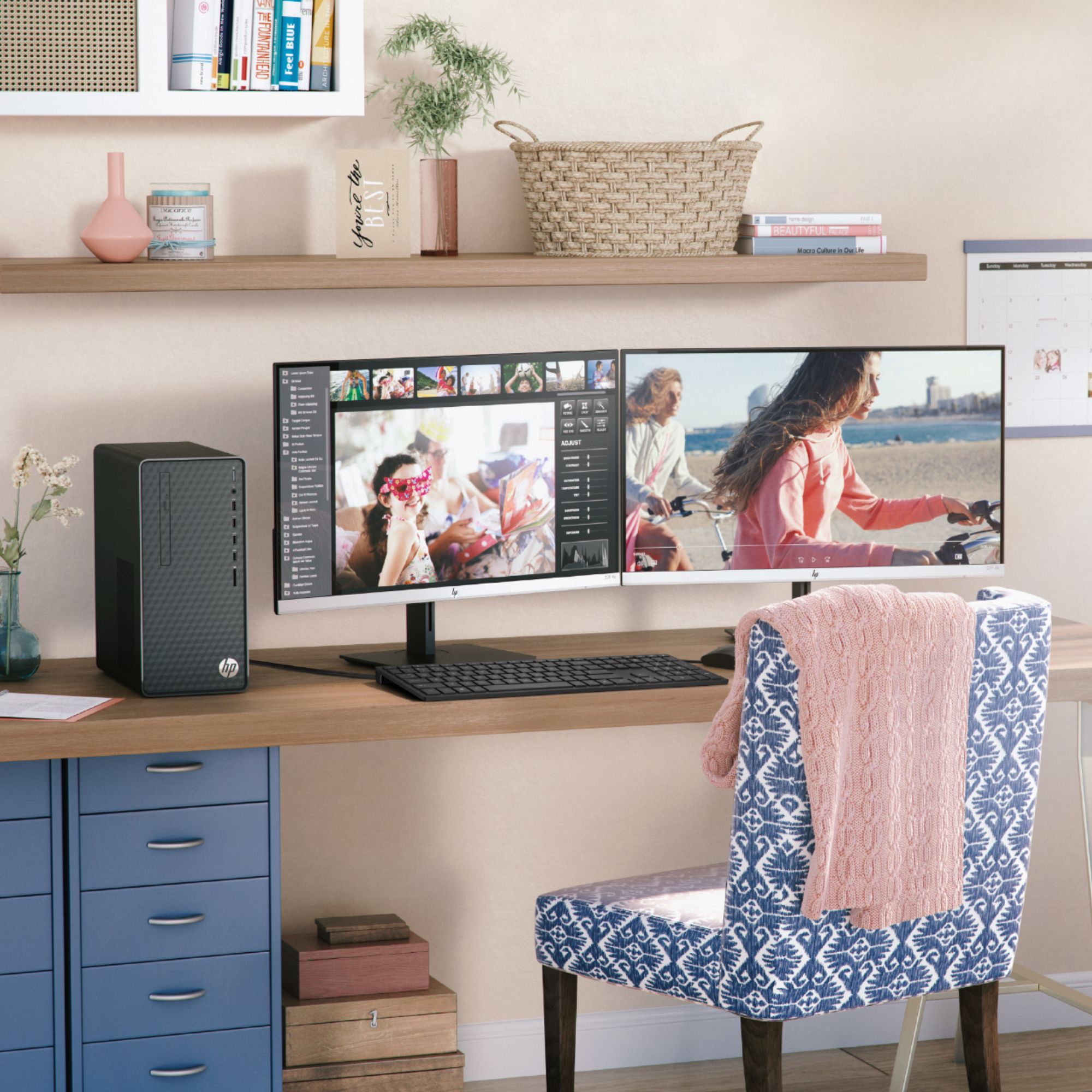
A:AnswerThis computer does not have Windows 10 S. It has Windows 10 Home, so there's nothing to change. It will work fine for remote logging in and working from home.
A:AnswerAny good graphics card would need a good power supply, which this Desktop lacks. It has a 180w power supply which cannot be upgrade since it is “custom made” for this desktop. So to answer your question, there isn’t really any graphics card that would work due to the power supply being so low.
A:AnswerThis PC does not have a dedicated graphics card. It has an AMD Ryzen 3 processor, with its integrated graphics. While this PC is great for strategy and even some action games, it will not provide high performance or frame rates with heavier, first-person action titles.
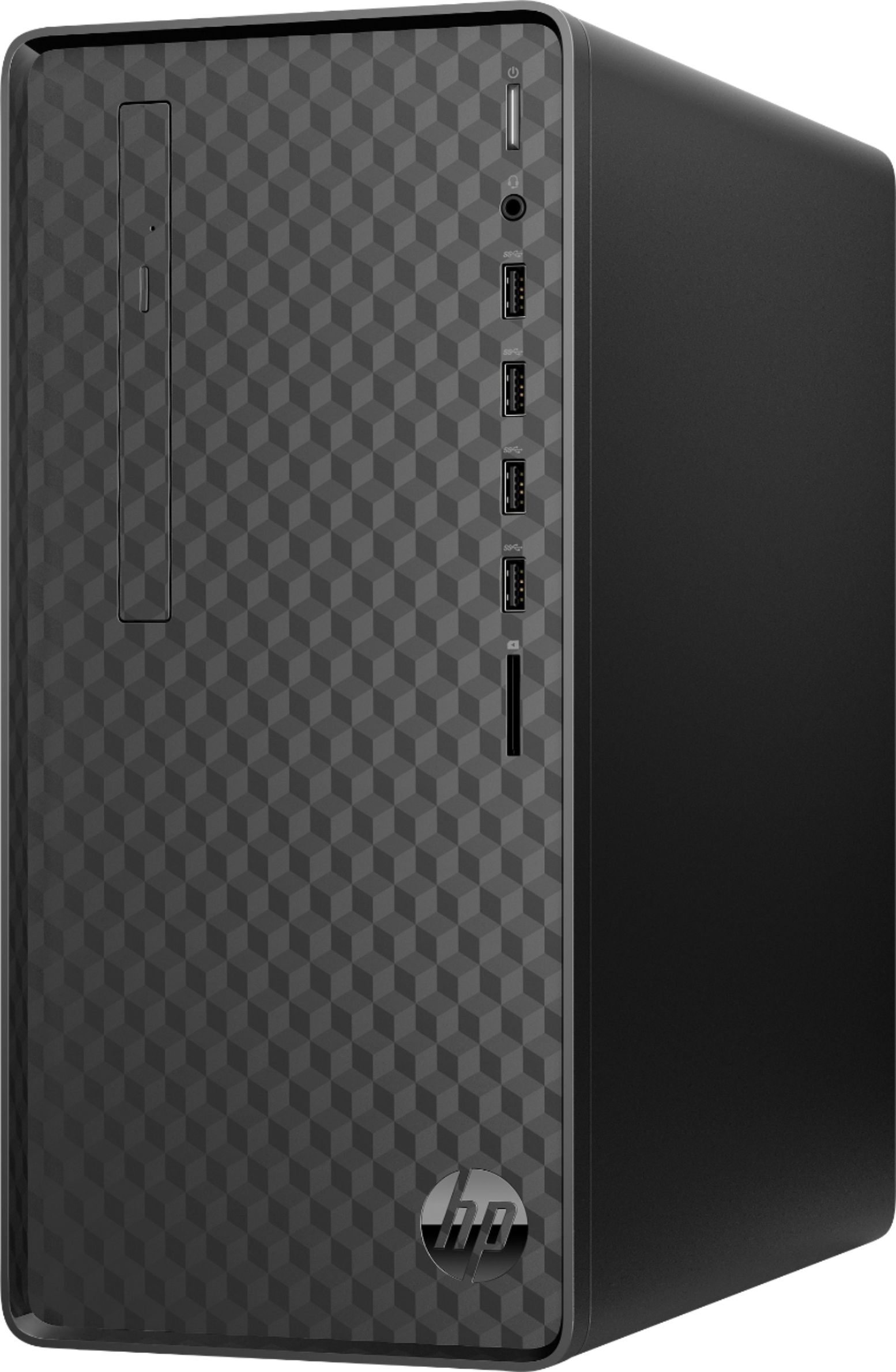
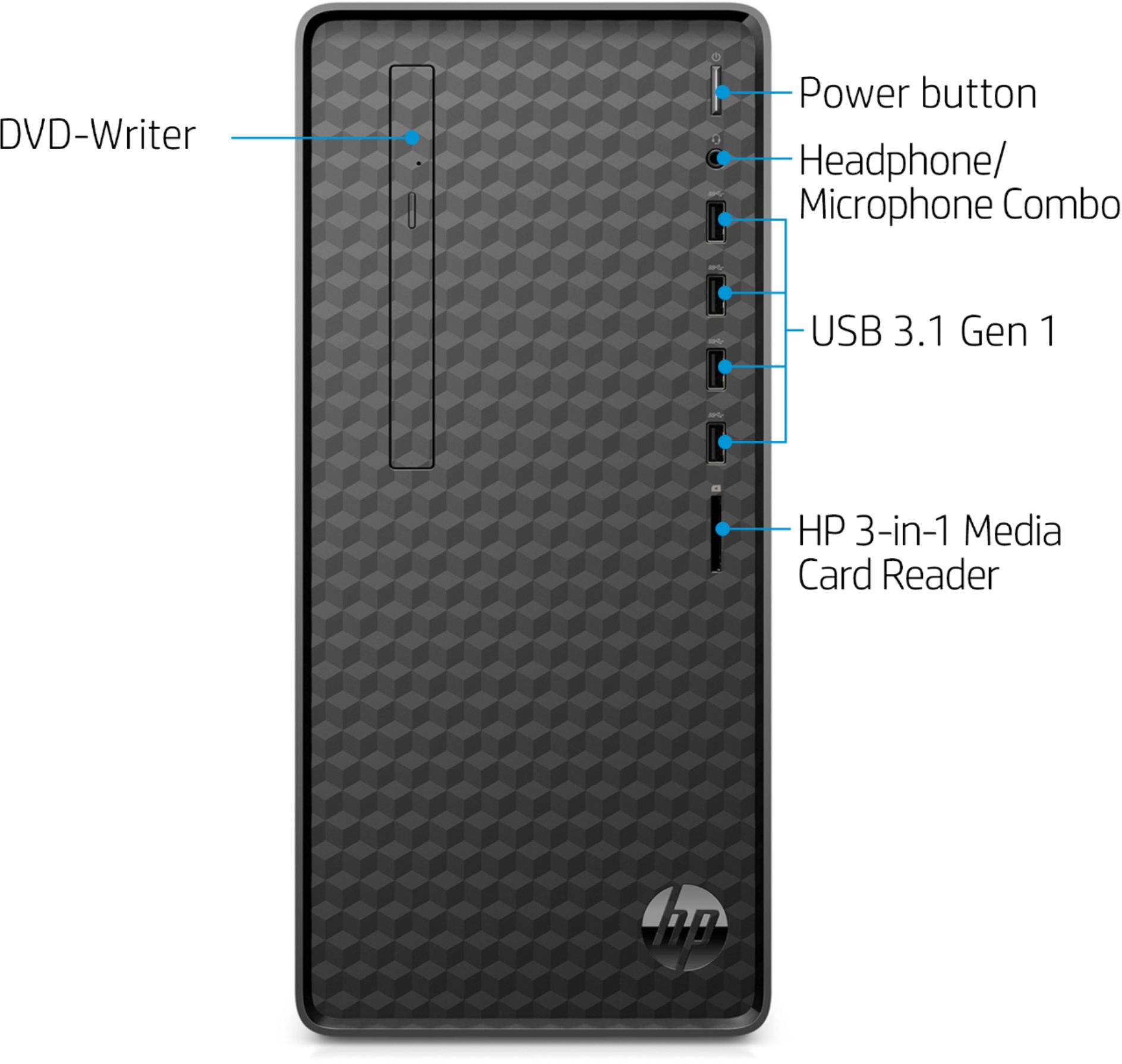
A:AnswerPer the specs on the motherboard, details can be found here: https://support.hp.com/us-en/document/c06442766 .. this desktop has (4) USB 3.1 Gen 1 Type-A ports, (1) Headphone/Microphone jack, (4) USB 2.0 Type-A ports, (1) RJ-45/Ethernet port, (1) HDMI v1.4b/HDCP 2.2 port, (1) VGA port, and (2) Audio ports.
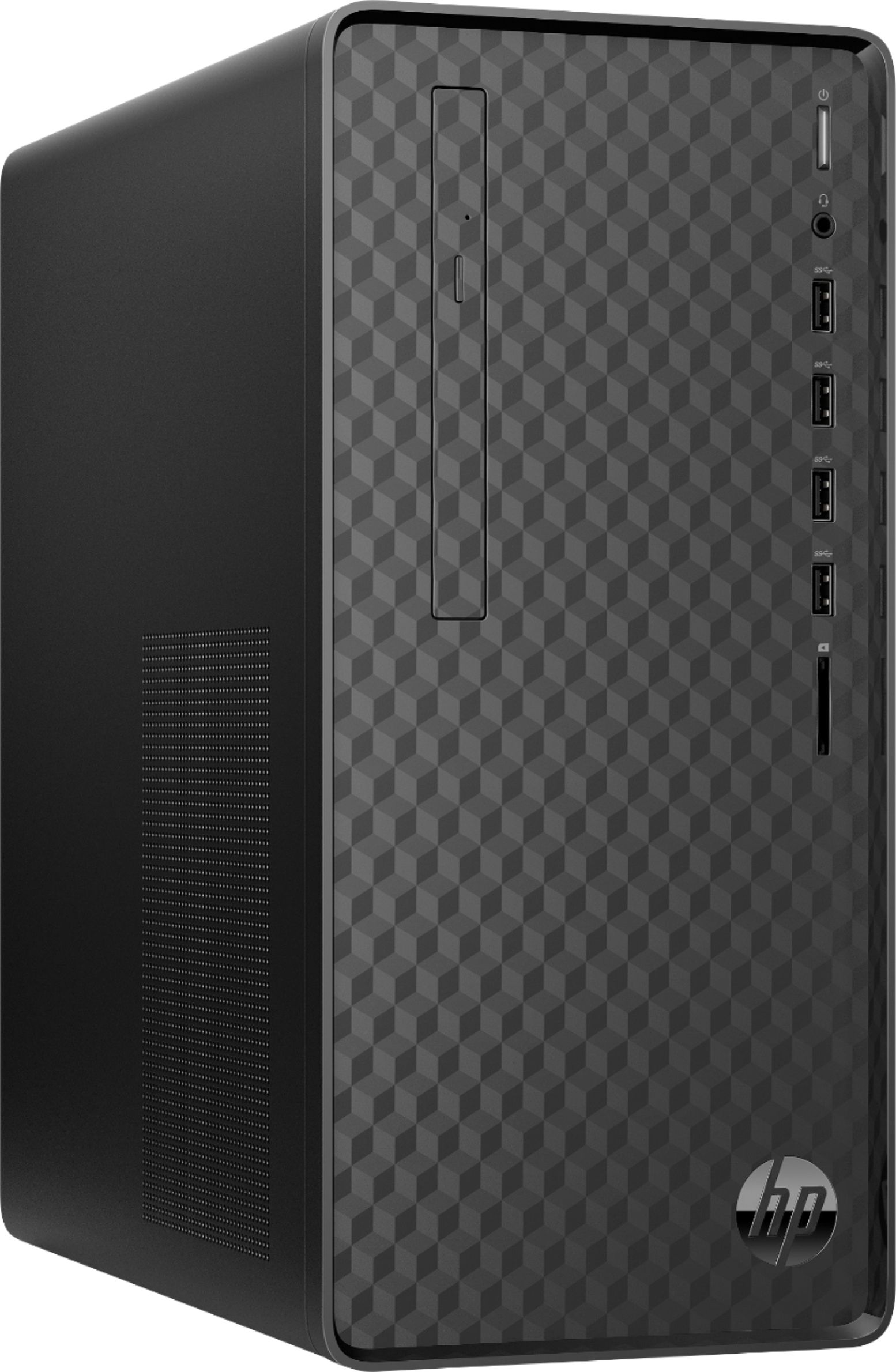
A:AnswerMost of the newer computers do not have a CD/DVD drive built in, but you can always use an external drive that plugs into one of the USB ports.
A:AnswerThanks for your question. This Desktop PC has the L08660-800 - 180W power supply installed. The 180W power supply would support an NVIDIA GeForce GTX 1030 GPU (which only uses 30 watts of power) which would give you a much better graphics performance.
A:AnswerHello, yes this desktop can support three monitors. The best way to learn how to do this is to look at AMD's website regarding this processor specifically and the motherboard it is attached to. It is always best to have a computer with a dedicated graphics card though when setting up multiple monitors to a desktop unit as there are more video graphic ports available for connections. Thank you for being an HP customer!
A:AnswerSorry, but this is not a gaming PC. It meets the minimum specs to run Fortnite at lower settings. I have read that one of the most simple things you can do to improve your FPS is to turn record replays off in your Fortnite settings. I understand that recording replays can reduce performance and take up hard drive space. So turning them off can help you maintain steady FPS, particularly in the late game when there is a lot of building. While you can play some games on any computer, modern games like Minecraft, Fortnite, and most other popular titles require a lot of power. For this reason, I recommend a model with a dedicated Graphics Processing Unit (GPU) for PC gaming.
A:AnswerThanks for your question. This Desktop PC has the L08660-800 - 180W power supply installed. The 180W power supply would support an NVIDIA GeForce GTX 1030 GPU (which only uses 30 watts of power) which would give you a much better gaming performance.
A:AnswerThis Desktop PC has the L08660-800 - 180W power supply installed. This chassis can also use the L64961-800 - 310W power supply, and the connectors should be the same. I hope this helps you. If you do a google search for the part number you should be able to find a source, and verify that it is designed to work in the HP Desktop PC.
A:AnswerThis HP Desktop - M01-F0014 has Windows 10 Home 64 bit and the AMD Ryzen 3 3200 G Processor. Here are the details on the processor: AMD Ryzen 3 3200G with Radeon Vega 8 Graphics (3.6 GHz base clock, up to 4 GHz max boost clock, 4 MB cache, 4 cores).
A:AnswerThis does have a disc drive to use cd's and dvd's. I would suggest getting the latest drivers for your printer from the Canon website instead of using the disk. The disk most likey has older drivers than what you can get from the website.
A:AnswerUnder the "Processor upgrade information" section of this webpage, it will list the compatible processor upgrades for this desktop: https://support.hp.com/us-en/document/c06418906 Yes, you could add another 4 GB RAM DDR4-3200 to this desktop. It can be upgraded up to 32 gigabytes.
A:AnswerYes, you certainly can. However, the computer comes with a built-in CD/DVD writer. It's on the front of the computer, mounted vertically on the left side.