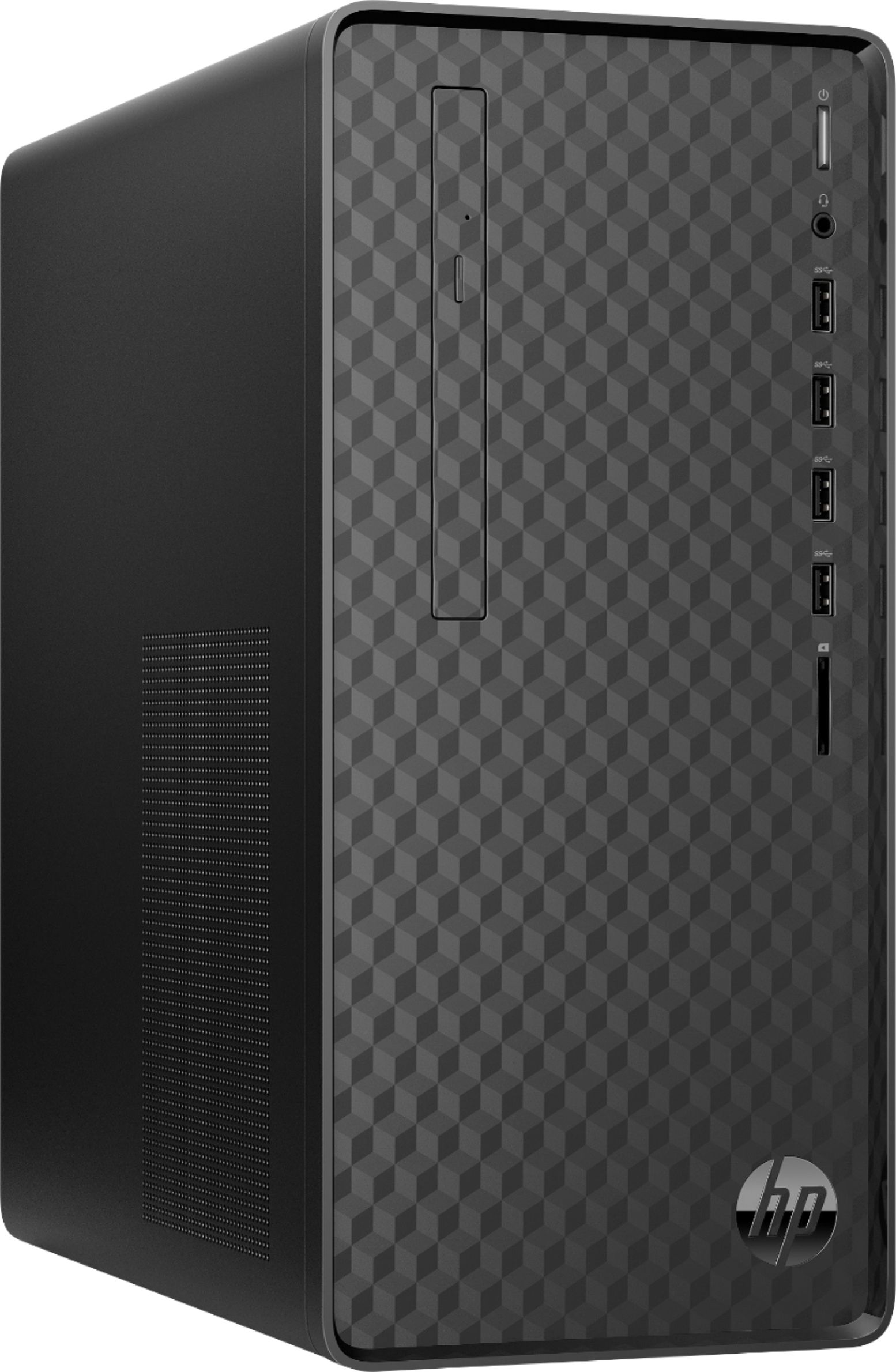
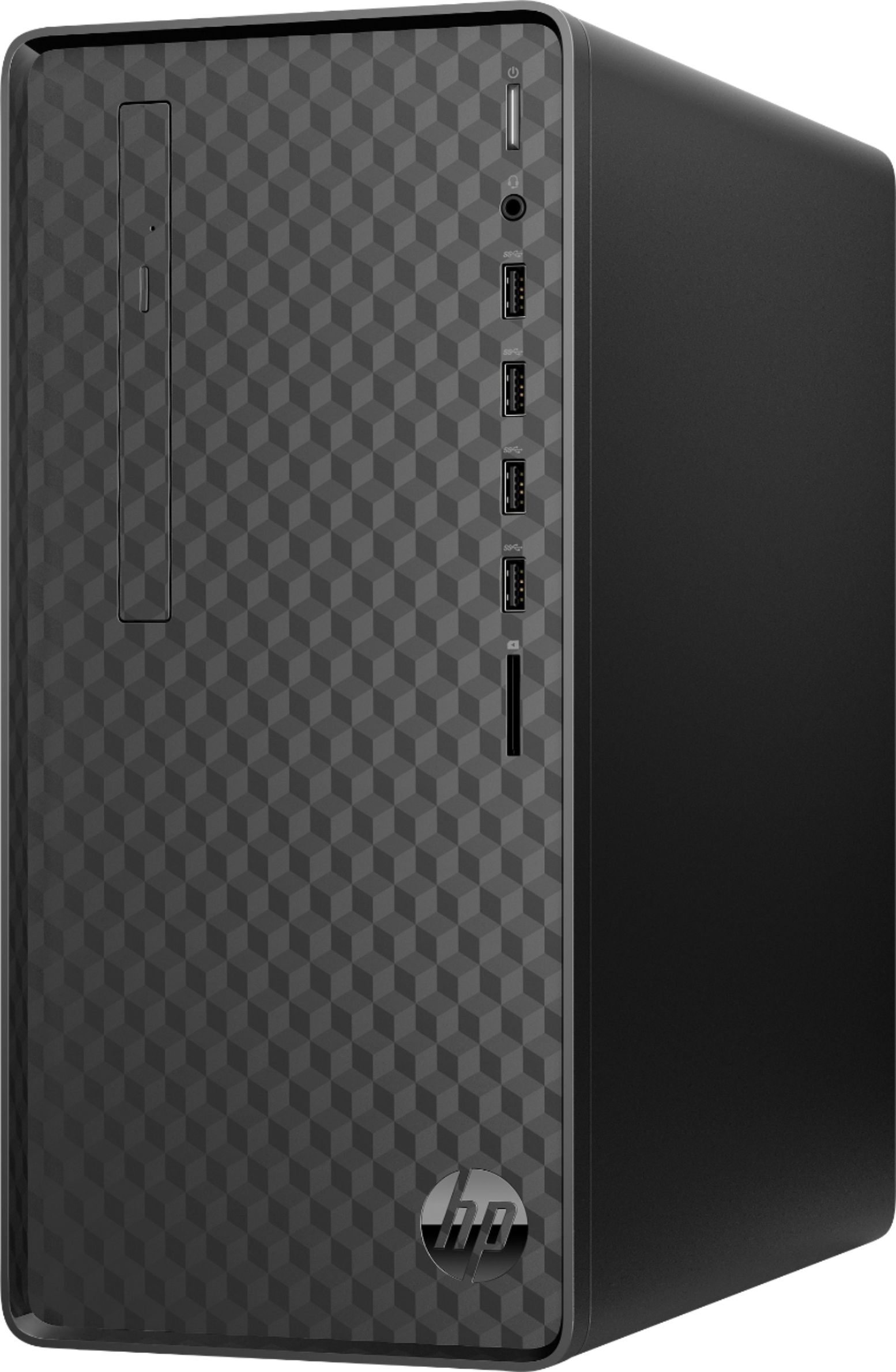
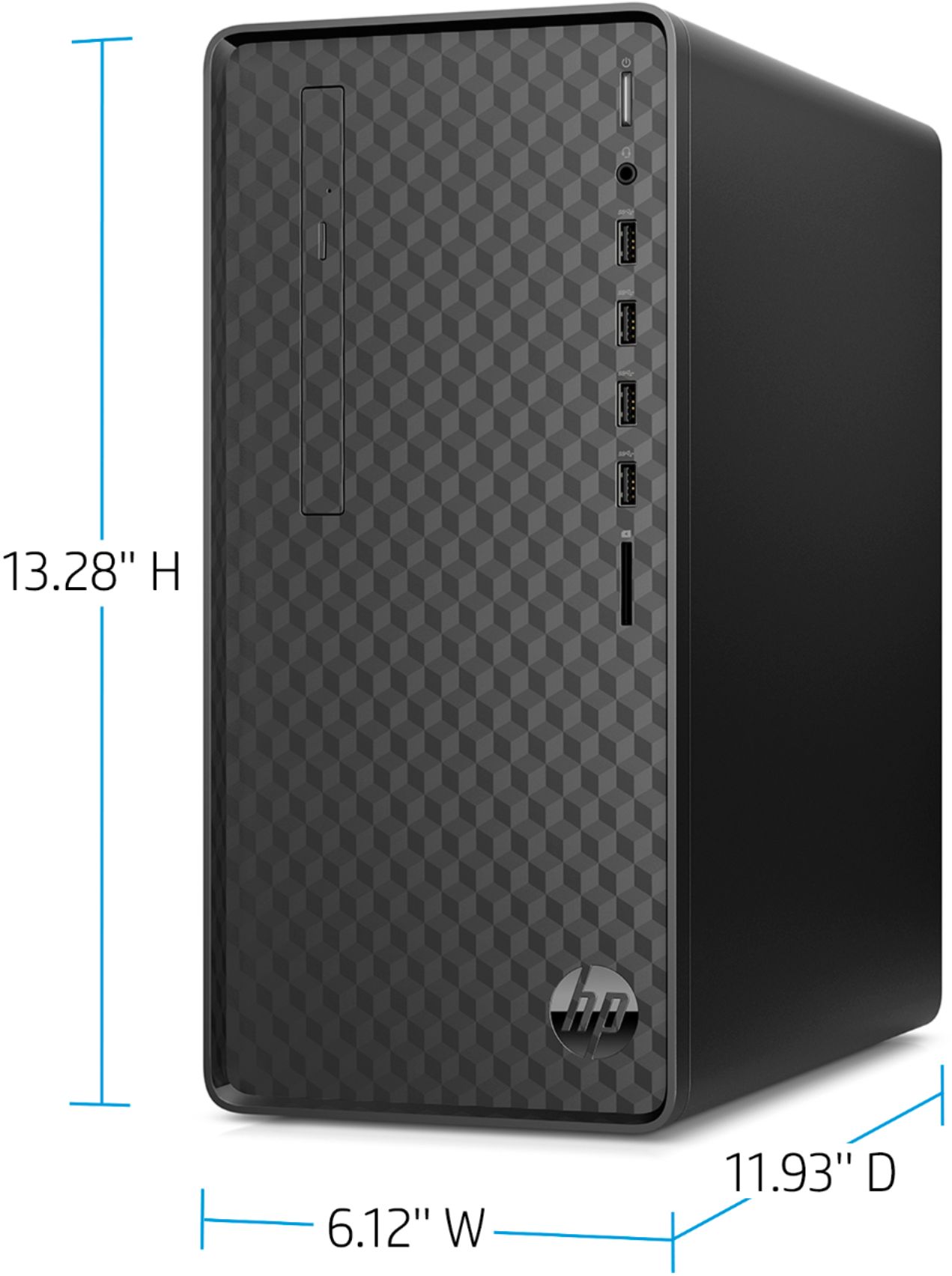
A:AnswerYou should find screws on the back of the case that you can take out. The top and sides are one piece, so you'll need to remove all the screws to get the case open
A:AnswerThe computer has an HDMI port and a VGA port on the back of the computer. You'd just need to connect one monitor to the HDMI port, and one to the VGA port.
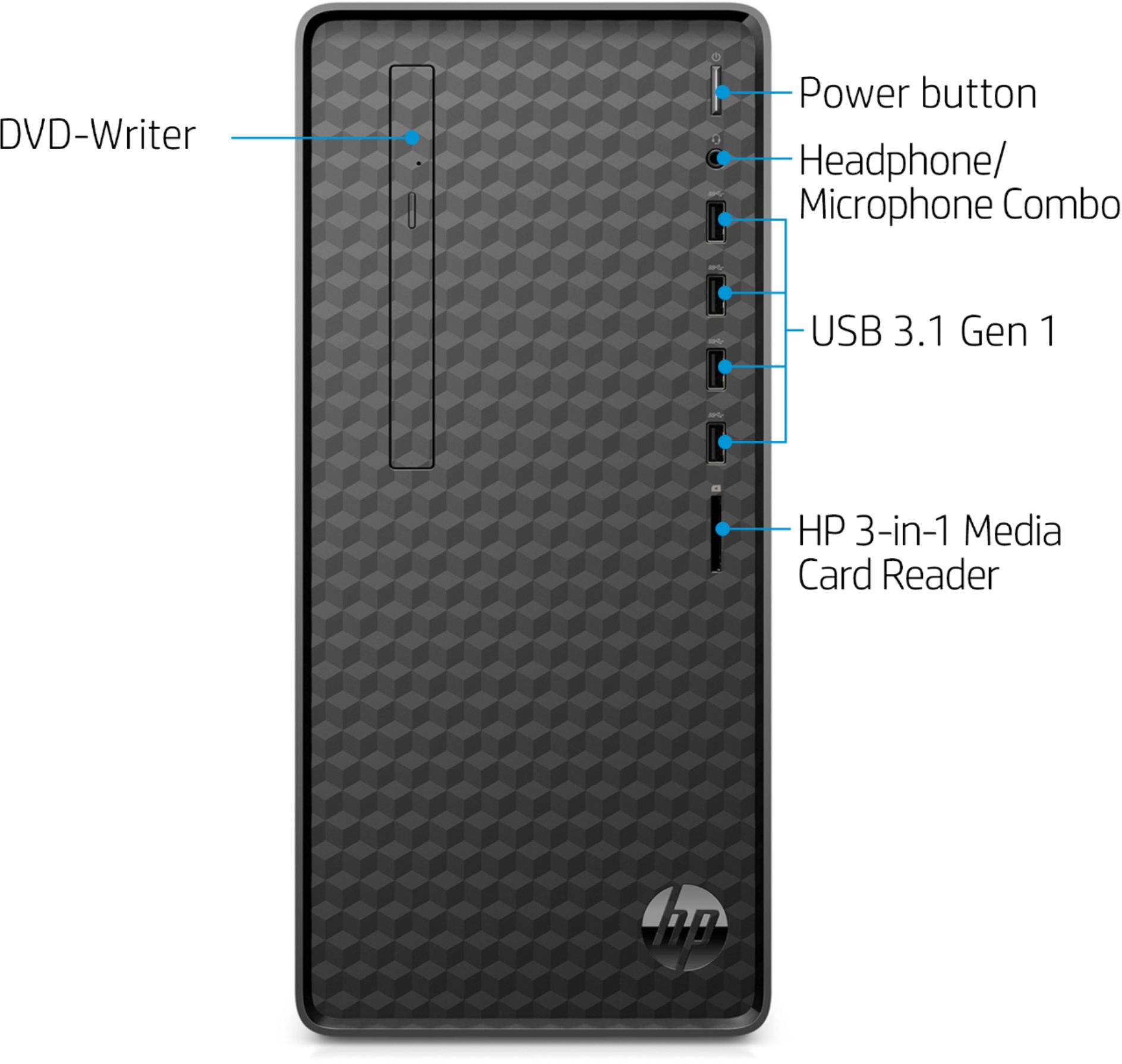
A:AnswerHello. Thanks for your question. There is a tiny button on the door of the CD/DVD drive. When you press that button, the CD/DVD drive will open. If you need further assistance, visit https://support.hp.com
A:AnswerHello, while the model itself can not be upgraded within the store, Best Buy does offer the Ryzen 5 model. It is Model:M01-F0024 and SKU:6366135 if you would like to choose that model instead. Take these numbers and copy and paste them into the search field at the top of Best Buy's webpage and it will populate for you. Thank you for being an HP customer!
A:AnswerHi Ben. The modern computers that come with Windows 10 don't use product keys, they have a Digital License and don't require the user to input a product key. Here is a link to Microsoft support regarding Windows 10 activation:
https://support.microsoft.com/en-us/sbs/windows/activate-windows-10-e76d05dd-6af5-569f-a09f-29d59a4f9384?ui=en-US&rs=en-US&ad=US
A:AnswerThank you for the question. Yes, this desktop is Windows 11 compatible. All computers manufactured since 2016 have UEFI Secure boot and TPM 2.0. It just needs to be enabled.
A:AnswerHello, there! I'm happy to tell you that the HP Desktop M01-F0014 (6YQ58AA) already has a built-in DVD-Writer. Thank you for your question and interest in our HP desktops!
A:AnswerThanks for your questions. This Desktop PC has the L08660-800 - 180W power supply installed. This chassis can also use the L64961-800 - 310W power supply, and the connectors should be the same. I hope this helps you.