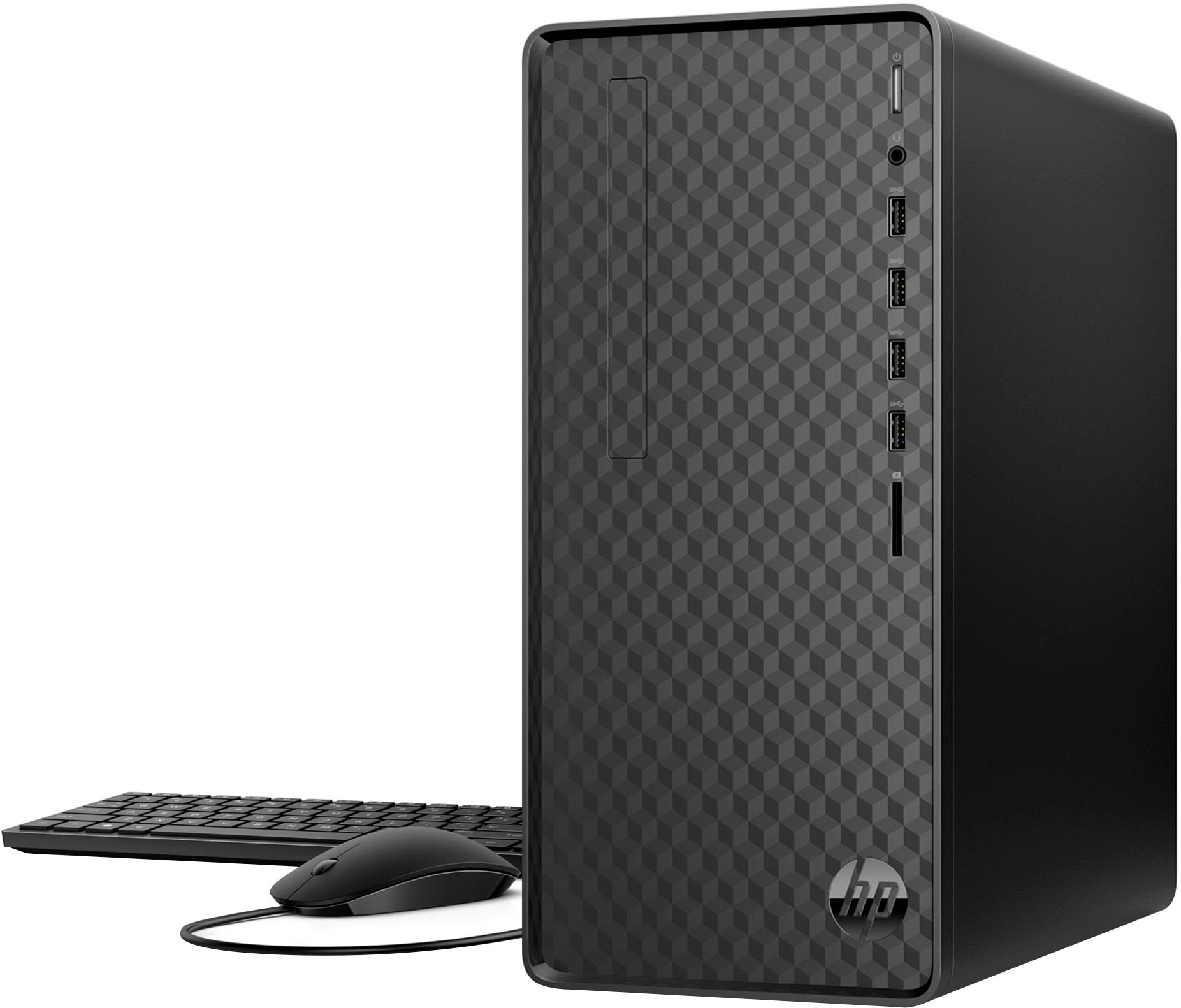
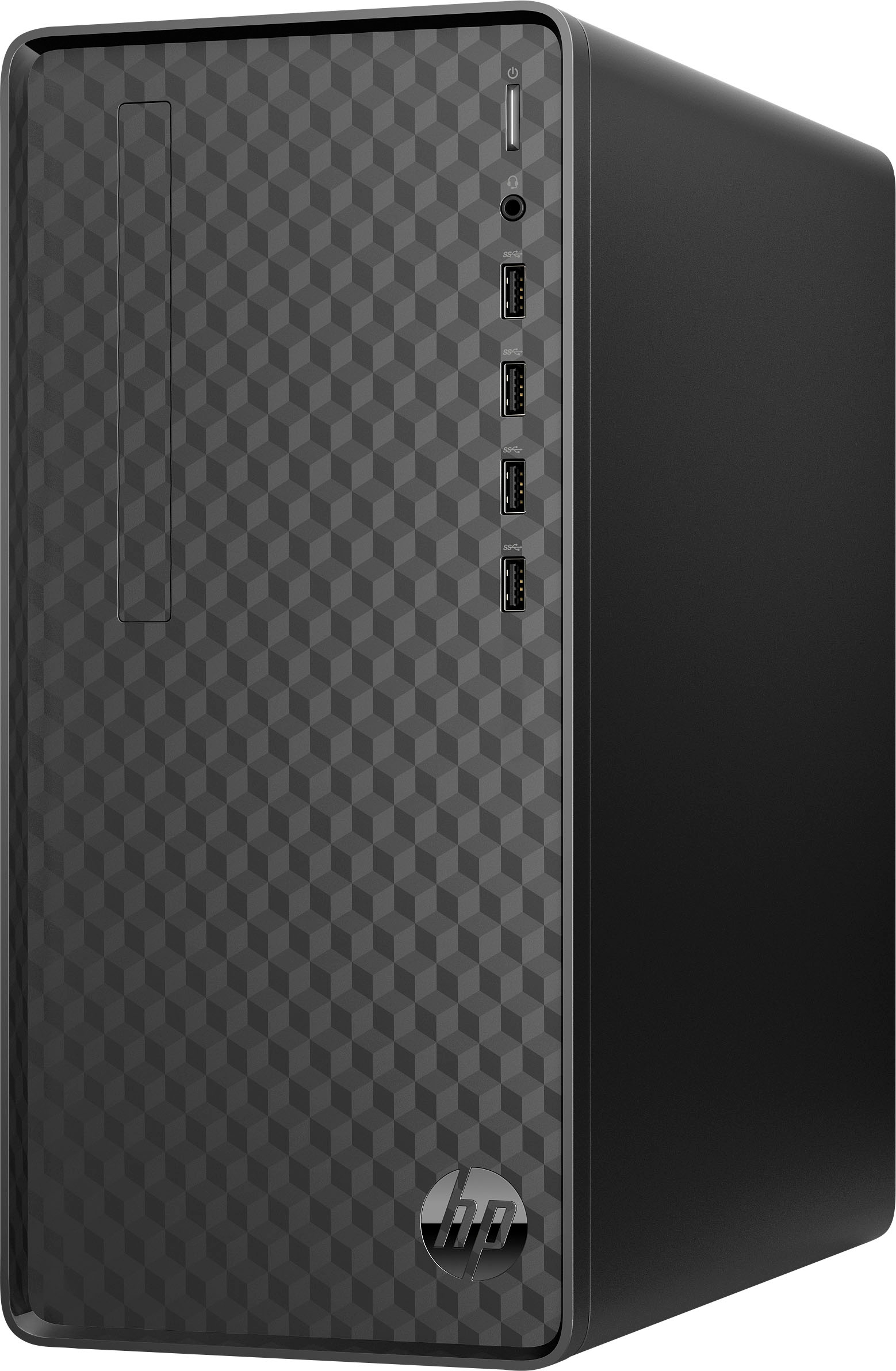
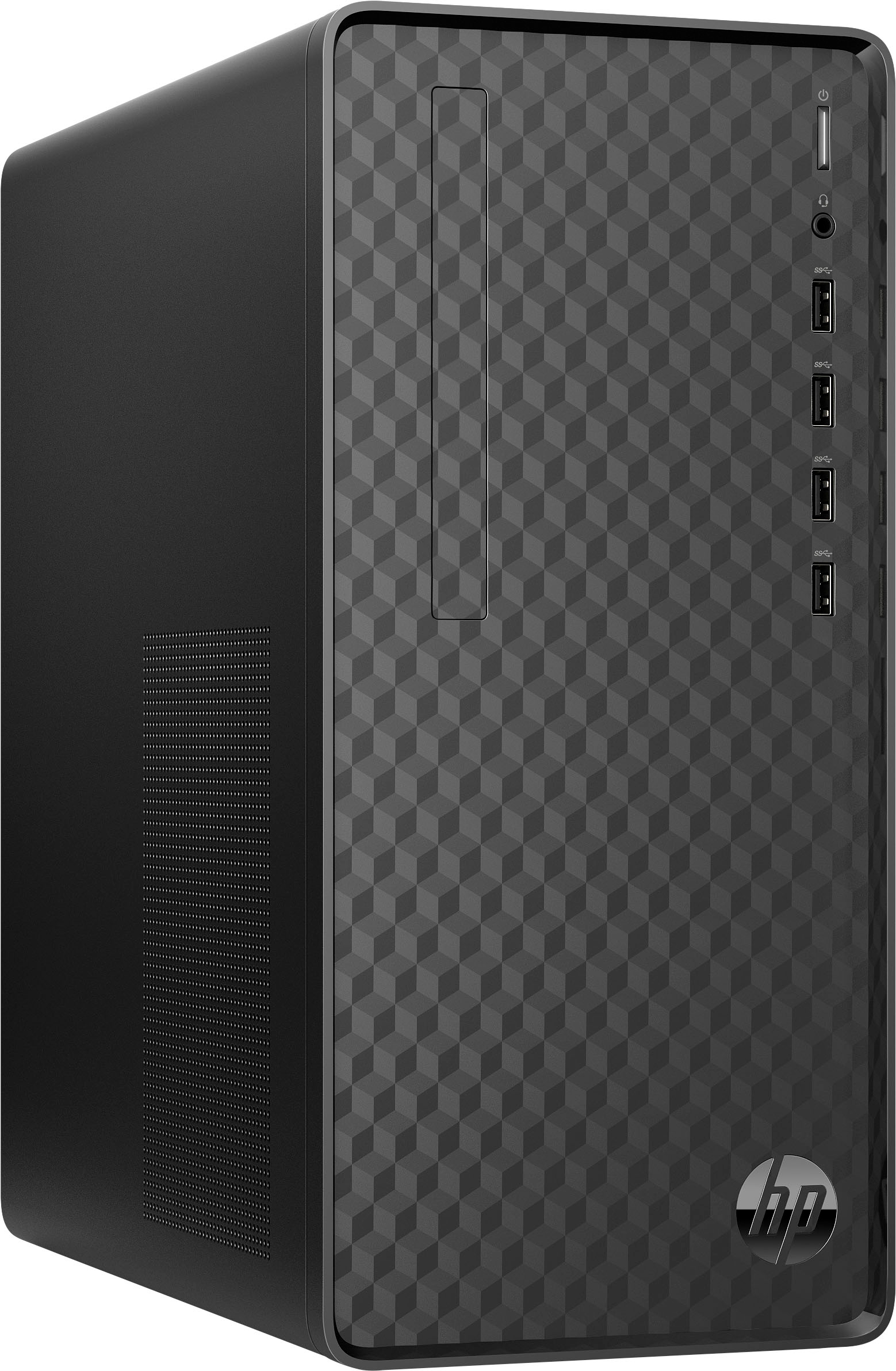
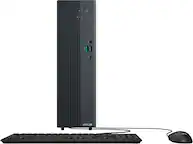
A:AnswerThank you for your question. The M01-F3224 Desktop does not have an optical drive to burn CD's, however you can connect an external optical drive to this computer.
A:AnswerThank you for the question. The HP M01-F3224 desktop PC has an HDMI 1.4b port. This includes support for 4096×2160 at 24 Hz, 3840×2160 at 24, 25, and 30 Hz, and 1920×1080 at 120 Hz. The VGA port supports a maximum resolution of 2048 x 1536, so it supports 1080p 100hz.
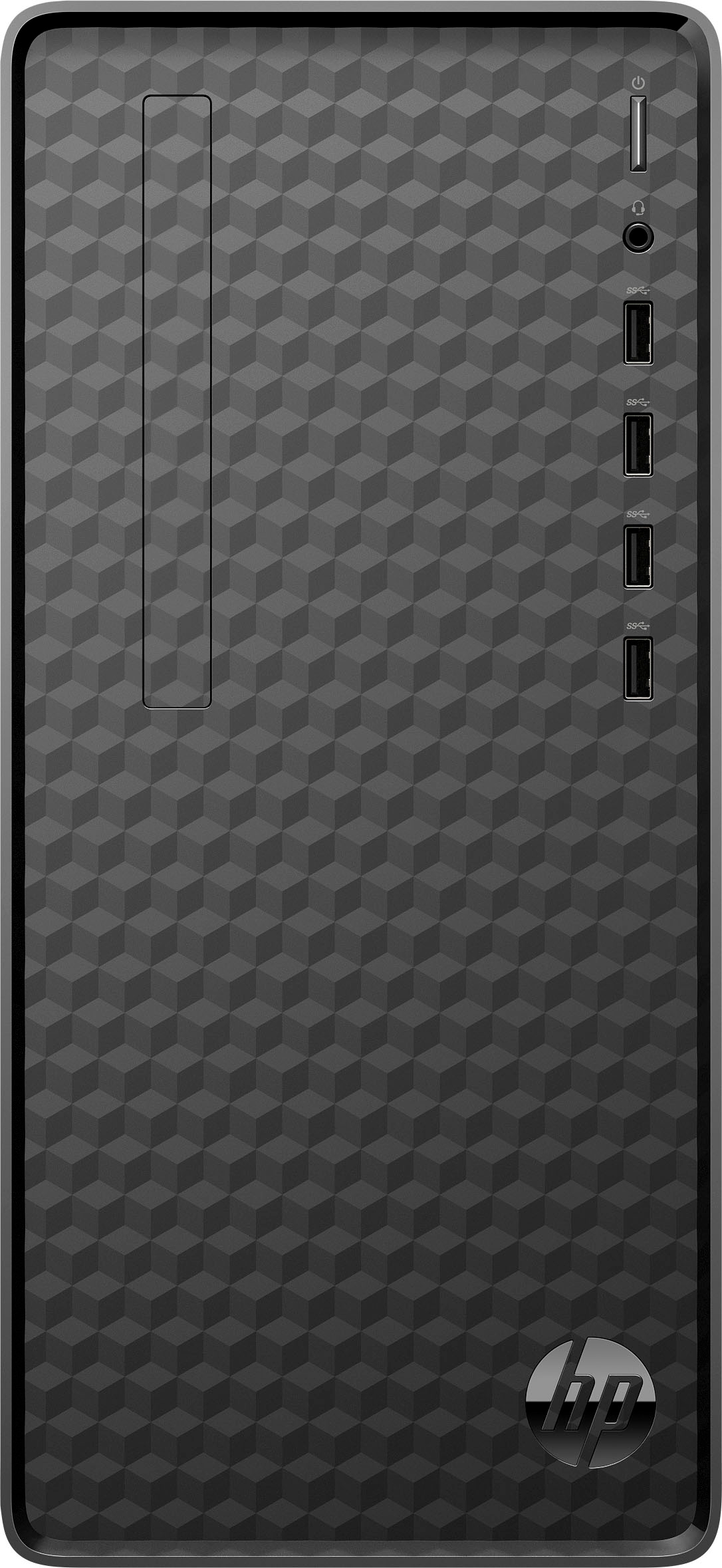
A:AnswerHello, thank you for your question CMcHan! The HP Desktop AMD Ryzen 5 12GB Memory 512 SSD comes with 2 DDR4 RAM slots and 2 sticks of RAM. You can purchase 3200 megahertz DDR4 RAM and upgrade up to 32GB of RAM. Here is a link on HP.com for the RAM: https://www.hp.com/us-en/shop/pdp/hp-16-gb-3200mhz-ddr4-memory
A:AnswerBassmaster, I am sorry that you are disappointed with the picture quality. Are the latest drivers installed? Is the card the default Display Adapter in the Windows Device Manager? Even if you're having issues with the picture quality, you may need to contact Saplos or HP technical support.
A:AnswerNot without upgrading the power supply. The computer has a 180 Watt power supply, you'd need to replace the power supply with a larger capacity unit (how much greater would depend on what GPU you want to add.
A:AnswerThe answer depends on the type and titles of games that you're playing. In a browser-based game, it will be the refresh rate of the monitor. Games from services like Steam and GamePass have different requirements and different fps rates based on their settings.
A:AnswerNo, it's not a weird question at all. And it's a good thing you asked, because the game requires a video card with at least 1Gb of dedicated video memory, which this computer doesn't have. It's the only requirement that the computer lacks, but to upgrade it would also require upgrading the power supply.