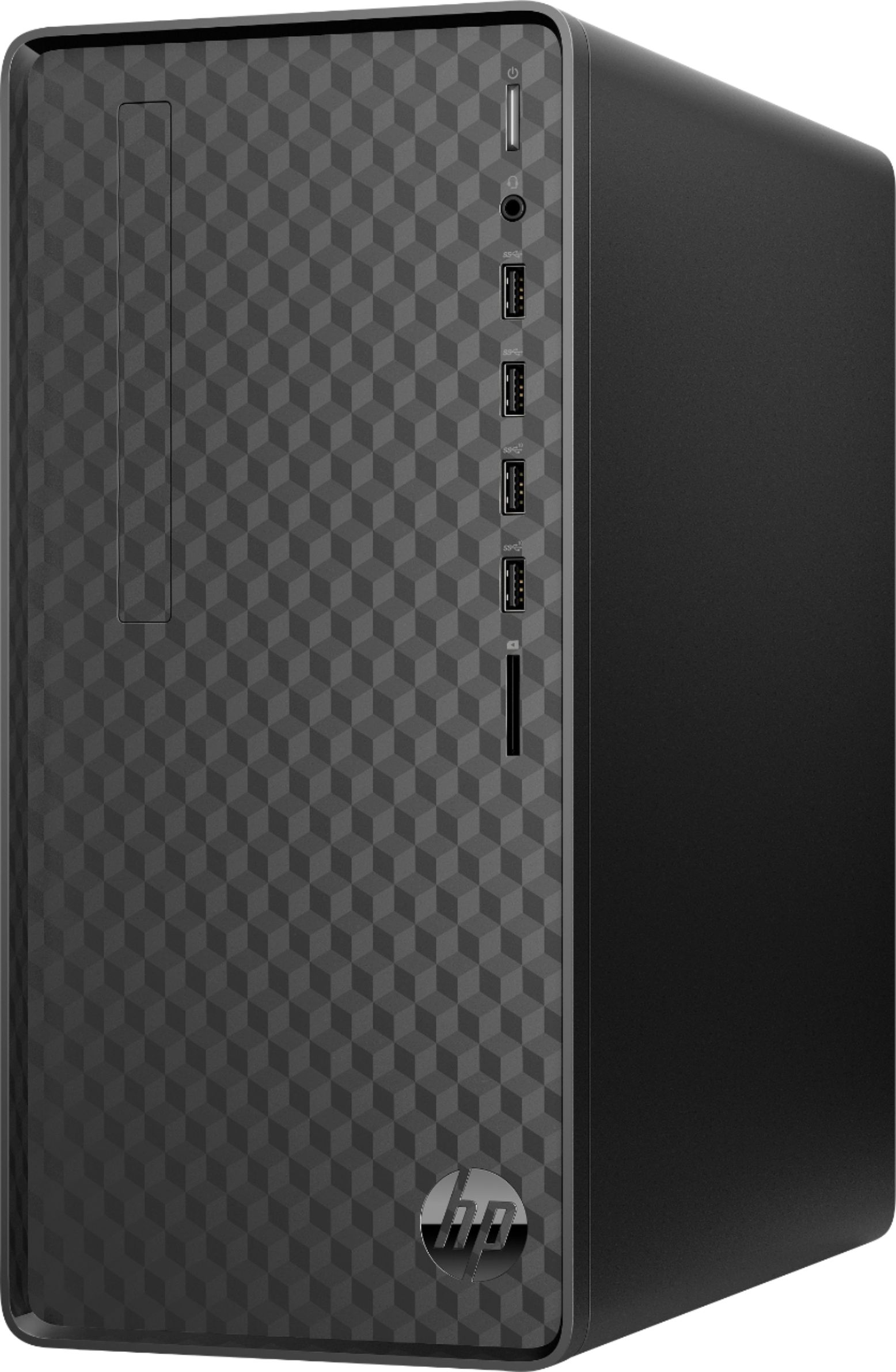
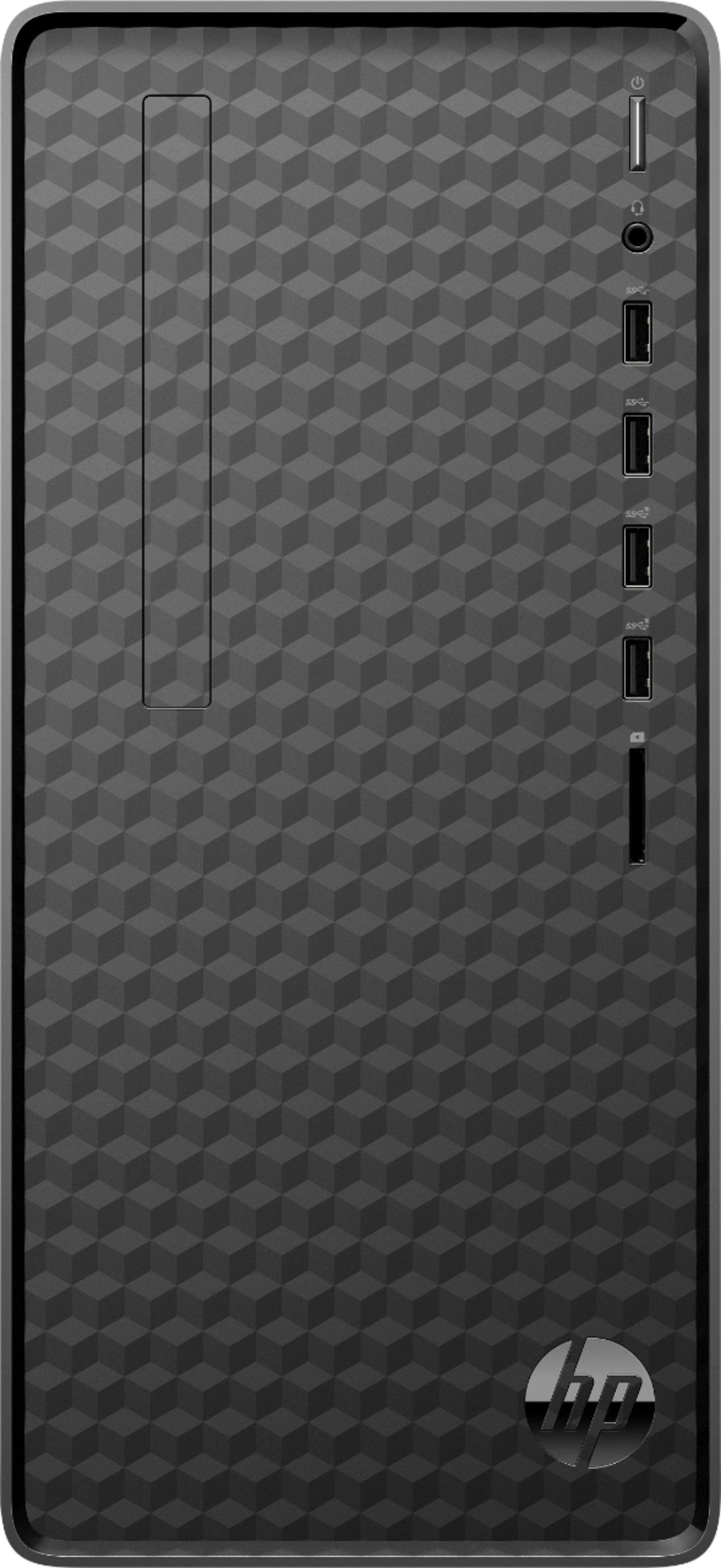
A:AnswerHello John! With the available PCIe x16 slot in the HP Desktop M01-F1224, it could fit many different video cards with 4 HDMI ports. I would recommend speaking with Geek Squad to get the best assistance in getting that set up. Thank you for your question and interest in our HP desktops!
A:AnswerHello and thank you for your question. This HP Desktop tower has an AMD Radeon Vega 7 GPU (Graphics Processor Unit) integrated into the main AMD Ryzen 5 processor.
A:AnswerHello, Jack. Thanks for your question. This HP Desktop M01-F1224 computer has the Erica5 motherboard. Here are more details: https://support.hp.com/ca-en/document/c07893100
A:AnswerHello. Thanks for your question. Yes, you can upgrade the 512 gigabytes solid-state drive. The RAM or memory can be upgraded up to 32 gigabytes DDR4-3200.
A:AnswerHello, Tim. Thanks for your question. This HP desktop computer has the Erica5 motherboard. You can find the CPU upgrade info under the "Processor upgrade information" on this webpage: https://support.hp.com/ca-en/document/c06945986 The motherboard can support up to 32 GB DDR4-3200 RAM. You can find that information under "memory upgrade information" on that same webpage. There is 1 available M.2 slot for a solid state drive on this HP desktop computer.
A:AnswerReally the choice of GPU is going to depend on how much you're willing to spend. Because the computer has a 180 watt power supply, depending on the card you get you will probably need to upgrade the power supply as well.
A:AnswerYou would be able to install either a 3.5 inch HDD or a 2.5" solid state drive with an adapter to fit the larger bay. The adapter often comes with the SSD.