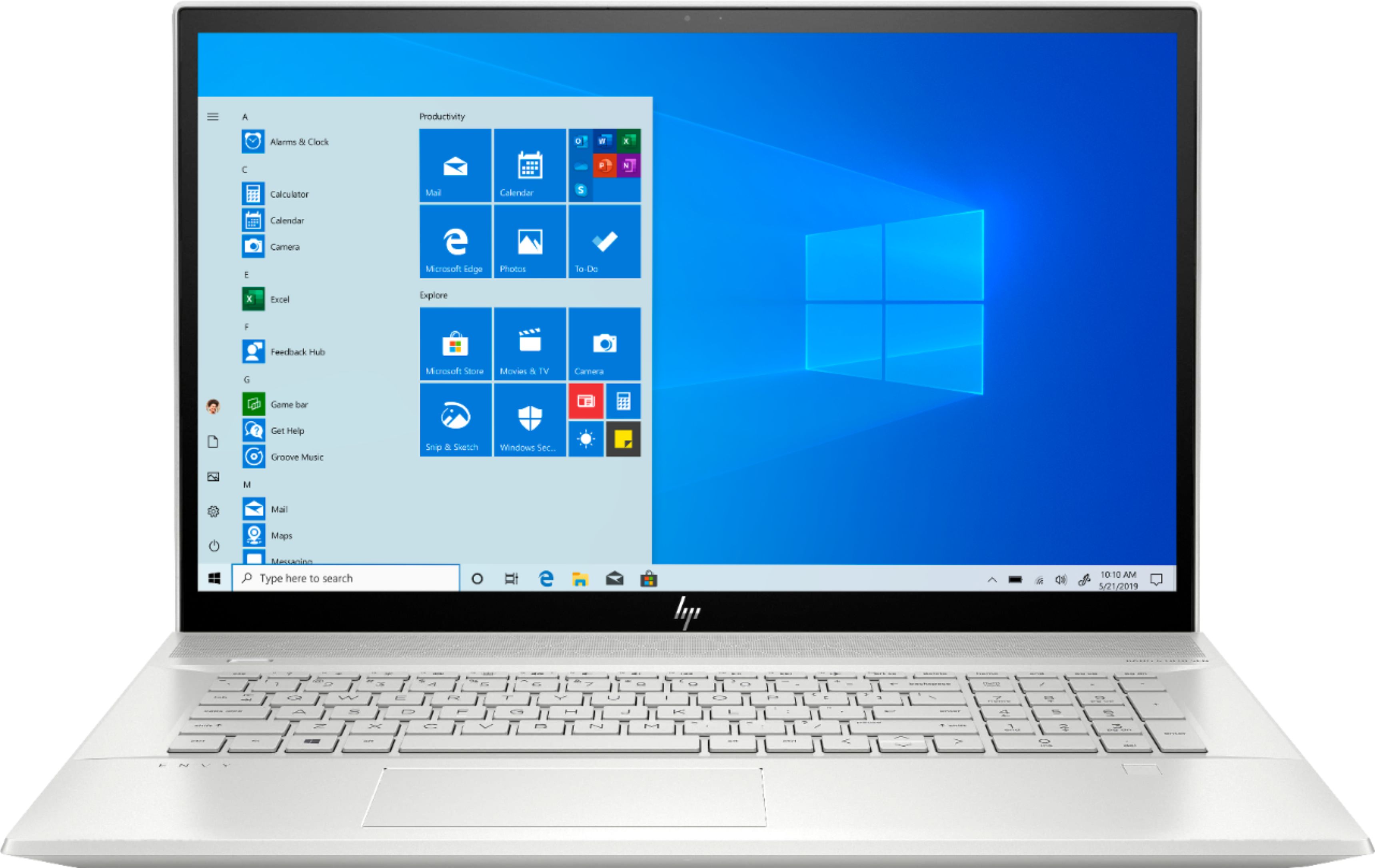
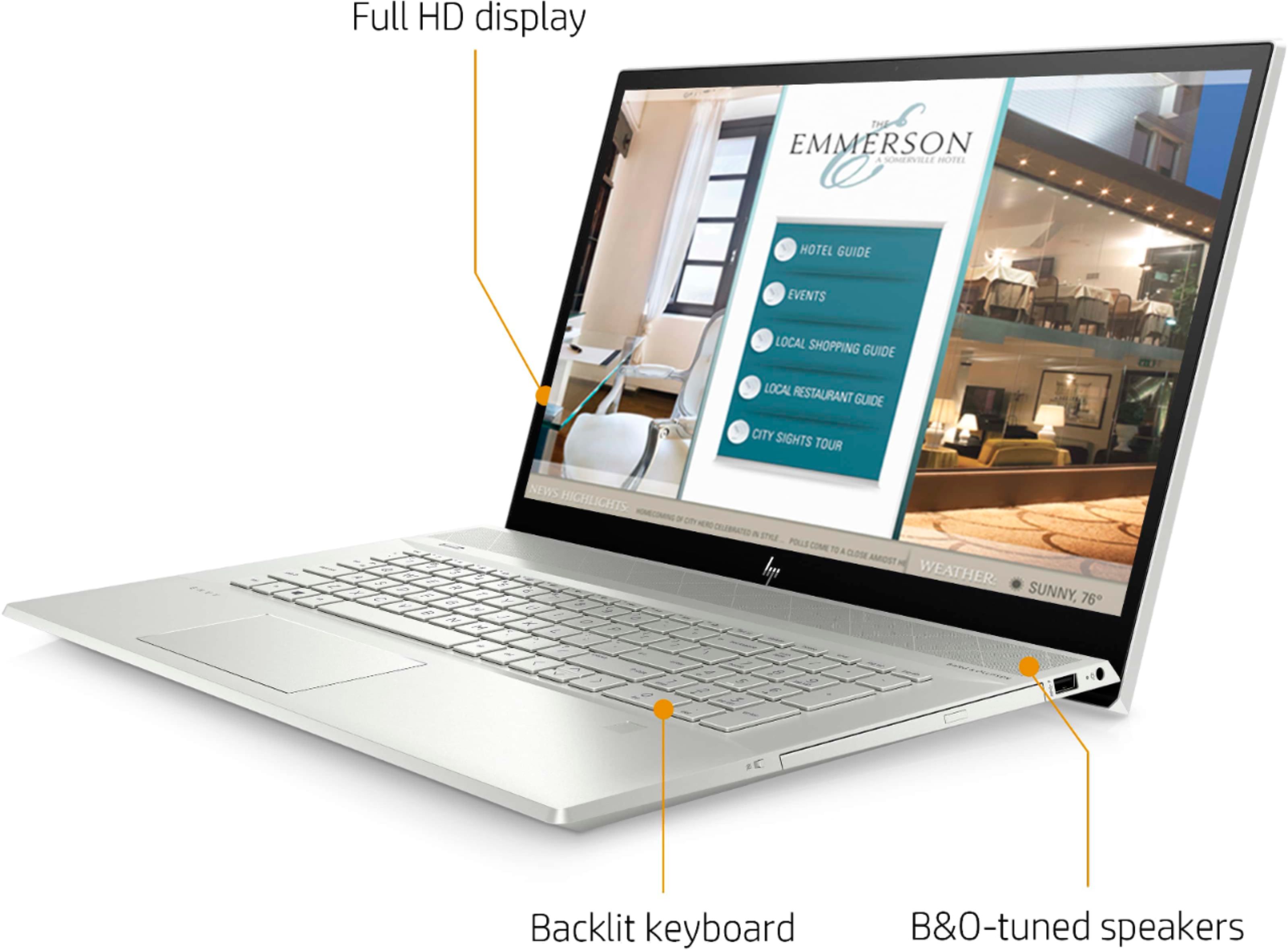
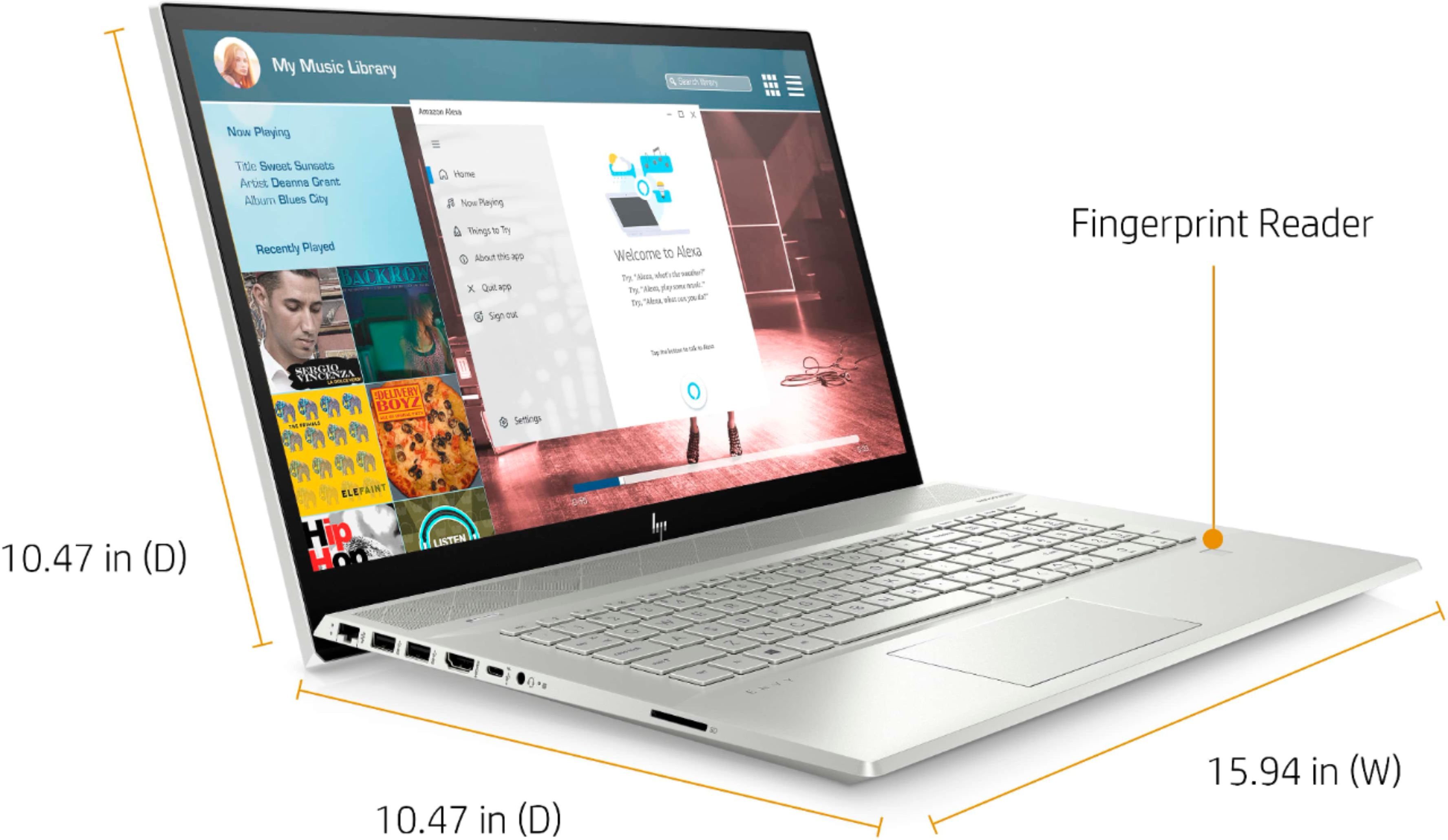
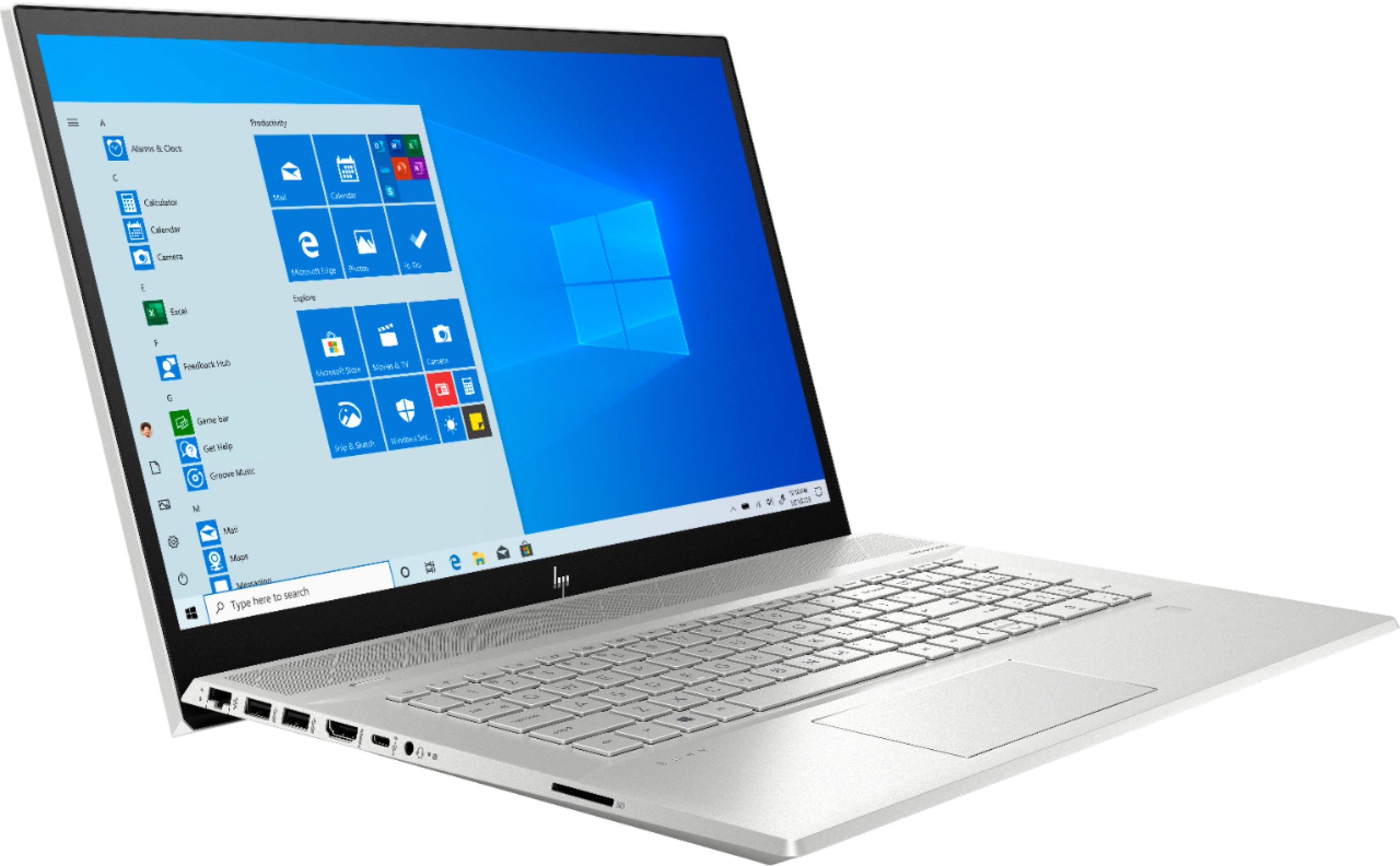
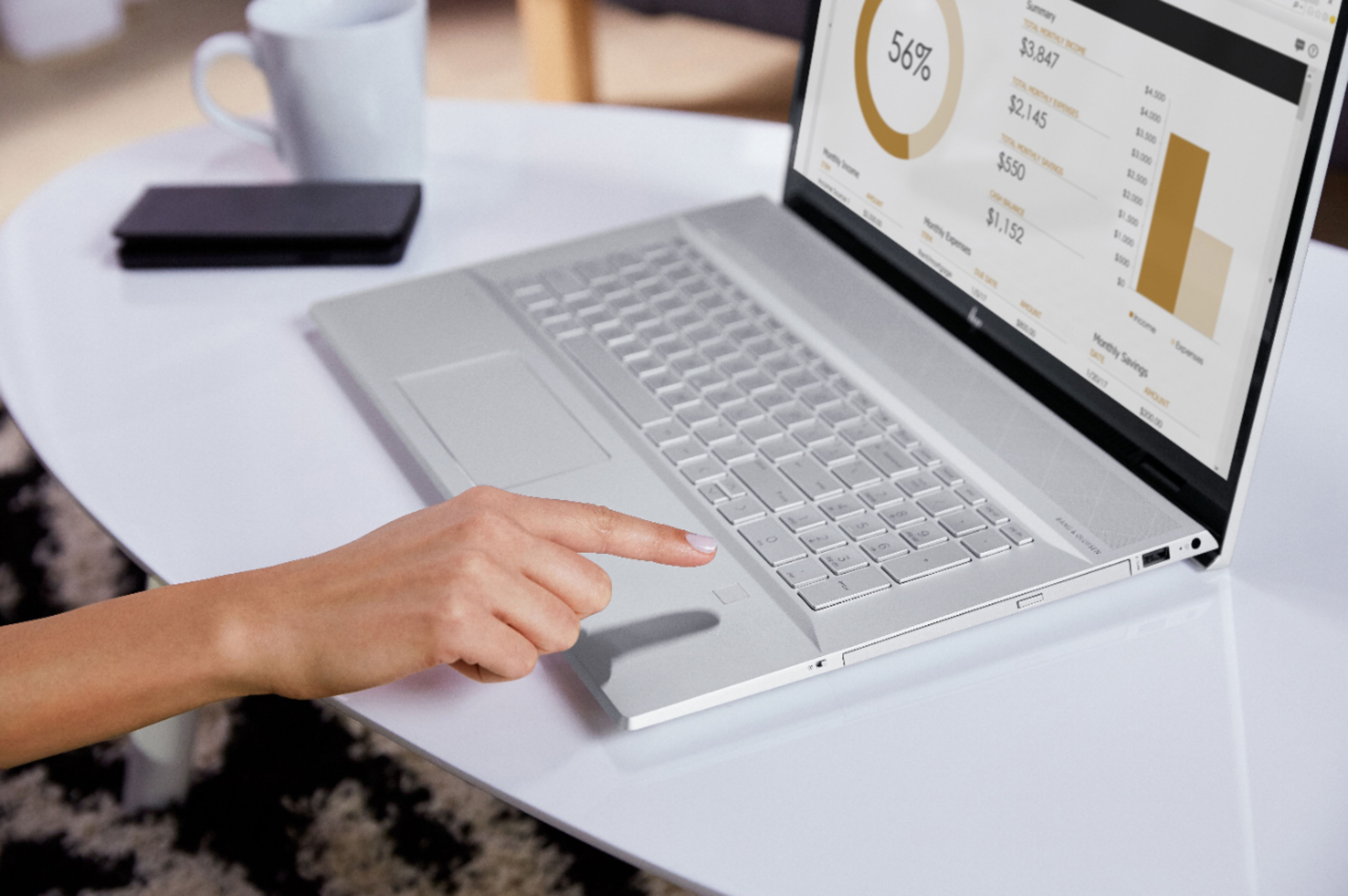
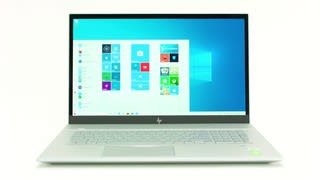
A:Answer Select the Windows icon (bottom left corner of screen). From the menu on the left, scroll down to "Settings" and select. Click on "Devices". Select "Touch Pad" from the list on the left. Has a number of controls: ON/OFF, sensitivity, disable when mouse is attached, etc.