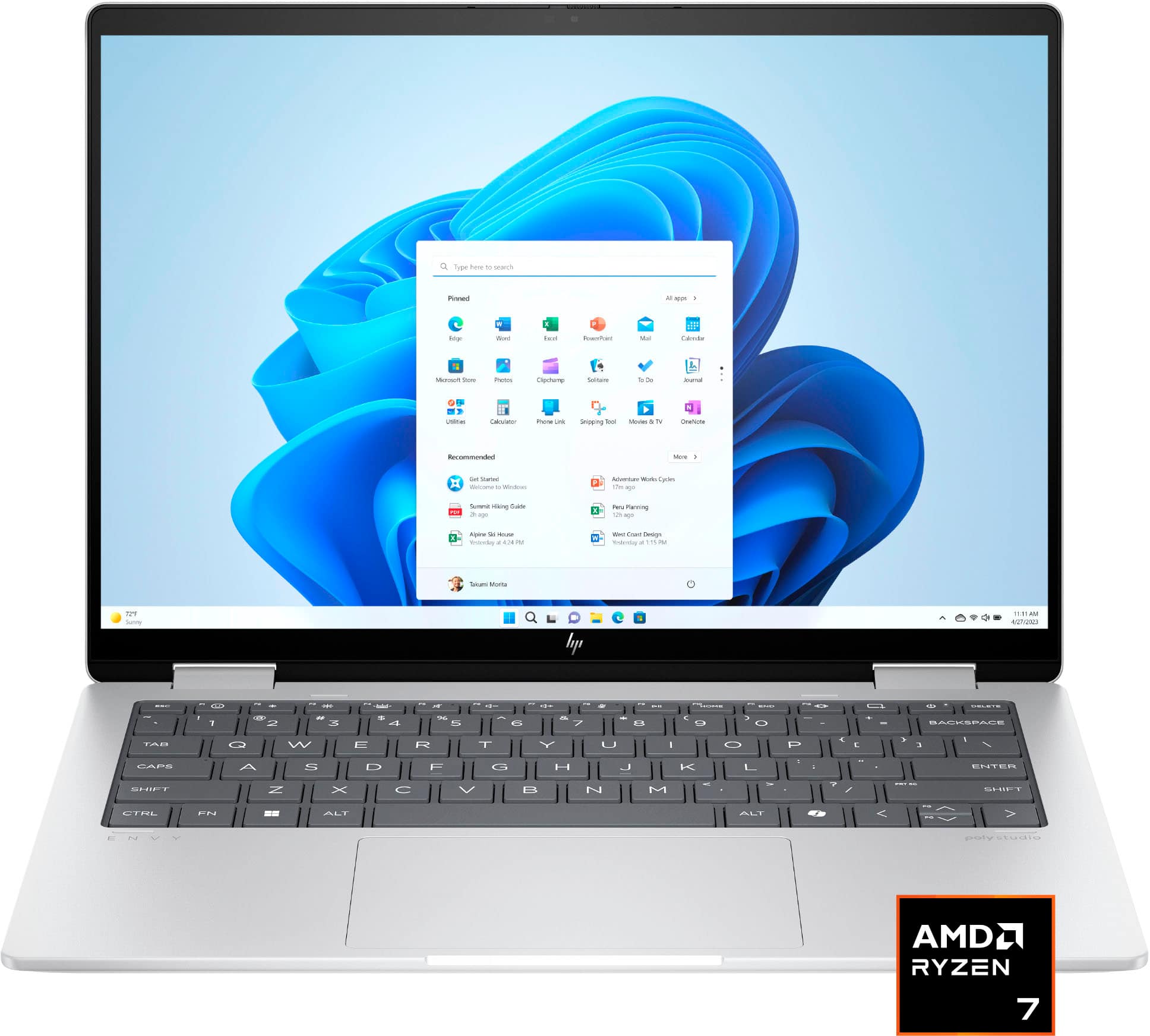
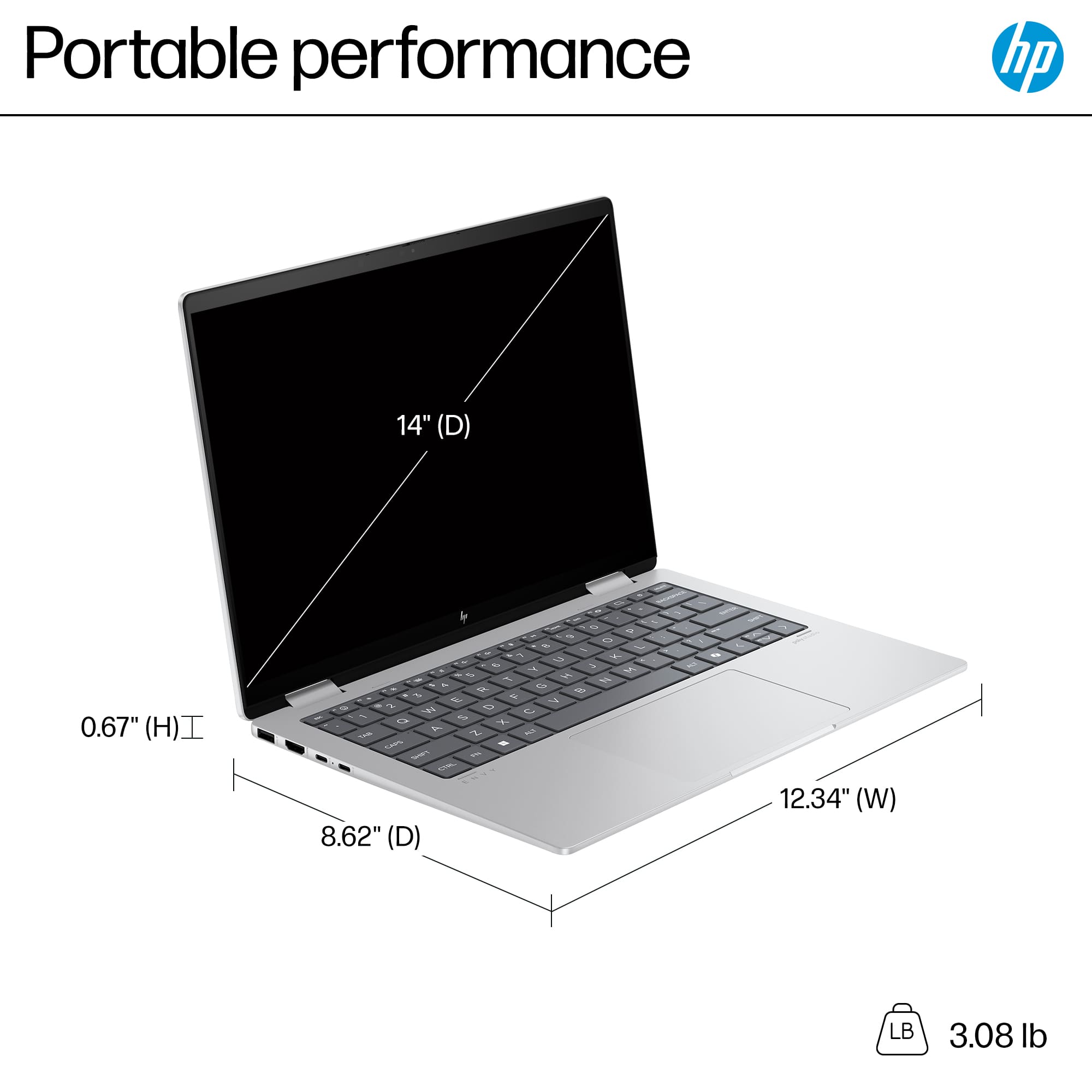
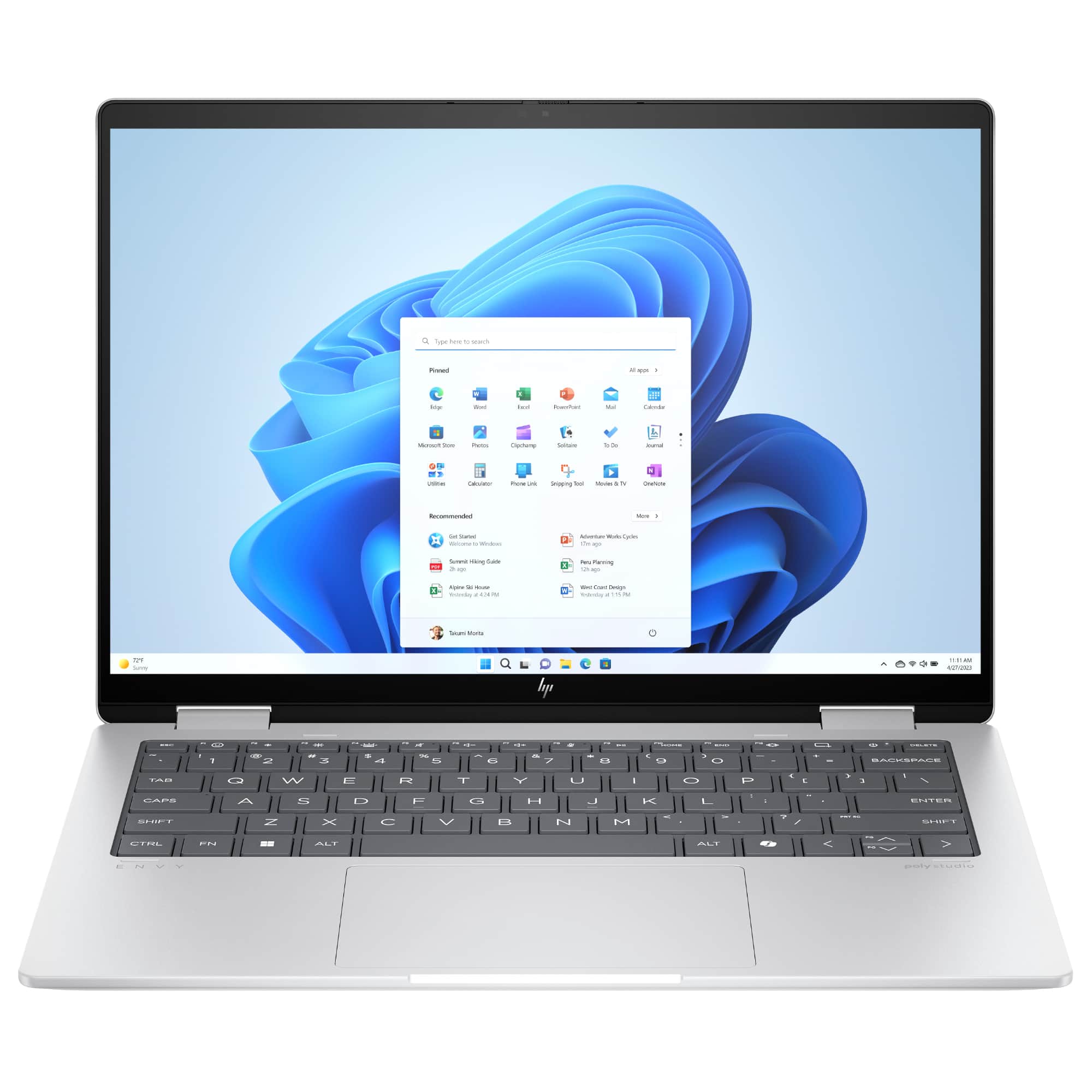
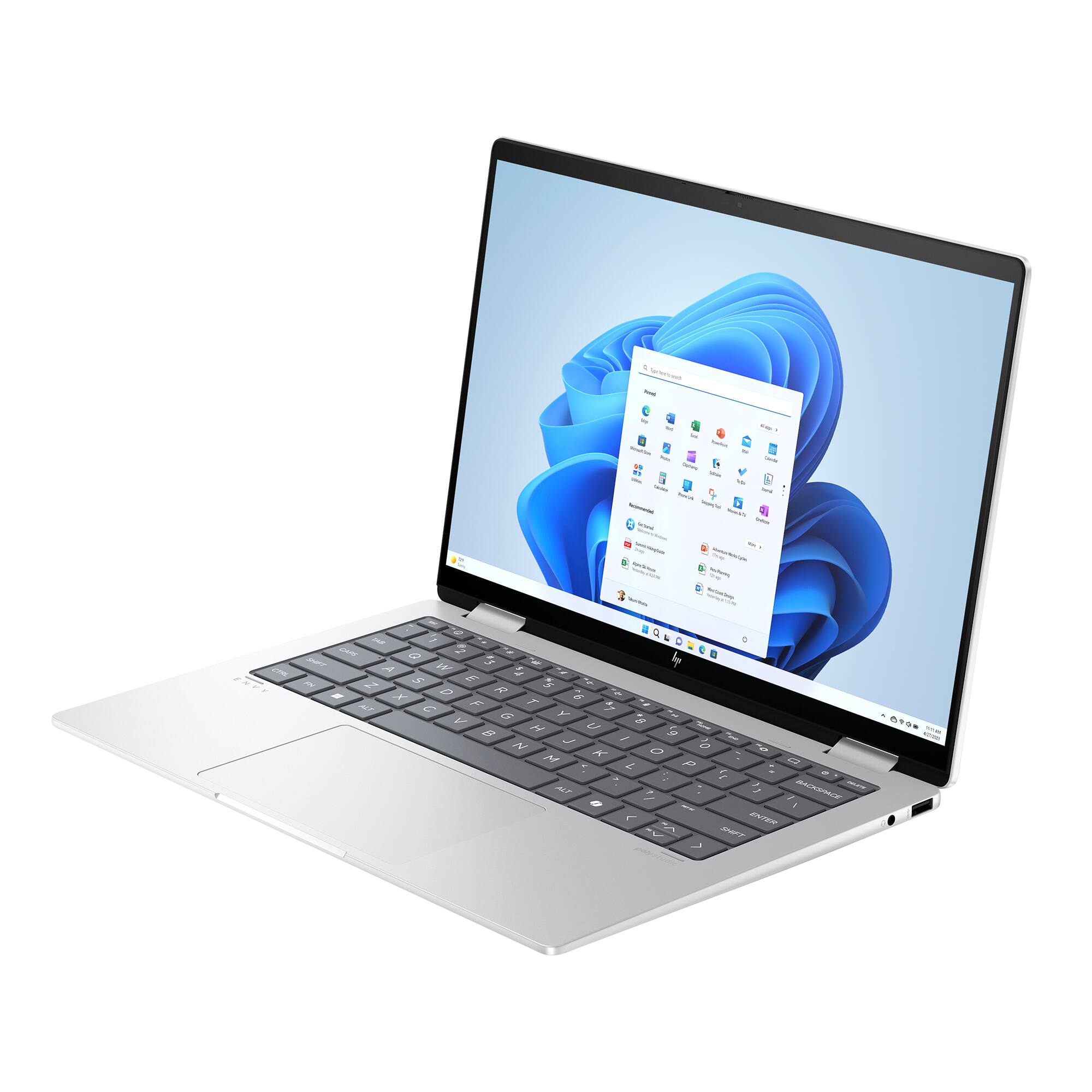
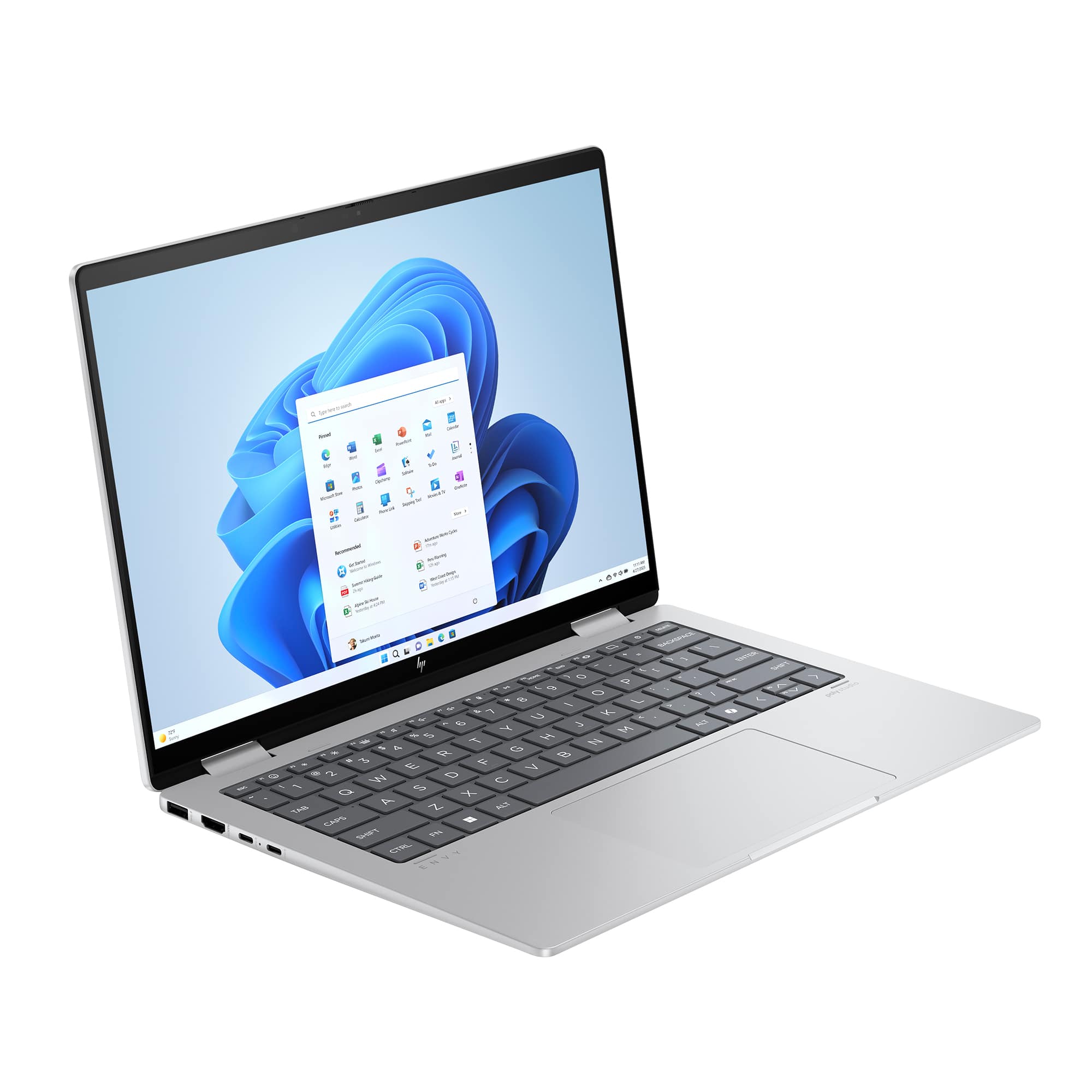
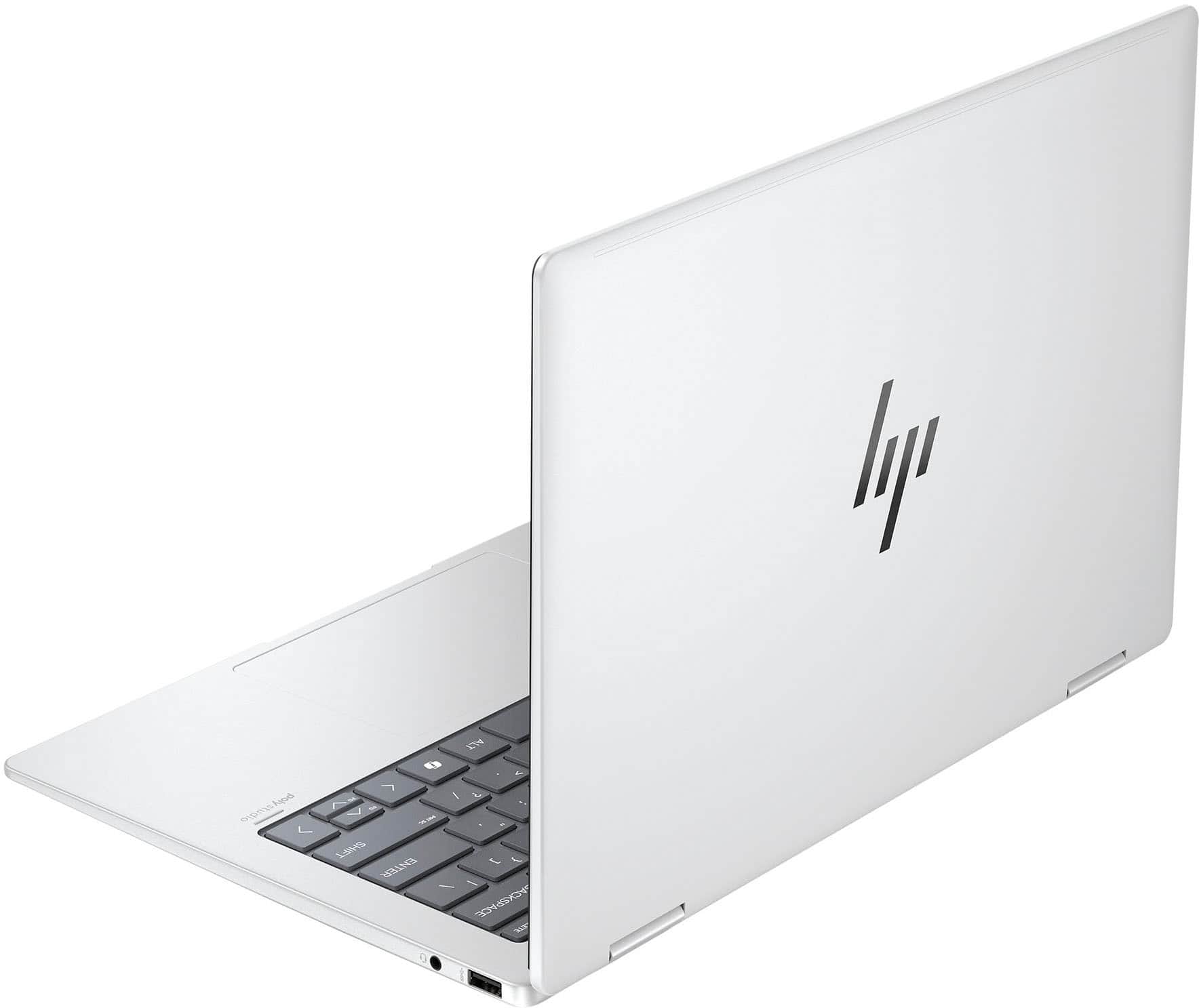
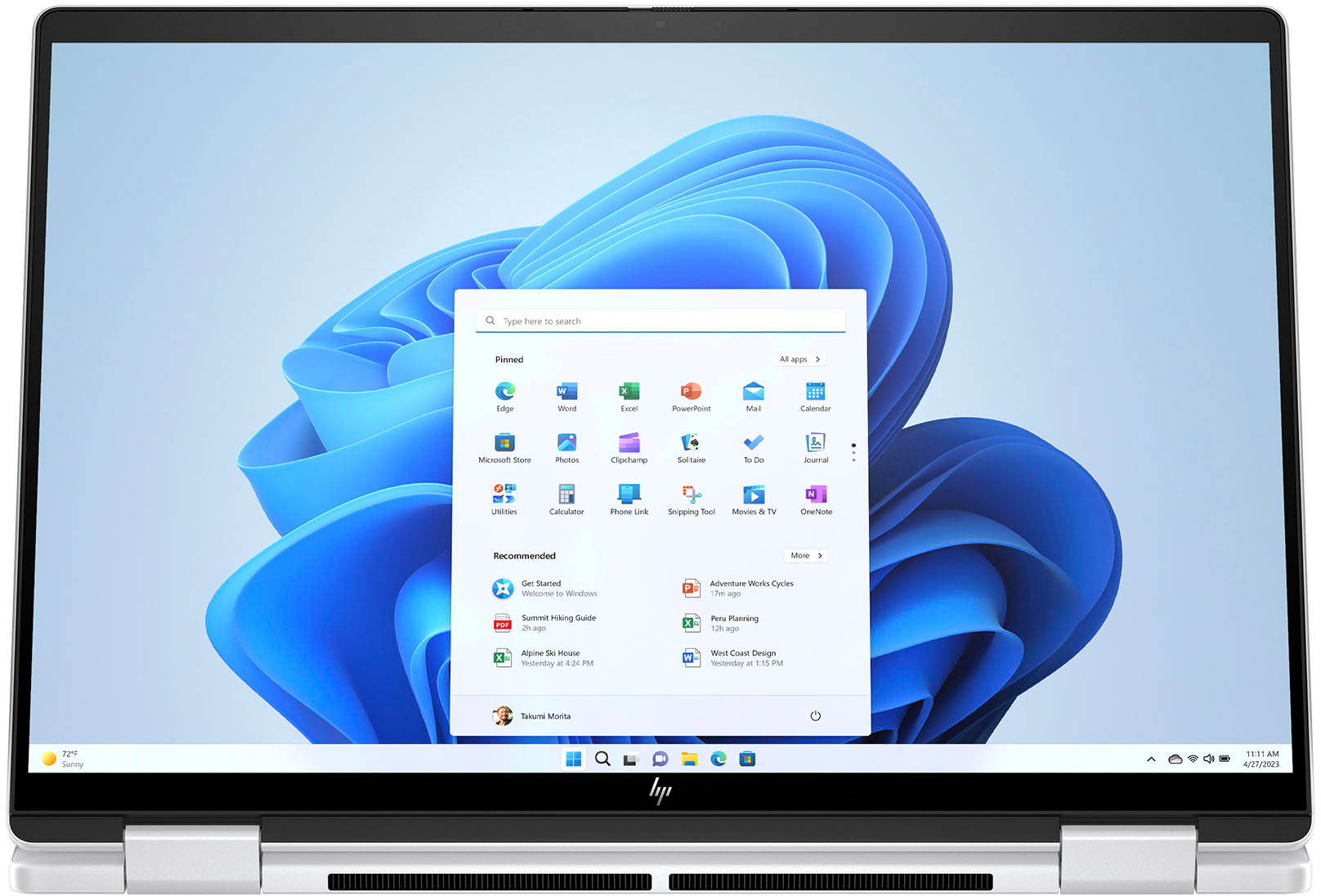
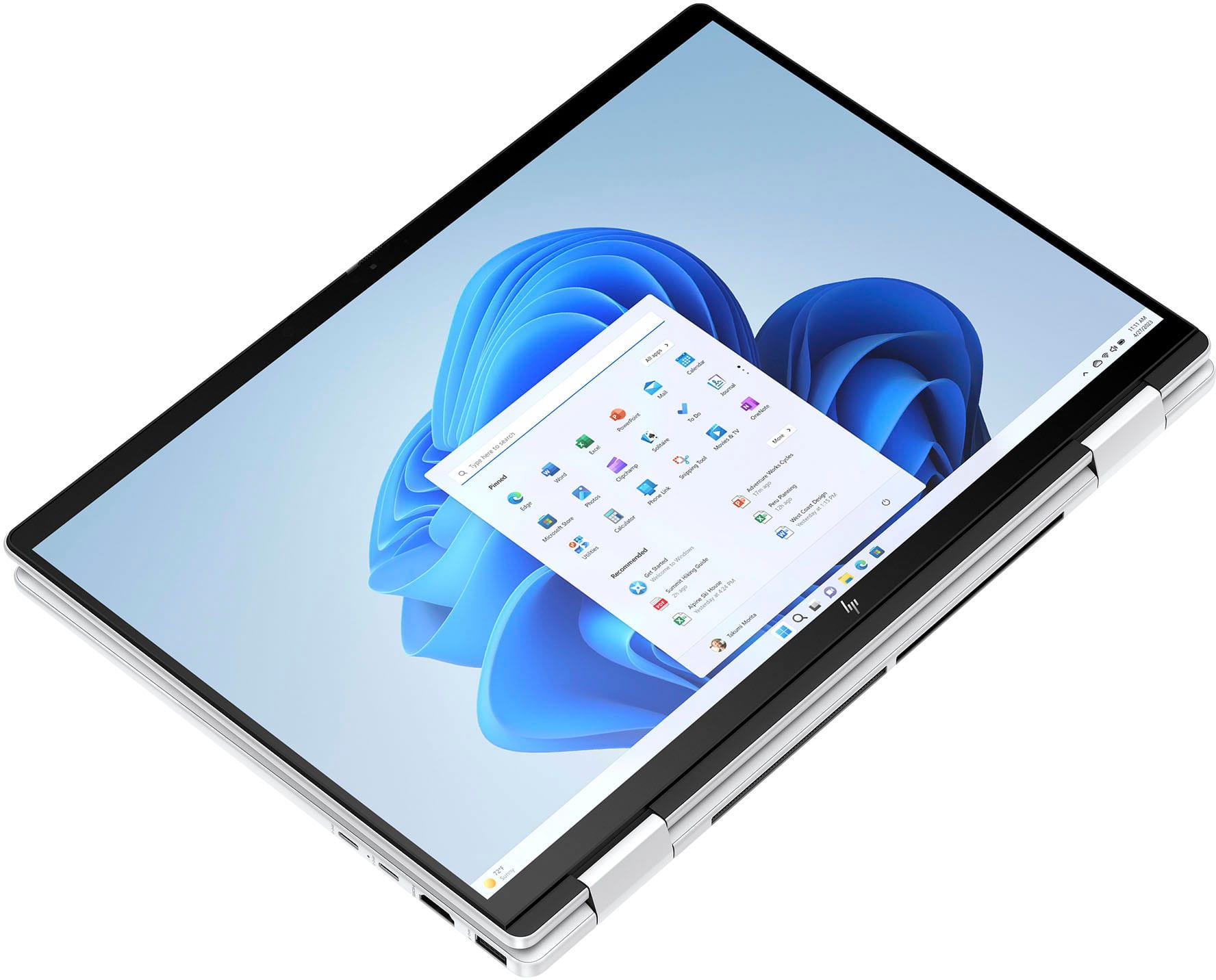
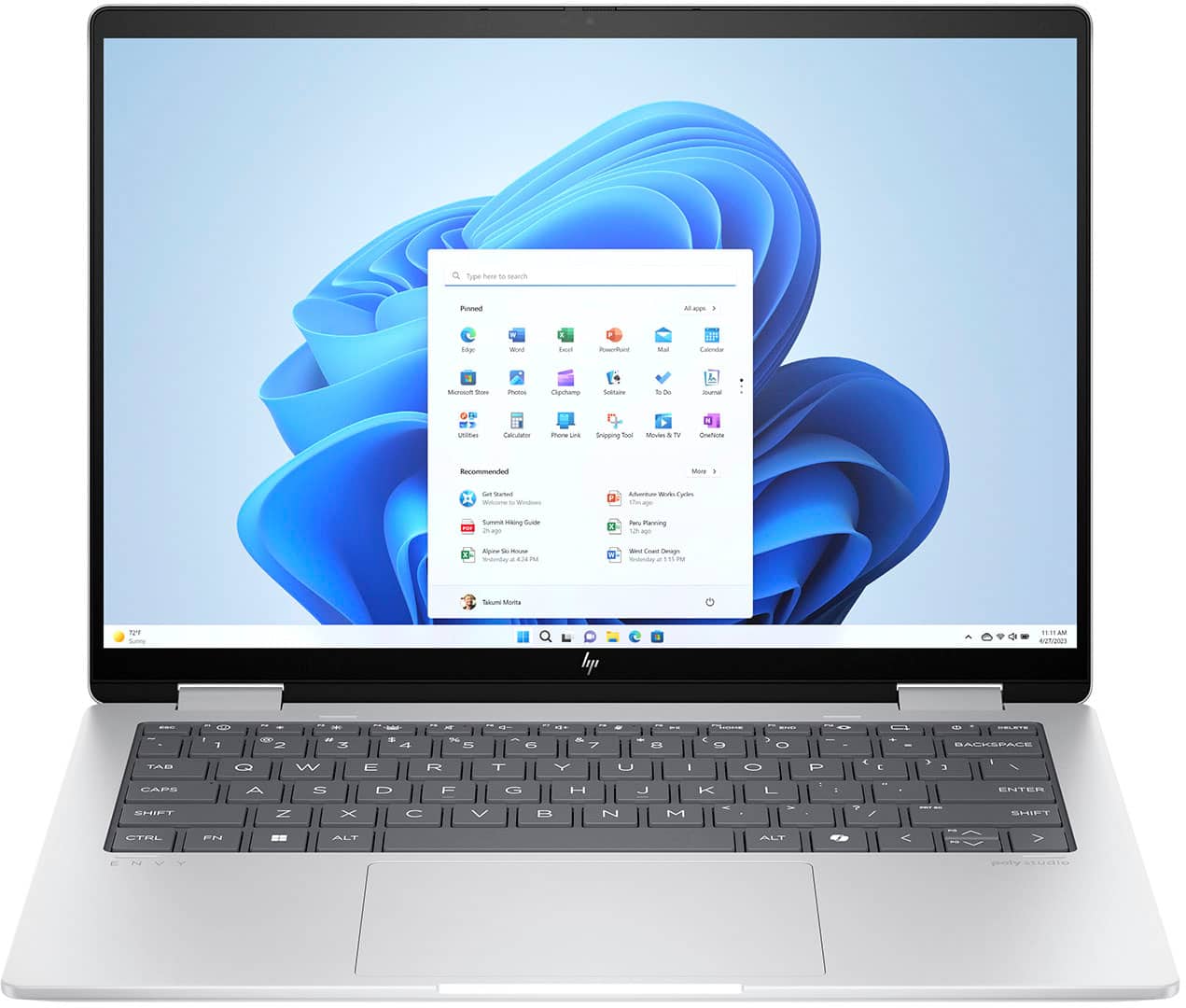
A:AnswerHi, Ronaldo, thanks for your interest in the HP Envy 2-in-1 14" (14-fa0023dx)! This model was released in February of 2024. Our hinges go through rigorous testing, opening and closing over 10,000 times to ensure durability during usage. If you have any other questions, don't hesitate to reach out to HP team or your Best Buy Geek Squad!
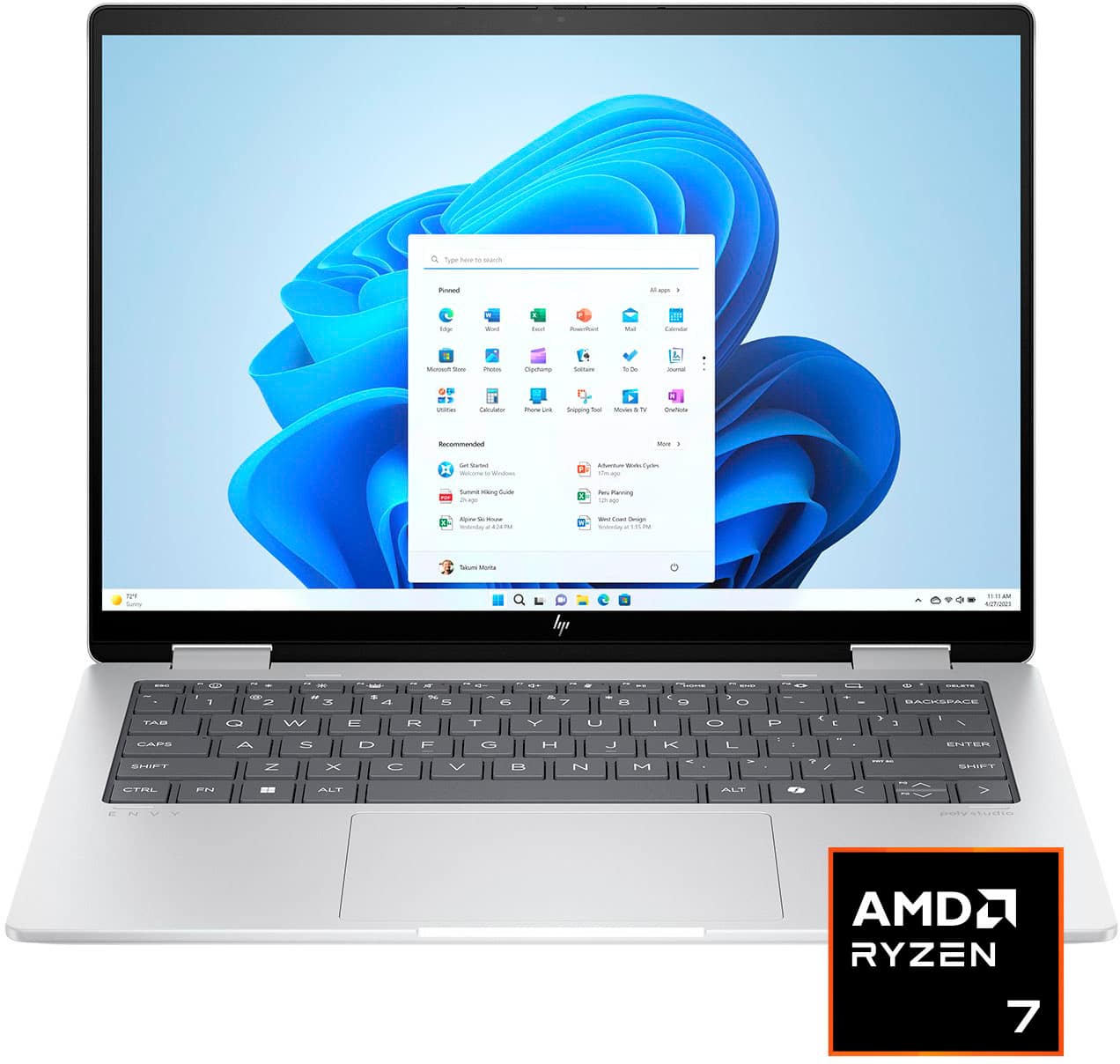
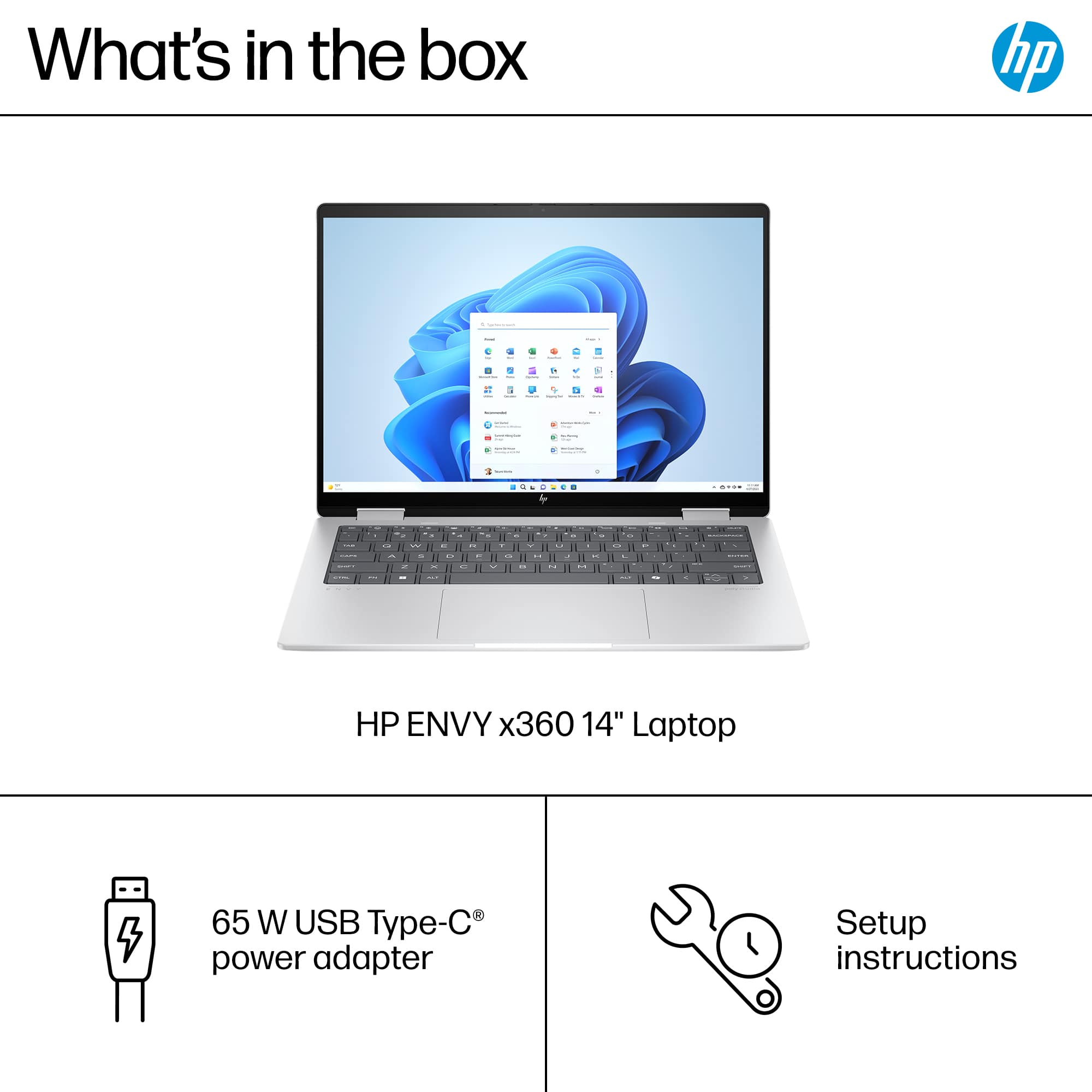
A:AnswerThank you for your question on this HP Envy 2-in-1 laptop! You would need to purchase an adapter in the country or region that you plan to use this. The adapter that comes with it is a 65W adapter for the 110V current.

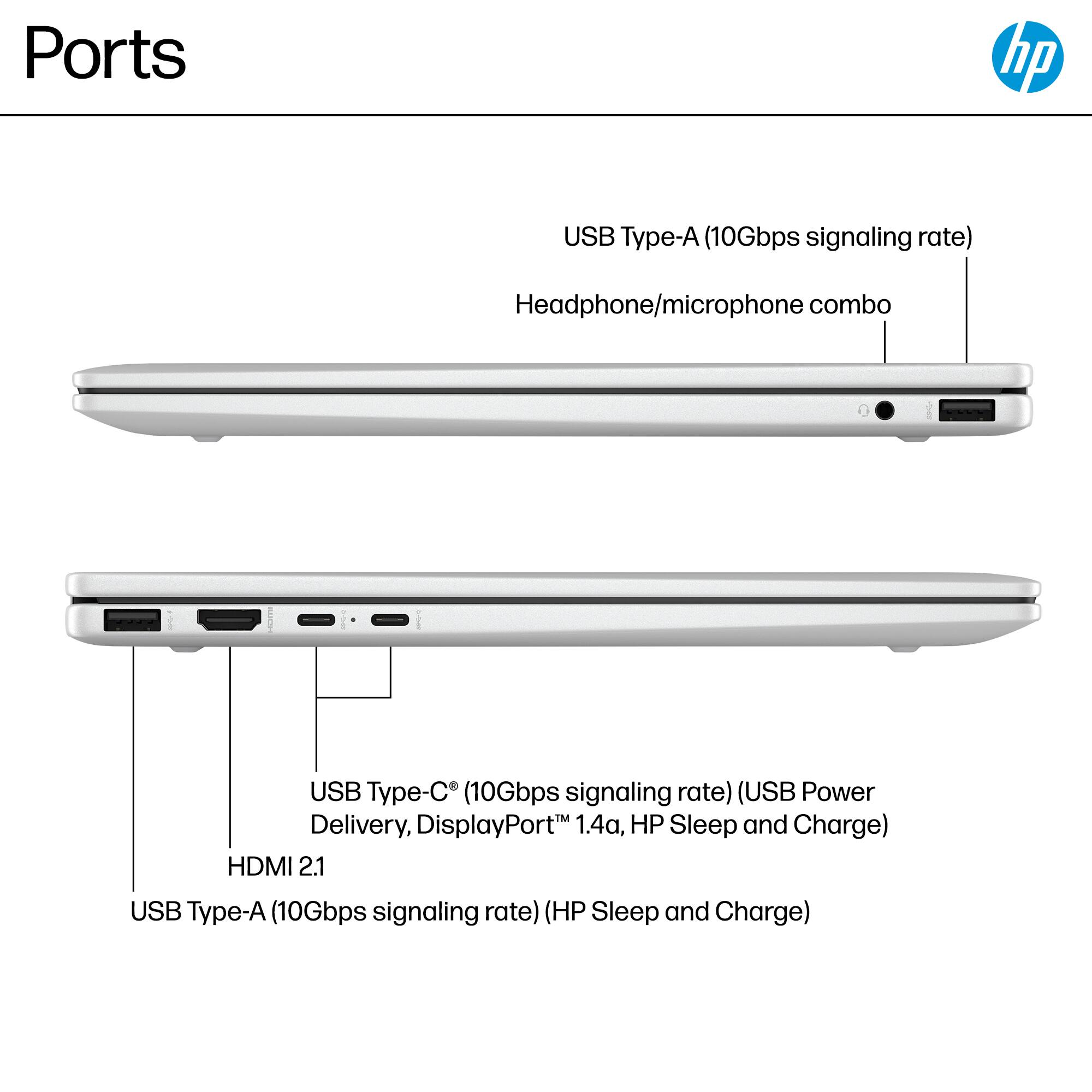
A:AnswerHi Seren, thank you for asking. No. An eGPU requires connection to a Thunderbolt port. This the Envy 14-fa0023dx has USB Type-C 10Gbps signaling rate ports. Any stylus compatible with Microsoft Pen Protocol (called MPP compliant) will work with this laptop. We recommend the HP Rechargeable MPP 2.0 Tilt Pen, product number 3J122AA.
A:AnswerThank you for your question on this HP Envy 2-in-1! You can set the APU wattage between 20 and 30 watts, per the specs on the processor. The default TDP on this is 28 watts.
A:AnswerHello and thank you for asking. The HP Envy X360 14-fa0023dx has three USB-C ports, with a maximum of 10Gbps signaling rate, which is not fast enough to support an External GPU. HP recommends a Thunderbolt 3 or higher port for an External GPU as they have at least a 40 Gbps transfer rate.