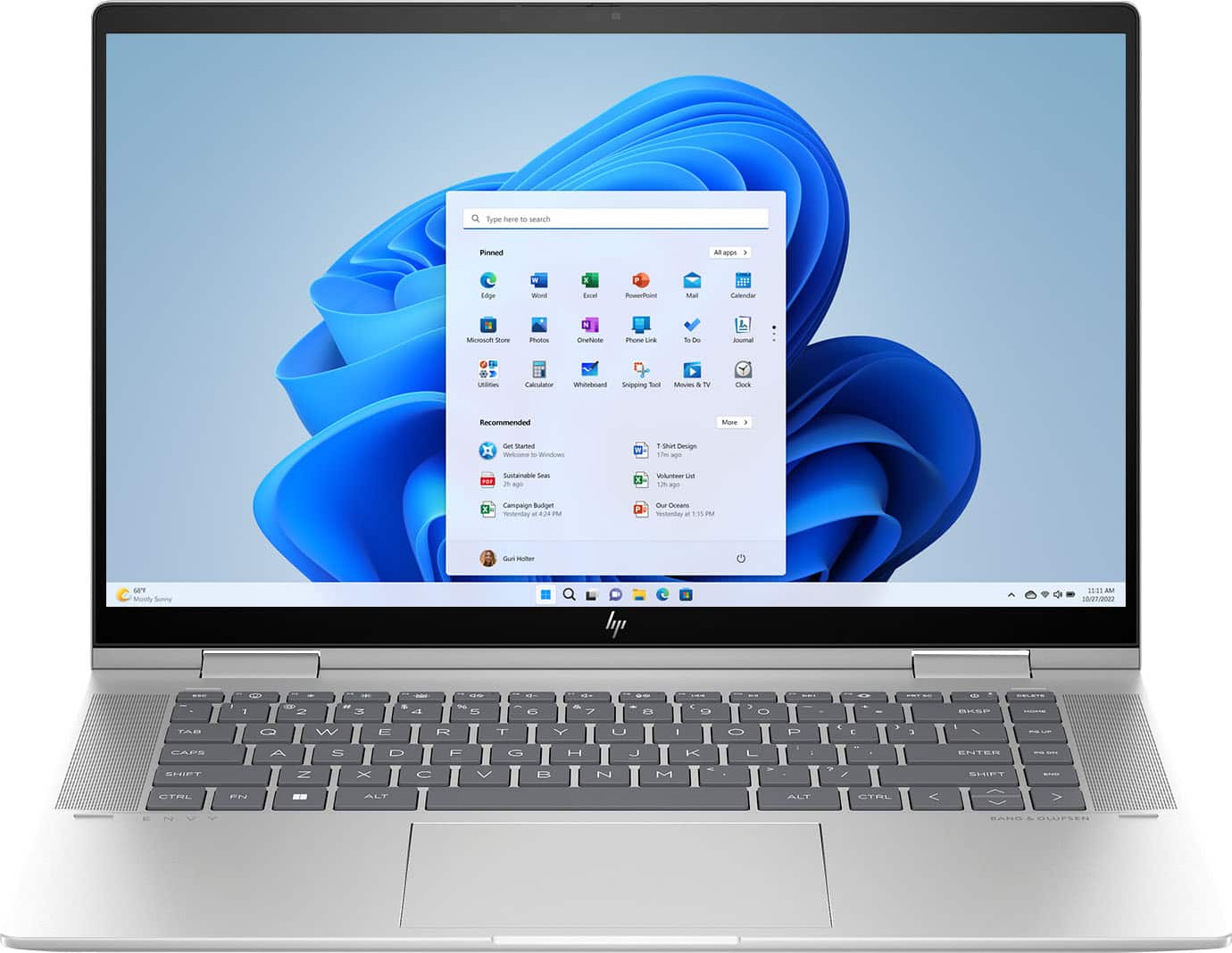
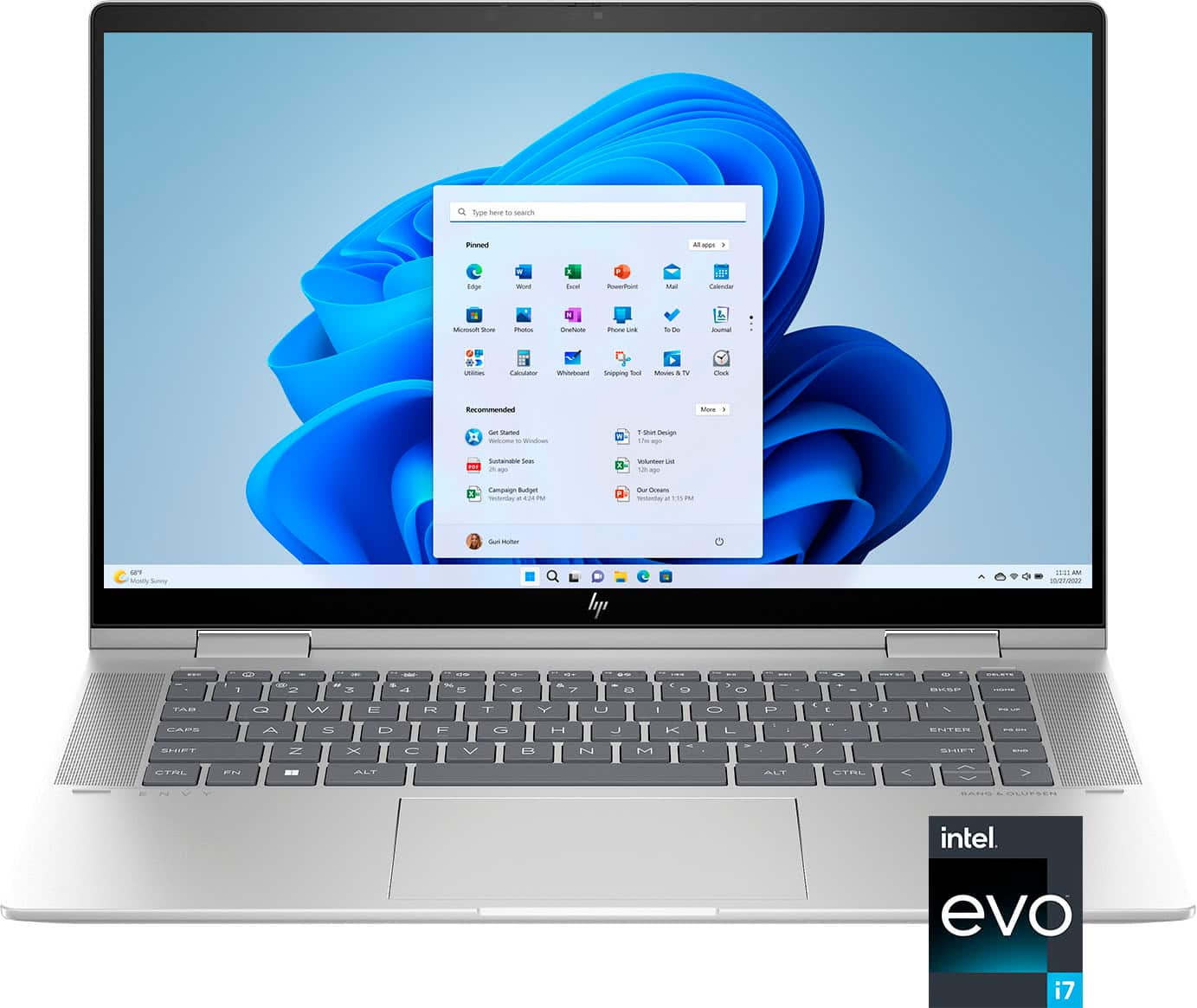
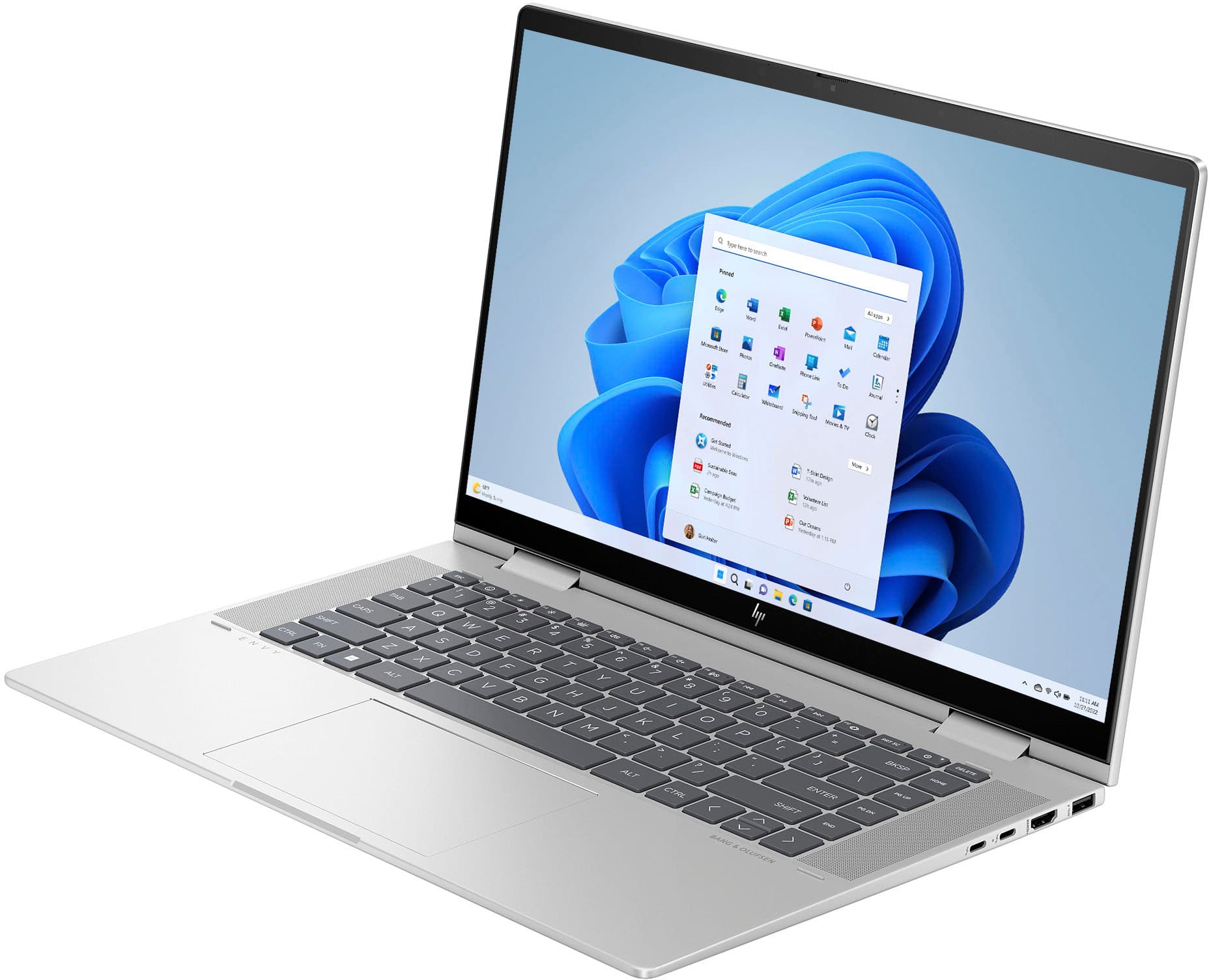
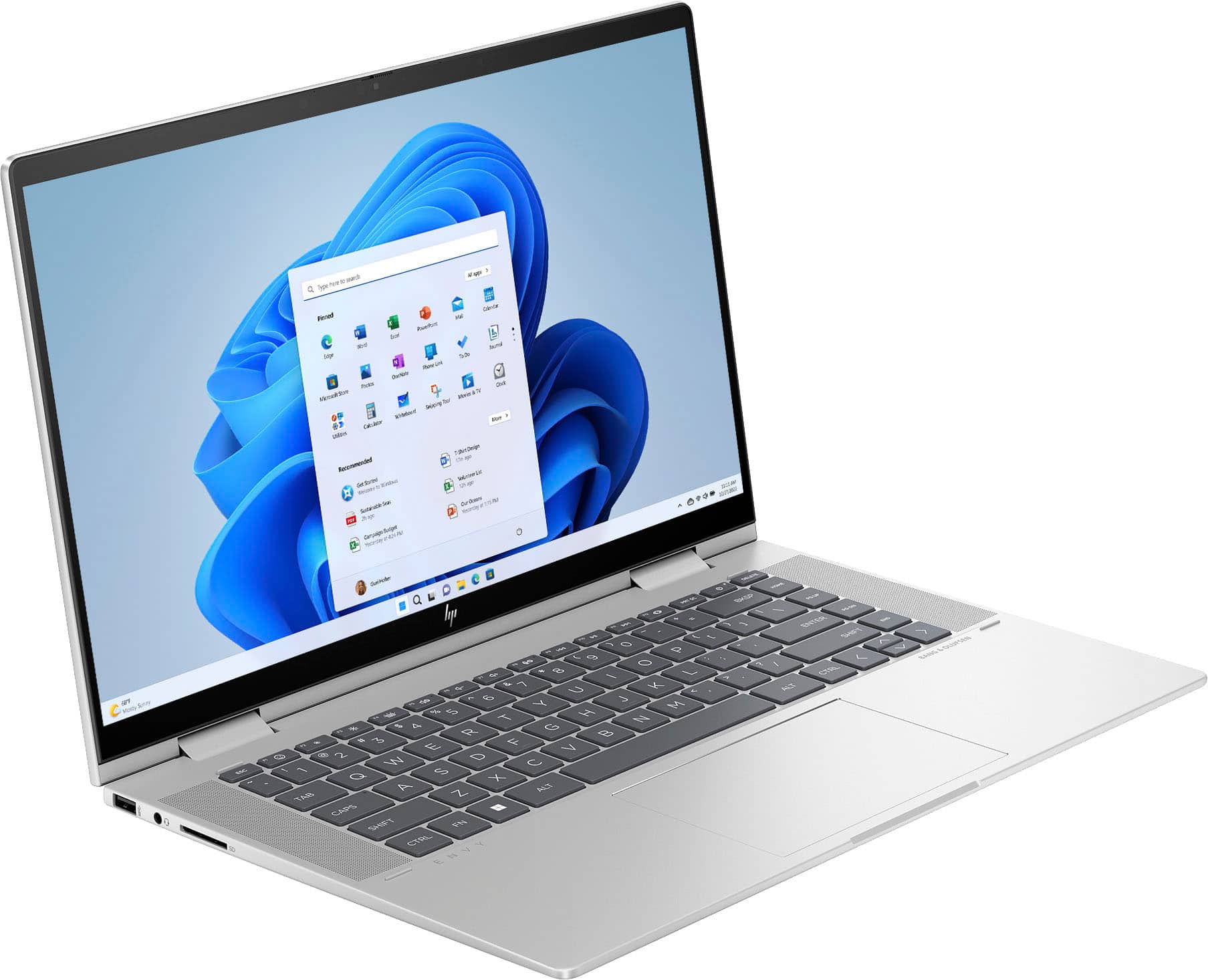
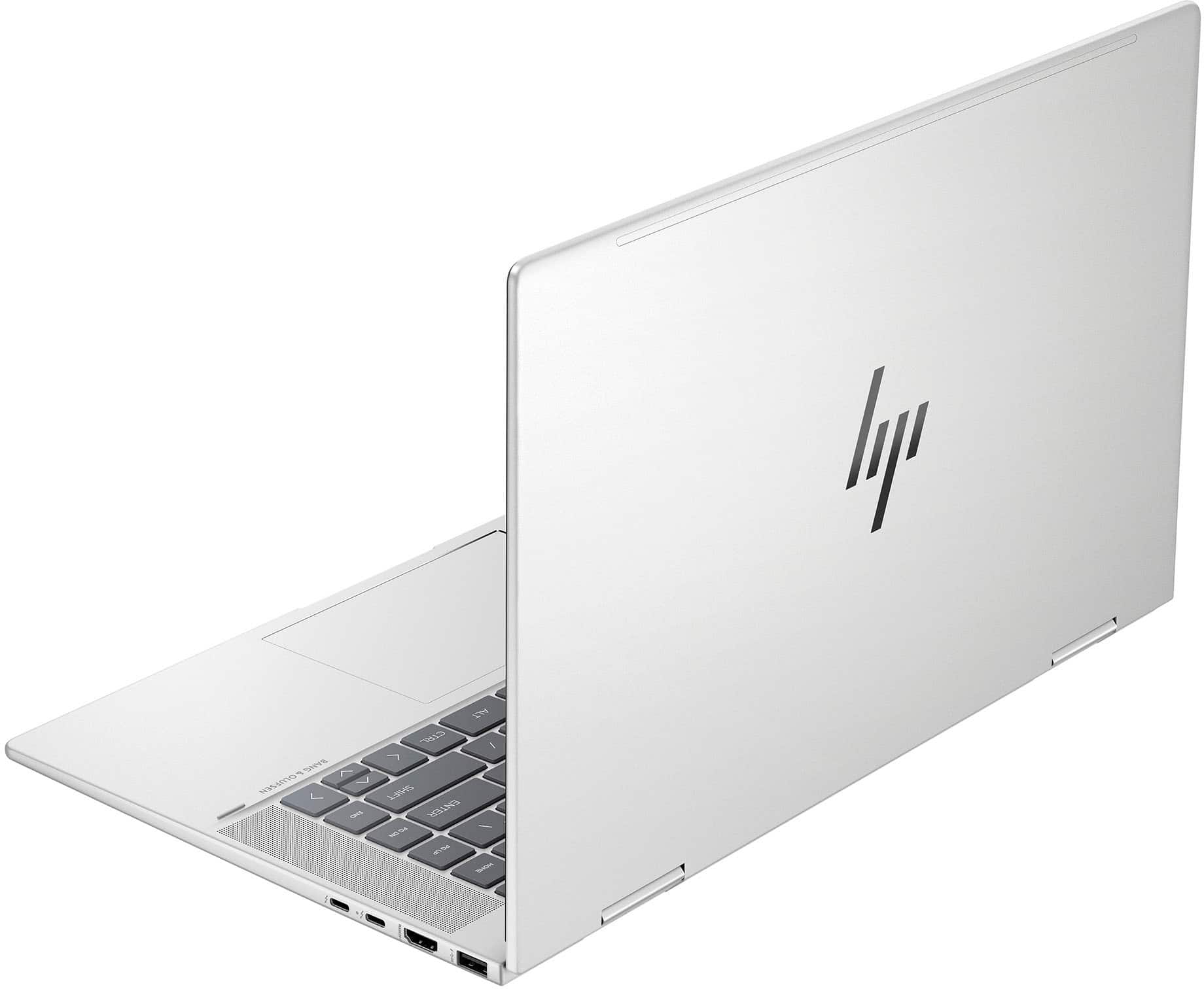
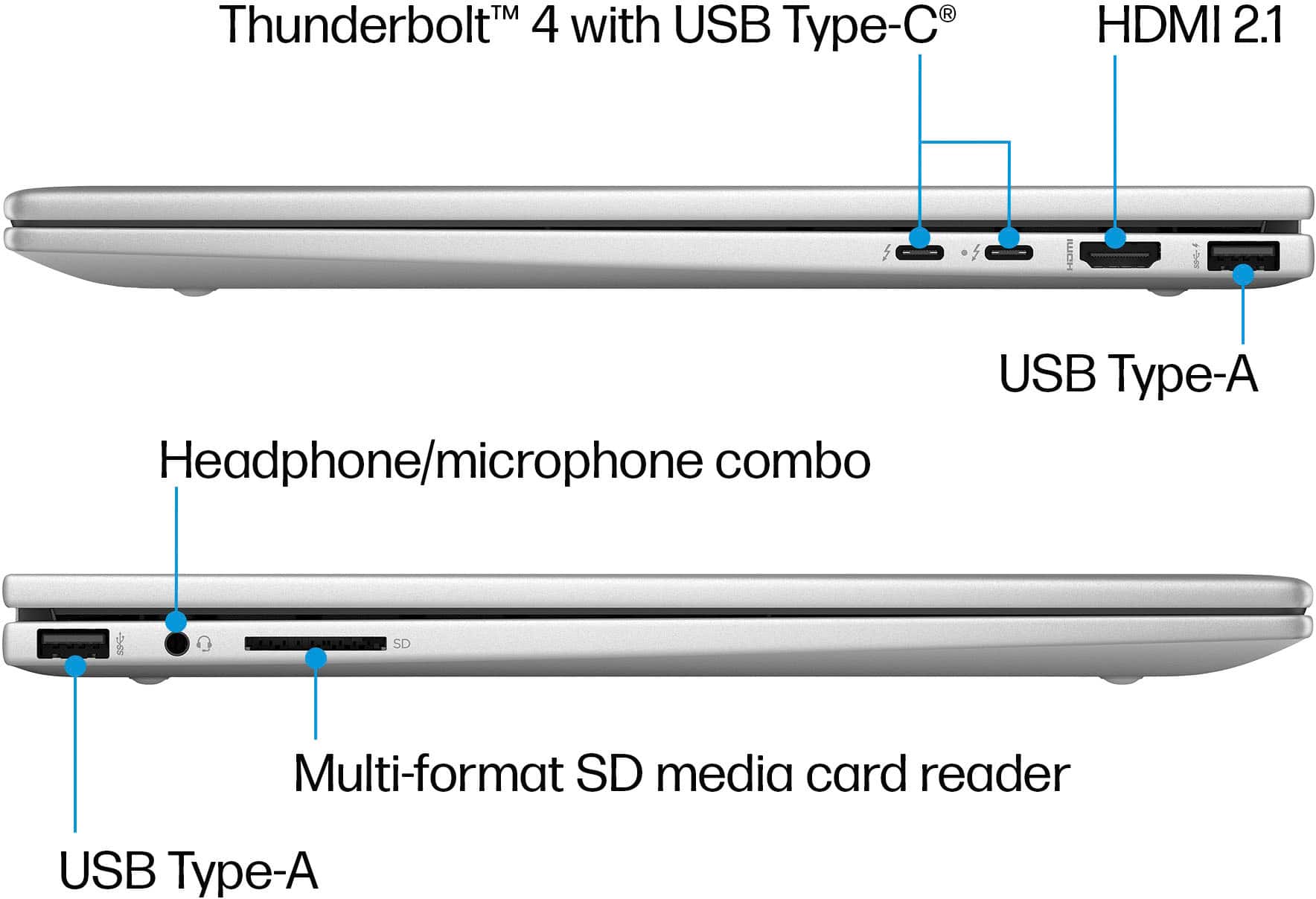
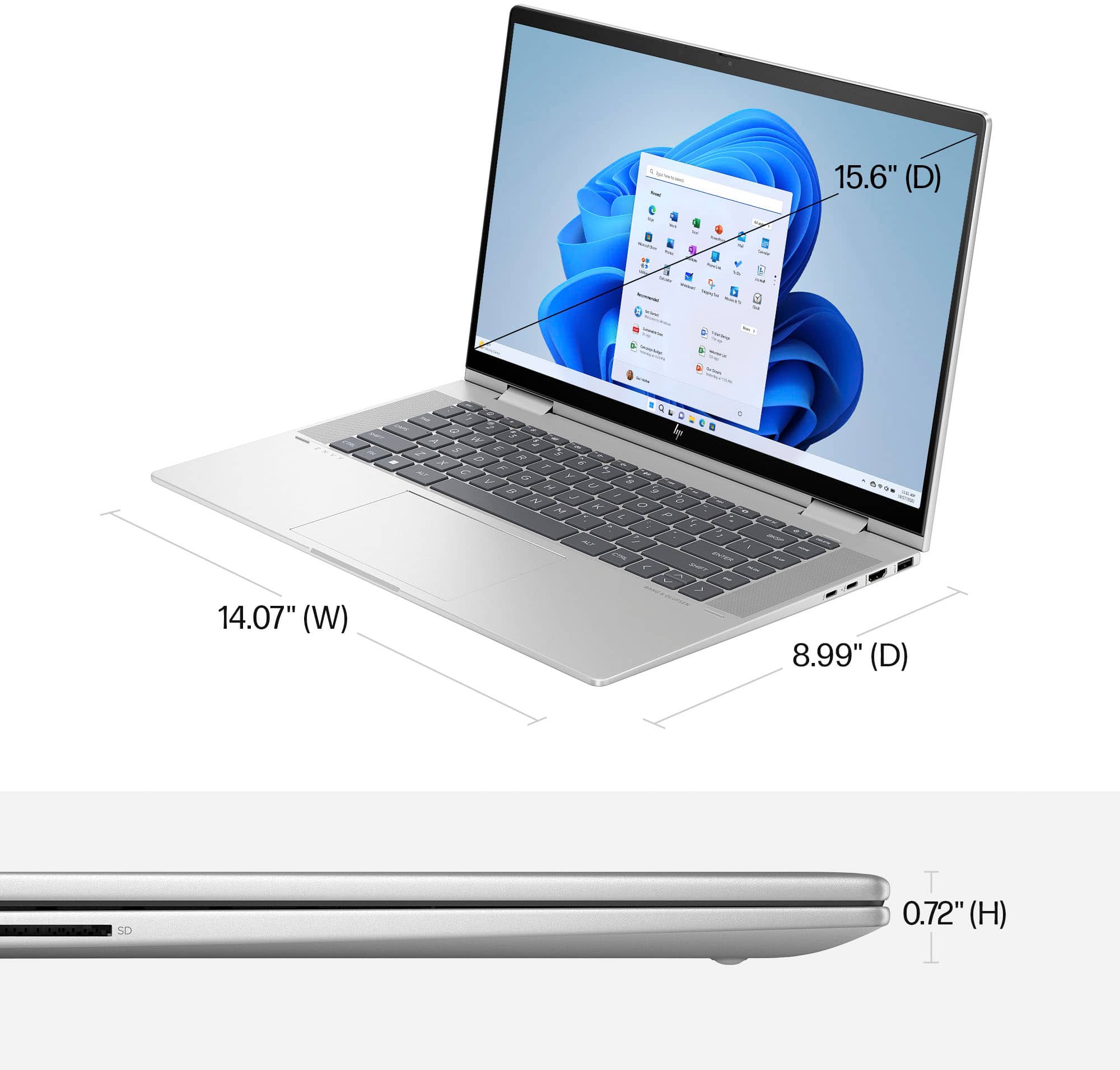
A:AnswerThank you for the question. Yes, you can connect an external monitor to the Envy 15-fe0053dx via HDMI or Thunderbolt, which supports DisplayPort.
A:AnswerHello. Thanks for your question. The McAfee LiveSafe was preinstalled on this HP Envy laptop. You can uninstall it so you can install the Webroot. Here are some instructions: https://support.microsoft.com/en-us/windows/uninstall-or-remove-apps-and-programs-in-windows-4b55f974-2cc6-2d2b-d092-5905080eaf98
A:AnswerThere isn't a lot to add a second SSD, but you can have the one on the computer replaced with a higher capacity one. The RAM is not upgradeable.
A:AnswerThank you for the question. The Envy Evo 15-fe0053dx has no slot to add a dedicated graphics card. We might recommend another model that features a dedicated graphics card, here: https://www.bestbuy.com/site/hp-envy-16-wqxga-touch-screen-laptop-intel-core-i9-16gb-memory-nvidia-geforce-rtx-4060-1tb-ssd-natural-silver/6537115.p?skuId=6537115
A:AnswerThank you for the question. Officially, this laptop is not upgradeable since the RAM is soldered-on (onboard). Technically, it could be upgraded by a professional technician, but note that this laptop built on the Evo platform is designed to be highly efficient as-is.
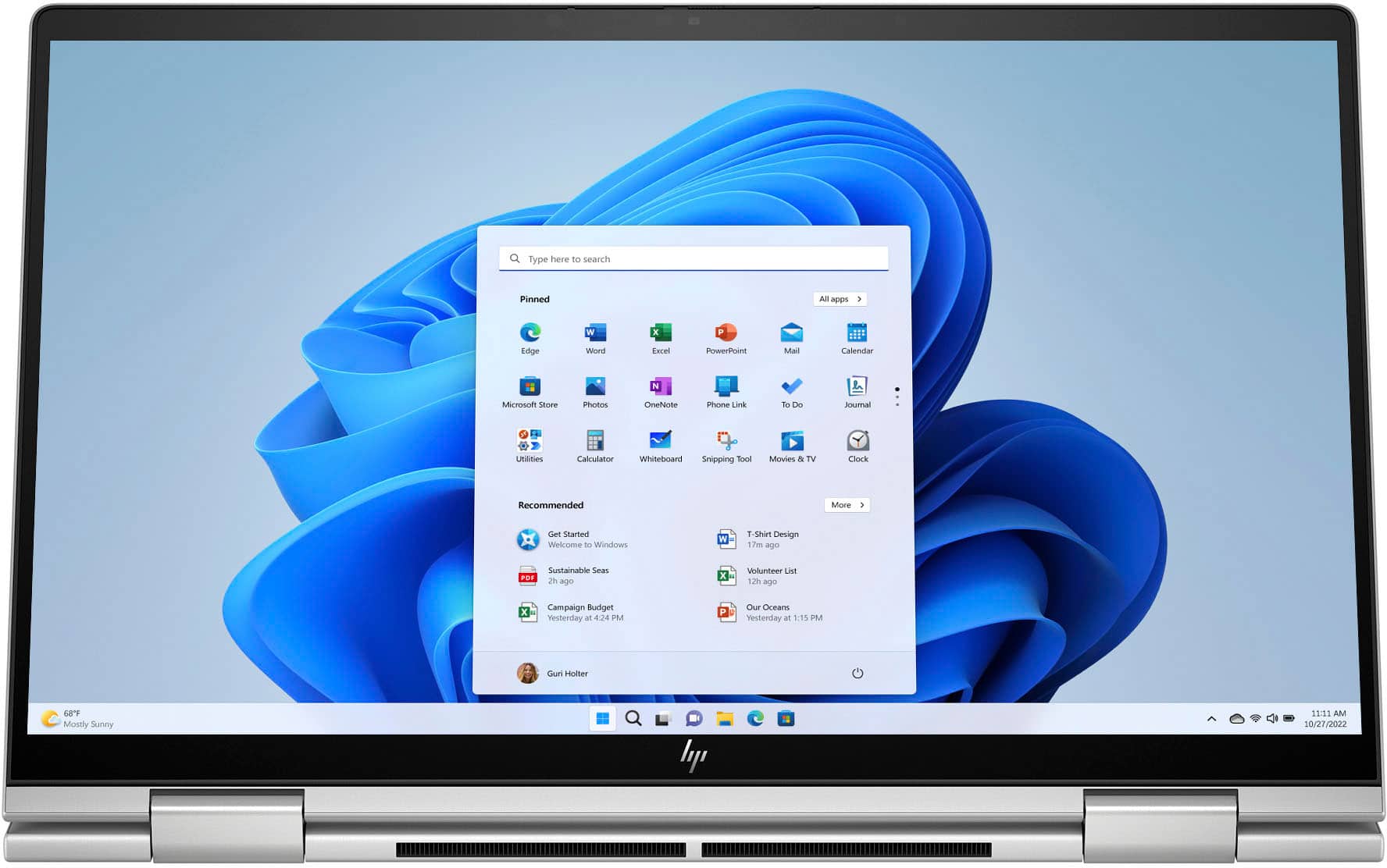
A:AnswerWay too much bloatware from Microsoft! Forced applications which is SENSELESS and does not give the user a choice concerning what is installed on their laptop! Games, silly little apps that are just marketing plows. STOP the foolishness!
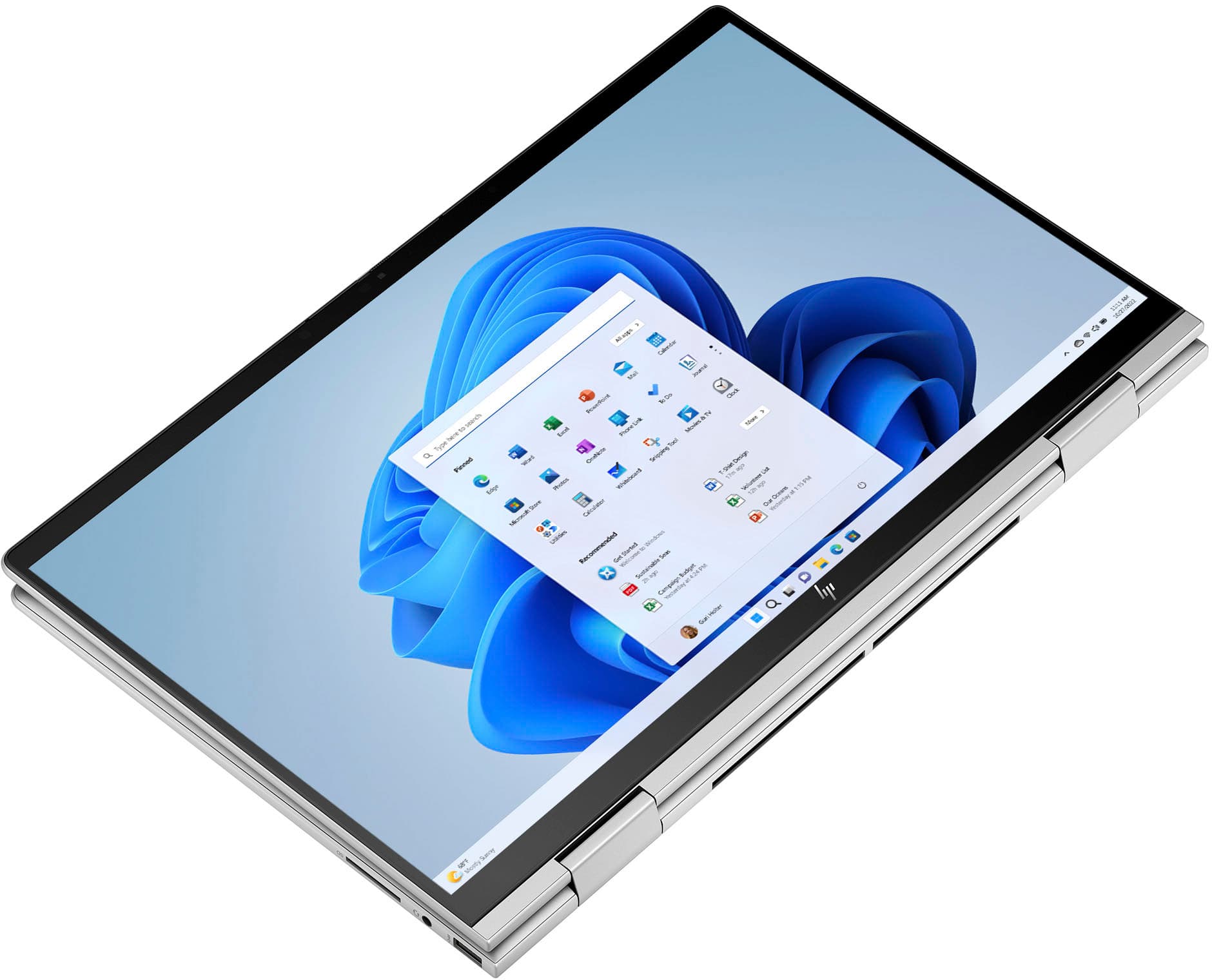
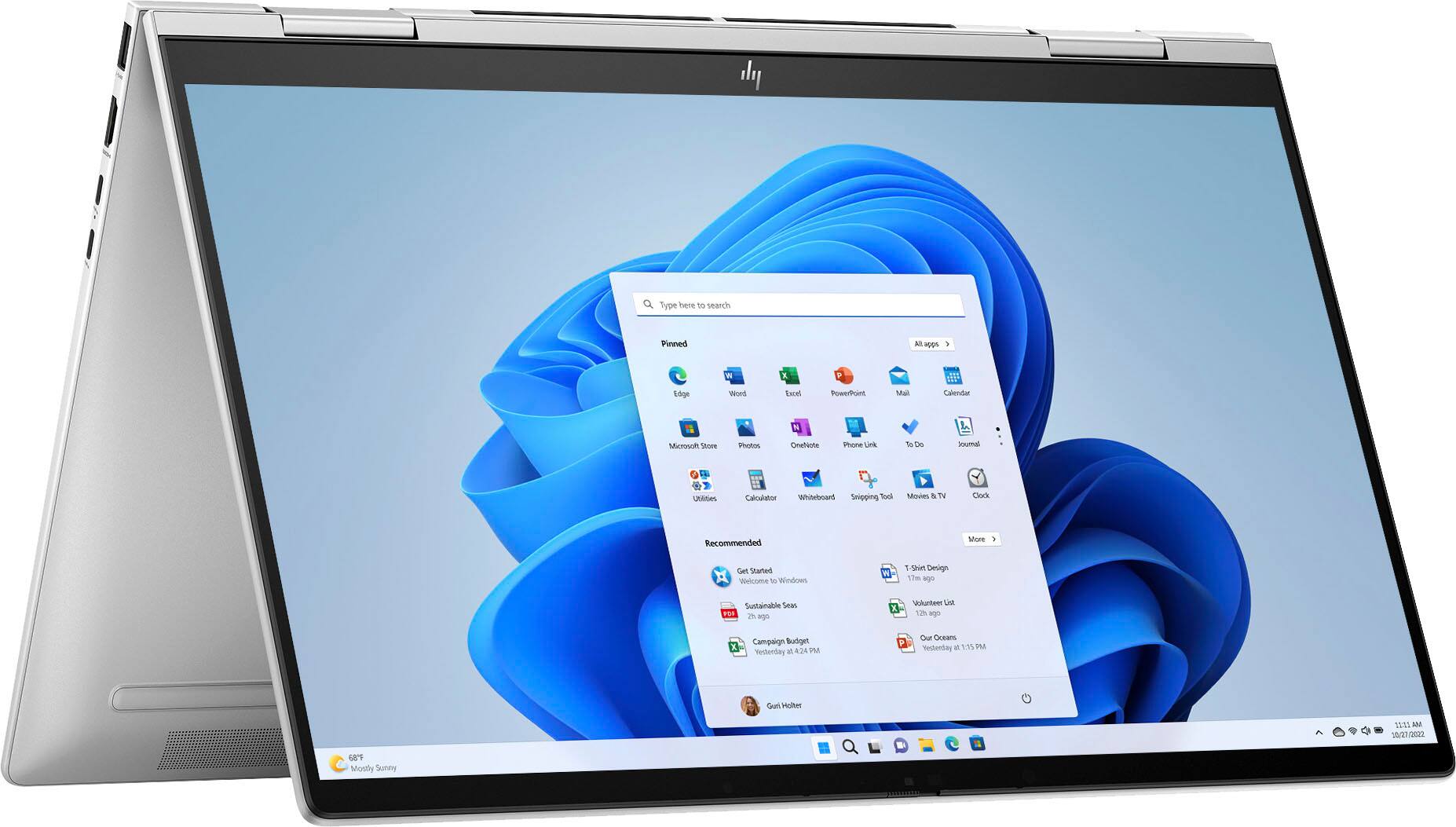
A:AnswerHello. Thanks for your question. This HP Envy x360 laptop does not have an OLED display. We recommend looking at the HP Spectre laptops, skus 6532927, 6553048, and 6532339. These HP Spectre laptops have OLED screens.

A:AnswerHello. Thanks for your question. The privacy shutter button is located on the right side of the camera at the top of the screen. By default, the camera lens is uncovered, but you can slide the

camera privacy cover to block the camera's view. To use the camera, slide the camera privacy cover in the opposite direction to reveal the lens.