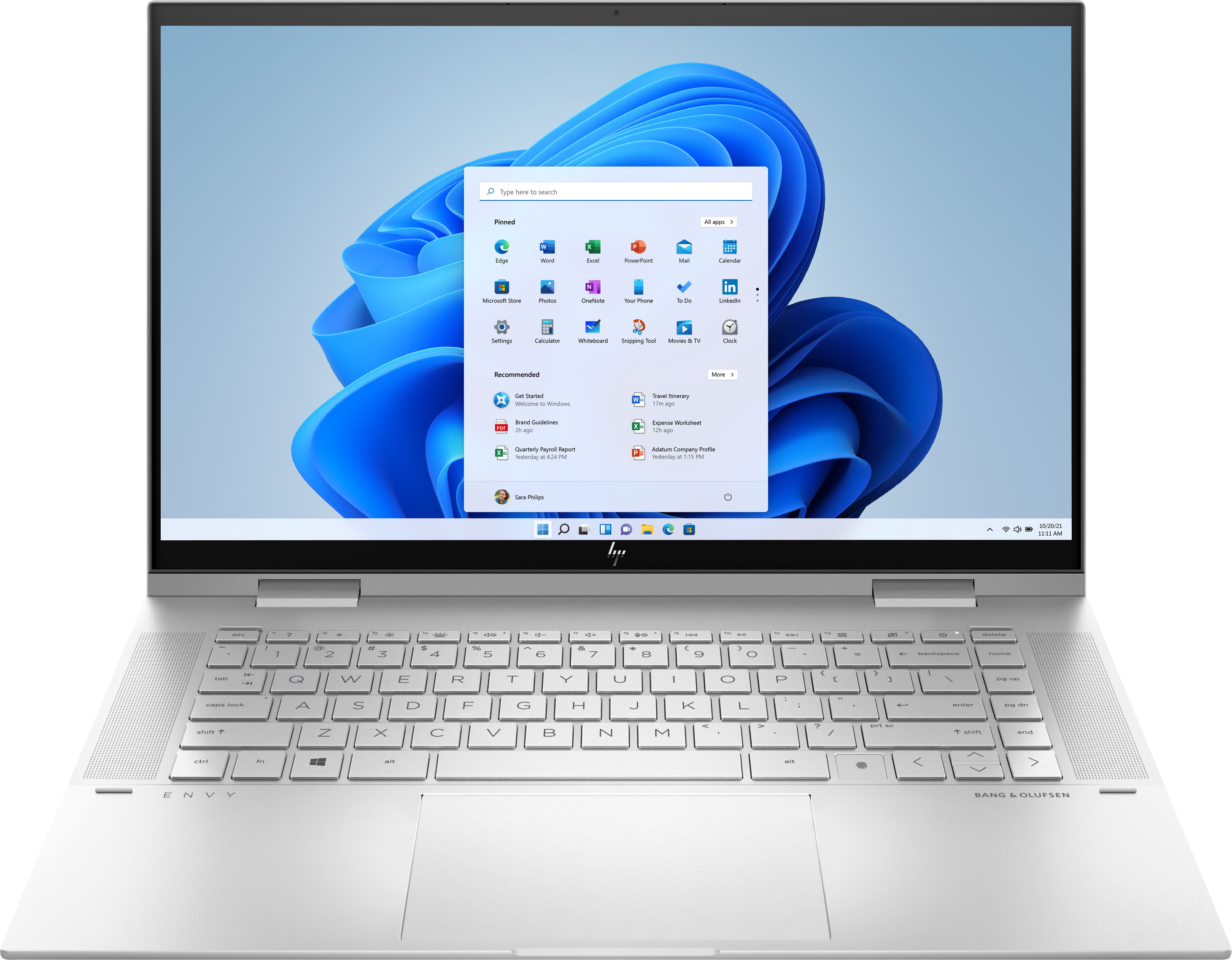
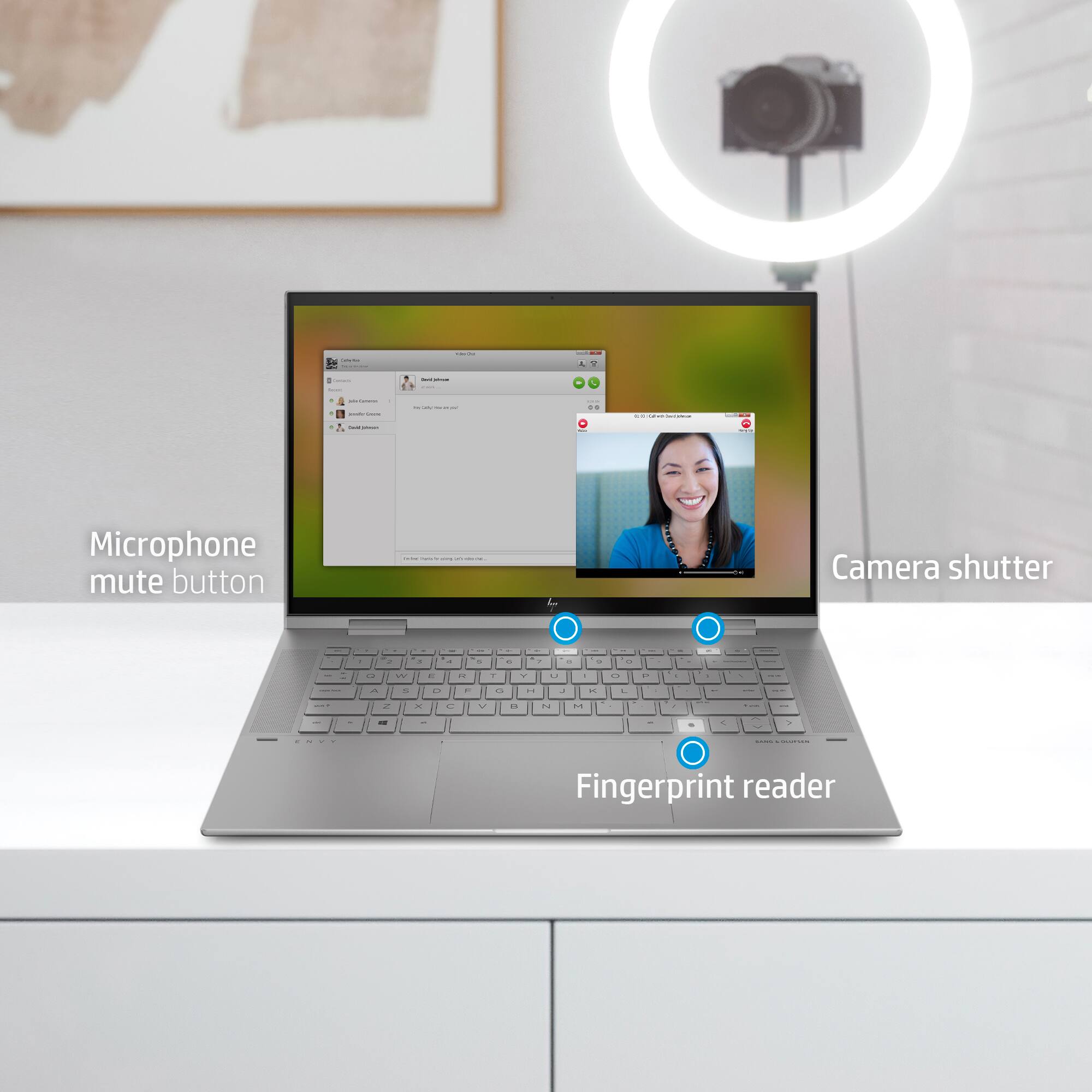
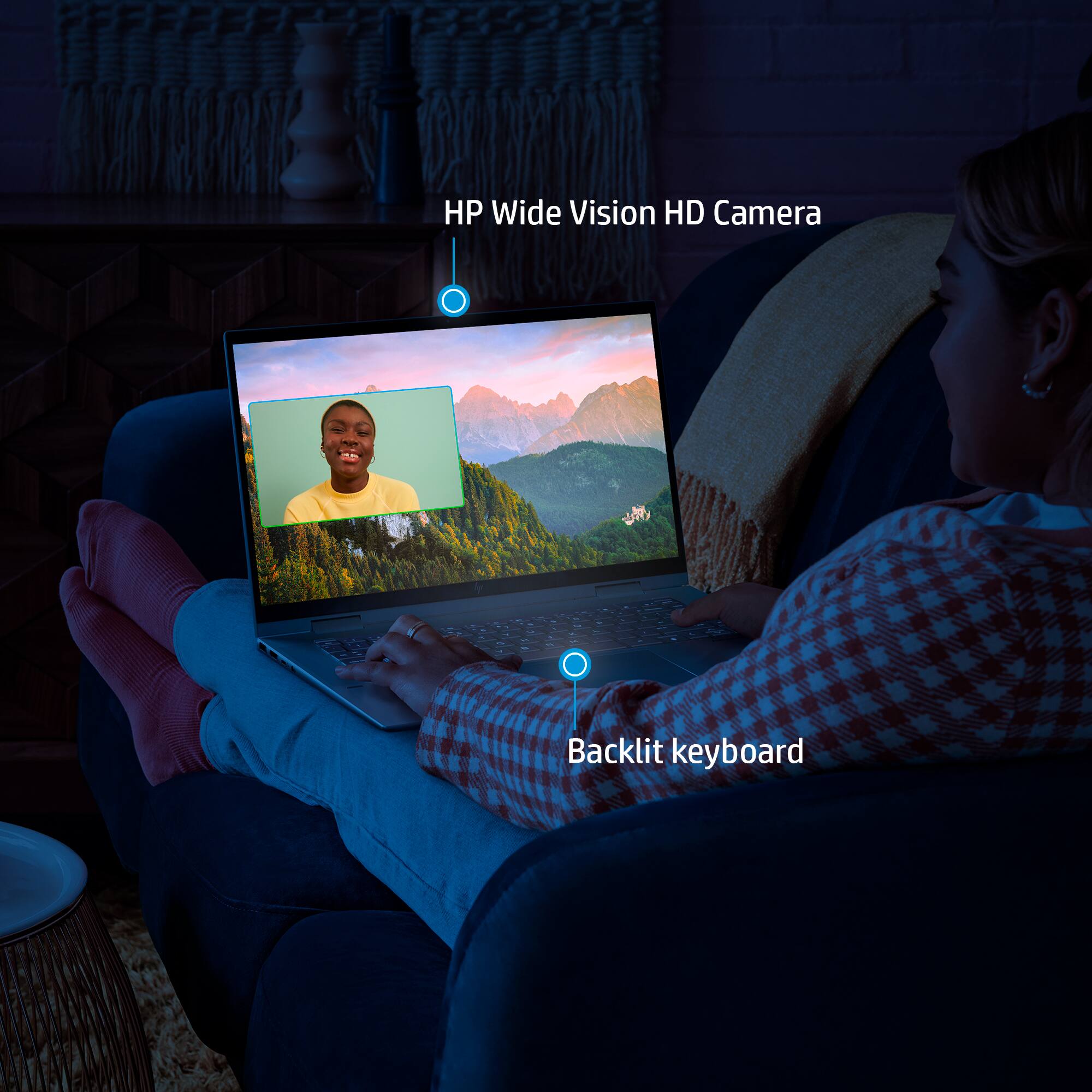
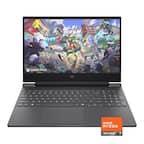
A:AnswerYeah you can adjust the the brightness of the backlighting on the keyboard. There is a button to adjust the brightness: there is the off mode, medium, and brightest.
A:AnswerThank you for the question. Yes. Learn more here: https://support.microsoft.com/en-us/windows/speech-voice-activation-inking-typing-and-privacy-149e0e60-7c93-dedd-a0d8-5731b71a4fef
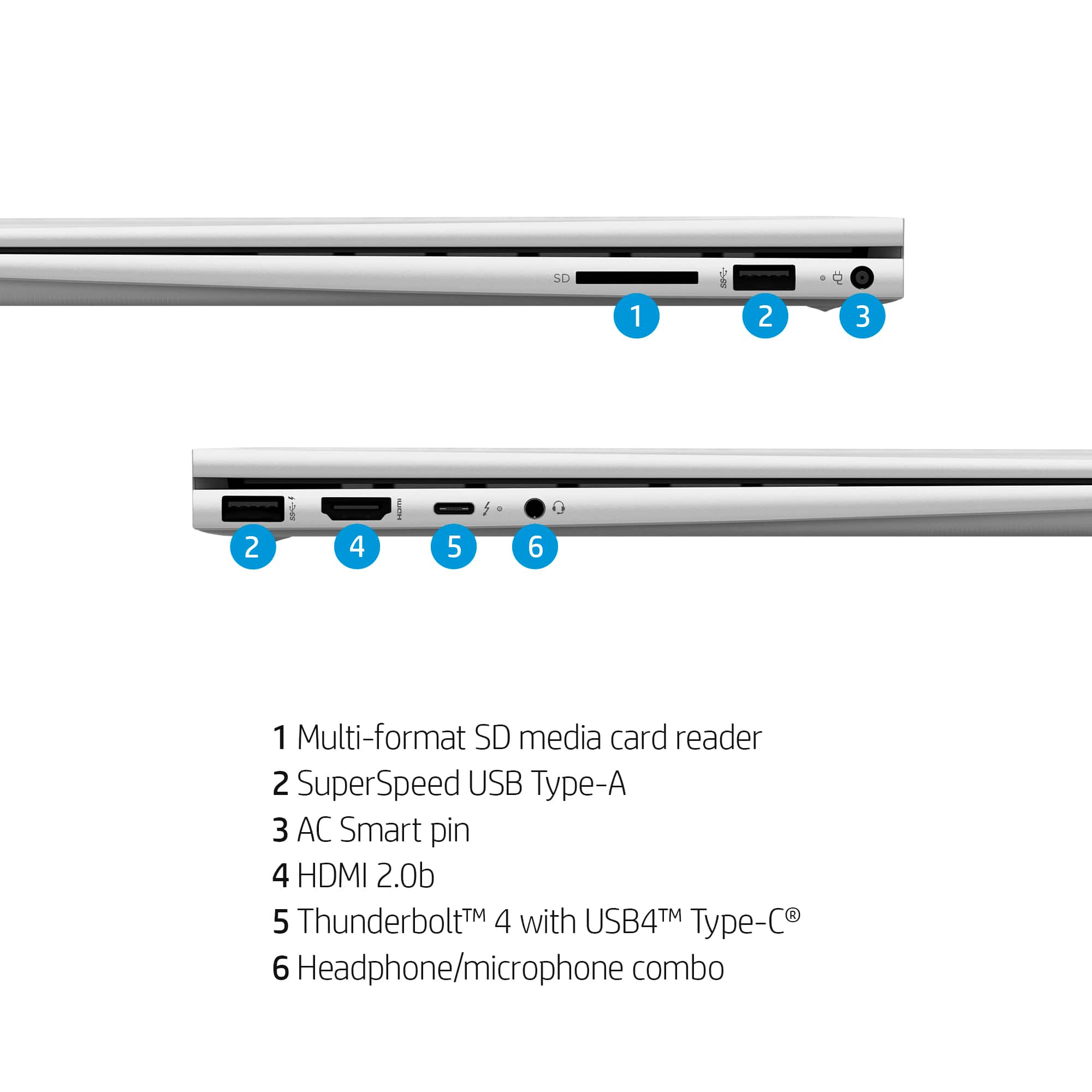
A:AnswerThank you for the question. This laptop does not have a Blue Ray player - optical drives have been eliminated from new laptop designs. You can connect an external drive if you wish. Here is an example: www.bestbuy.com/site/lg-8x-external-usb-2-0-blu-ray-disc-double-layer-dvdrw-cd-rw-disc-rewriter-black/9243009.p?skuId=9243009.
A:AnswerYou will want to look at the developer's site and see the minimum requirements for the game you would like to play and make sure it matches or is above those requirements. Just note that updates can change requirements and affect the requirements as well as what settings you can run the game on.