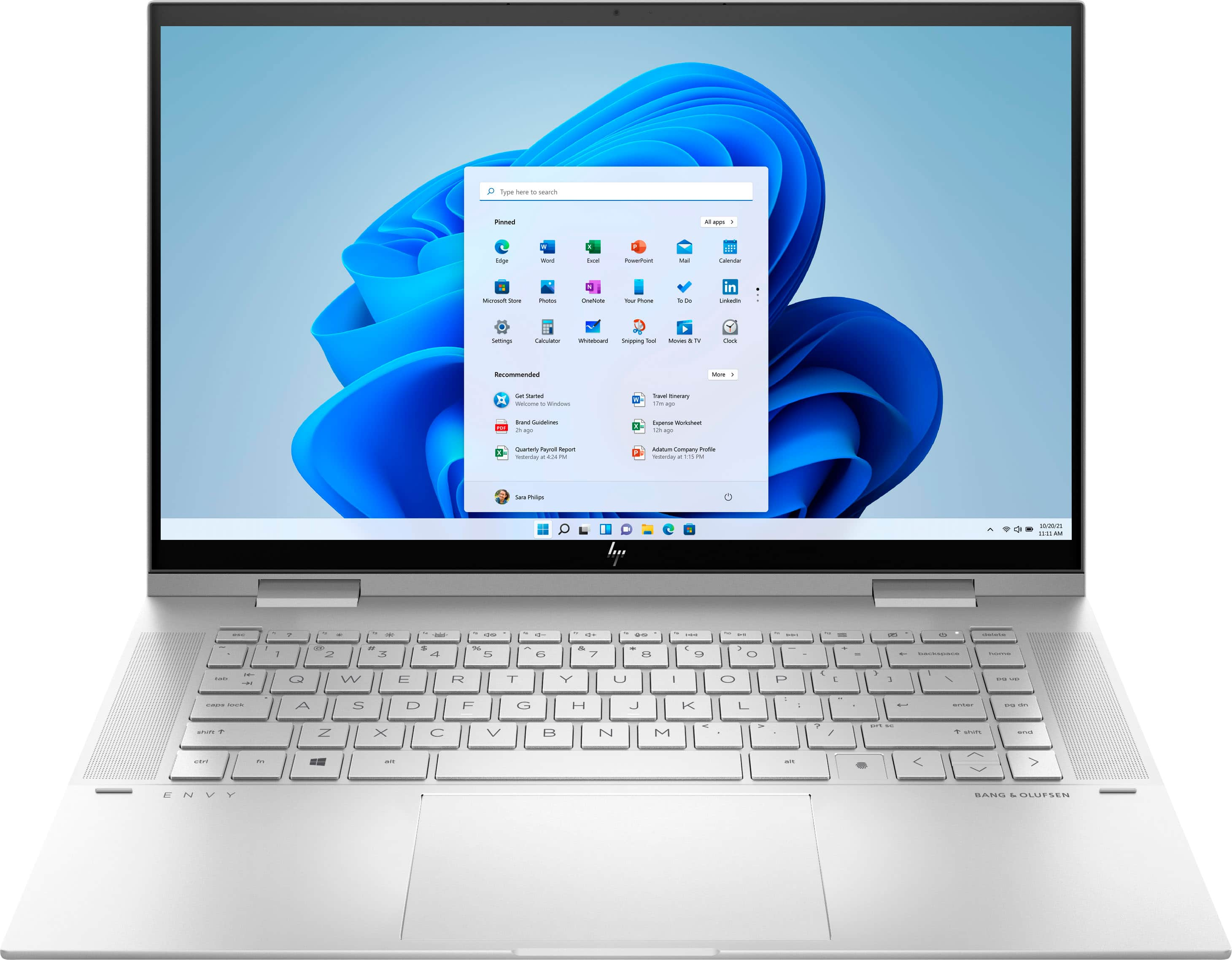
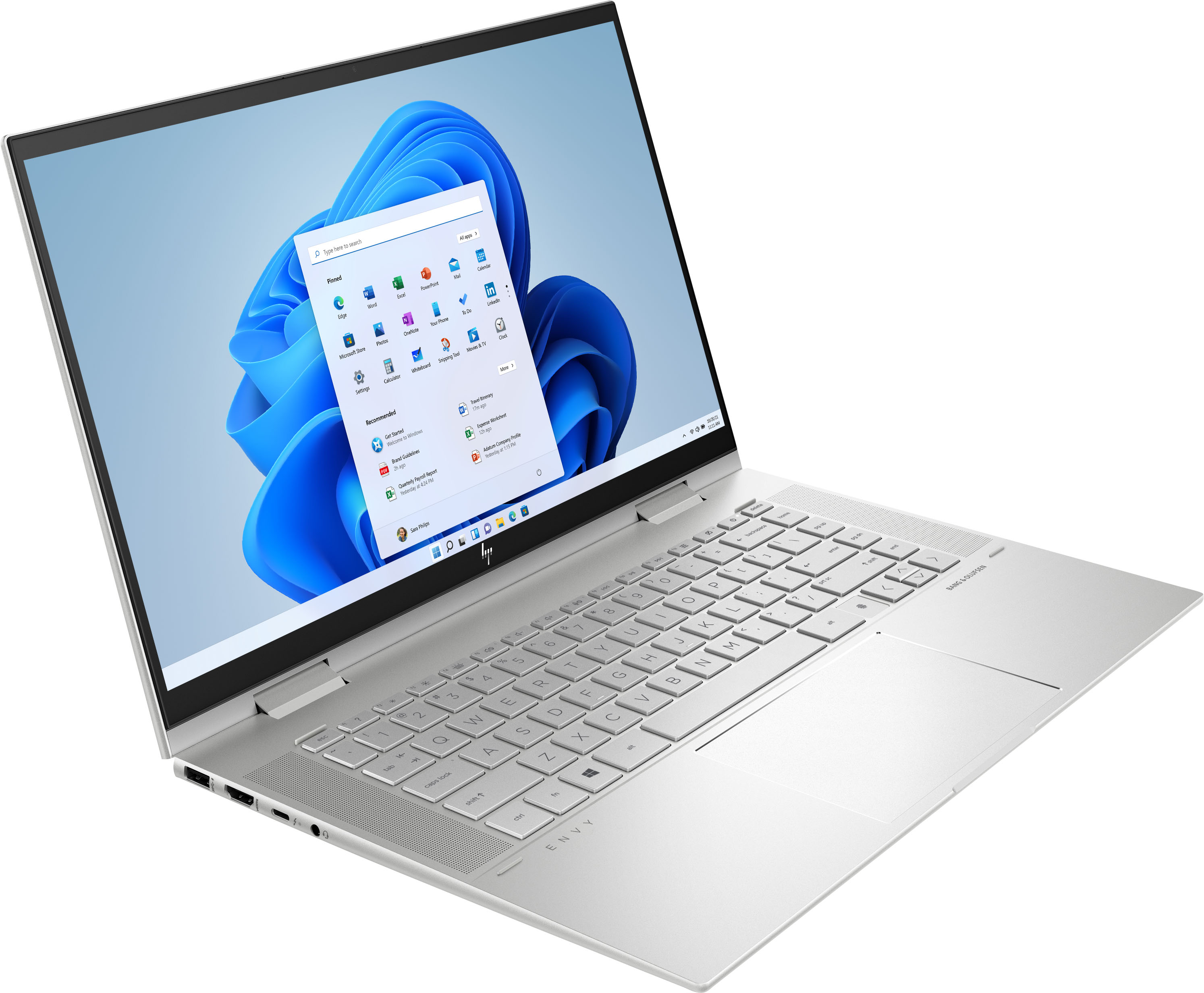
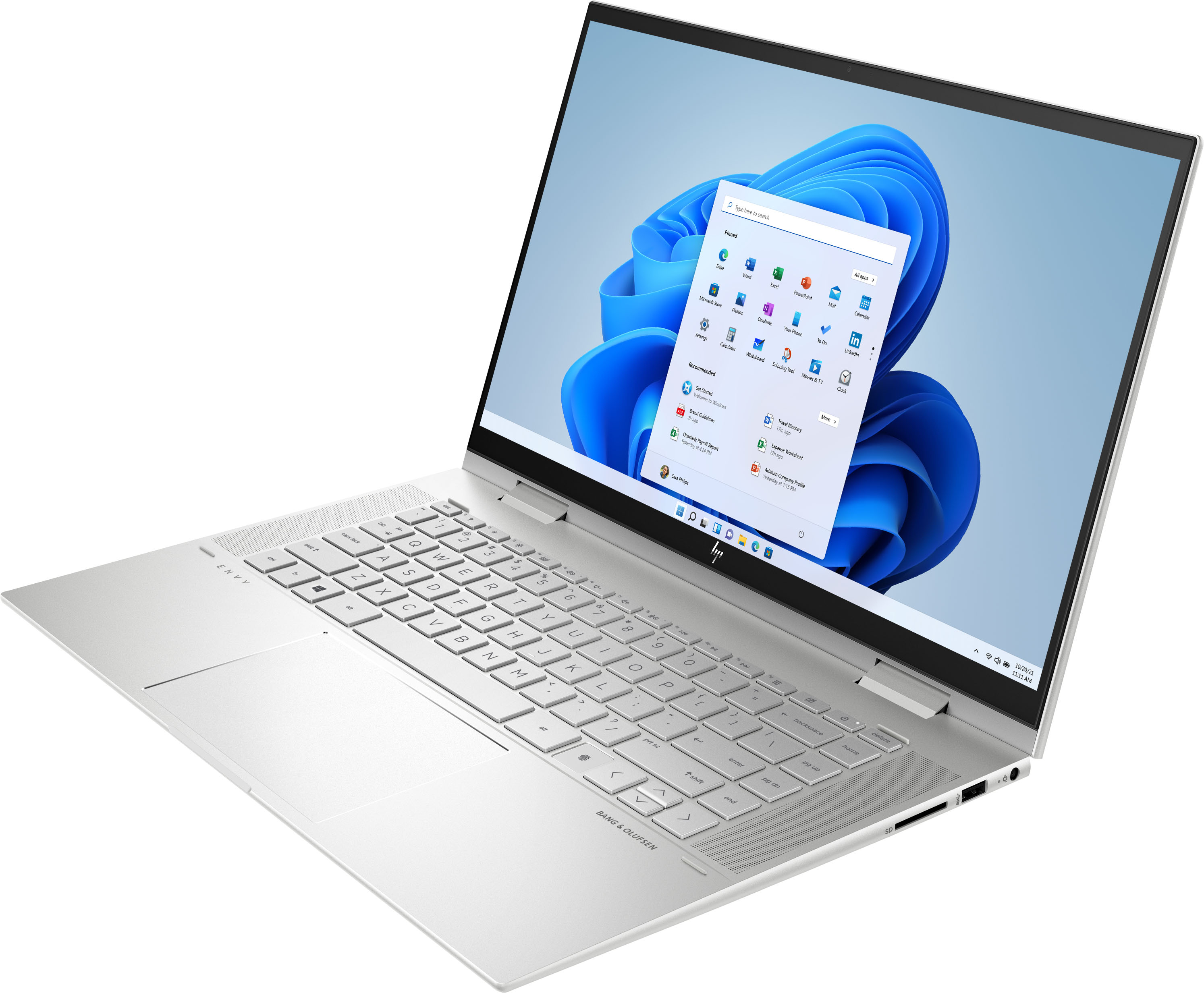
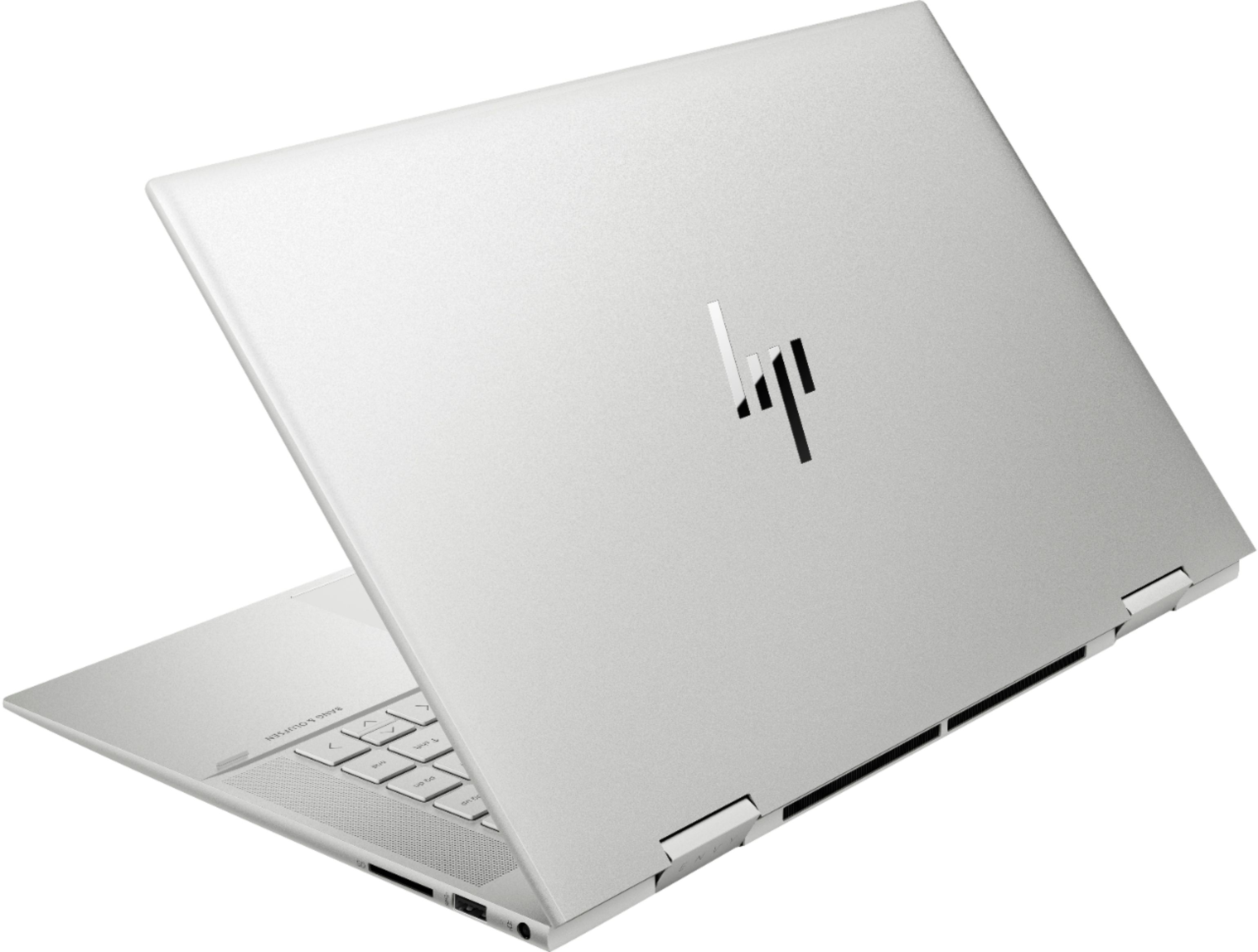
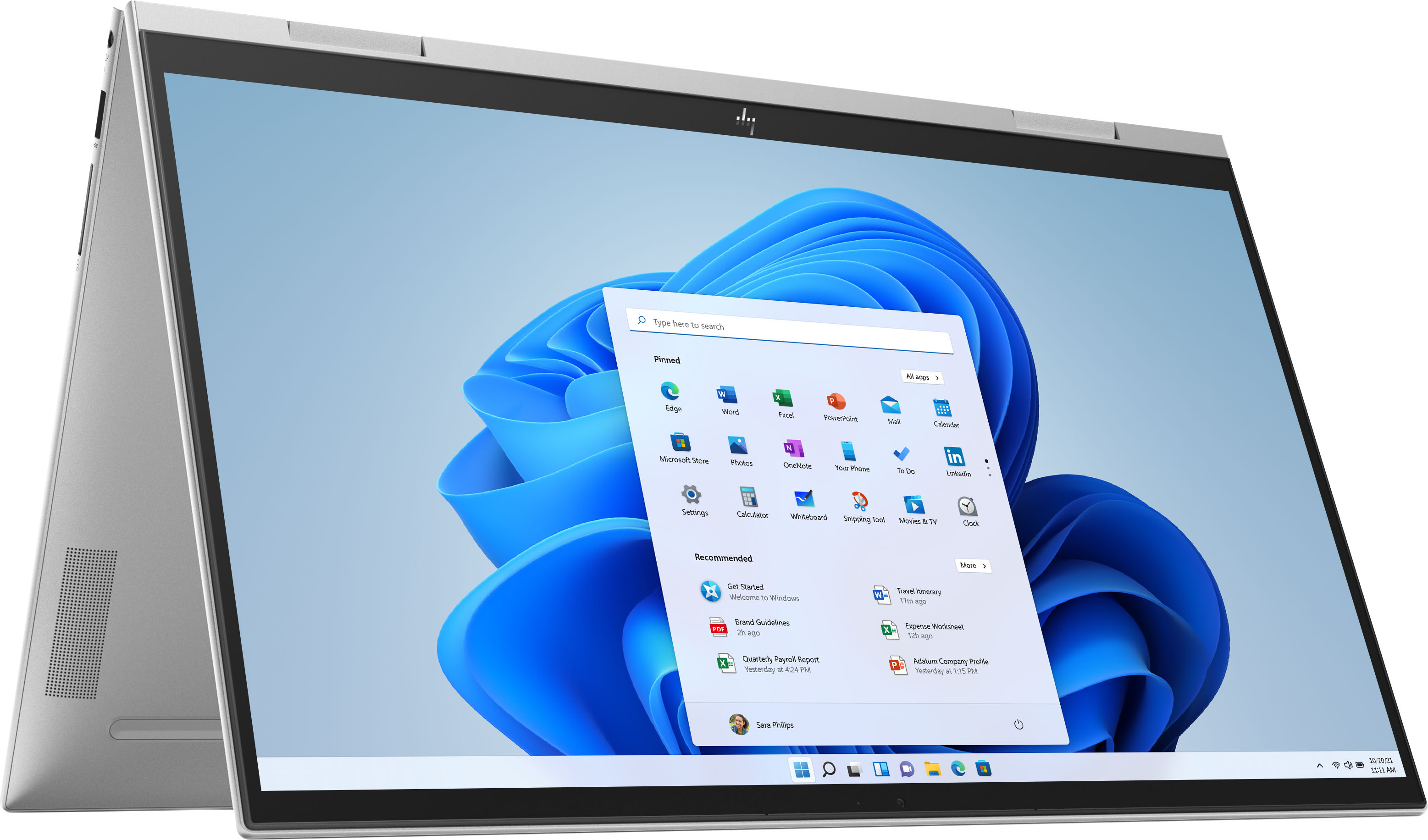
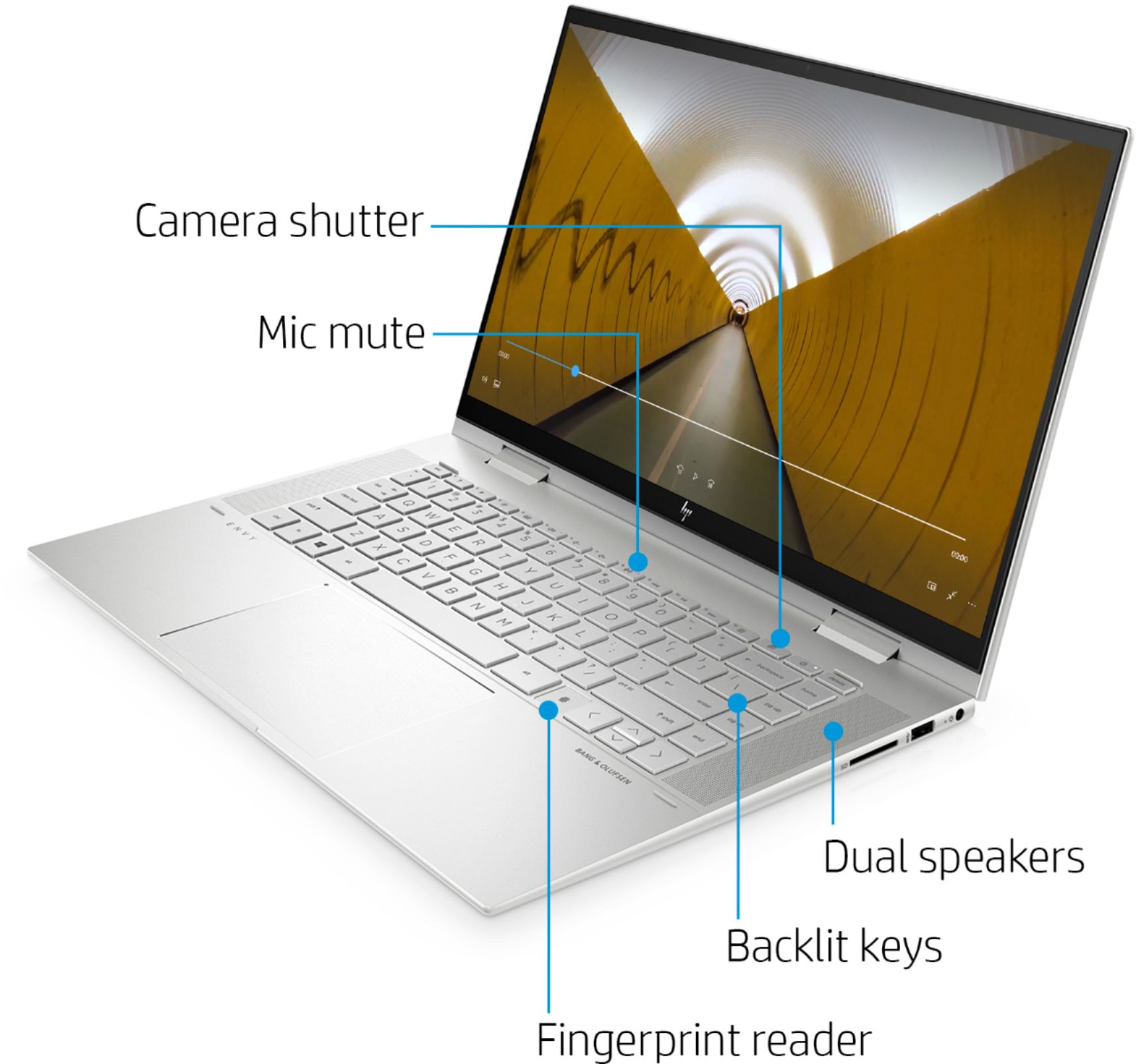
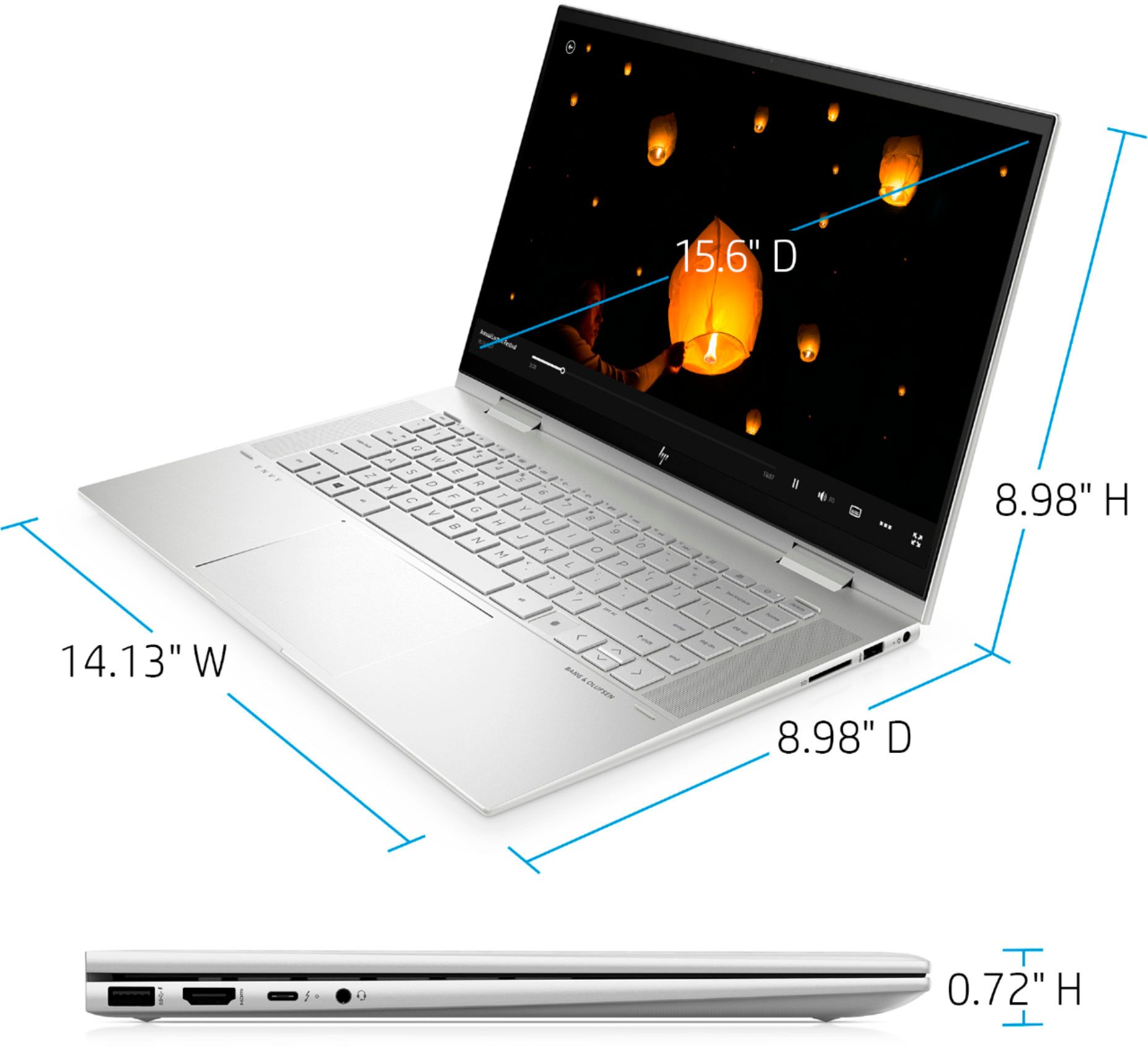
A:AnswerHi Vinny, thank you for the question. Amazon Alexa built-in means that the Alexa app is already loaded on the laptop. You'll still need to sign in with your Amazon account (or create an account) to use it. The HP specification for the Envy 15m-es1023dx indicates that it's presented with Windows 11 Home.
A:AnswerThe battery life on this Envy laptop is as follows:
Up to 10 hours (mixed usage)
Up to 13 hours and 45 minutes (video playback)
Up to 10 hours and 30 minutes (wireless streaming)
A:AnswerYes, although there isn't an additional NVME m.2 slot to install a second drive, the existing drive can be replace with one with a higher capacity. Because it's fairly involved computer surgery, your best option would be to have the Geek Squad at your local Best Buy do the work for you.
A:AnswerHi Linda,
I bought this laptop after checking a few of the other models. This one has Core i7 series 1195 which has a 30-40% performance gain over 1165. I could literally see the difference. This laptop is amazing as I am using it not only for Office 365 but for running Adobe Creative Cloud (Illustrator and Photoshop). All the Apps just work flawlessly.
Windows 11 shines on this laptop.
Use the Office 365 subscription to get 1 TB of OneDrive (Cloud Storage) space and keep everything backed up in OneDrive which will free up all the space in the SSD.
I hope this helps.
Regards.
Naweed
A:AnswerWE PURCHASE THE COVERAGE BECAUSE WE HAVE QUITE A FEW ELECTRONICS TO COVER. OLD AND NEW.
THEY QUICKLY HELP WITH ANY ISSUES YOU MAY BE HAVING THAT AREN'T COVERED UNDER A WARRANTY.
A:AnswerHello. Thanks for your question. Yes, this HP Envy x360 laptop flips into four modes: laptop, tent, presentation, and tablet. Yes, you can use an external USB or Bluetooth keyboard with this laptop.
A:AnswerHello there. Thanks for your question. Looking at the product specifications available on the retailer website, this HP ENVY x360 Convert 15m-es1023dx laptop does not come with a DVD/CD player/recorder. In this instance, you will need an external CD/DVD reader so that you can play any content from a CD or DVD.
Thank you for choosing Intel!
A:AnswerThank you for question. You can transfer files to a new computer using One Drive. No USB cable is needed (and no cable is included). Learn how here: https://www.microsoft.com/en-us/windows/transfer-your-data?r=1
McAfee Live Safe is offered for 30 days with a free trial. You can opt-in permanently for a nominal charge, or enable Windows' built in anti-virus, Windows Defender.
A:AnswerNo, it's not running Windows in "S Mode", so you'll have no problem downloading and installing the Chrome browser. Although even if it was, switching out of S Mode is quite simple. Microsoft has the instructions at https://support.microsoft.com/en-us/windows/switching-out-of-s-mode-in-windows-4f56d9be-99ec-6983-119f-031bfb28a307
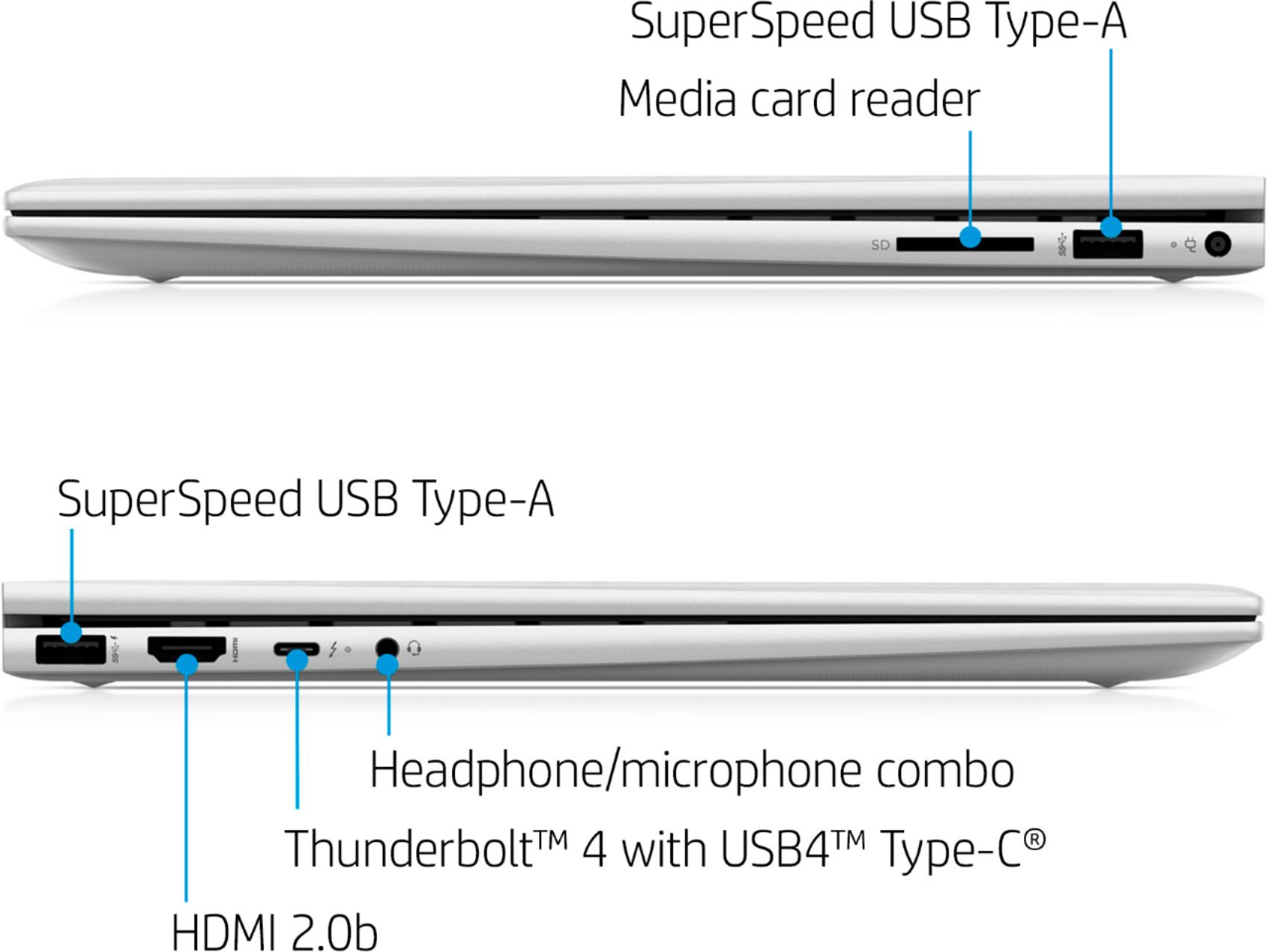
A:AnswerHello. Thanks for your question. You would need a USB Universal docking station to accommodate an additional two monitors on this HP Envy laptop. You would want to be sure the matching video ports that are on the monitors, i.e. HDMI, are also on the docking station. If you just want 1 additional monitor, you would just need a monitor with an HDMI port. This laptop has 1 HDMI port.
A:AnswerYes, you can. If your monitor has an HDMI input you can connect it directly with an HDMI cable. You may need to press a key on the keyboard (typically the F4 or F5 key) to tell the computer to send the video signal to the HDMI port.
A:AnswerHello! Thank you for your question! USB ethernet adaptors that allow a computer to convert a USB-A or USB-C port to receive an ethernet cable work on any computer/laptop. It will work with the HP Envy laptop (15m-es1023dx) without issue.