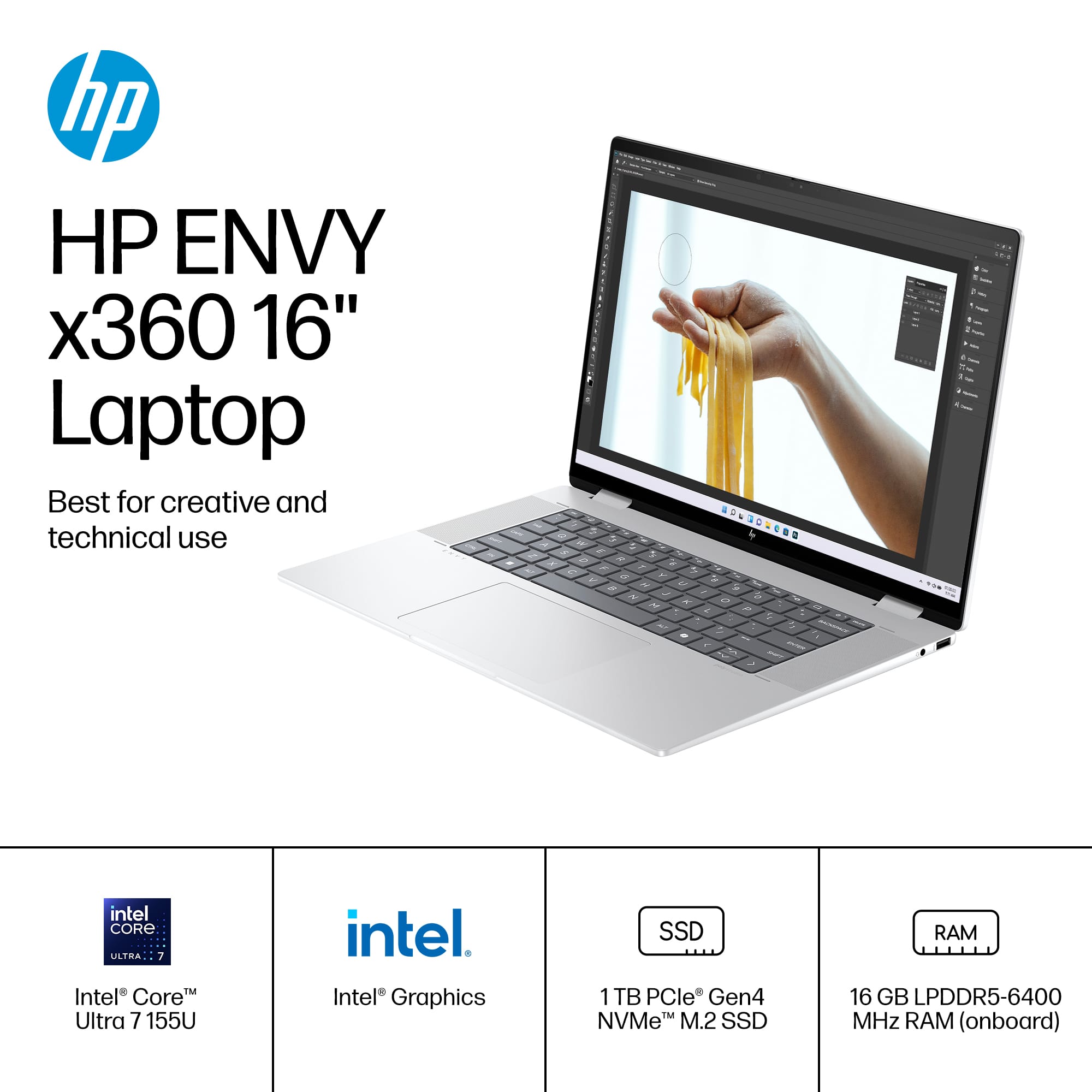
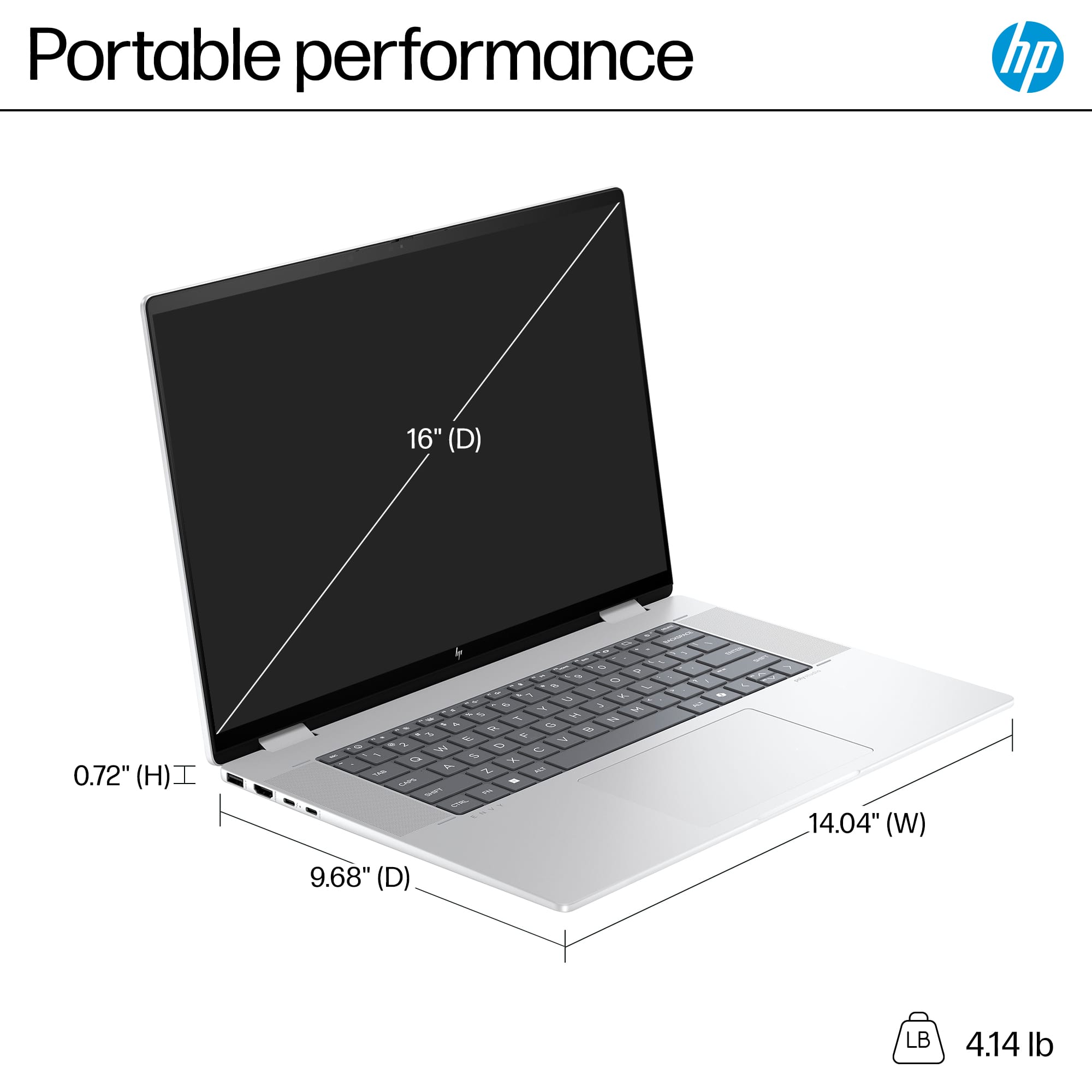
A:AnswerThank you for the question. It's a great choice, however, if using CAD programs, you may need a laptop that has a dedicated graphics card. Please review the system requirements of the software you intend to use, to confirm that this system will work for the required tasks.
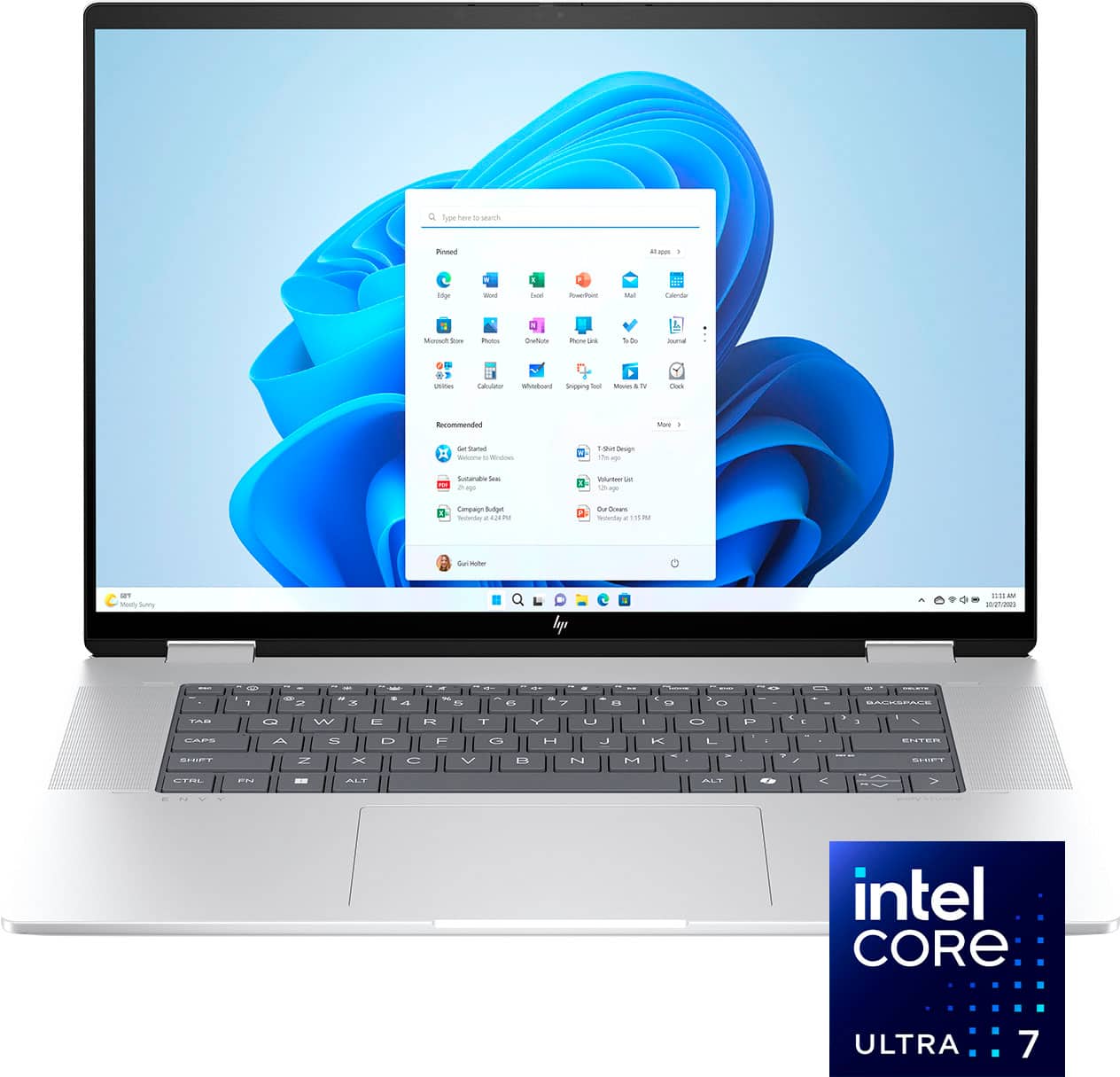
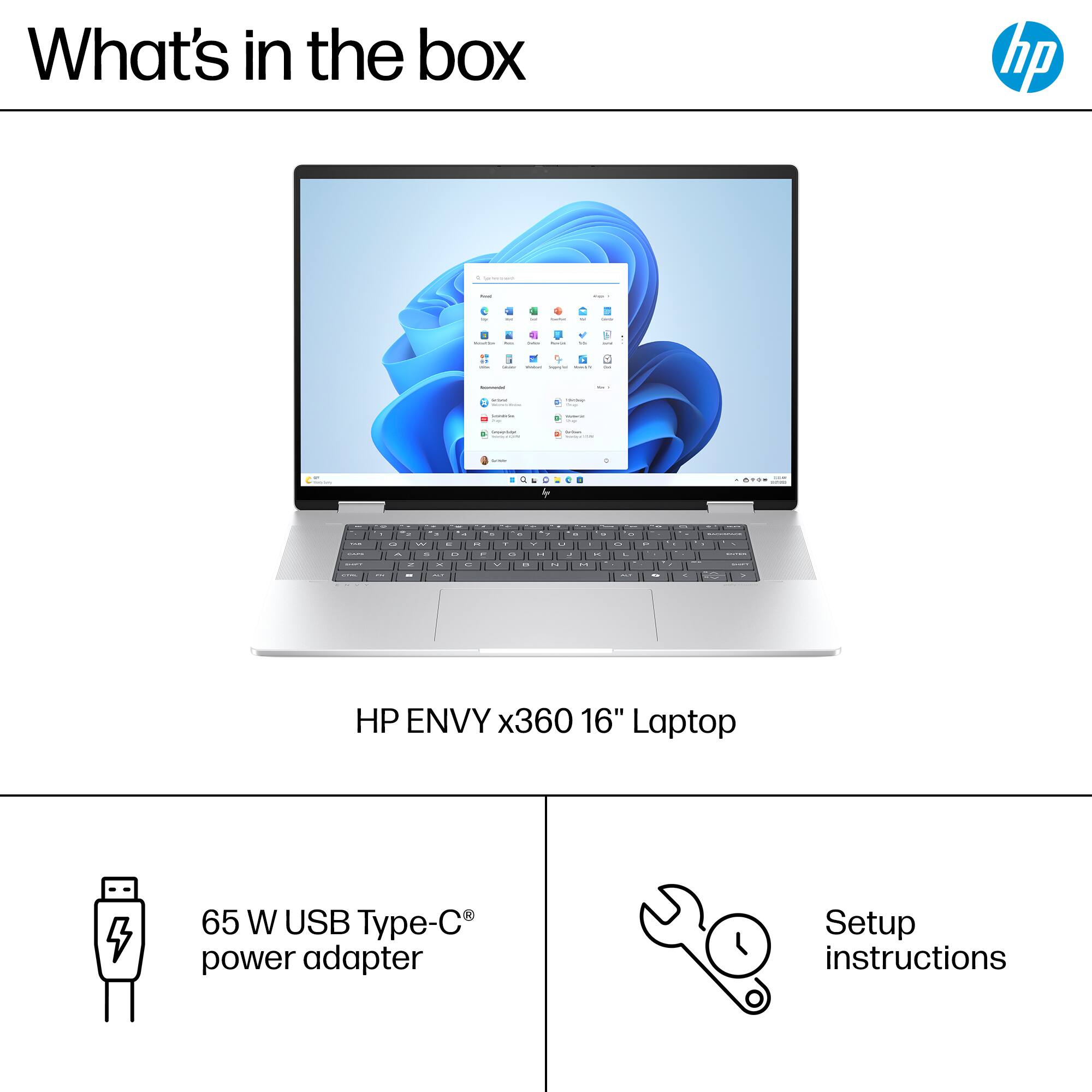
A:AnswerHello and thank you for asking. Programs from your old computer cannot be transferred to your new HP Envy 16-ac0023dx laptop computer, but can be reinstalled from the original installation media, provided the version of that program is compatible with Windows 11. The Best Buy Geek Squad can provide additional assistance with this if needed.
A:AnswerTye, thank you for your interest in this HP Envy 2-in-1! This is great for doing creative work like photo and video editing, but not for gaming as this is not equipped with a dedicated graphics card. HP has the Victus and Omen gaming laptop lines along with AMD or nVidia graphics cards inside them!
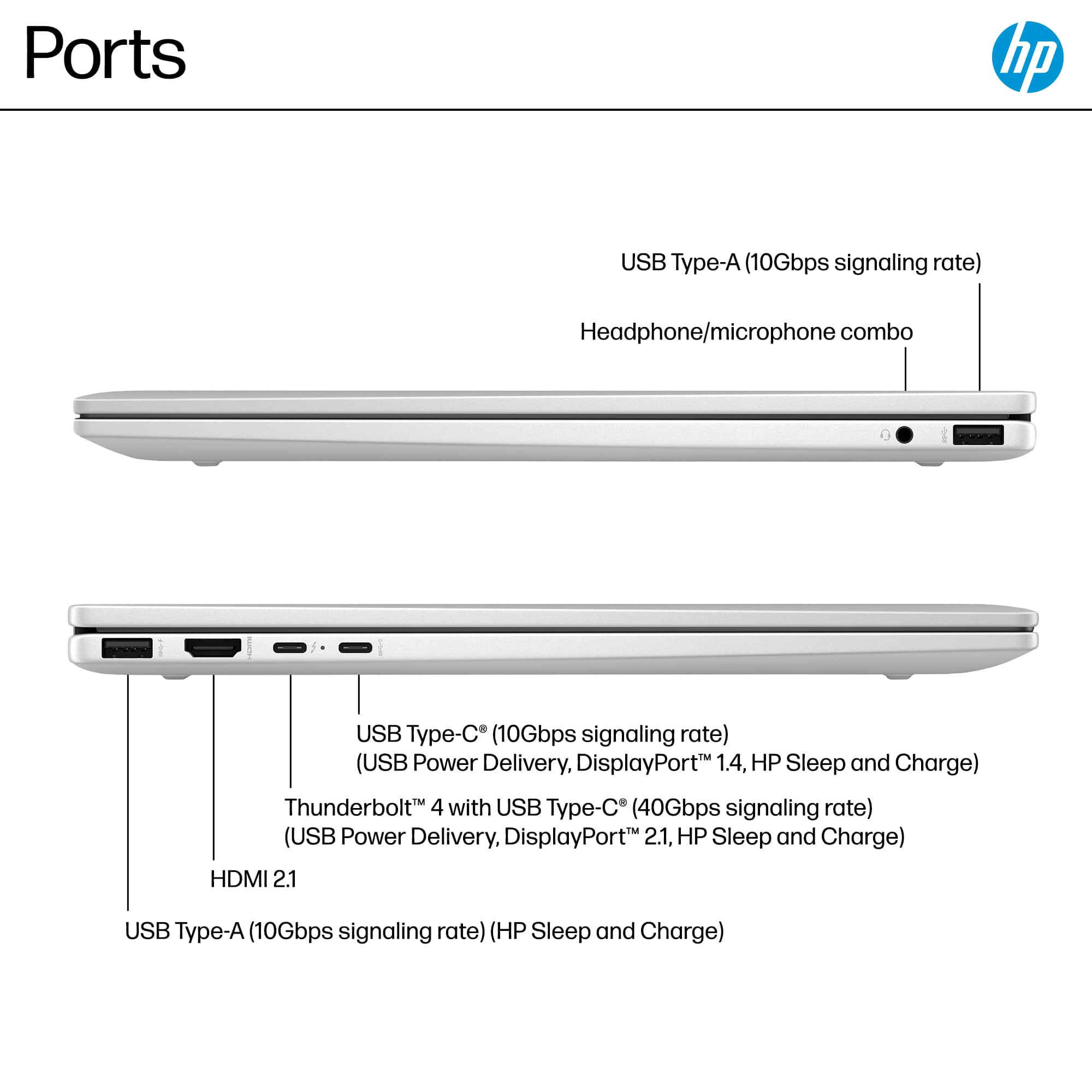
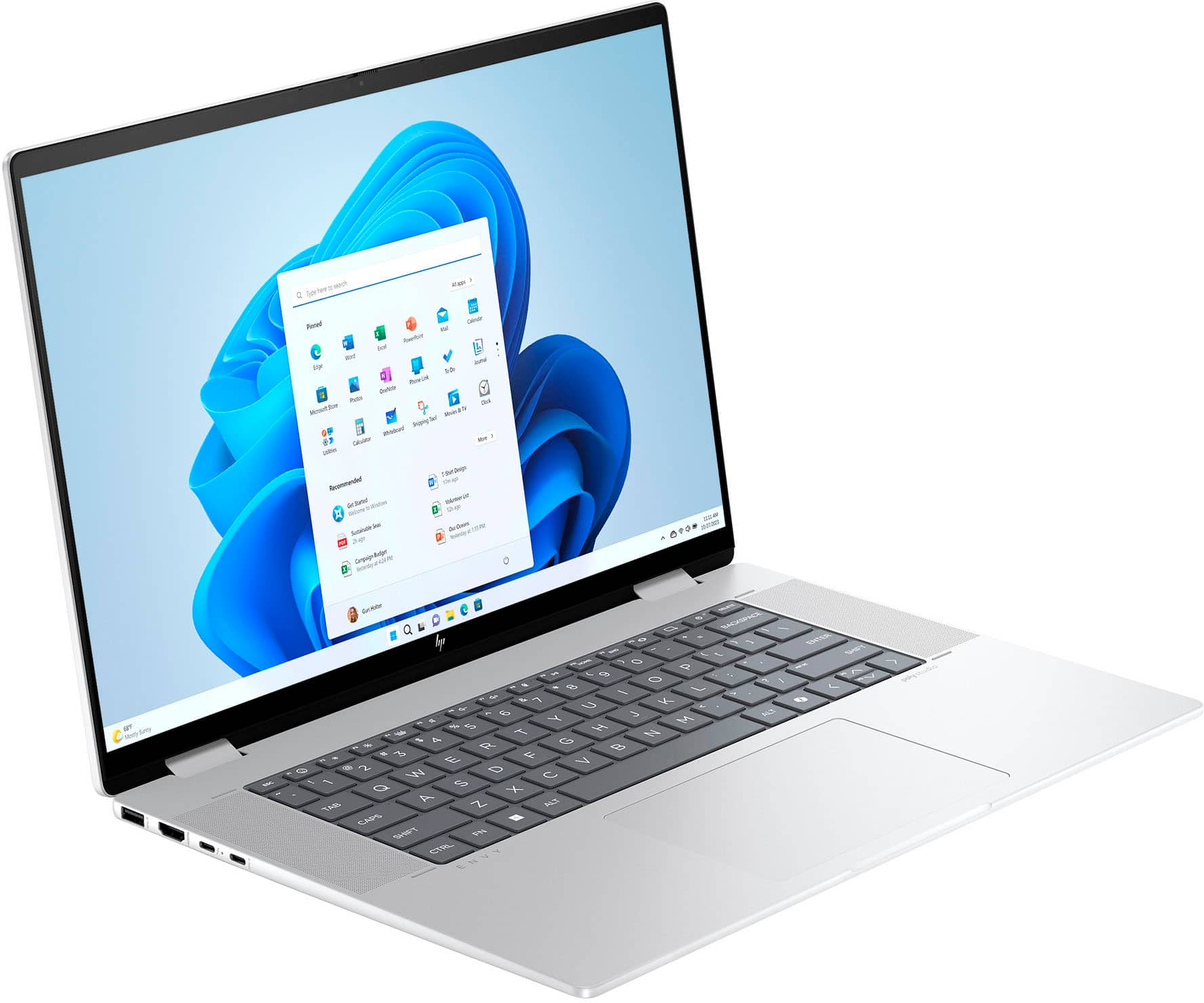
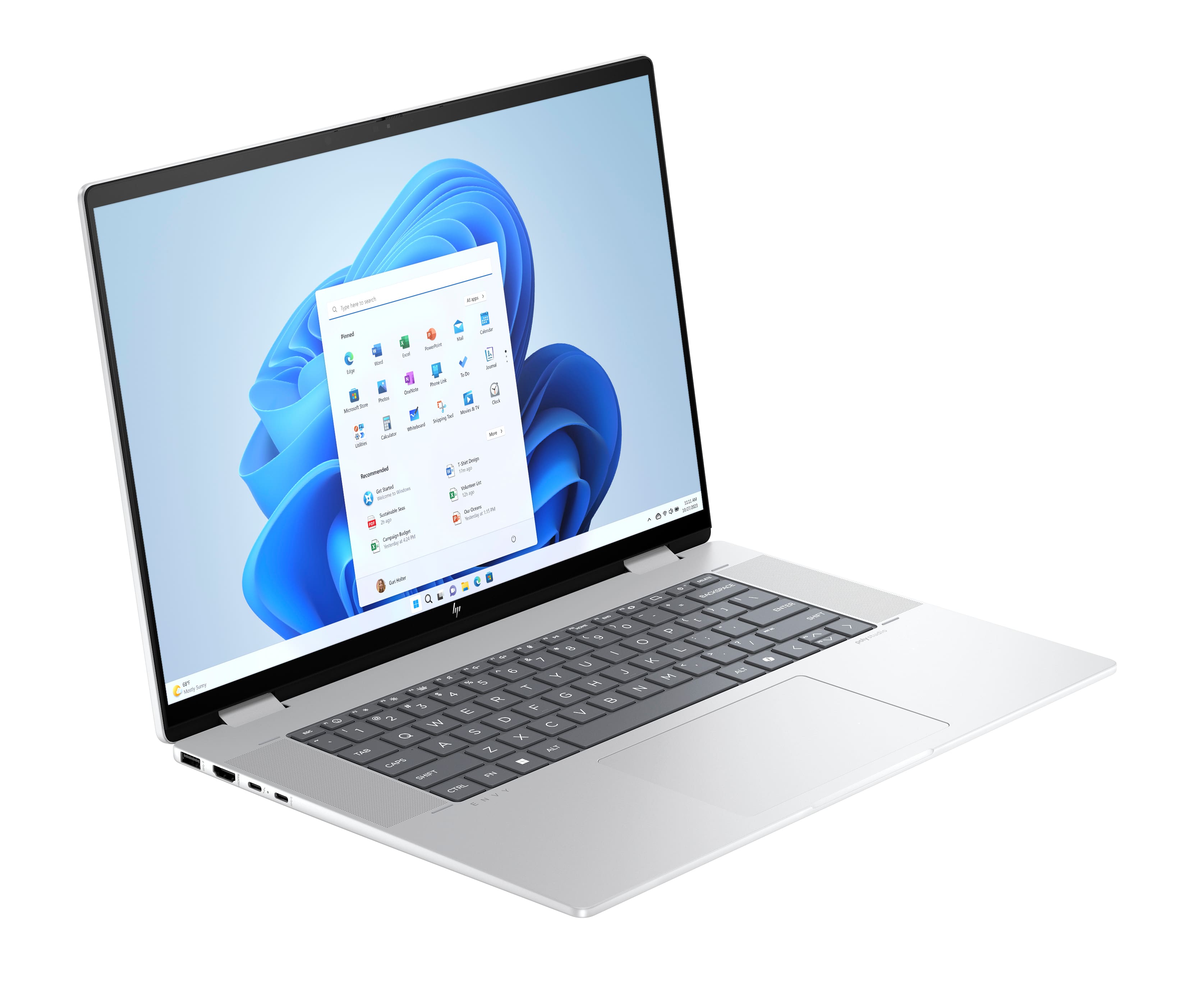
A:AnswerThank you for your question. No, this HP Envy 2-in-1 laptop 16-ac0023dx does not have an optical (CD) drive. You can use an external USB CD/DVD drive with this laptop.
A:AnswerHello and thank you for your question. This HP Envy 16-ac0023dx laptop does not have a port for an SD card but you could get an USB SD card adapter.
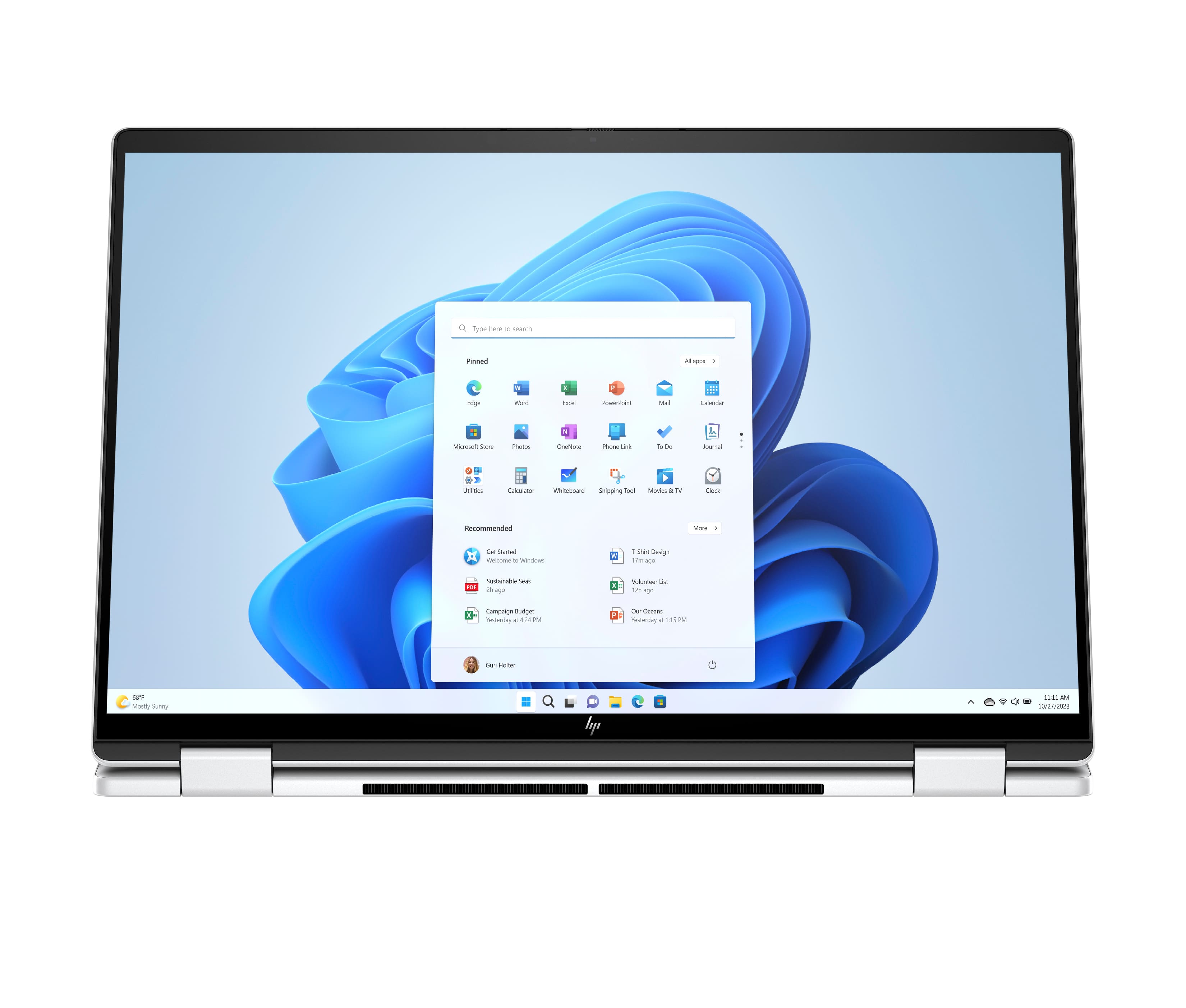
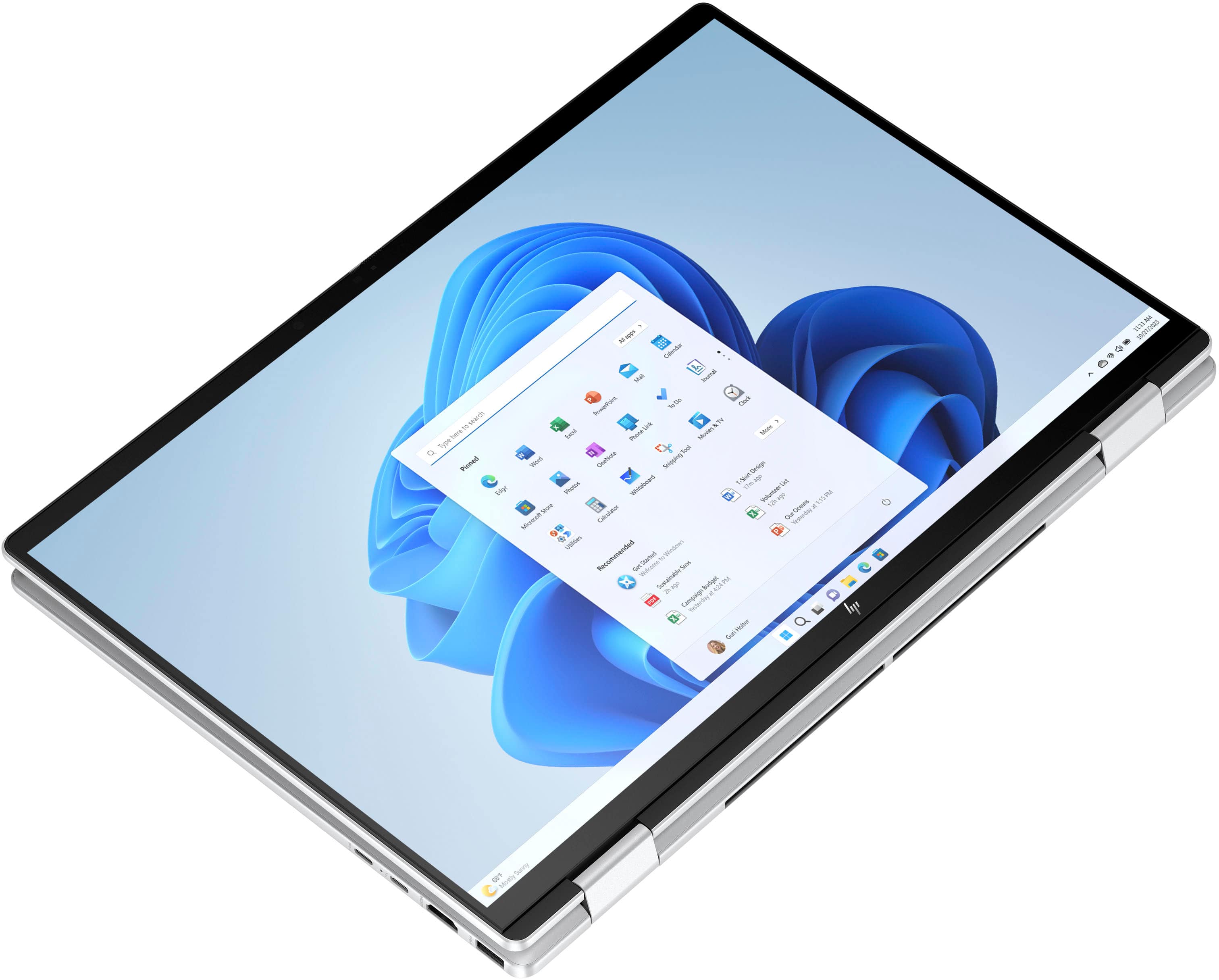
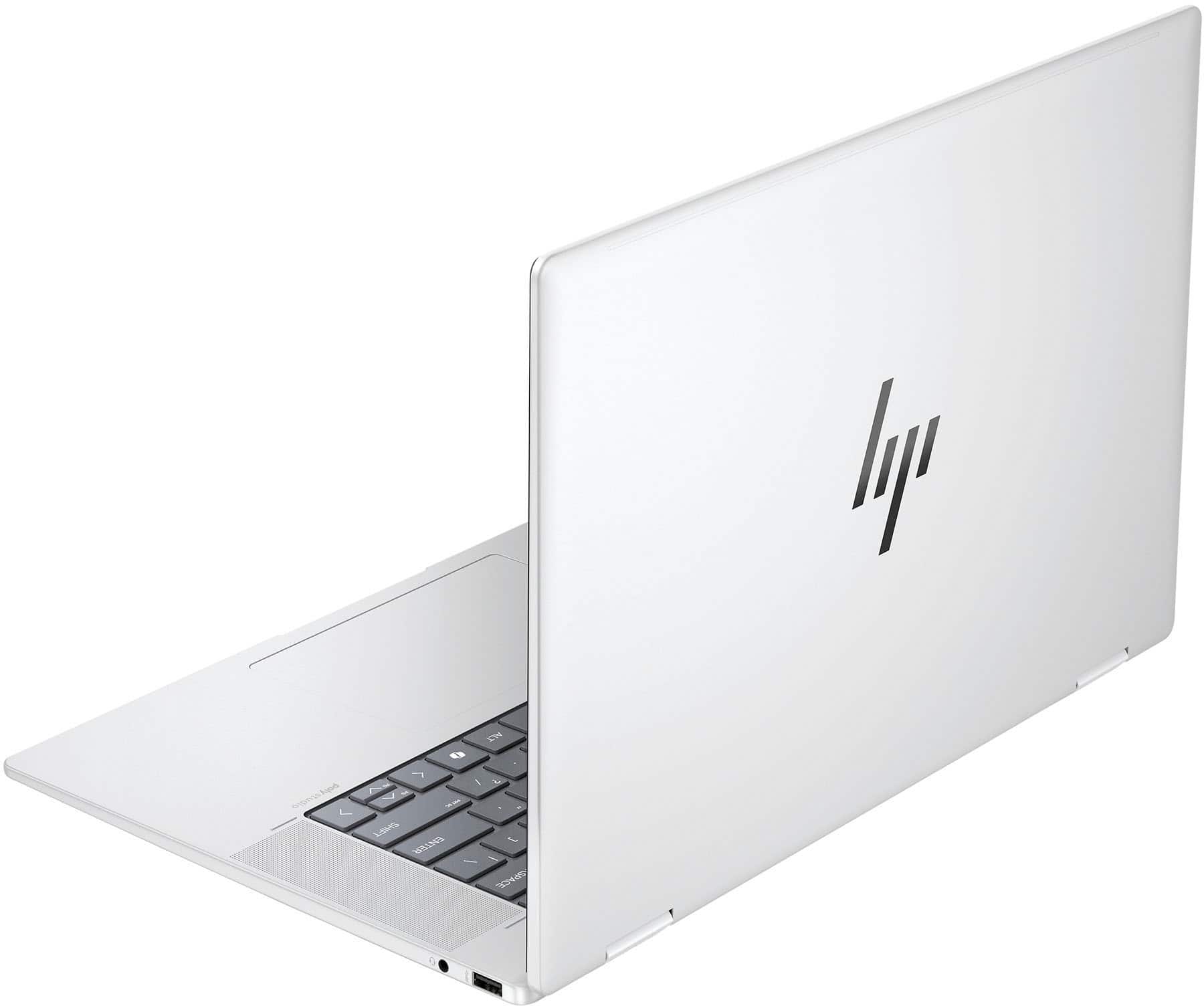
A:AnswerThank you for your question, the HP - Envy 2-in-1 16" Wide Ultra XGA Touch-Screen Laptop. As for using this model for production and DJ. This would depend on the programs you are looking to run.
A:AnswerThank you for your interest in this HP Envy 2-in-1 laptop. The maximum SSD configuration for this is a single M.2 drive up to 2TB for a total of 2TB of storage. You can plug in or use external drives to expand the overall capcity.