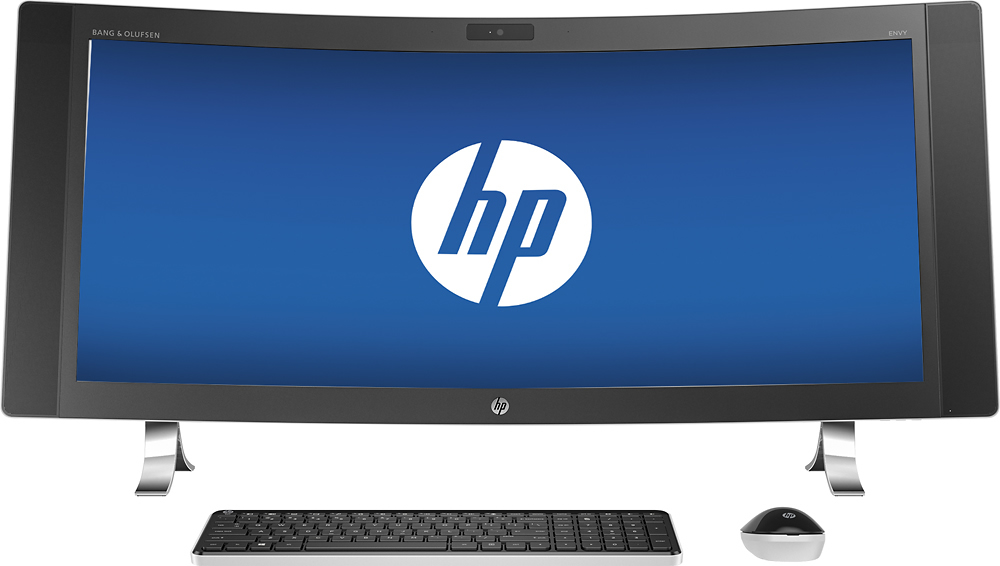
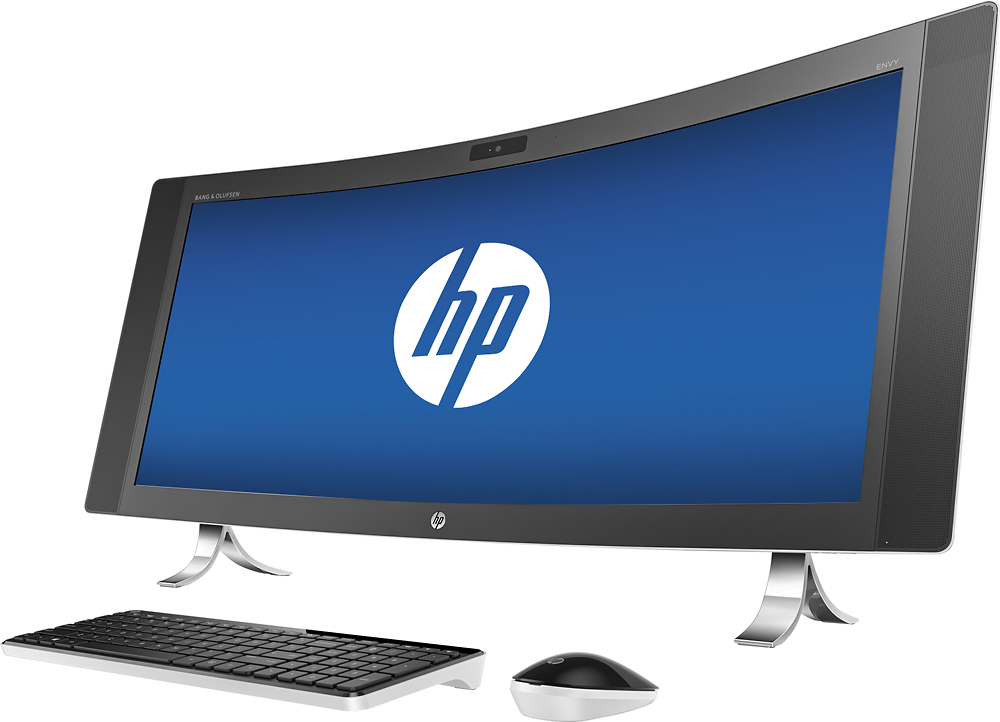
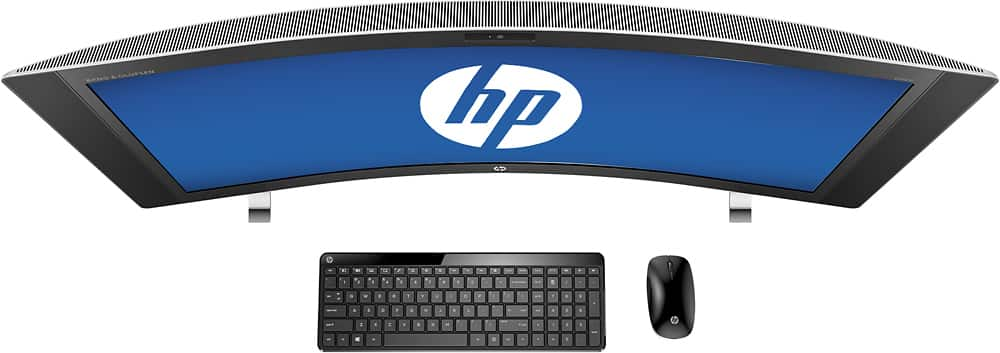
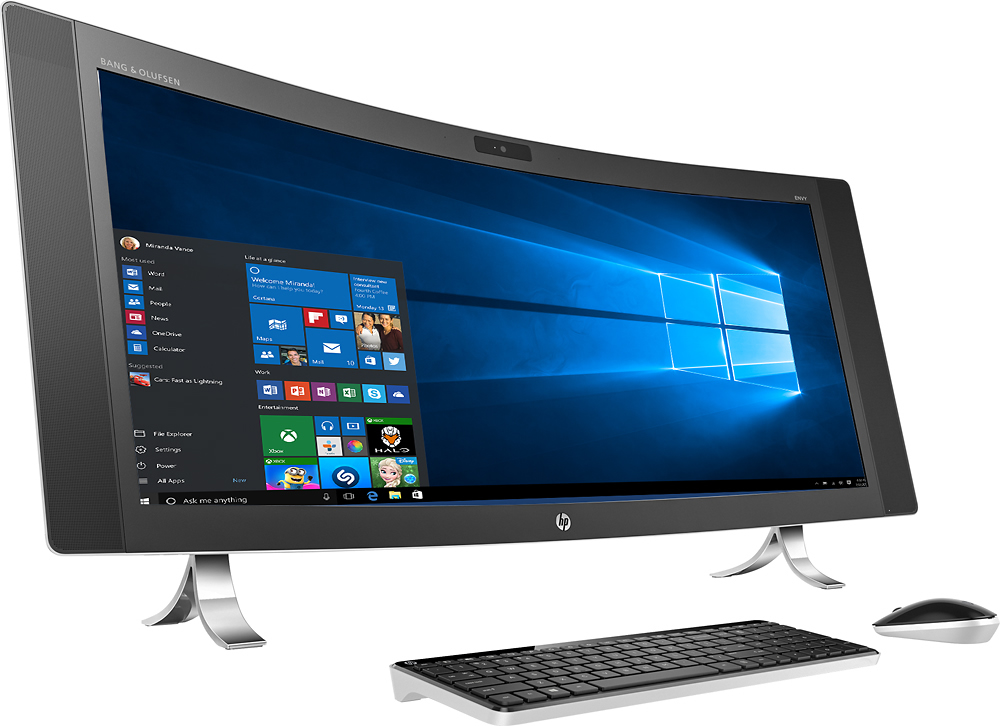
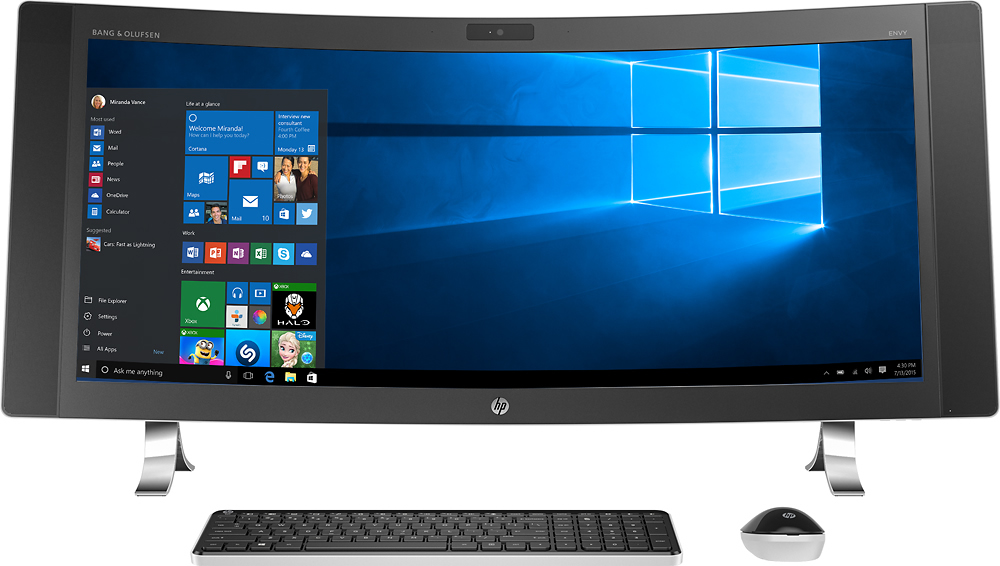
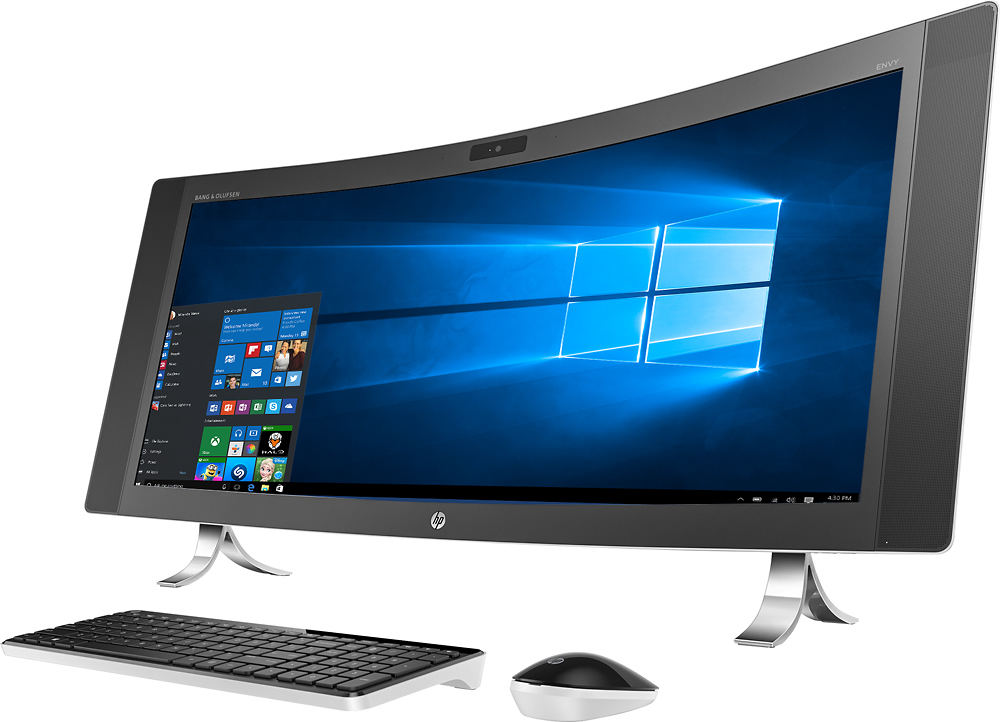
A:Answer There are different models for the Envy 34. I believe the video shows the i7 as it has far superior performance over the i5. As far as upgrades, one can upgrade the hard drive as well as the RAM. None of which is user accessible as all of them require removing the screen bevel and LCD screen which no documentation is provided or exists. I recently replaced the sub-standard 5400rpm drive in mine with a hybrid 7200rpm. The motherboard has to be removed on top of what I mentioned before to upgrade the RAM. I recommend if that is your desire to upgrade, see if Best Buy Geek Squad can do that. I have built and upgraded/repaired many a PC and was very very reluctant to perform myself. It took me 30-45 minutes to remove the bevel and the LCD screen myself.