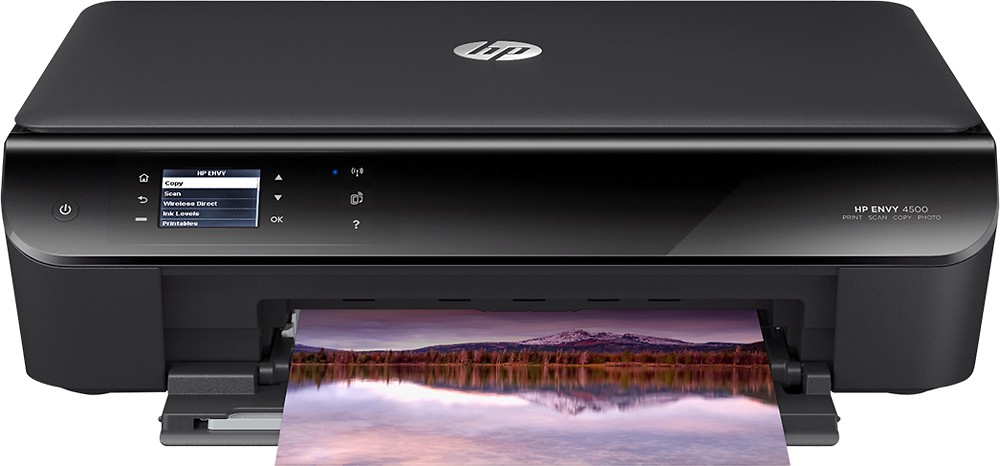
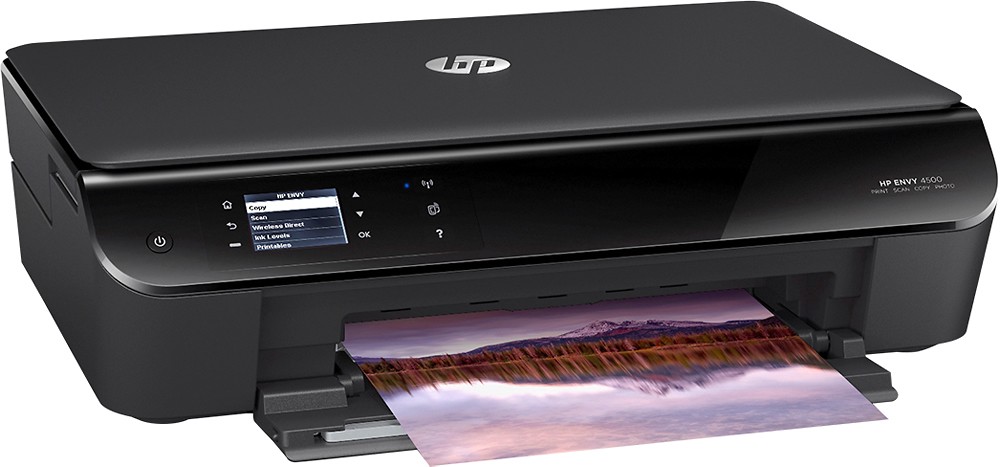
A:AnswerMy router is located in one bedroom. My HP 4500 is located in my office. I have Windows 8 on my PC. The printer and PC are connected separately via wifi to my home network. I can print from my PC (Windows 8), iPad and iPhone (iOS 8.1.2) to the printer over the network.
A:AnswerRegular ink cartridge is about $15 to $16 and XL cartridge about $31-$33 (which HP says gets almost 3 times as much printed as regular cartridge - but I have used both and I think the regular is the best buy). These prices are all about the same at Staples, Office Depot and Wal-Mart.
A:AnswerNo special ink needed for photos. You do need to use photo paper though. Printed out pictures yesterday just fine with the ink that came with the printer.
A:AnswerIt has Wifi Capability...you should be able to use the WPS function on your router to connect the printer fast and seamlessly. Read your owners manual for the quick easy steps to enable wifi on the printer.
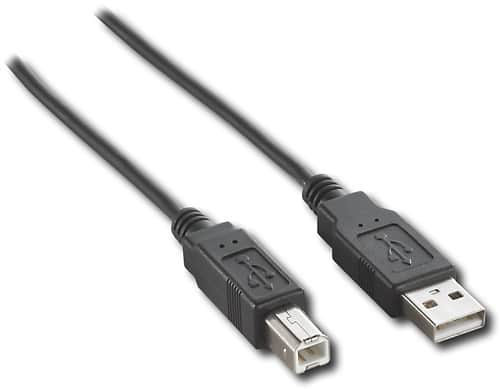
A:Answeryou need a usb printer cable like this one:
http://www.bestbuy.com/site/10-usb-2-0-a-b-cable/9695505.p?id=1218151629013&skuId=9695505&st=usb%20printer%20cable&cp=1&lp=2
A:AnswerYes, you can print preview. In your document, under File in the left hand corner, there's a print preview option in the drop down. Some programs even offer a print preview when confirming the print job.
A:AnswerYes this printer works with windows vista as well. Yes you can set up as many wireless devices you want as long as you have wi-fi. Enter the wi-fi information and every time you print something it sends it straight to the printer. NO APP needed.no cords, no disks.