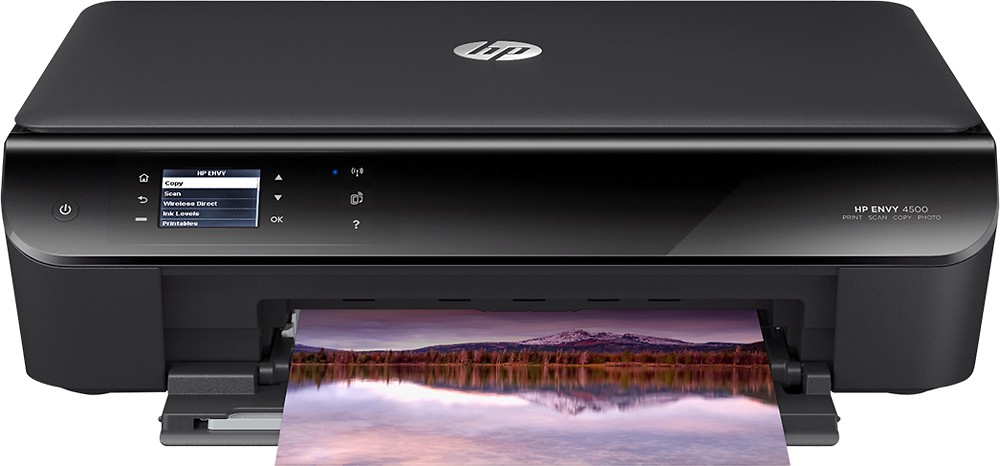
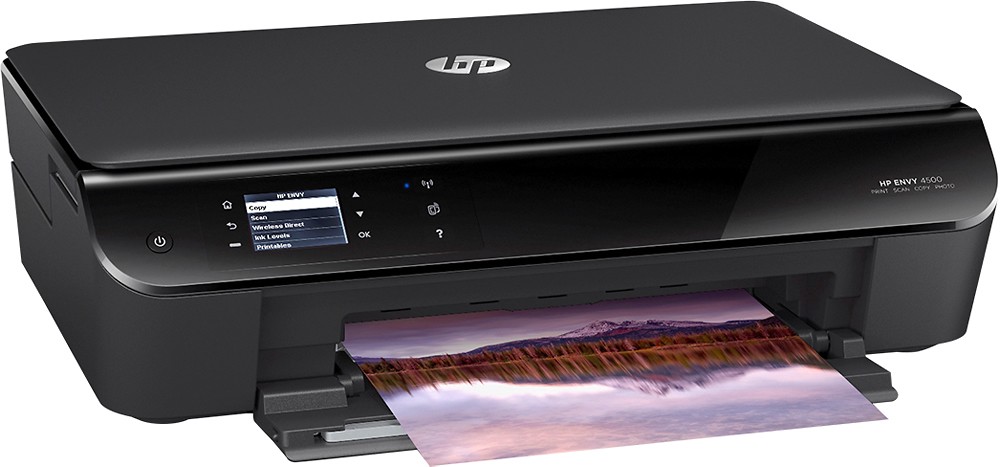
A:AnswerYou can connect your printer to your college's wireless network AND also protect it from other people by enabling Wireless Direct AND putting a passcode on it.
http://h30434.www3.hp.com/t5/Printer-Networking-and-Wireless/Set-up-a-wireless-printer-but-don-t-think-it-is-password/td-p/2689127
http://www8.hp.com/us/en/campaigns/wireless-printing-center/wireless-direct.html
A:AnswerYes! I have a macbook pro with OS X Yosemite 10.10.1. The installation software downloading quickly, and I didn't have to purchase additional software.
A:AnswerThis printer does not have a built-in FAX. You can FAX from your computer if you have one setup.
Scan the document into the computer and FAX from the Desktop/Laptop via a FAX modem or application
A:AnswerHP has blocked all refill companies from making ink and it will not work with non-HP ink. Do not purchase. I wish someone had told me this before I bought it.