A:AnswerYes. Let's say you print 30 pages this month. 20 pages rolls over to December. In December, you now have 50 + 20 which equals 70 pages. The rollover bucket can only go up to a maximum of 100 pages. They don't expire. The rollover bucket just only fills up to 100 pages on the $2.99 plan.
A:AnswerYes, this printer is compatible with the Chromebook. You will need to use Google Cloud print. Here are more details: https://support.hp.com/us-en/document/c02817255
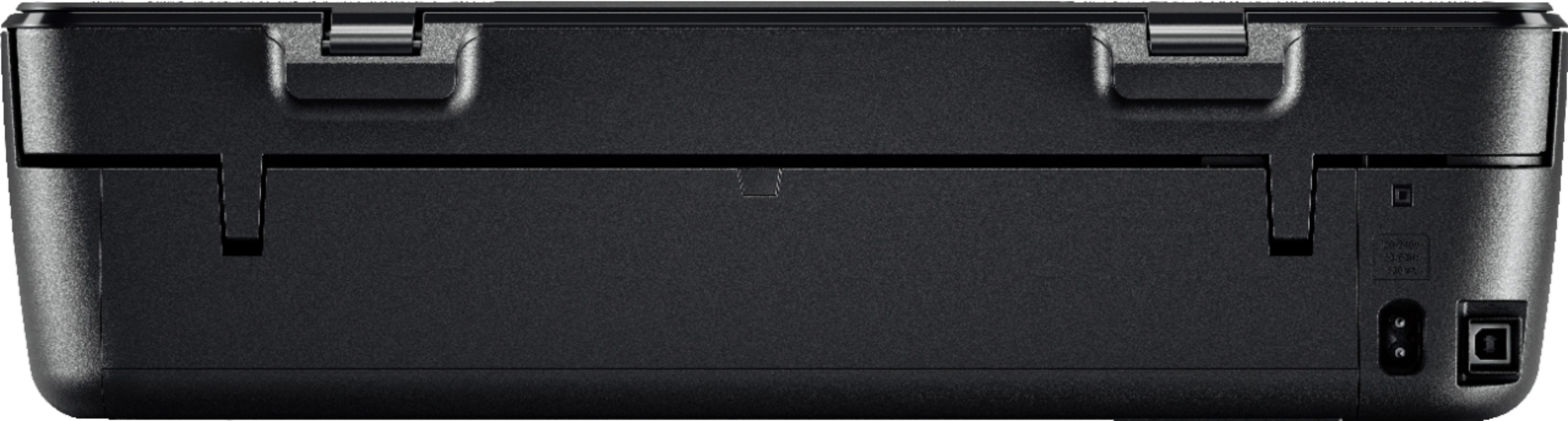
A:AnswerIf your Mac has a free USB-A port (those are the larger ones), then a USB printer cable will work just fine. If it doesn't have a USB-A port, then you'll need an adapter to go from the USB-A end of the cable to the USB-C port on the computer.