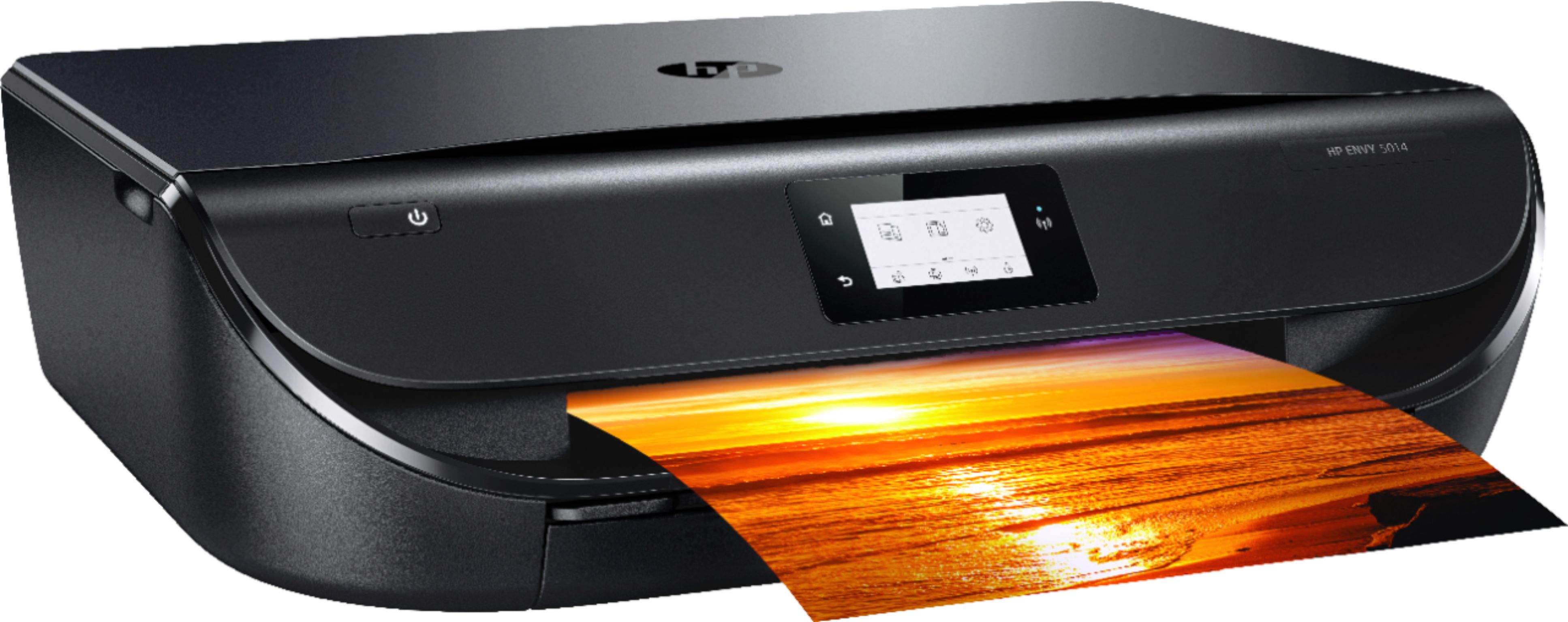
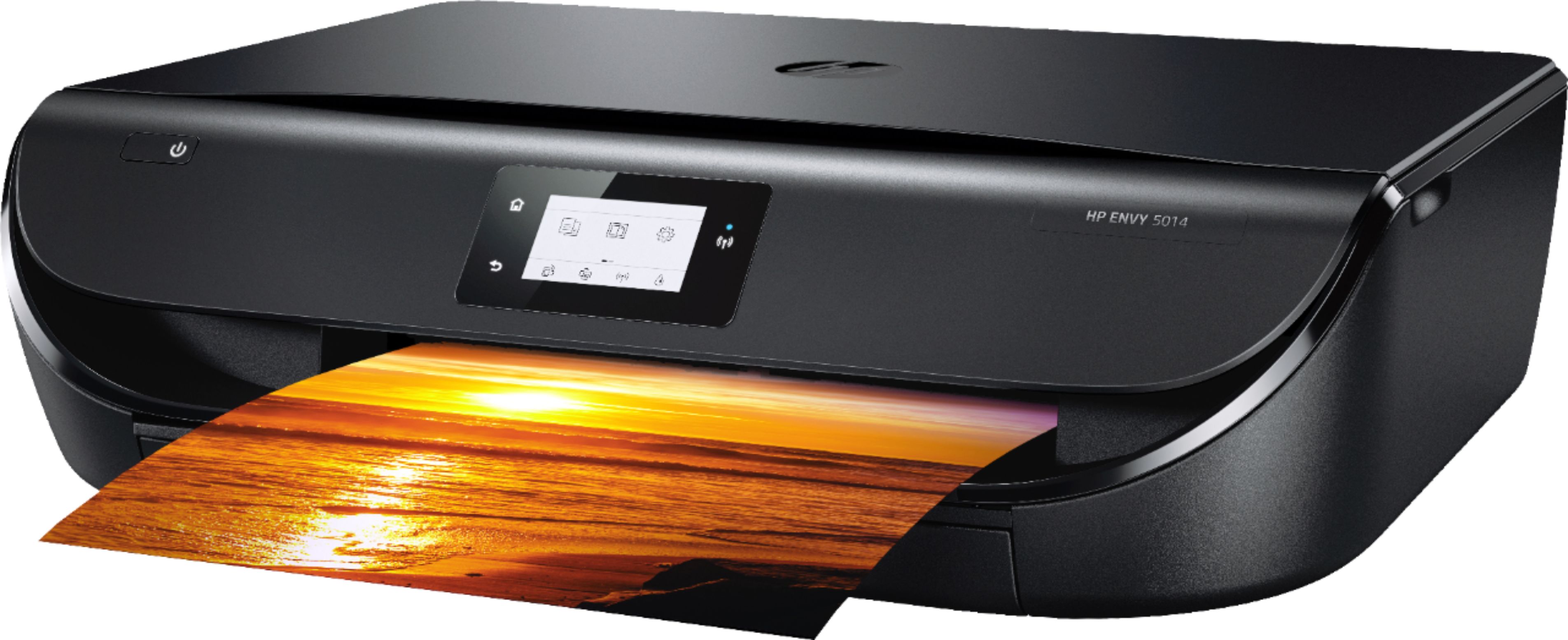
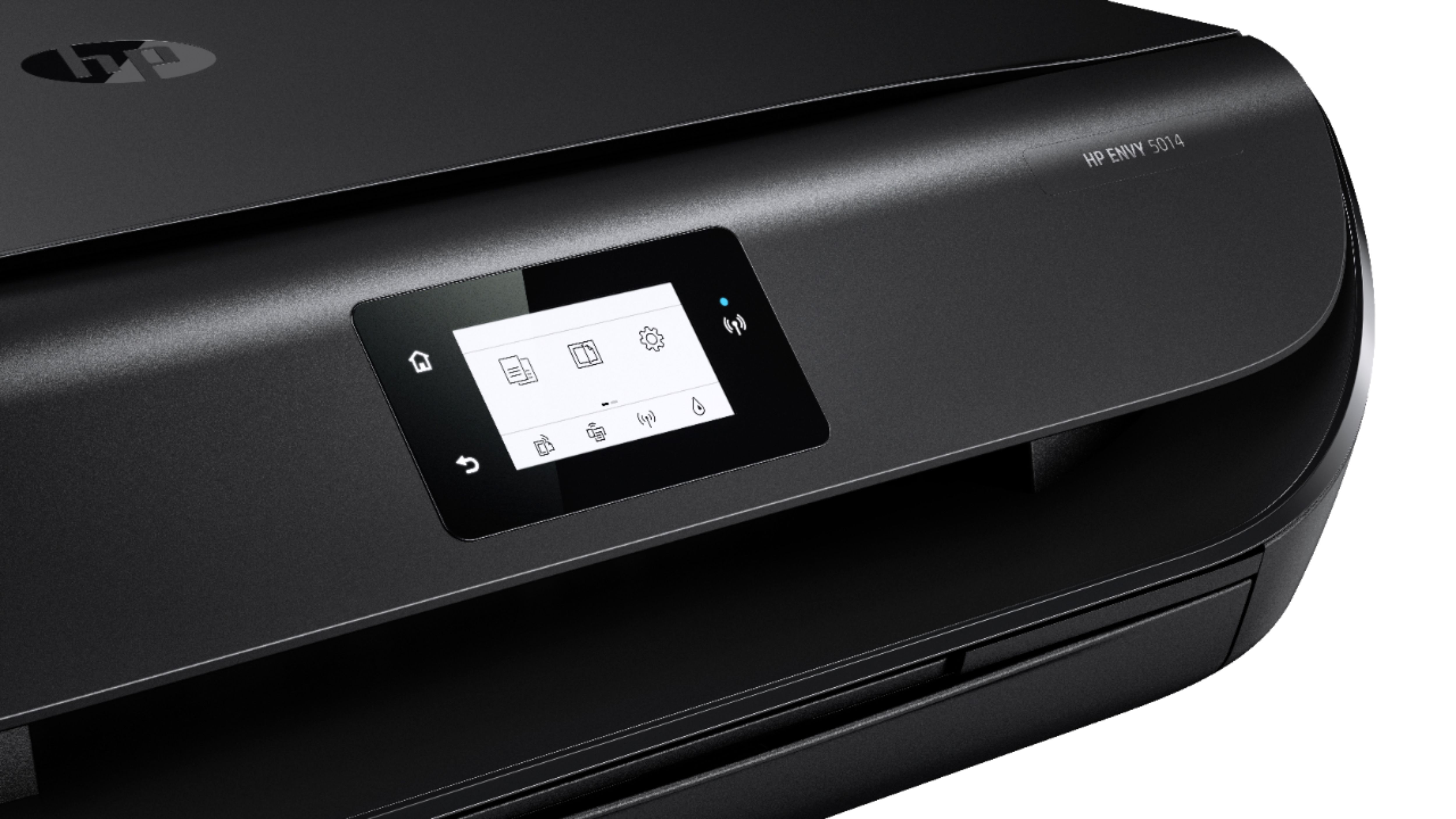
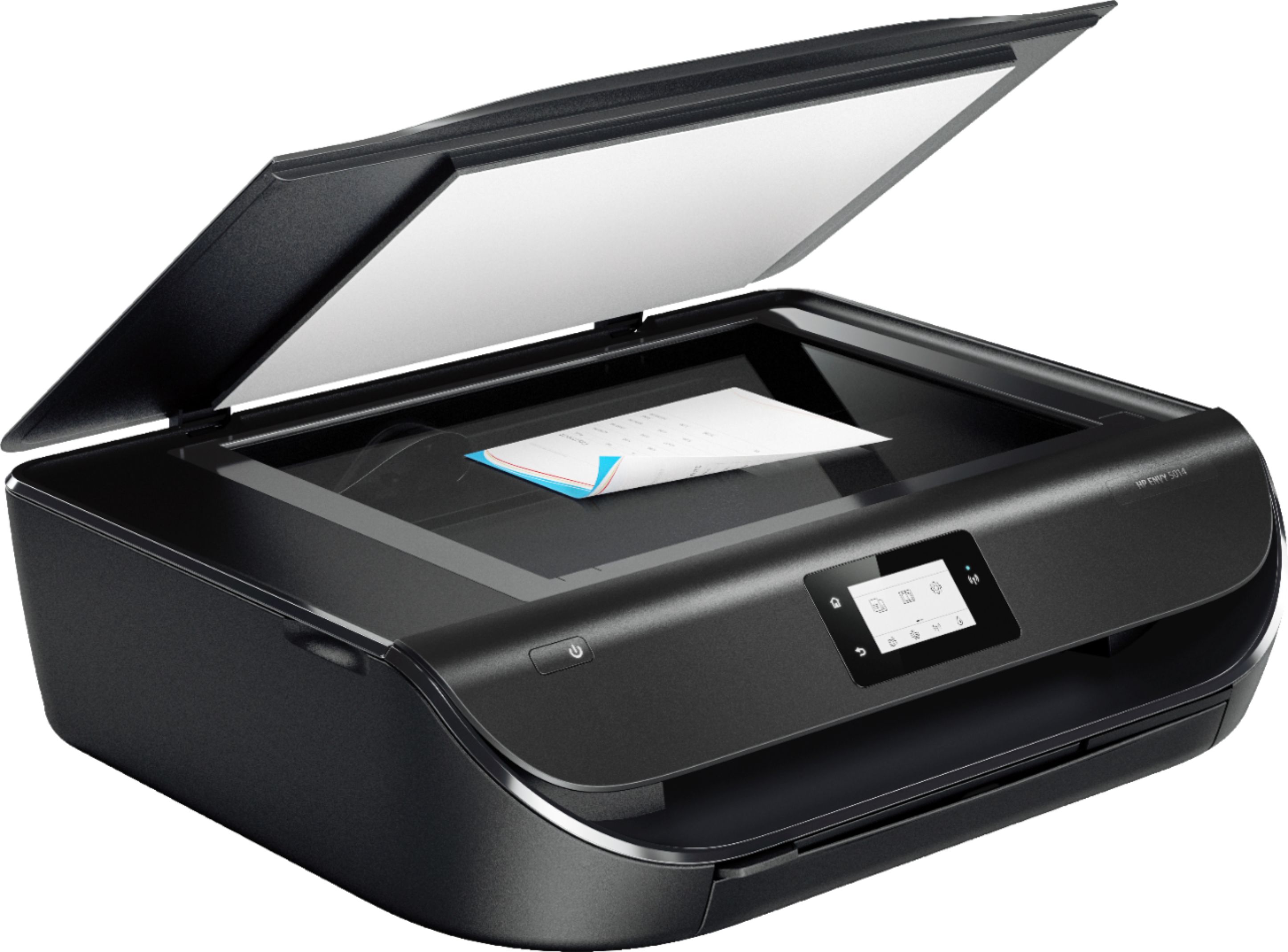
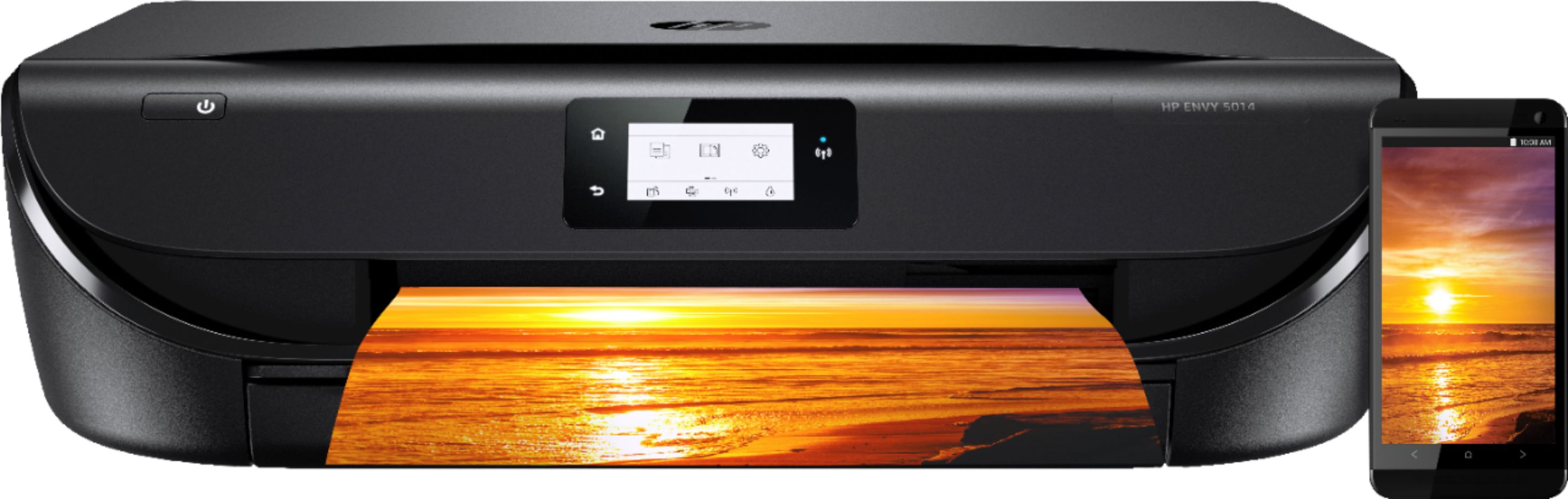
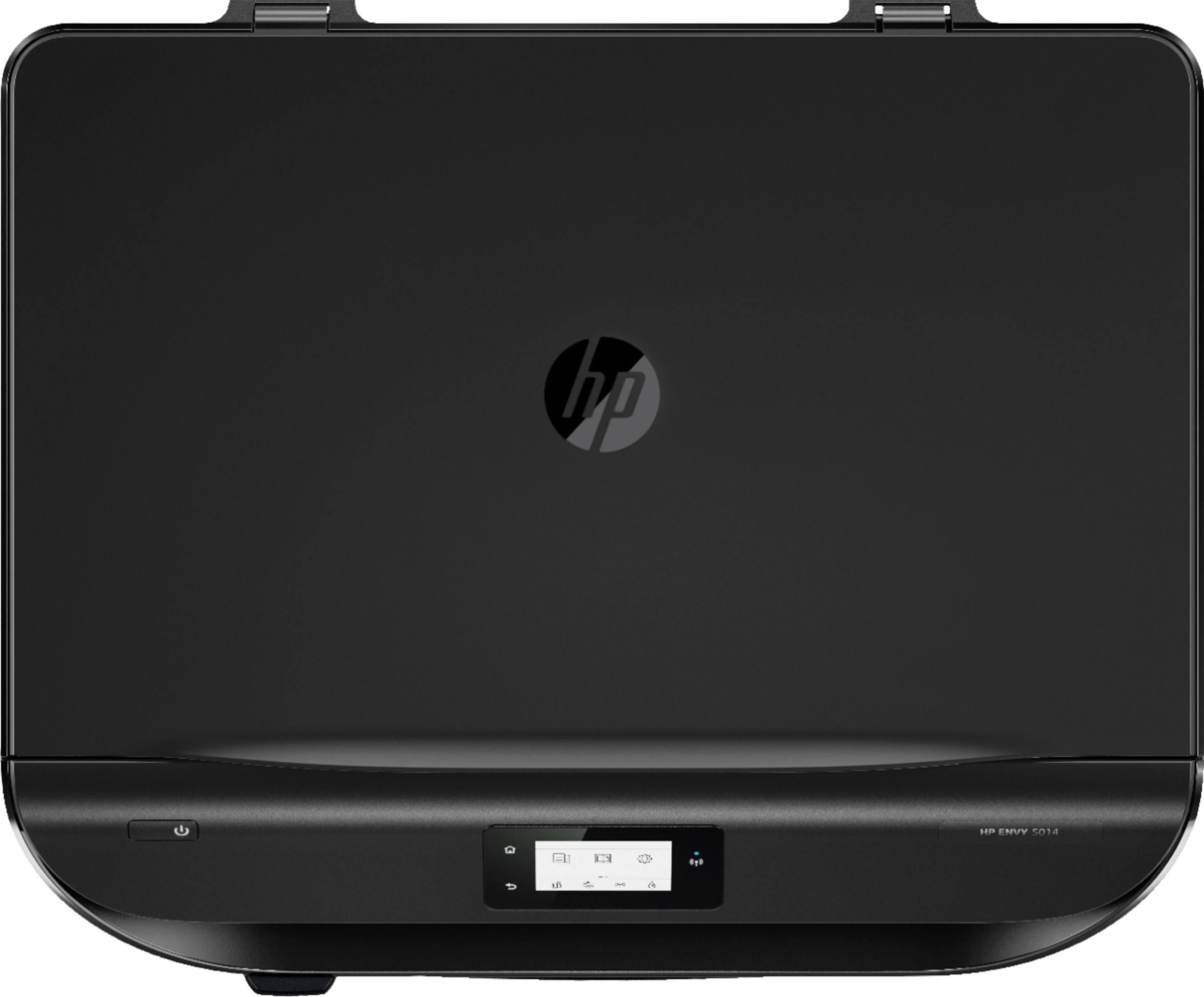
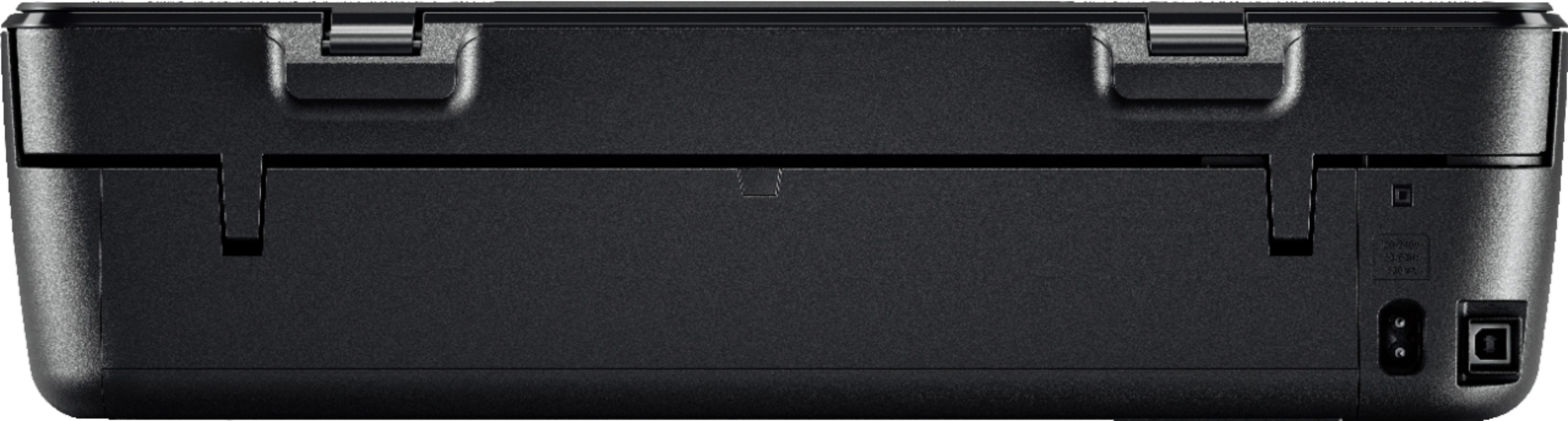
A:AnswerYou use this printer in single cartridge mode. HP's exclusive feature, Single Cartridge Mode, allows you to print with only one cartridge -- just don't leave the empty one in. So you never have to buy color if you don't want to. I would just advise to set up with both cartridges in the box first. Then, you can use single cartridge mode.
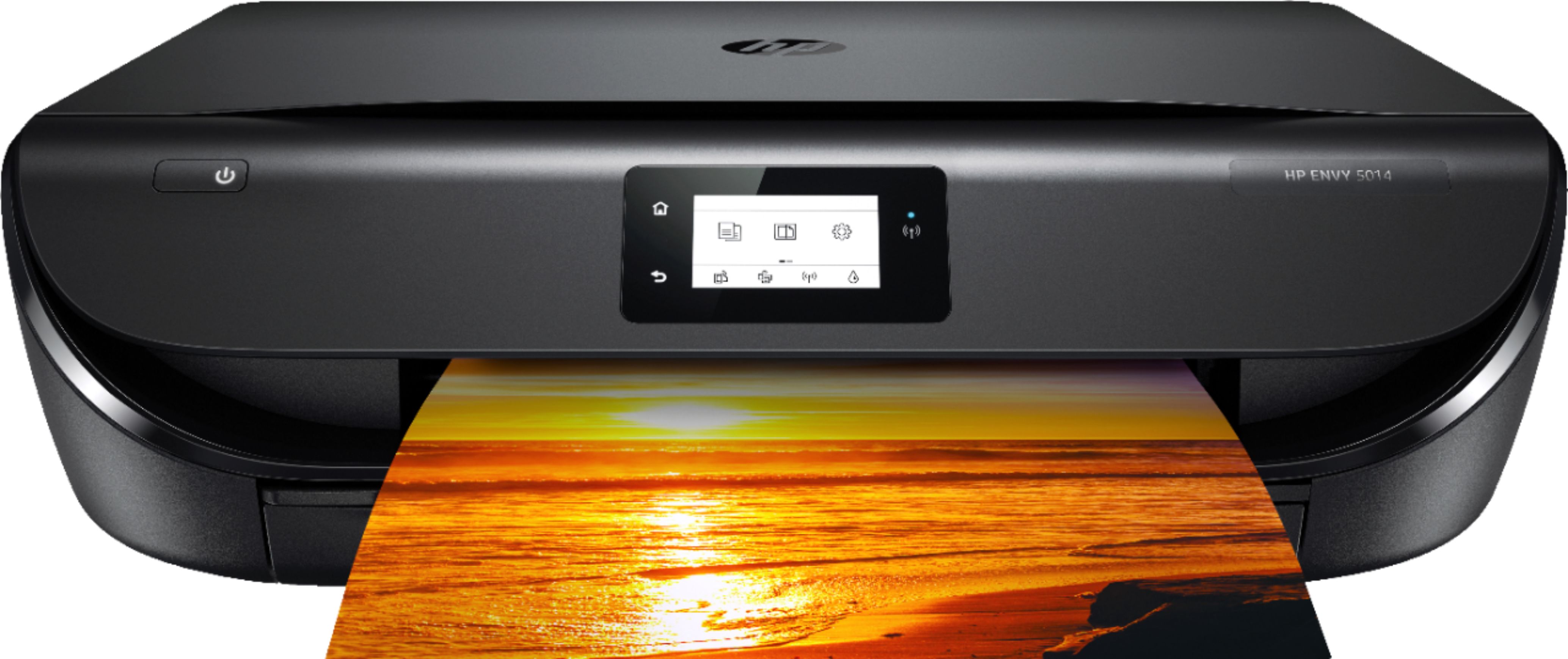
A:AnswerThis printer uses the HP 65 black and tricolor cartridges. We recommend using the genuine HP ink cartridges to ensure print quality and compatibly. If you are concerned about the cost of ink cartridges. I recommend trying out the HP Instant Ink service. HP Instant Ink is where you are paying the amount of pages you print. Not the ink. So for example, you choose the 300 page plan for $9.99 a month. If you wanted to, you could print 300 full color 8.5" x 11" photos. You will find that it is a lot cheaper than a set of ink. And you will never be without ink. HP will send you ink before you need it. Remember the key is a page is a page. It doesn't matter what you print.
A:AnswerYou can sign up for Instant Ink by going to https://instantink.hpconnected.com/us/en/l/
Once you're there, you'll click on the "sign up" button on the top right, and it will walk you through the process.
A:AnswerYes, it will. If you need instructions for how to setup and connect the printer, you can find them at https://support.hp.com/si-en/document/c02817255