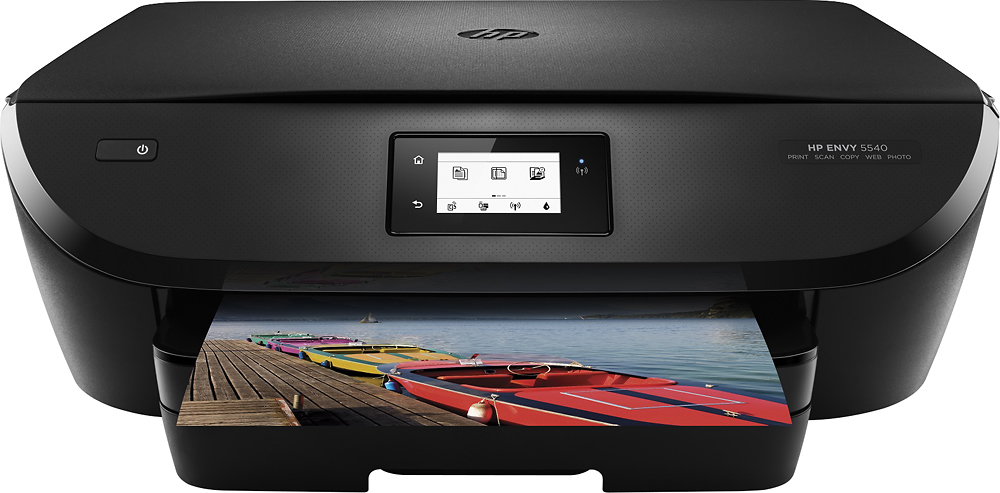
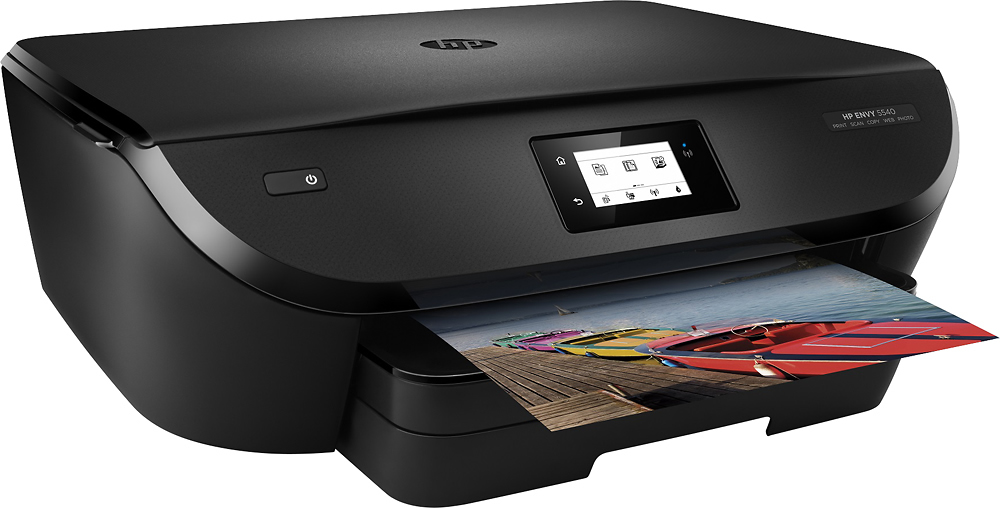
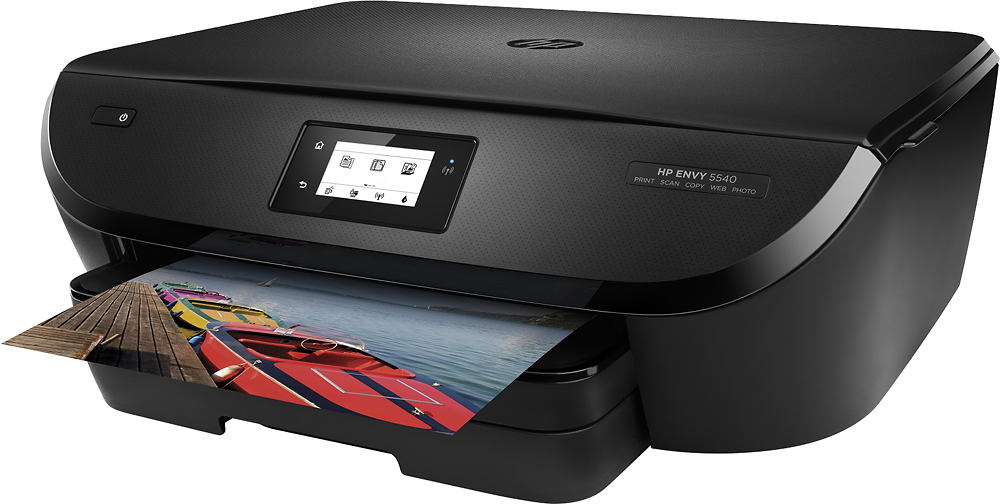
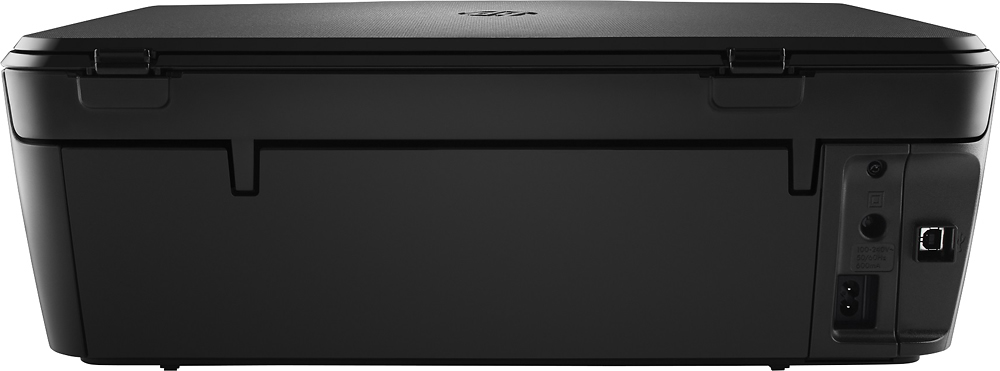
A:Answer You can easily print wirelessly from your wireless devices such as laptops, iPads, and smartphones. The only requirement is to have the printer the device on the same wifi network. The printer also has its own hotspot. You can turn that on in the settings. If you want print to the printer while you are away from home, you can give the printer its own email address. All of this can be done from the printer's touch screen. For instructions on mobile printing, please visit the following link:
http://www8.hp.com/us/en/ads/mobility/overview.html?jumpid=va_r11400_mobileprinting
I hope this helps.