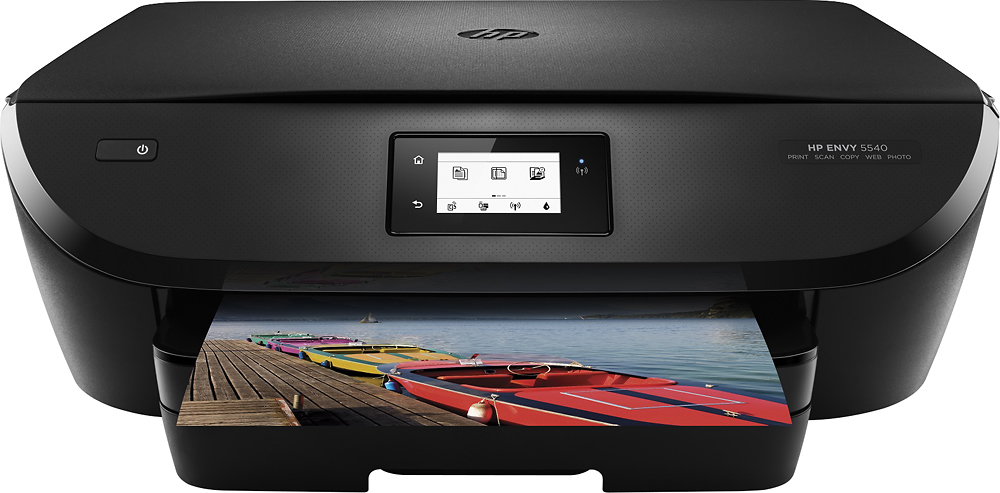
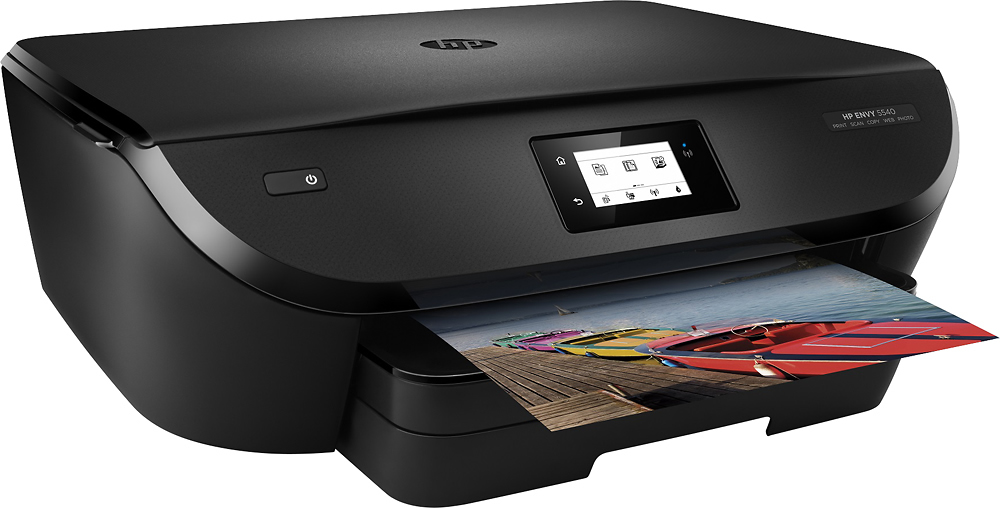
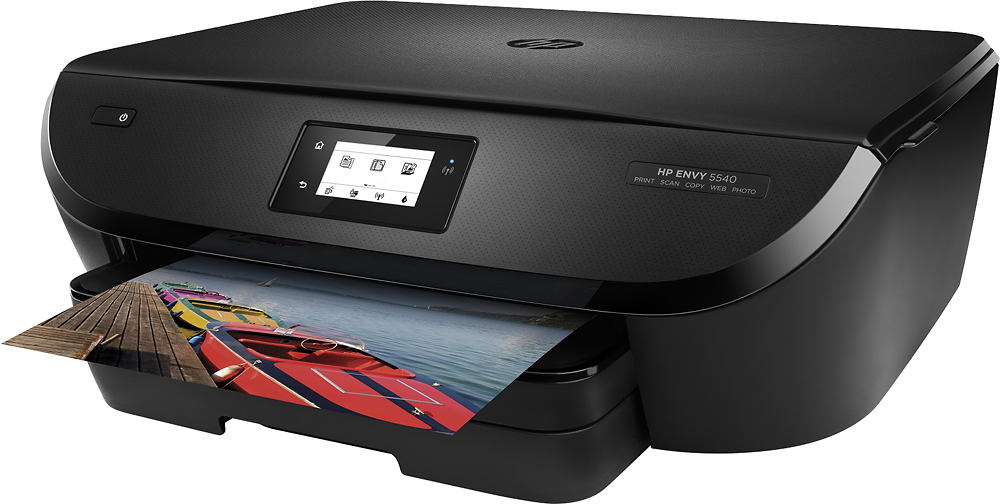
A:AnswerThe 5540 printer is a dream. I hesitated buying it until I got so angry with Epson; I don't like changes. But this printer is a godsend. It prints excellent copies. I do not hesitate in giving this an A rating.
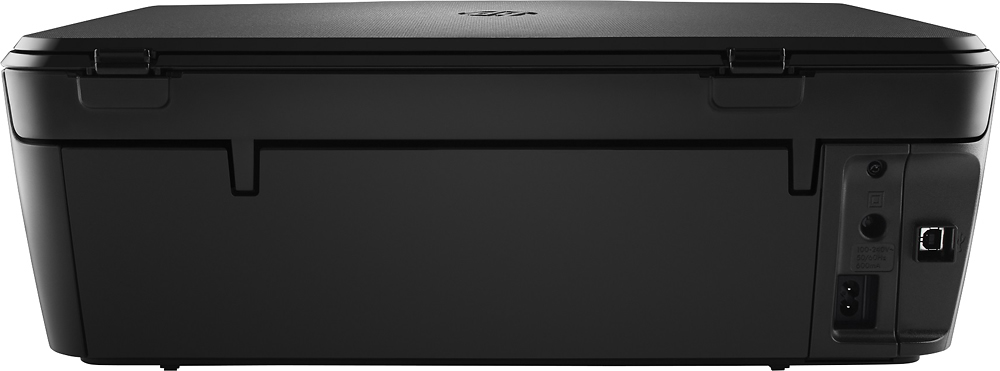
A:AnswerWow! Your normal house outlets are 110 V. The printer operates on 110 V. Things like dryers, central A/C etc. use 220 v dedicated house circuits.
A:AnswerWhen entering numbers must first press the box on the screen showing "123" (similar to smartphone) once you see 1-2, 3-4, etc. you must "tap tap tap" each square (similar to morse code) until the number you want from that square appears on the screen.
For 1 (tap)
For 2 (tap tap)
For 3 (tap)
For 4 (tap tap)
For 5 (tap)
For 6 (tap tap)
A:AnswerHP website
It has annoption of downloading the software from cd software or from the website directly HP.com/support then look up the model number of the printer -it's that easy now
Plus you install the app ePrint and remote from HP to your phone or tablet and you can wireless print from them too
Choose the pictures saved from the phone and it'll print it for you just need photo paper
A:AnswerIf you're using windows computer, you should see an option to "Print on both sides" under properties or on the print window depending on which program you're printing from. This printer does print on both side.