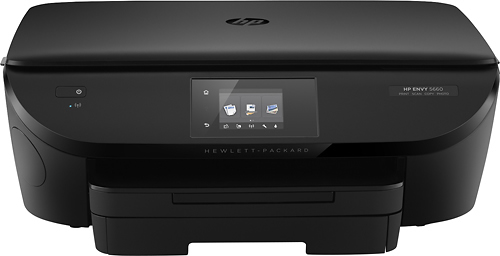
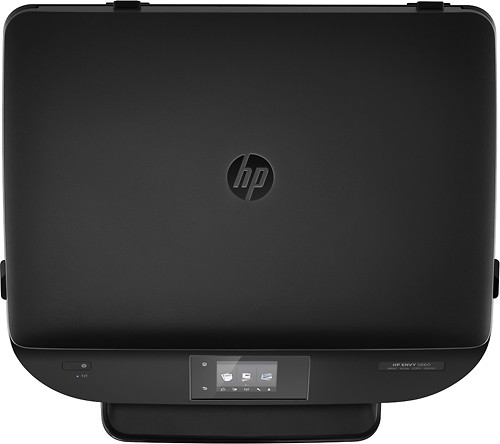
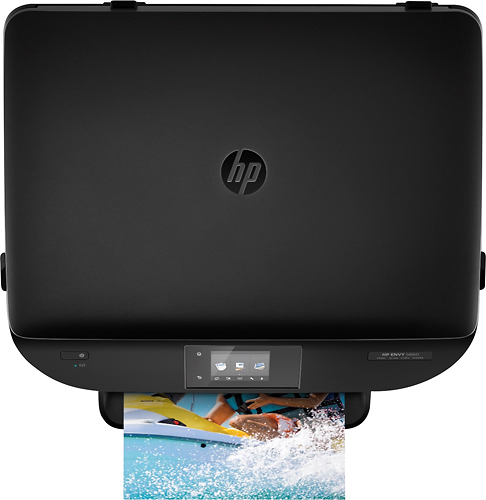
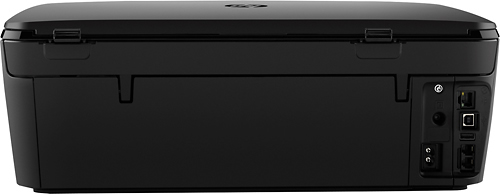
A:AnswerThis printer appears on your home network as an available print device.
It has an individual internet home page and email address.
therefore it is compatible with any network device.
What app you use on your apple products is up to you and them.
A:AnswerI don't know if Windows xp is supported, but my guess is that it is. If you have a newer version of Windows then you are good. I am using my laptop that is about 8 years old with Windows 7 and it works great
A:AnswerThankfully, it does not. It's a great flatbed scanner, copier, and printer. Does double sided printing and can handle wireless. I appreciate not having a fax module in the printer since that would just add expense to the unit, be something to fail & screw up the printer, plus I haven't had a land line for ten years so I have zero use for a fax.
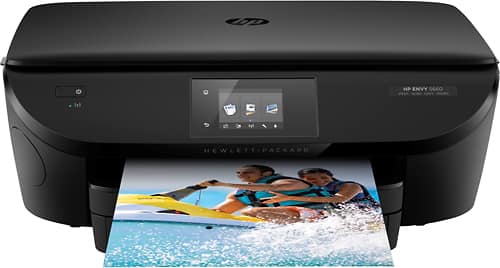
A:AnswerThis HP printer has the ePrint feature and supports most Android devices. Since Hewlett-Packard does not test or support third-party products, I do not have the information on Samsung Galaxy tablets. I recommend contacting the manufacturer to determine compatibility with HP printers.
A:AnswerRemove both paper trays. Use fresh paper ( might be bent at corners). Place the trays back in. If the photo paper jams , you either have to much photo paper or the wrong brand. This printer does not use the generic brand. Hope that helps.
A:AnswerI'm not familiar with the iMac OS X El Capitan or the MacBook Pro OS X Yosemite, but I use a USB cable to connect my HP Envy 5660 to my computer and it works fine.