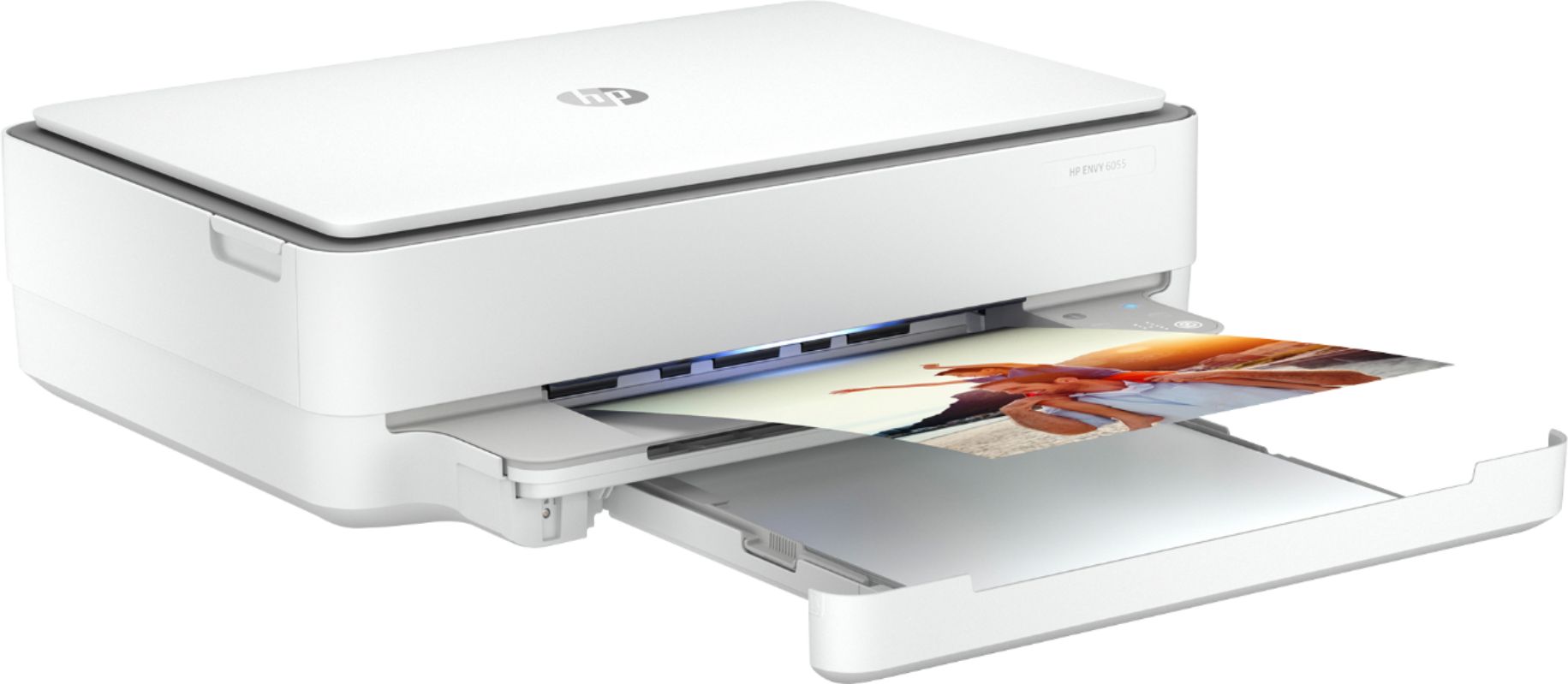
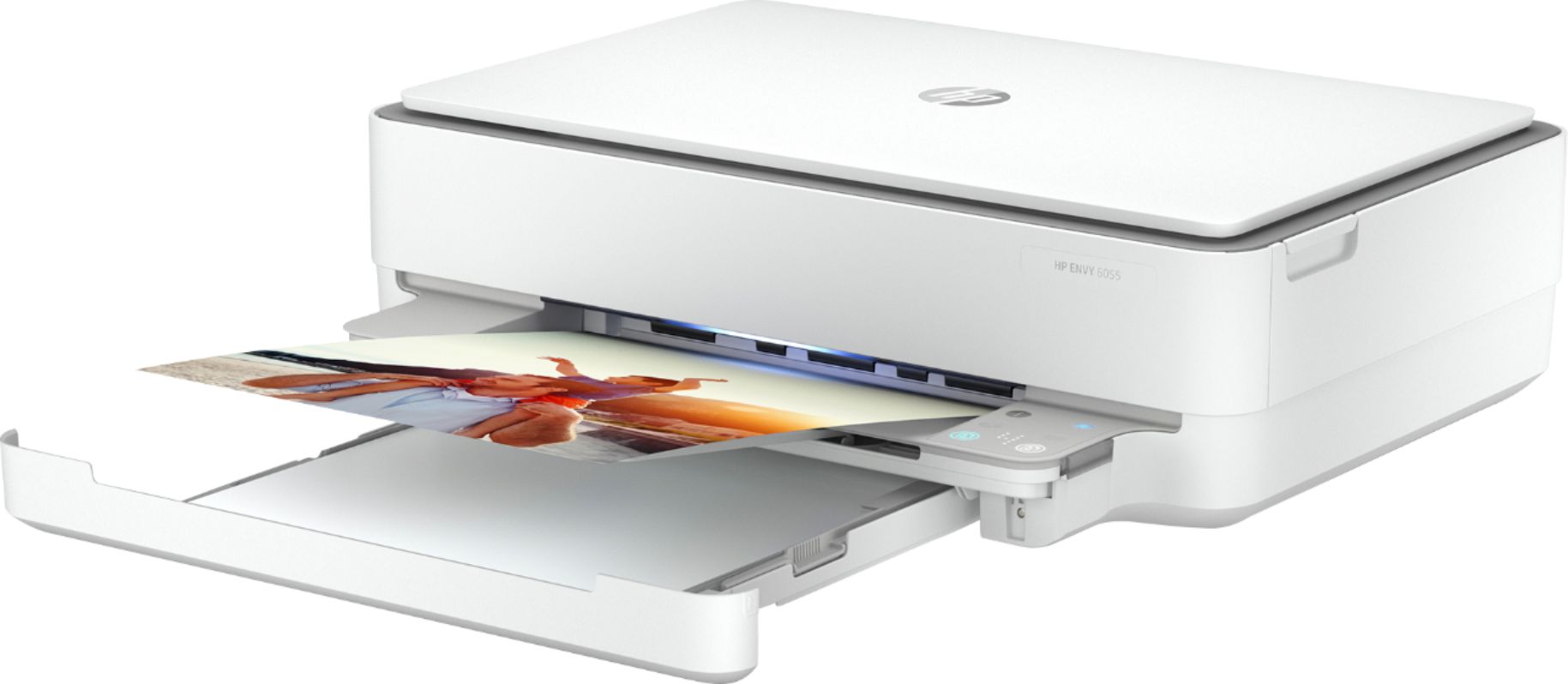
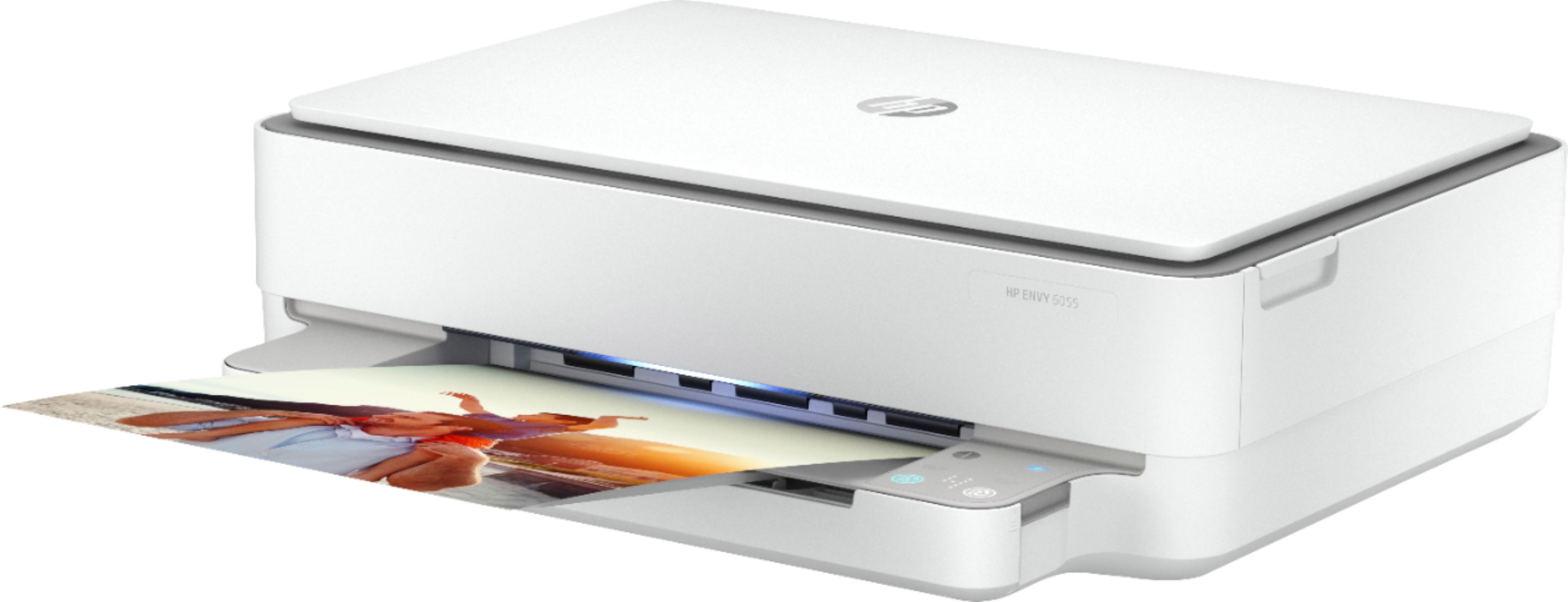
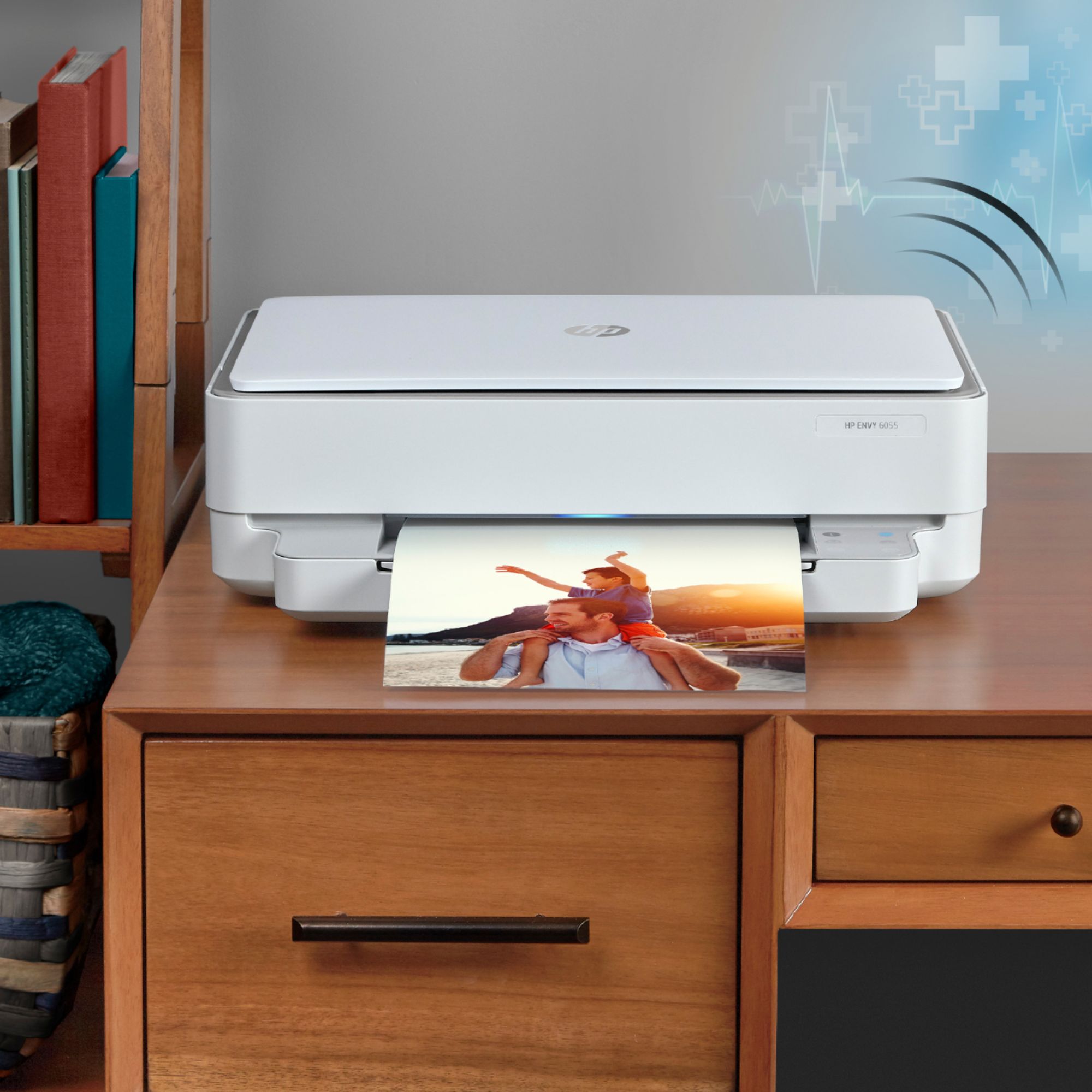
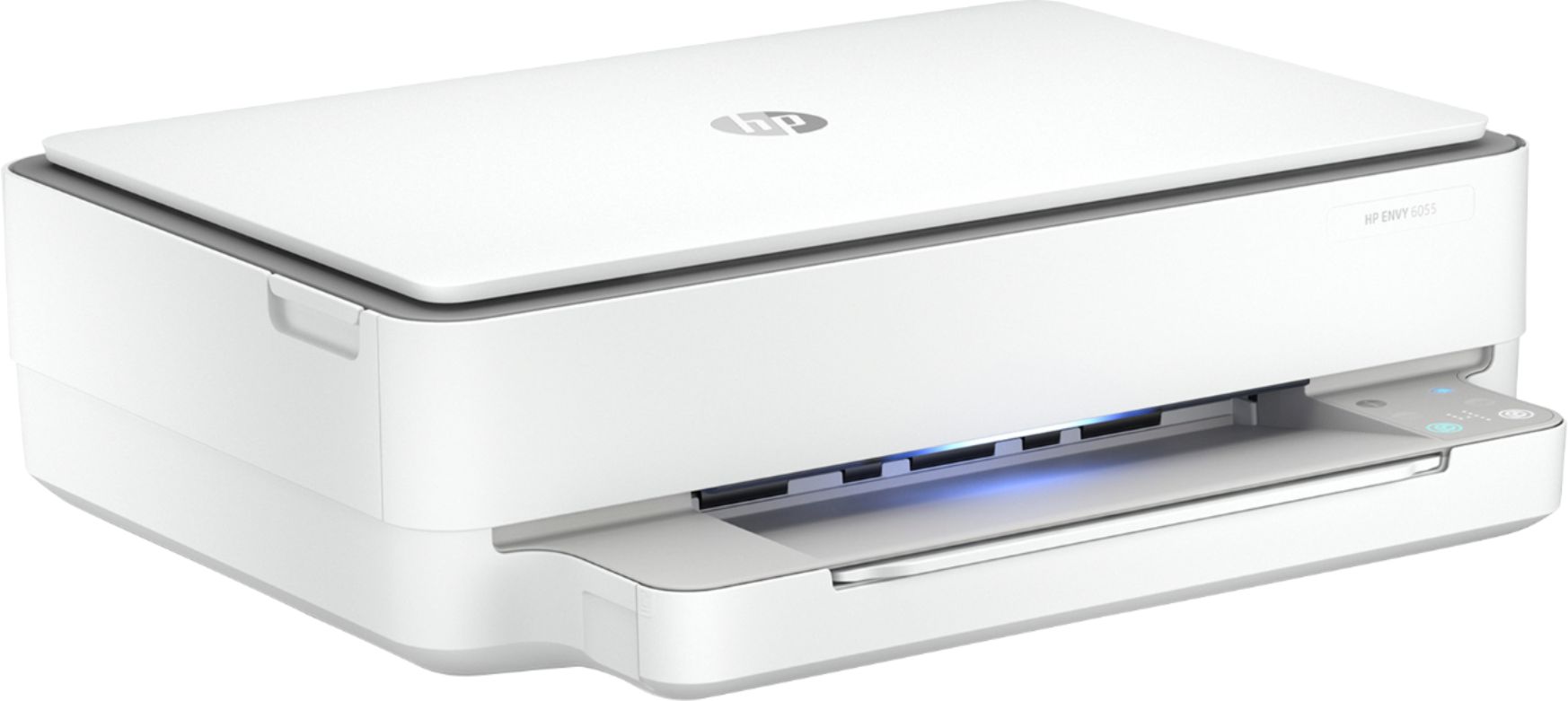
A:AnswerYes it can. If you remove the color cartridge the printer will go into "single cartridge mode" and print black only until you replace the color ink cartridge.
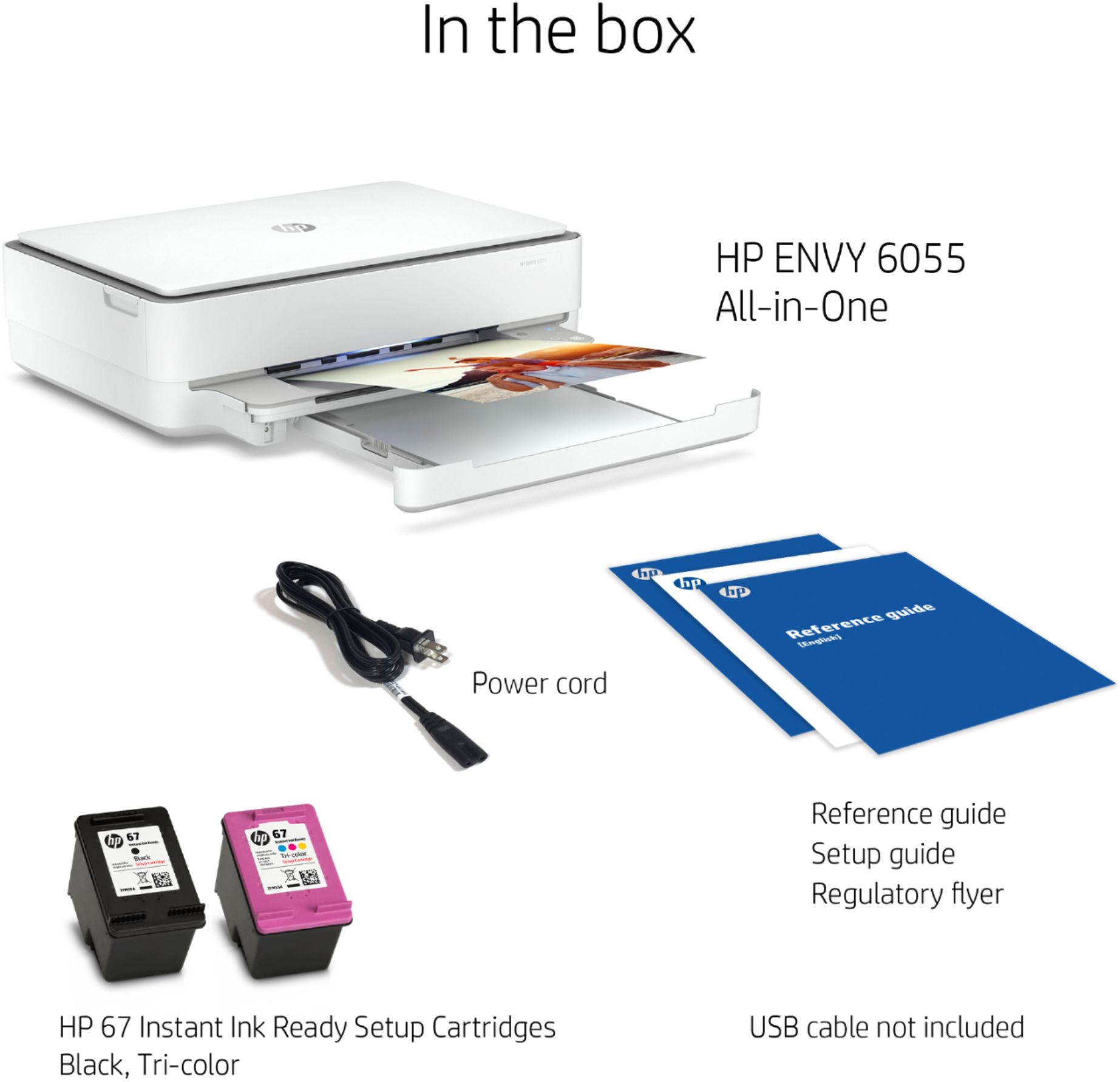
A:AnswerThe printer comes with the power cord. It is wireless so a USB printer cable is not necessary. If you choose to use USB instead of wireless a type A to type B (standard USB printer cable) cable will work.
A:Answerphone app, tablet app or computer app - one or the other is needed to set up the printer. there is no "touch screen" display like other models, so you will need phone, laptop, desktop, chromebook, tablet.... anything will do as long as it connects to your home network (or the same network as the printer).
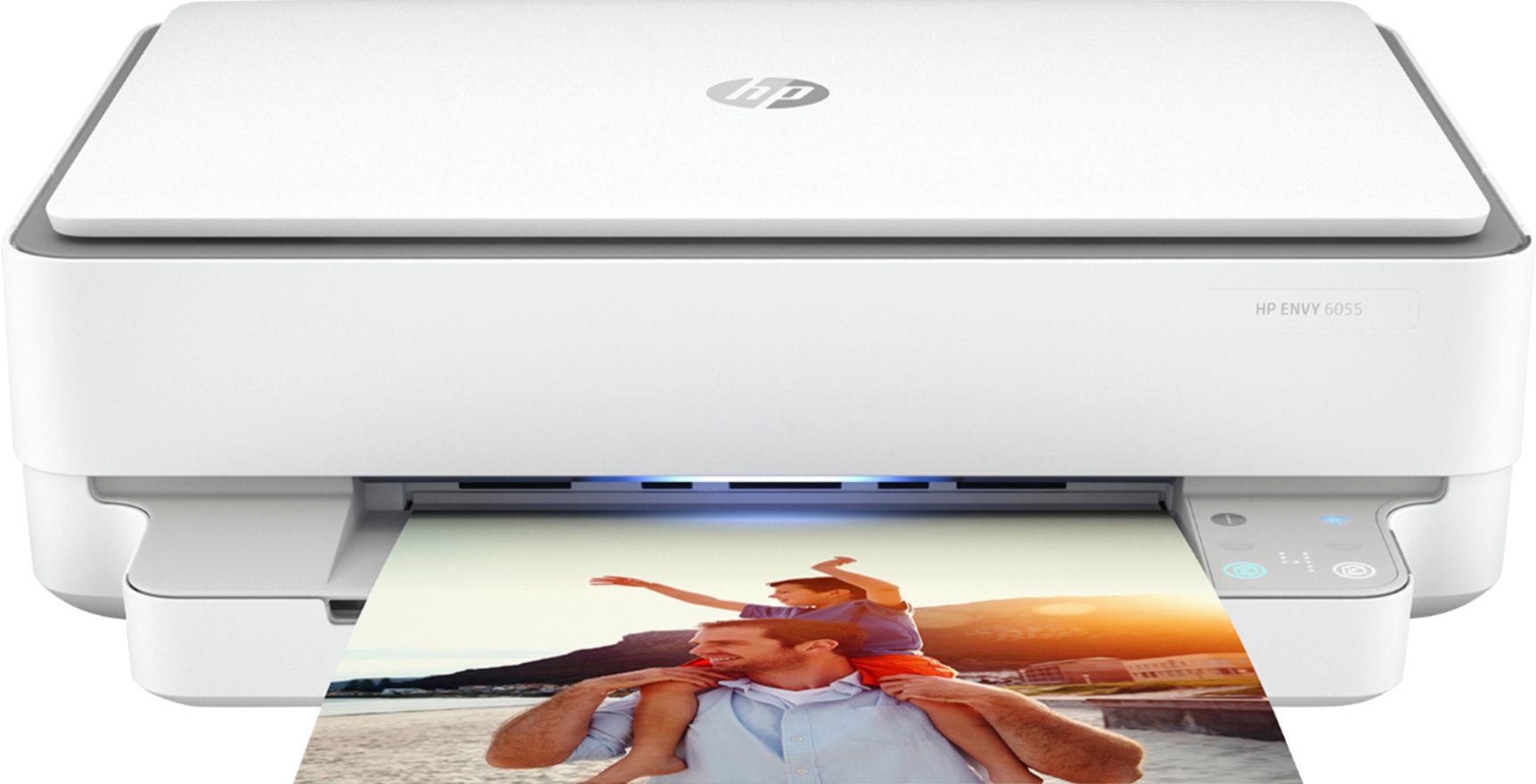
A:AnswerThe HP Envy 6055 can do double sided printing. It will print the front side of the paper and before the page fully exists the printer it pulls the sheet back into the printer to do the back side. In other words its a 2 step process but it does occur automatically without you doing anything special.
A:AnswerThe HP Envy 6055 does not have a document loader so it cannot automatically copy a group of documents. It will copy documents but you have to load each one onto the glass manually. If you want this model with the document loader you should be looking at the HP Envy Pro 6455 or one of the HP Office Jets or Desk Jets.
A:AnswerI use this with my ipad and it works fine. Download the HP Smart app from the Apple store and this app allows you to control the printer. I have HP Smart running on my android phones, my ipads and my windows laptops and they all access the printer wirelessly.
A:AnswerHello. Thanks for your question. The HP Envy 6055 and 6055e printers are the same printers. The only difference are the benefits. The HP Envy 6055e printer comes with 6 months of HP Instant Ink on any of the plans and an extra year of HP warranty with HP Plus. The HP Envy 6055 printer comes with a 2 month trial of HP Instant Ink and the standard one-year warranty from HP.
A:AnswerYou can scan photos to your computer with this printer. Here is a link to the user guide for this model. It talks about how to use the features of this printer. http://h10032.www1.hp.com/ctg/Manual/c06584210
A:AnswerThis printer will work with a ThinkPad yes. This printer can print black only. If you remove the color ink cartridge, it will go into single cartridge mode (an hp exclusive) and print black until you add a color ink back in.
A:AnswerHP 67 cartridges. One in black and white, one in color. You can buy them or sign up for HP Instant Ink and the printer requests them as needed.
A:AnswerYes. The Instant Ink subscription is optional! You can still just buy ordinary ink refills as needed and skip automatic stuff that monitors your usage in some weird remote way. Check out reviews of the subscription-they are not great.
A:AnswerNot necessarily. Photos will print on stock plain white paper perfectly fine but if you want the photos to look glossy or as if they've been developed from a camera, then yes.
A:AnswerThe HP ENVY 6055 All-In-One Printer is compatible with the following Mac Operating systems: MacOS Sierra v10.12 (previously OS X), macOS High Sierra v10.13, macOS Mojave v10.14, and macOS Catalina v10.15. As long as your MacBook Pro uses one of those it will be compatible. The printer does come with ink cartridges in the box.
A:AnswerYes, this printer is compatible with the Chromebook. Once you connect the printer to your wireless network, then you can set up the printer on the Chromebook. Here are some instructions on how to connect the printer to the Chromebook: https://support.hp.com/us-en/document/c04122530