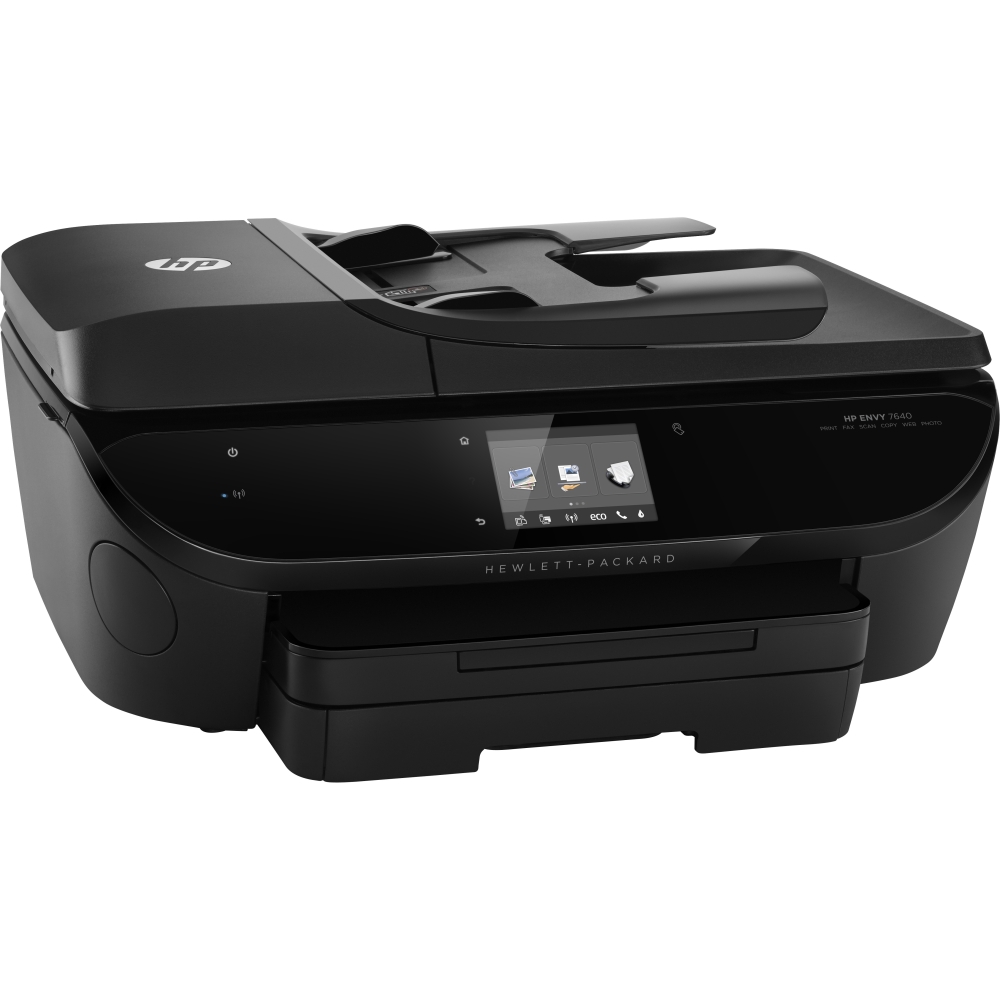
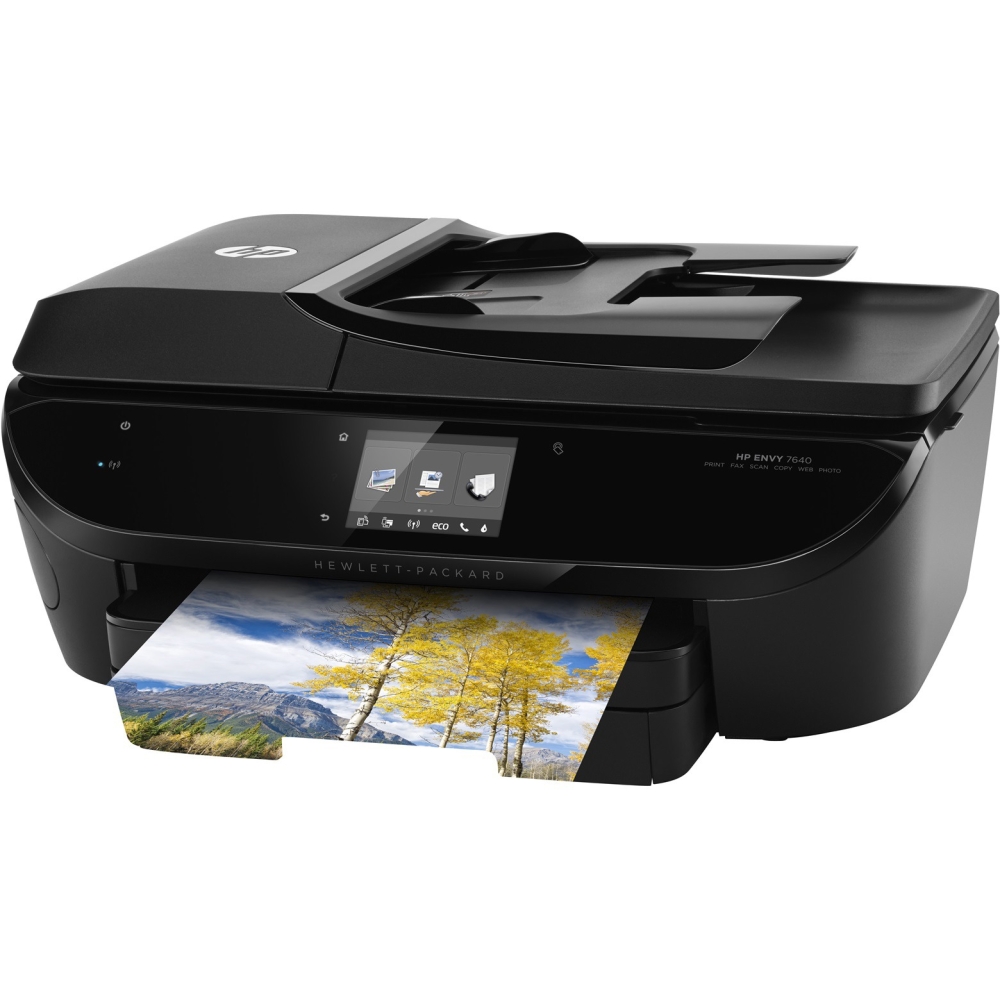
A:AnswerNot for me. The secondary cover (must be lifted to maintain the printer cartridges) has molding on each side that sticks out far enough that your fingers know not to open the printer to that degree (if that makes sense). So, opening the top lid isn't an issue, and you reach further down to open the main body of the printer.
A:AnswerWhile the printer is on, lift the top so that the carriage is exposed. The cartridges will appear automatically. Once fully stopped remove cartridge and replace.
A:AnswerI have a MagicJack VoIP phone line and it sends and receives just find. I've had other VoIP phone line system (like RCN cable modem with phone connection) that I was able to fax with also.
A:AnswerInteresting. I didn't have this issue. Instead, I used the associated iOS app to directly log into the printer's own wifi network with my iPhone, gave it my main wifi network's password, and went on.