A:AnswerChange the printing quality in printer settings to high quality. That happened to me and when I changed different settings and the lines disappeared.
A:AnswerI have to go to File - Print, and then to Print using system dialog on my Mac to see default settings and make sure Black and White is not checked.
A:AnswerThe printer you are probably thinking of is the 5740 which does not have fax other than even that printer is almost identical in size though. The ENVY printers are almost all identical in size other than the 4500 series.
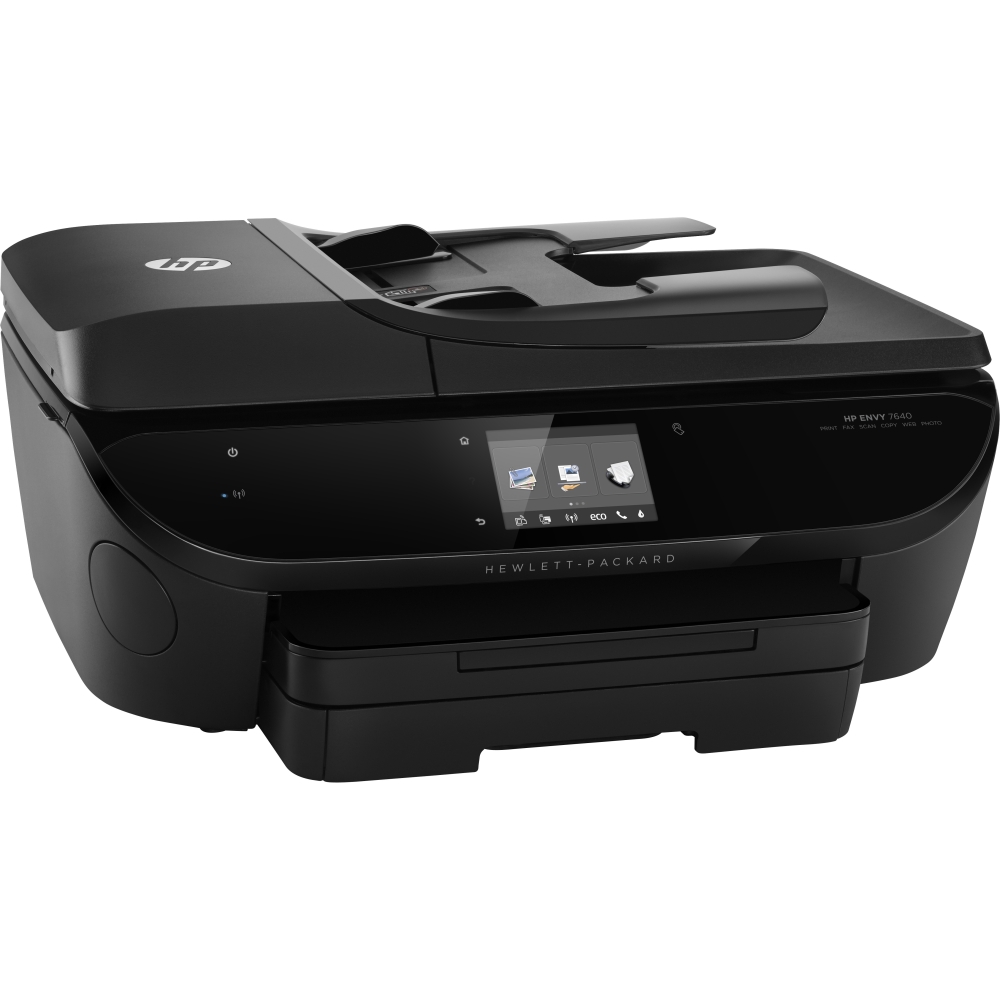
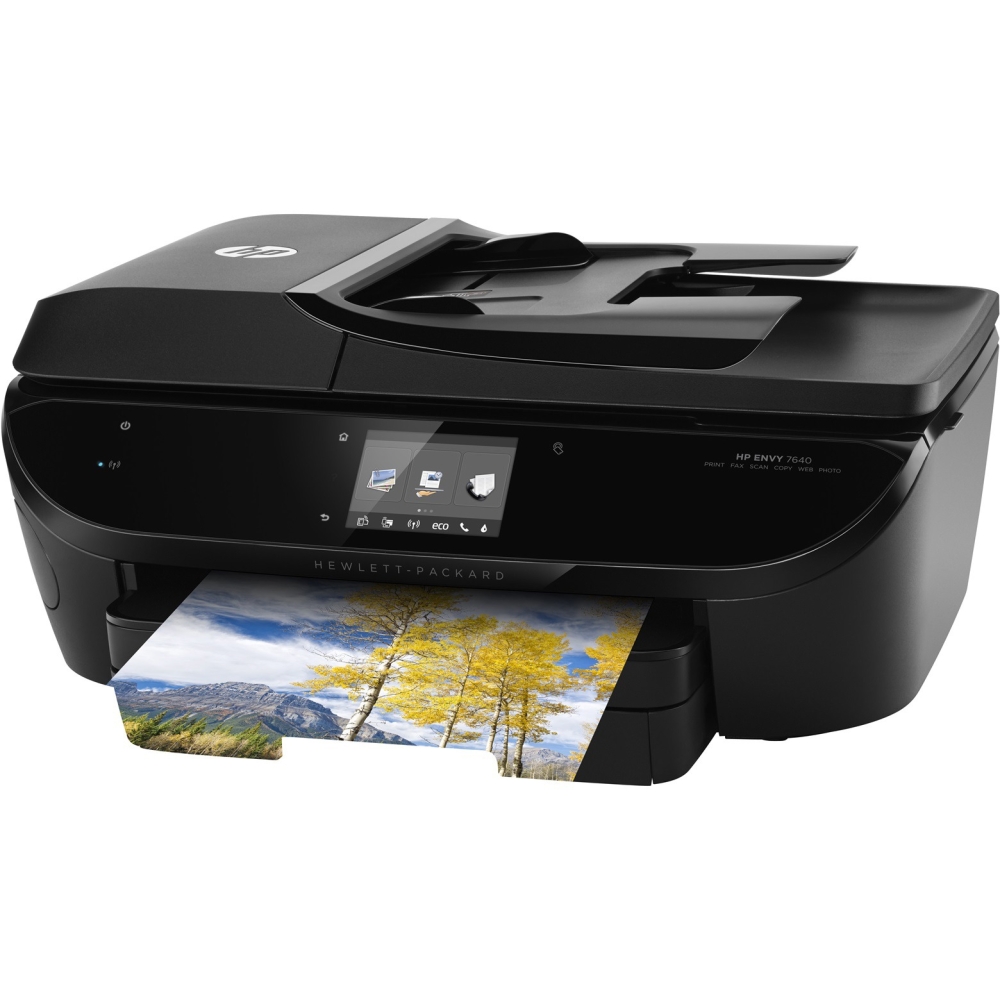
A:AnswerYes, the HP 7640 has one SD card slot on the front, left-hand side - it's behind a circular door, so may not show up in the printer photos. There's also a USB port there.
A:AnswerI have put several envelopes in the feed tray and printed with no problem. The touch screen allows you to select the envelope as the paper size. I was printing several envelopes with identical information but as long as your software, such as MS Word allows mail merge it should feed a tray full of envelopes with no problems.
A:AnswerThe ink doesn't dry out but if you go with the monthly print package you never have to worry about that. It's cheaper to go with the package then buy ink for the year too.