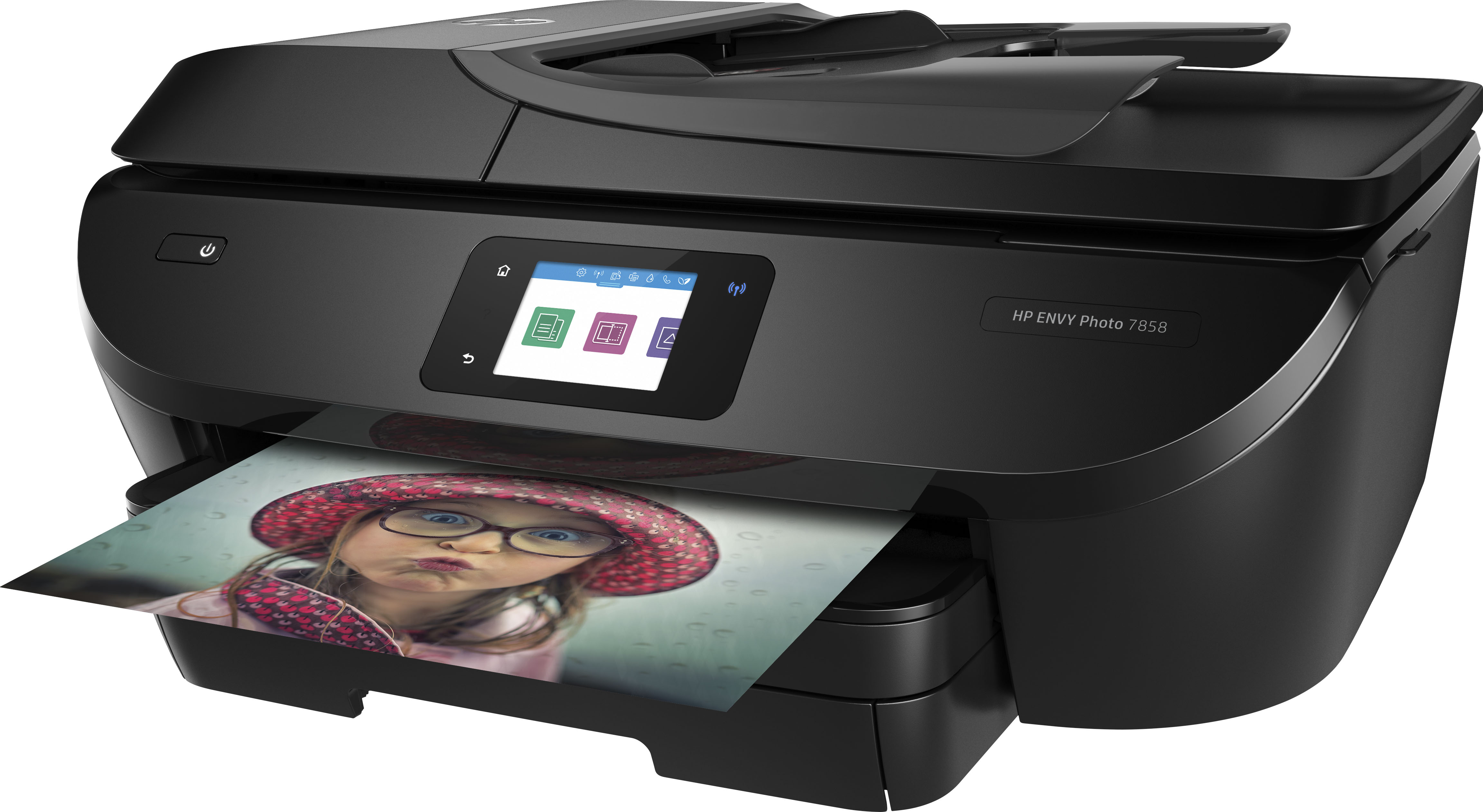
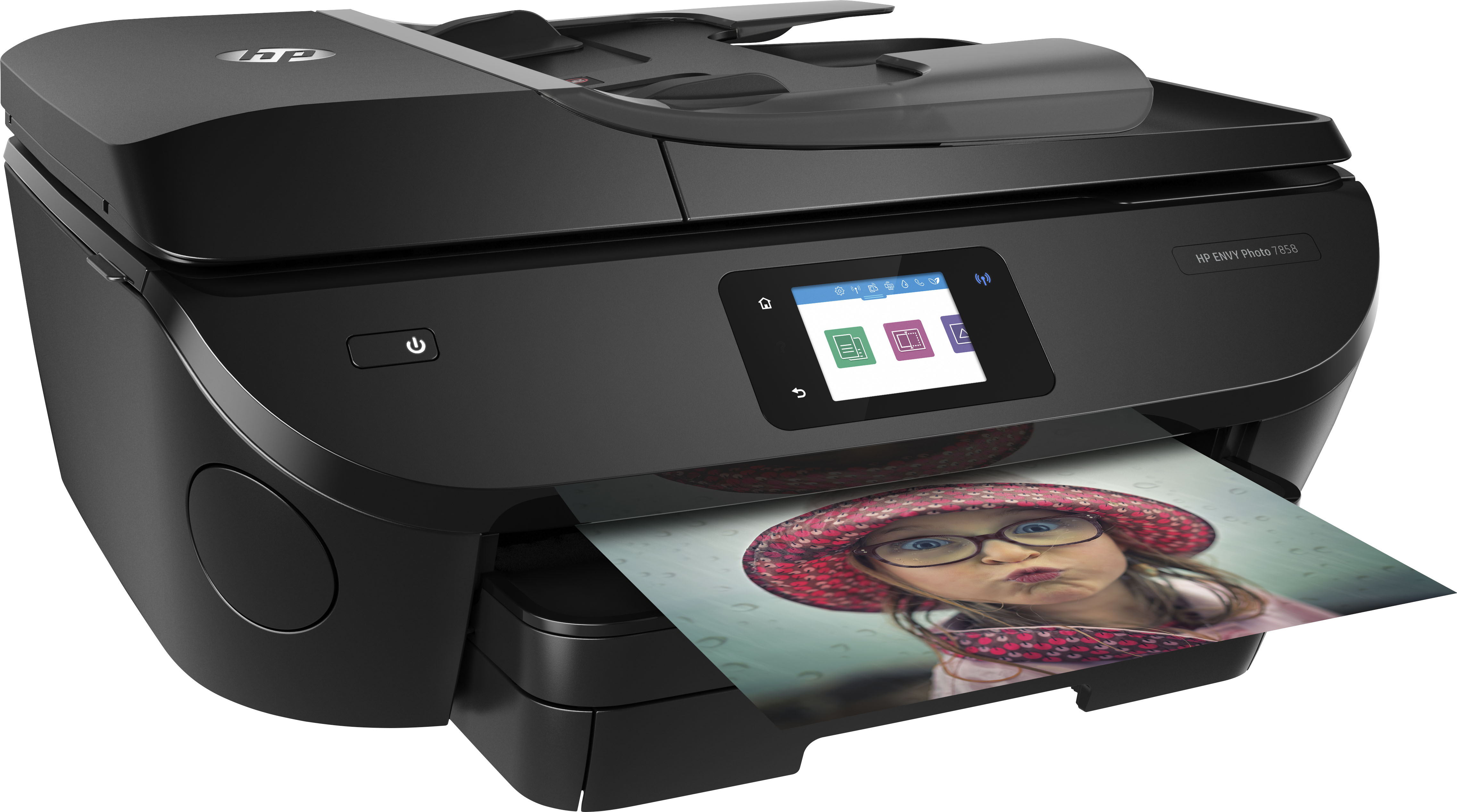
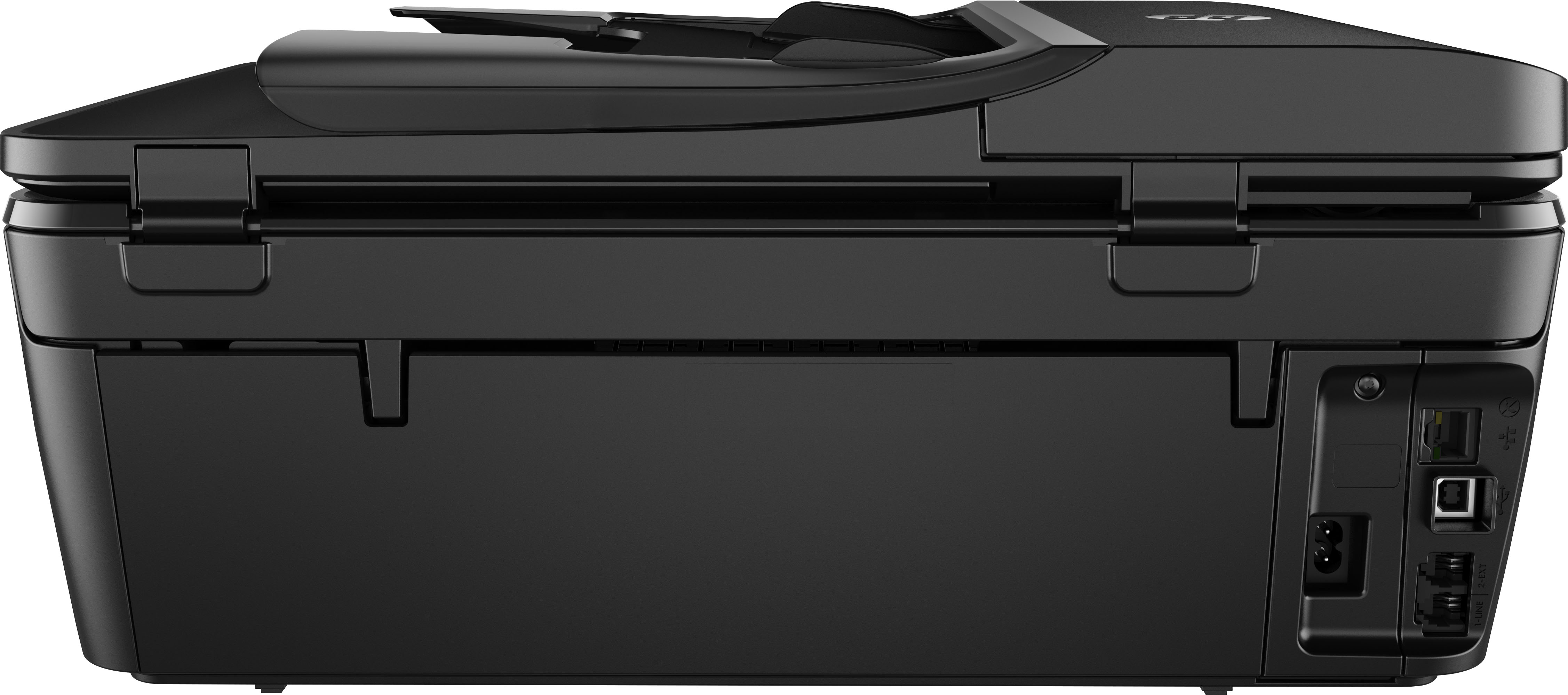
A:AnswerYes the Envy 7858 prints beautiful photos up to 4800 x 1200 optimized dpi color (when printing from a computer on selected HP photo papers and printed in Max dpi).
A:AnswerThank you for the question. The differences between the Envy 7858 and the Envy Inspire 7958e are mainly in the features. The Envy Inspire 7958e comes with an offer of 6 months of free ink coverage with HP Instant Ink, as well as a free second year of product warranty and use of special features on the free HP Smart App. The Envy Inspire 7958e does not have a card slot, USB flashdrive port, Ethernet port, or landline fax function. The Envy 7858 supports earlier versions of Windows (Vista, Windows 7, 8, 10, and 11).
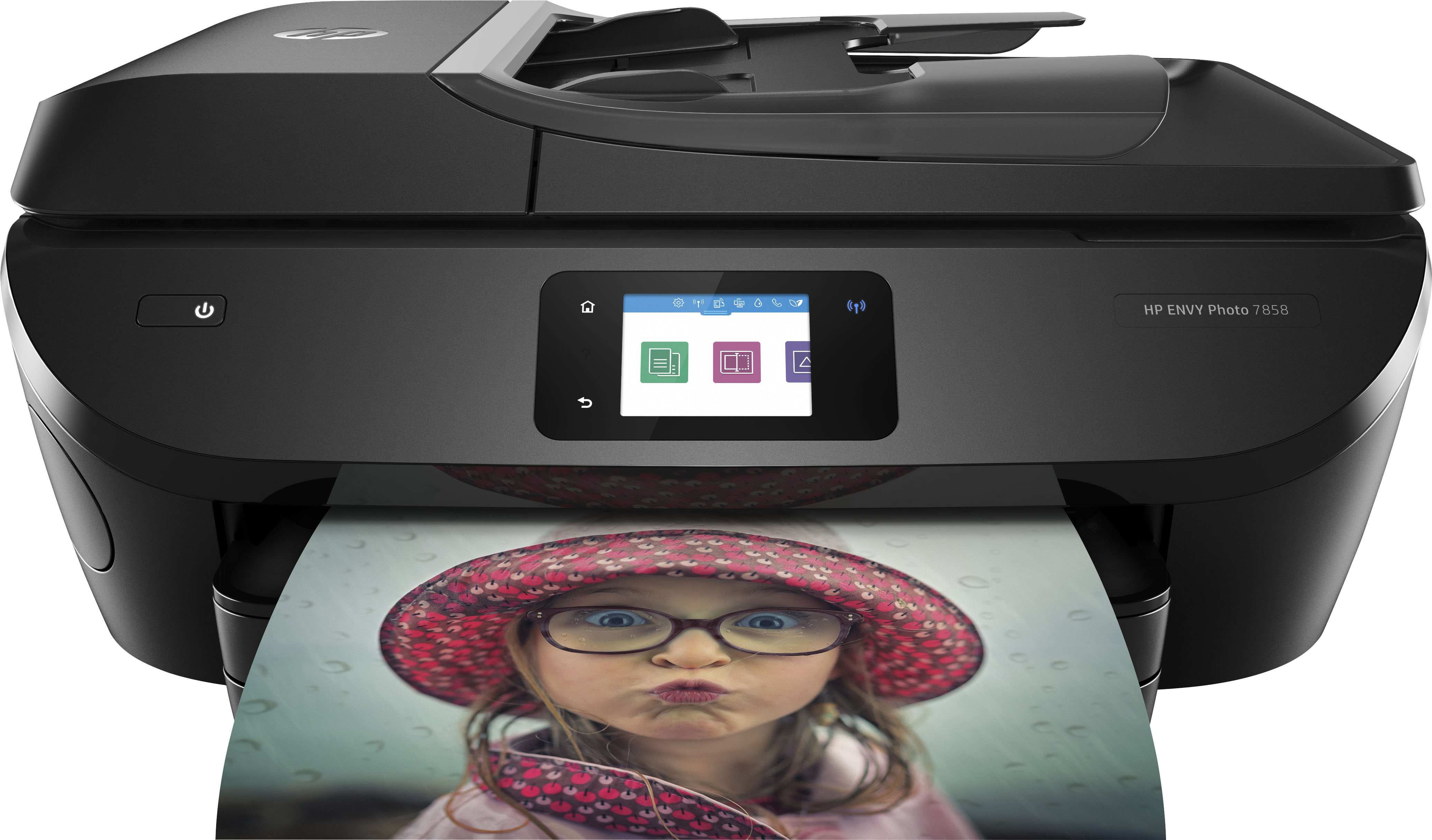
A:AnswerThe two printers really aren't comparable. The 8600 is geared to office use (and the page volume that entails) while the Envy is a printer designed for fairly light home use, but it does do better photos. If you're looking for a printer that's the equivalent of the 8600, that would be the 9015e.
A:AnswerHello. Thanks for your question. When you make a two side copy, you would need to manually turn the paper over with this HP Envy Photo 7858 printer.
A:AnswerThank you for the question. The Envy 7858 is great for pictures, but one can print all sorts of documents as you would with any printer. The Envy 7858 can print 2-sided automatically, the DeskJet 4133e does not have the automatic 2-sided feature. The Envy 7858 is compatible with a landline fax, the DeskJet 4133e does not have fax capability, although you can send a fax (send only) using the HP Smart App. The Envy 7858 has an SD card slot and a USB port for a flash drive, helpful for printing photos or documents or saving scans, and the DeskJet 4133e does not have an SD slot or USB port for a flash drive. The Envy 7858 feeds paper from a paper tray at the bottom of the printer, and the DeskJet 4133e feeds paper from a vertical tray that extends from the rear of the printer. The Envy 7858 has a color touch screen, and the DeskJet 4133e has intuitive lighted buttons.