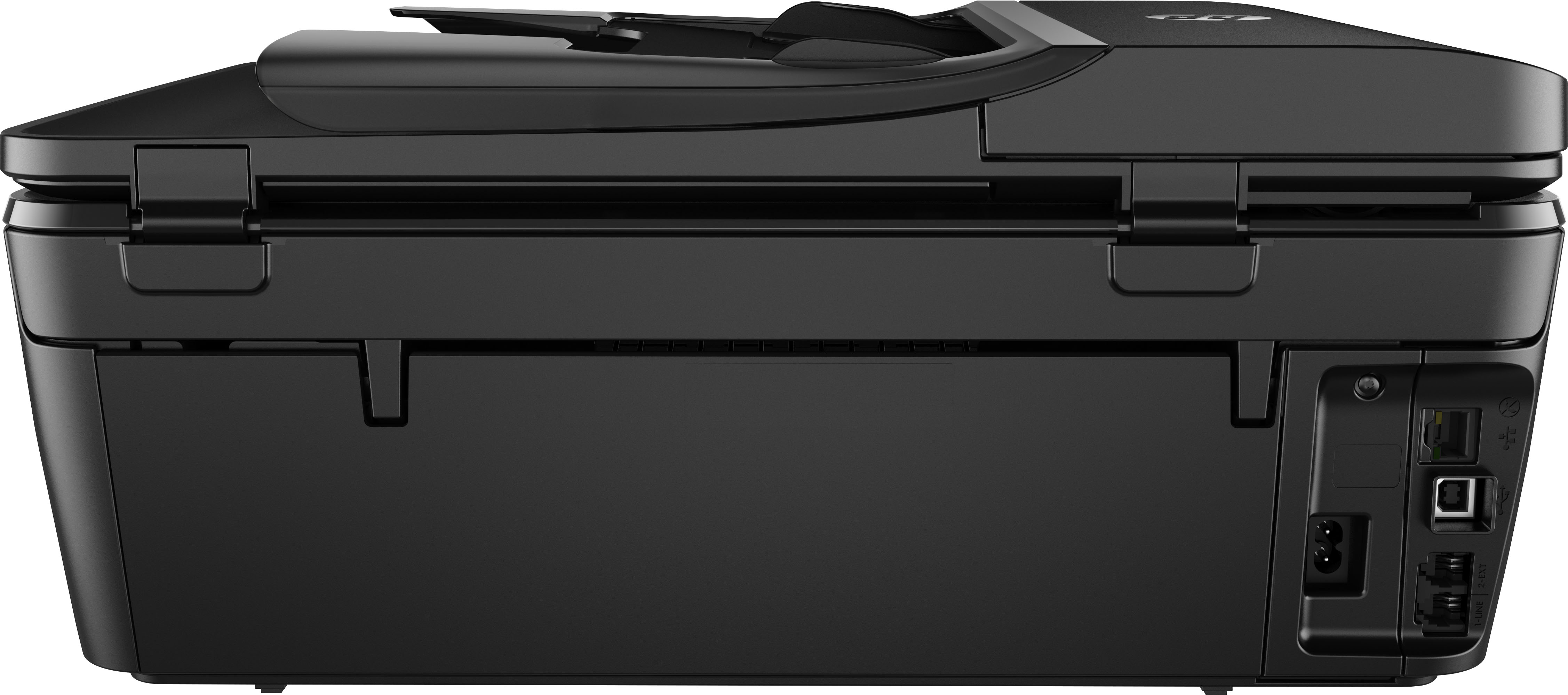
A:AnswerI don't think so, do you mean if you spill water on it? I would imagine if you get it wiped up really fast and the water didn't somehow absorb into the printer should be ok, unplug the printer right away and turn the printer upside down so the water doesn't get to the electrical components and in ternal wiring.
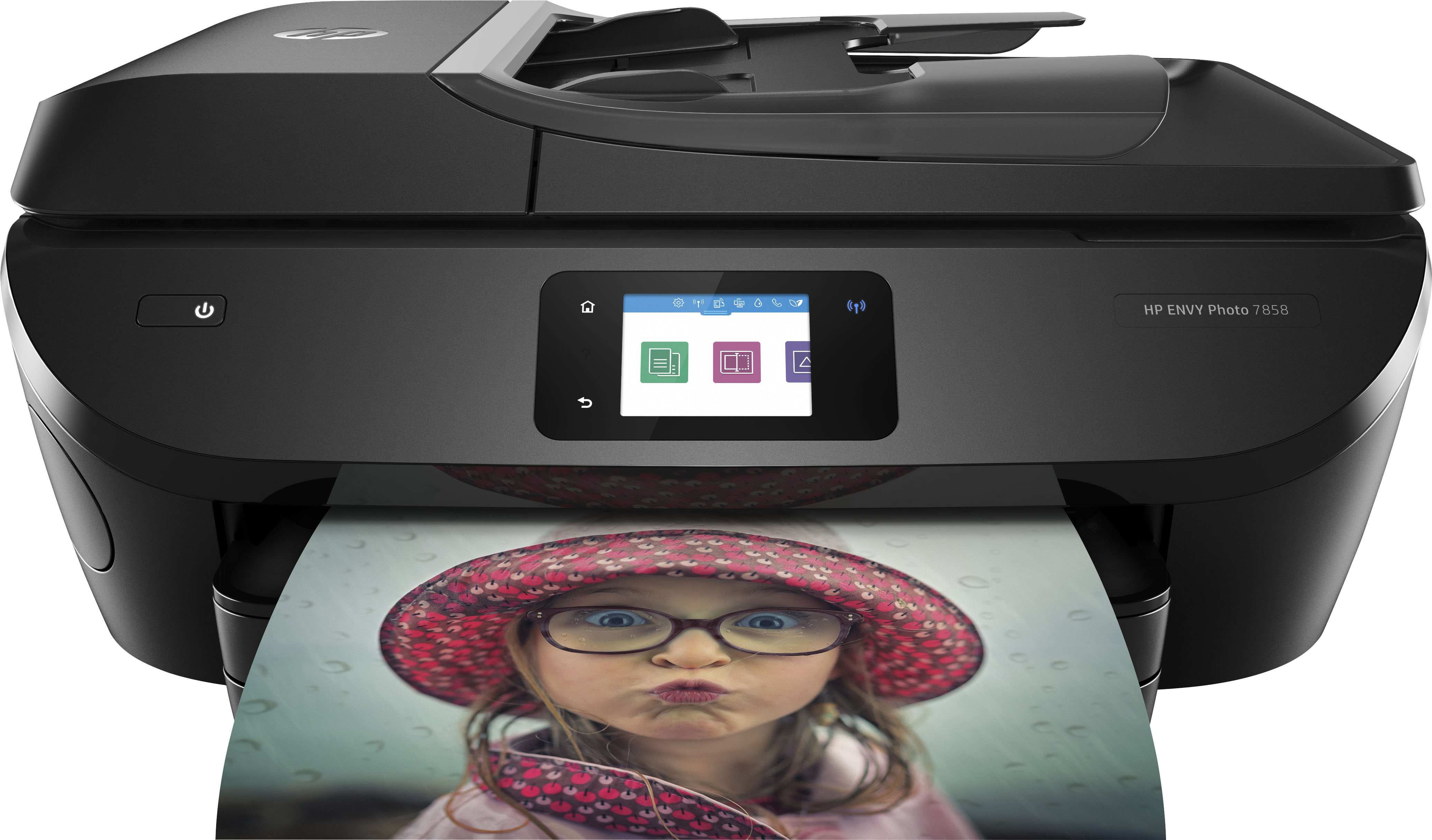
A:AnswerYes, the Envy 7858 printer is compatible with the HP Smart App which allows you to print from anywhere. The Smart App is free and accessible from a smartphone or computer.
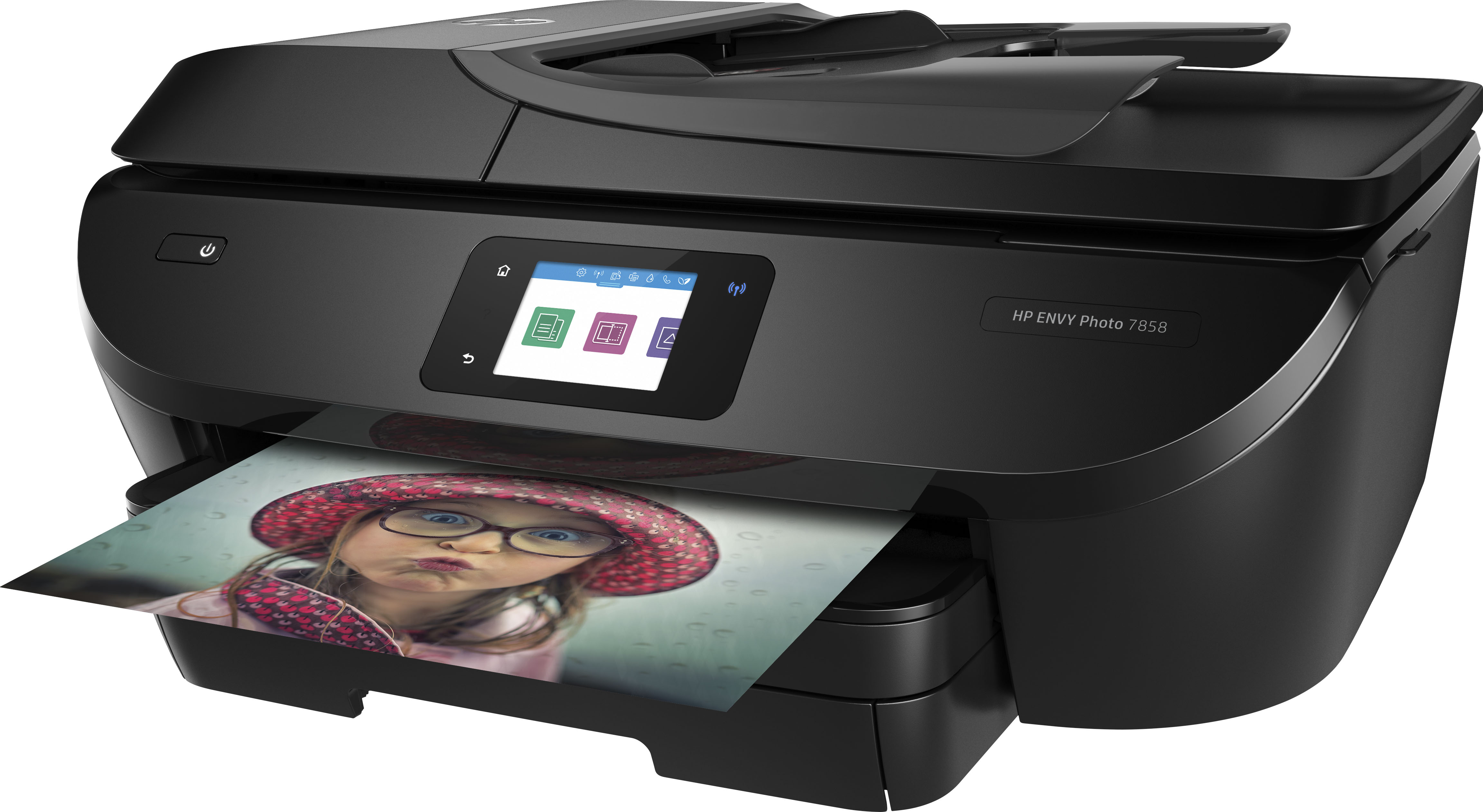
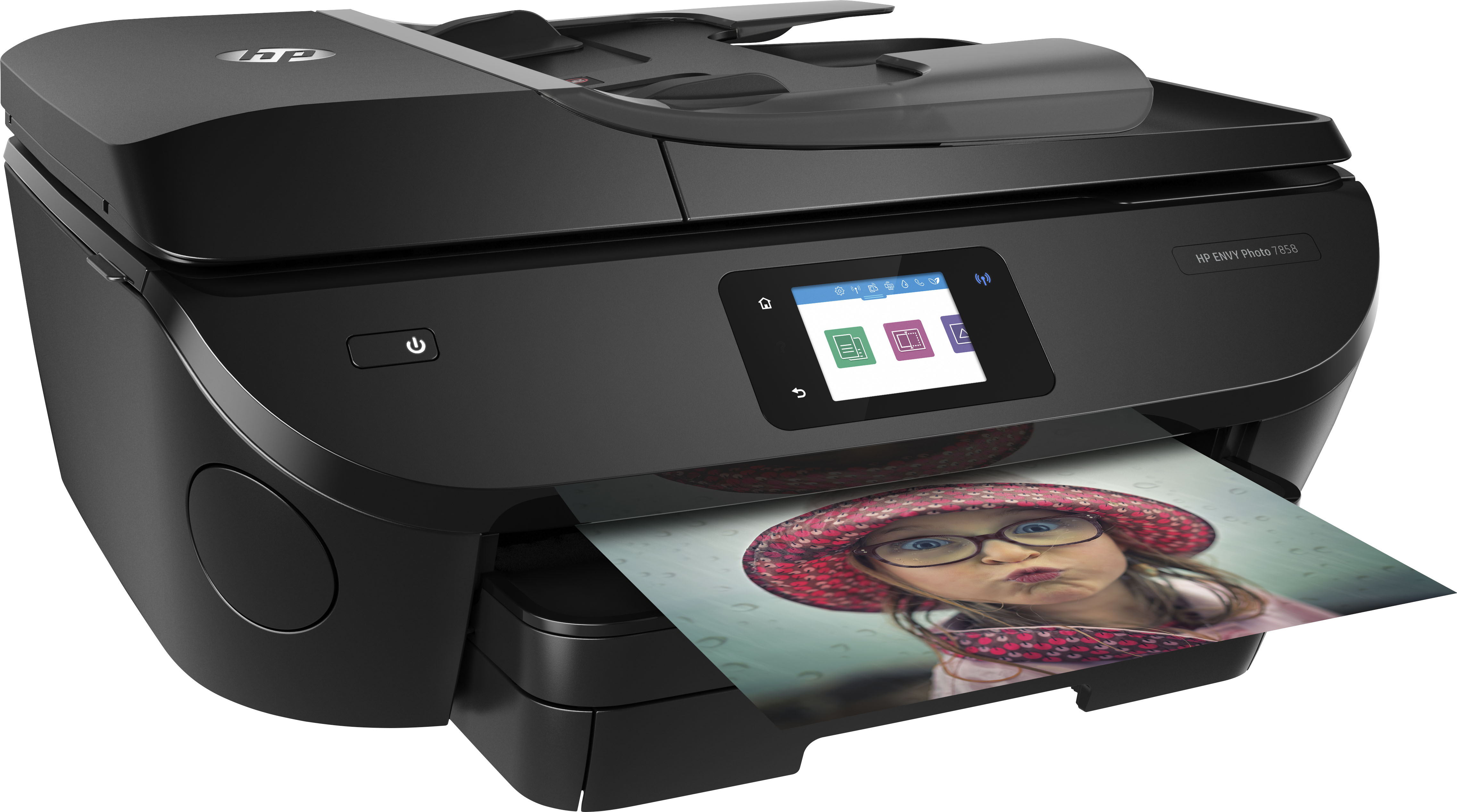
A:AnswerHello. Thanks for your question. The HP Officejet Pro 6978 printer can print, copy, and scan double sided documents. The HP Envy Photo 7858 printer can print double sided documents. You would be able to copy and scan one side at a time. There is a paper tray and a photo paper tray with the HP Envy Photo 7858 printer. Both printers also have a fax function. The HP Officejet Pro 6978 printer also prints a little faster at 20 PPM black and 11 PPM color. The paper tray holds up to 225 sheets. PPM is Pages Per Minute. The HP Envy Photo 7858 printer prints 15 PPM black and 10 PPM color. The main paper tray holds up to 100 sheets. The photo paper tray holds up to 20 photo paper sheets.