A:AnswerThank you for your question! This computer is designed and engineered to work excellently with the included components. While you may be able to upgrade to a different GPU in the future, we would recommend contacting the manufacturer of the replacement component to get information on the minimum required specifications.
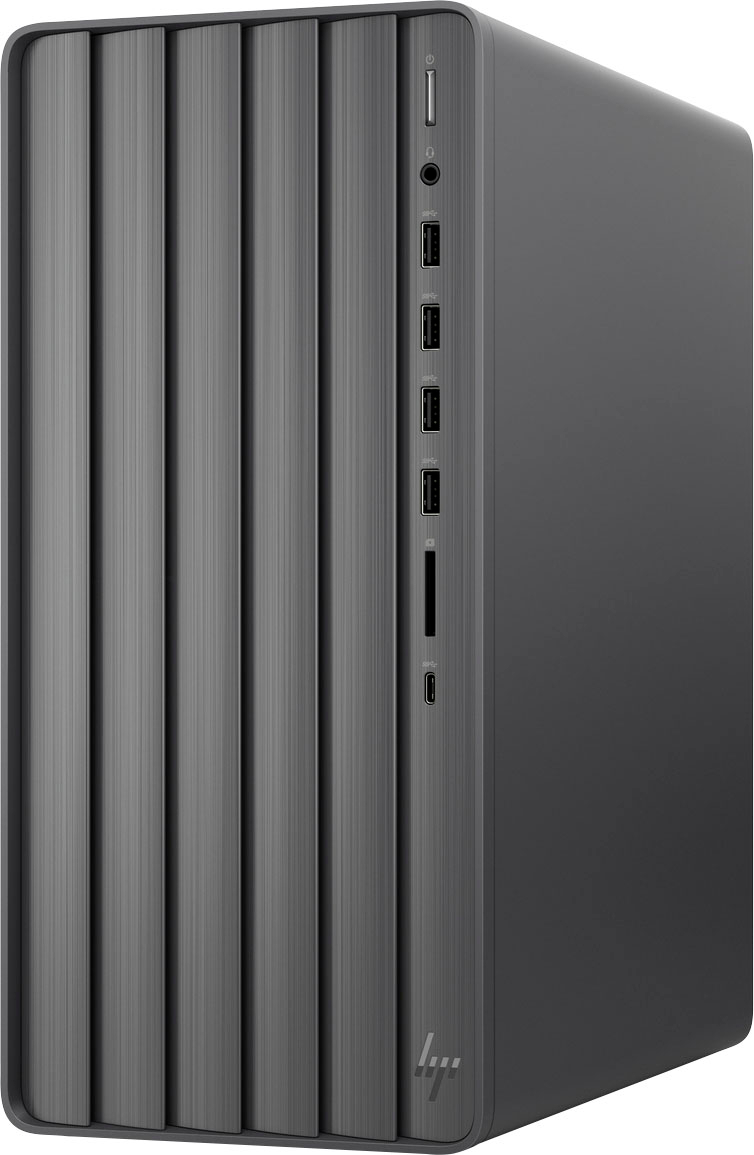
A:AnswerHello. Thanks for your question. You can see the ports that are available on this webpage under I/O ports: https://support.hp.com/za-en/document/c08132262
A:AnswerHello. Thanks for your question. This HP Envy Desktop TE01-3244 computer has 1 available M.2 slot for a solid-state drive. Here are the specs from HP: https://support.hp.com/za-en/document/c08165945
A:AnswerThank you for the question. Yes, the Intel UHD Graphics 730 in this Envy Desktop will support two monitors in the configuration you've described. Two monitors cannot be operated at the same time with just this desktop.
A:AnswerYes, you can add a graphics card. However, because the power supply is 180 watts, you'll need a low power card. And you shouldn't have a problem installing Windows 10 or a linux distribution.
A:AnswerHello and thank you for your question. Yes, an external CD/DVD drive can be added/connected to this HP ENVY desktop. However, there is no option to add an internal CD/DVD drive to this model.
A:AnswerThere's no problem laying it on it's side. I'd make sure the computer is off and any cables to it are disconnected, just so they don't get twisted up.