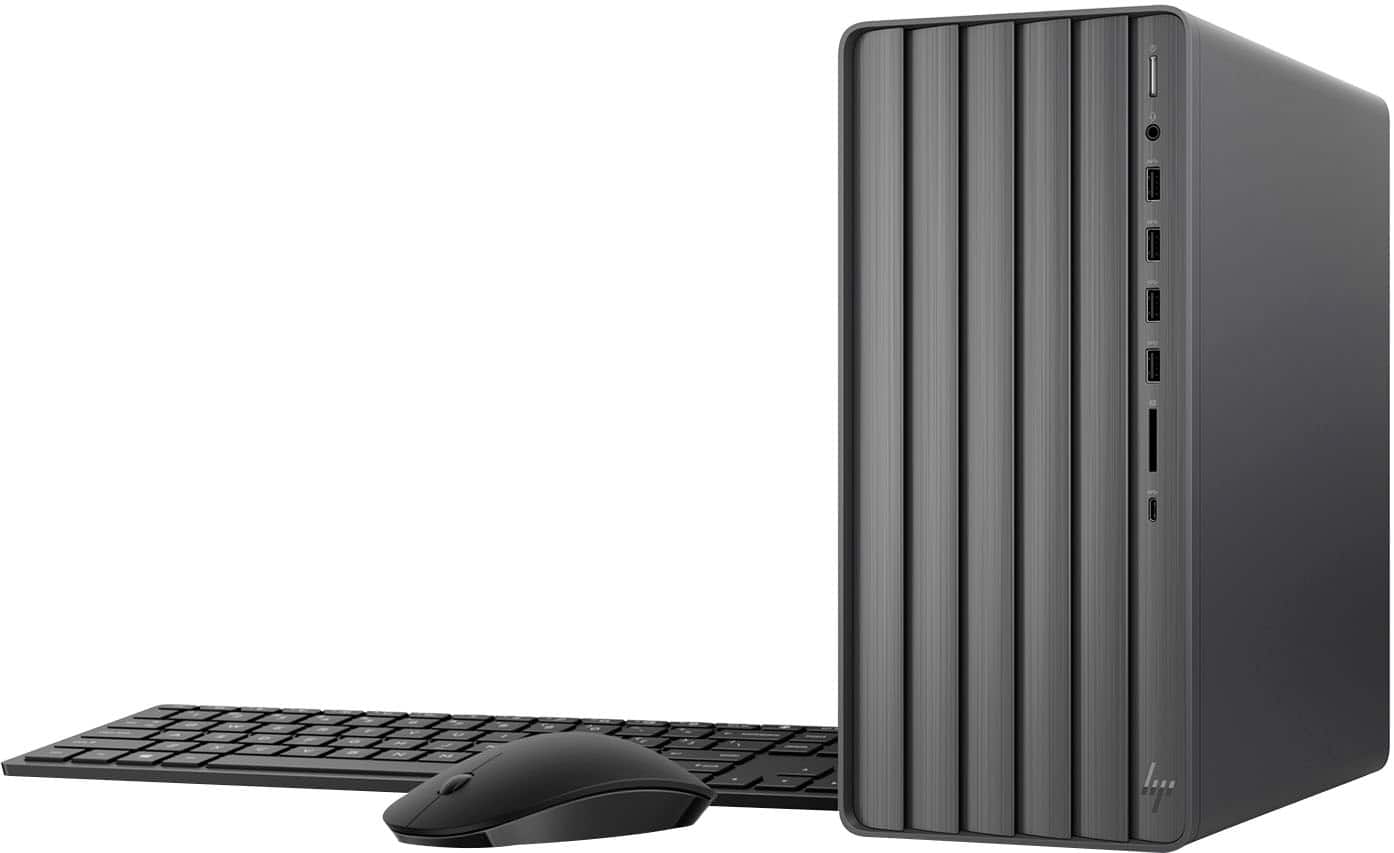
A:AnswerOurs came with a power cord, everything else is wireless. You need wifi to connect wireless. Ours came with a little usb chip for the mouse and keyboard to work. And you need AAA batteries in the keyboard and mouse.
A:AnswerNo. You can use external speakers that connect in the back or use can use Blue Tooth speakers. I use a Sony Blue Tooth speaker and works great. Easy to connect.
A:AnswerIt just says black HP wireless keyboard and mouse. I looked at them but I didn't try out using my old ones, figured I'd save for when needed. They seem fine to me!
A:AnswerThe hard drive is solid state. It matters not how the PC is placed. If it's an older HD, even then, does not matter as HD's are installed in a variety of configurations. As long as the PC is stable, nothing to worry about.
A:AnswerThank you for your question. As system requirements for software constantly change, we are unable to answer questions about software compatibility or performance. What is compatible today may not be in a few months. Please check the software manufacturer's website for the most current system recommendations.
A:AnswerThank you for reaching out. We are not sure what you are asking, but if your HP printer is compatible with Windows 10, it will more than likely be compatible with Windows 11. Simply update the print drivers. All current HP computers are presented with Windows 11. The standard HP warranty is one year.
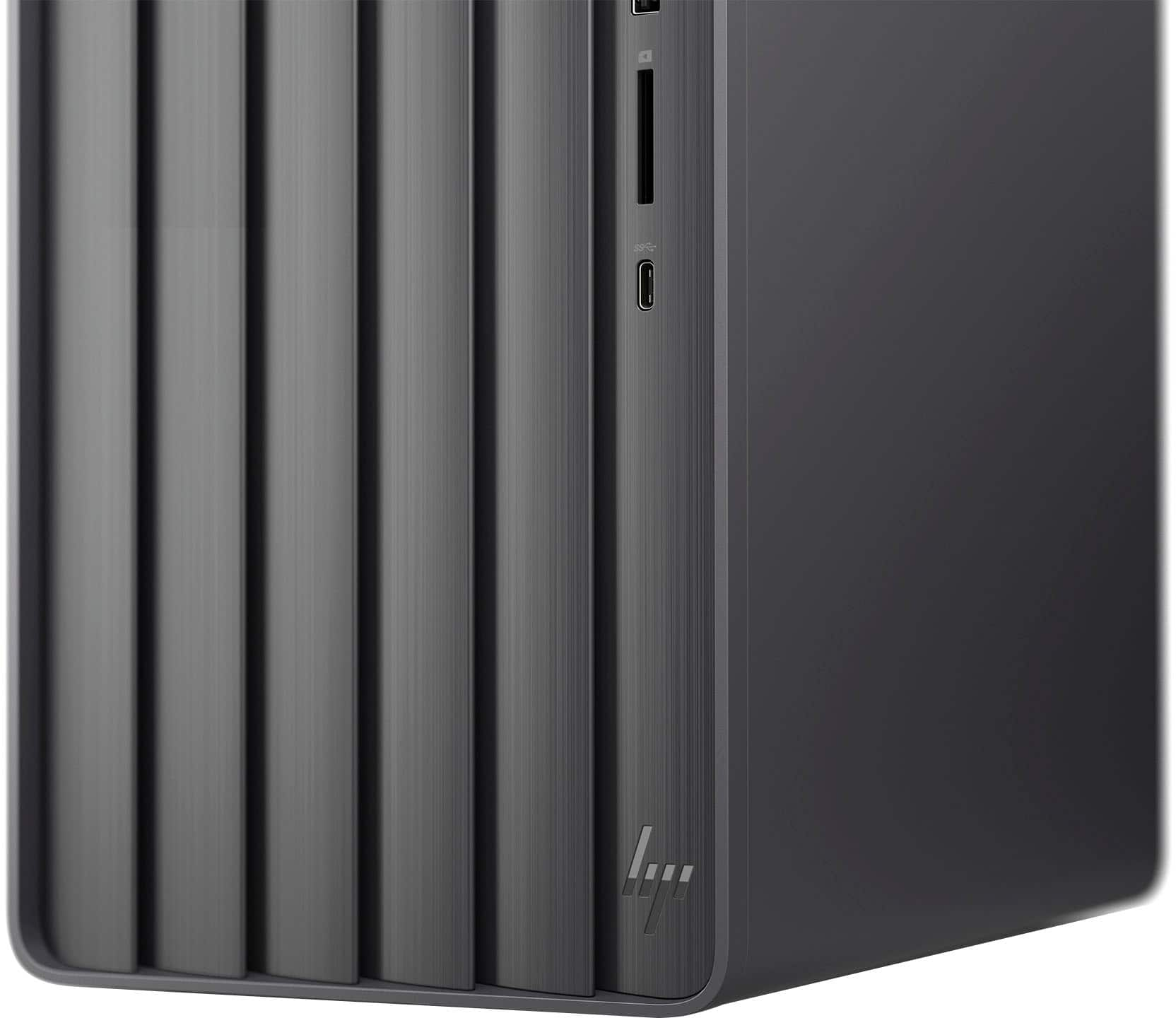
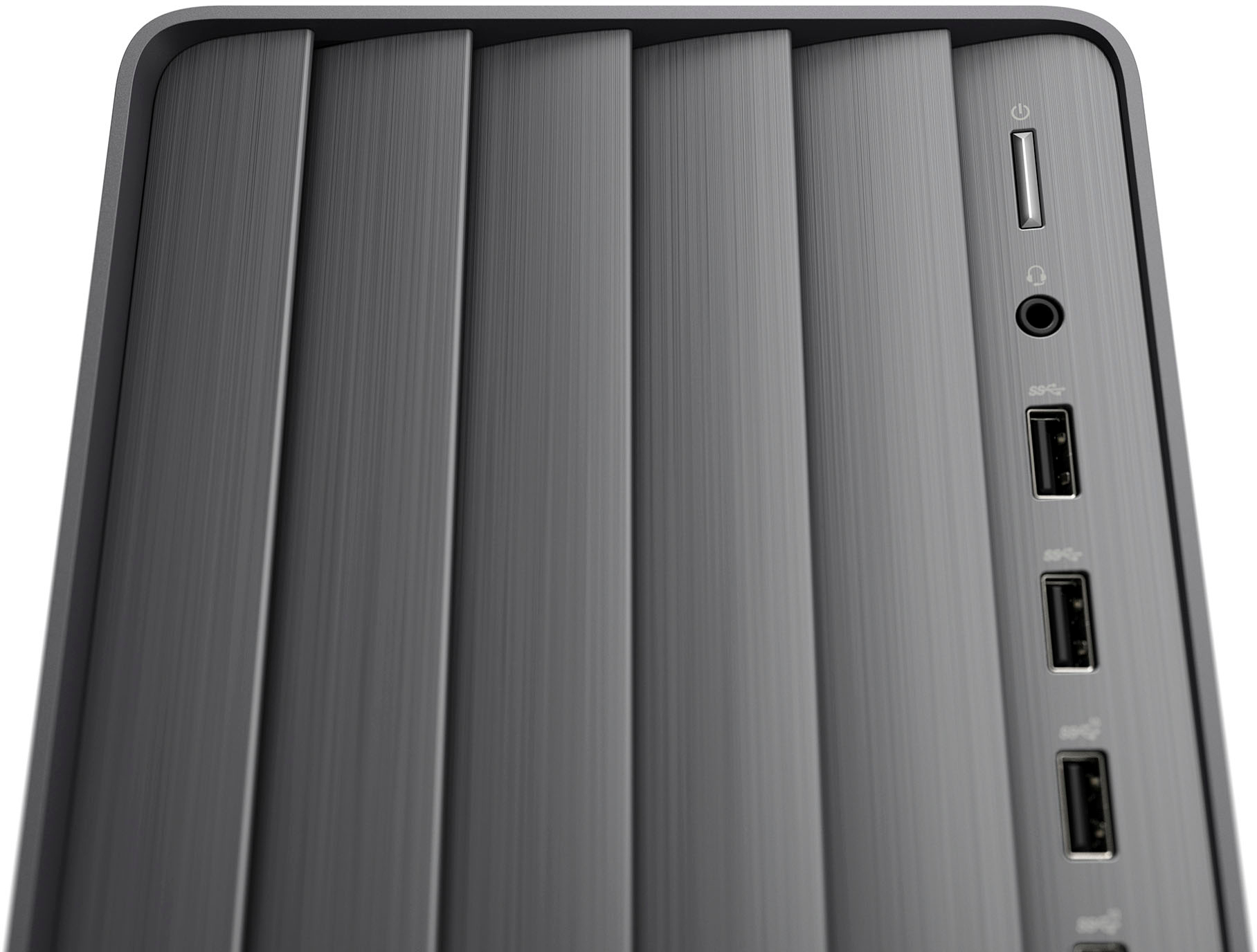
A:AnswerThank you for the question. Yes, the Envy TE01-4244 has a 3.5mm mic/headphone combo jack on the front as well as audio in/out jacks on the rear.
A:AnswerThank you for the question. The Envy TE01-4244 has built-in Wi-Fi 6 (2 x 2) and Bluetooth®️ 5.3, but you can use an adapter connected to USB if you'd like.
A:AnswerManuals can be found at the HP Support website. If you are having trouble utilizing your new desktop, you can reach out to HP Support for more assistance or the Best Buy Geek Squad!