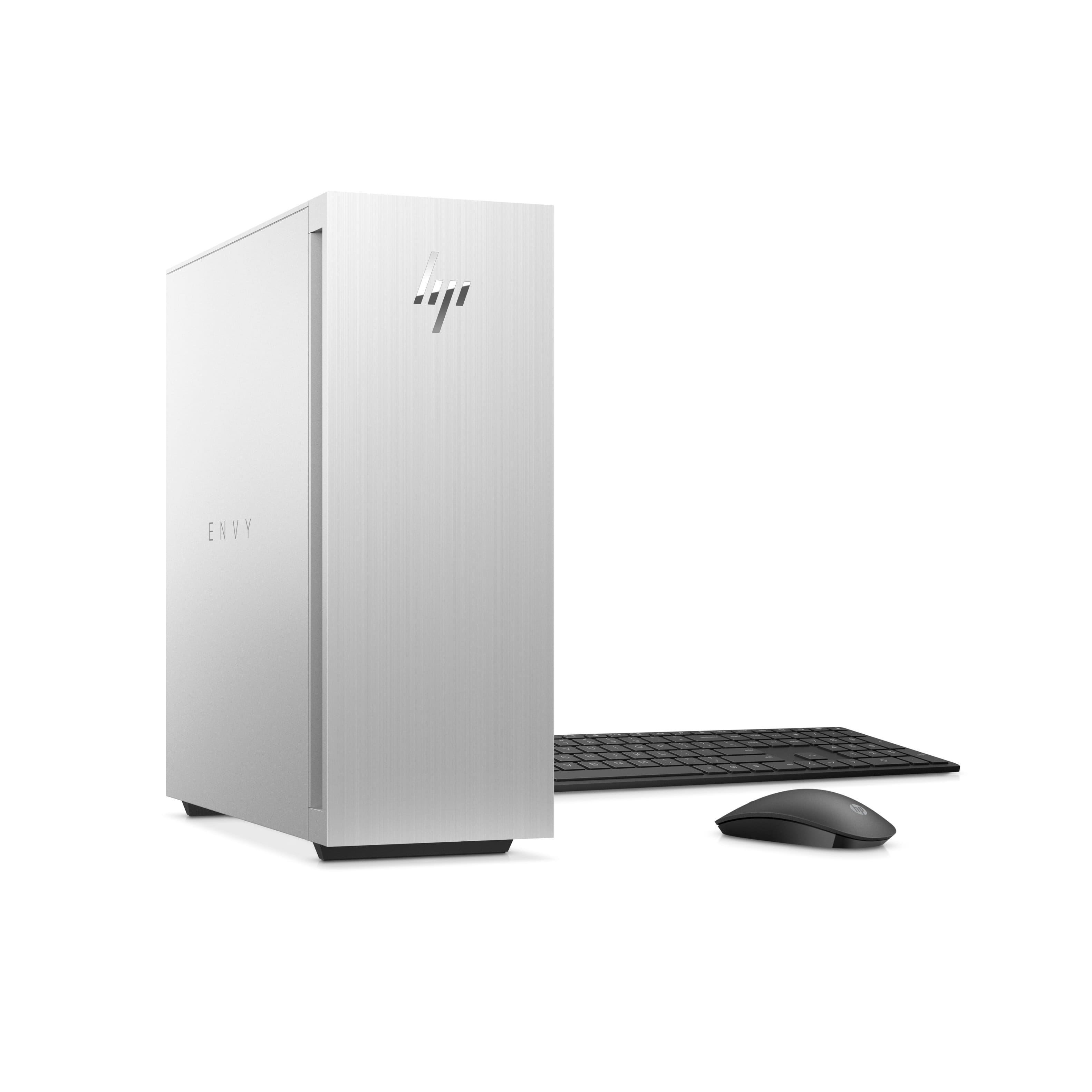
A:AnswerThank you for bringing this to our attention. The Envy TE02-0030 desktop utilizes air cooling, not liquid. We'll reach out to Best Buy and ask that their listing be corrected.
A:AnswerThank you for the question. The socket is Gen 3, however, PCIe Gen 4 is backward compatible, so a PCIe Gen 4 device connected to a PCIe Gen 3 system will function normally at PCIe Gen 3 speeds.
A:AnswerThank you for the question. Windows 11 has a built-in anti-virus app, Windows Defender. You can purchase different virus protection if you'd like, and McAfee offers a 30-day trial with this computer. You'll have the opportunity to subscribe after the free trial.
A:Answercorrection to prior review stating " just bought the te02-0030 and see no third m.2 slot." There is in fact a second m.2 ssd slot and you have to take out the video card to see it! You can easily add the second m.2 there and even with a reasonably short heat sink on it.
A:AnswerThank you for asking. Yes, The Envy TE02-0030 desktop has one Thunderbolt™ 4 with USB4™ Type-C® 40Gbps signaling rate (USB Power Delivery, DisplayPort™ 1.4, HP Sleep and Charge).
A:AnswerHello, Ray. Thanks for your question. This HP Envy TE02-0030 computer does not have a CD drive. You can use an external USB CD/DVD drive with this computer. There is a 3 in 1 card reader that supports the SD card. If you have a SD card adapter, you can put the microSD card in the adapter. Or you can get a USB card reader that has a microSD card slot.