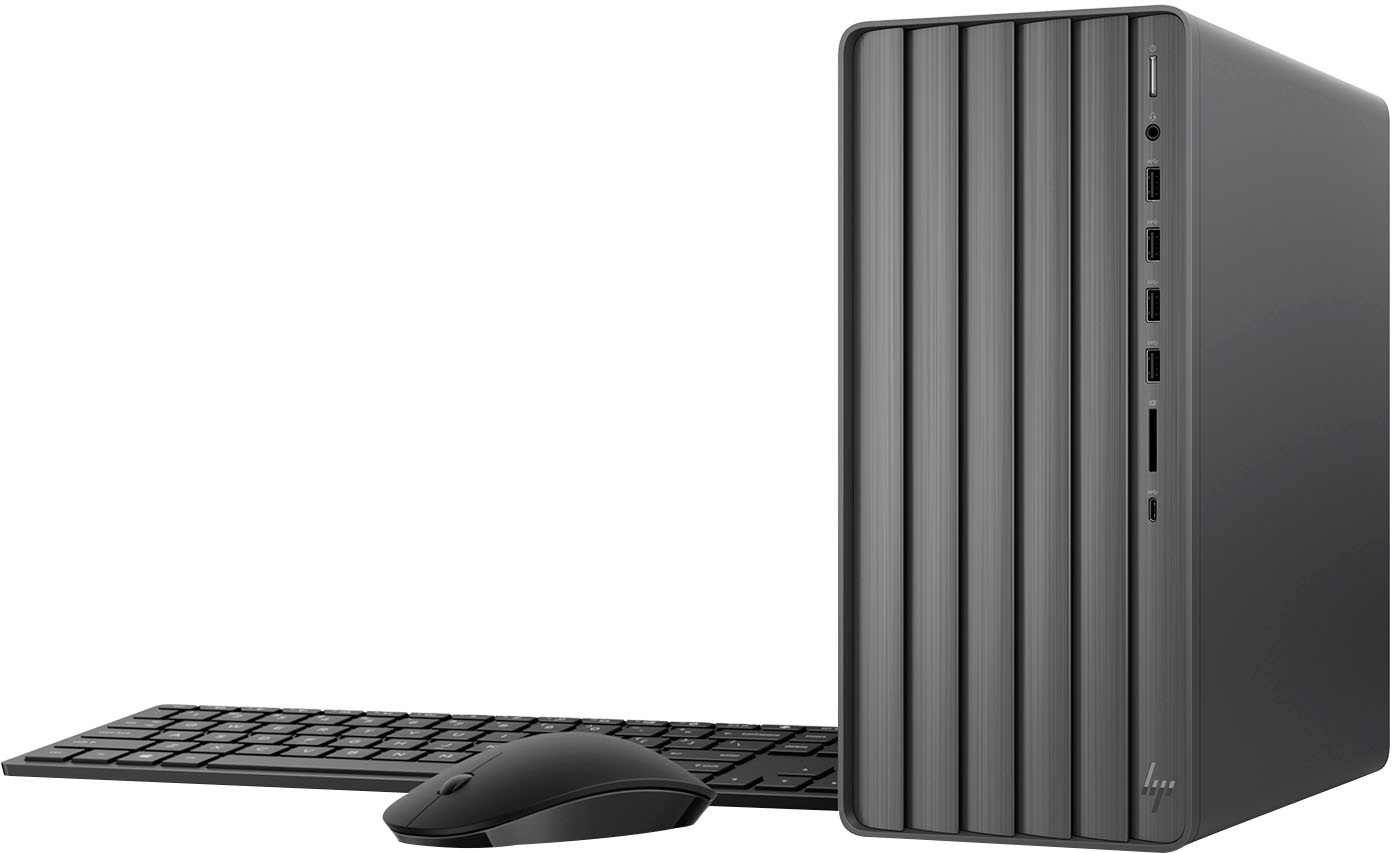
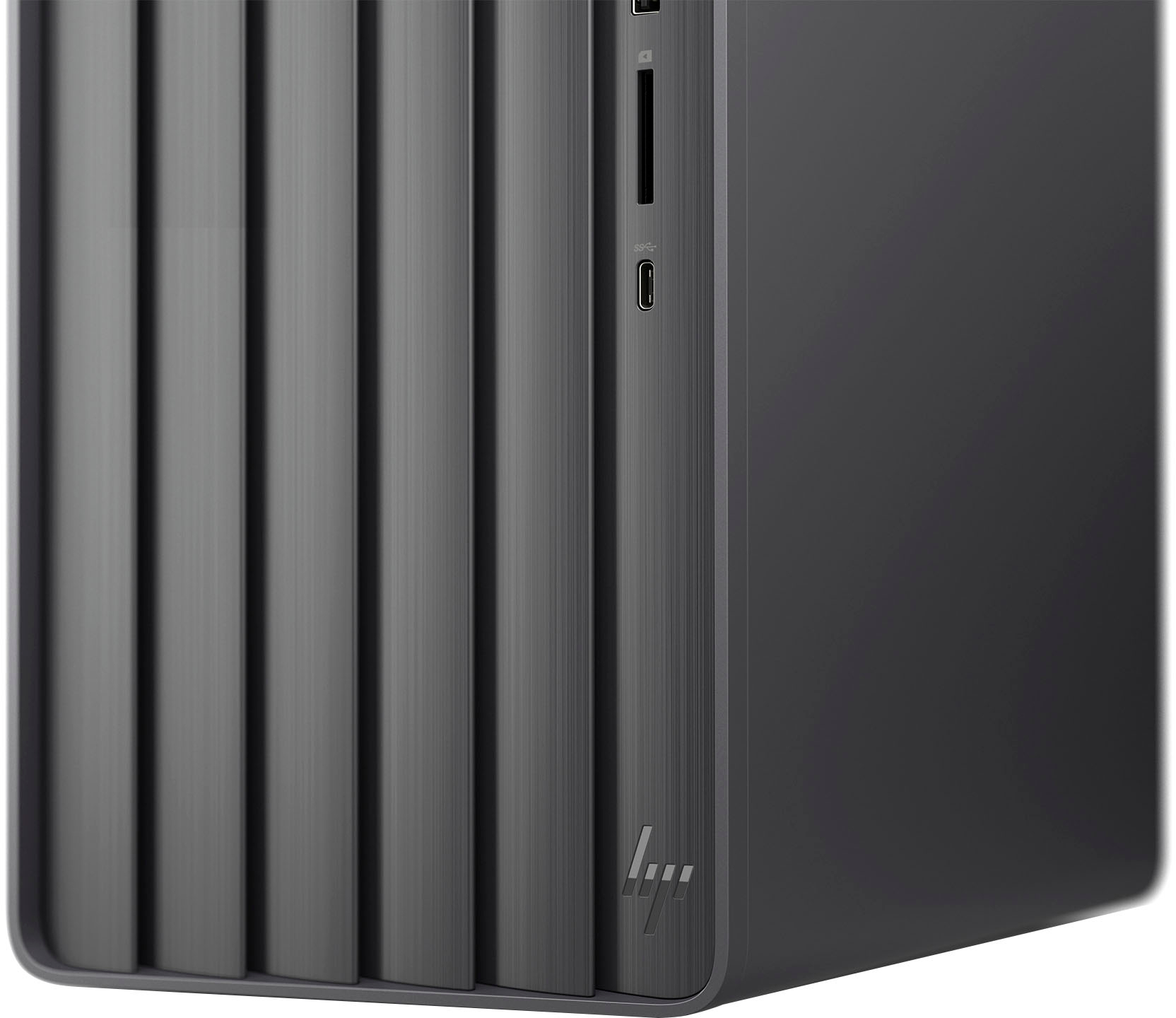
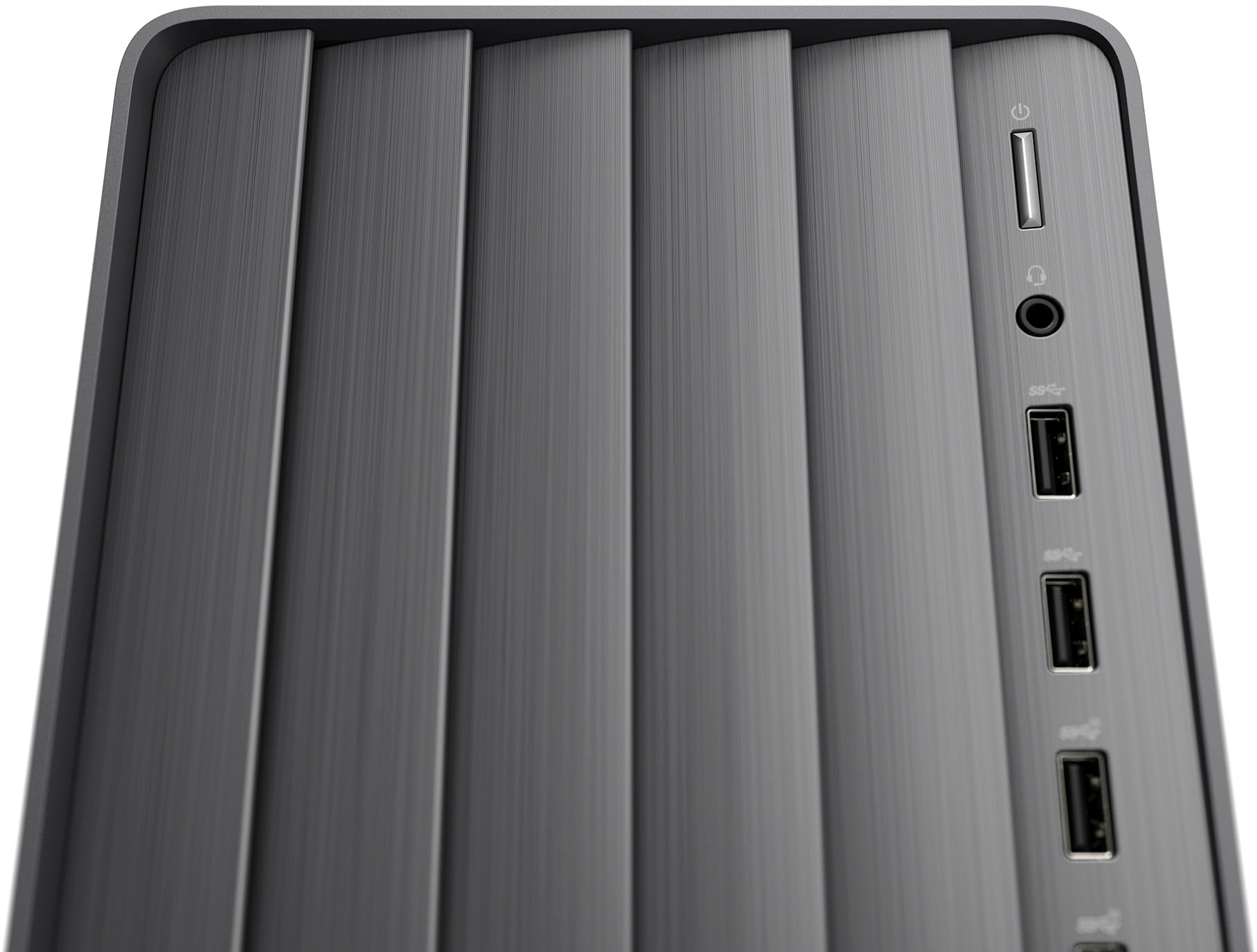
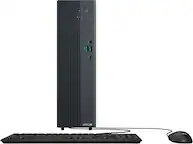
A:AnswerThanks for your question! You can download and import photos from your iPhone to Windows Photos on this HP Envy Desktop by connecting them with a lightning-to-USB cable.
A:AnswerHello, and thank you for the question! There is an Optional 30-Day Free Trial of Microsoft Office that comes with this machine. You can use this HP Envy Desktop without the purchase or subscription to any program.
A:AnswerThank you for the question. The EnvyTE01-4254 has a Realtek RTL8852BE Wi-Fi 6 (2x2) and Bluetooth®️ 5.3 wireless card (supporting gigabit data rate). You can turn on Wi-Fi and connect to your network using Start>Settings>Network and Internet.
A:AnswerRoland, thank you for following up! The USB-C ports on this are for data transfer only, which is why the USB-C to HDMI yielded a "No Signal" on the monitor. I am sorry about your experience and that this is not up to what you are looking to use it for.
A:AnswerHi Roland, thanks for your question! This HP Envy Desktop with Intel Core i7 and 16 GB Memory can support up to 2 displays, one through HDMI up to 2560 x 1440 resolution and one through VGA up to 2048 x 1536 resolution.
A:AnswerThe main board on this desktop is equipped with an empty PCIe 4.0 x16 slot and a PCIe 3.0 x1 slot, which will accommodate an additional network card. You can install Ubuntu 22.04 server on this.