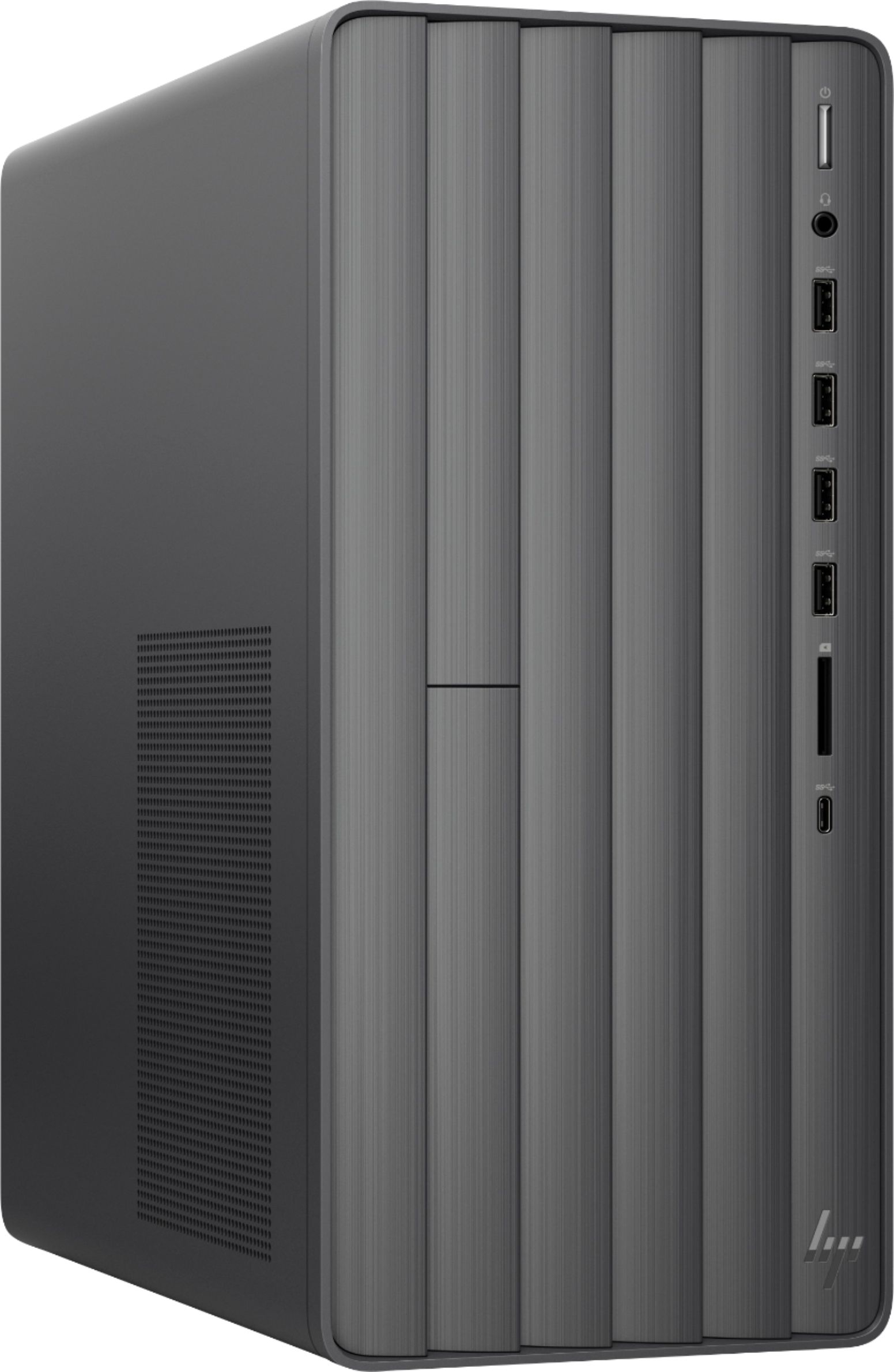
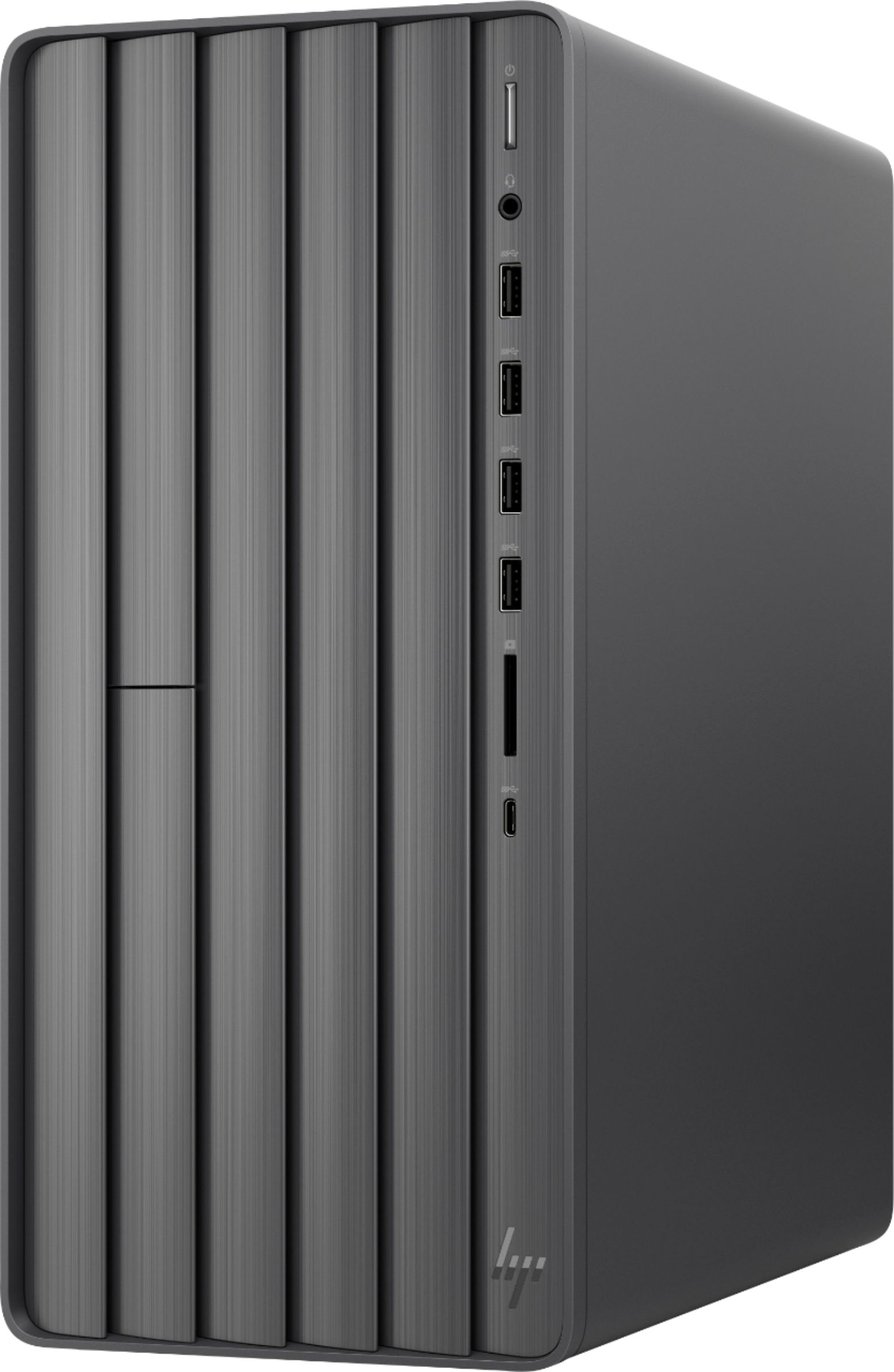
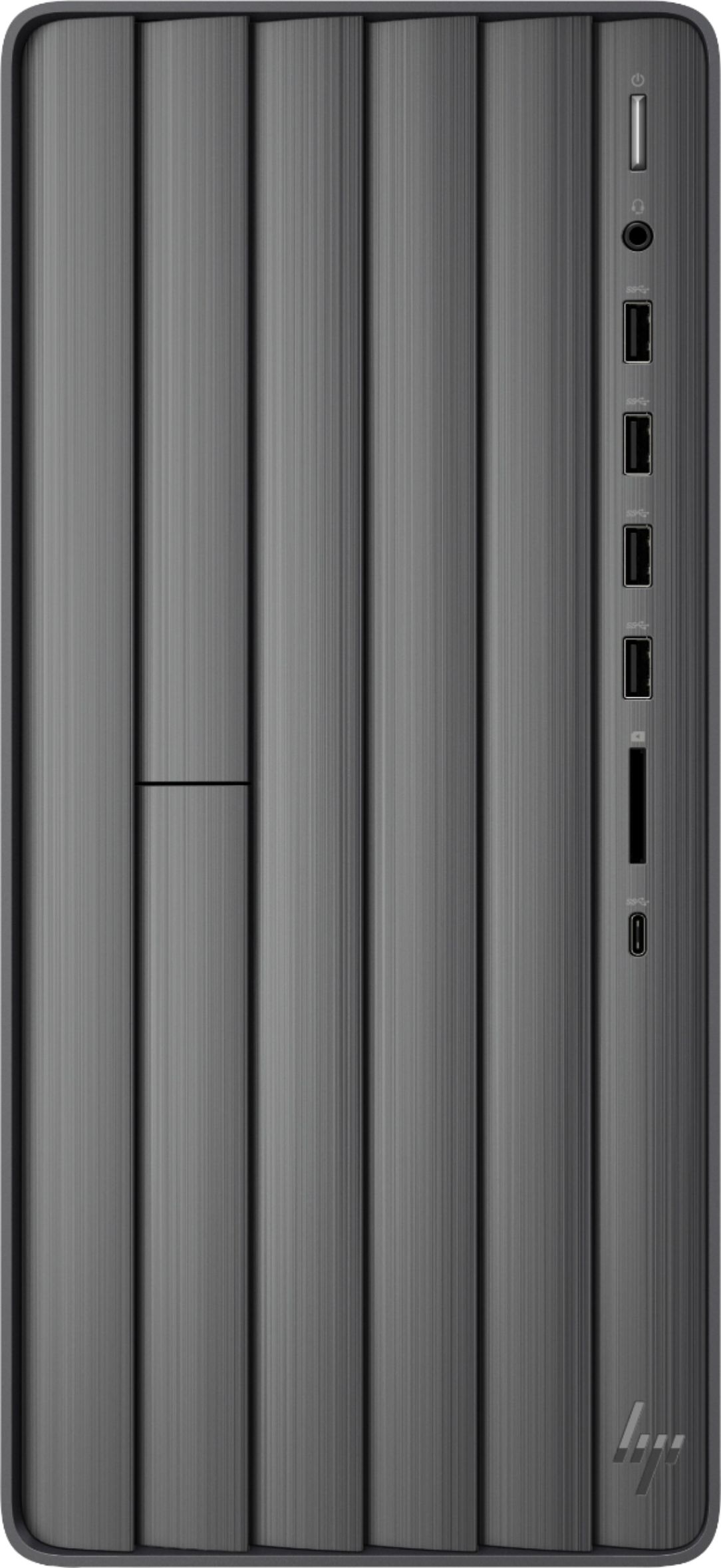
A:AnswerOut of the box this desktop supports only two monitors: one VGA, one HDMI.
The USB to HDMI cable that you have probably requires a USB 3.1 port that supports DisplayPort Alternate Mode. I don't think that is available on this model.
If you want to add a third monitor, you need to add a graphics adapter that may require upgrading your power supply as well.
A:AnswerYou would need to upgrade the power supply to at least 400 watts to handle the graphics card. This desktop only comes with 180 W Gold efficiency power supply.
A:AnswerI haven’t run across any noise or haven’t noticed the unit running hot. Pretty smooth to this point. I added memory when I bought mine and it runs nice and fast.
A:AnswerI'm not on the HP team but I can answer your question: The motherboard has two memory slots, expandable to a max of 32 GB of RAM. One slot is populated with a 16 GB stick and the other is empty. So no, you can't put two 8GB sticks in with the single 16 GB stick to get to 32 GB. You could replace the 16 GB single with the two 8 GB stick but I don't think that's where you want to go. I looked for a single 16 GB but I ended up ordering two 16 GB so they match. You could probably find one on eBay.
A:AnswerAfter weeks of research I added an external ASUS Blu-Ray recorder. I could not locate one that would fit into the space allotted in the HP case. The ASUS works great for me.
A:AnswerHere is information on what versions of Office work with Windows 10: https://support.office.com/en-us/article/which-versions-of-office-work-with-windows-10-0fc85c97-da69-466e-b2b4-54f7d7275705