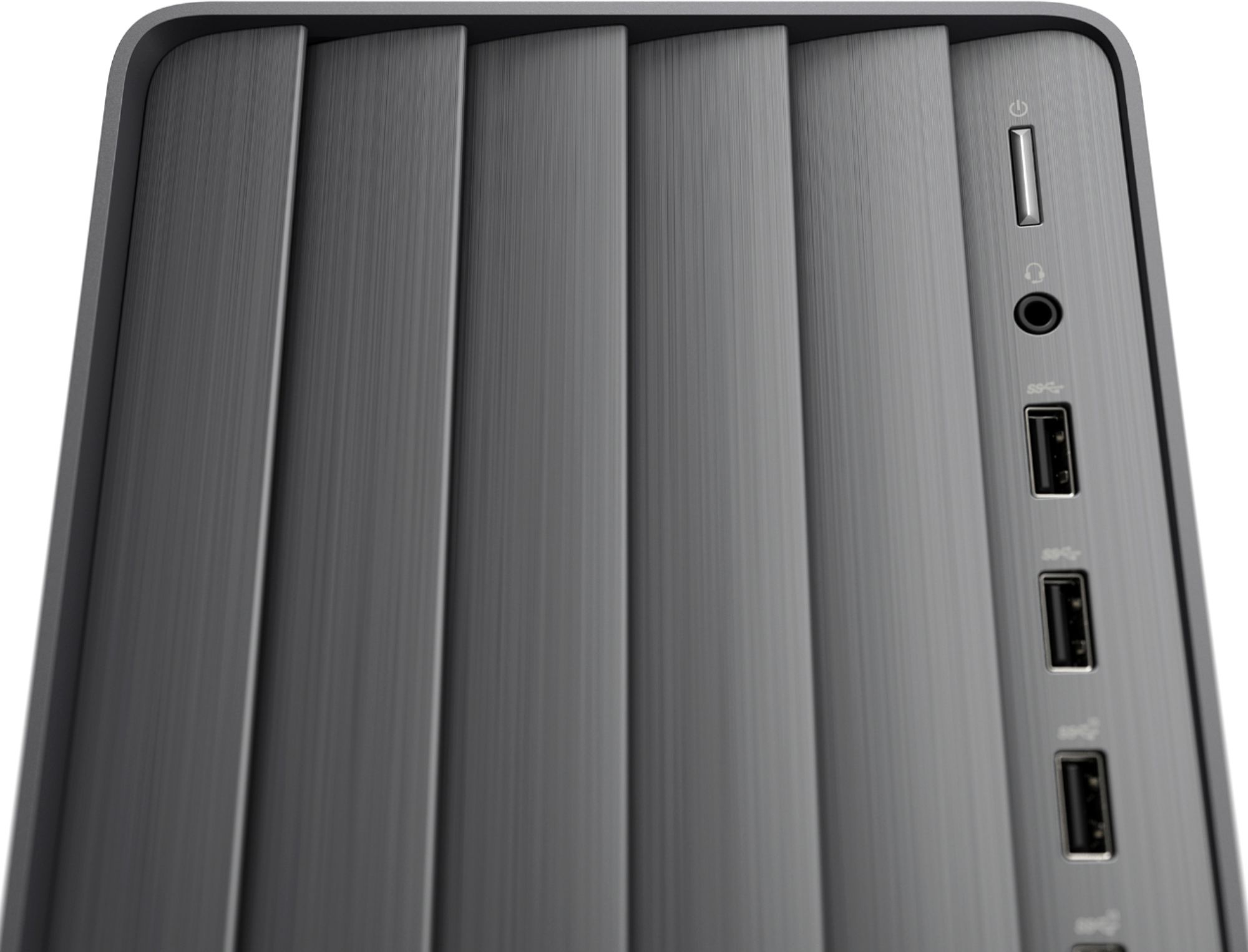
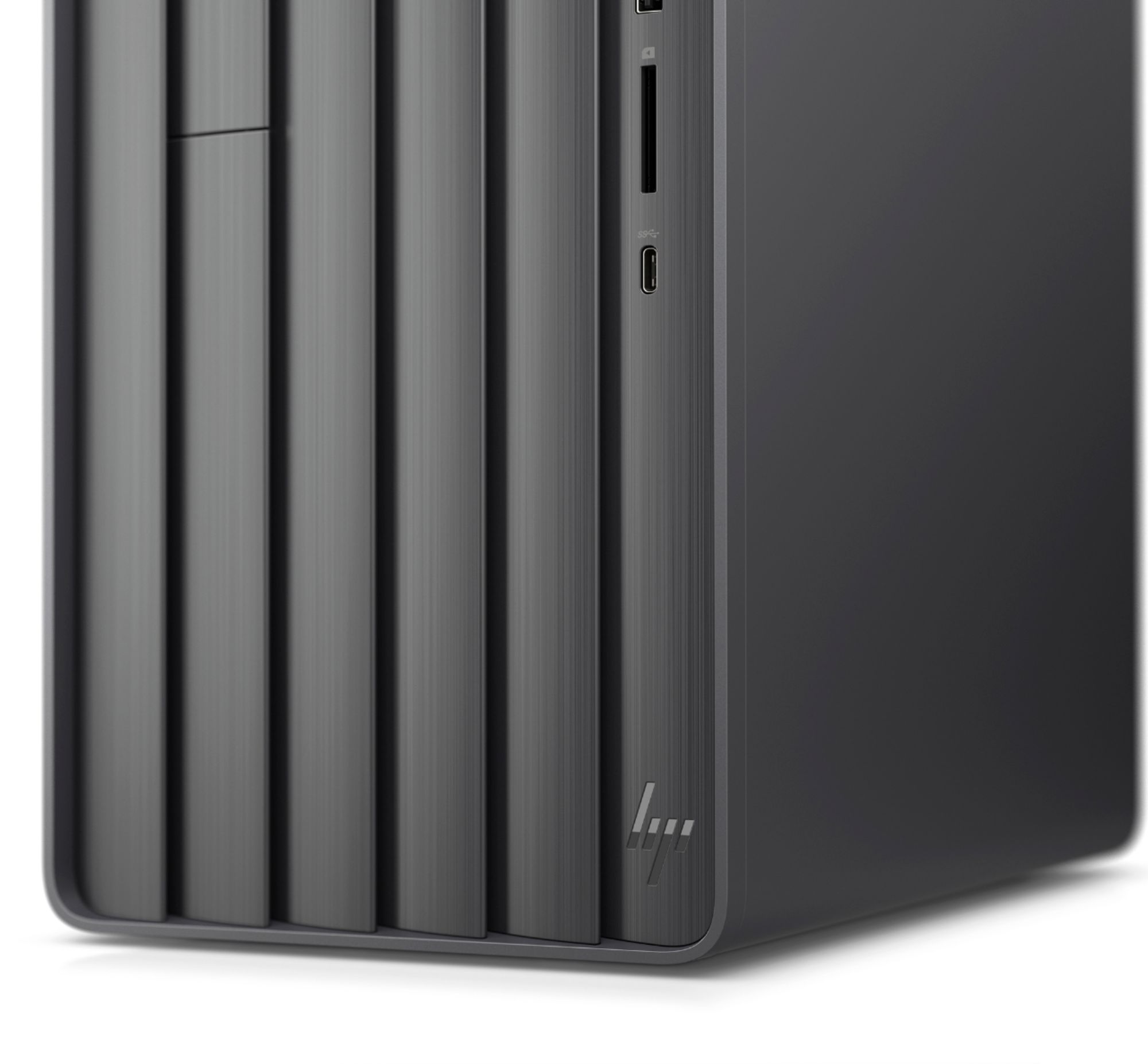
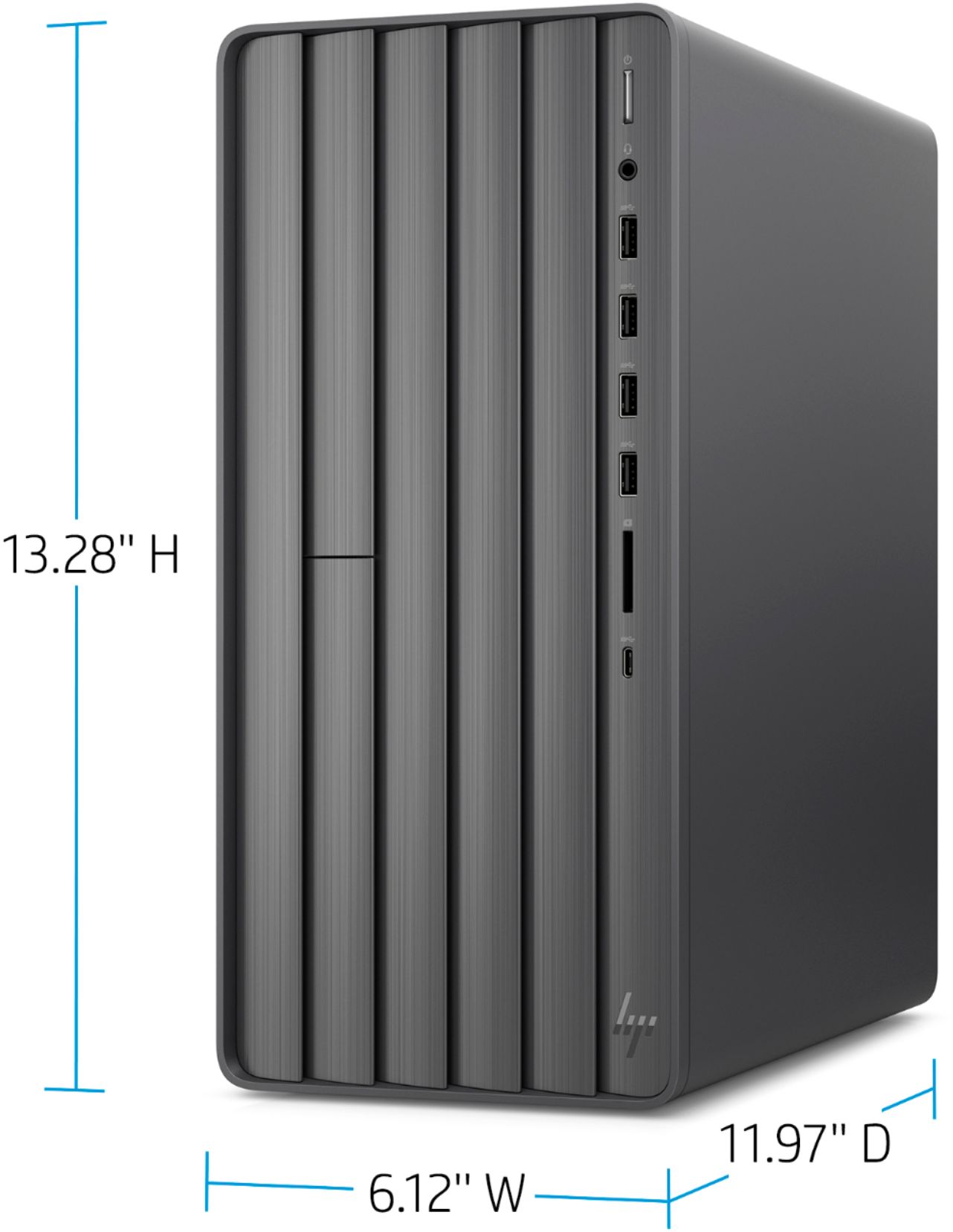
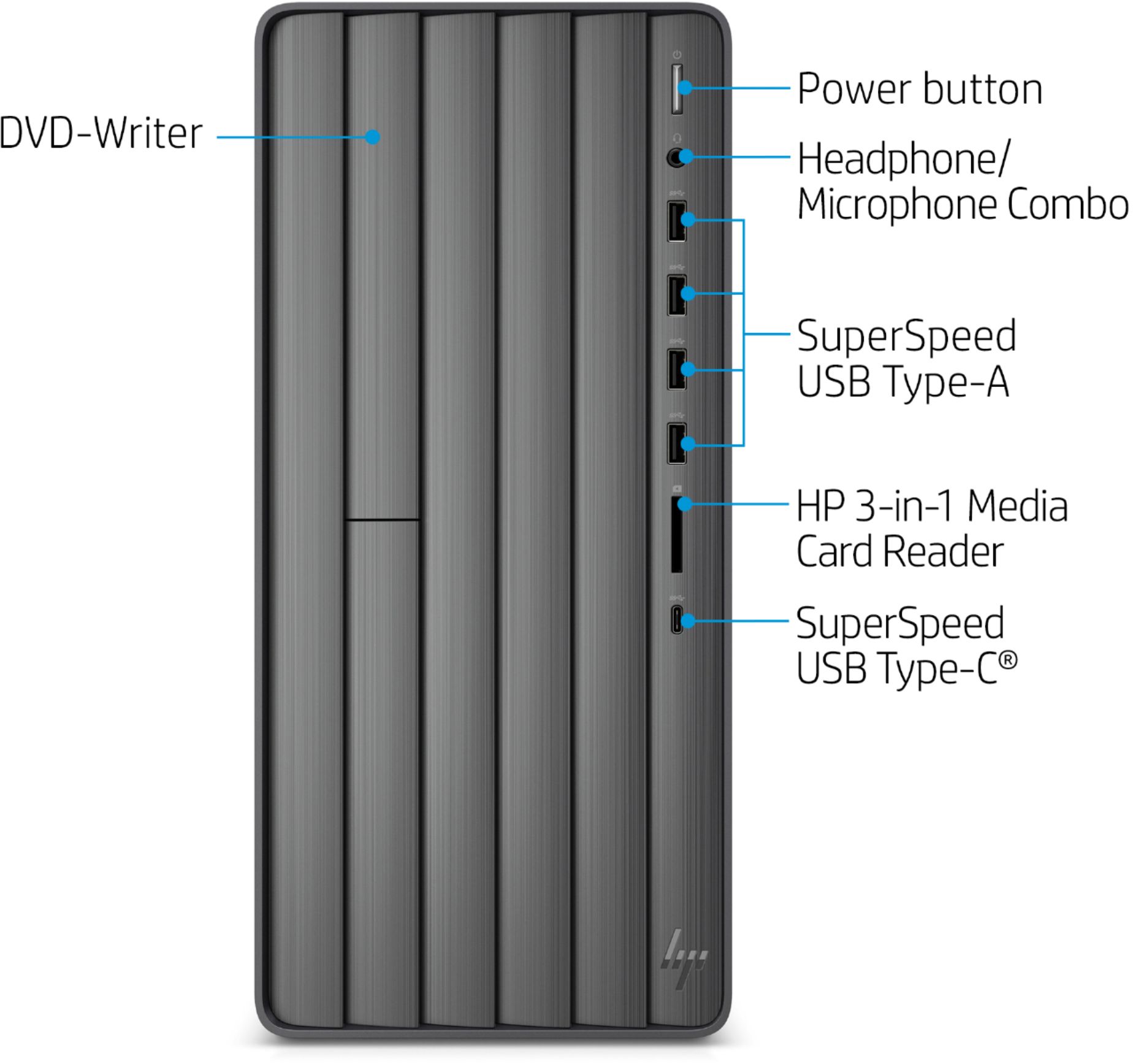
A:AnswerThe HP ENVY Desktop TE01-1134 has a 10th Generation Intel Core i7-10700 processor. It has 1 SuperSpeed USB Type-C 5Gbps signaling rate and 4 SuperSpeed USB Type-A 5Gbps signaling rate in the front. In the back it has 4 USB 2.0 Type-A ports.
A:AnswerYes, I just opened it up a moment ago for the first time, and there are additional sata connectors and an additional bay, but the PSU is not modular, and therefore does not have an additional power connector for another drive. The super odd thing about this computer is the fact that there are TWO drives installed already. Only one is advertised. There is an m.2 on the motherboard, and a 2.5" SSD in one of the two drive bays. I haven't torn it or apart or turned it on to see what exact drive is there yet, but it's absolutely bizarre that there is no mention of the second drive whatsoever.
A:AnswerYes you can. Here is the Memory upgrade information
Dual channel memory architecture (One DIMM per channel)
Two DDR4 UDIMM (288-pin) sockets
Supports up to PC4-23400 (DDR4-2933)
Supports up to 32 GB (unbuffered) with two 16 GB DIMMs on 64-bit systems
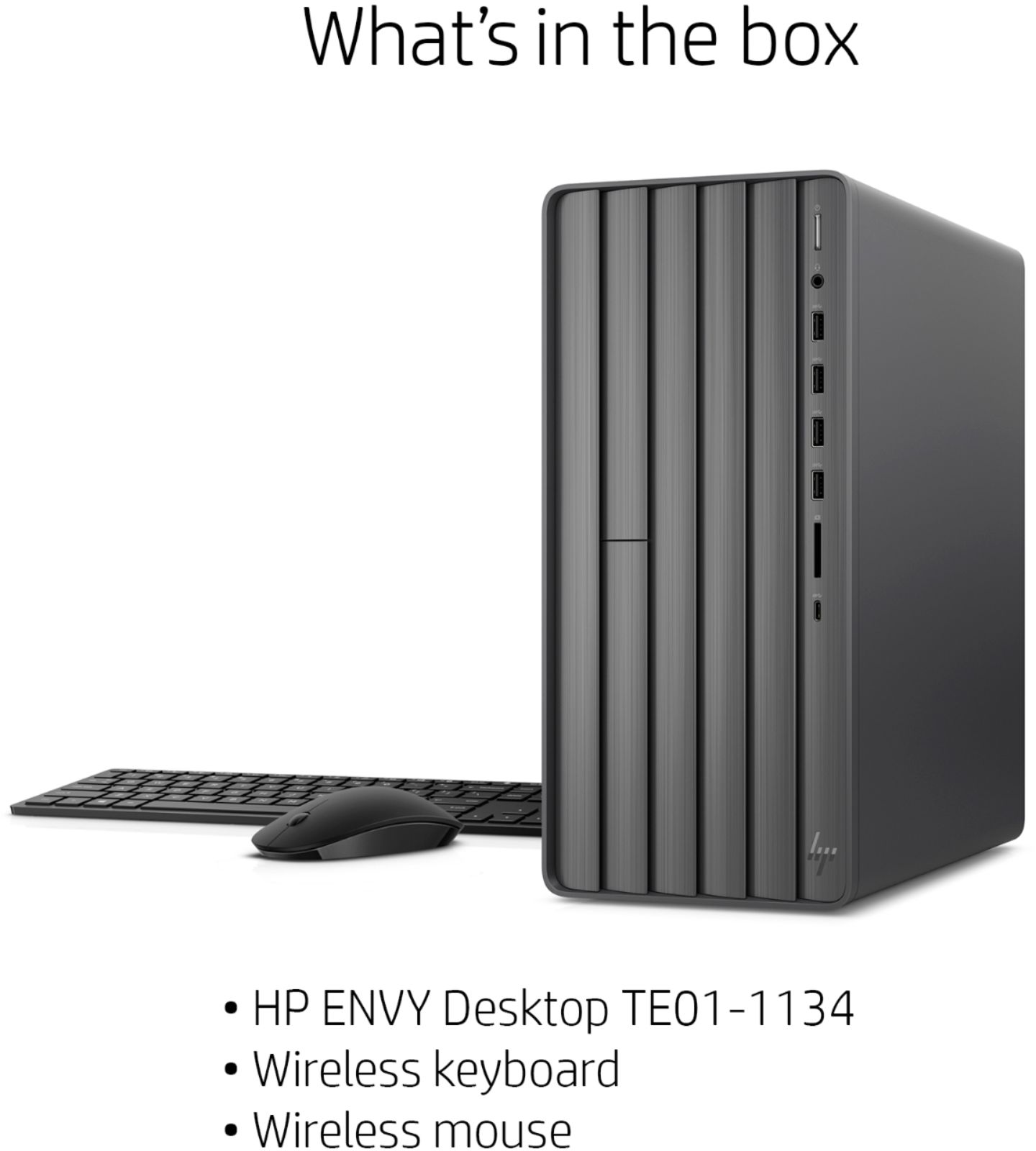
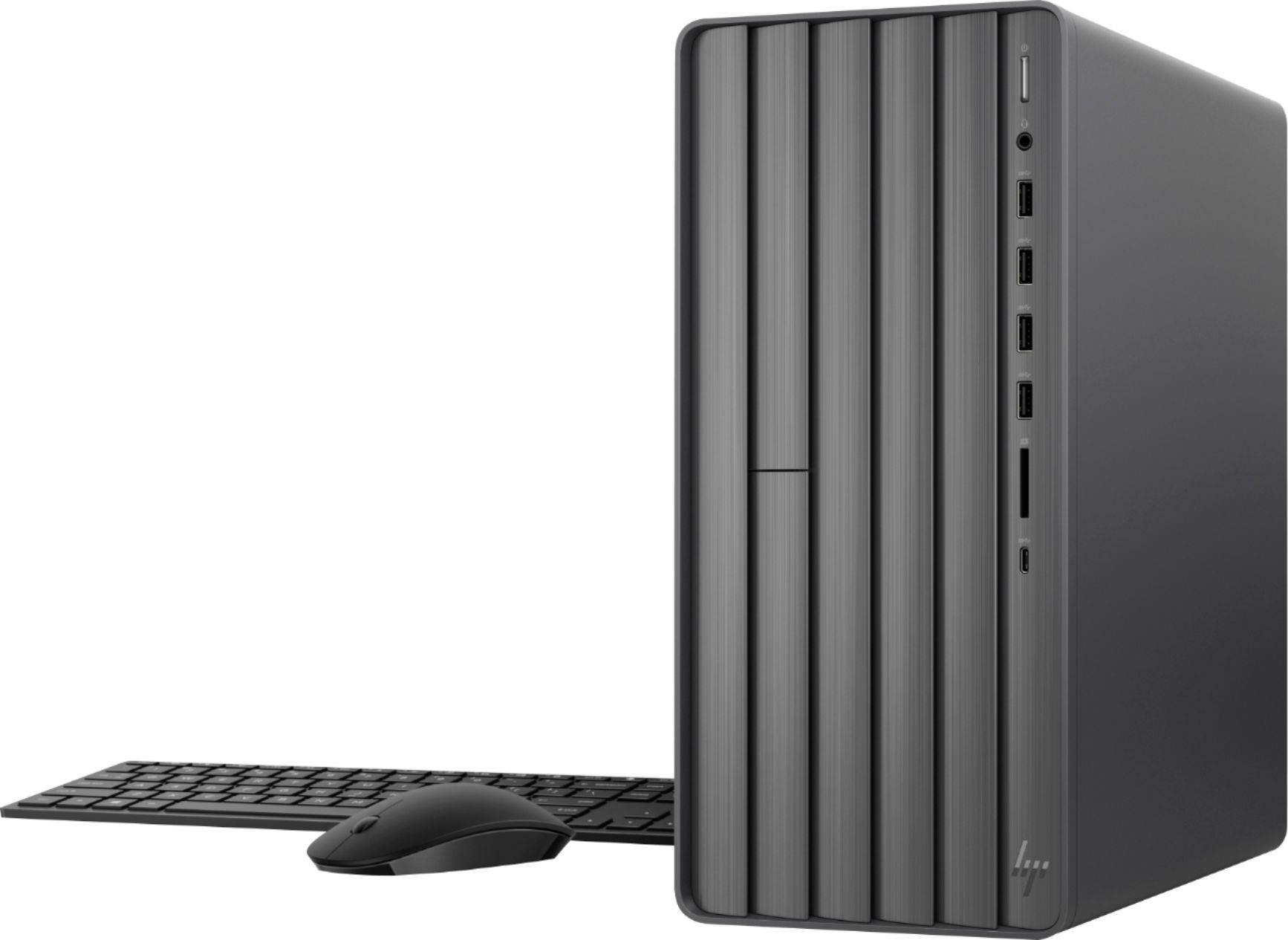
A:AnswerJust installed mine - (2) AAA in each (mouse and keyboard). They came with the accessories. How long they will last is a different story. I loved my wireless mouse on my previous computer until I got tired of putting in new batteries and finally I started using both a wired mouse and keyboard.
I'll add that the mouse is quite nice - hope the batteries don't turn out to be a pain.
A:AnswerI have had it for about 3 weeks now and download WOW super fast and plays very well. I have never been able to actually use good graphics in-game but now I can without sacrificing performance or load times. Also, load times are MUCH faster.
A:AnswerIt does have a drive to insert disks. Note* It is a crappy drive that does not open all the way (pops open an inch) and it does not have a Blu-Ray player so keep that in mind. I regret that part of the purchase.
A:AnswerAs soon as I bought this, before I even turned it on, I changed out the RAM TO 32gb and added an extra 2T internal hard drive. It works beautifully and has a lot of storage. To answer your question, yes it can be upgraded.
A:AnswerIt's got a nice fast processor and plenty of RAM. It would be fine for video editing. And while you could upgrade the graphics with a dedicated graphics car, you'll almost certainly have to upgrade the power supply as well, and unless you're doing really complicated effects, you're not going to see a huge improvement in performance.
A:AnswerThe computer has one HDMI port, but the Intel UHD Graphics 630 that are built into the motherboard will be able to drive a 4k monitor. It probably won't be able to drive two at that resolution. and the computer has built in dual band WiFi, so it can connect on either the 2.4 GHz or 5 GHz wifi band.
A:AnswerHi Remote123, thank you for the question. Yes, you can connect three monitors, however, you'll need to use adapters and connect them through the numerous USB ports, as there is just one HDMI port onboard.
A:AnswerYou can. The stock SSD is an M2 PCIe device (m2-2280). If your drive is of the same configuration you should be able to swap it out. I have 3 SSDs in mine for a total of 5TB storage. Transferring Windows to another drive requires that you obtain transfer software and a physical method of connecting the replacement drive to a USB port. It takes time, and is not cheap.