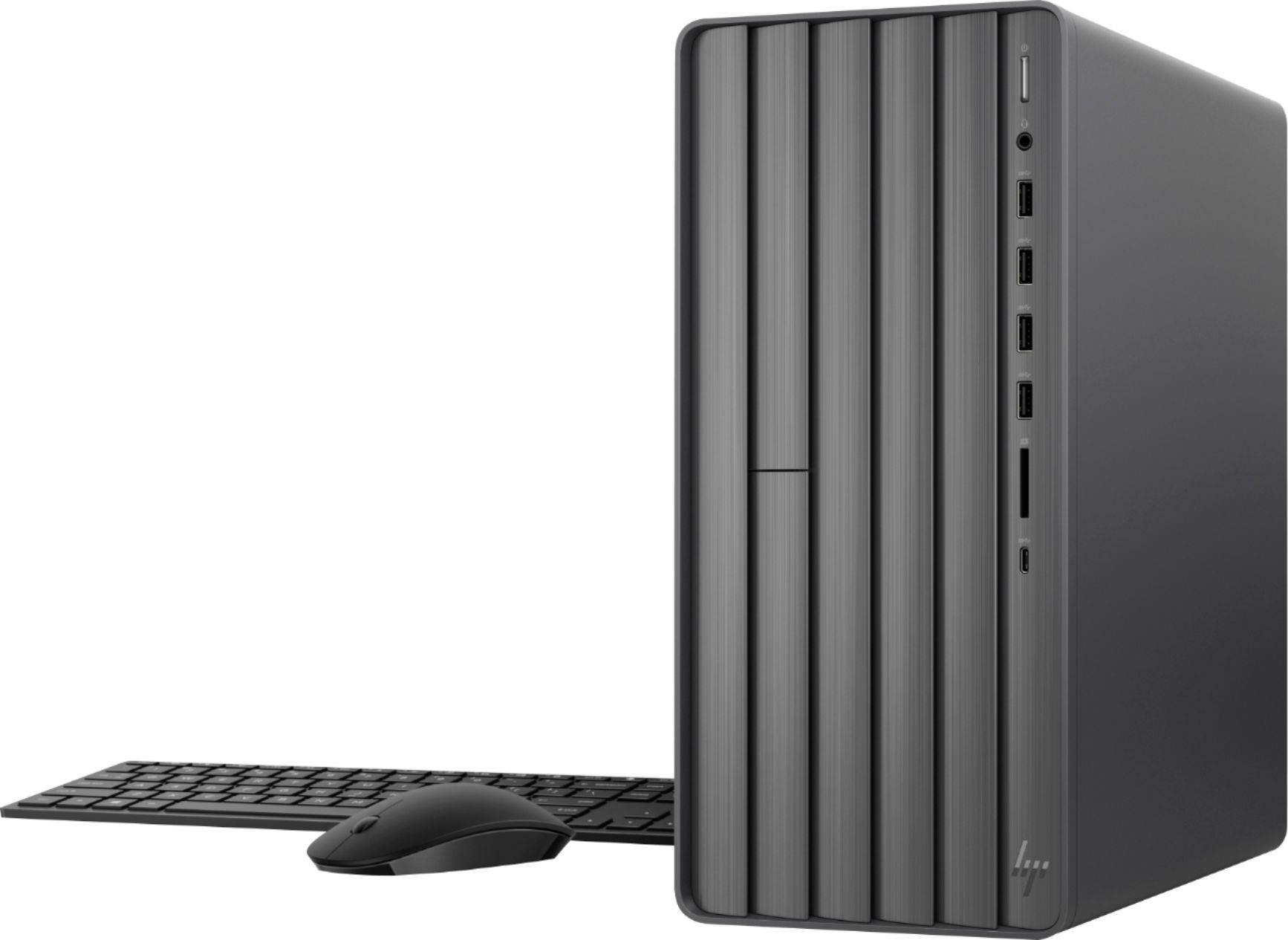
A:AnswerBecause this is a desktop computer, the only battery is has is the one that powers the internal clock, and that should last 8-10 years. To actually use the computer, it has to be plugged into an electrical socket like any desktop.
A:AnswerHi again, Saul. The Envy TE01-1134 desktop has an Intel HD 630 graphics card. The base frequency is 350MHz. The maximum resolution is 4096 x 2304@60Hz.
A:AnswerBrand new out of the box my keyboard would register multiple strikes of the same key ( resulting in liiiines likeeee this). A replacement solved that. A few days later I started having a system lockup problem. They tried to adjust the BIOS remotely but it didn't work so it was sent in for repair. I got it back last week and as of today, the computer has been on continuously for five days with no problems. Before repair, it would lockup every one to two hours on average. According to the receipt a driver was updated or reloaded, an ASSY MBD BAKER was replaced and they performed extensive testing. I have to say that despite the problems I am very pleased with this system including the keyboard which feels solid.
A:AnswerHere are the HP spec sheets for the Pavilion and the Envy. As you can see the specs for the Pavilion are the ones that Best Buy is advertising as an Envy.
https://support.hp.com/us-en/document/c06783793
https://support.hp.com/us-en/document/c06443577
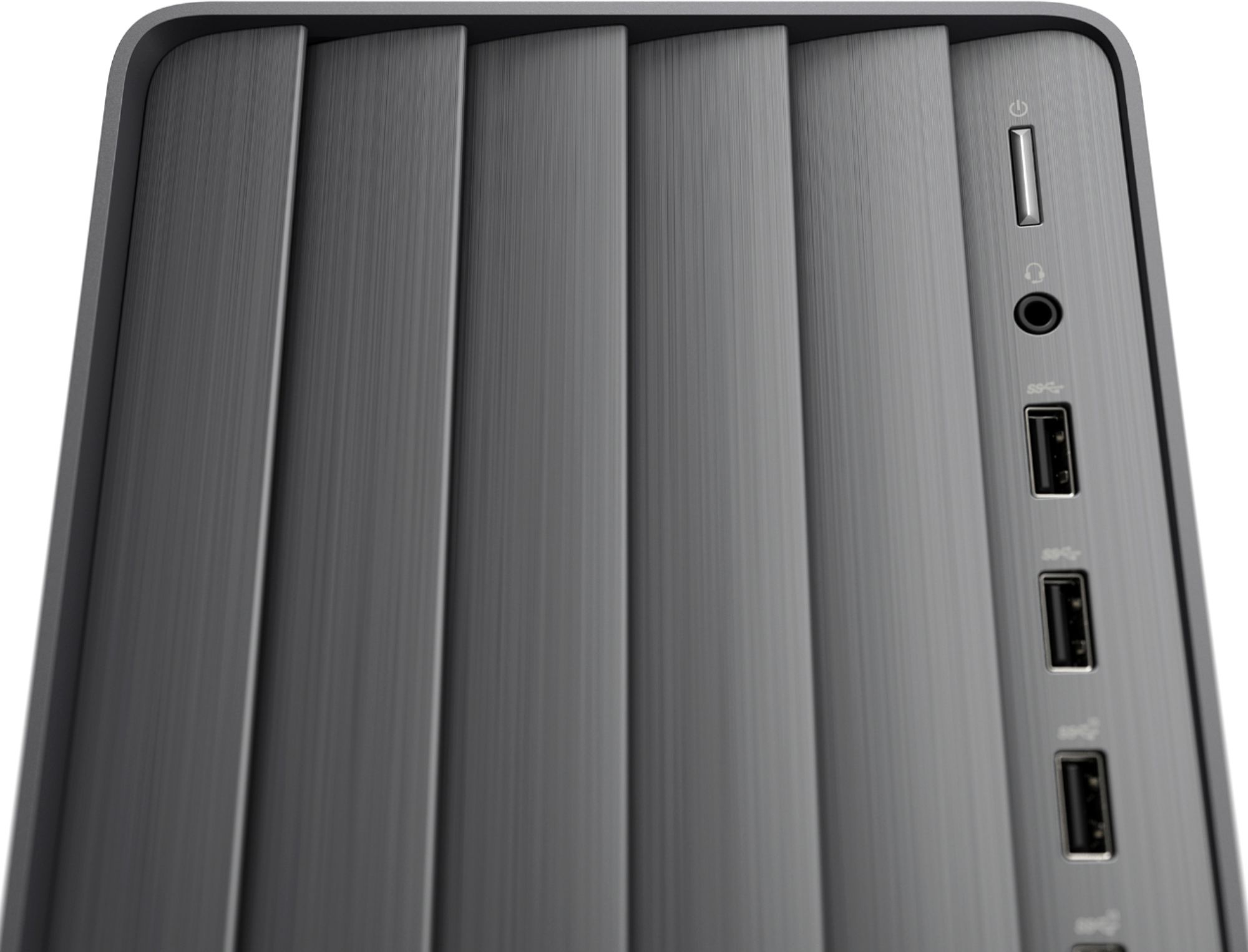
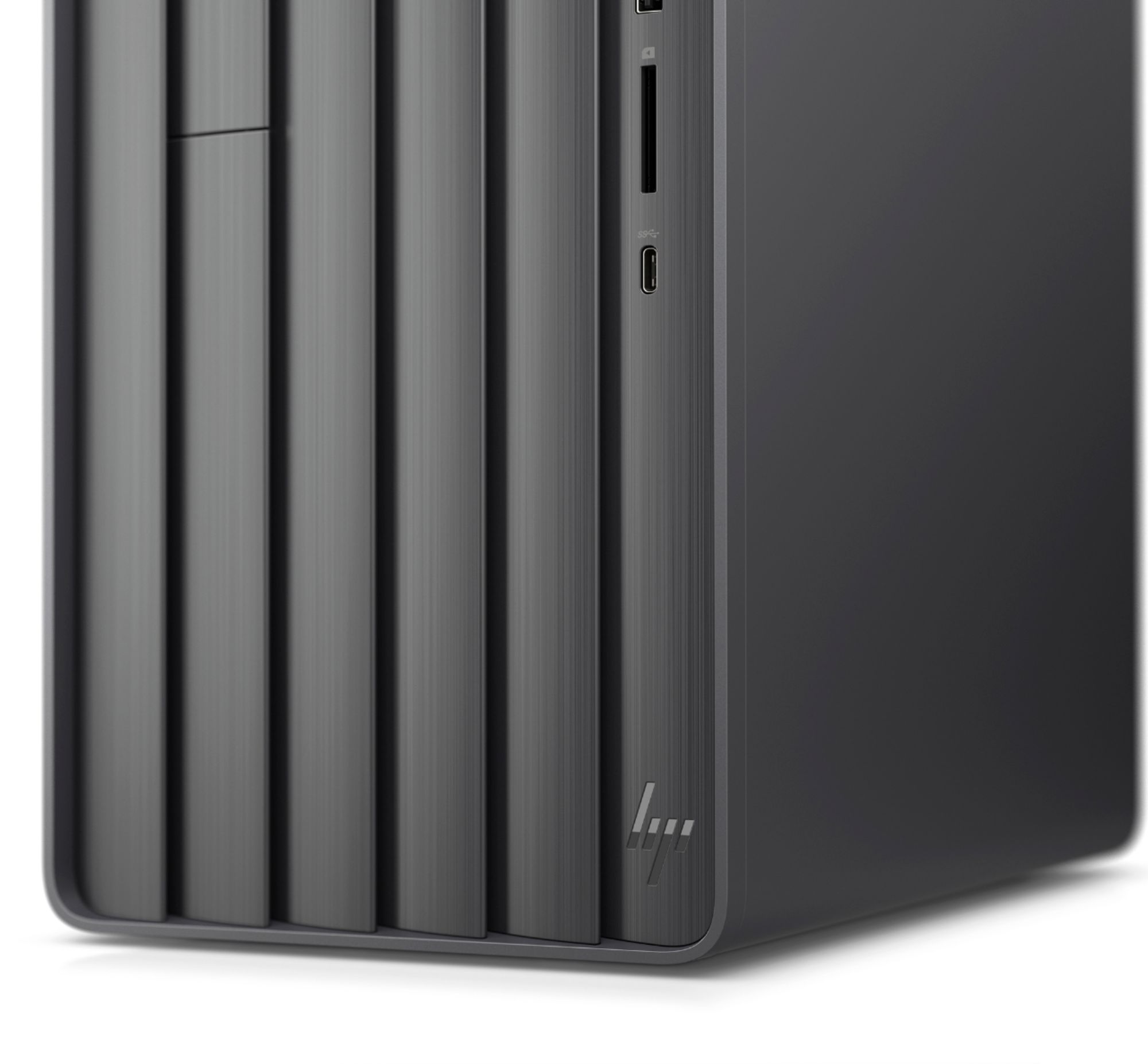
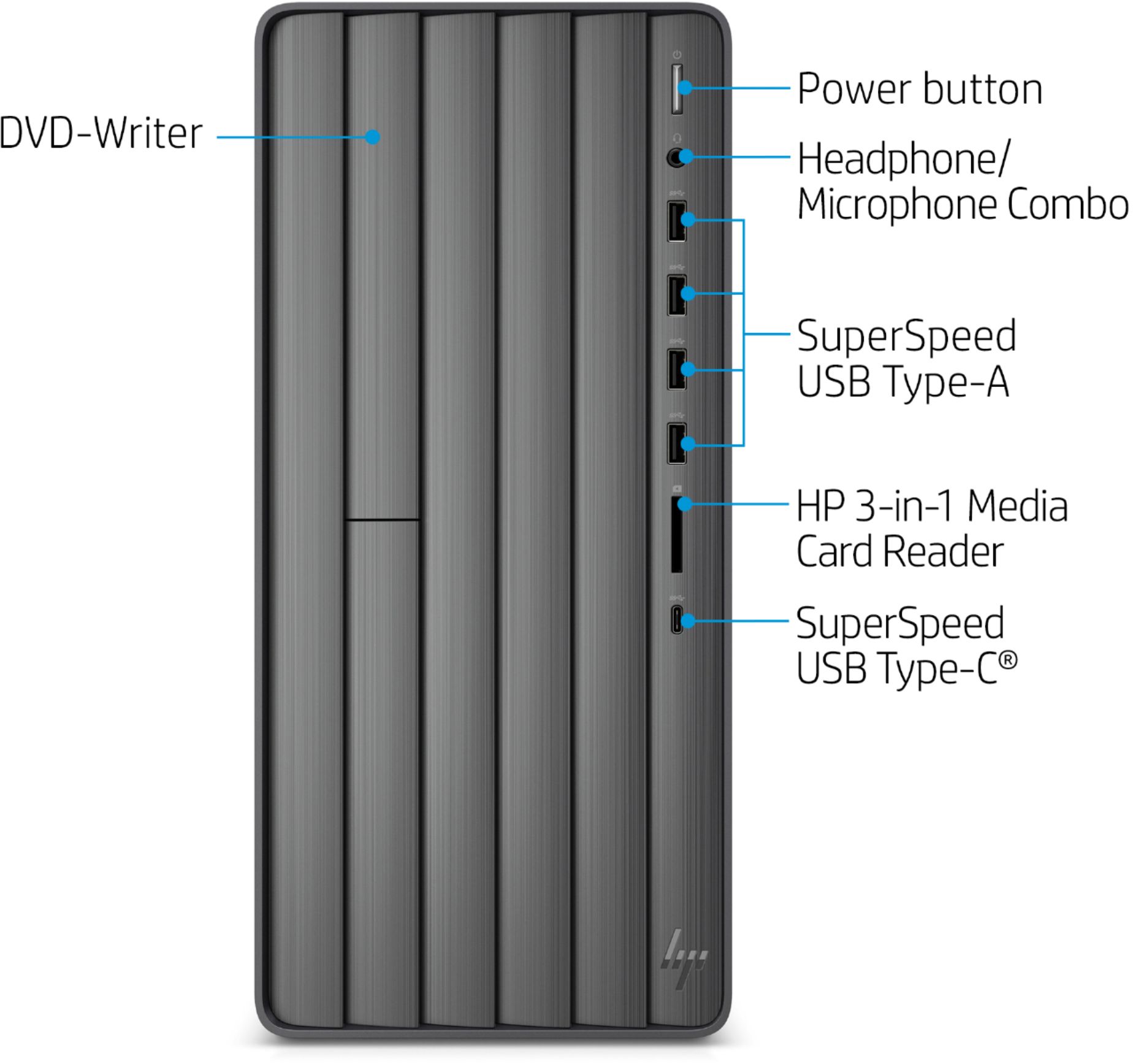
A:AnswerHi Jeffc. I am attaching a link to the specs for the HP Envy Desktop model # TE01-1134. You can click on the Motherboard Specifications link and see the I/O ports on the front and back of the system as well as upgrade information:
https://support.hp.com/us-en/document/c06783793
A:AnswerModern HP laptops all have built-in webcams and microphones. The HP All-in-One Desktop PC's have built-in webcams and microphones. For a desktop, most Monitors doe not have built-in webcams, so I suggest a USB external Webcam/Microphone Combo. Here is an example of one:
https://www.bestbuy.com/site/logitech-hd-webcam-c270-black/9928354.p?skuId=9928354
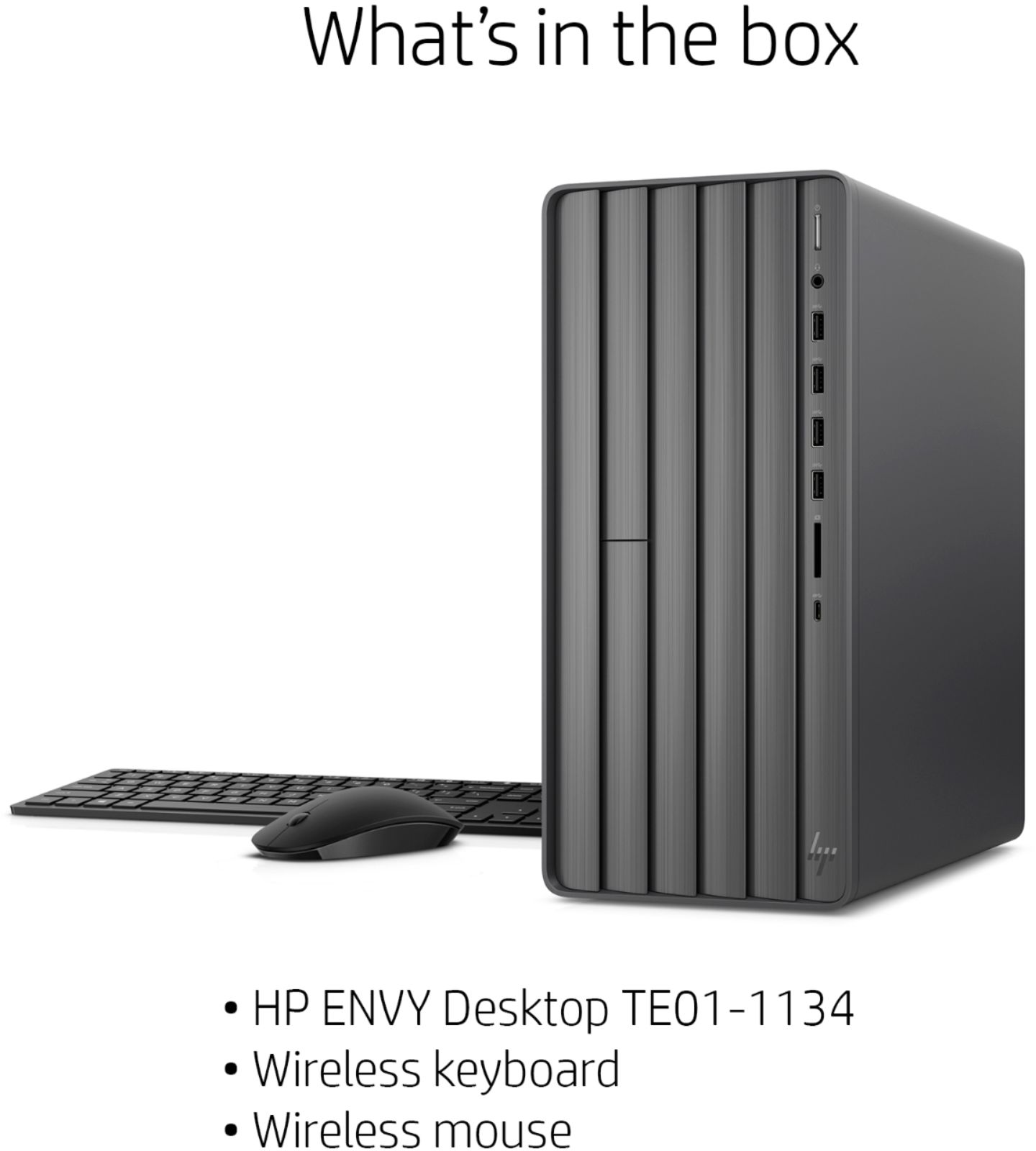
A:AnswerThe keyboard and mouse are supposed to be wireless. It should have came with a small button plug that goes into one of the USB ports and controls both the pieces. If you didn't get the piece that plugs in, you may have to get a different keyboard and mouse.
A:AnswerThe HP Envy Desktop has the following slots available:
Two M.2 expansion slots (1 x PCIe x16 and 1 x PCIe x1)
One M.2 socket 1, Key A
One M.2 socket 3, Key M, (2280/2242)
You should be able to add Optane to the M.2 socket 3, Key M slot.