A:AnswerJoanne, thank you for your interest in HP printers! HP printers require Mac OS 10.14 or later to run, which means this printer is unable to run on your existing computer. One option is to update your Apple desktop computer to that version or later or purchase a new system.
A:AnswerDo NOT use Win 8 on the internet. It is no longer supported by msft which means that every time they have a security update (ahem, monthly) YOU DON'T GET IT!!! And, the bad actors know all about the vulnerability because it was detailed in horrifying detail when the update was released. I mean, unless you WANT your credit card, SS#, phone number, contact list etcetcetc shared with scammers and crooks of all stripes....
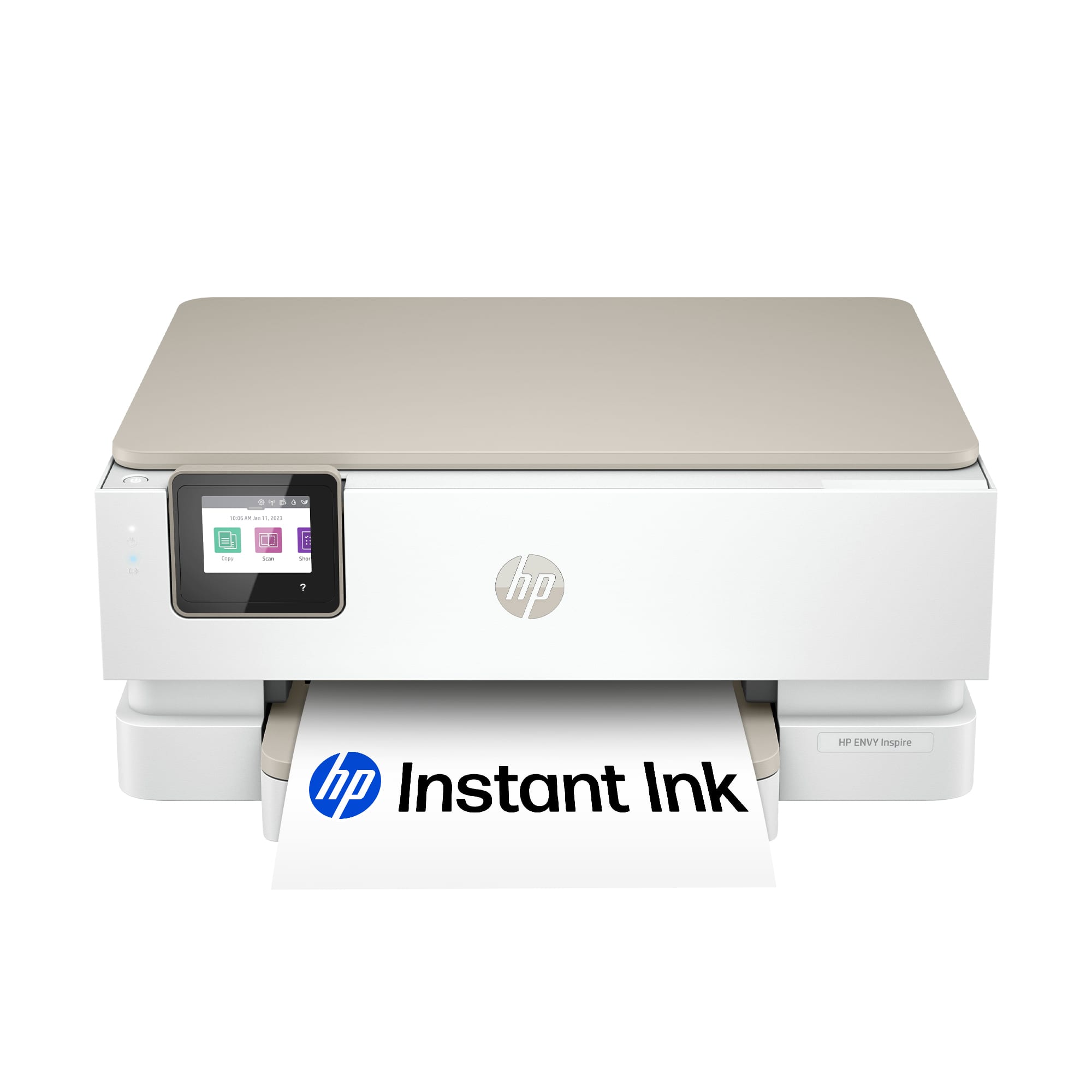
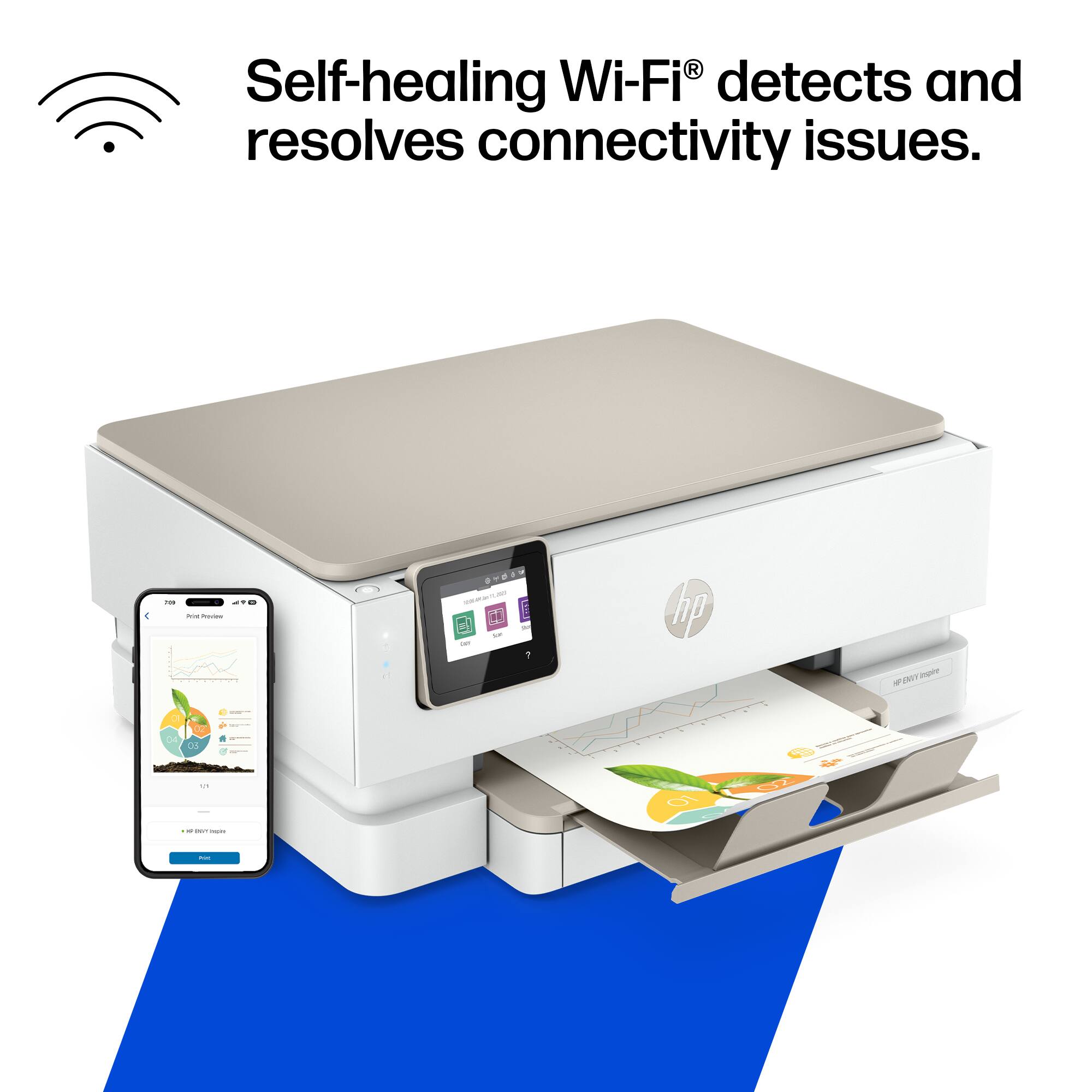
A:AnswerYou should be able to use this with both the IPad and iPhone however I would recommend that you check with HP to make sure that this is compatible with them both.

A:AnswerThank you for the question. The Envy Inspire 7255e is compatible with macOS v10.14 Mojave (or later). Your old printer may not be compatible with your new printer, but we'd need more information. Try updating the Envy Photo 6255 print drivers or using the HP or Apple Universal print drivers.
A:AnswerThank you for the question. We're not sure what the problem should be. Please reach out to Support.HP.com or call 800-474-6836 if you need help.