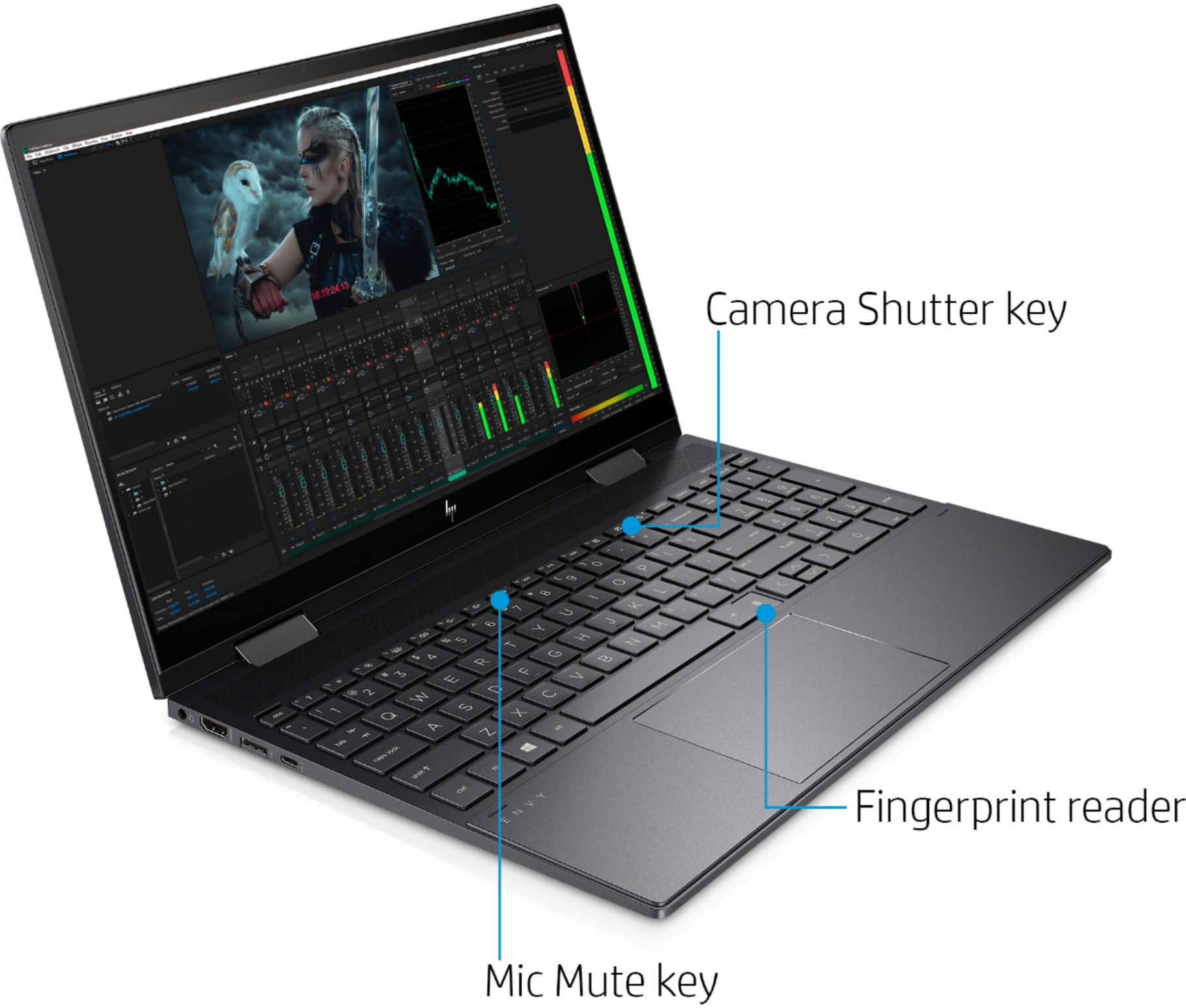
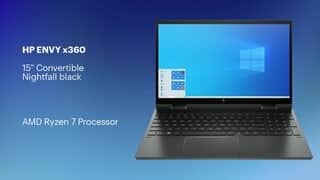
A:AnswerThe memory can be upgraded up to 32GB with two SO-DIMM sticks. HP seems to keep saying the max is 16 but plenty of others including myself have used 32 gig sets. For the windows hello question, it supports Windows Hello Fingerprint. It doesn't support windows hello facial recognition.
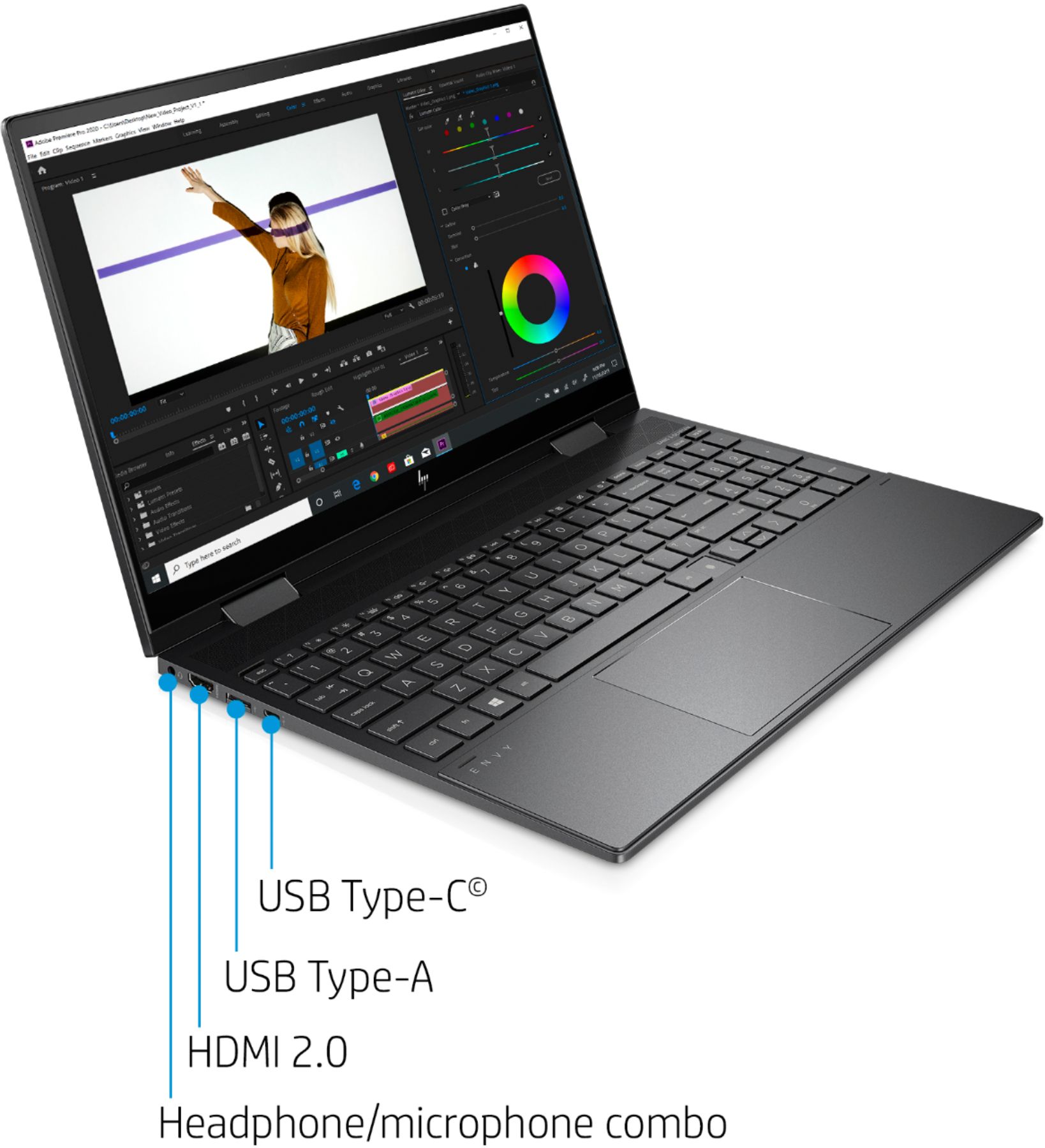
A:AnswerNo it does not. It does, however, have Wifi 6, the newest AX wifi standard. It also has a USB C port and there are a plethora of available extensions that will add slots and an ethernet slot.
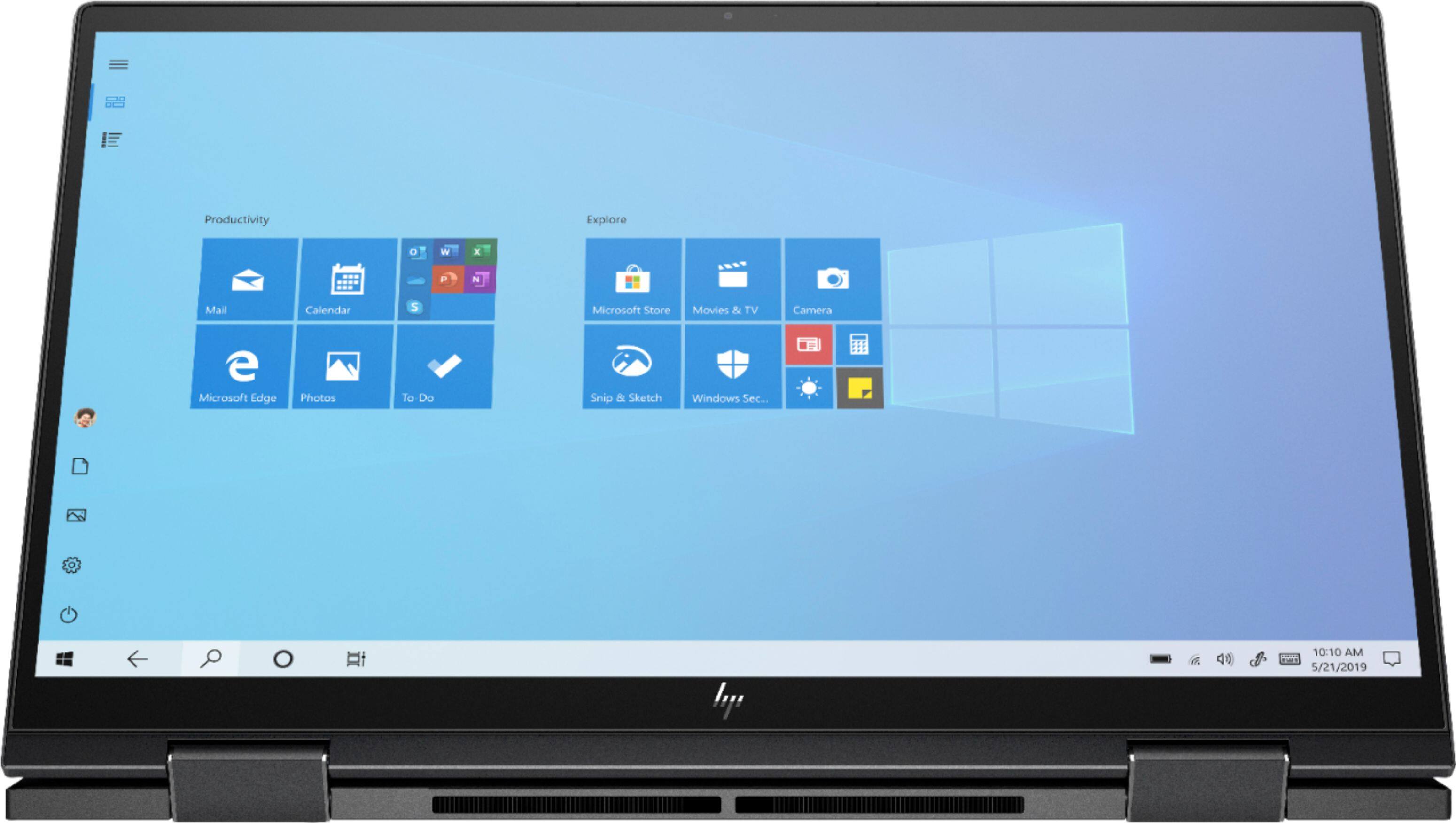
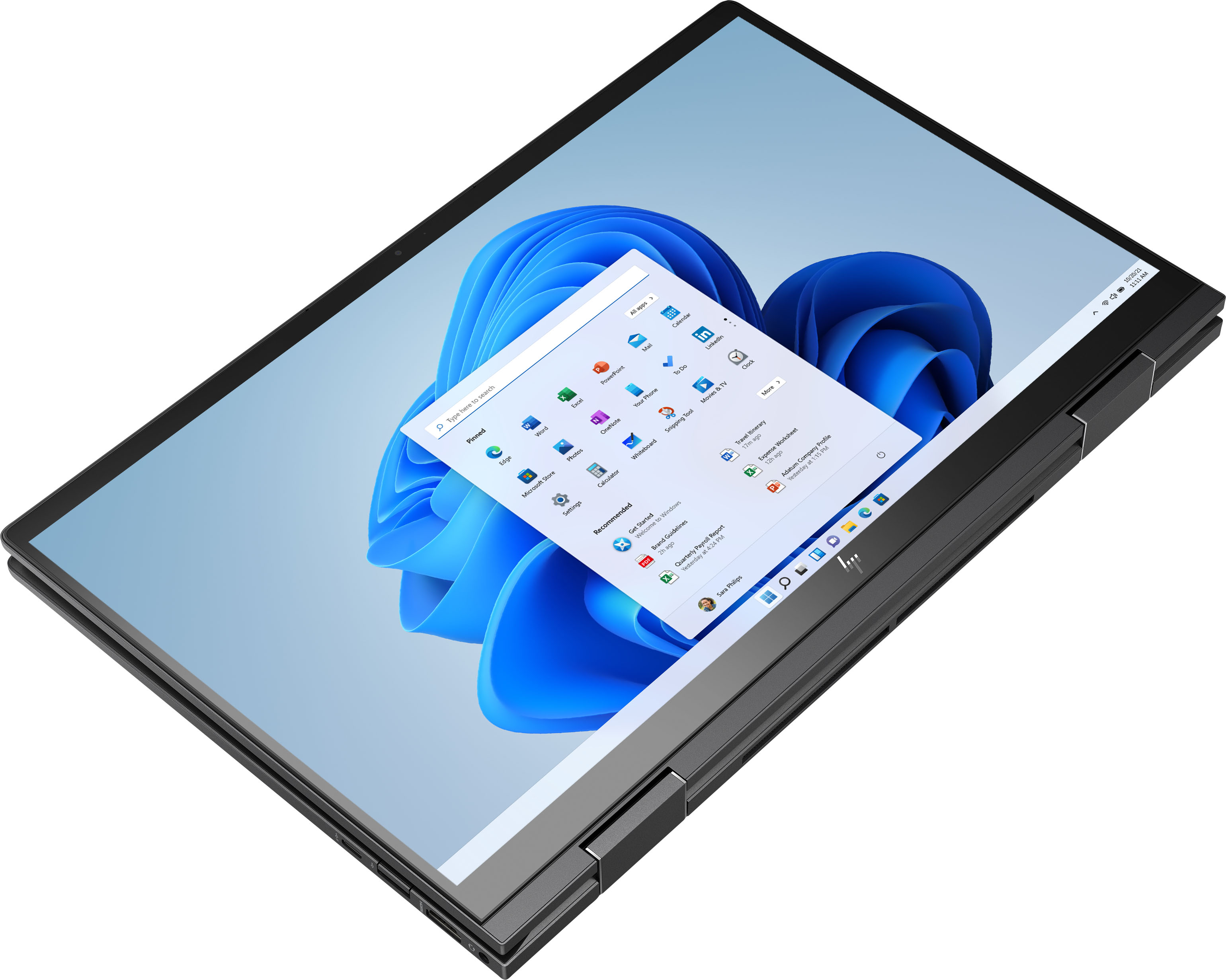
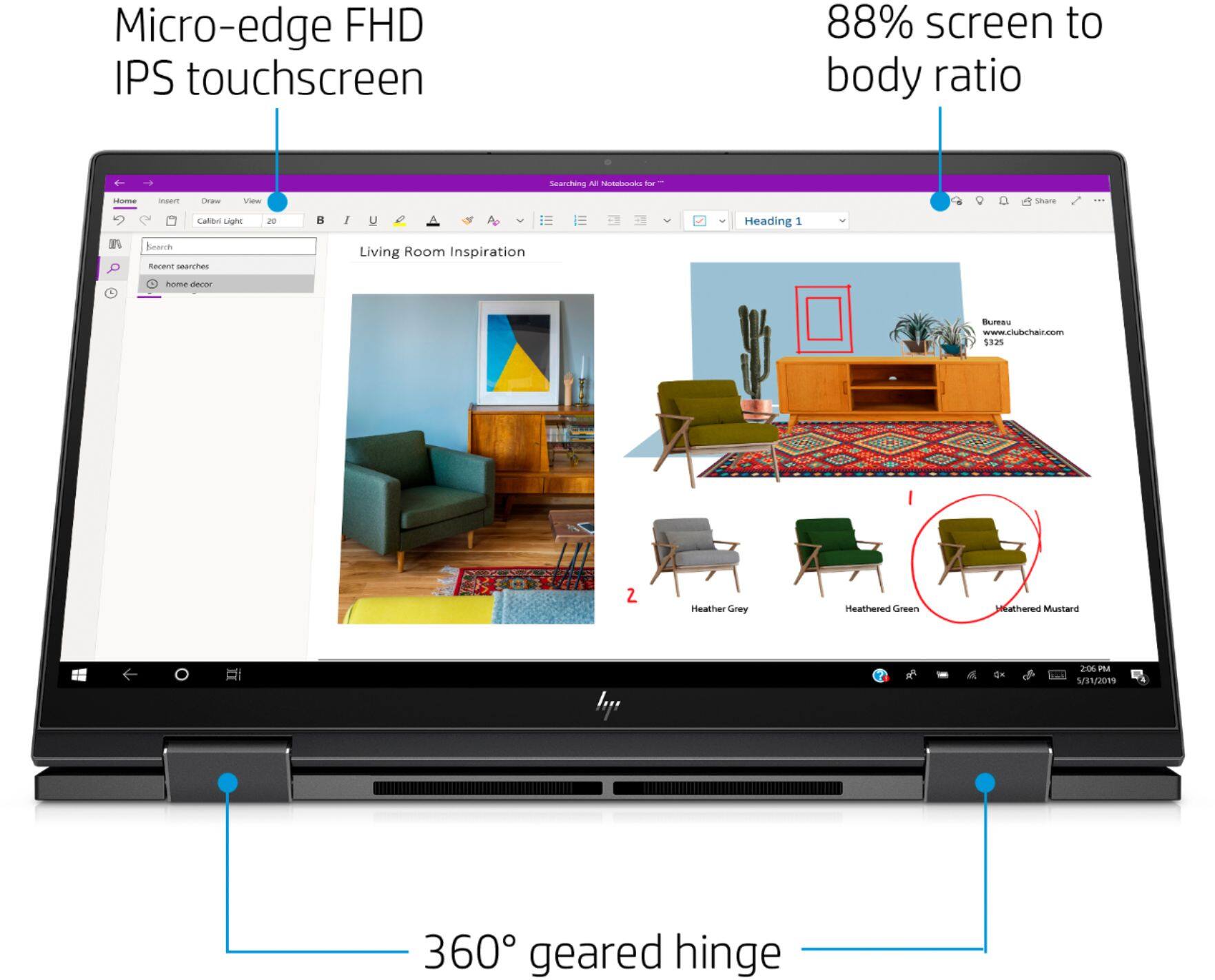
A:AnswerThe only power button as well as volume control is the one on the keyboard. It gets annoying if I put it in tablet mode as I have to control volume and power thru windows or fold the laptop, but it's not a deal breaker for me personally.
A:AnswerThis laptop will come with a one-year manufacturer's warranty for the hardware and 90-day phone tech support for the software. This does not cover accidental damage or damage as a result of a power outage/surge. For further details, this link covers the Warranty and Support guidelines: http://h10032.www1.hp.com/ctg/Manual/c00747726.pdf
A:AnswerHad the same issue with this model last week. Going to ‘Check Updates’, installing the latest software, and restarting the computer afterwards fixed it for me.
A:AnswerIt has enough storage space for those games, but this is not a gaming laptop. It will not work for playing those games with anything higher than minimum graphics settings.
A:AnswerI don't know the exact metal but the whole body is metal (I believe aluminum.) The trackpad is plastic but in my opinion it's as good as my glass trackpad on my last 2 laptops. The screen is also glass.
A:AnswerThe serial number will be on the tag on the bottom of the computer. You should be able to also use the control panel in Windows to find it. But it's easiest to just flip the computer over and look for the tag.