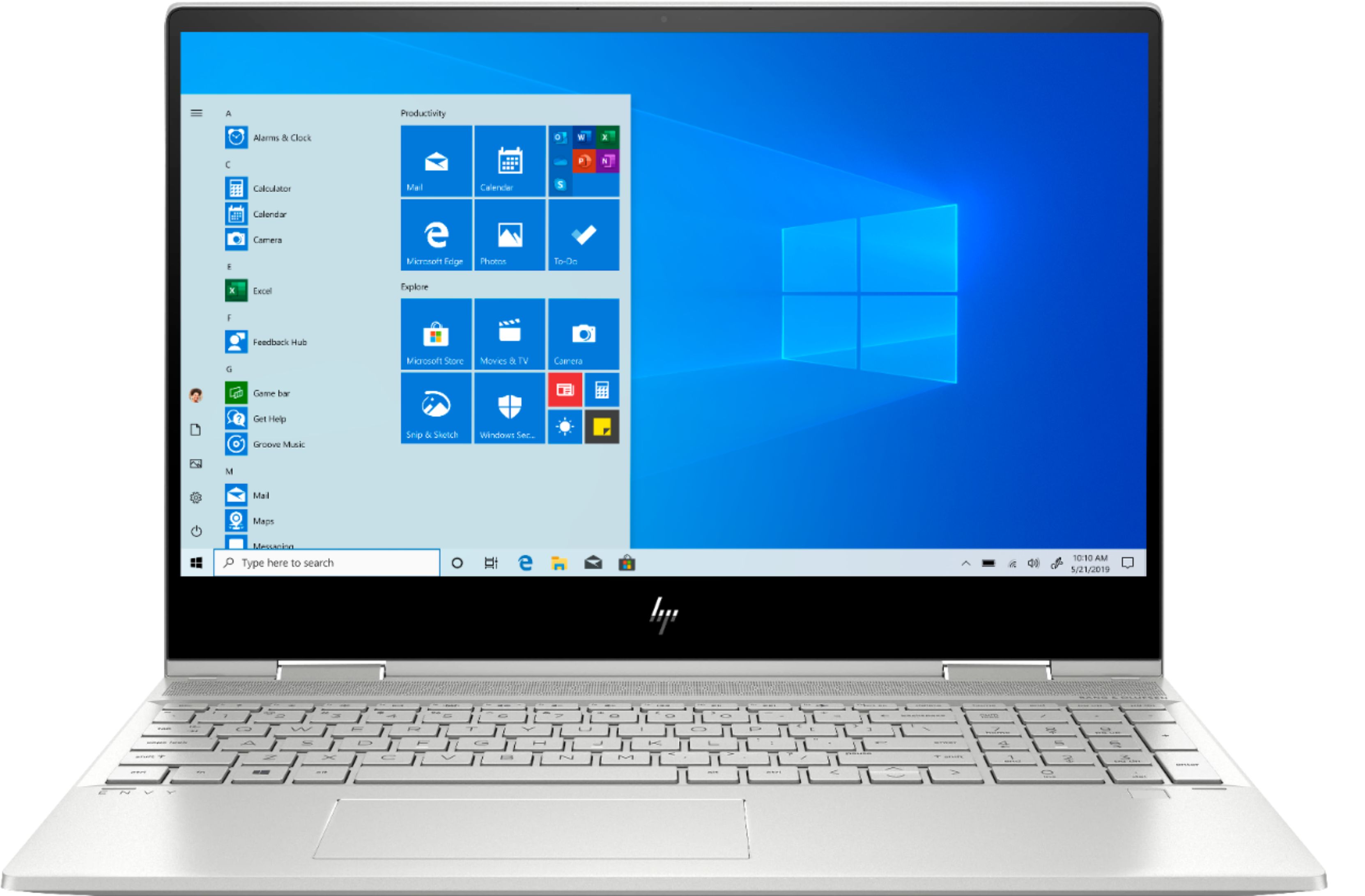
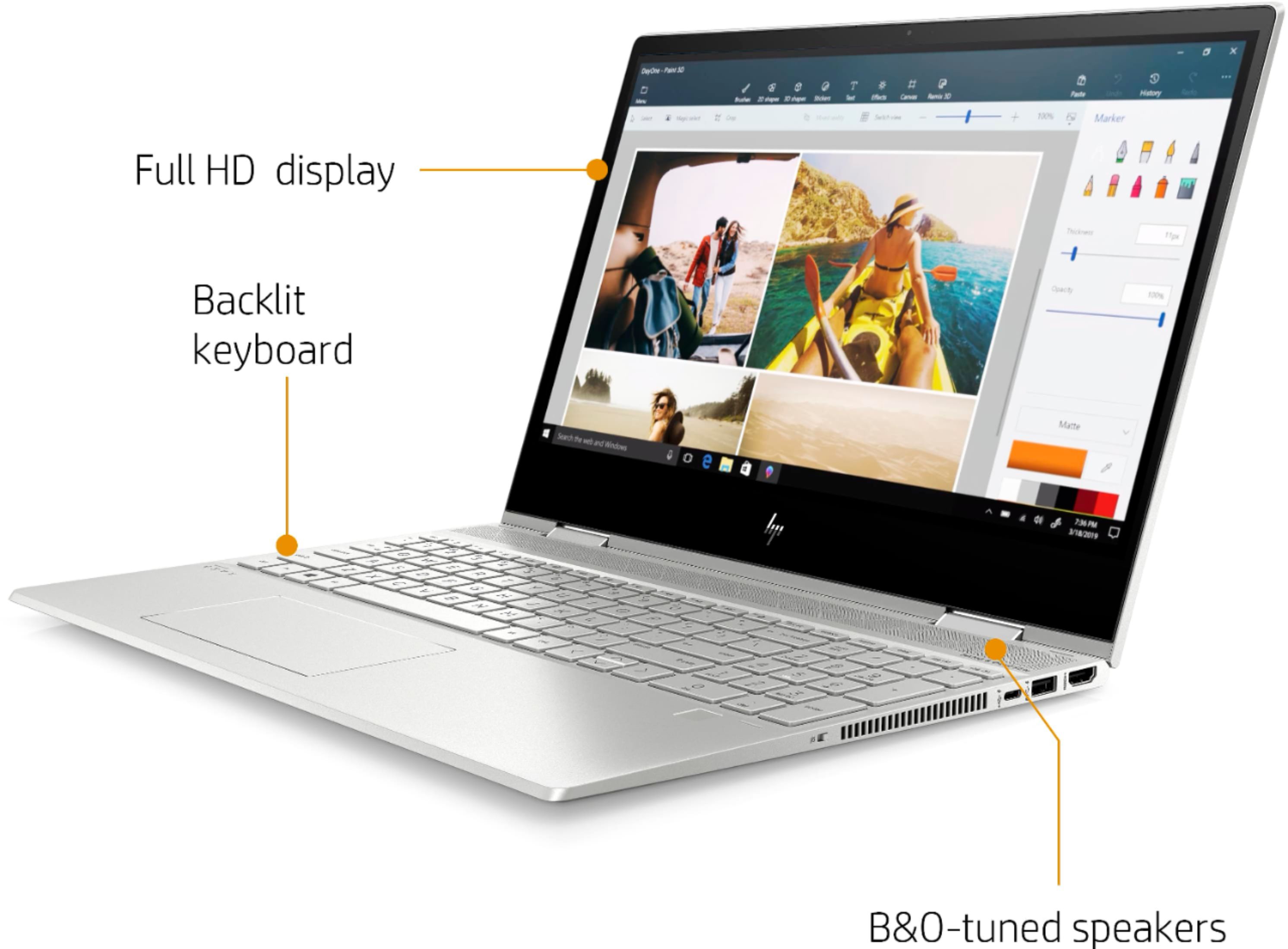
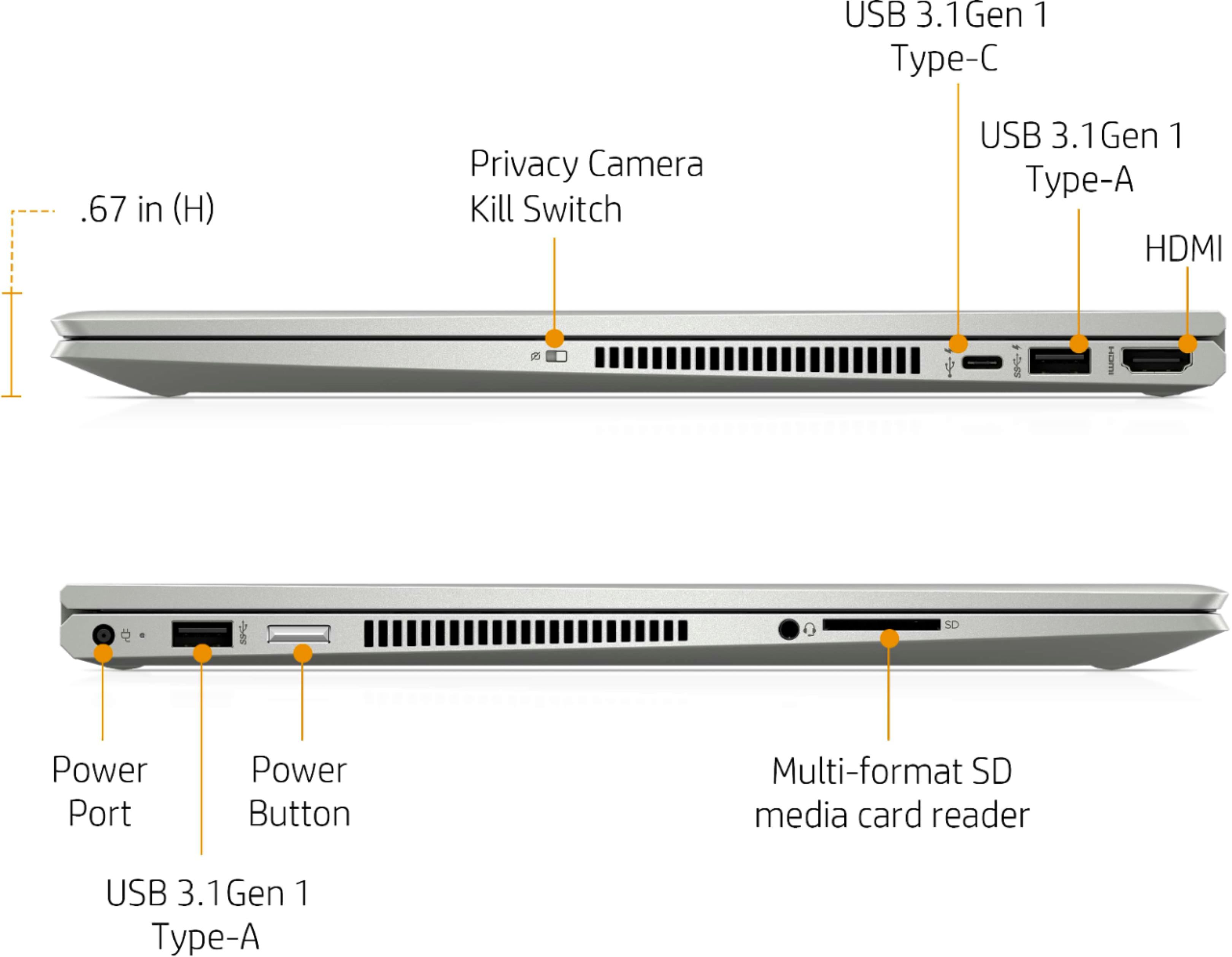
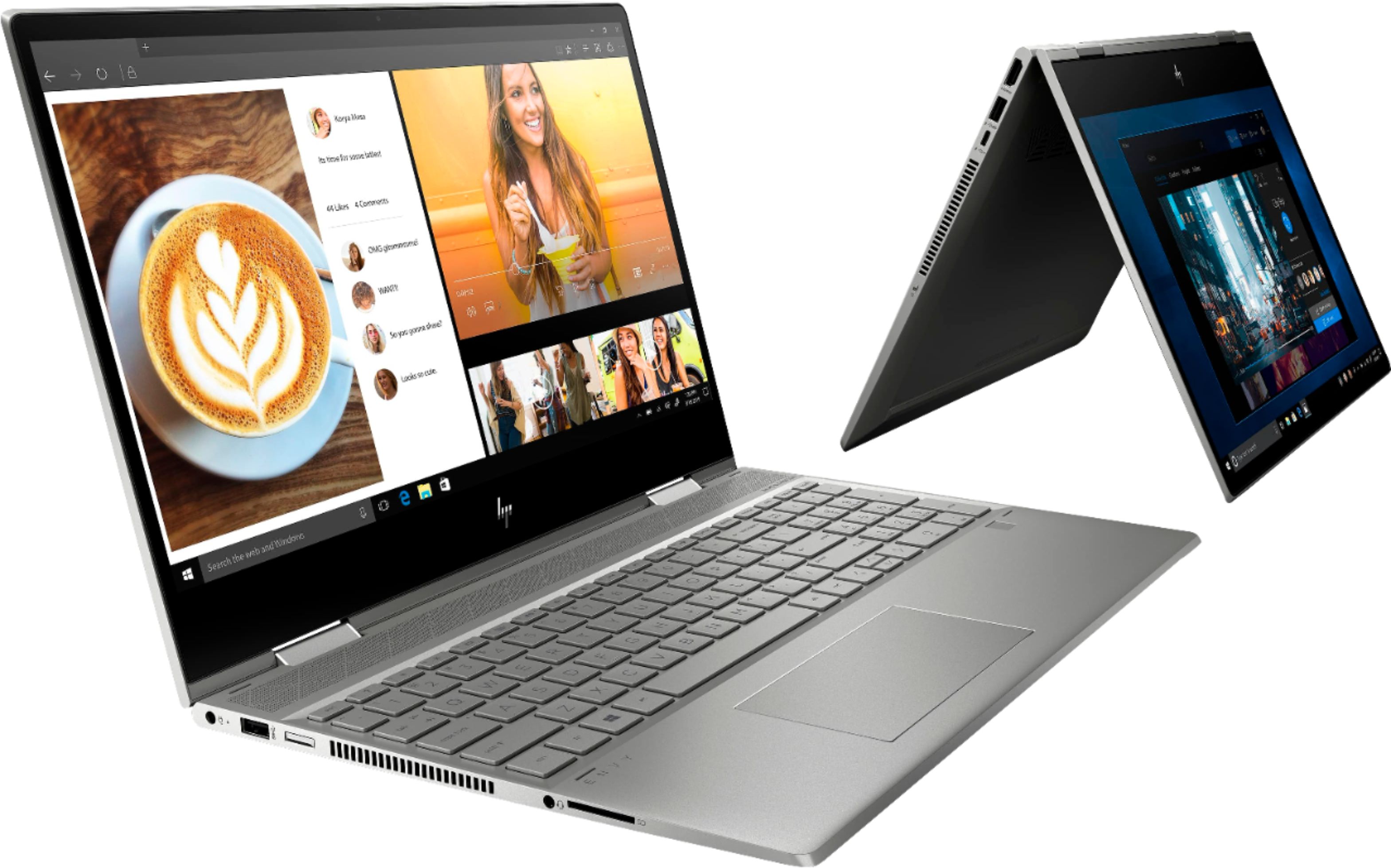
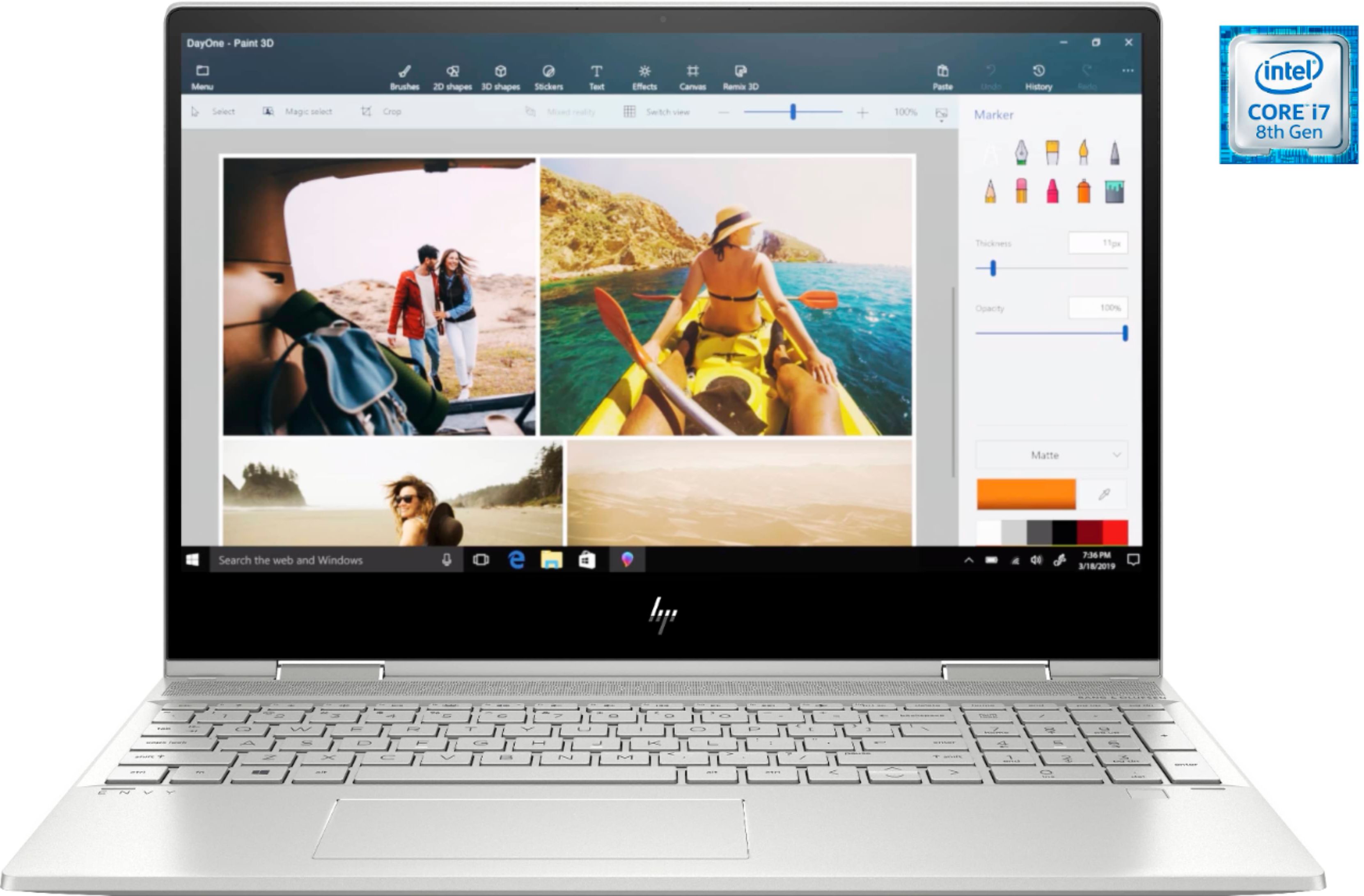
A:AnswerThis laptop does have a QWERTY keyboard. I would recommend reaching out to the customer service team at Best Buy in regards to shipping to France.
A:AnswerNo, this laptop cannot handle Solidworks. According to their system requirements page, they are recommending a Processor: 3.3 GHz or higher clock speed, Memory: 32GB (16GB minimum) and a discrete graphics card. Here are the system requirements: https://www.solidworks.com/sw/support/SystemRequirements.html
A:AnswerSo far, I've downloaded Office 2019, full version. It was installed and running in under 10 minutes. I routinely use Word, Excel, and Outlook at the same time. No issues so far.
A:AnswerI am not into games but I would expect it will run games as well as any typical laptop. Most games work better with a dedicated high speed graphics coprocessor made specifically designed for games.
A:AnswerROM (which is Read Only Memory) is soldered to the motherboard and not expandable. The RAM can be expanded from the current 12 gigabytes up to 16.
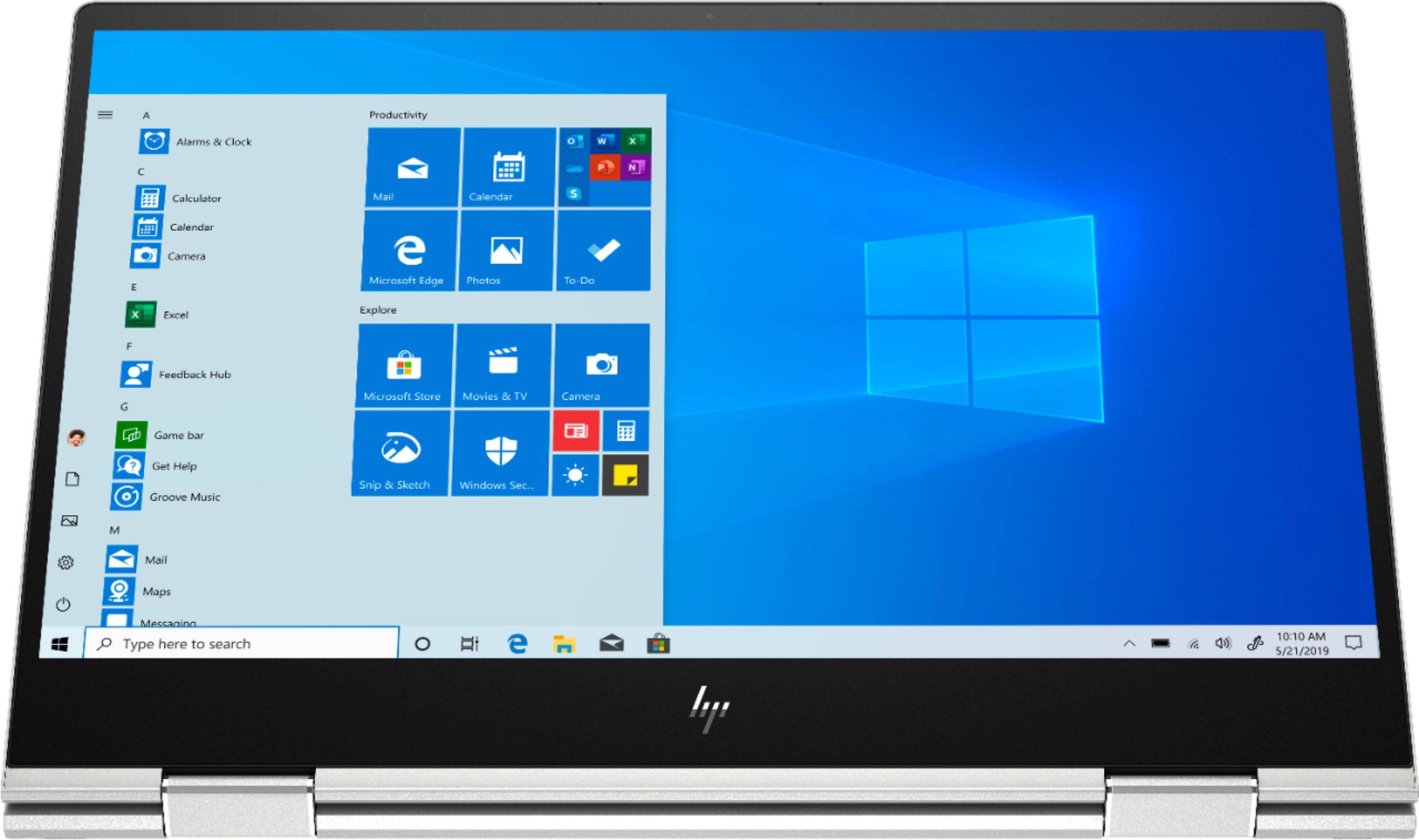
A:AnswerIt does not, just a simple first steps to connect it to power and push ON button, the windows 10 interface guides you thought the hole set up process, don’t need anything else, If you’re not a Microsoft user yet don’t need a Microsoft/outlook account to set the computer up, you can skip the step where this is required and do it later (to set a password for your computer), on the other hand, if you already have a Microsoft account, it makes the process in one straight shot.
A:AnswerIn order to access the motherboard of this laptop, you have to take the bottom cover off. That requires removing the screws and taking the cover off.