A:AnswerYou should get excellent performance with your WiFi connection. The computer has built in WiFi 6 (that's the newest standard right now) and is capable of connecting on either the 2.4 GHz or 5 GHz WiFi band.
A:AnswerThanks HP team for the answer but I brought a new machine which started showing WiFi connectivity issue on Day 1. Using an alternative method is not a good choice for a brand new machine. Any help further over this will be appreciated.
A:AnswerThis will come with a one-year manufacturer's warranty for the hardware and 90-day phone tech support for the software. This does not cover accidental damage or damage as a result of a power outage/surge. For further details, this link covers the Warranty and Support guidelines: http://h10032.www1.hp.com/ctg/Manual/c00747726.pdf

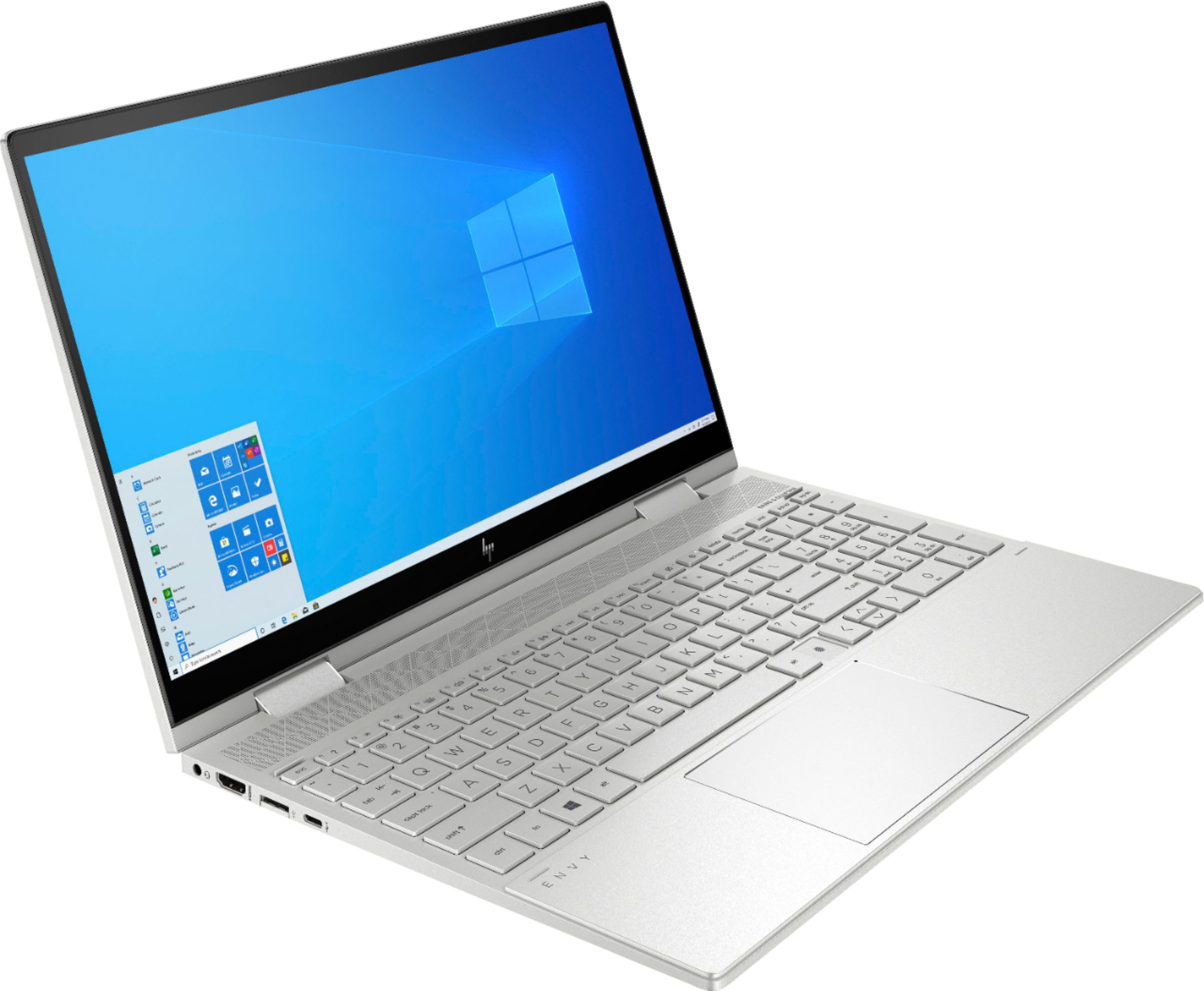
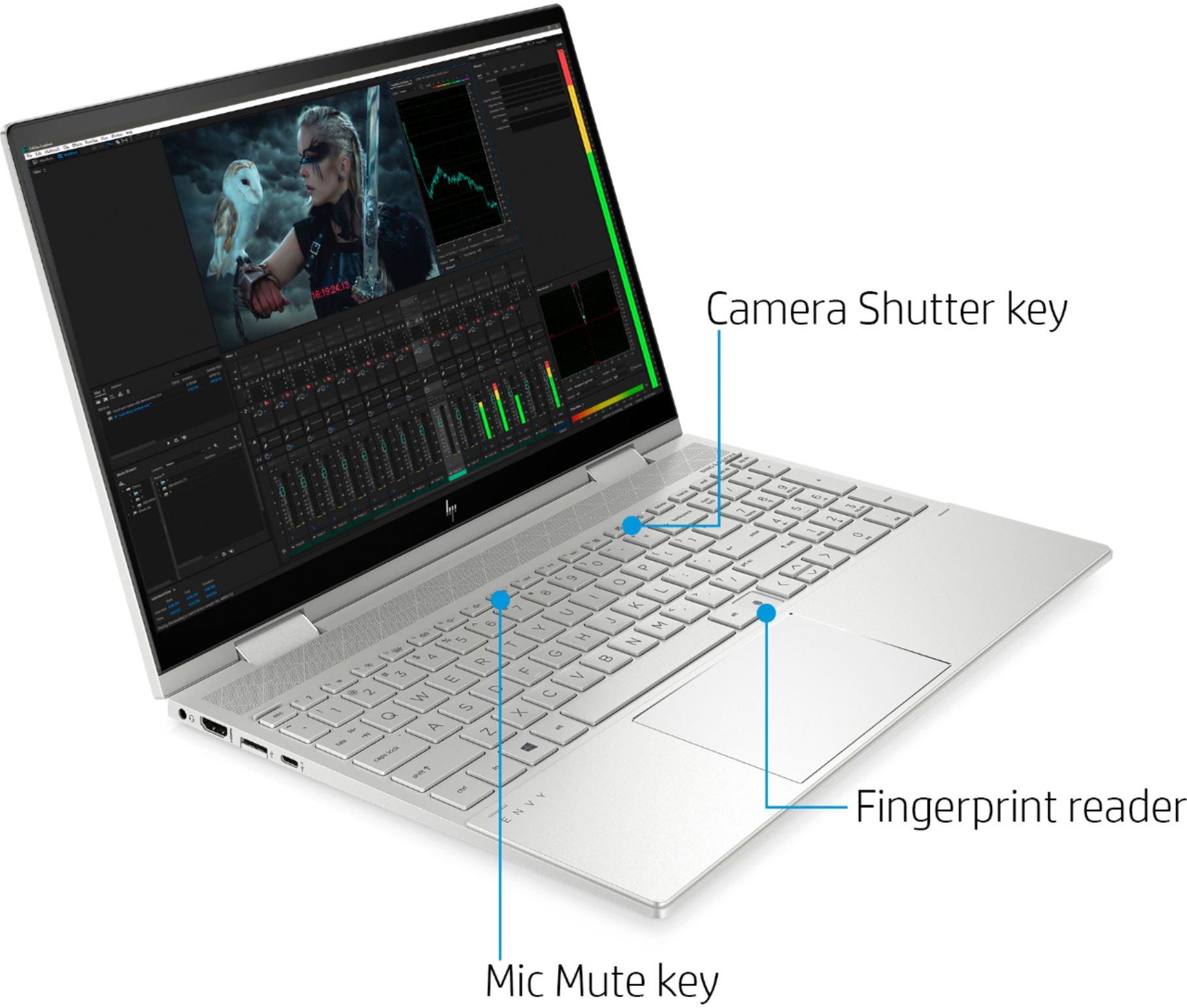
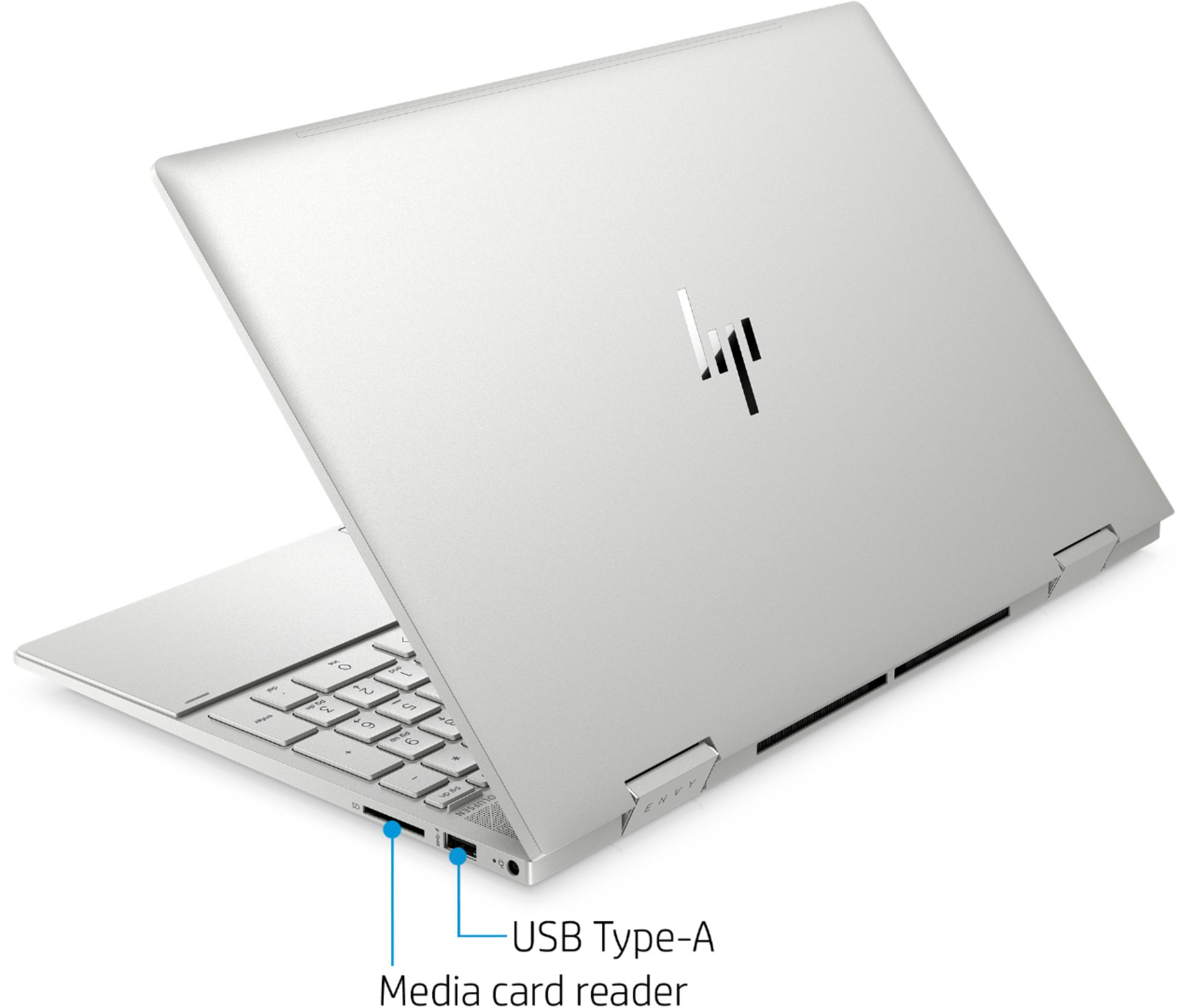
A:AnswerHi Debbie, this laptop has two ports that support sleep and charge. The USB Type C port on the left side of the laptop and the full size USB port on the right side of the laptop. The sleep and charge ports have the lightning bolt symbol next to them.
A:AnswerThe battery life for the Envy x360 is up to 12 hours. Battery life will vary depending on various factors including product model, configuration, loaded applications, features, use, wireless functionality, and power management settings. The maximum capacity of the battery will naturally decrease with time and usage.