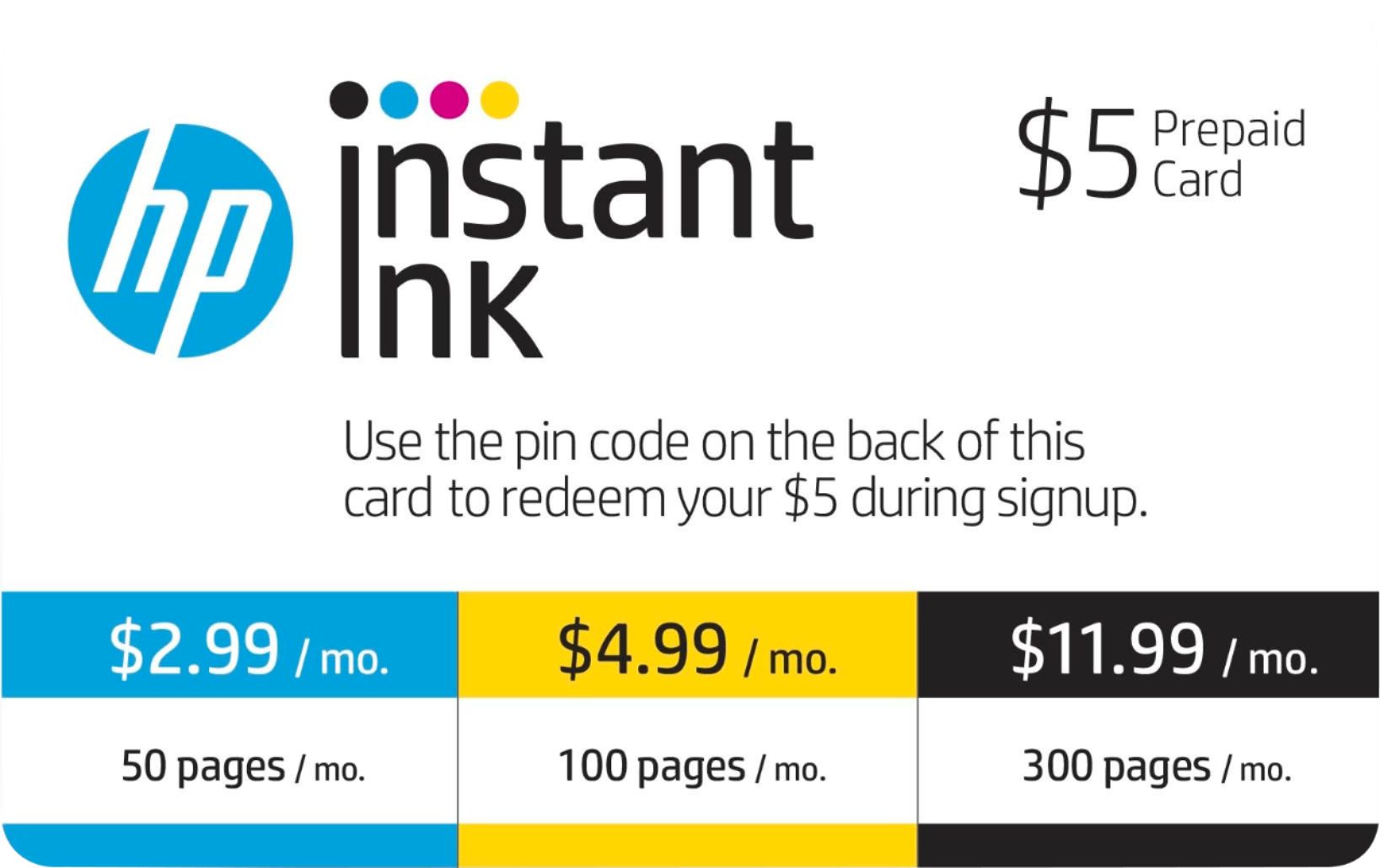
A:Answer Hello Sammi, congratulations on the purchase of your new printer! Follow these steps to keep your Instant Ink account, but replace the printer it is connected to.
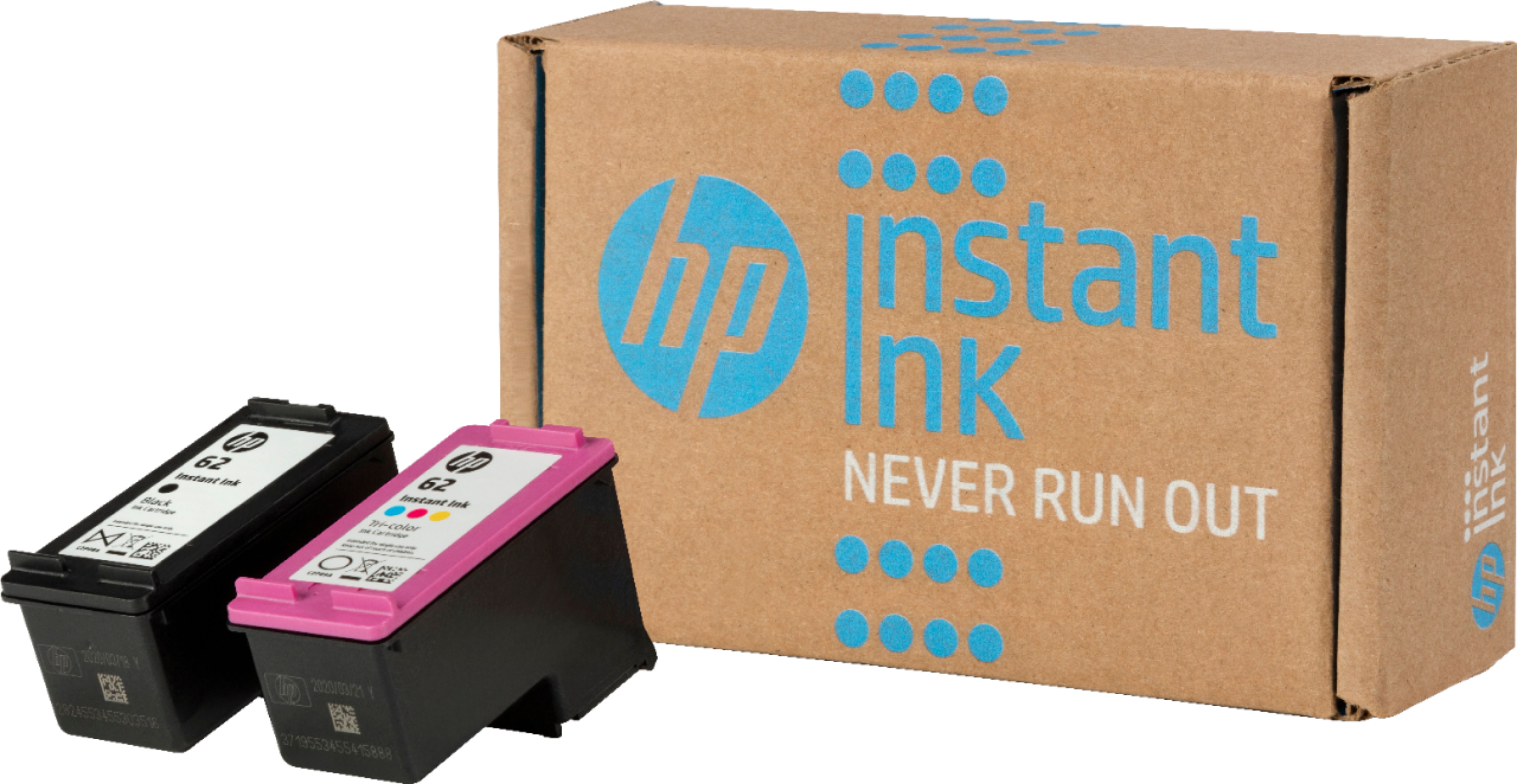
1) Set up your new printer. Make sure to SKIP any Instant Ink offers you see during printer setup. HP Instant Ink cartridges that were used in one printer cannot be used in another printer.
2) To transfer your Instant Ink account from the original to the replacement printer, sign in to your HP Instant Ink account.
3) If you have more than one printer, select the printer you are replacing.
4) If you see a ‘Printer Replacement notification’, click Continue in that notification. If you do not see the notification, click Enroll/Replace Printer in the Status area.
5) If you need help connecting your printer to the wireless network and enabling web services, follow the on-screen instructions. Thank you for being an HP customer!