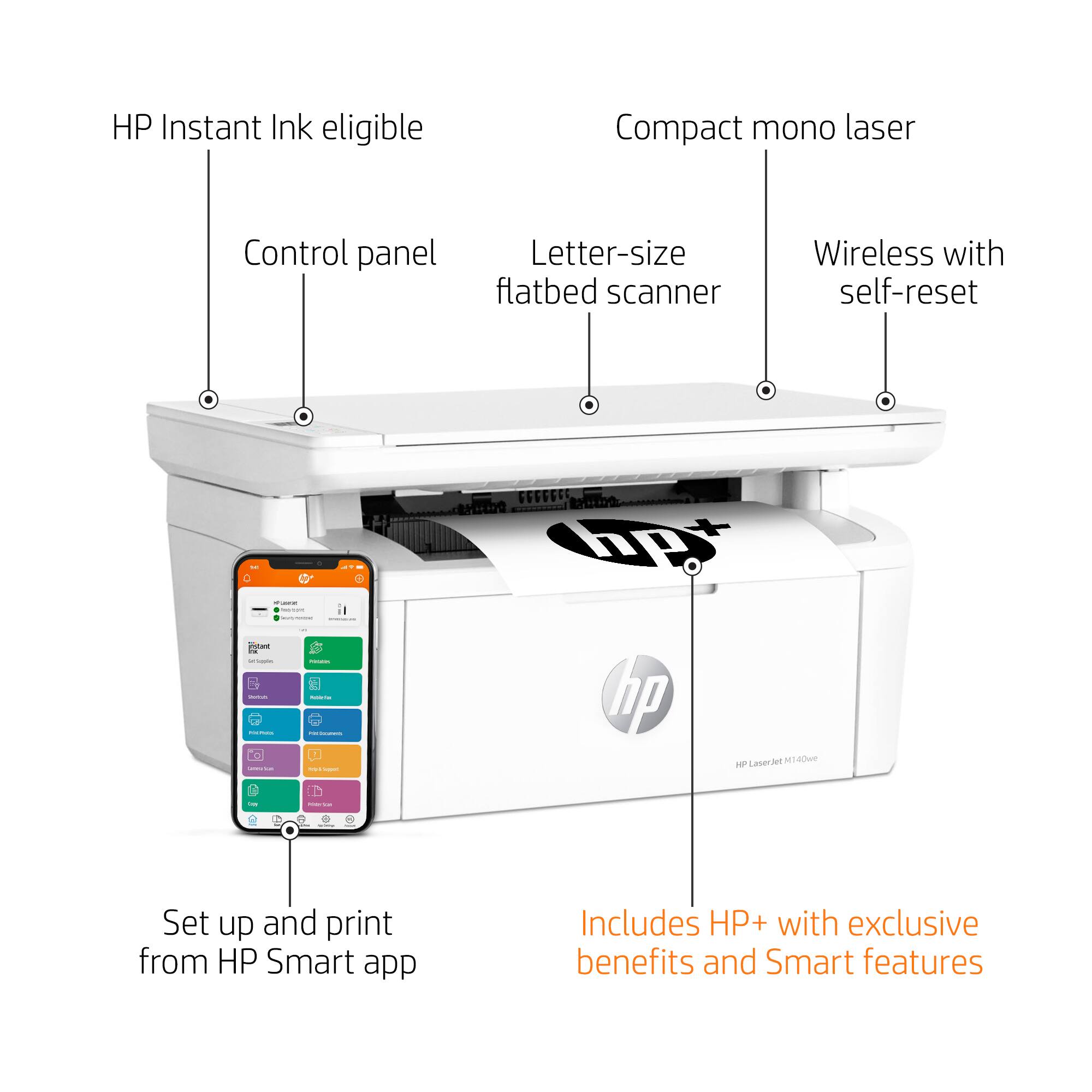
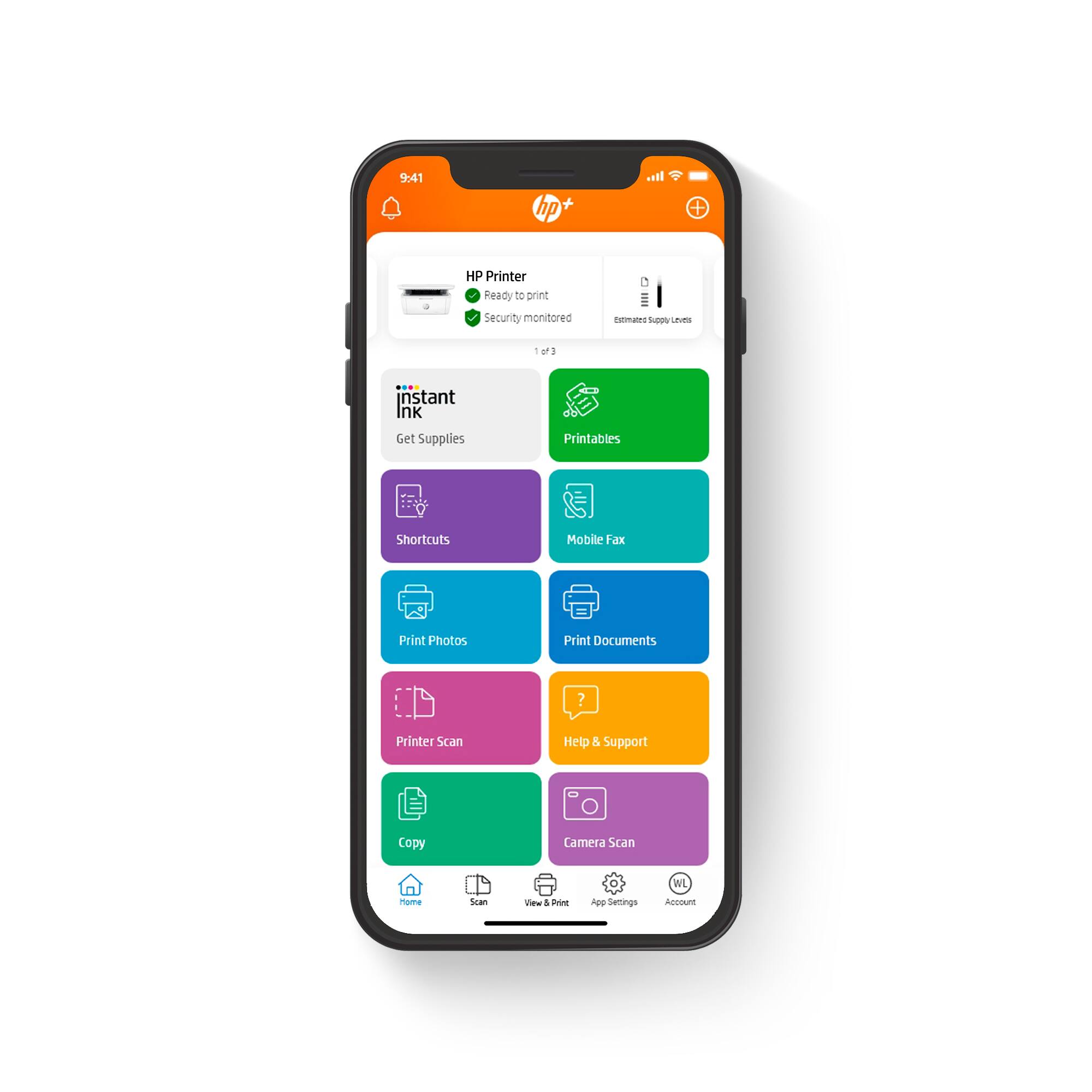
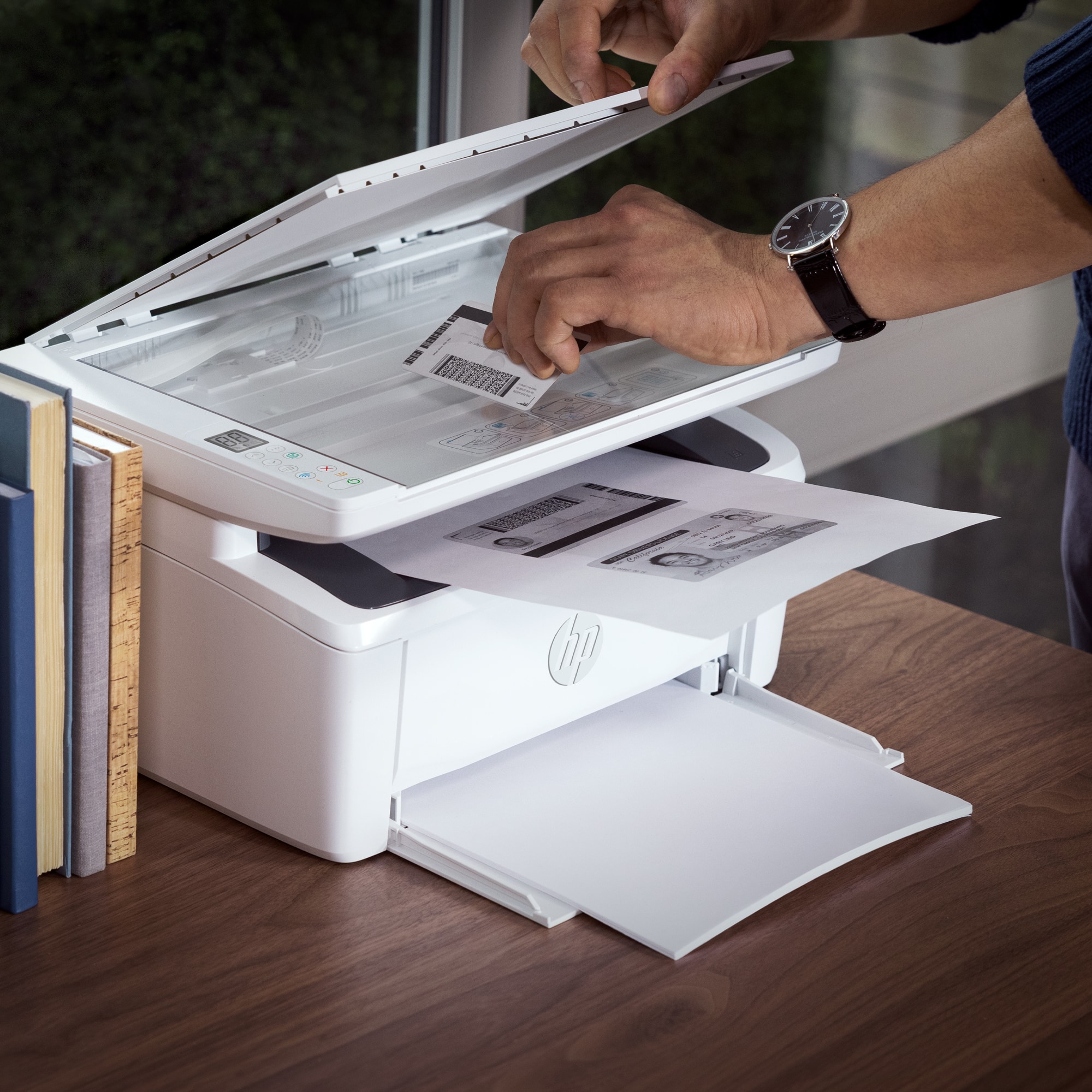
A:Answer Assuming you mean to hire someone to install it for you: When they are done, just make sure it will do everything you plan to use it for - printing, copying, and scanning. Test some documents before they leave, so if you run into trouble you can get help while they are there. Understand that for scanning, if you install the Smart version, you'll have to log into the web every time you scan. If you don't want to log in when you scan, you need the off-line version.