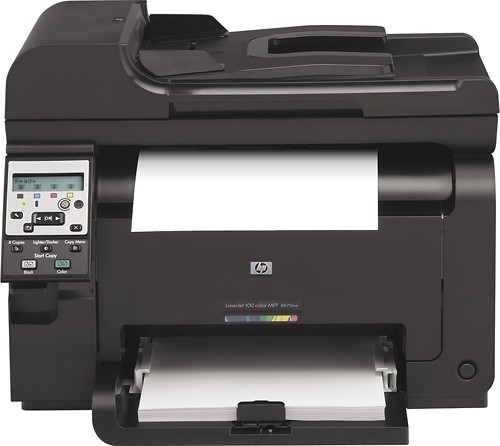
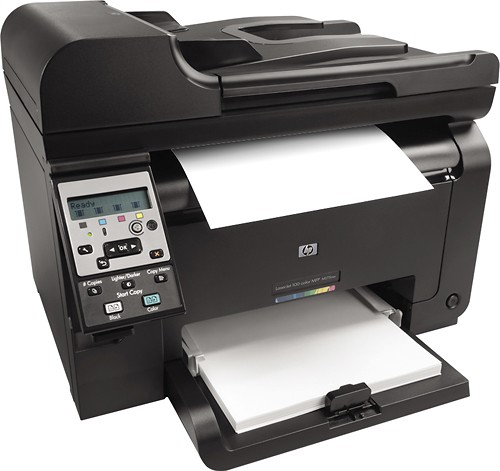
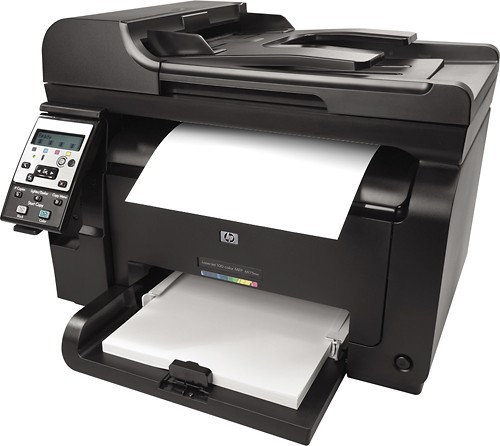
A:AnswerThis printer uses the following toner cartridges:
HP 126A Black LaserJet Toner Cartridge (CE310A)
HP 126A Cyan LaserJet Toner Cartridge (CE311A)
HP 126A Yellow LaserJet Toner Cartridge (CE312A)
HP 126A Magenta LaserJet Toner Cartridge (CE313A)
A:AnswerThe HP 126A Black LaserJet Toner Cartridge will yield apprximately 1200 pages and the HP 126A Cyan, Yellow, and Magenta LaserJet toner Cartridges will yield approximately 1000 pages each.
A:AnswerThis printer is fully compatible with 32-bit and 64-bit Windows 7 and Windows Vista as well as 32-bit Windows XP for all of its features. It can also scan wirelessly to a PC.
A:AnswerThis printer is compatible with Mac OS X 10.5.8, 10.6, and 10.7. If your MacBook is using one of these operating systems, it will be compatible.
A:AnswerMicrosoft has not released the Microsoft Windows 8 operating system, HP has to wait for Microsoft to release the drivers and operating system to HP before we can do anything for drivers. HP does not have any information on when or if the Microsoft Windows 8 drivers are going to be available. I apologize for any inconvenience this may cause you.